Skip to content

Shipping country

Clearance -15%

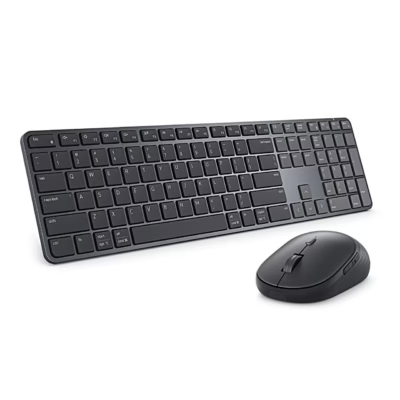
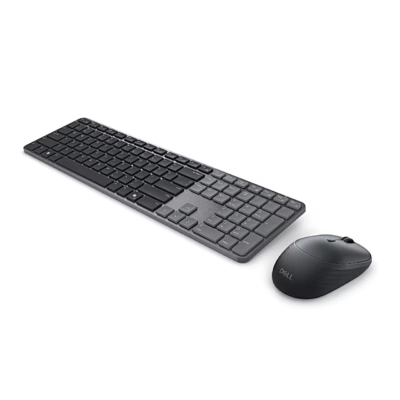
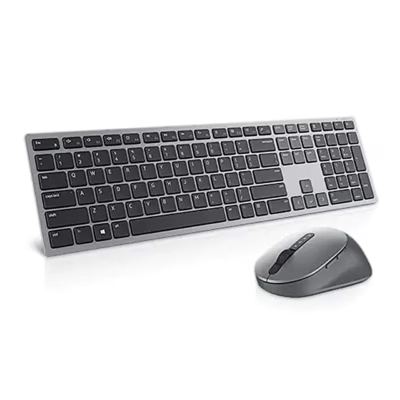
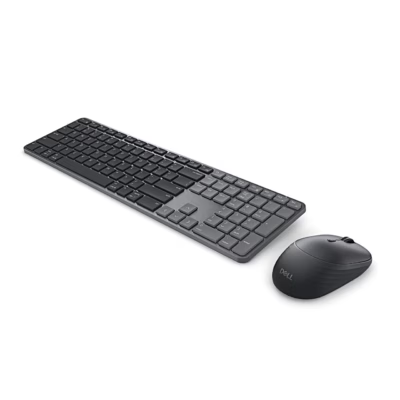
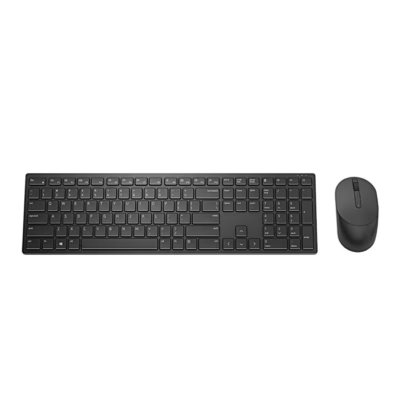
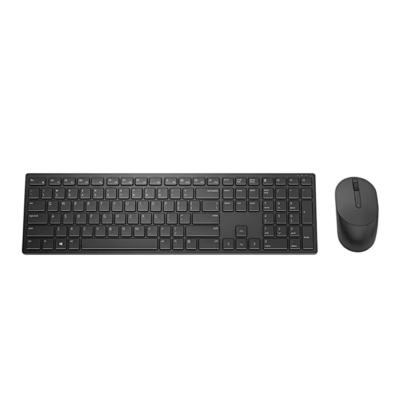
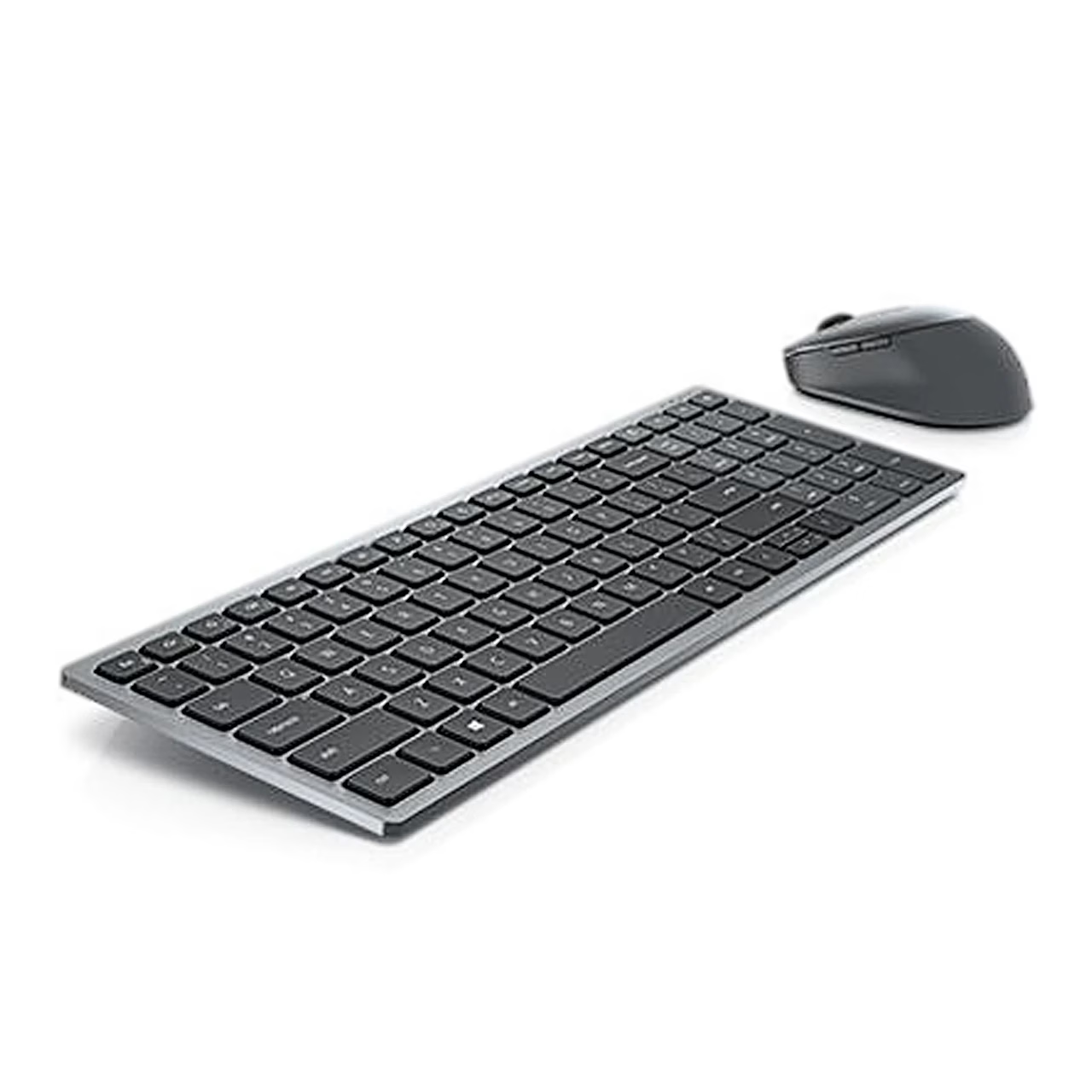
Wireless keyboard and mouse set Dell KM7120W, grey

  • Brand:
  • Product code: GRP-dell-dell-and-mouse-km7120w-and-mouse-se
  • EAN: 5397184289365

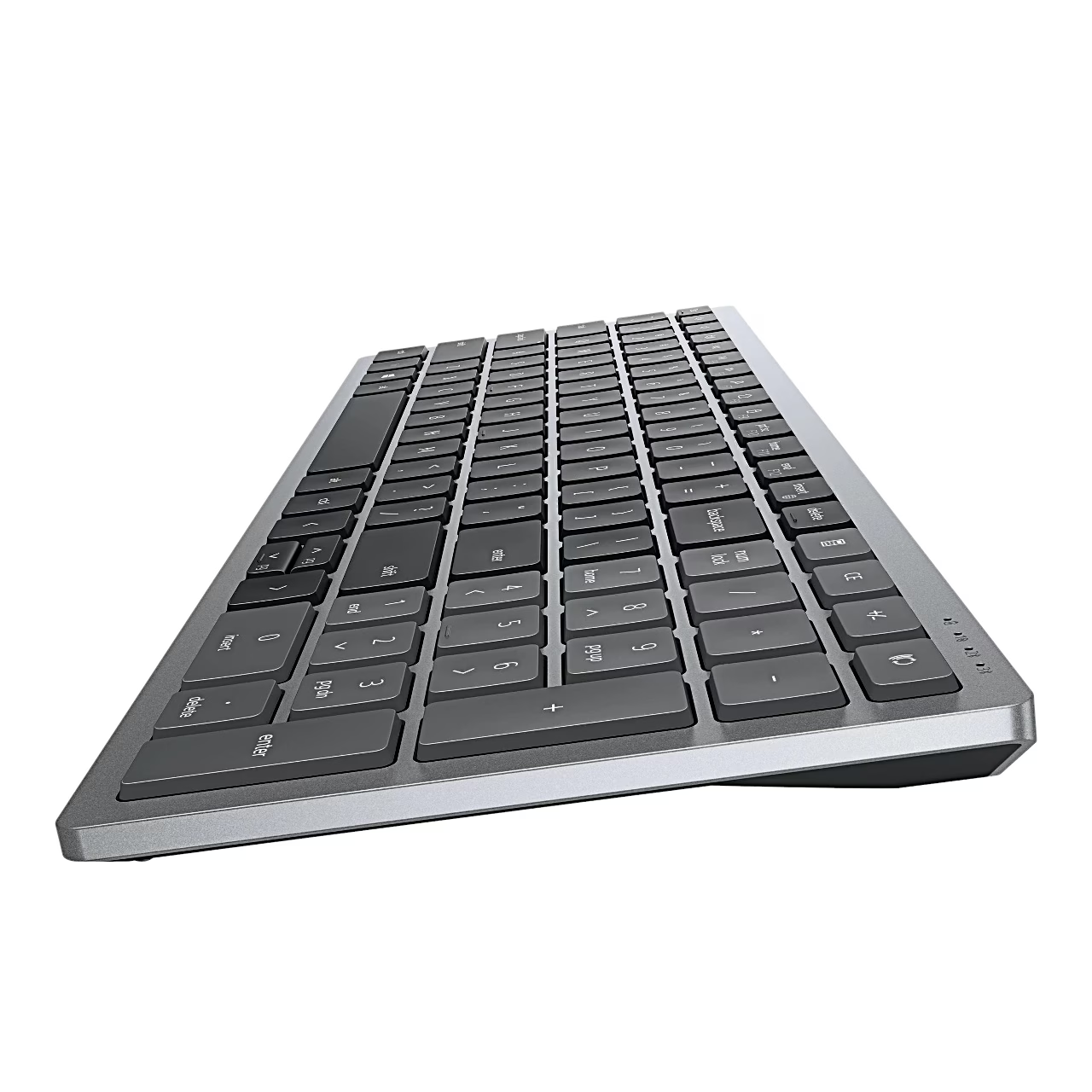
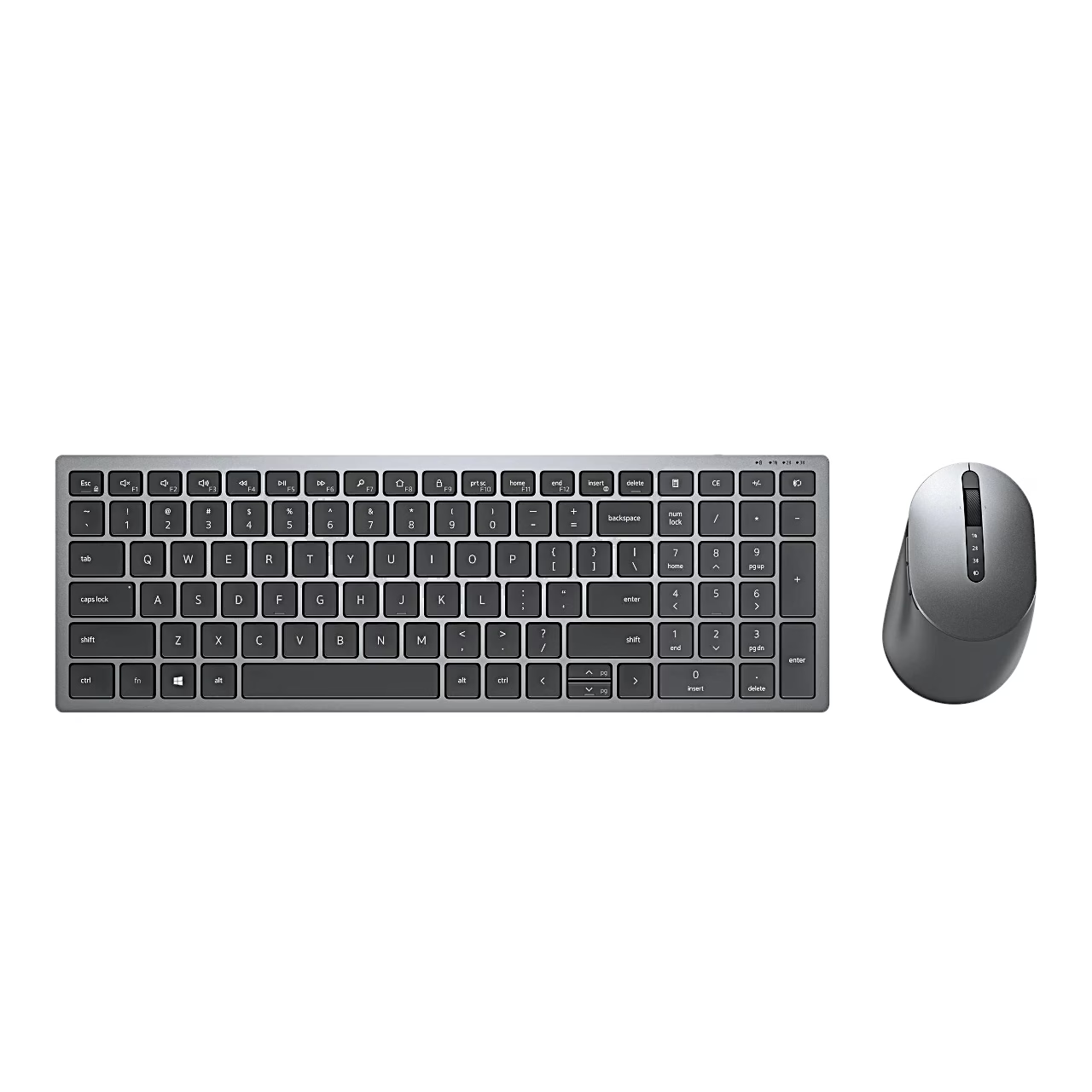
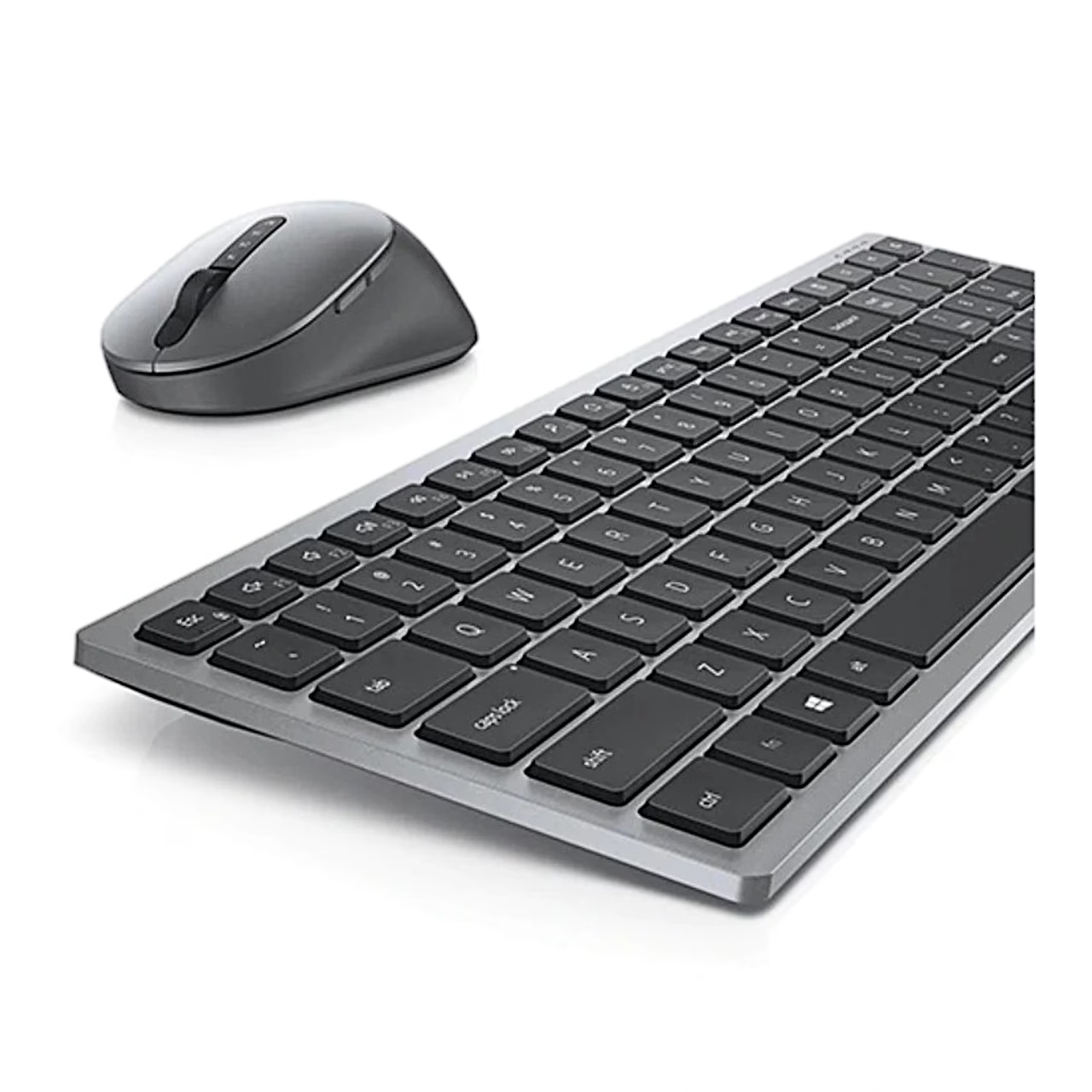
Wireless keyboard and mouse Dell KM7120W switch the connection between three devices with a single button press. The keyboard has scissor-mechanism keys and a number pad, and the mouse has a 1600 DPI optical sensor and seven buttons.

56,99 €

Out of stock This product is out of stock or sold out.

Tell me when it is back

Leave your address and we write once, when it is back in stock.

We use the address only for this one e-mail. You confirm the request first with the link we send you. An unconfirmed request is deleted after 30 days, a finished one after 90.

Description

Keyboard and mouse set for working with three devices

Dell KM7120W is a wireless keyboard and mouse set that connects to a computer via a 2.4 GHz USB receiver or Bluetooth 5.0, with a working range of up to 10 m. The keyboard and mouse can be paired with up to three devices, one via the USB receiver and two via Bluetooth, and you choose the device with the connection mode button.

Keyboard with scissor-mechanism keys and a number pad

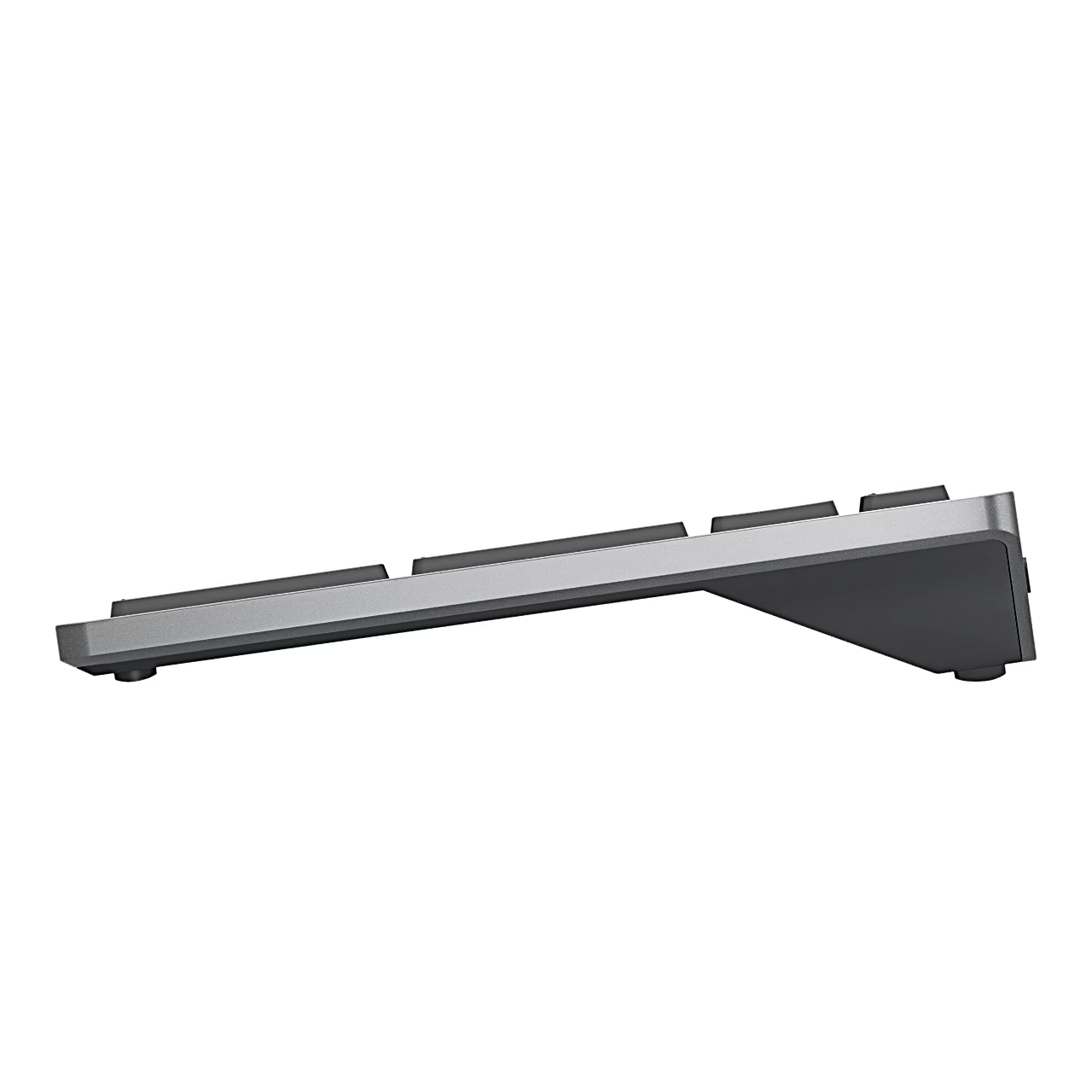
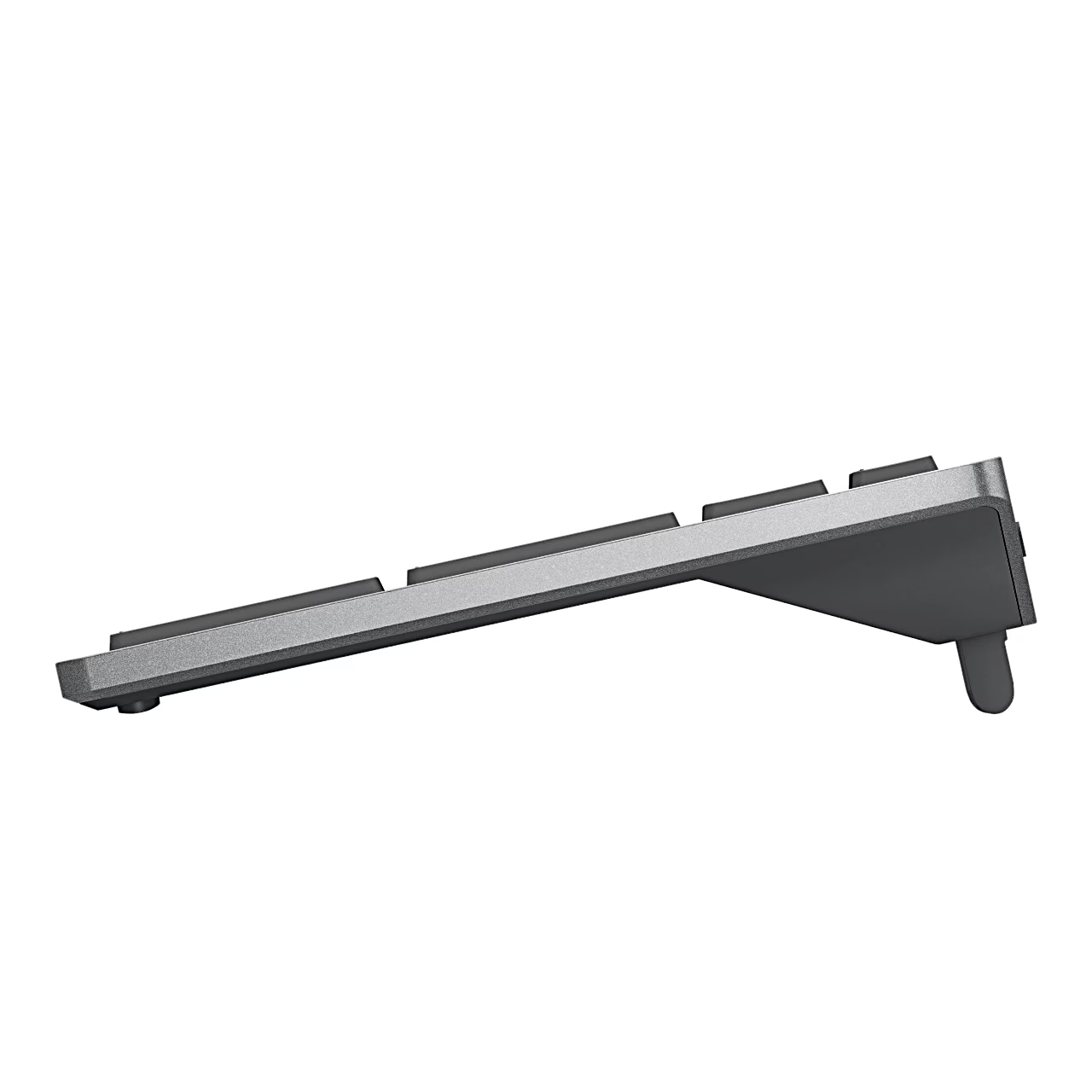
The tilt of the keyboard can be adjusted with the feet, which open from the back edge of the underside. Shortcuts can be assigned to the programmable keys in the Dell Display and Peripheral Manager application. The connection mode indicator light glows white when connected to a device and flashes amber when the batteries are running low.

Mouse with 1600 DPI optical sensor

The mouse has left and right buttons, a scroll wheel, forward and back buttons on the sides, and a connection mode button. In the same application you can change the sensor’s DPI value and set the primary mouse button. The USB receiver storage slot is under the mouse cover.

Power and use

The keyboard runs on two AA batteries and the mouse on one; according to the manufacturer, the batteries last up to 36 months. Lift the mouse cover with a fingertip from the recess on the side, then switch the mouse on with the switch on the underside after inserting the battery. The USB receiver is paired with the keyboard and mouse at the factory, so the set starts working as soon as the receiver is plugged into a computer’s USB port. To pair via Bluetooth, press the connection mode button twice within 3 seconds and select the device from the Bluetooth settings list on your computer. With a Windows computer, the set pairs using Swift Pair without going into the settings.

In the box

  • Wireless keyboard
  • Wireless mouse
  • USB receiver
  • 3 AA batteries
  • Documents

Additional information

Weight 0,908 kg
Keyboard layout

English (US), Russian (RUS)

Intended use

Colour

Grey

Compatible operating systems

Windows, macOS, ChromeOS, Android, Linux

Number of buttons

7 pcs

Movement resolution

1600 DPI

Batteries

3 × AA, included

Number of connectable devices

3

Operating range

Up to 10 m

Keyboard dimensions

363.4 × 122 × 35.52 mm

Keyboard weight

500.9 g

Mouse dimensions

114.5 × 69.7 × 41.6 mm

Mouse weight

84 g

Power supply

Battery

Connectivity

Bluetooth, 2.4 GHz wireless

Key switch

Scissor mechanism

Keyboard size

Full size (100%)

  • Only a customer who bought the product from us can review it: signed in, or through the link in the e-mail we send after the order. We check the purchase against the order.
  • We read every review before it is published (rules below).
  • The average rating is the plain average of all published ratings.
  • The buyer receives loyalty points for an approved review, whatever its rating or content. Text and a photo earn extra points. Reviews that earned points are marked.



  1. Write about the product and your own experience with it.
  2. A review may not contain personal data, links or advertising.
  3. Offensive or unlawful content is not allowed.
  4. Whether a review is published never depends on its rating.
  5. A photo must be taken by you, and the product must be clearly visible on it.
  6. A photo may not show people who can be recognised, or personal data such as documents, addresses or number plates.
  7. If we do not publish a photo, we send the reviewer the reason by e-mail.

Reviews

There are no reviews yet.

Bought this product from us? Sign in, or open the link in the e-mail we send after the order.

Goes well together

More from the same brand

See all Dell products (315)

See also:

Newsletter

New collections first

Only useful and necessary news: new products, items back in stock and member offers. No spam.

Create account

A link for setting your password will be sent to your e-mail address.

We send only useful and necessary information, and you can unsubscribe with one click. You confirm by e-mail before the first letter.

Your personal data will be used to support your experience throughout this website, to manage access to your account, and for other purposes described in our privacy policy.

Menu

Shipping country

AssistantBETA

AI helper

Hi!

I am your AI assistant! Ask me freely, in your own words, what you would like to find or what more information you need, and I will gladly help you!

You can also choose one of these:

    Cart

    Your cart is empty.