


Description
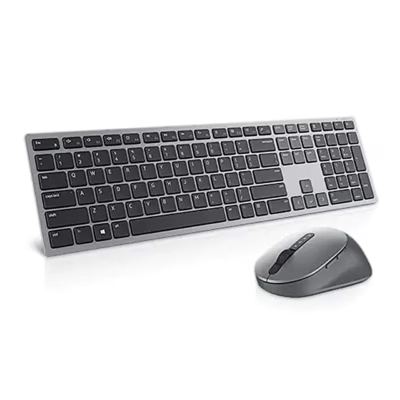
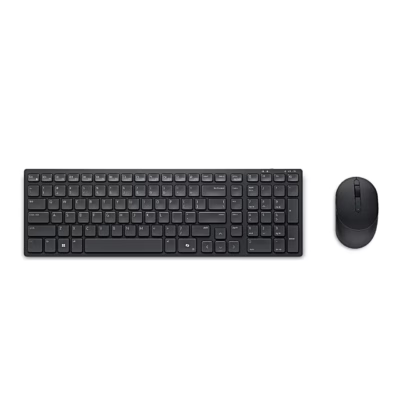
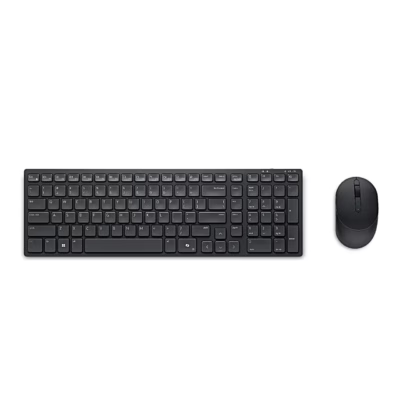
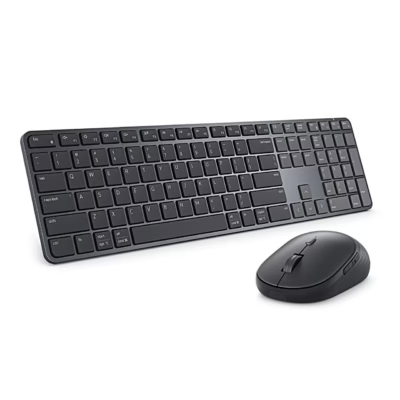
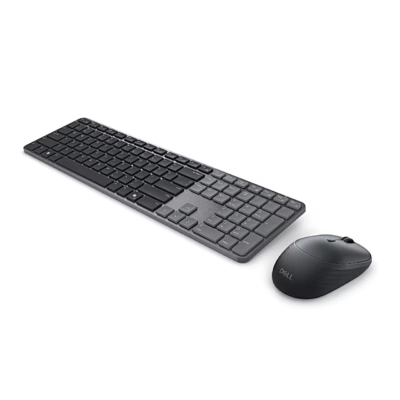
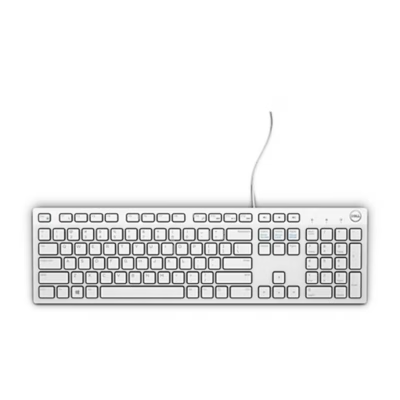
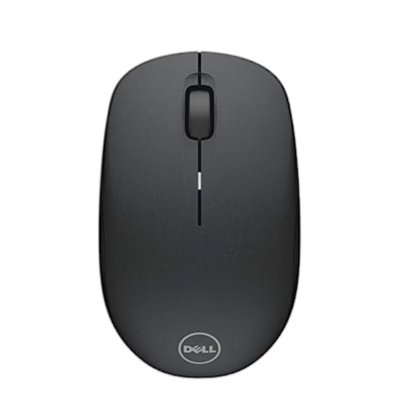
This grey (Titan Gray) wireless keyboard and mouse combo works up to 10 m from the computer. One device connects through the USB receiver and two over Bluetooth, so the same set can be used with, for example, a laptop, a desktop and a compatible mobile device.
Keyboard and mouse combo features
- The keyboard has a compact layout without a numeric keypad, a power switch and a connection-mode button.
- The mouse has an optical sensor, forward and back buttons and a scroll wheel.
- A white light shows the connection status, and a flashing amber light warns of a low battery.
- The Dell Display and Peripheral Manager app assigns shortcuts to the programmable keys, changes the mouse DPI and sets the primary mouse button.
- With the receiver, the set is compatible with Windows 11, 10, 8 and 7, Linux, ChromeOS, Android and macOS.
Getting started
Open the mouse cover, take out the USB receiver, insert the AA battery and switch the mouse on with the switch on its underside. The keyboard battery compartment takes two AA batteries. The receiver is paired at the factory, so plugging it into a USB port on the computer is enough. To pair a Bluetooth device, press the connection-mode button twice within three seconds and select Dell Mouse or Dell Keybd on the computer.
In the box
- keyboard
- mouse
- USB receiver
- 3 × AA battery
- documents















































Reviews
There are no reviews yet.