

Description
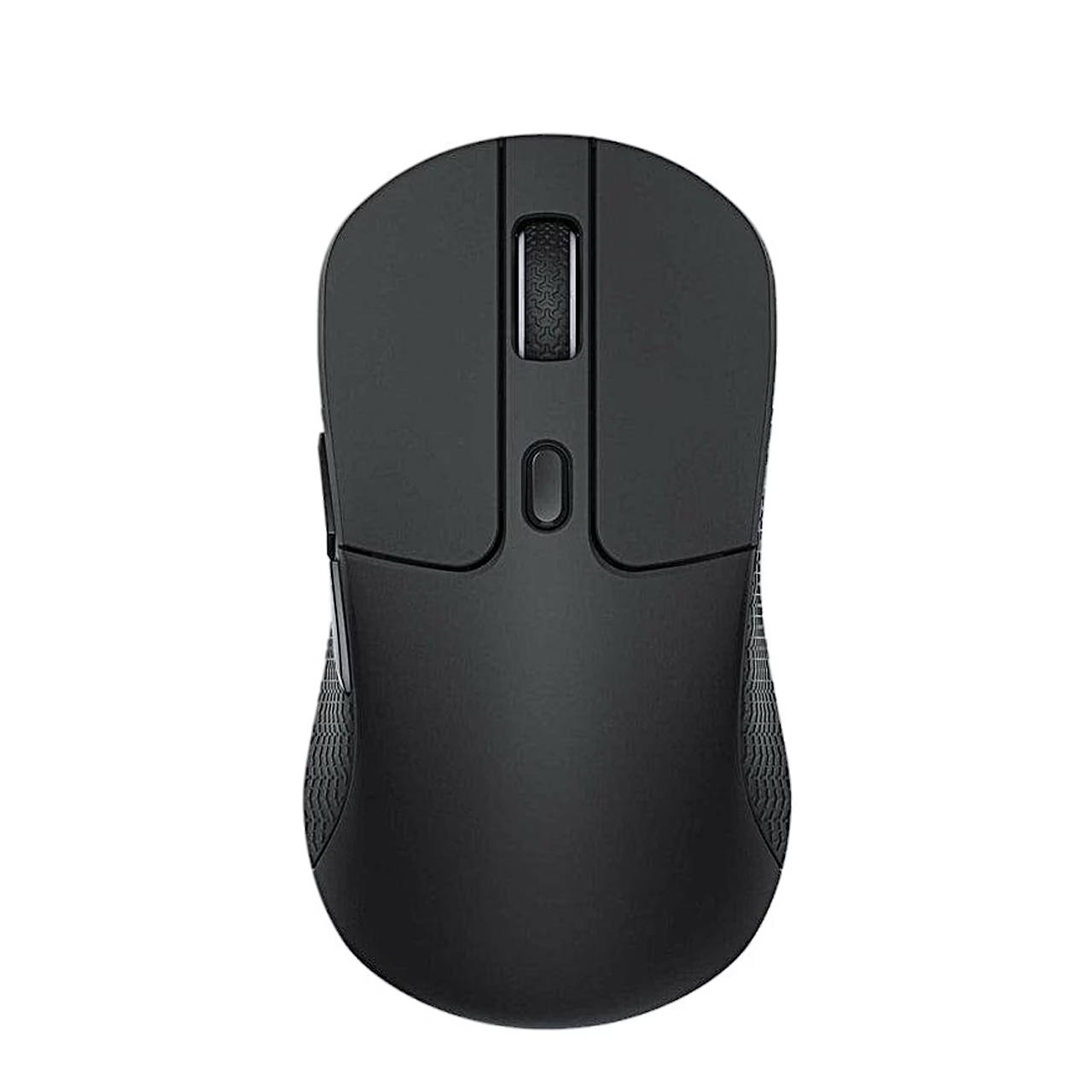
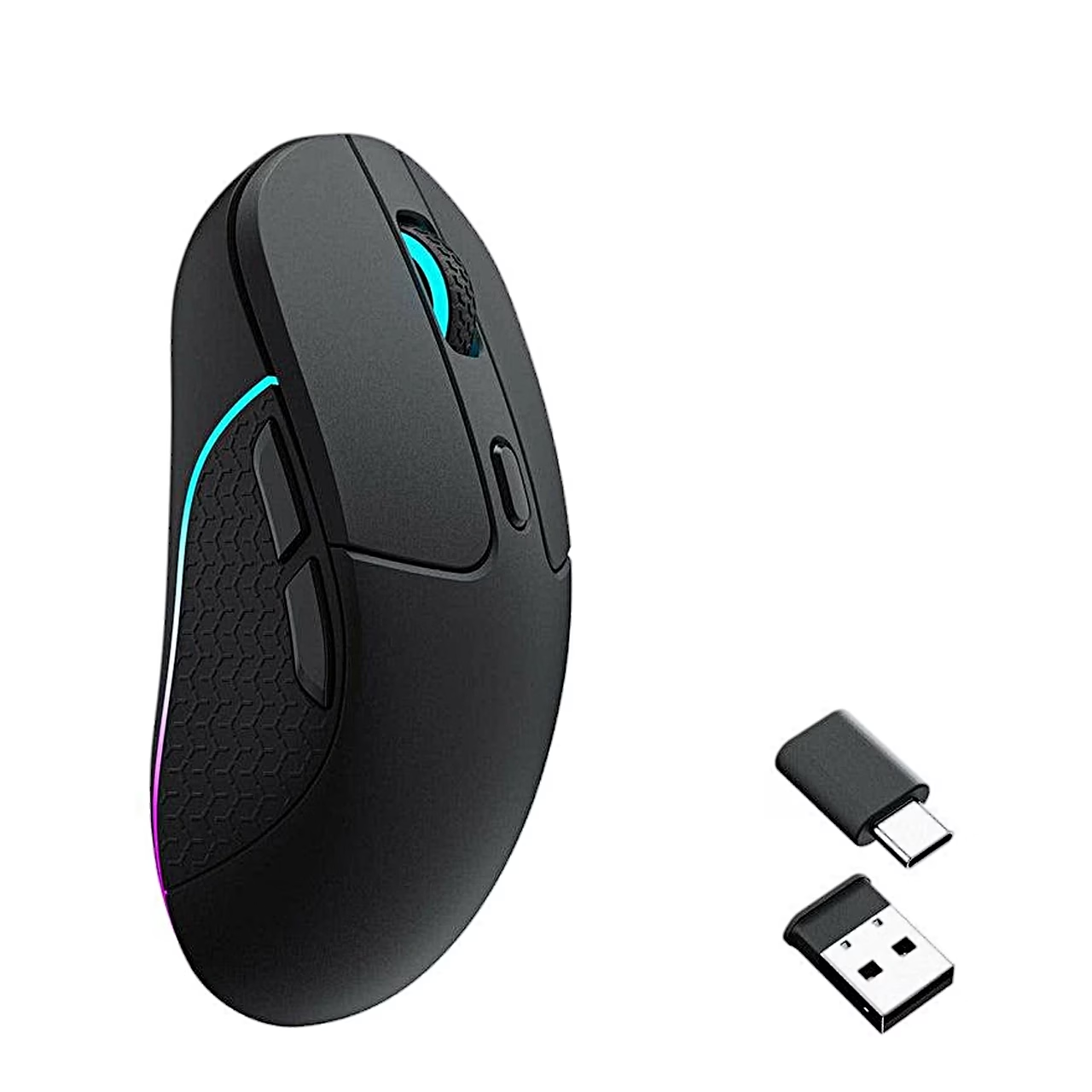
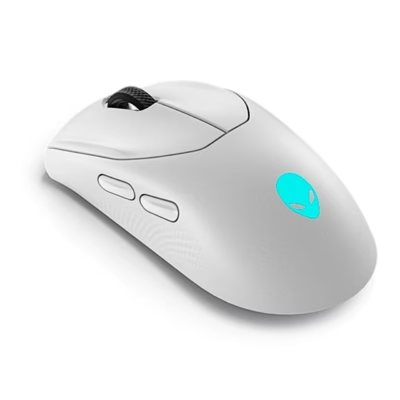
Gaming mouse with three connection modes and RGB lighting
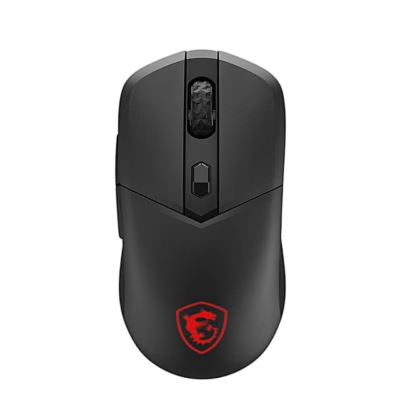
The Keychron M3 wireless gaming mouse connects to the computer through a 2.4 GHz receiver, Bluetooth 5.1 or a USB-C cable, and you choose the mode with the switch on the underside. The PixArt 3395 sensor works at 100–26,000 DPI and the mouse weighs 79 g.
Buttons and settings
The DPI button on the underside sets the resolution to 400, 800, 1600, 3200 or 5000 DPI, and a second button sets the polling rate to 125, 500 or 1000 Hz. The Kailh GM8.0 micro switches of the five buttons are rated by the maker for 80 million clicks.
Use
For 2.4 GHz mode, set the switch to G and plug the receiver into a USB port of the computer; for Bluetooth mode, set the switch to B and select “Keychron M3” in the computer’s Bluetooth settings. Connected by cable, the mouse works in wired mode whatever the switch position. To pair with a new device, hold the left button and the RGB light effects button together for 4 seconds. The wireless range is about 10 m in open space, and to save the battery the mouse goes to sleep after 15 minutes idle and wakes on movement or a click.
Battery and charging
The 600 mAh battery gives up to 70 hours of wireless use without RGB lighting or up to 15 hours with it, and recharges in 2.5 hours. The mouse charges in all three modes over the USB-C cable, with a charging input of up to 5 V and 300 mA.
In the box
- Gaming mouse Keychron M3, 1 pc
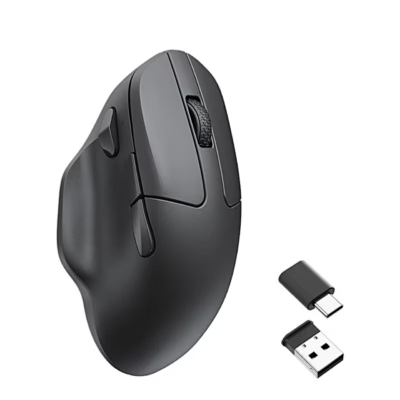
- USB-A receiver for the 2.4 GHz connection, 1 pc
- USB-C to USB-C cable, 1 pc
- USB-C to USB-A adapter, 1 pc
- USB-A to USB-C adapter, 1 pc
- Charger not included.
















































Reviews
There are no reviews yet.