

Description
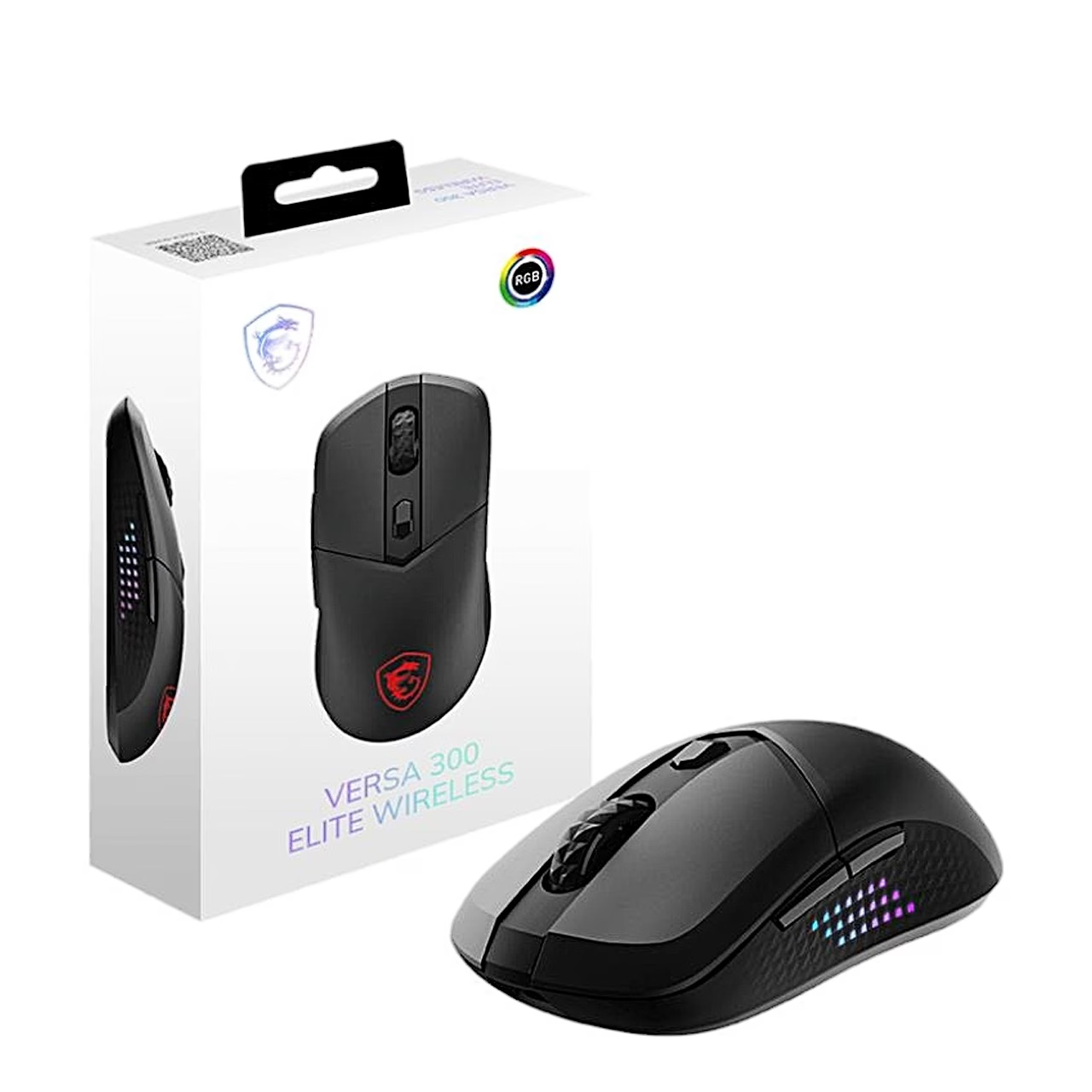
Wireless gaming mouse with two connection modes and a PixArt PAW3395DM sensor
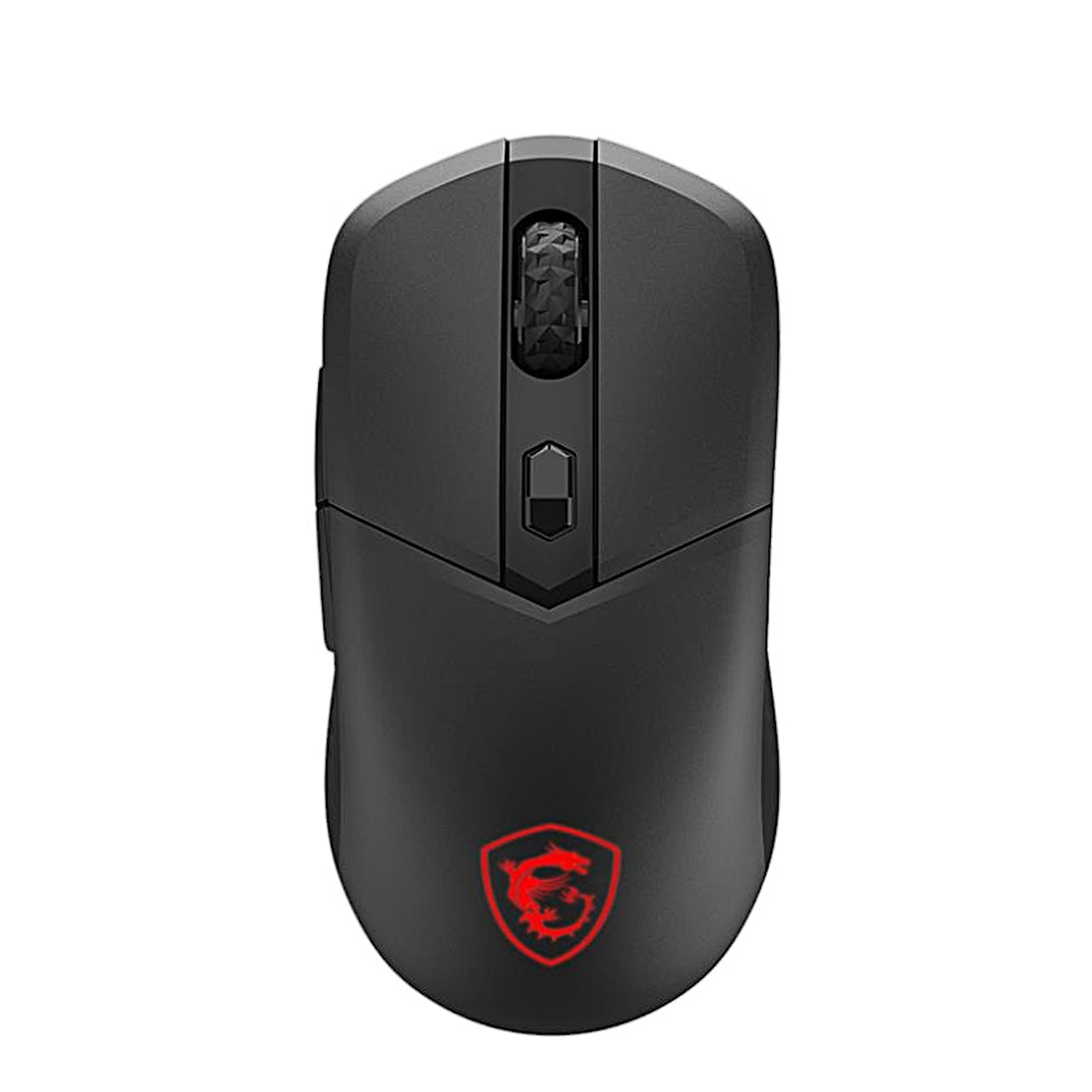
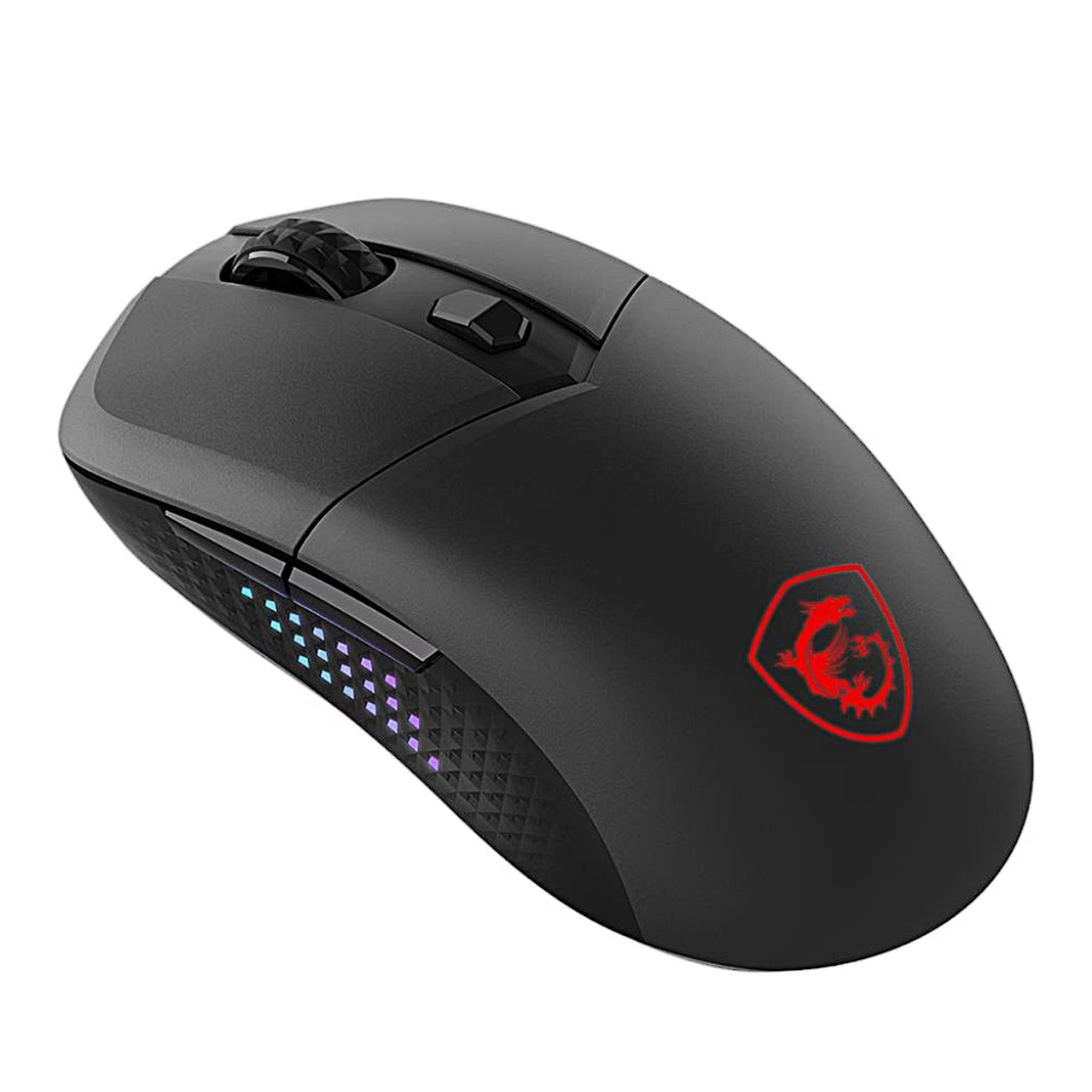
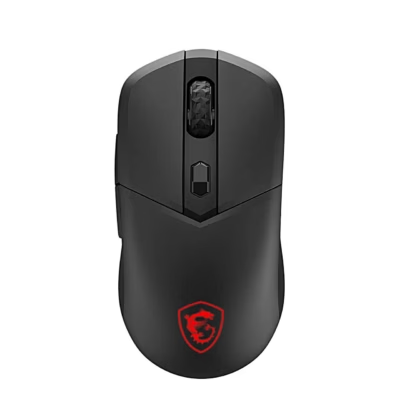
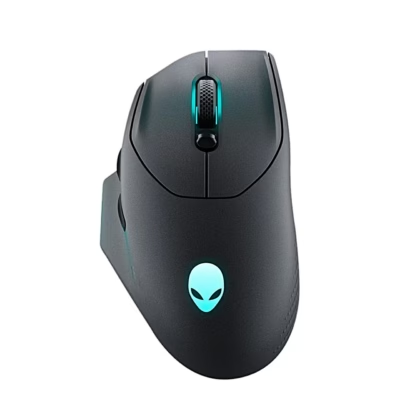
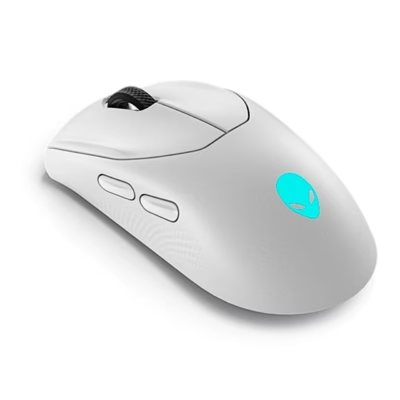
The Bluetooth 5.3 and 2.4 GHz wireless gaming mouse MSI VERSA 300 ELITE WIRELESS runs on a built-in rechargeable battery. The PixArt PAW3395DM optical sensor reaches 26,000 DPI in MSI Center software, with a 1000 Hz polling rate and 1 ms response time. The mouse is shaped for the right hand, and the main buttons use OMRON micro switches.
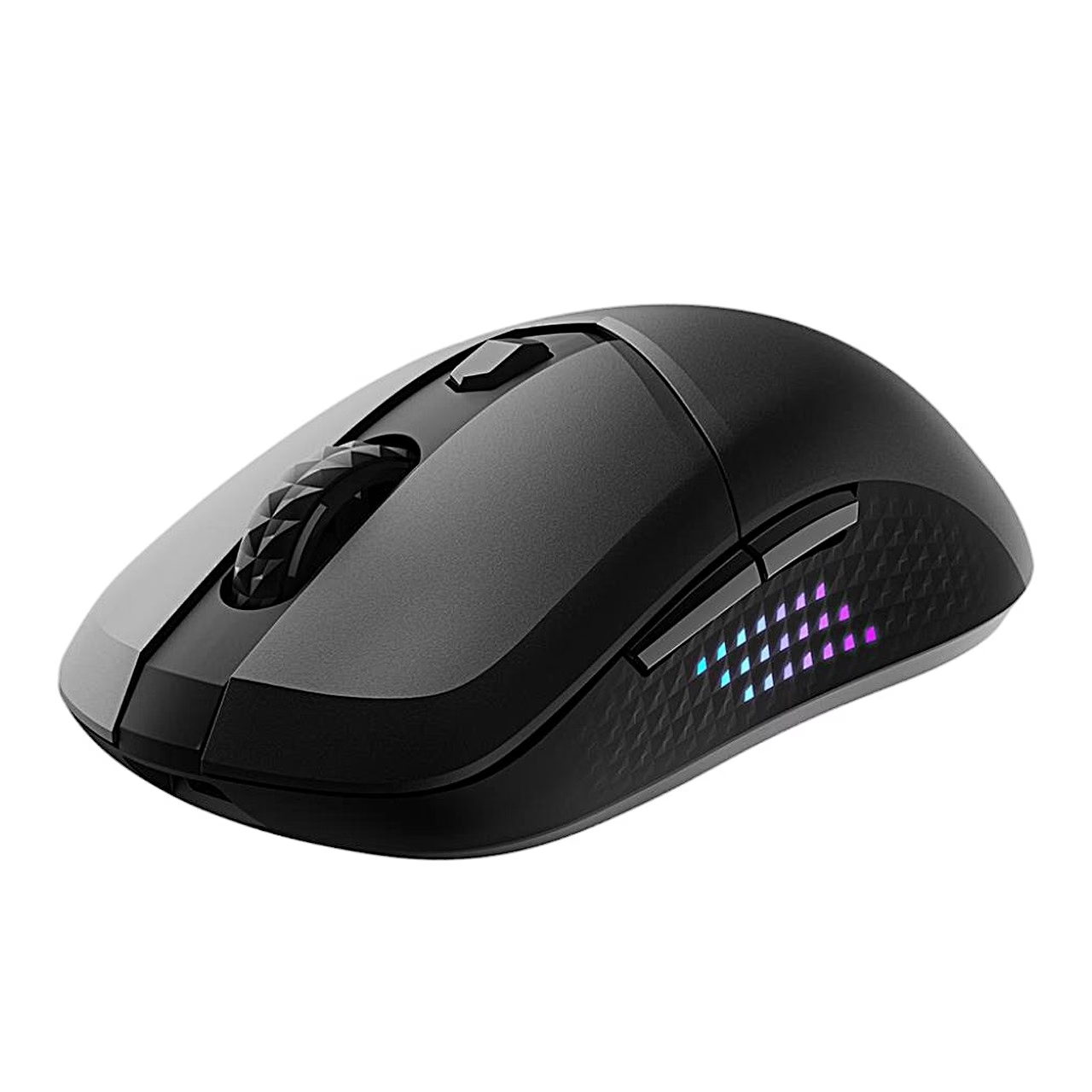
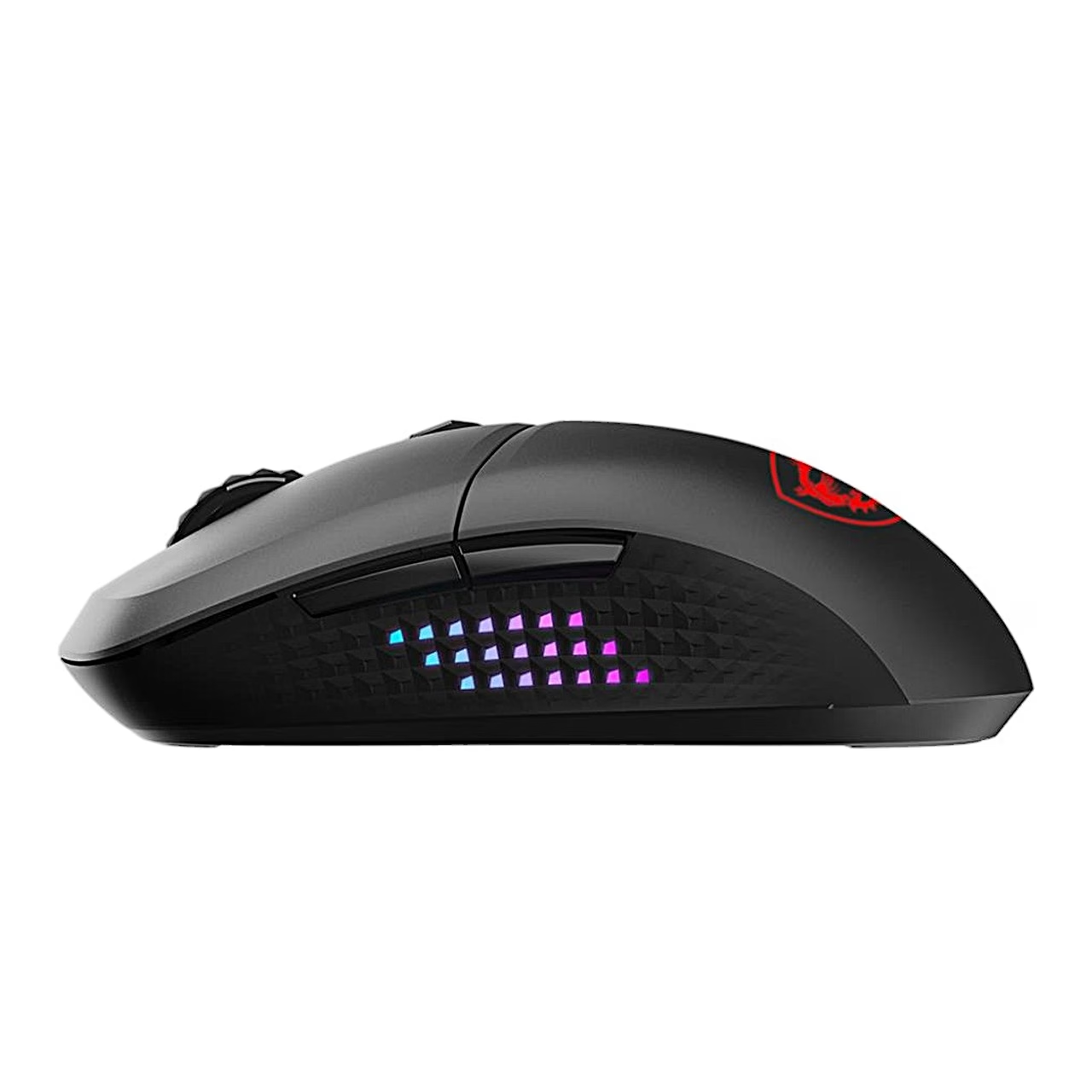
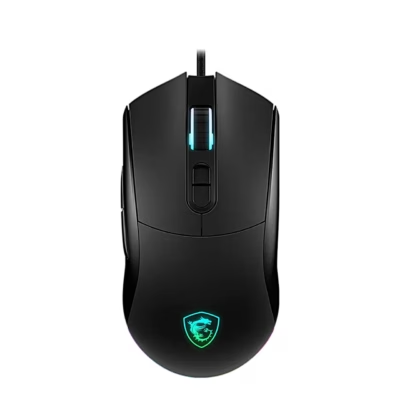
Six buttons and Diamond LightGrip side grips
The mouse has 6 buttons: left and right buttons, scroll wheel, two side buttons and the DPI switch. By default the side buttons go to the next and previous page. The sides carry MSI Diamond LightGrip grip surfaces, and the base has PTFE glide feet.
Connecting and pairing
With the included USB receiver the mouse connects automatically over 2.4 GHz. A switch on the base selects Bluetooth or 2.4 GHz or turns the mouse off, and the receiver has a storage slot there too. To start a new pairing, hold the DPI switch and then the left button for 5 seconds until the Shield RGB LED flashes blue for Bluetooth or white for 2.4 GHz pairing. For 2.4 GHz, plug in the receiver within 30 seconds; for Bluetooth, select the mouse from your computer’s list of found devices.
DPI levels and RGB lighting
The DPI switch steps through the presets 400, 800, 1600, 3200 and 6400 DPI, and the DPI indicator shows the chosen level by colour; 1600 DPI is the default. You change the Shield RGB LED’s brightness, effects, effect speed and colour by pressing the DPI switch with another button or in MSI Center software. The same LED shows the battery charge: green 100–70%, yellow 69–30% and blinking red below 30%.
In the box
- Wireless gaming mouse MSI VERSA 300 ELITE WIRELESS, 1 pc
- Wireless USB receiver, 1 pc
- USB-C to USB-A cable for charging the battery, 2 m, 1 pc
Charger not included.
















































Reviews
There are no reviews yet.