

Description
Wireless gaming keyboard with magnetic switches and an adjustable actuation point
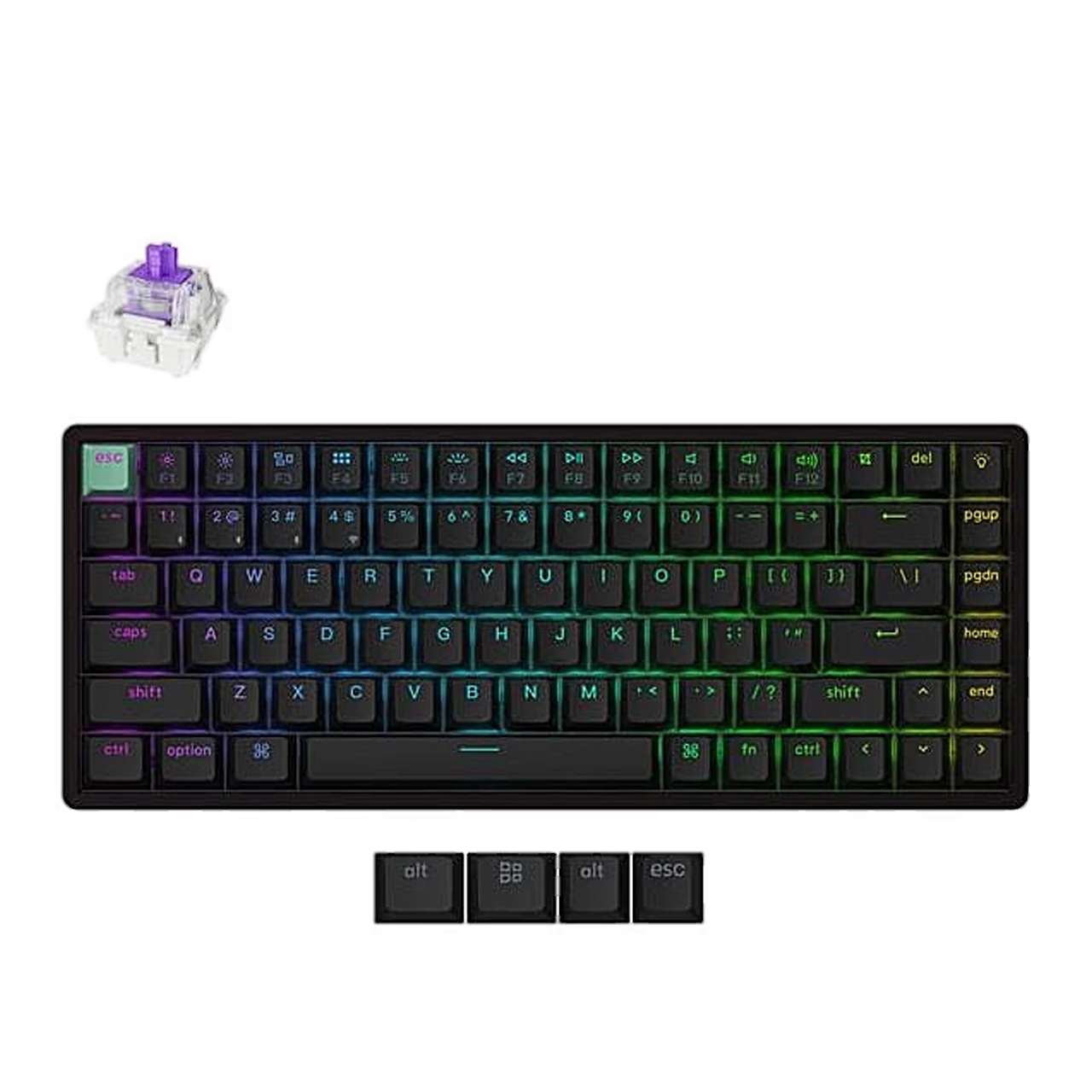
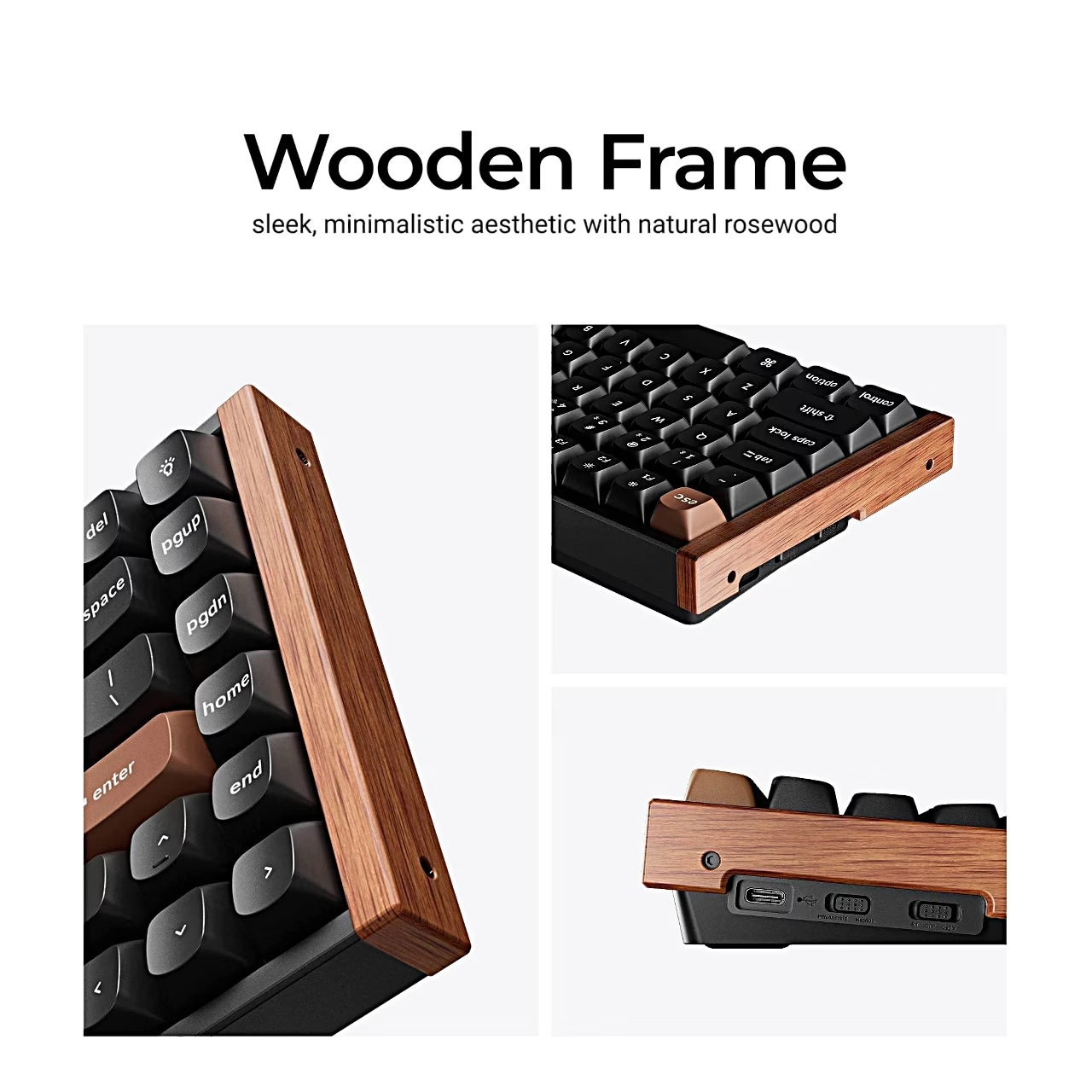
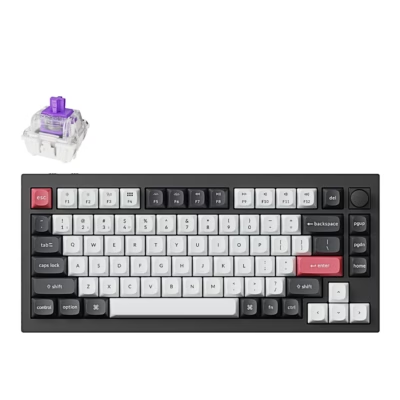
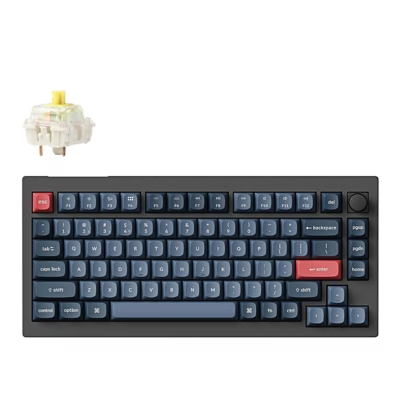
The Keychron K2 HE K2H-J1 wireless gaming keyboard has a 75% layout without a numeric keypad and uses Gateron Double-Rail magnetic switches. You can set the actuation point of each key, so a key registers from a light touch or only at a deep press. Rapid Trigger resets a key as soon as you lift your finger, and in game controller mode the key output follows the press depth like a joystick. The switches are hot-swappable: a switch comes out with the included puller, without soldering.
Connection via 2.4 GHz receiver, Bluetooth or cable
The keyboard connects to a computer via the 2.4 GHz receiver, Bluetooth 5.2 or a USB-C cable, and over Bluetooth you can pair up to three devices. The 2.4 GHz connection has a polling rate of 1000 Hz. The built-in 2000 mAh lithium polymer battery runs for up to 110 hours and charges through the USB-C port.
RGB backlight and PBT keycaps
You change the RGB backlight effect, brightness and speed with fn key combinations, and fn + Tab turns the backlight on or off. The keycaps are double-shot PBT, meaning the legend is moulded into the keycap from a second plastic.
Connecting and setting up
A switch selects 2.4 GHz, cable or Bluetooth, and a switch in the top left corner selects Windows or macOS mode. To pair over Bluetooth, hold fn + 1 for four seconds and select the device named Keychron K2 HE on the computer. For lower latency, the extension adapter lets you place the receiver on the desk close to the keyboard. In the browser-based Keychron Launcher you can remap keys, change actuation points and update the firmware while the keyboard is connected by cable. To restore factory settings, hold fn + J + Z for four seconds.
In the box
- Keyboard Keychron K2 HE K2H-J1, 1 pc
- USB-A to USB-C cable
- 2.4 GHz USB-A receiver
- Receiver extension adapter
- Keycap and switch puller
- Screwdriver
- Hex key
- Extra keycaps for Windows
- Charger not included














































Reviews
There are no reviews yet.