

Description
Wireless alarm system panic button for one-press alarms
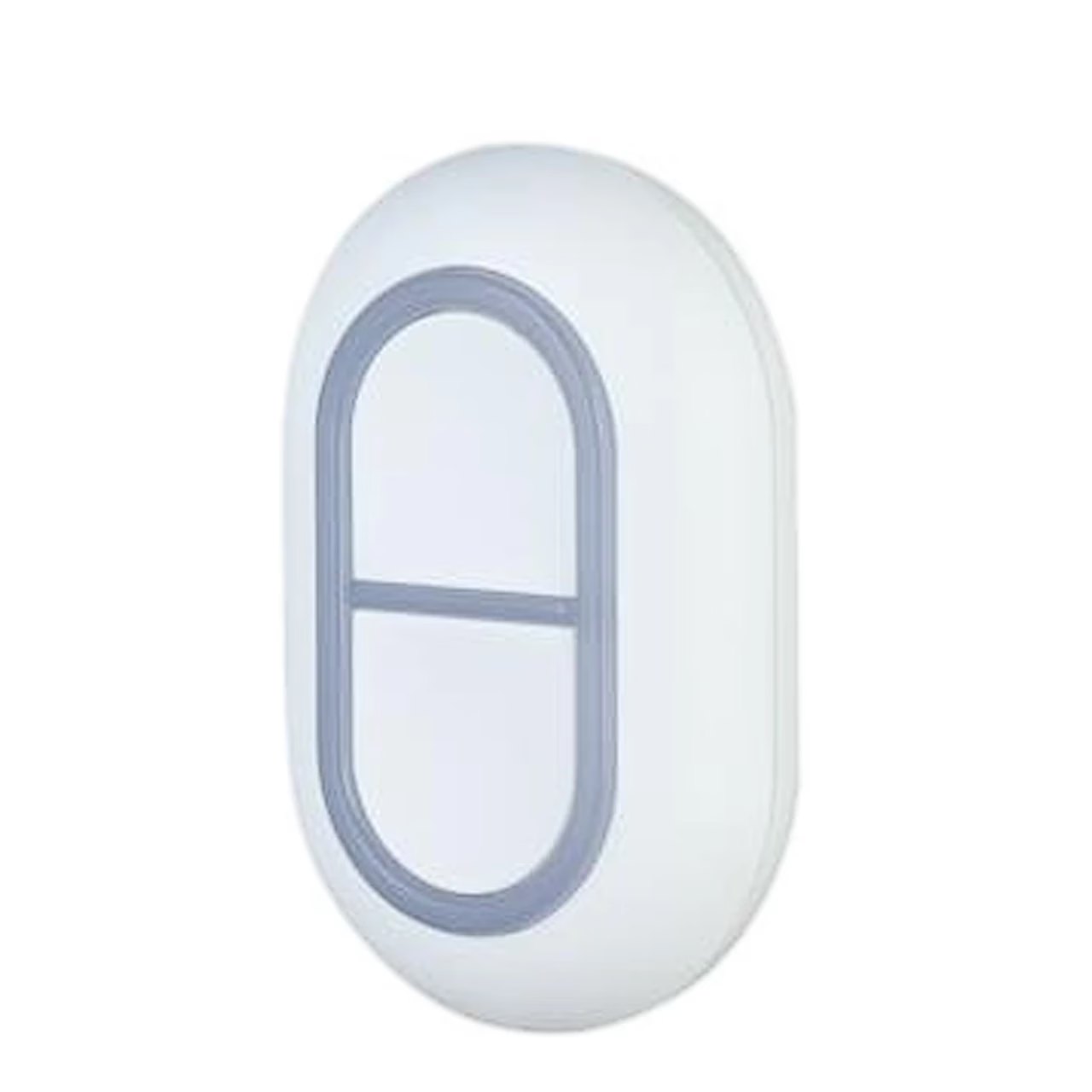
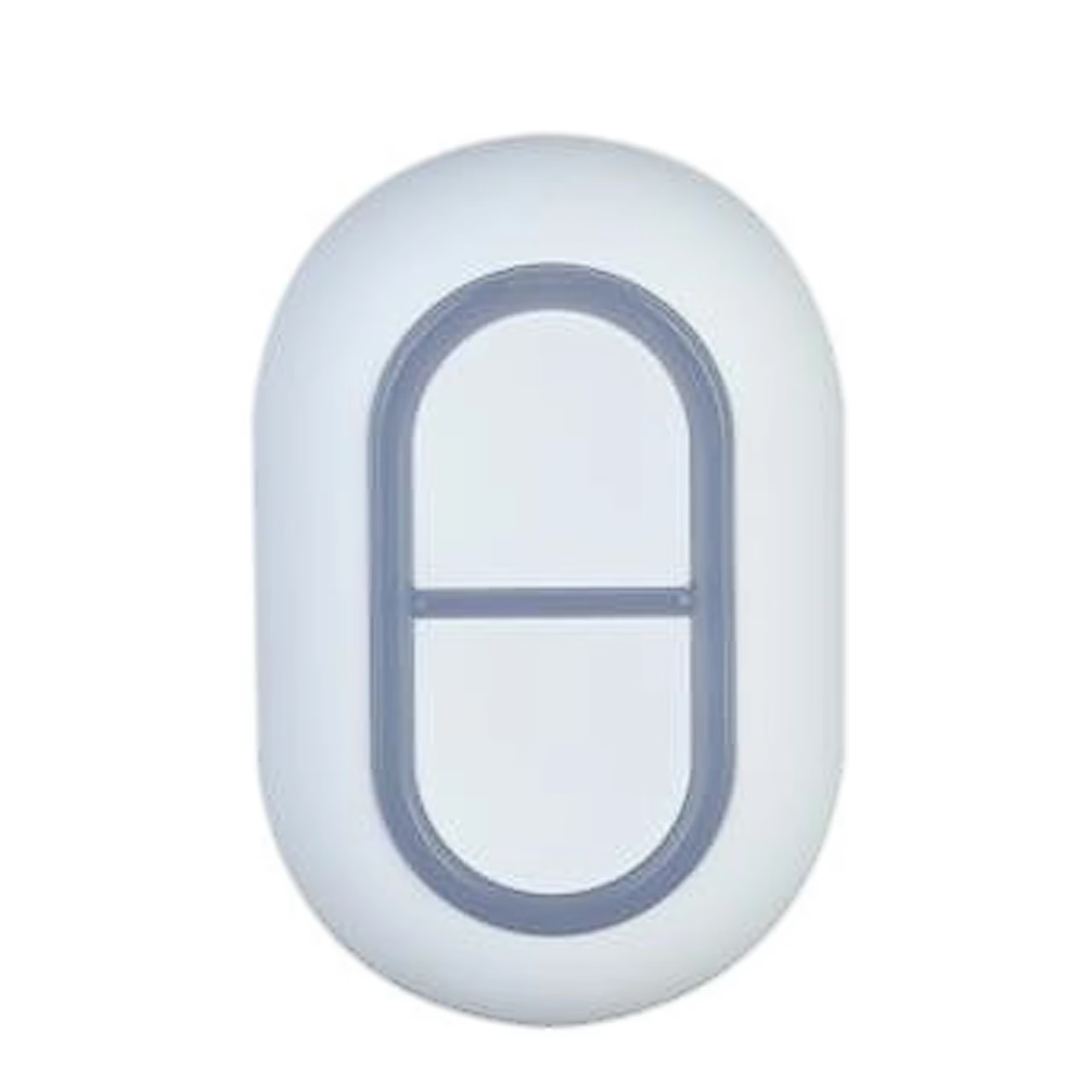
Pressing both buttons at once makes the wireless alarm system panic button Dahua ARD822-W2(868) send a panic alarm to the Dahua alarm hub on the 868 MHz radio band. In open space the link reaches up to 1400 m, and the hub forwards the alarm to the monitoring company and through the DMSS app to your phone.
Accidental press protection and alarm type
In the DMSS app you can switch on accidental press protection, so the button only sends an alarm after a 2-second hold or a double press. The alarm type can be set to panic, intrusion, fire, medical help or gas leak. The alarm can be linked to the hub’s siren and to security camera video, and the indicator brightness can be set to off, low or high.
Encrypted two-way radio link
The button and the hub exchange data both ways with AES128 encryption and frequency hopping. The app shows signal strength and battery level and warns of a low battery, and the button’s firmware updates over the cloud. One 3 V CR2032 battery powers it for 3 years when used twice a week.
Getting started
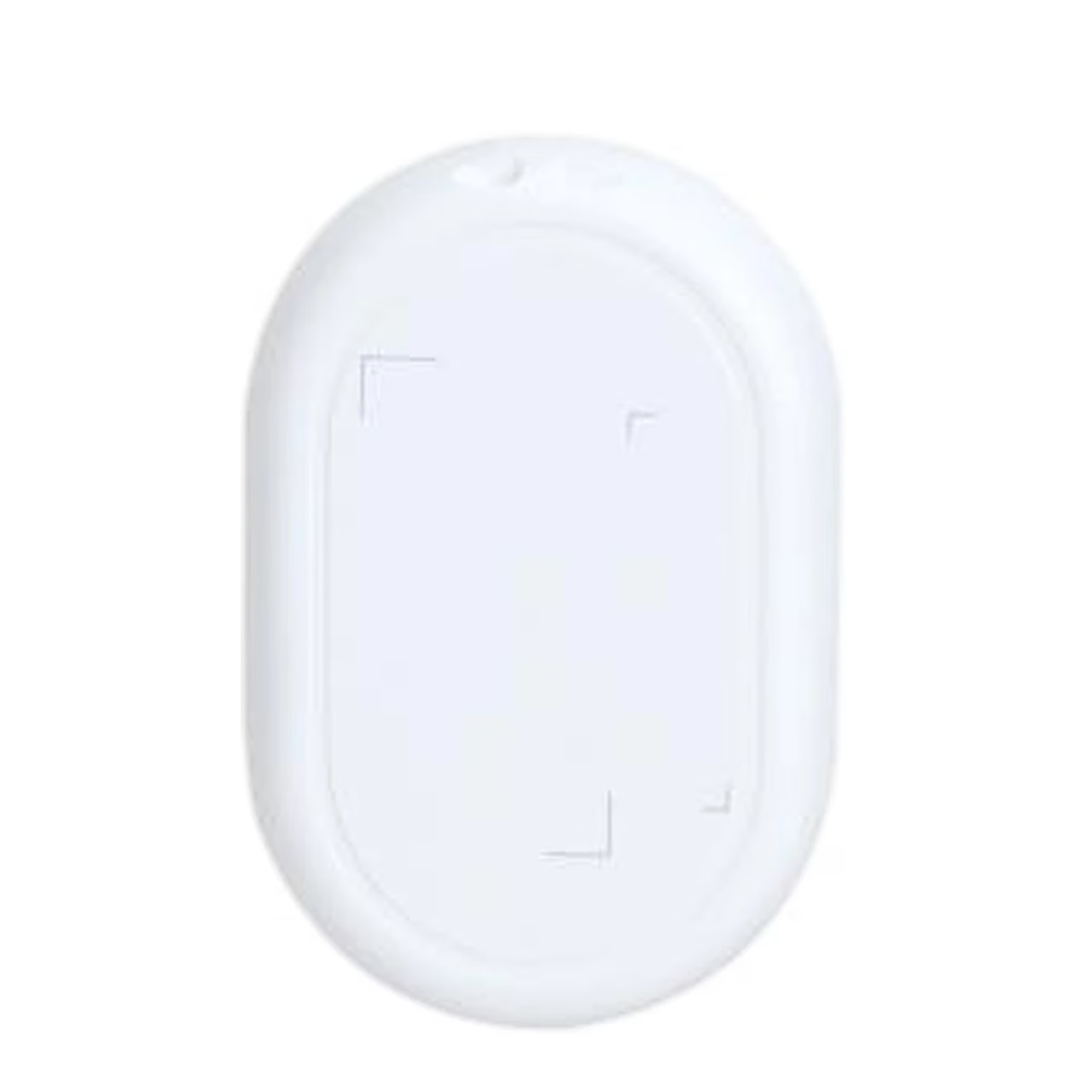
Pairing needs DMSS app version 1.97 or later and a hub that is online and disarmed. On the hub screen add a new peripheral, scan the QR code on the bottom of the button, switch the button on and give it a name and area. The button enters pairing mode when you hold both buttons for 8 seconds. At the place of use the app should show at least two signal bars.
Replacing the battery
To open the casing, push it down and outwards by hand at the catch, without tools. Before fitting the new battery, press the buttons or wait 30 seconds after removing the old one.
In the box
- Panic button Dahua ARD822-W2(868)
- Quick start guide
- Legal and regulatory information










































Reviews
There are no reviews yet.