


Description
The Intel Core i5-14500 in the HP Elite Mini 800 G9 compact desktop PC has 6 performance and 8 efficient cores, 20 threads and a clock speed of up to 5 GHz. Graphics come from the Intel UHD Graphics 770 built into the processor.
Desktop PC memory and SSD
The computer has one 16 GB DDR5 SODIMM at 5600 MT/s with the second slot free, and it supports up to 64 GB in total. With modules of equal capacity in both slots, memory runs in dual-channel mode. Before adding a memory module, unplug the power cord and wait about 30 seconds for the power to drain from the system board. Windows 11 Pro is installed on a 1 TB M.2 NVMe SSD.
Ports and wireless connections
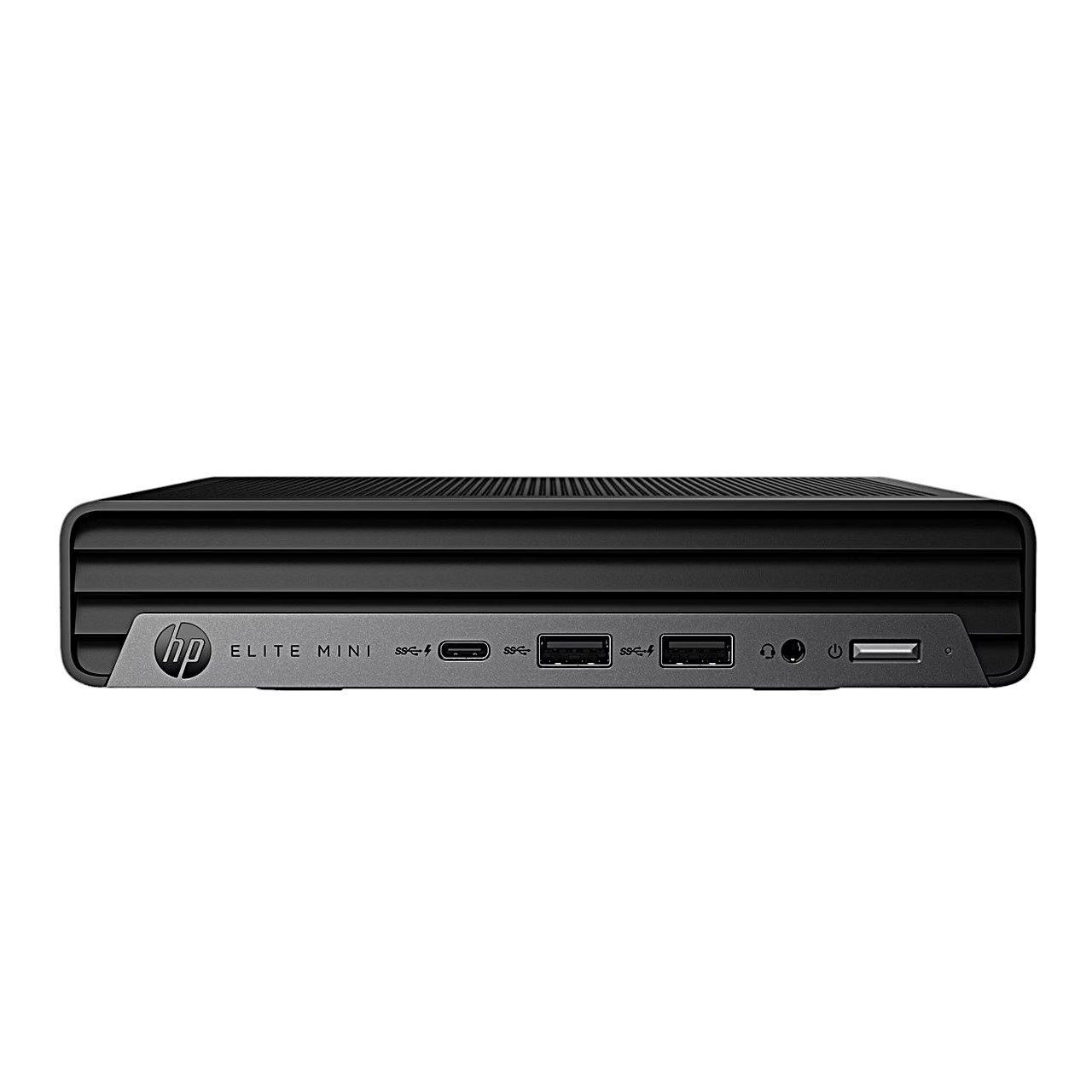
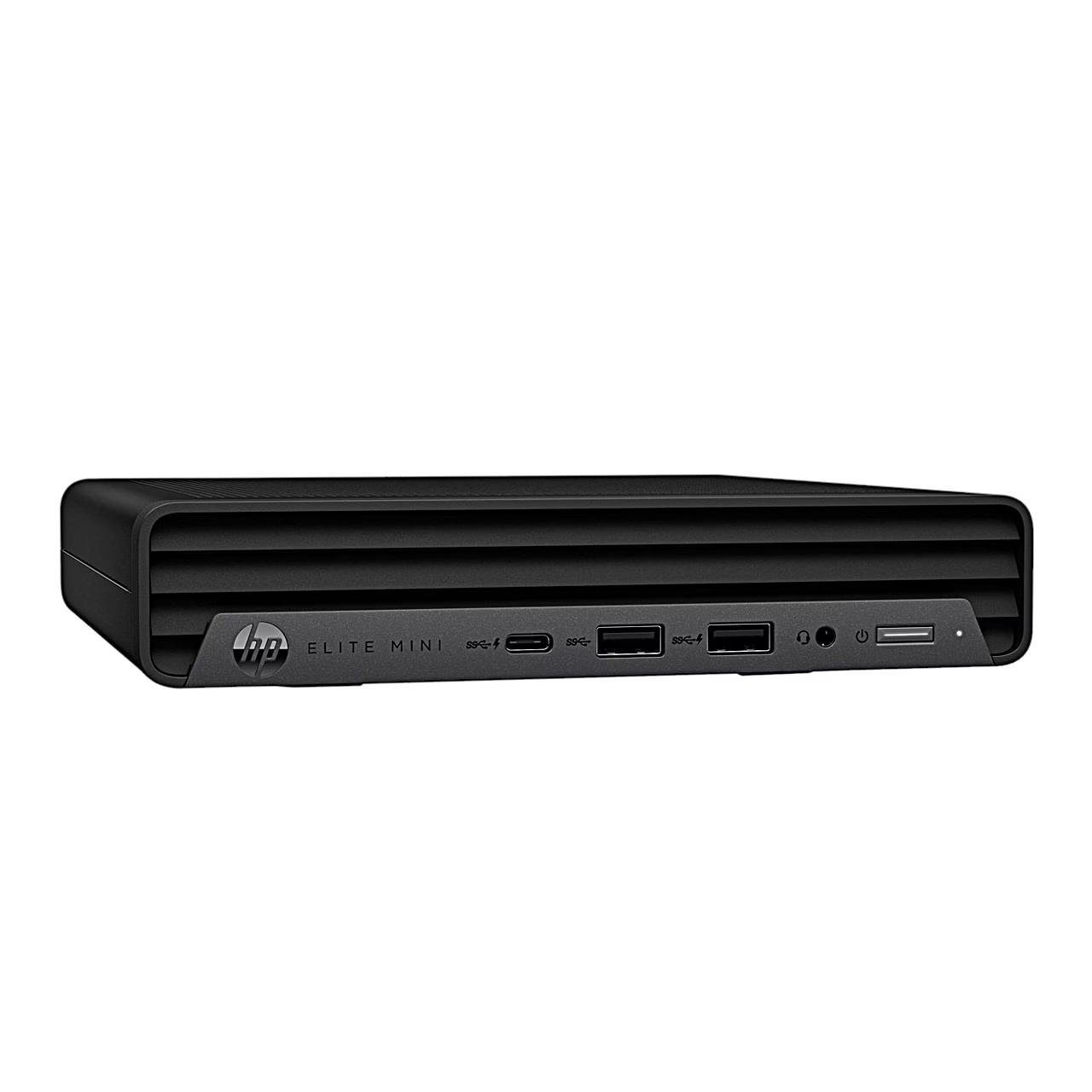
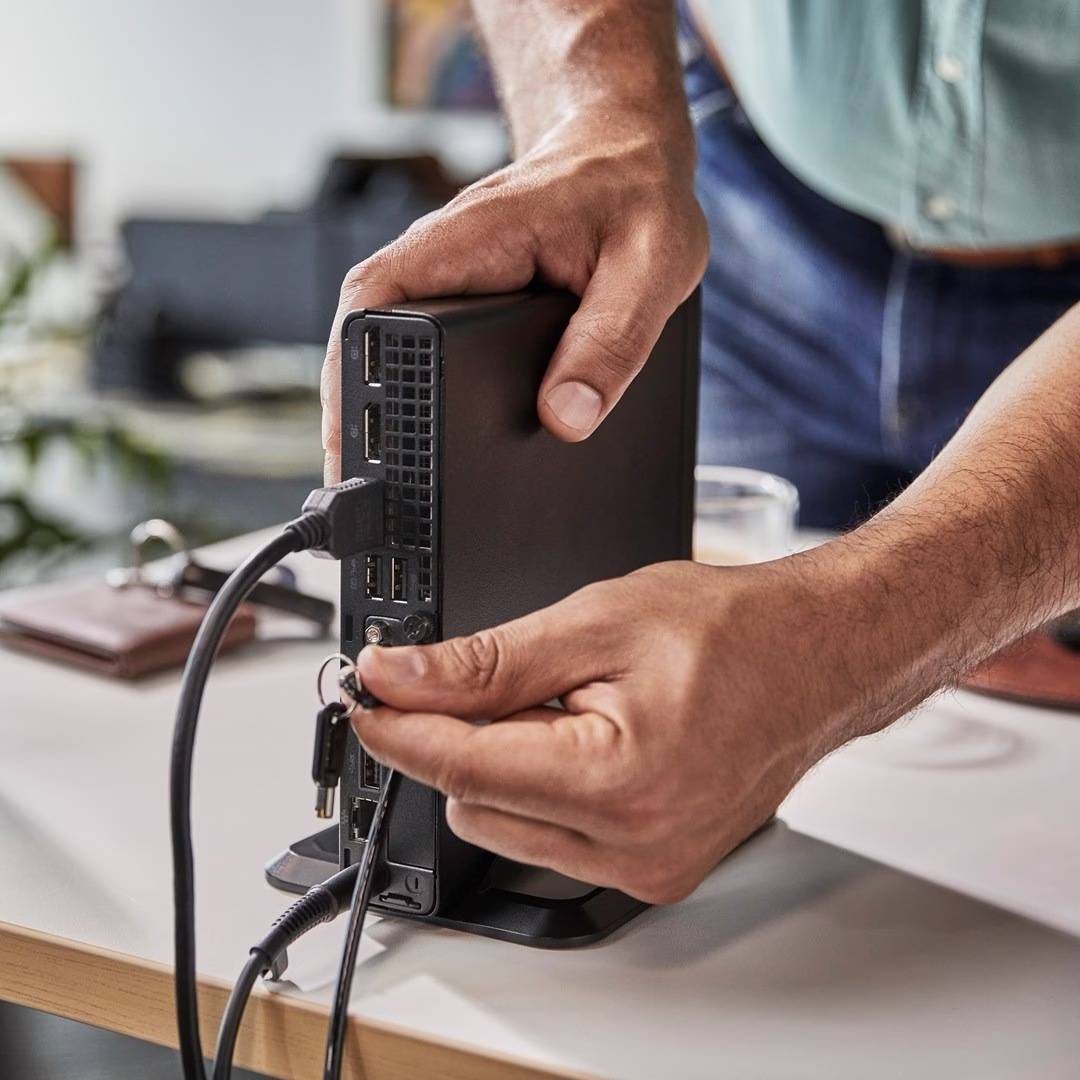
The front panel has a 20 Gbps USB-C port, two 10 Gbps USB-A ports and a headset combo jack. The USB-C port and one USB-A port charge a smartphone even when the computer is off. In total the computer has five 10 Gbps USB-A ports. The rear has two DisplayPort outputs and HDMI 2.1 for displays, plus an RJ45 network port. An Intel AX211 Wi-Fi 6E card handles wireless networking and Bluetooth 5.3 connects peripherals.
Getting started
Place the computer on a sturdy, level surface and leave 10.2 cm of clearance on the vented sides. Power comes from an external 120 W adapter connected to the power socket on the rear panel. The rear has a security-cable slot and a padlock loop, and a TPM 2.0 security chip stores encryption keys.
Cleaning and care
Unplug the computer before cleaning. For light dirt use clean water and a lint-free cloth; for heavier dirt use mild dishwashing liquid diluted with water, then a cloth dampened with clear water. Stubborn marks come off with isopropyl alcohol, which needs no rinsing. Finally dry the case with a lint-free cloth and clean dust from the air vents from time to time.
In the box
- Desktop PC
- Power adapter
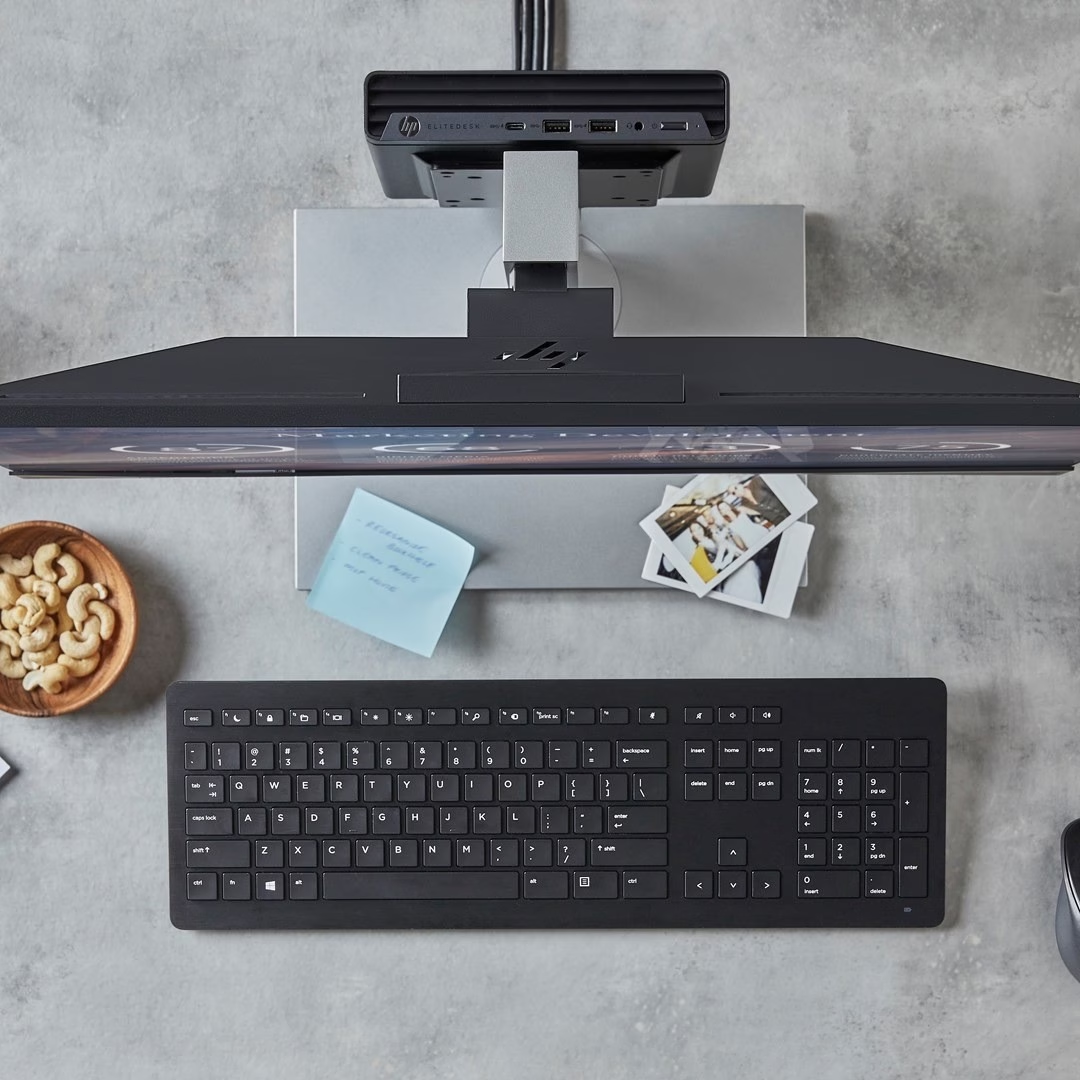
- Wireless keyboard
- Wireless mouse












































Reviews
There are no reviews yet.