

Description
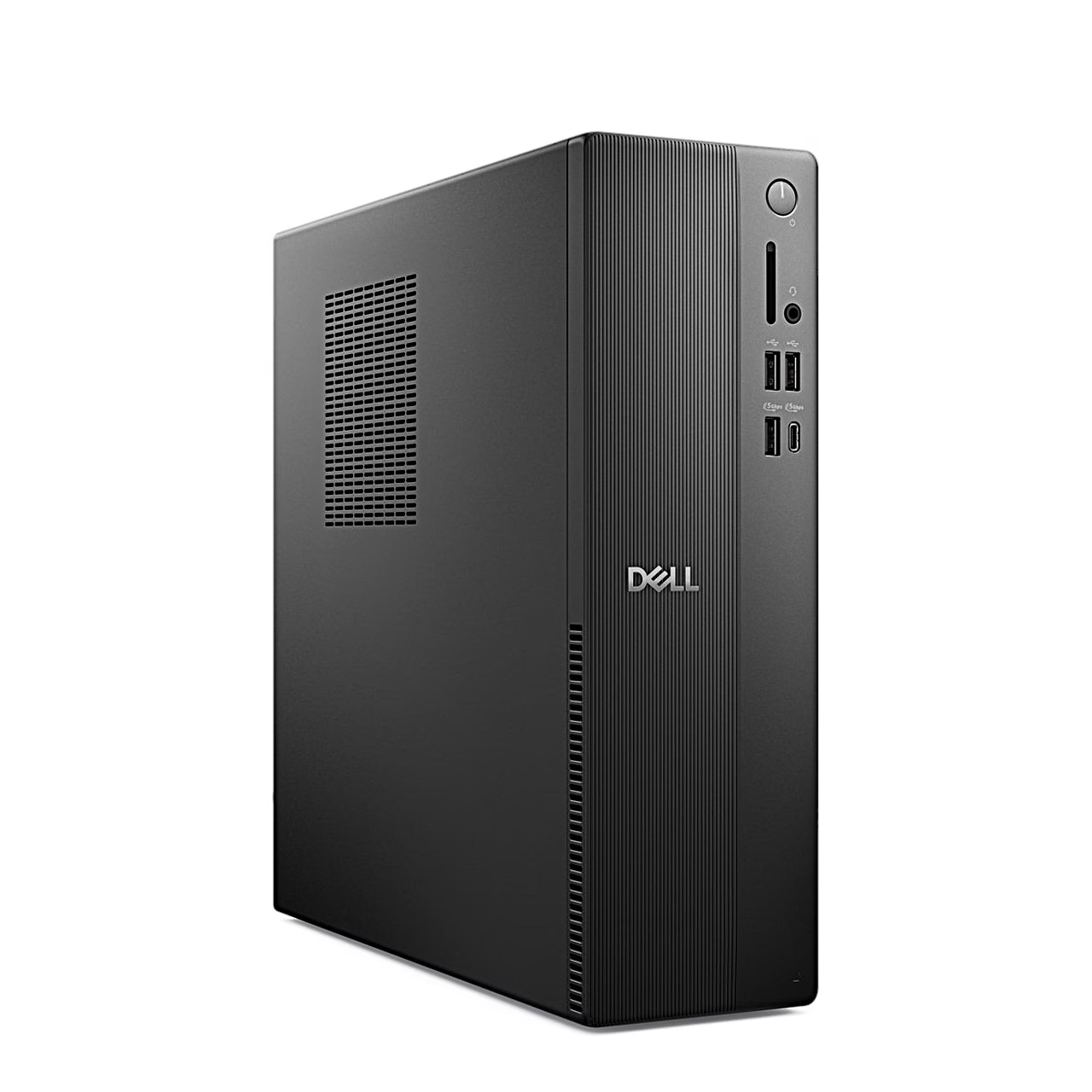
The Intel Core i5-14400 in the Dell Pro Slim Essential QVS1260 has 10 cores and 16 threads and boosts up to 4.7 GHz. Graphics come from the Intel UHD Graphics 730 built into the processor, which uses system memory.
Desktop PC memory, SSD and expansion
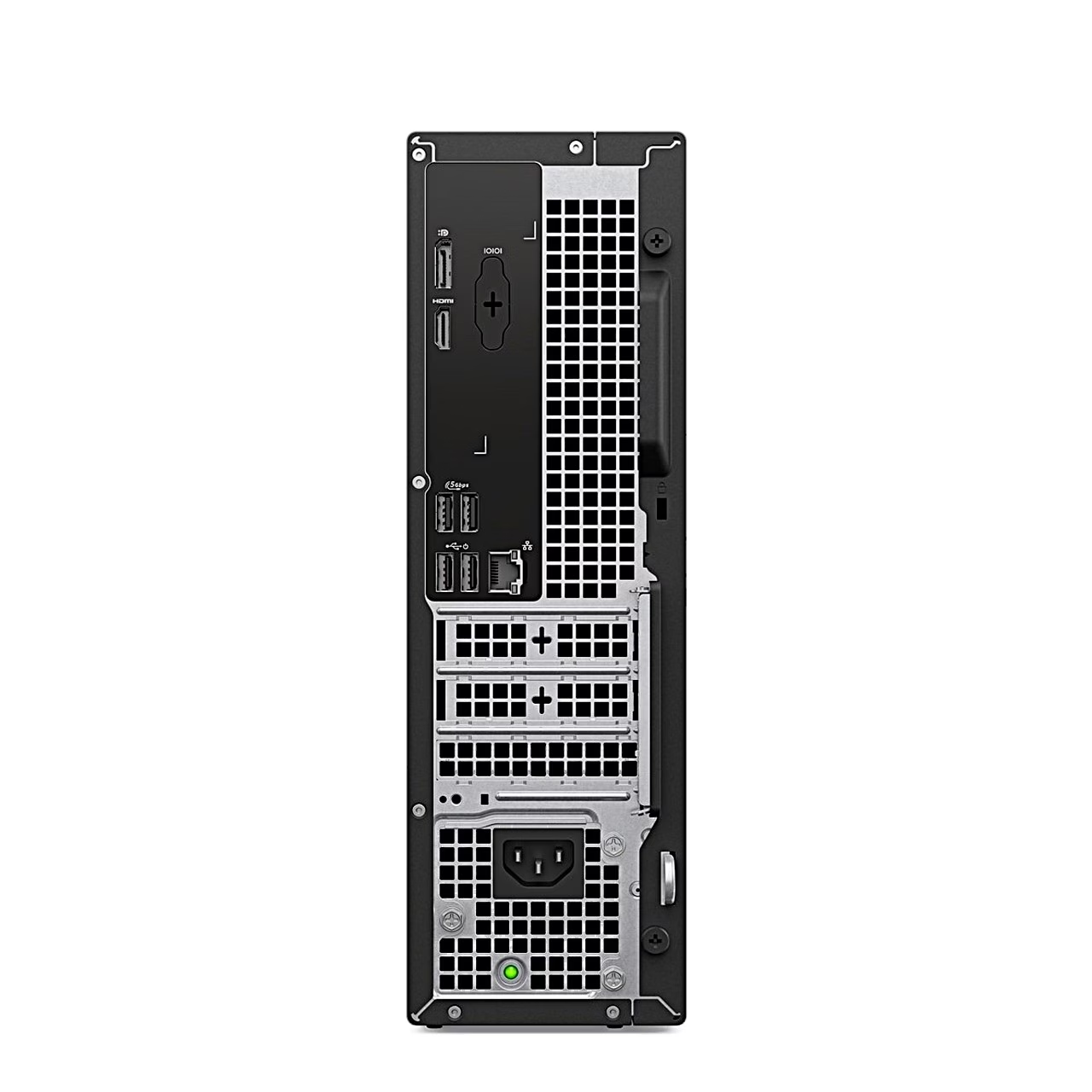
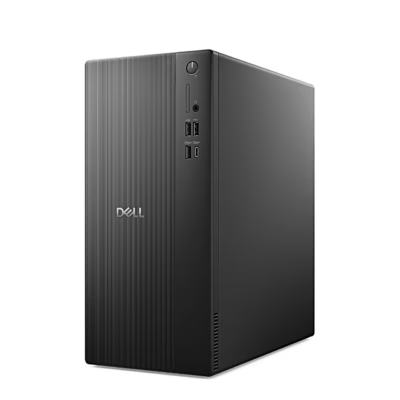
The computer has one 16 GB DDR5 module at 4800 MT/s with the second memory slot free, and the motherboard supports up to 64 GB in total. Windows 11 Pro is installed on a 512 GB M.2 NVMe SSD. For add-in cards there is one half-height PCIe x16 slot and two half-height PCIe x1 slots, and the motherboard has a SATA 3.0 connector for a 3.5-inch hard drive.
Ports for displays and peripherals
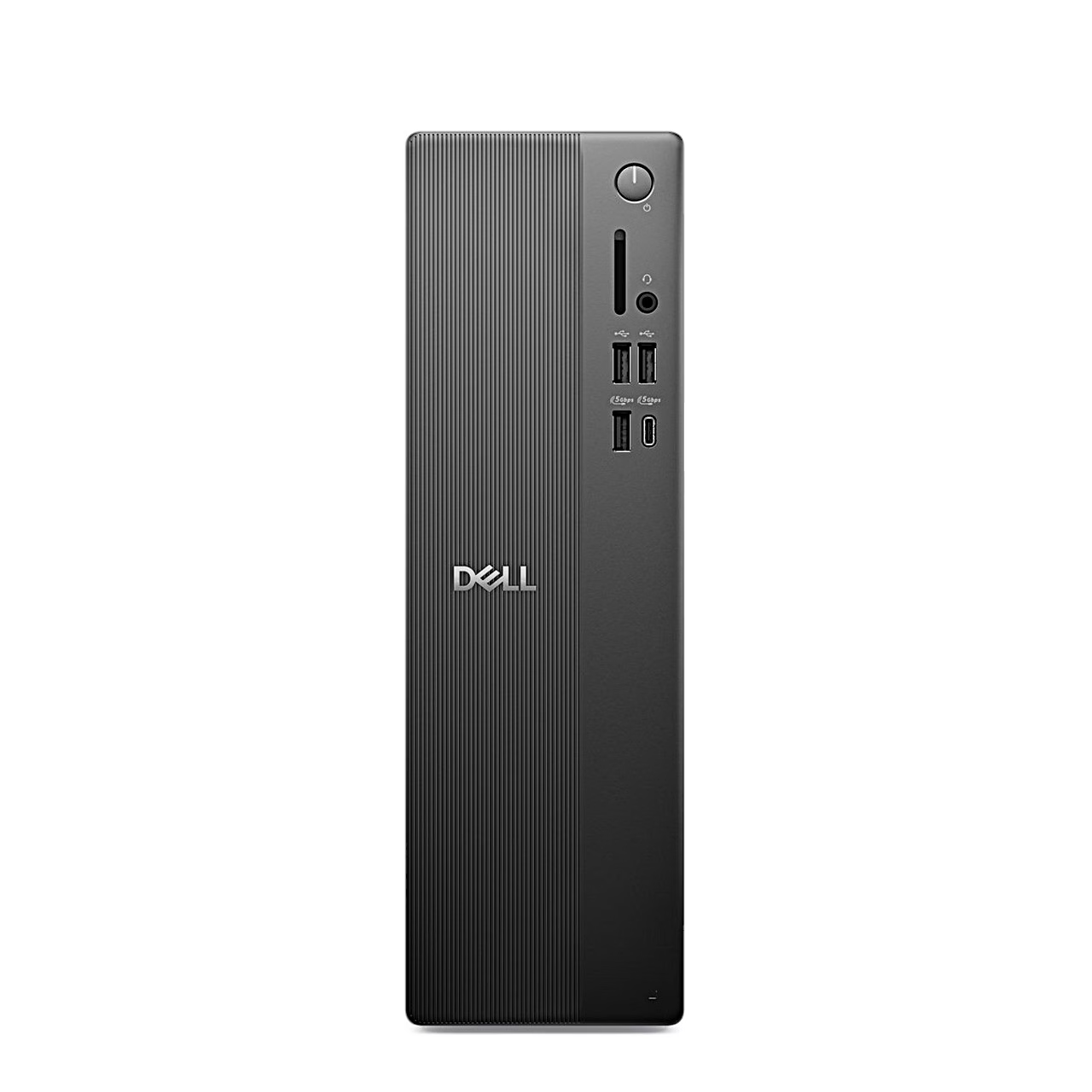
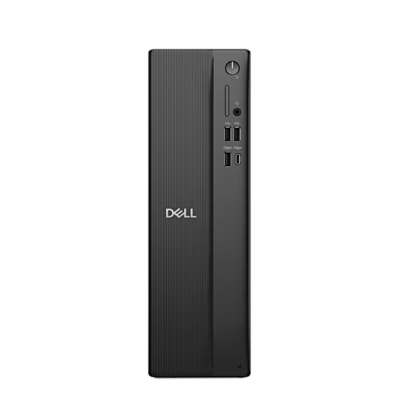
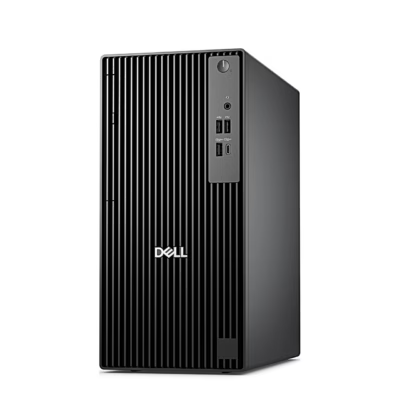
The front panel has two USB 2.0 ports, one USB 3.2 Gen 1 Type-A port, one 5 Gbps USB-C port and a headset combo jack. The rear has two more USB 2.0 ports, two USB 3.2 Gen 1 ports, a 1 Gbps RJ45 network port, HDMI 2.1 and DisplayPort 1.4a. The HDMI port drives up to 4096 × 2160 pixels at 60 Hz. With DisplayPort MST daisy-chaining, where displays are linked one after another, a single port can run up to four displays. Wireless networking uses a MediaTek MT7920 Wi-Fi 6 card on the 2.4 and 5 GHz bands.
Getting started
To set it up, connect the keyboard and mouse, the network cable, the display and the power cord, press the power button and finish the Windows setup by following the on-screen instructions. A short press of the power button puts the running computer to sleep; pressing and holding forces a shut-down. In Dell Optimizer you can choose a thermal mode that sets performance, power consumption, cooling and fan noise.
Service and security
To open the case, loosen the two screws of the left-side cover, slide the cover towards the back and lift it off the chassis. Phillips #1 and #2 screwdrivers suit component replacement. The rear has a Kensington security-cable slot and a padlock ring, and a TPM 2.0 security chip stores encryption keys.
In the box
- Desktop PC
- Power cord









































Reviews
There are no reviews yet.