

Description
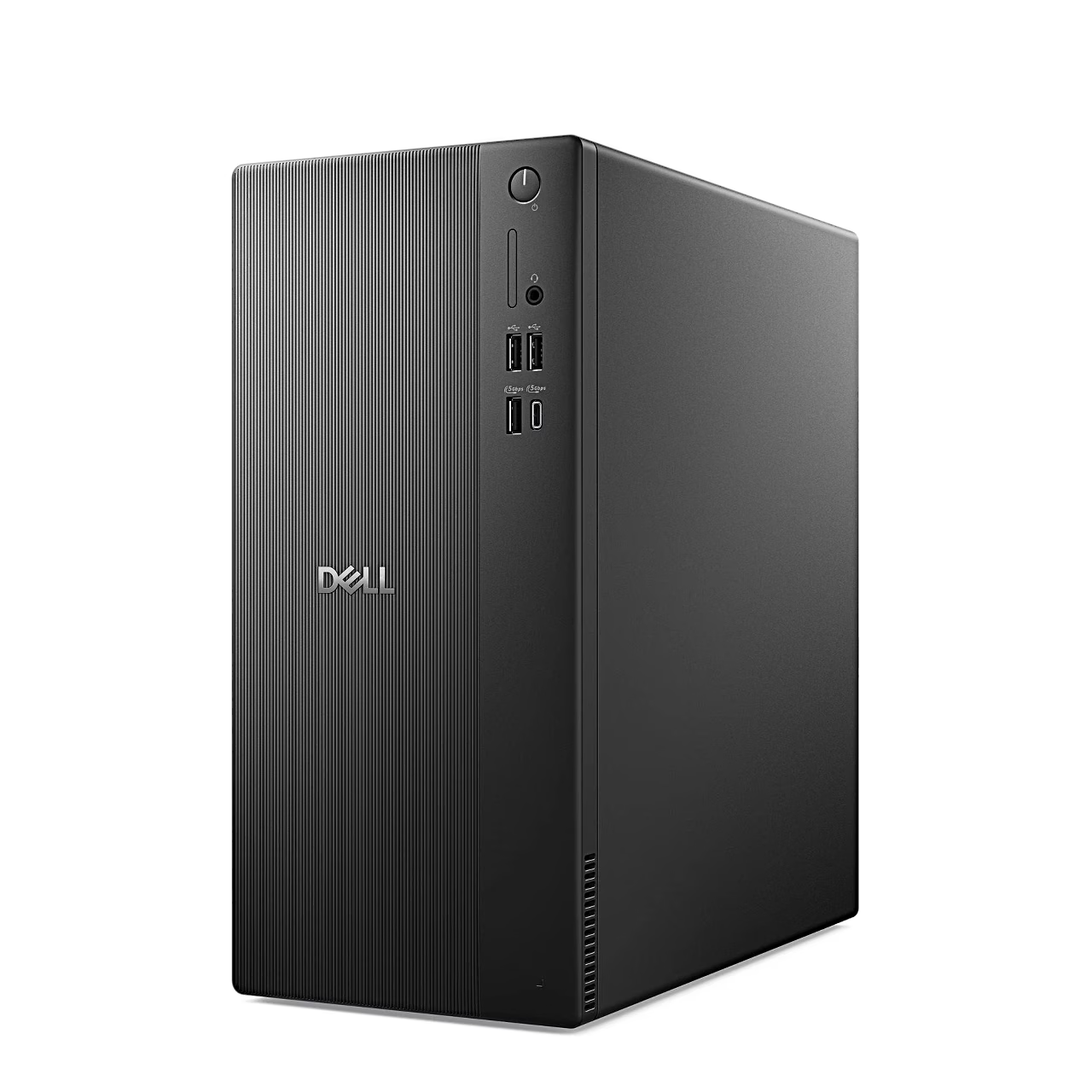
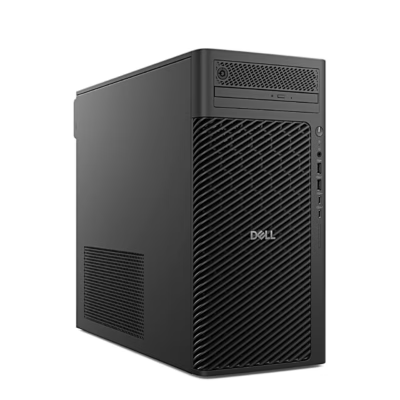
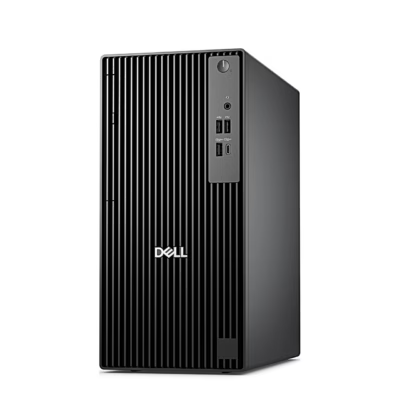
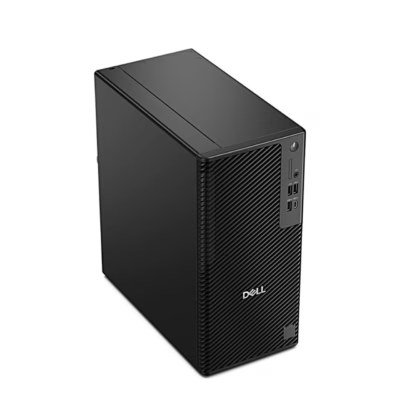
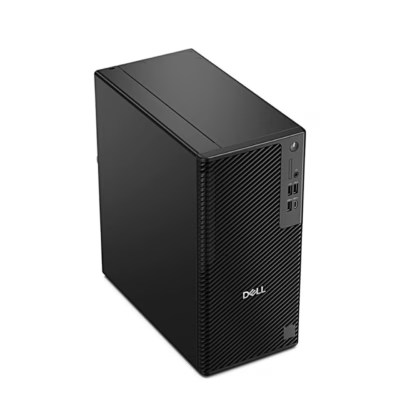
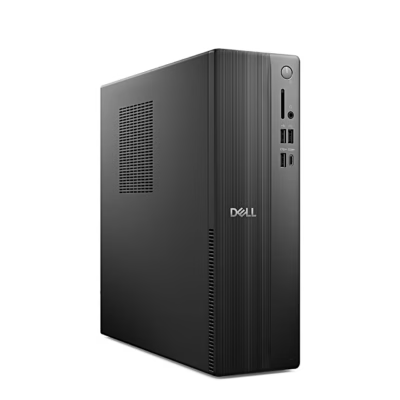
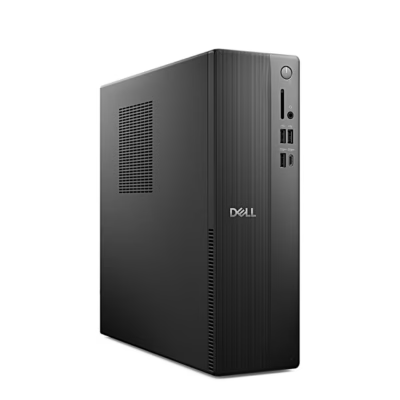
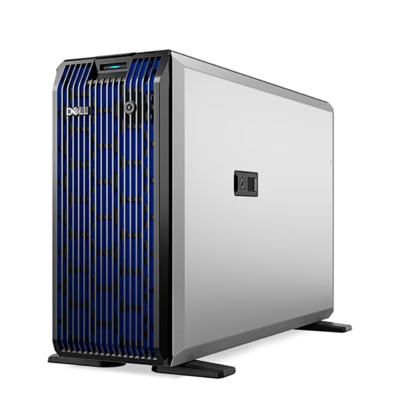
The Dell Pro Tower Essential QVT1260 is a desktop PC in a Midi Tower case with an Intel Core i5-14500, 8 GB of DDR5 memory, a 512 GB SSD and Windows 11 Pro.
Desktop PC with an Intel Core i5-14500 processor
The processor has 6 performance cores, 8 efficient cores and 20 threads, a maximum clock speed of 5 GHz and 24 MB of cache. Graphics come from the integrated Intel UHD Graphics 770, which uses system memory as video memory.
Memory, drives and expansion cards
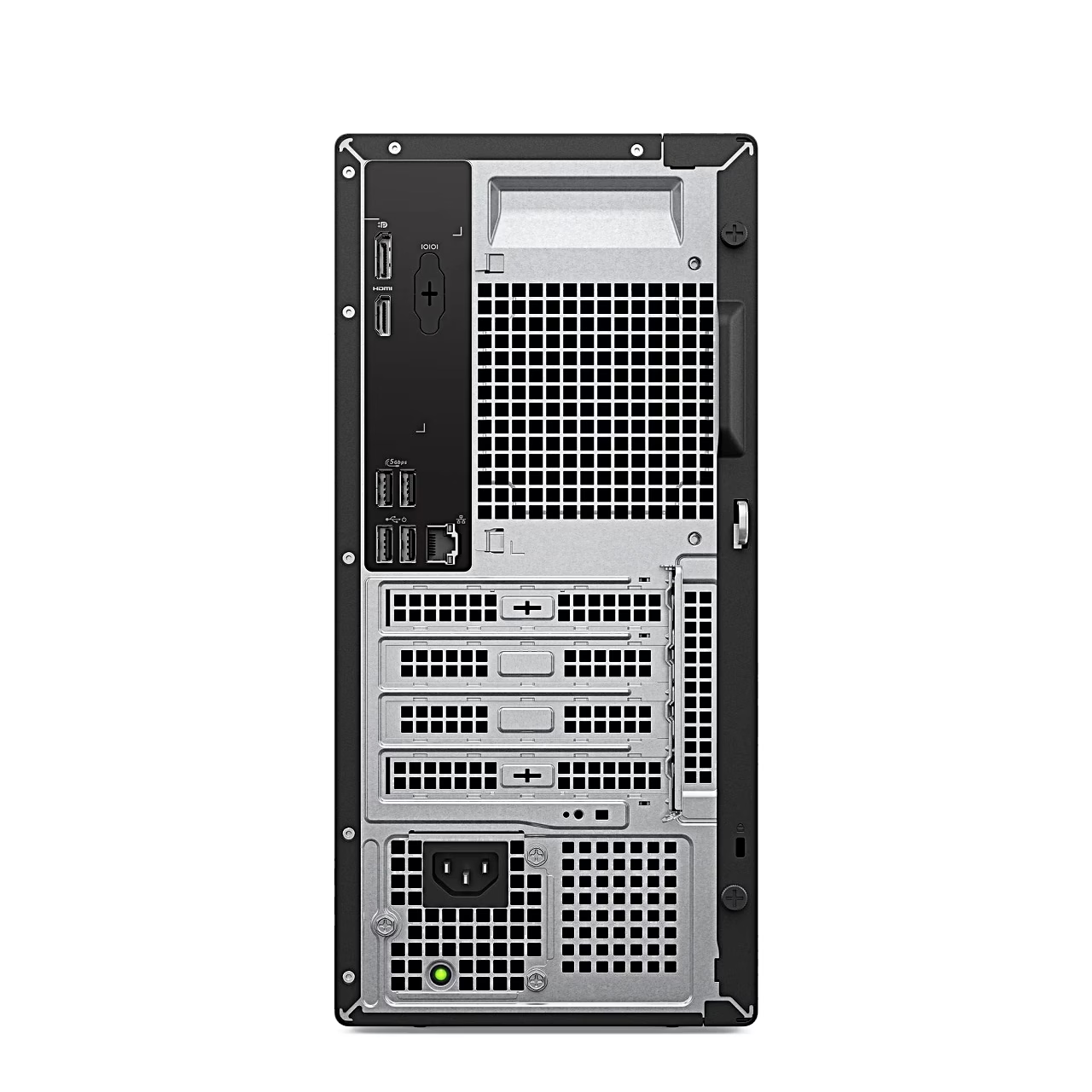
The memory is a single 8 GB module at 4800 MT/s, and the second UDIMM slot lets you expand memory to 64 GB. The SSD sits in an M.2 slot and the case has a SATA 3.0 connection for a 3.5-inch hard drive of up to 4 TB. For a graphics, sound or network card there is one full-height PCIe x16 slot and two full-height PCIe x1 slots.
Ports and networking
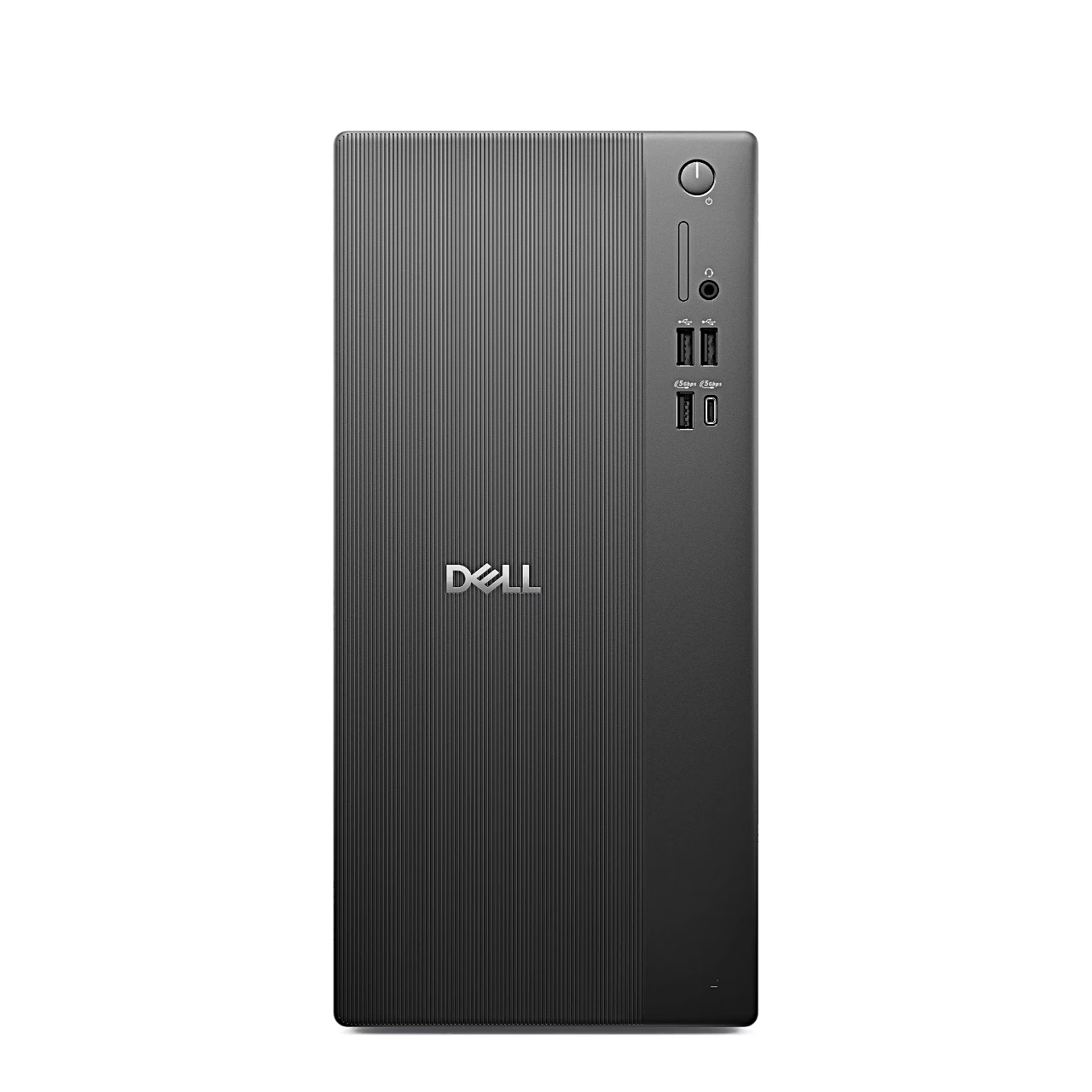
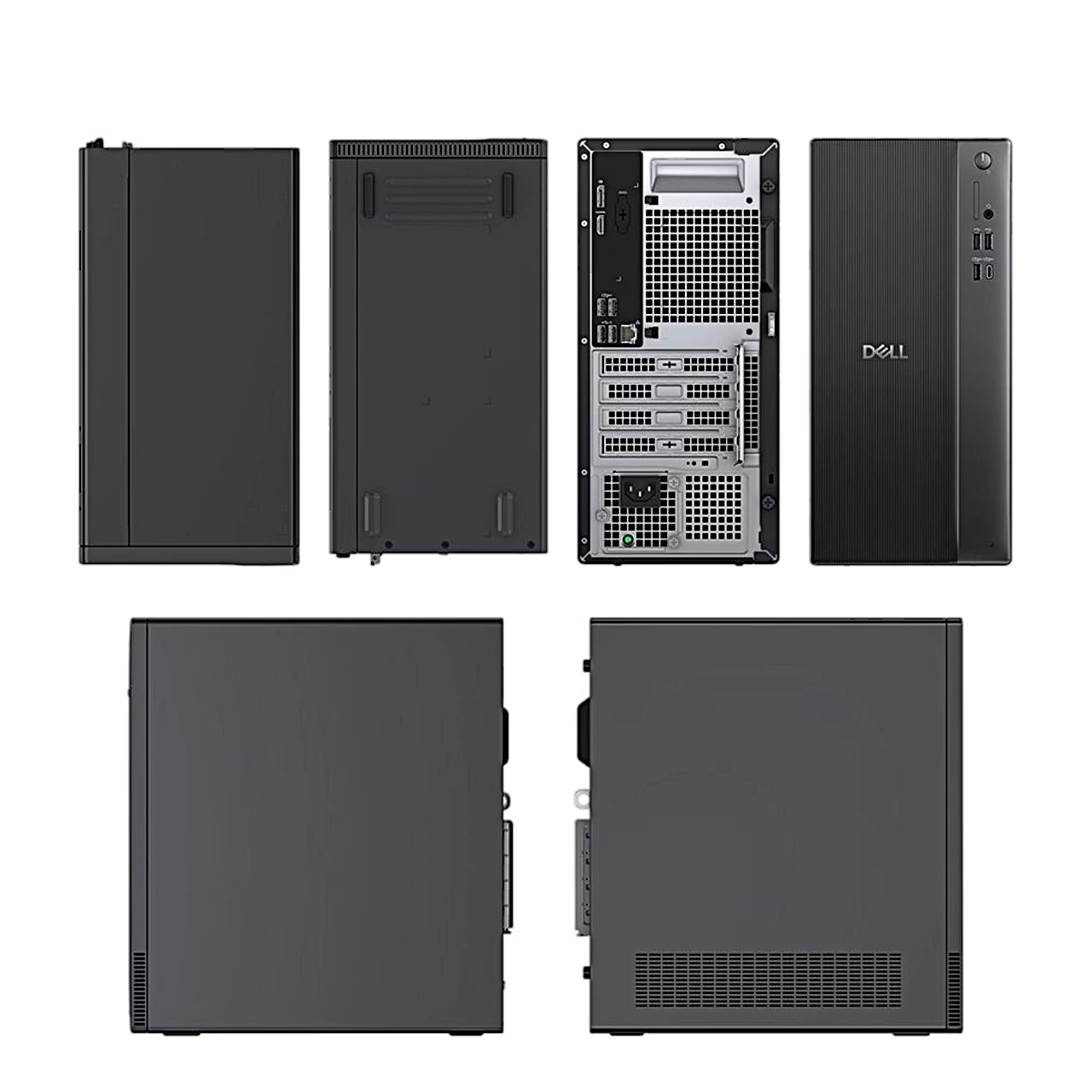
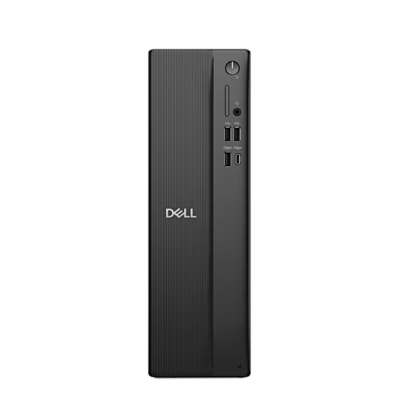
The front panel has two USB 2.0 ports, USB 3.2 Gen 1 Type-A and Type-C ports at 5 Gbps and a combined headphone and microphone jack. The rear panel has DisplayPort 1.4a up to 4096 × 2304 at 60 Hz, HDMI 2.1 up to 4096 × 2160 at 60 Hz, two USB 3.2 Gen 1 and two USB 2.0 ports and a 1 Gbps RJ45 network port, and the computer connects wirelessly over Wi-Fi 6. With USB wake enabled in the BIOS, a keyboard or mouse connected to the rear USB 2.0 ports wakes the computer from hibernation. The computer can be secured with a Kensington lock and the case closed with a padlock.
In the box
- Dell Pro Tower Essential QVT1260 desktop PC
- Keyboard with US International layout; Estonian characters are available through the Windows Estonian layout
Getting started
Plug the keyboard into a rear USB port, connect the network cable or choose a Wi-Fi network, connect the display and the power cable and press the power button on the front. During Windows 11 Pro setup you sign in with a Microsoft account when online, or create an offline account without internet. Holding the power button for four seconds forces the computer to shut down.












































Reviews
There are no reviews yet.