

Description
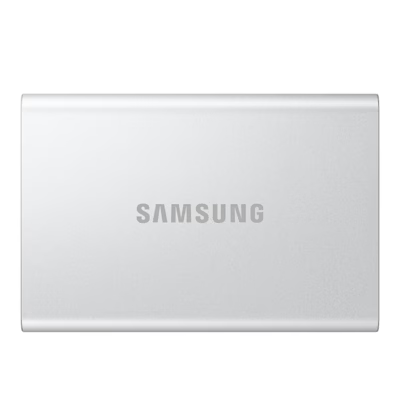
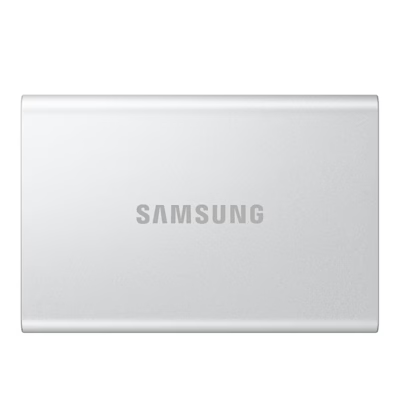
External SSD for fast file transfer over USB-C
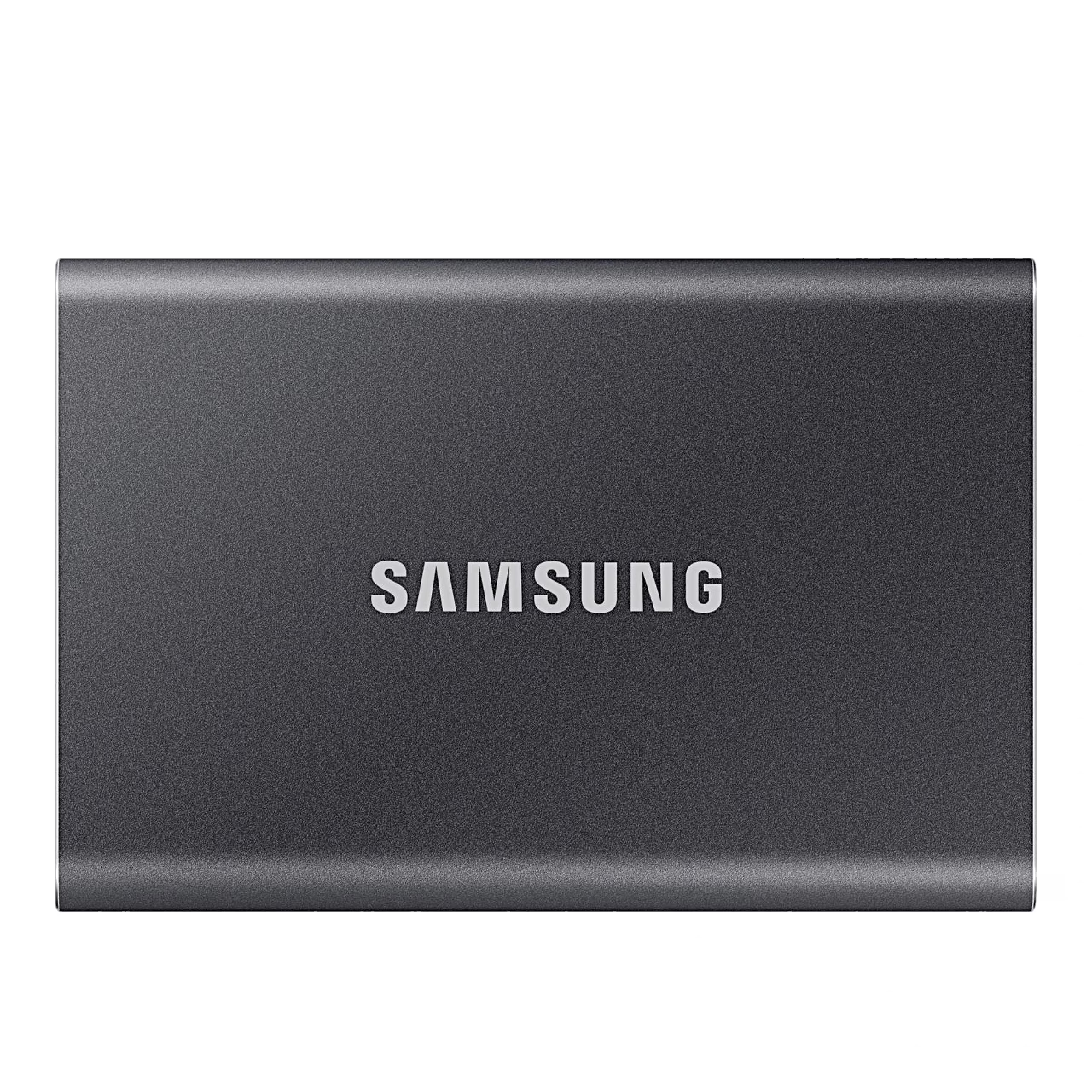
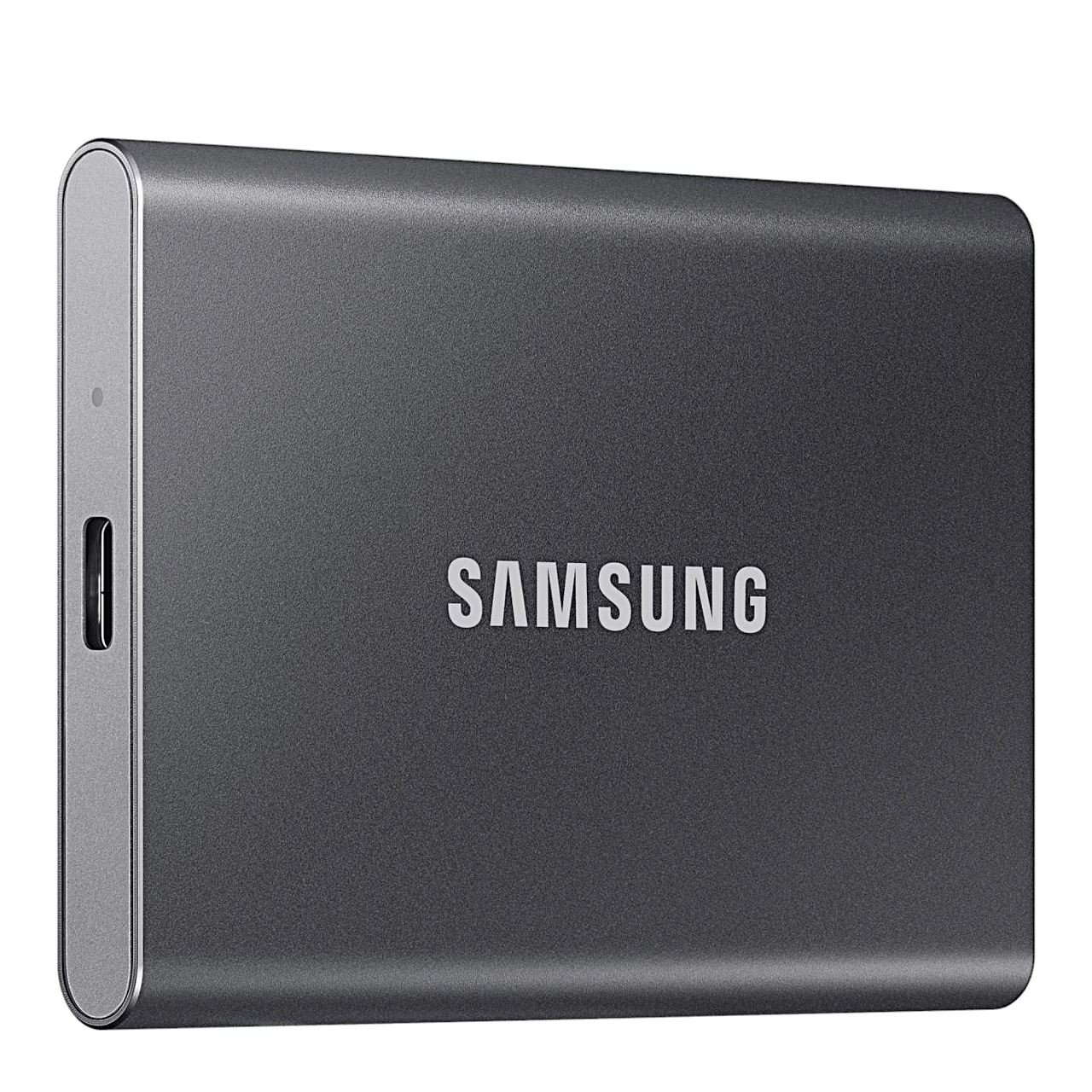
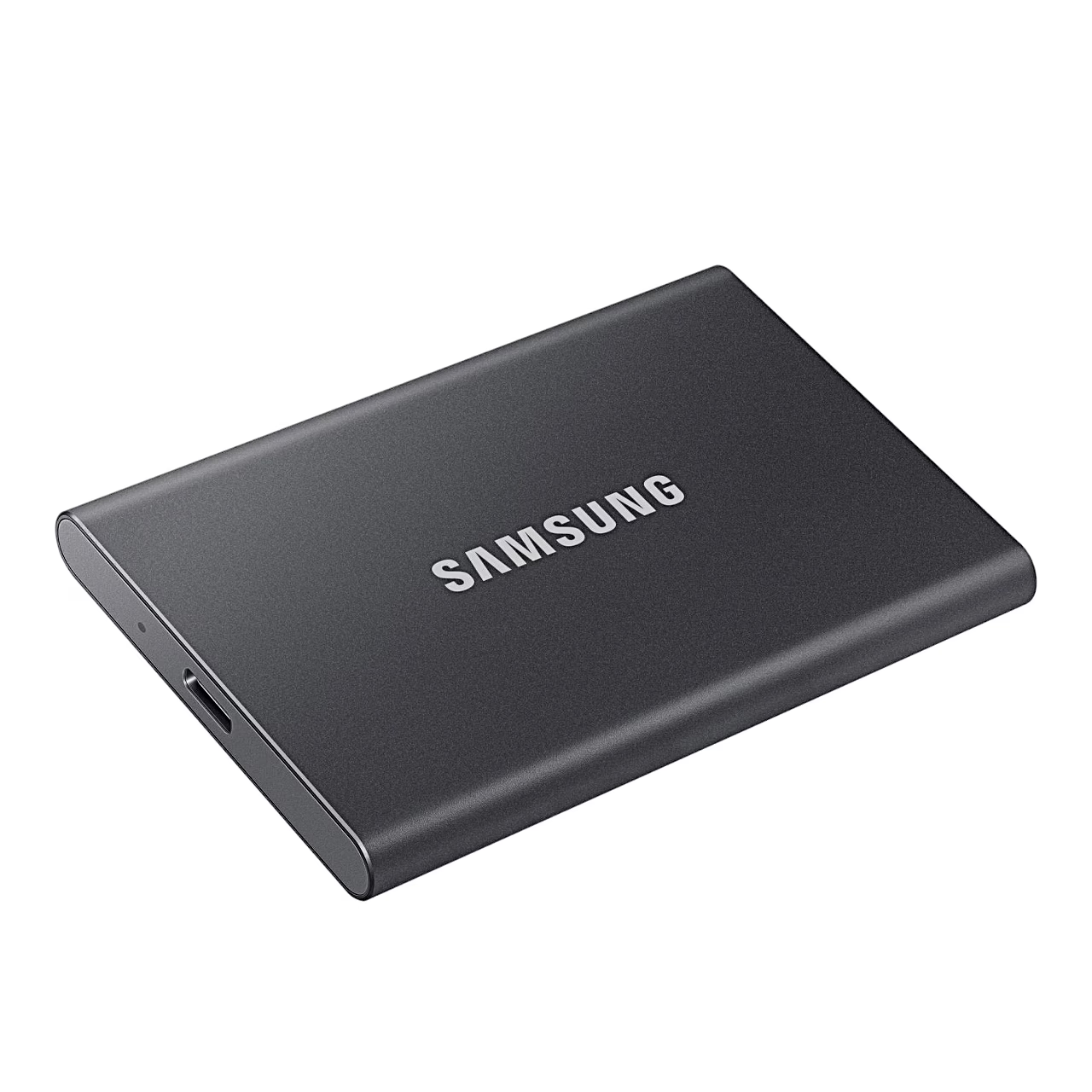
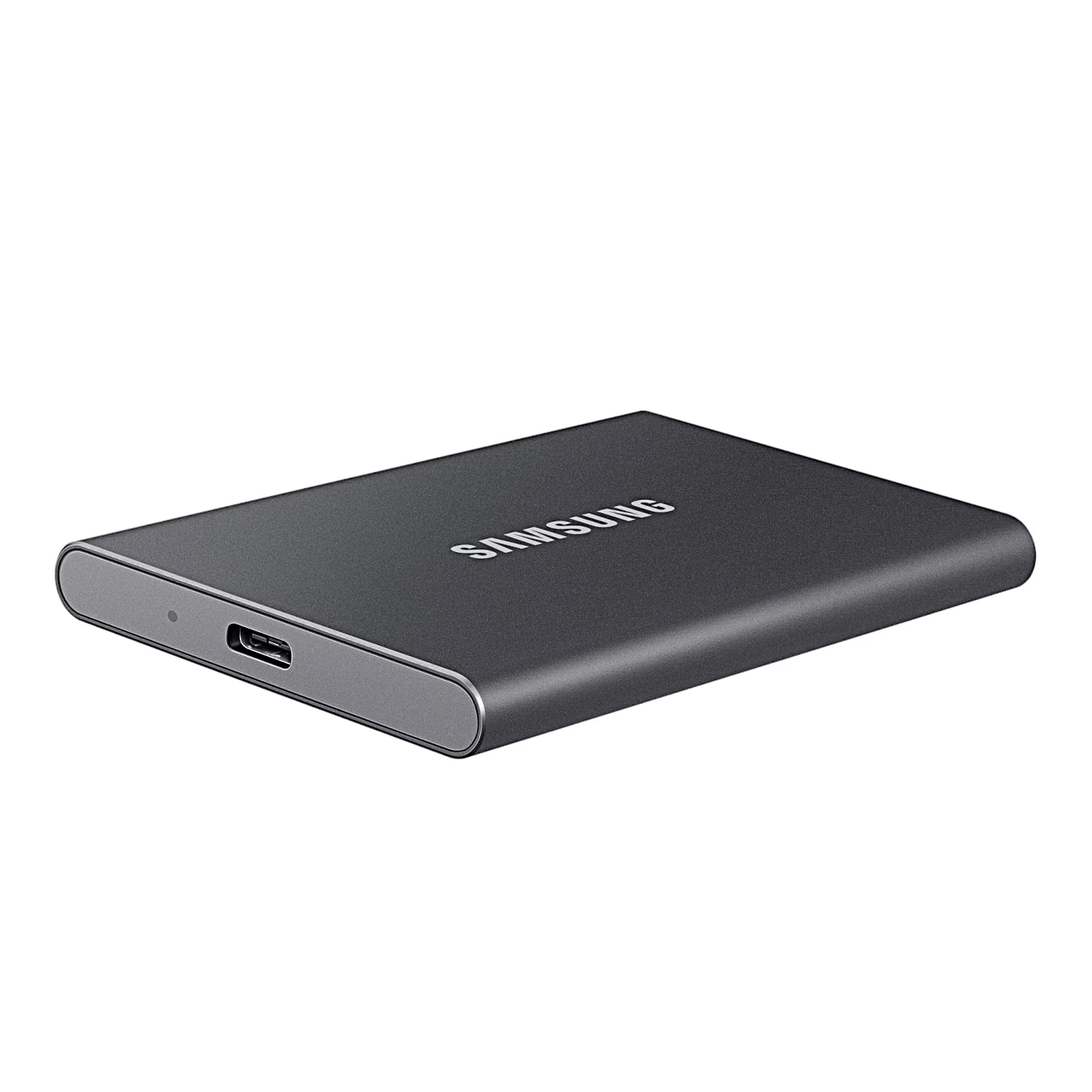
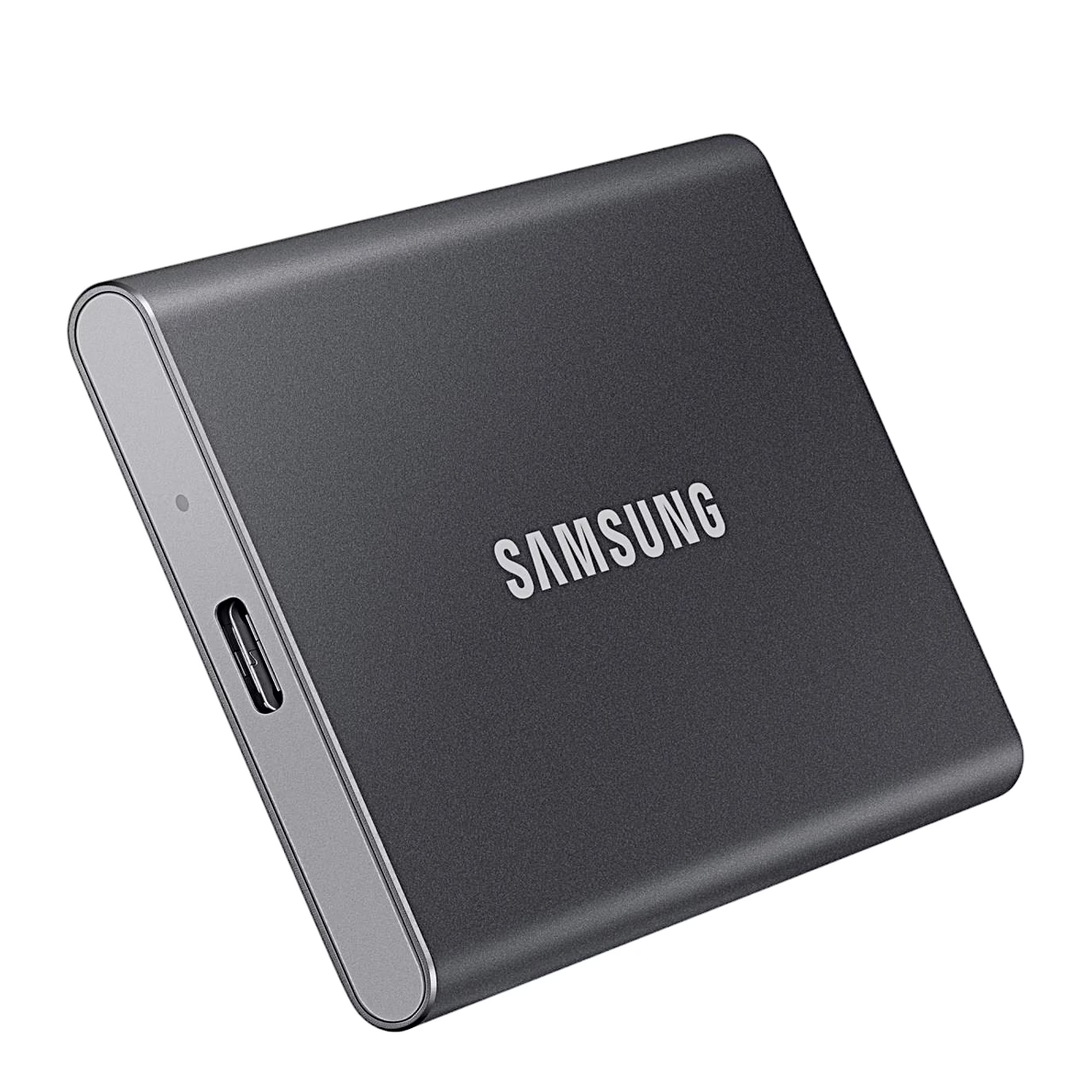
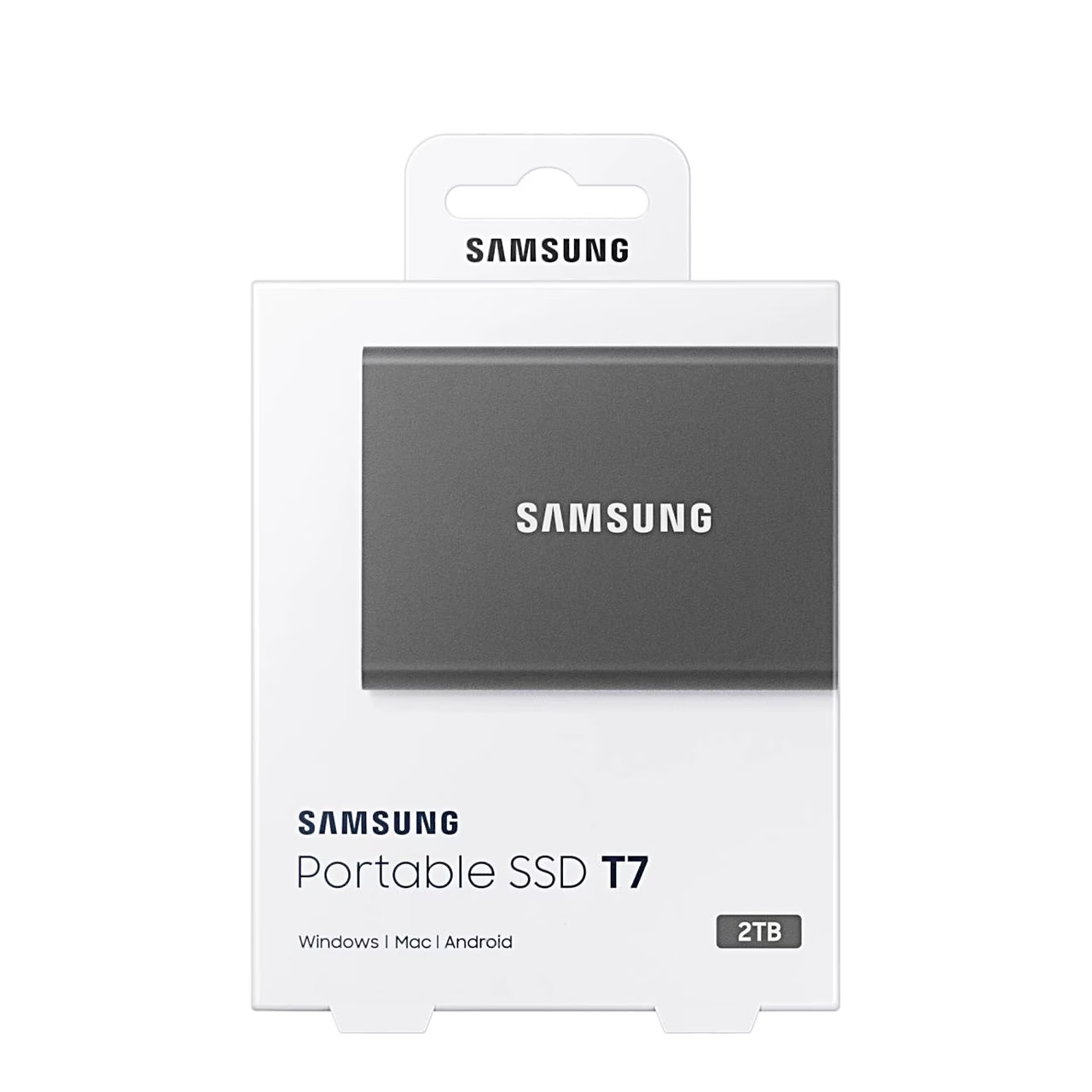
The 2 TB Samsung T7 external SSD connects to a device through its USB-C connector over USB 3.2 Gen 2 (10 Gbit/s). With PCIe NVMe technology the drive reads data at up to 1050 MB/s and, according to the manufacturer, writes at up to 1000 MB/s. To reach full speed, the computer and the cable must support USB 3.2 Gen 2 and UASP mode, a protocol that speeds up data transfer over USB. The aluminium casing measures 85 × 57 × 8 mm.
Password security mode and firmware updates
The Samsung management software stored on the drive lets you turn on a password security mode on a Windows or macOS computer; on an Android device the Samsung app does the same. With security mode on, enter the password and press UNLOCK each time you connect the drive. The same software updates the drive’s firmware and software.
Connection and compatibility
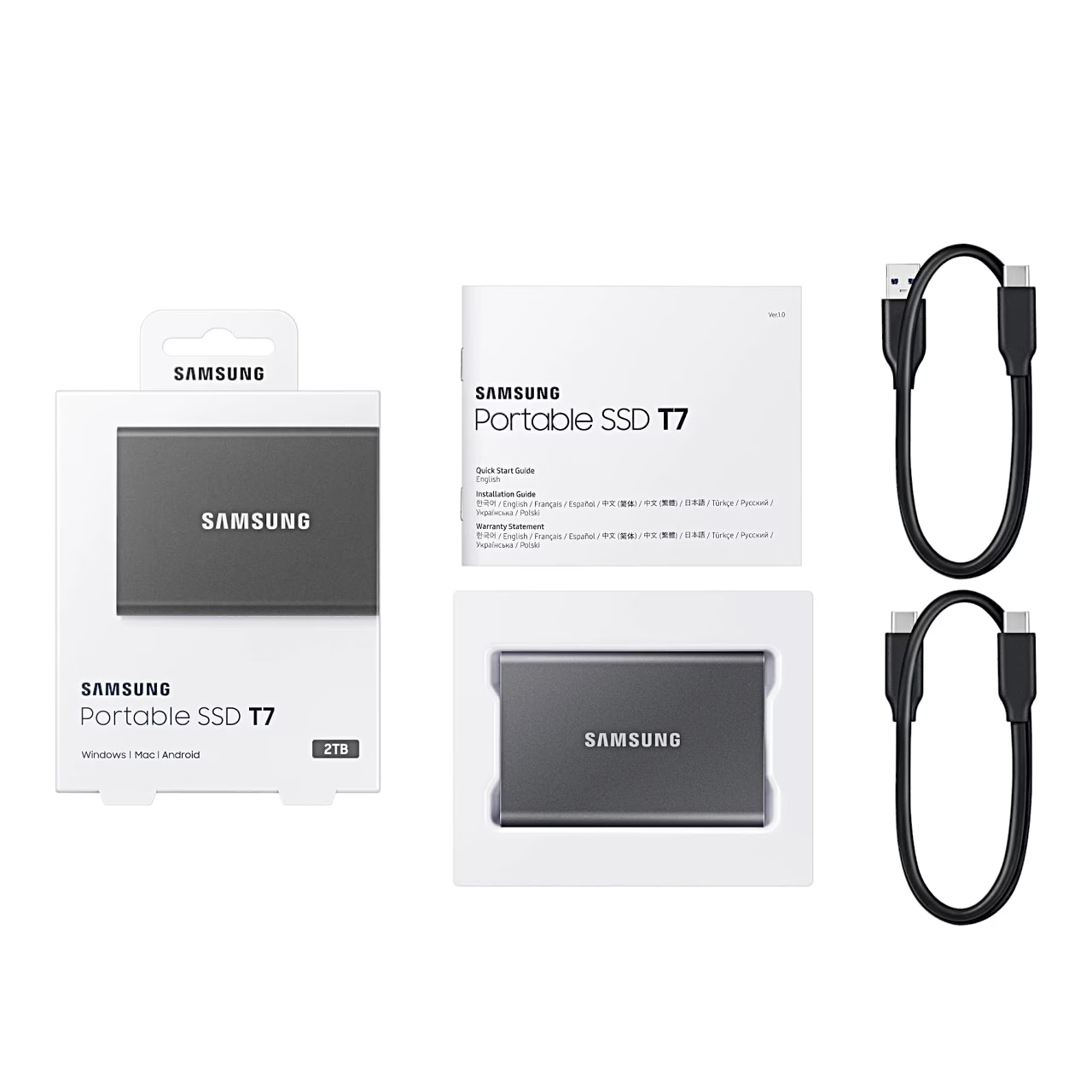
With the two cables in the box the drive fits USB-C and USB-A ports: choose the cable that suits the device and plug one end into the device and the other into the drive. To protect your data, always remove the drive with the eject or Safely Remove Hardware command. The drive supports Windows 7 and later, Mac OS X 10.10 and later and Android 5.1 Lollipop and later. It comes formatted with the exFAT file system, which Windows, macOS and Android can read and write.
Cleaning and care
Wipe the drive gently with a soft cloth.
In the box
- External SSD Samsung T7, 1 pc
- USB 3.2 Gen 2 cable with USB-C and USB-C plugs, 1 pc
- USB 3.2 Gen 2 cable with USB-C and USB-A plugs, 1 pc
- Quick start guide, 1 pc
- Samsung management software for computers, stored on the drive








































Reviews
There are no reviews yet.