

Description
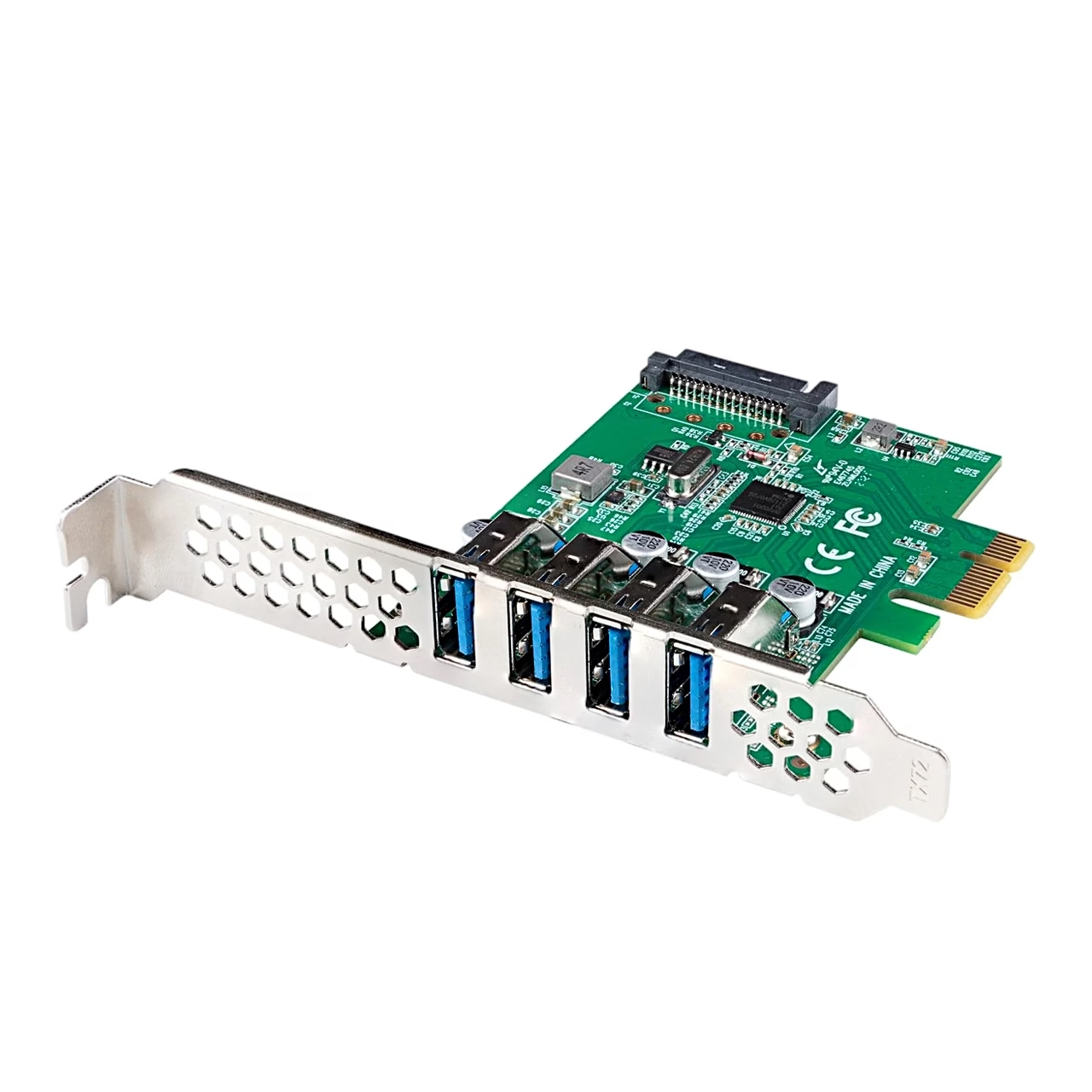
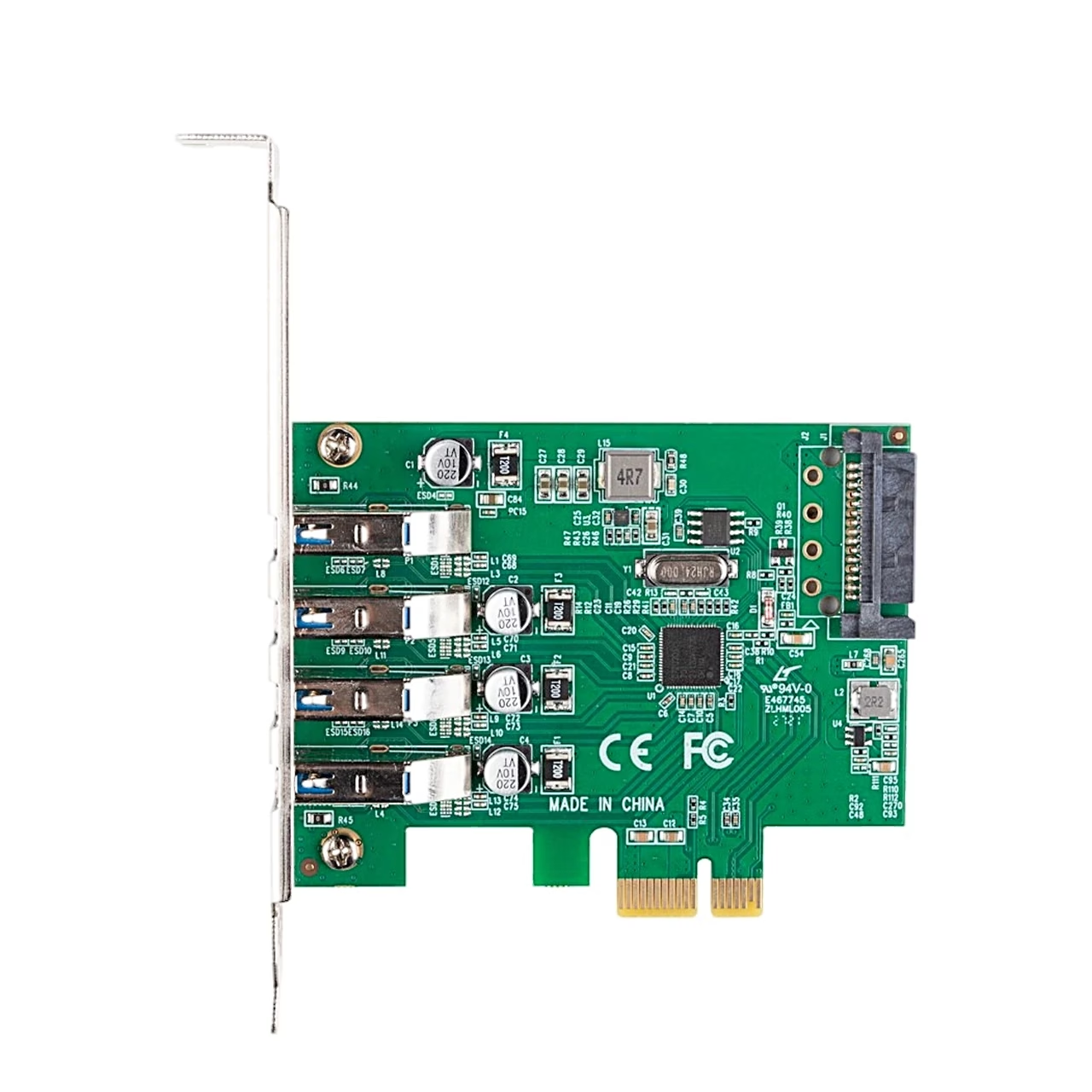
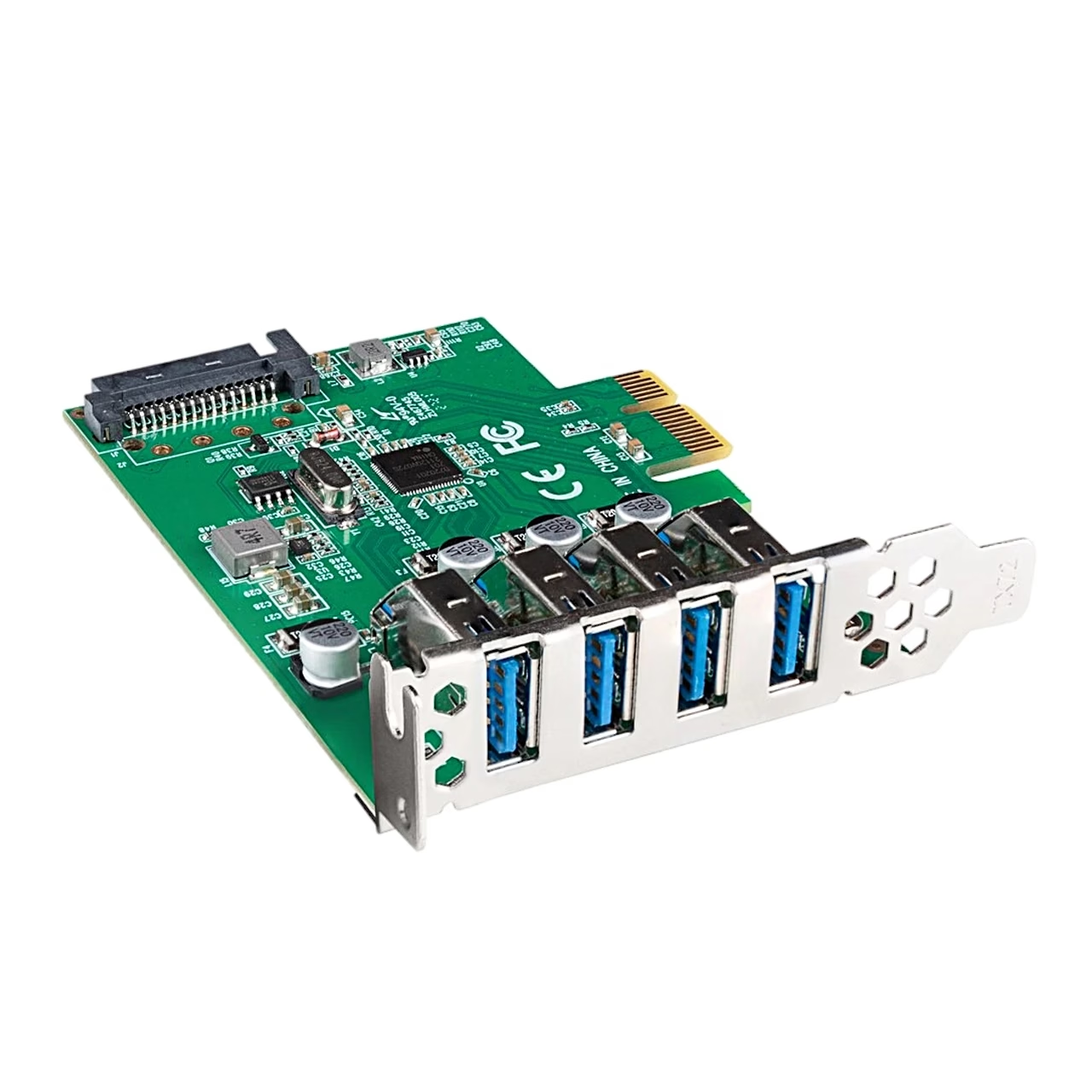
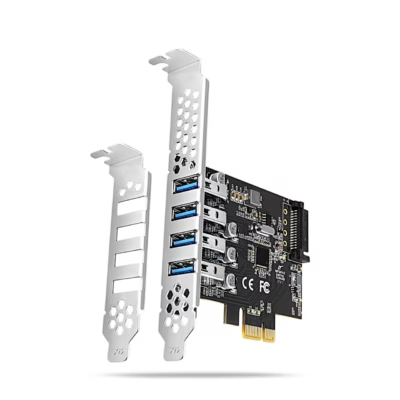
Expansion card with four USB 3.2 Gen 1 Type-A ports
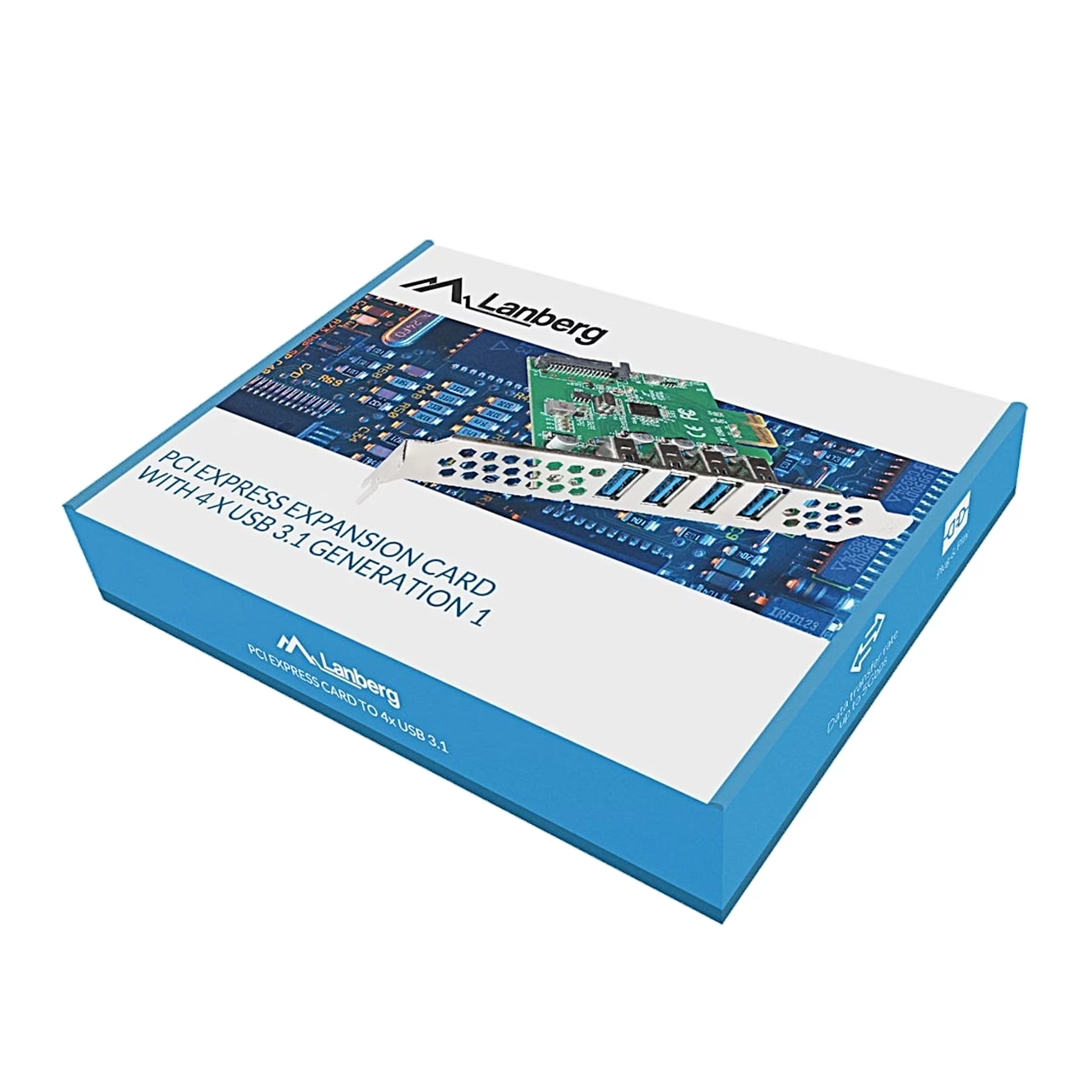
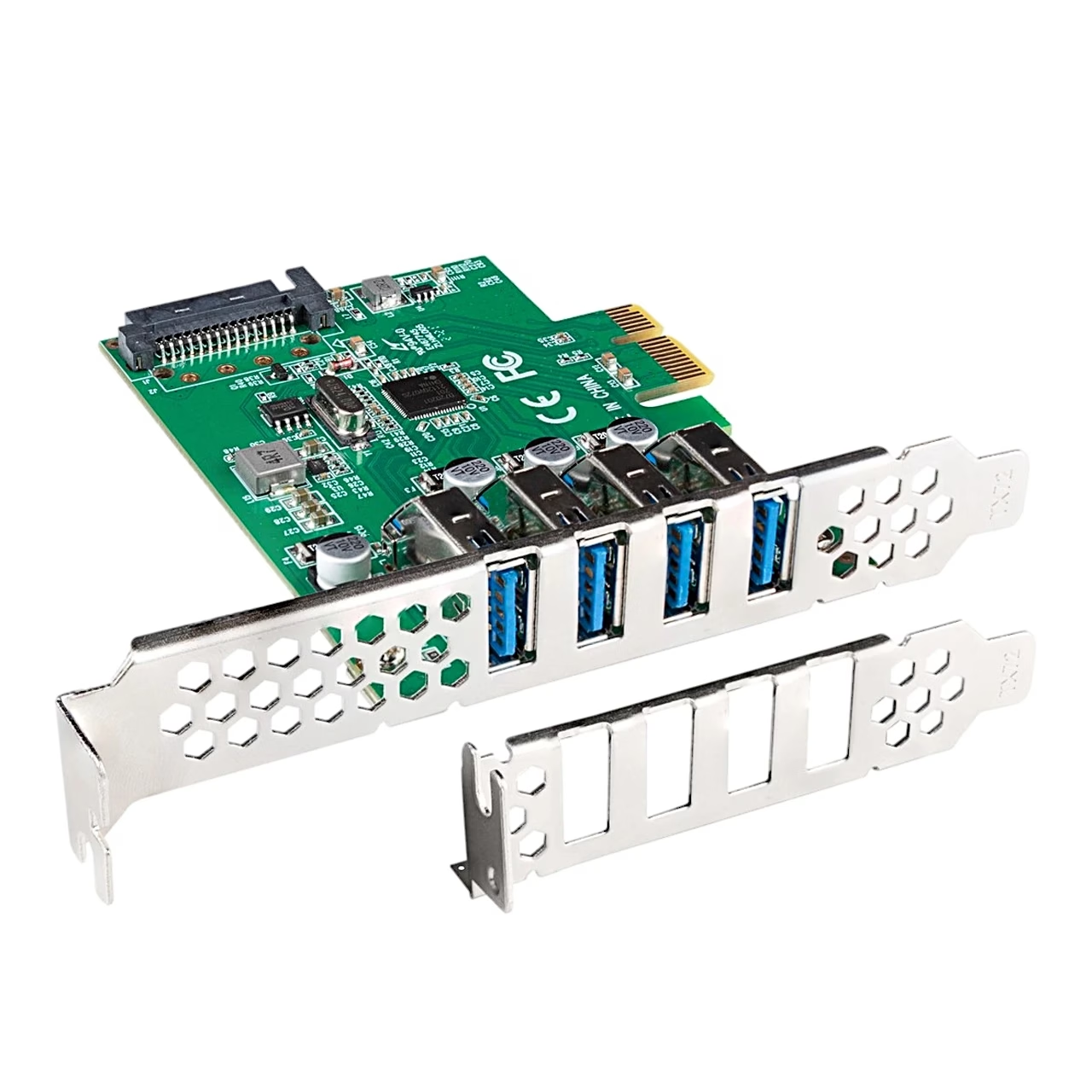
The USB 3.2 expansion card Lanberg PCE-US3-004 is installed inside the computer, and its four USB-A sockets sit at the back of the case. USB 3.2 Gen 1 was formerly called USB 3.1 Gen 1, which is why the box reads USB 3.1 Generation 1. The card takes extra power from the power supply’s 15-pin SATA power connector.
Compatibility
The card works with Windows XP, Vista, 7, 8, 8.1 and 10, and with Windows Server 2008 R2 and Windows Server 2012.
Installation
Before installing, switch the computer off and unplug it from the mains. Open the case, remove a slot cover at the back and fit the card firmly into a PCI Express slot on the motherboard. Screw the bracket to the case, connect the SATA power, close the case and start the computer. Drivers install automatically at start-up; if the card does not work, update the driver in Windows Device Manager or download a new driver from www.lanberg.pl and restart the computer.
In the box
- Lanberg PCE-US3-004 expansion card
- Quick installation guide










































Reviews
There are no reviews yet.