

Description
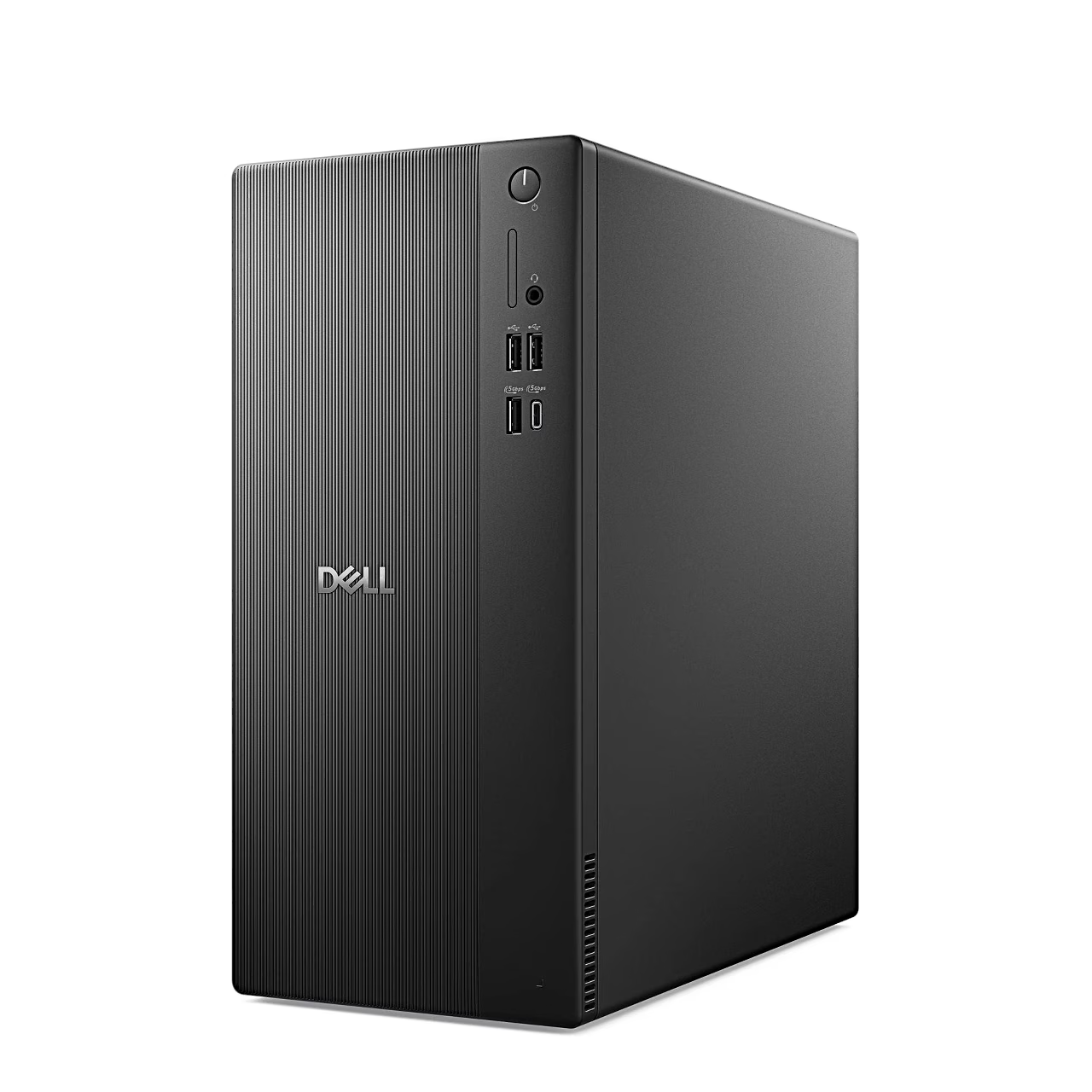
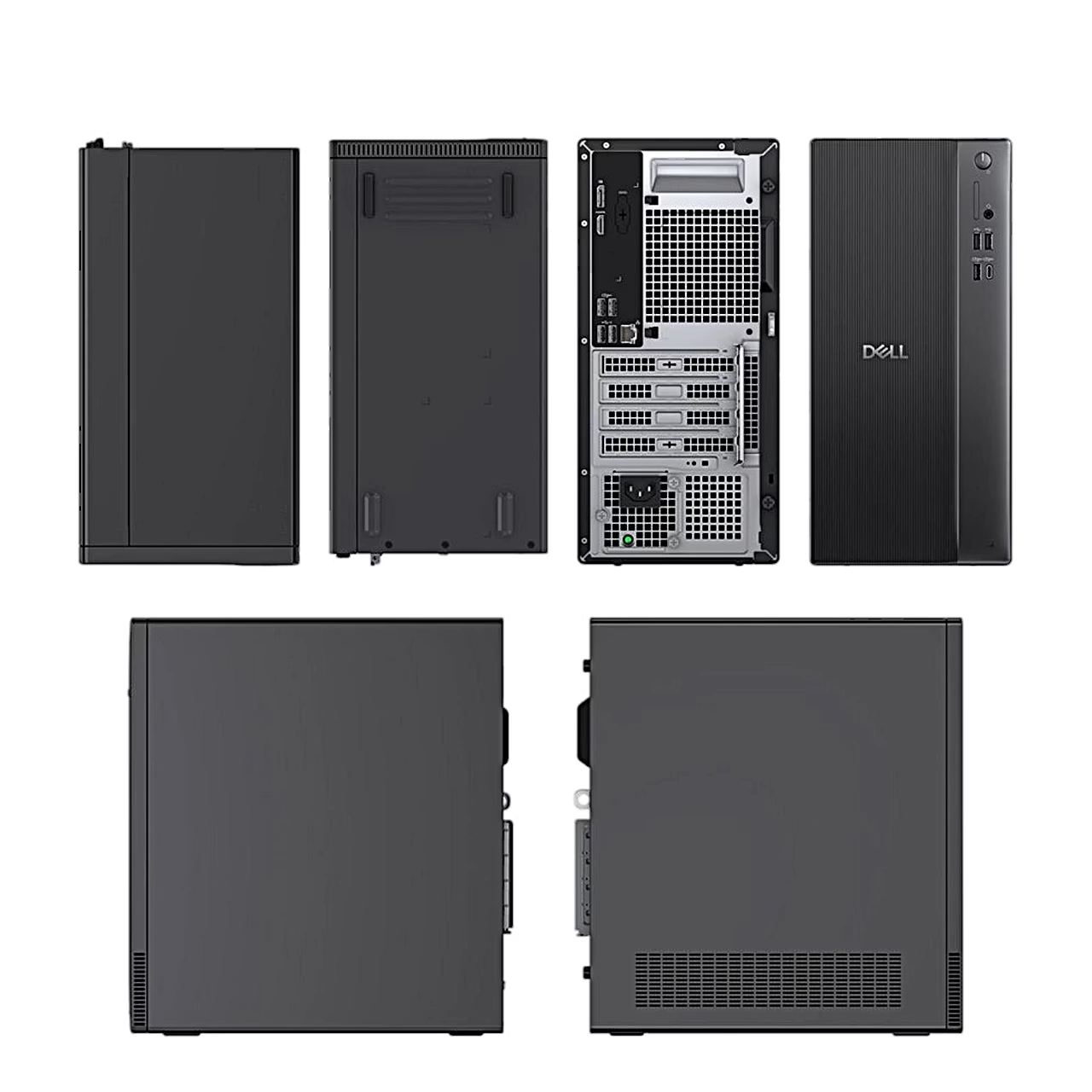
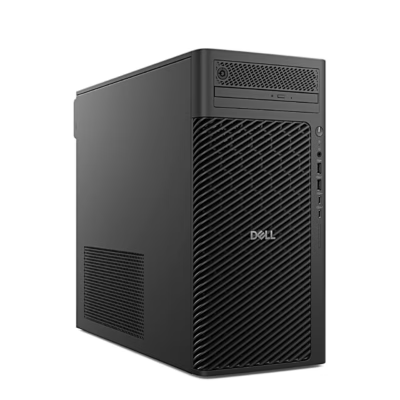
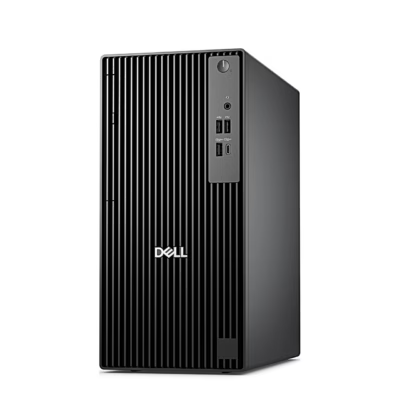
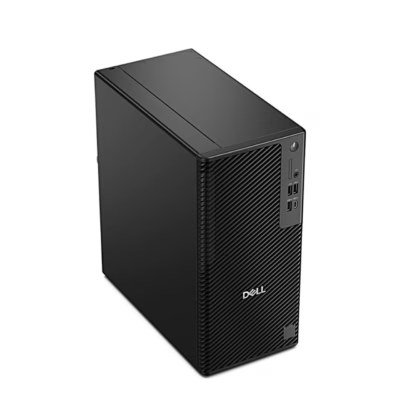
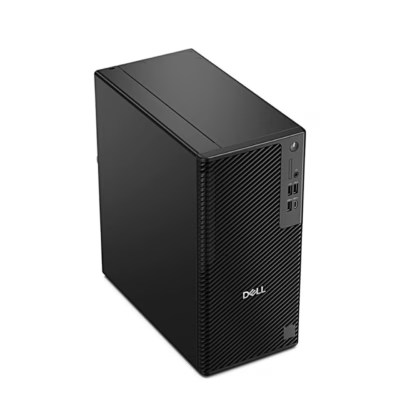
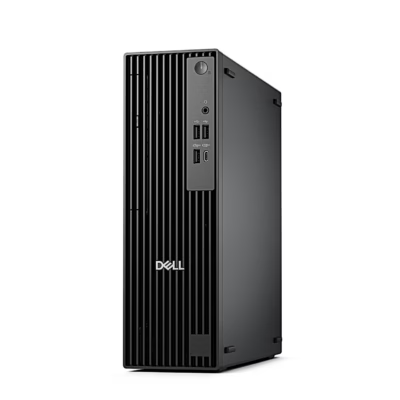
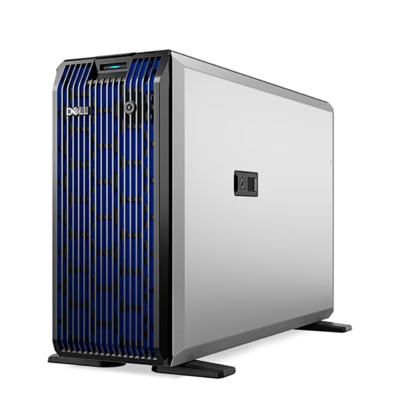
The Dell Pro Tower Essential QVT1260 is a desktop PC in a Midi Tower case with an Intel Core i5-14500, 16 GB of DDR5 memory, a 512 GB SSD and Ubuntu.
Desktop PC with an Intel Core i5-14500 processor
The processor has 6 performance cores, 8 efficient cores and 20 threads, a maximum clock speed of 5 GHz and 24 MB of cache. Graphics come from the integrated Intel UHD Graphics 770, which uses system memory as video memory.
Memory, drives and expansion cards
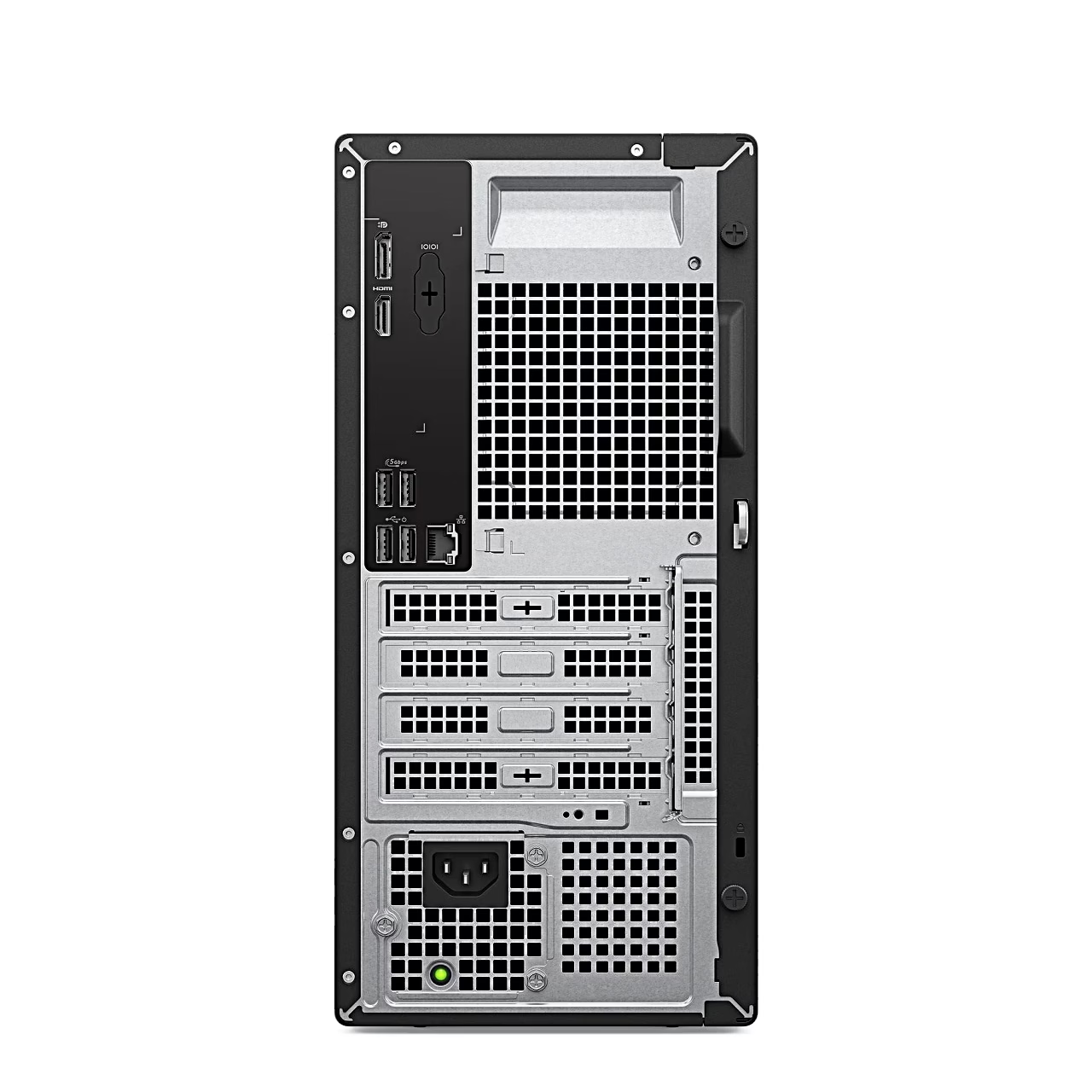
The memory runs at 4800 MT/s and the two UDIMM slots on the motherboard take up to 64 GB of memory. The SSD sits in an M.2 slot and the case has a SATA 3.0 connection for a 3.5-inch hard drive of up to 4 TB. For a graphics, sound or network card there is one full-height PCIe x16 slot and two full-height PCIe x1 slots.
Ports and networking
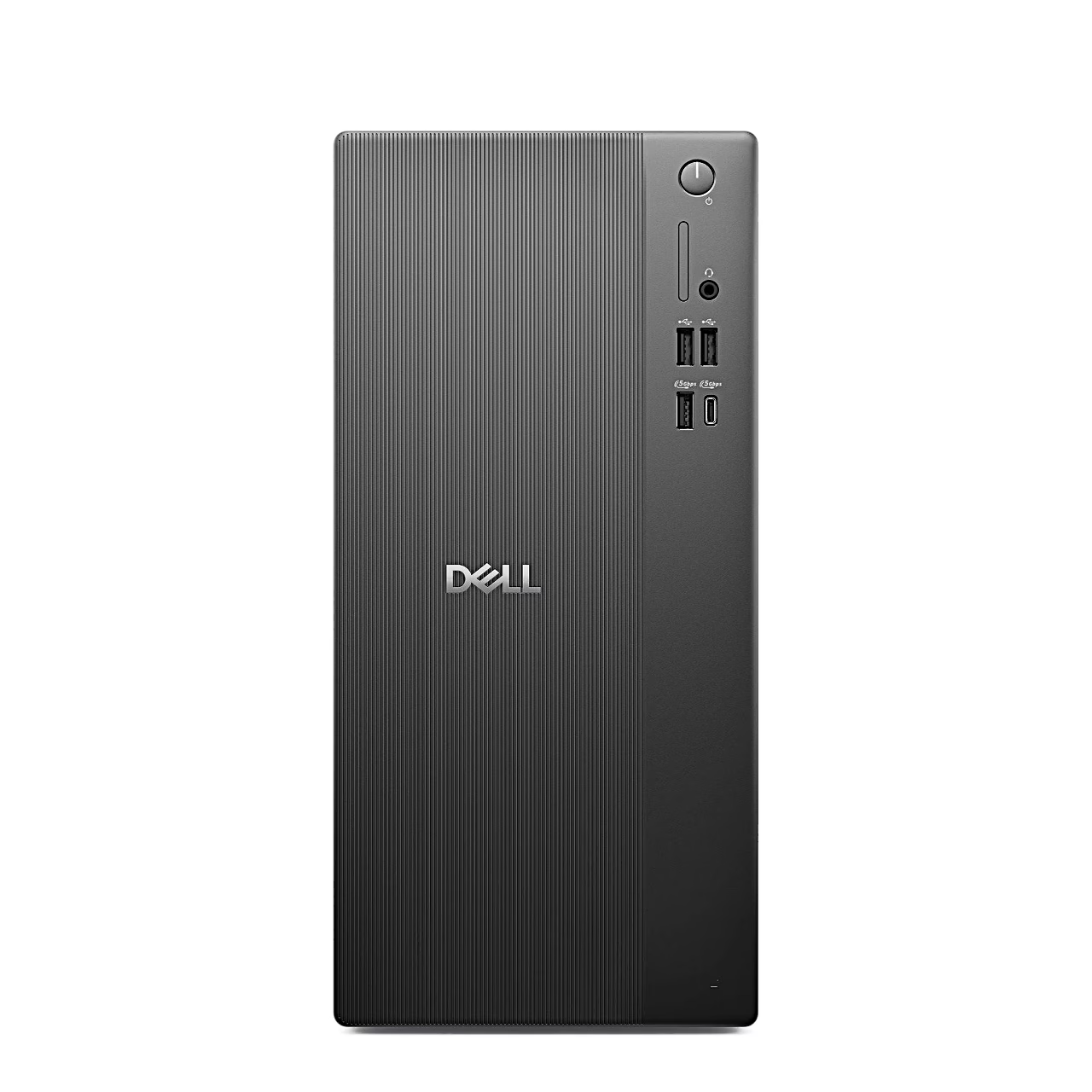
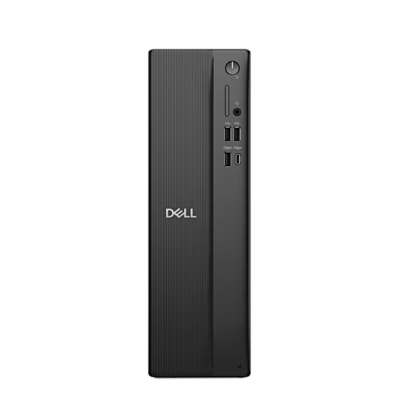
The front panel has two USB 2.0 ports, USB 3.2 Gen 1 Type-A and Type-C ports at 5 Gbps and a combined headphone and microphone jack. The rear panel has DisplayPort 1.4a up to 4096 × 2304 at 60 Hz, HDMI 2.1 up to 4096 × 2160 at 60 Hz, two USB 3.2 Gen 1 and two USB 2.0 ports and a 1 Gbps RJ45 network port, and the computer connects wirelessly over Wi-Fi 6. With USB wake enabled in the BIOS, a keyboard or mouse connected to the rear USB 2.0 ports wakes the computer from hibernation. The computer can be secured with a Kensington lock and the case closed with a padlock.
In the box
- Dell Pro Tower Essential QVT1260 desktop PC
- Dell KB216 wired keyboard with US International layout
Getting started
Plug the keyboard into a rear USB port, connect the network cable, the display and the power cable, press the power button on the front and finish the Ubuntu setup by following the on-screen instructions. Holding the power button for four seconds forces the computer to shut down.










































Reviews
There are no reviews yet.