

Description
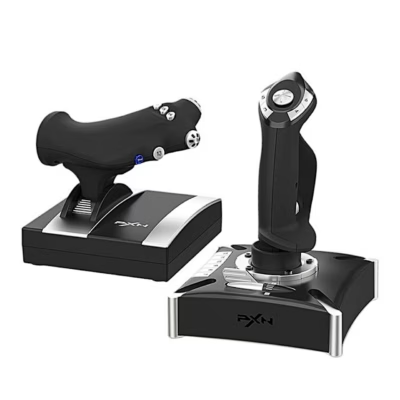
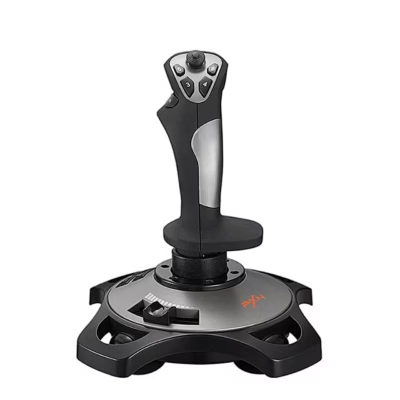
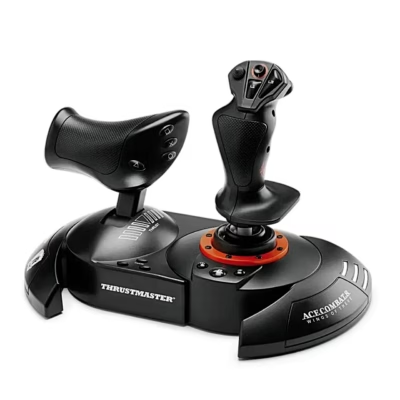
Flight simulator joystick with a twist stick and throttle for PC
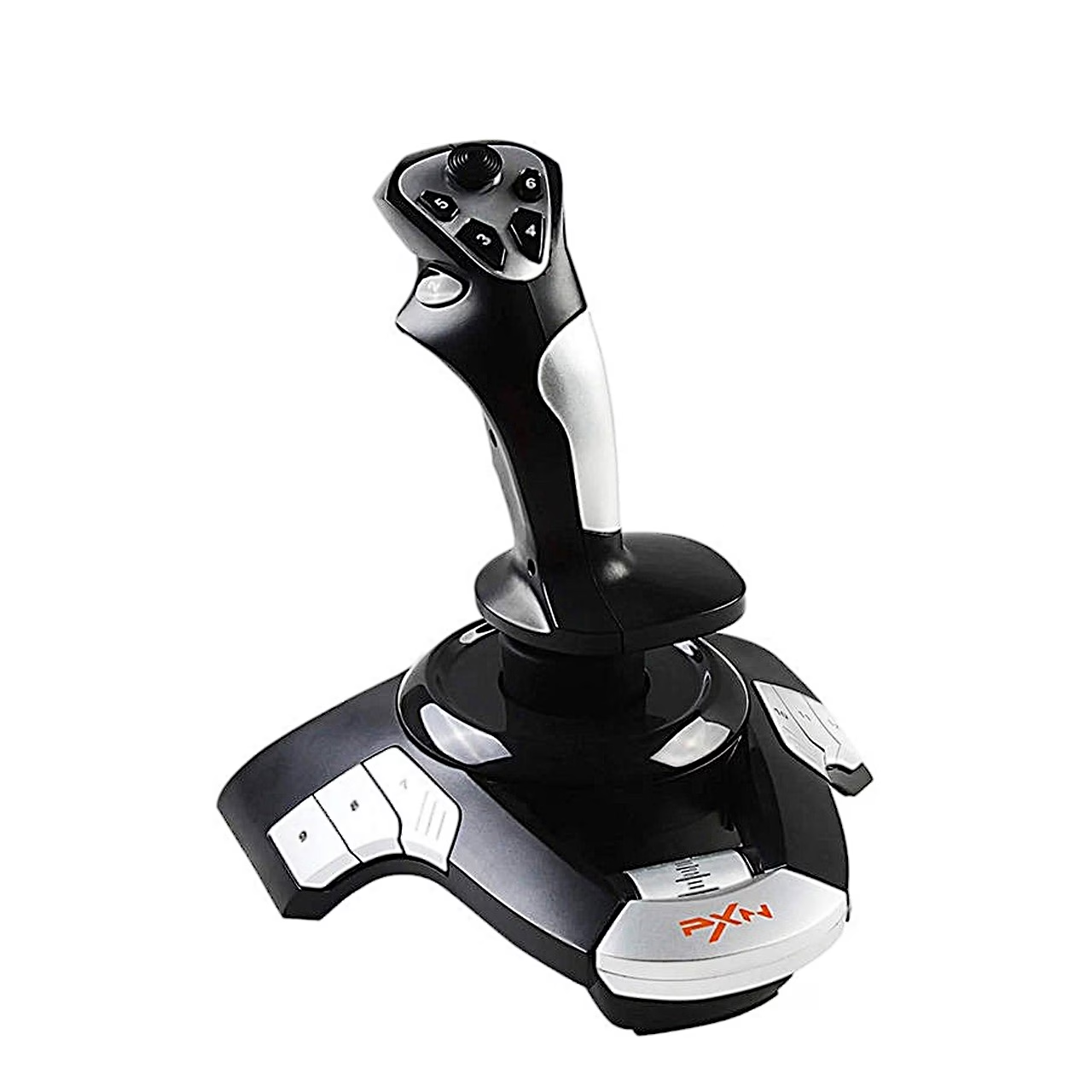
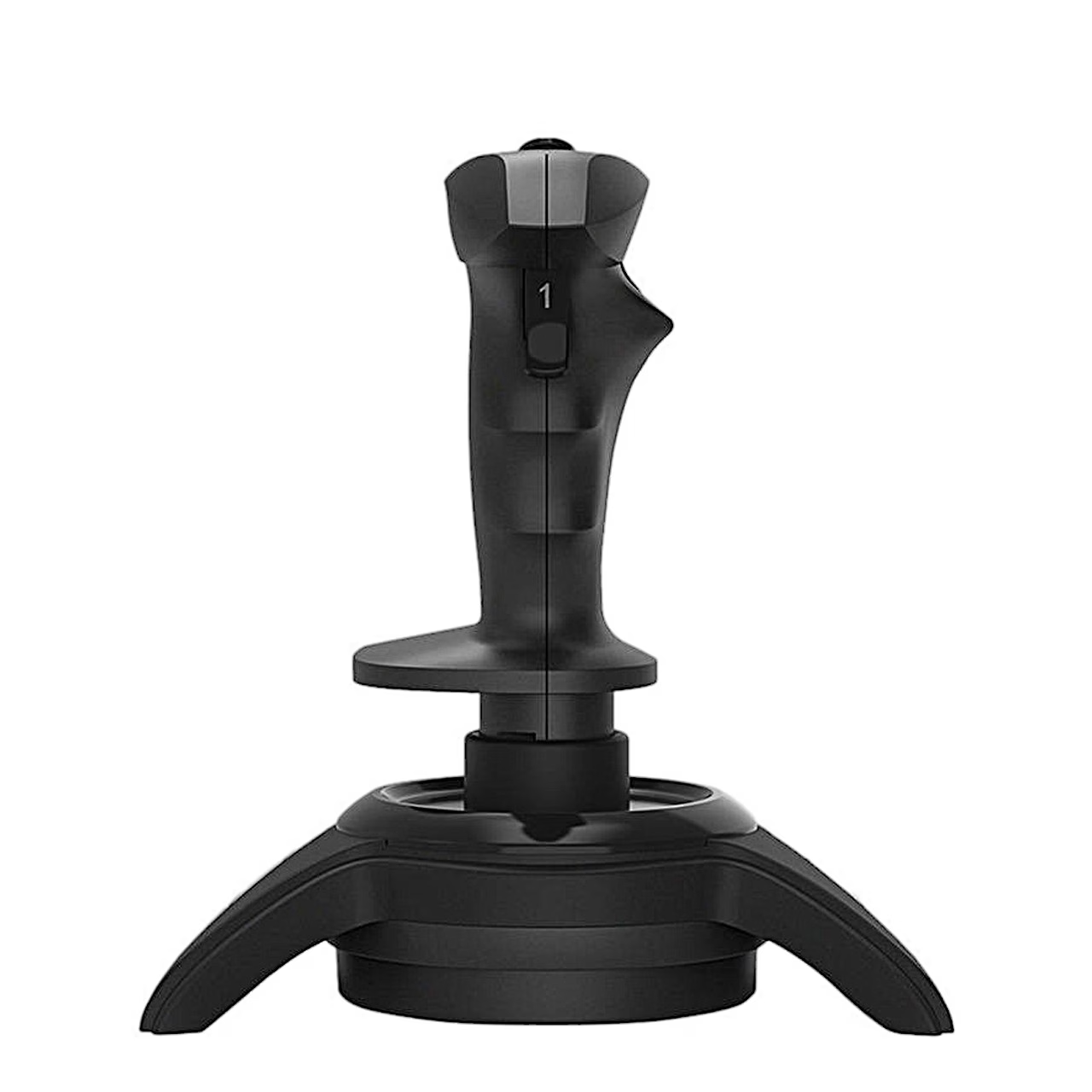
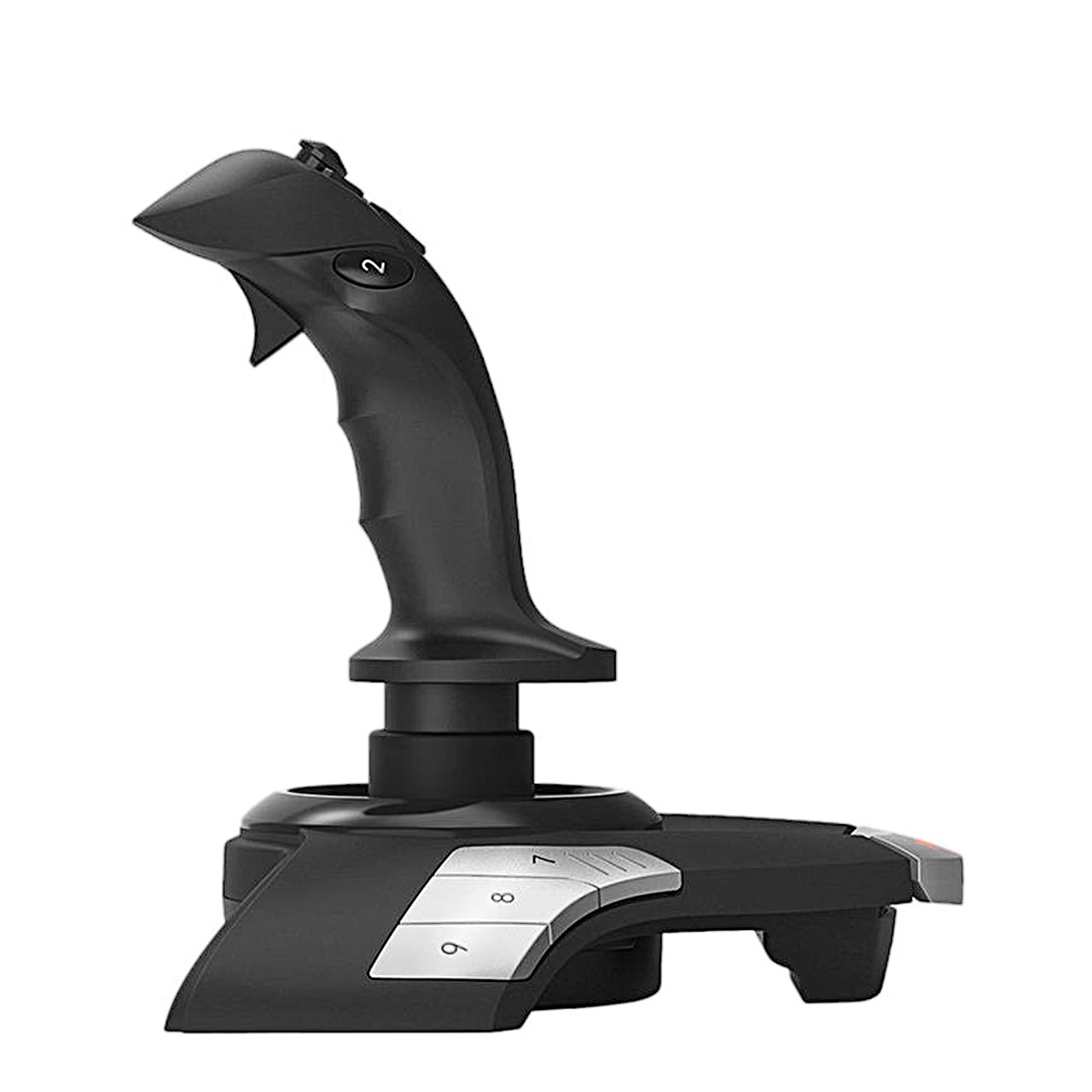
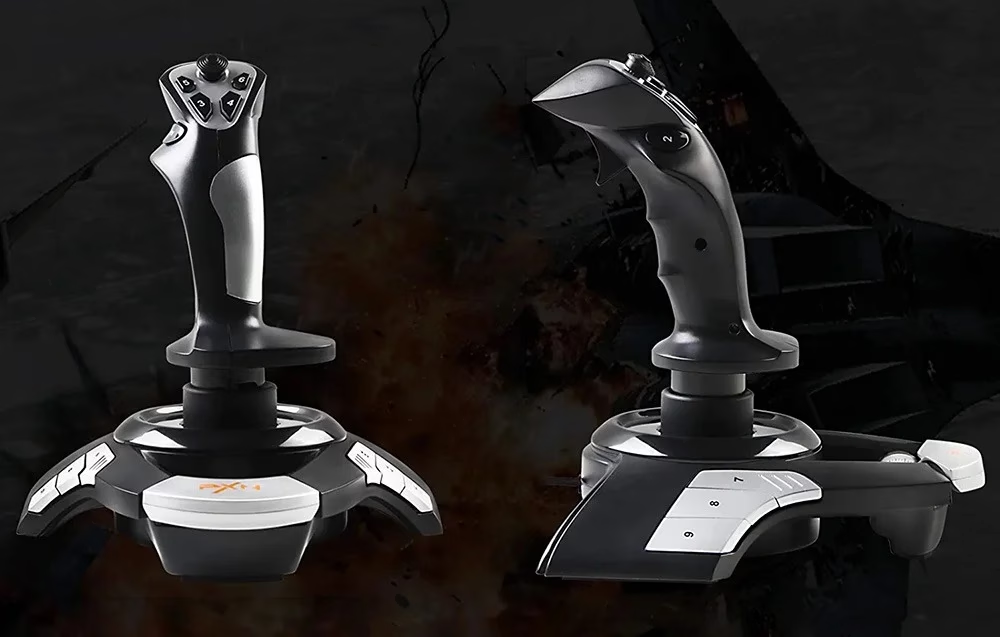
Plugging into a PC USB port, the PXN F16 flight simulator joystick has 12 buttons, an 8-way hat switch, a throttle and built-in vibration, and works with Windows XP, 7, 8, 10 and 11.
Four control axes
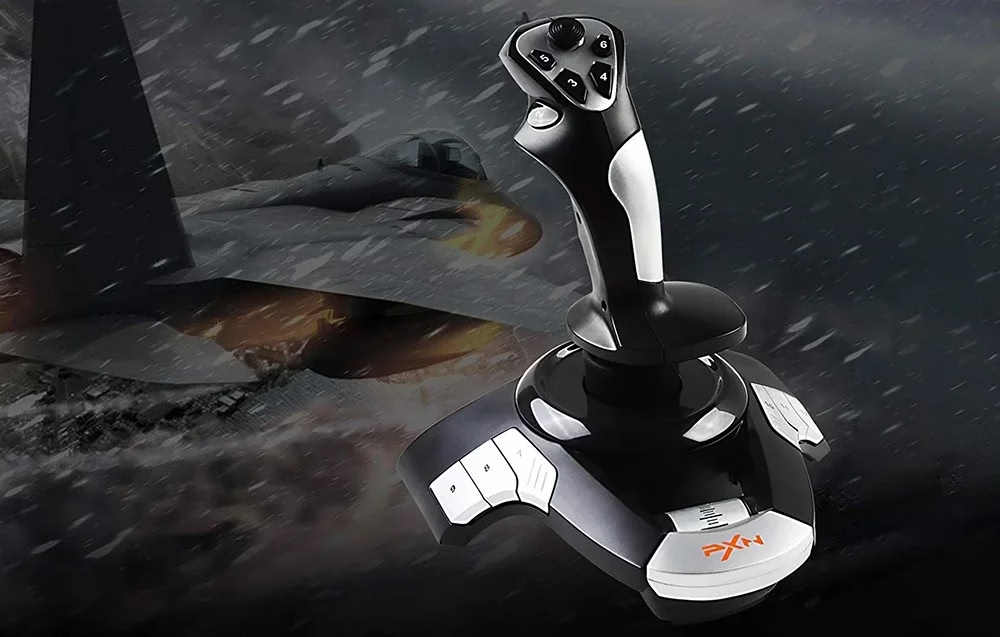
Besides the X and Y axes, the stick twists around its own axis, which Windows reads as the Z rotation axis. The throttle on the front of the base works as the Z axis, so engine power is controlled separately from the stick.
Buttons, hat switch and rapid-fire trigger
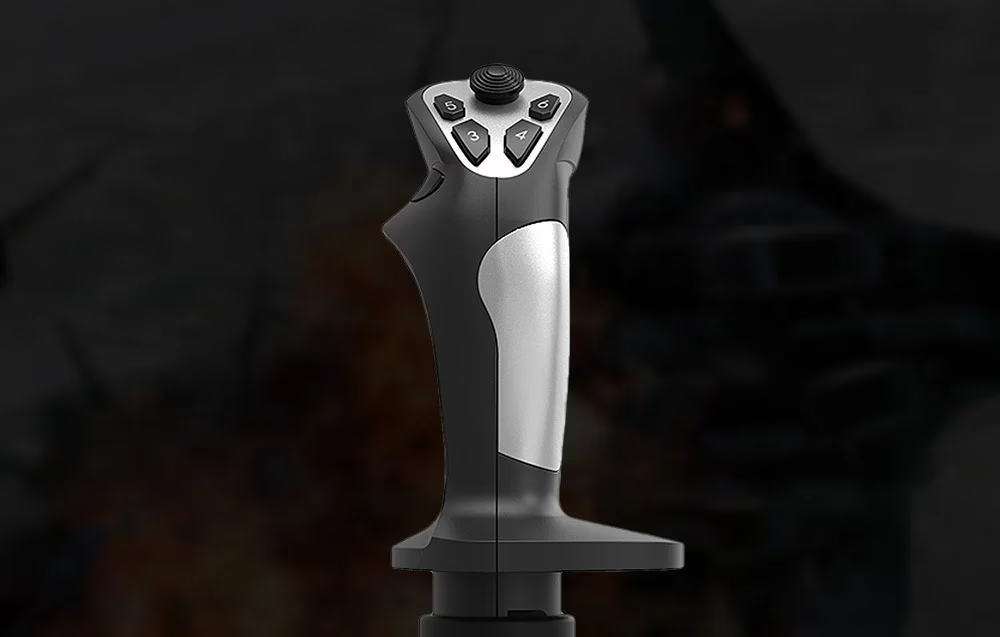
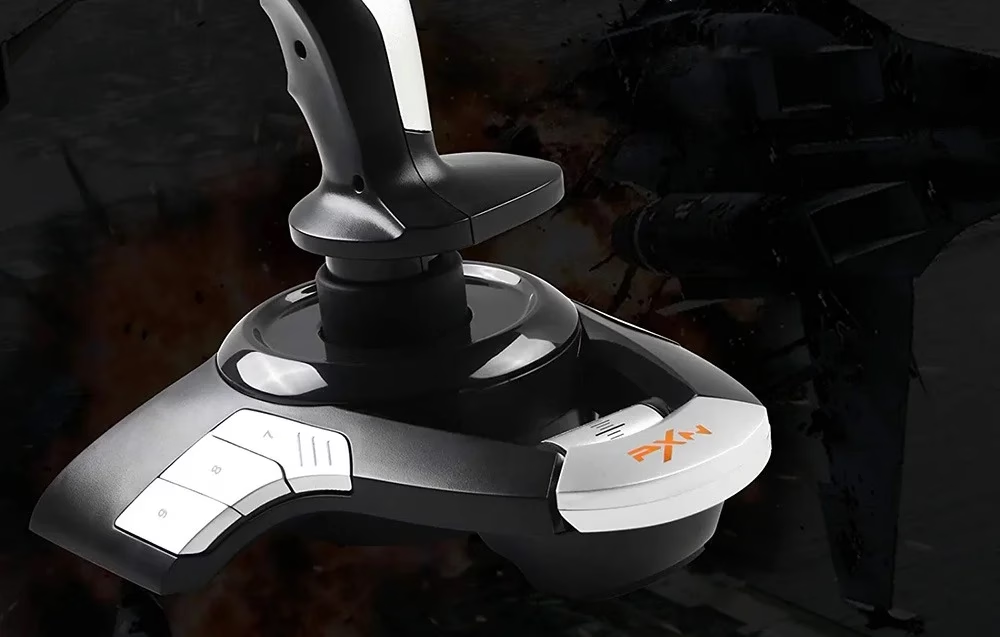
The top of the stick carries an 8-way hat switch for quick view changes, with a rapid-fire trigger under the index finger. Programmable buttons sit on the sides of the base.
Vibration and non-slip base
A switch under the base turns vibration on and off. The underside of the base has non-slip silicone.
Connecting to a PC
When the joystick is plugged into a USB port, Windows installs it automatically. On Windows 7 and 8, open Control Panel and Devices and Printers, right-click the PXN-F16 icon and choose Properties in the game controller settings to test every axis and button. On Windows 10 the same icon is under Settings, Devices.








































Reviews
There are no reviews yet.