

Description
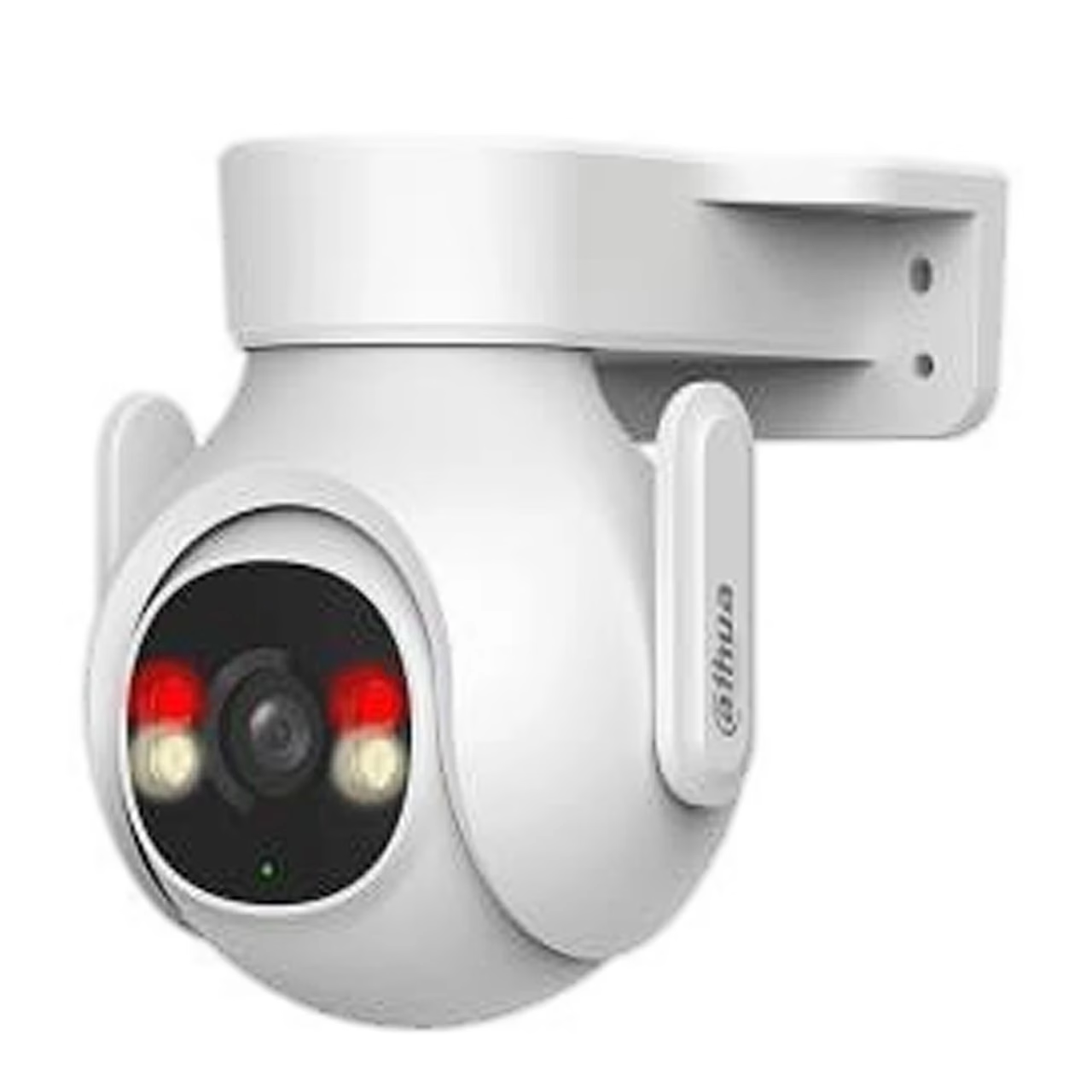
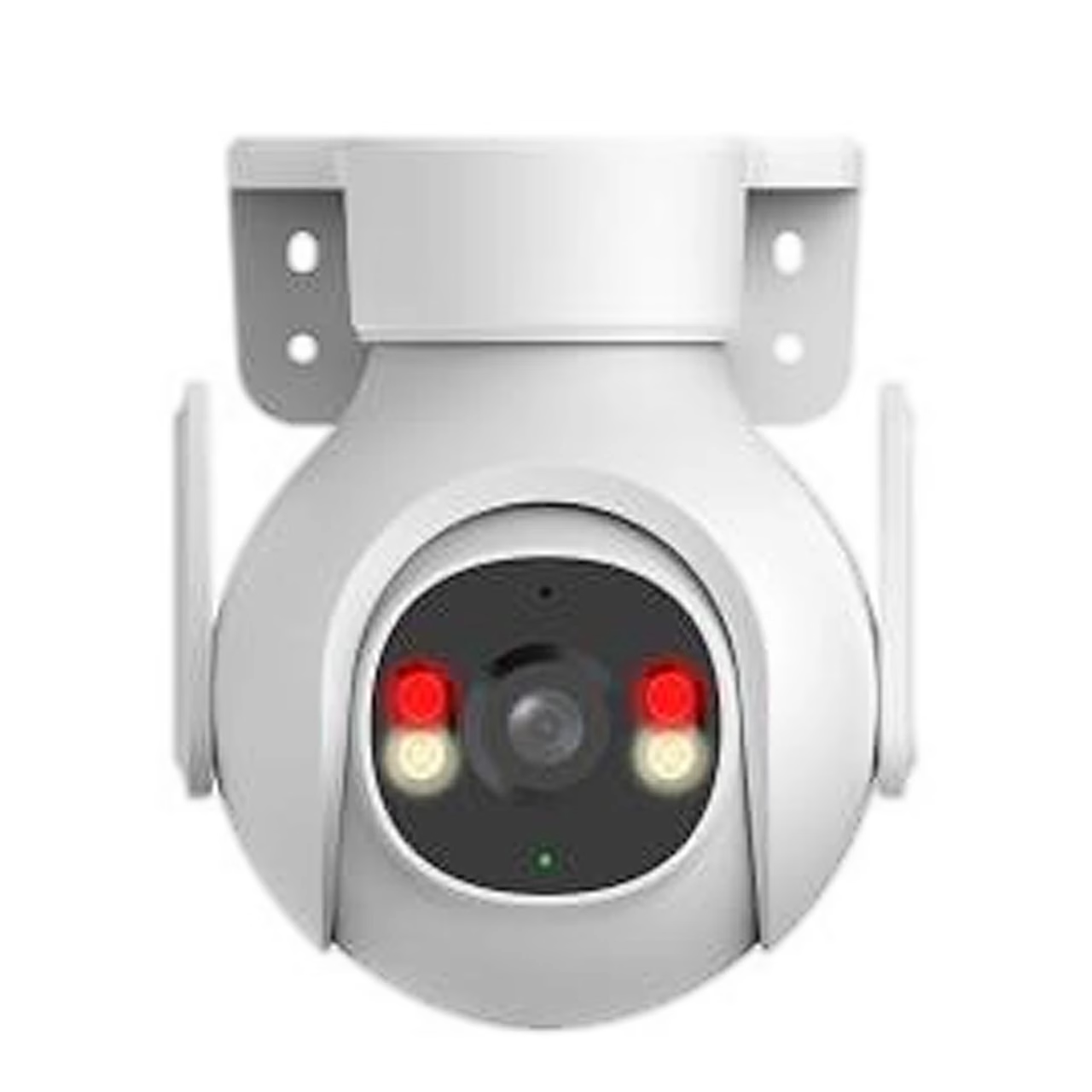
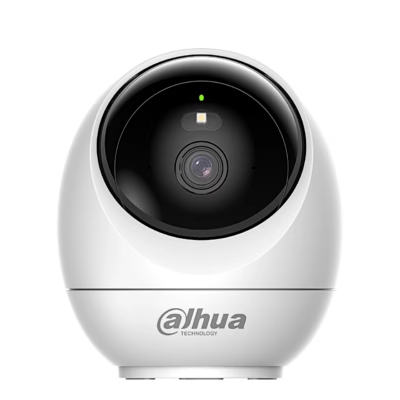
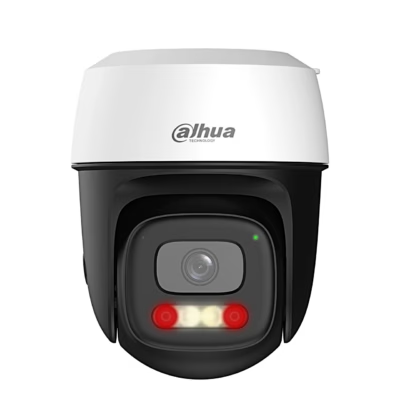
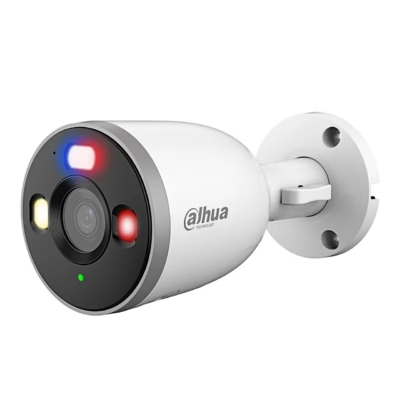
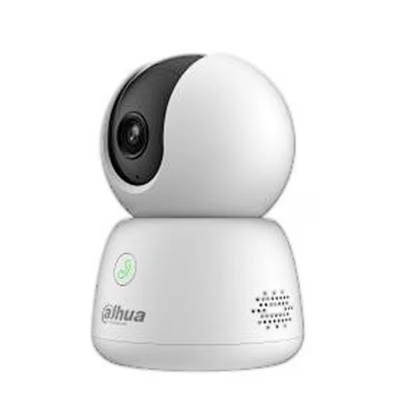
Pan-tilt security camera with colour night vision and siren
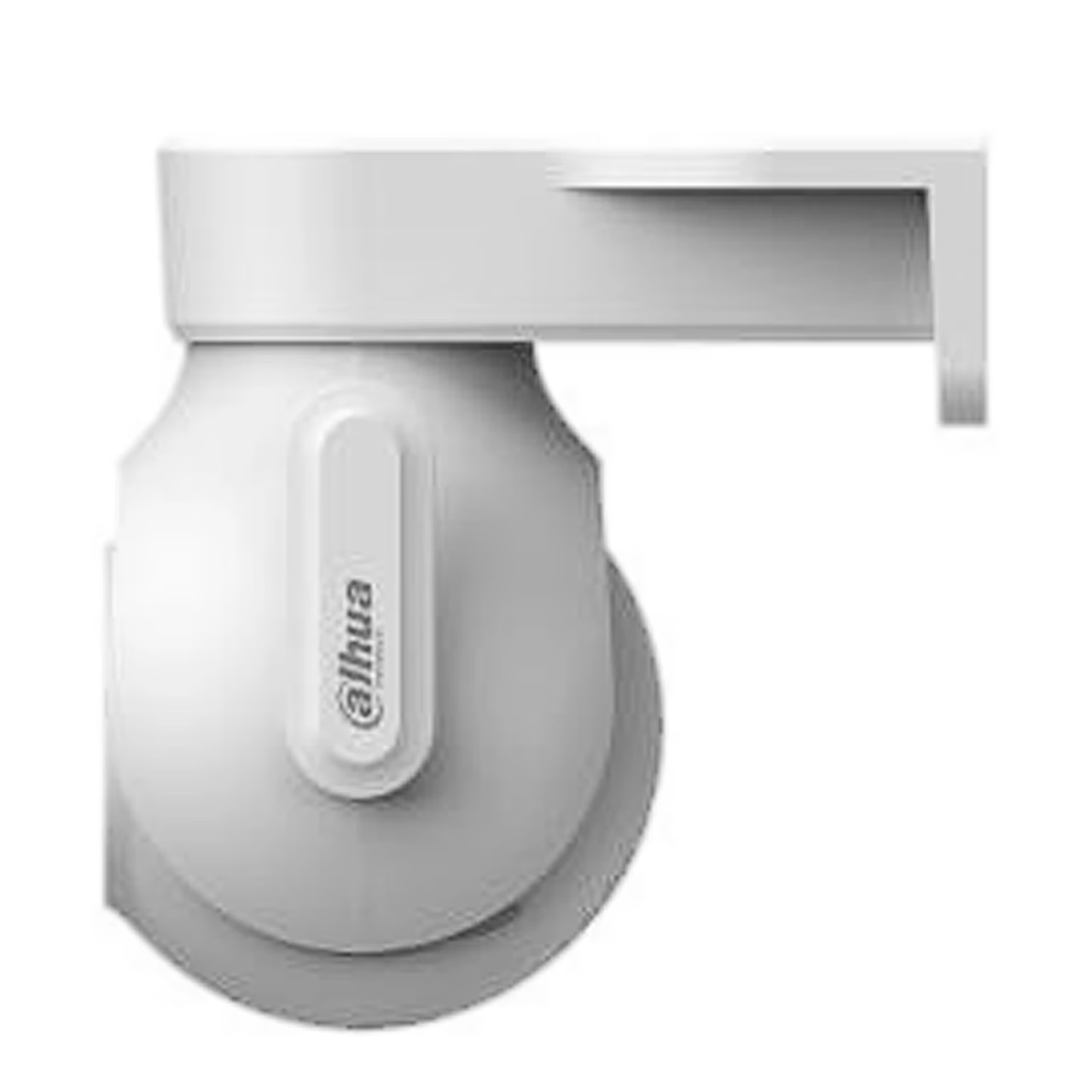
The Dahua P5B-PV is a Picoo-series pan-tilt security camera with an IP66-rated housing: it is dust-tight and protected against powerful water jets. The camera head pans horizontally 0–355° and tilts 0–90°, so one camera can watch its surroundings in every direction. The camera connects to 2.4 GHz Wi-Fi 6 (IEEE 802.11ax) or to a network cable through its RJ-45 port.
Image, night vision and auto tracking
The camera records video at 2880 × 1620 pixels at up to 30 frames per second and compresses it with H.265. The lens has an F1.6 aperture and a field of view of 93° diagonal, 78° horizontal and 40° vertical. Two IR LEDs and two warm-light LEDs light up to 30 m, and the lighting mode can be set to smart illumination, white light or IR. Auto tracking turns the camera to follow a moving target, and in patrol mode the camera moves regularly through saved positions.
Detection, alarm and two-way audio
AI detection tells people and vehicles apart. When an intrusion is detected, the camera triggers a sound and light alarm and sends a notification to the DMSS app. The camera also detects abnormal sounds and sends an alarm about them. With the built-in microphone and speaker you can talk in real time to a person in front of the camera.
Storage and the DMSS app
Video is stored on a microSD card of up to 256 GB in the camera. The camera is set up and viewed in the DMSS app for iOS and Android. It is added to the app by scanning its QR code and entering the Wi-Fi password, with the phone on Wi-Fi and Bluetooth switched on.
Installation
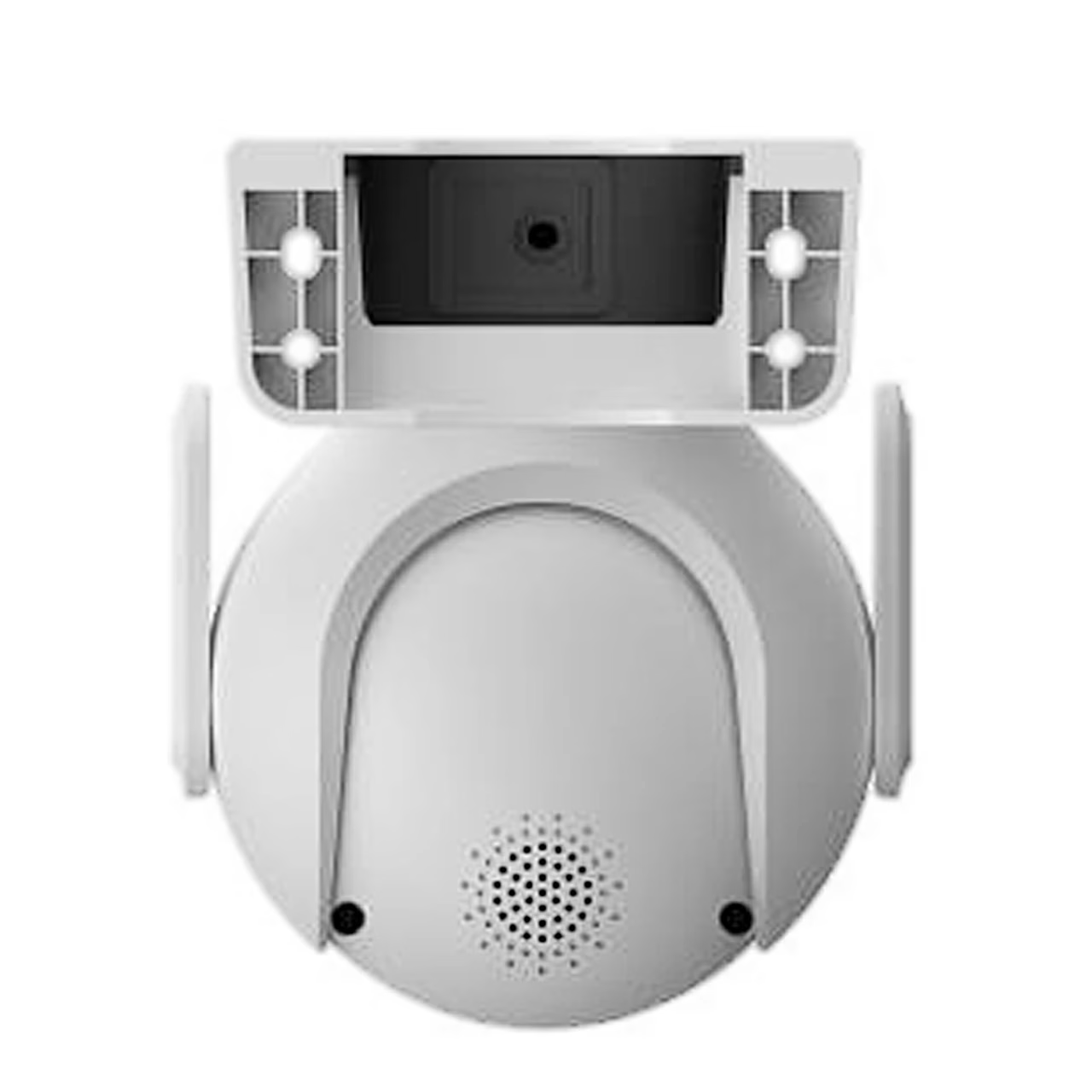
The camera mounts on a wall or ceiling: the fixing holes are drilled with a 5 mm bit and the camera is fixed with a PH2 screwdriver. The mounting surface must hold at least three times the weight of the camera and bracket. Choose a spot with a clear view and a strong Wi-Fi signal, and keep the antenna at least 10 cm from metal, walls and other conductive objects. Switch off the power before inserting or removing the microSD card.
Cleaning and care
Clean the housing with a soft dry cloth, or with a cloth moistened with a neutral detergent for stubborn dirt, then wipe the surface dry. Ethyl alcohol, petrol, benzene, thinners and abrasive cleaners damage the housing. Remove dust from the lens with an air blower. To restore factory settings, hold the reset button for 5 seconds.
In the box
- Dahua P5B-PV camera, 1 pc
- Power adapter, 1 pc
- Screw and wall anchor set, 1 pc
- Waterproof network cable connector, 1 pc
- Documents, 2 pcs












































Reviews
There are no reviews yet.