
Description
Rotary for engraving cylindrical objects, spheres and rings
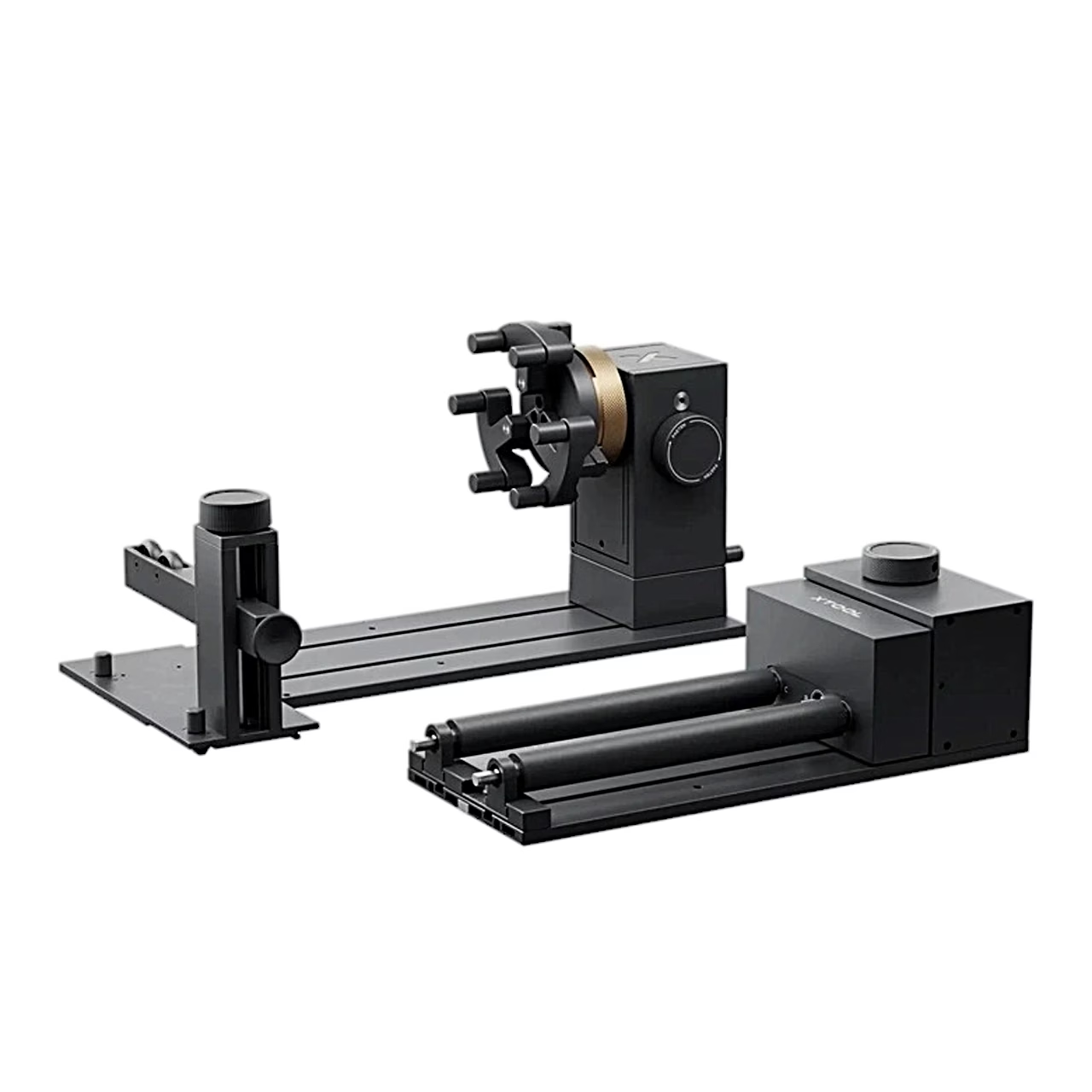
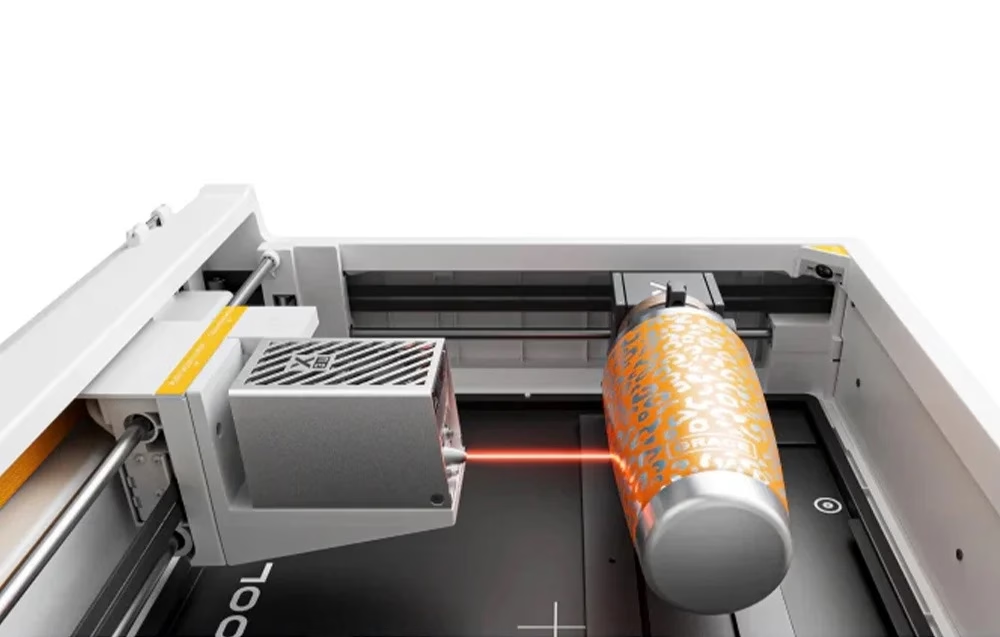
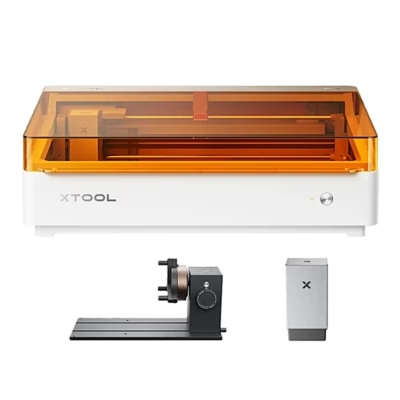
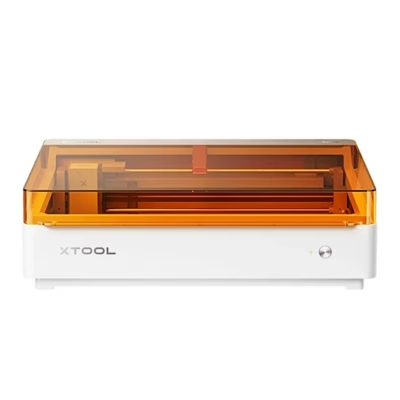
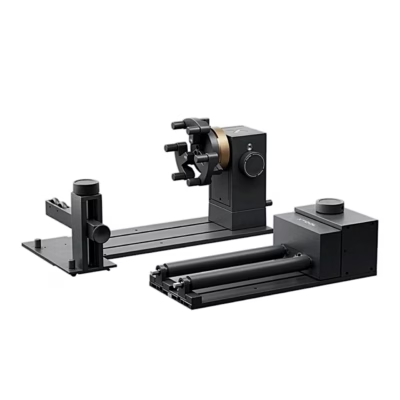
The xTool RA3 Lite rotary is an accessory for the xTool M2 laser engraver that lets you engrave round objects all the way around. In horizontal laser emission mode the M2 takes objects up to 100 mm in diameter.

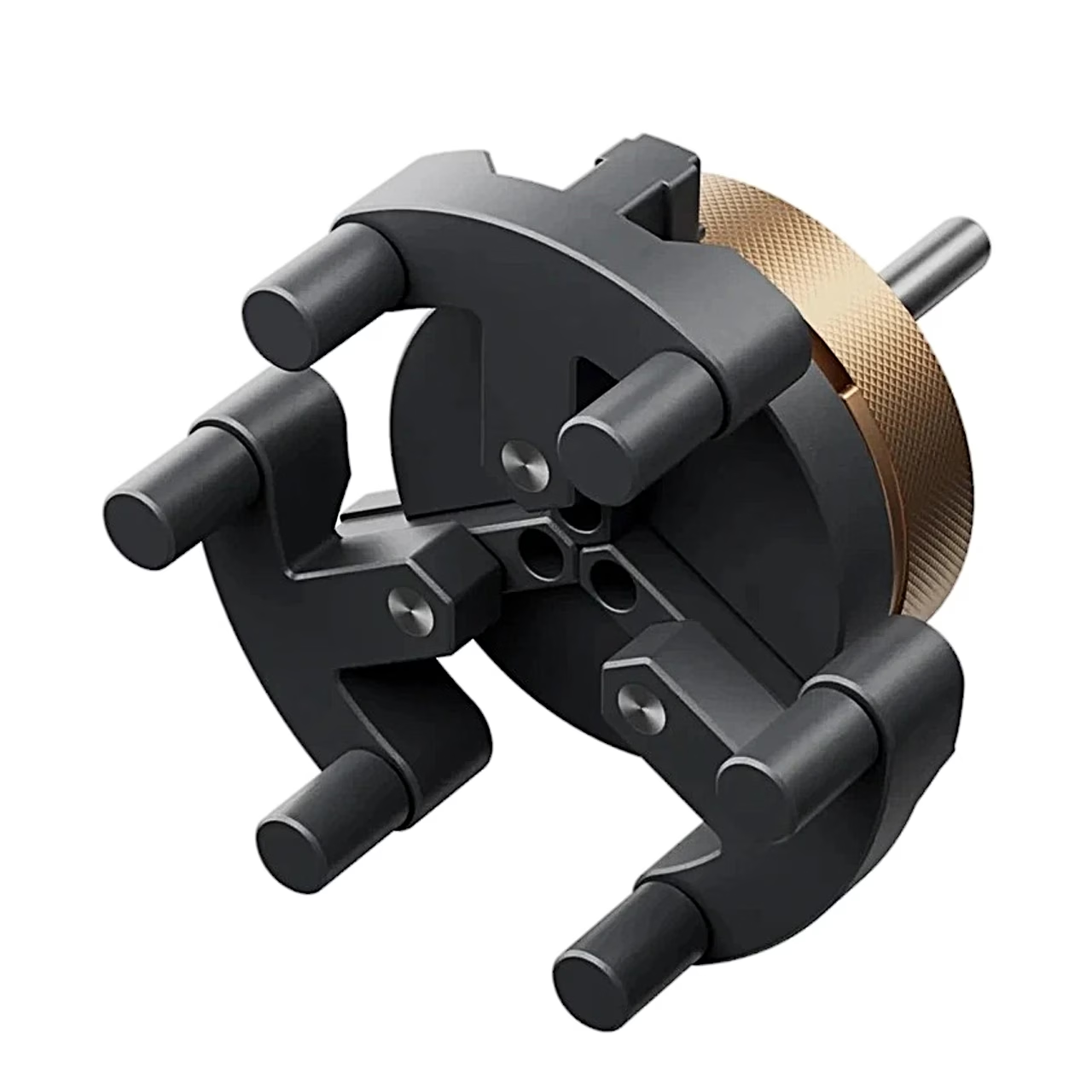
Three jaw types for different shapes
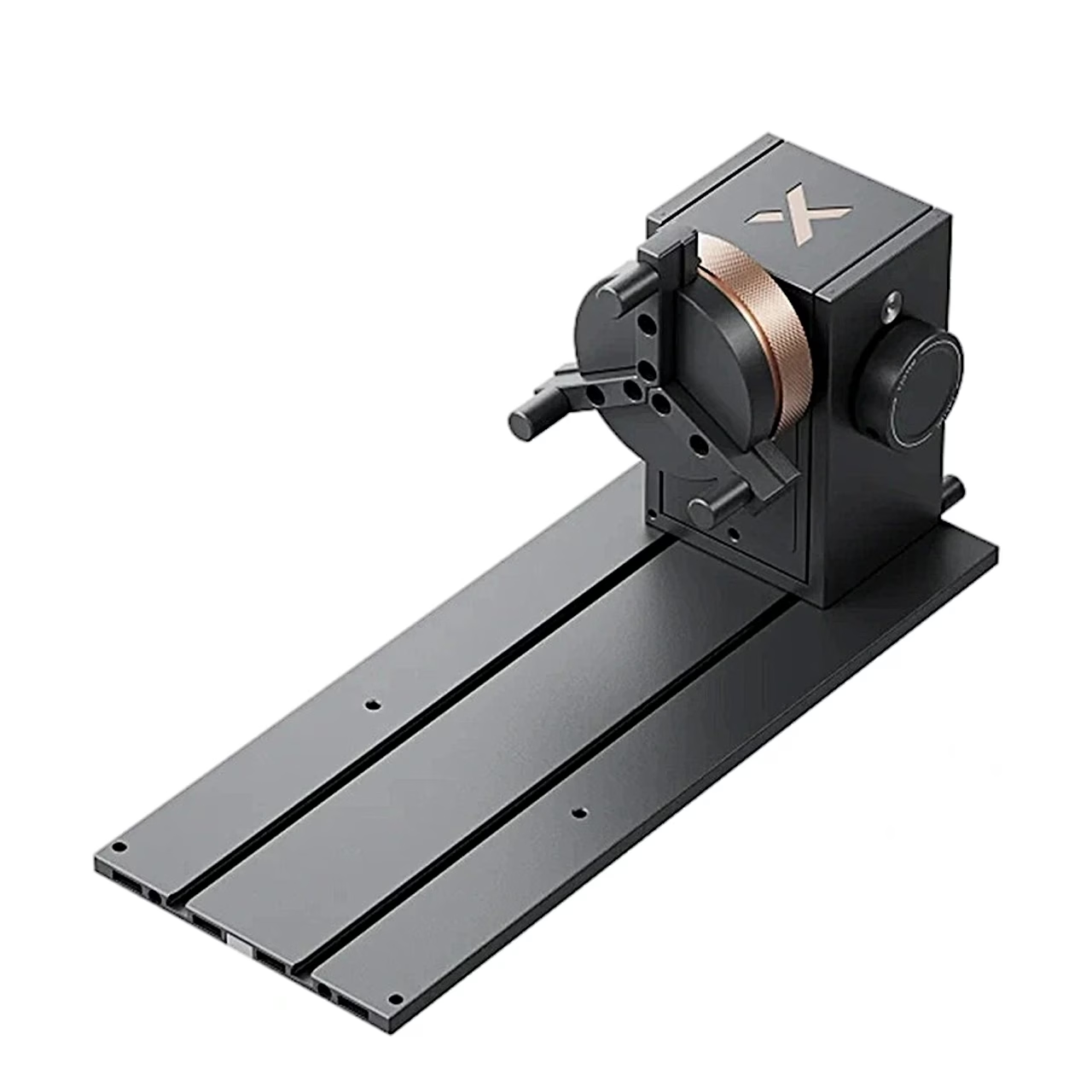
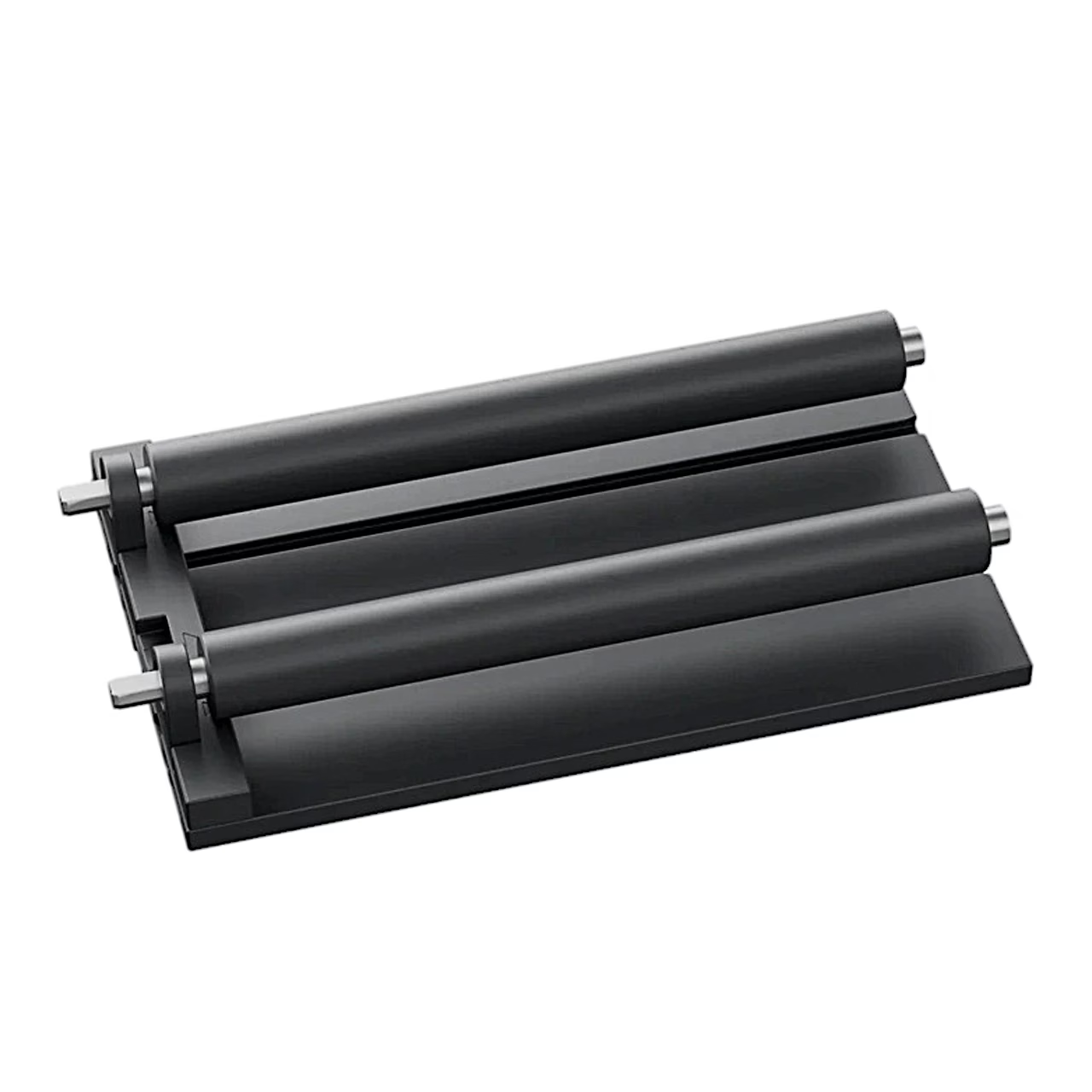
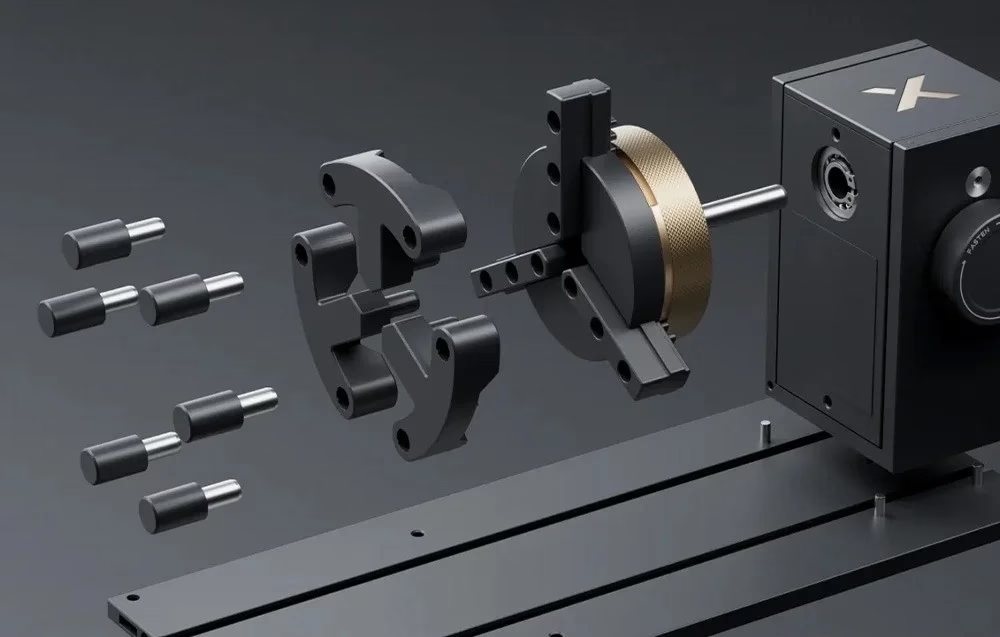
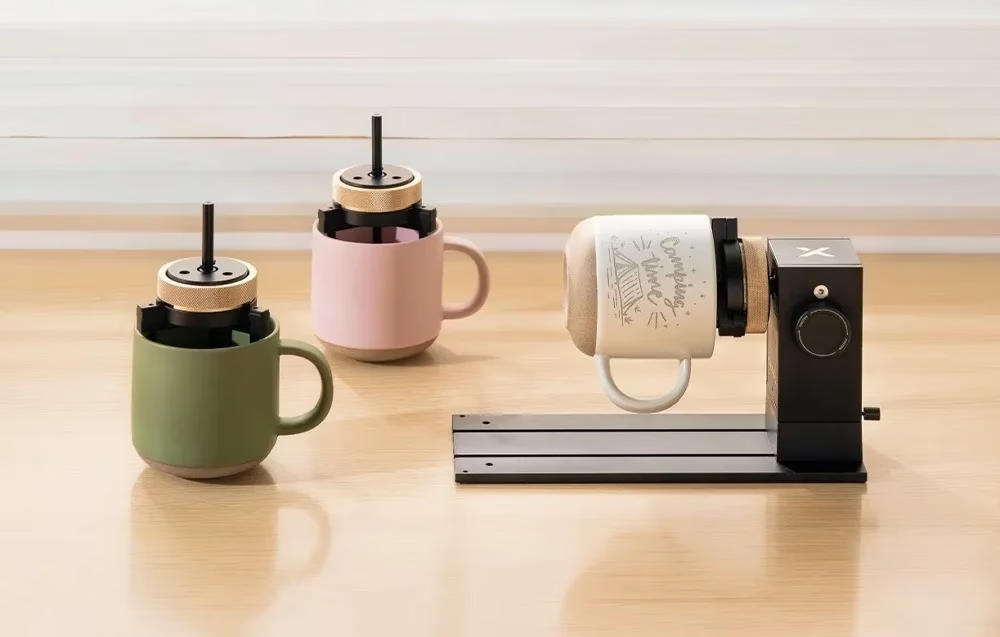
The jaw chuck takes cylindrical, T-shaped and extended jaws. Extended jaws suit objects under 80 mm in diameter and go in the middle or innermost holes of the chuck, cylindrical and T-shaped jaws in the outermost holes. The support module carries the other end of a long object, with the height of its two wheels set by a knob. The modules join with a magnetic quick release.
Holding spheres and rings
A sphere sits between the jaws and the bell mouth of the support module. A ring goes onto the stud components and is secured by turning the knob.
Installing in the xTool M2
- Switch off the xTool M2 and remove the module connection cable and the laser module.
- Attach the horizontal laser emission holder to the multi-function module holder, fit the laser shield to a 10 W, 20 W or 40 W laser module and attach the laser module to the holder.
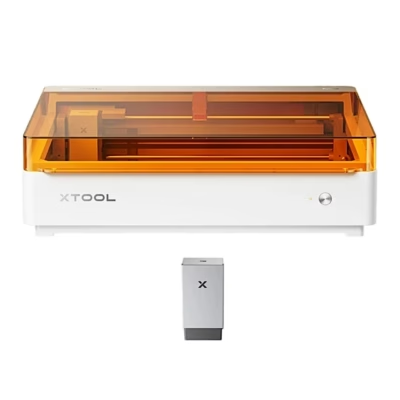
- Place the power module with the baseplate near the centre of the machine and plug the device connection cable into the port on the back of the power module.
- Set the rotary against the positioning plates, mount the workpiece and plug the other end of the cable into an M2 extension port.
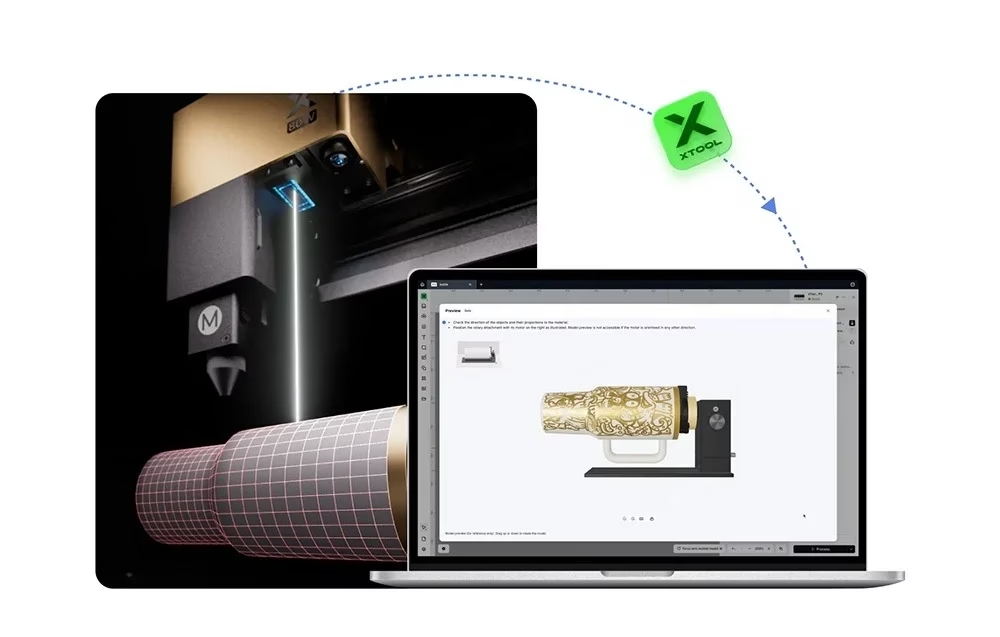
- Close the lid, check that the cable runs through the notch in the lid, and continue in the xTool software.
Once installed, the rotary works inside the M2 with horizontal laser emission.
Cleaning
Clean the rotary with a dry cloth.
In the box
- Rotary xTool RA3 Lite, 1 pc
- Jaw chuck
- Cylindrical jaws
- T-shaped jaws
- Extended jaws
- Power module
- Main baseplate
- Support module
- Stud components
- Laser shield
- Horizontal laser emission holder
- Positioning plate
- Device connection cable
- Tape measure








































Reviews
There are no reviews yet.