

Description
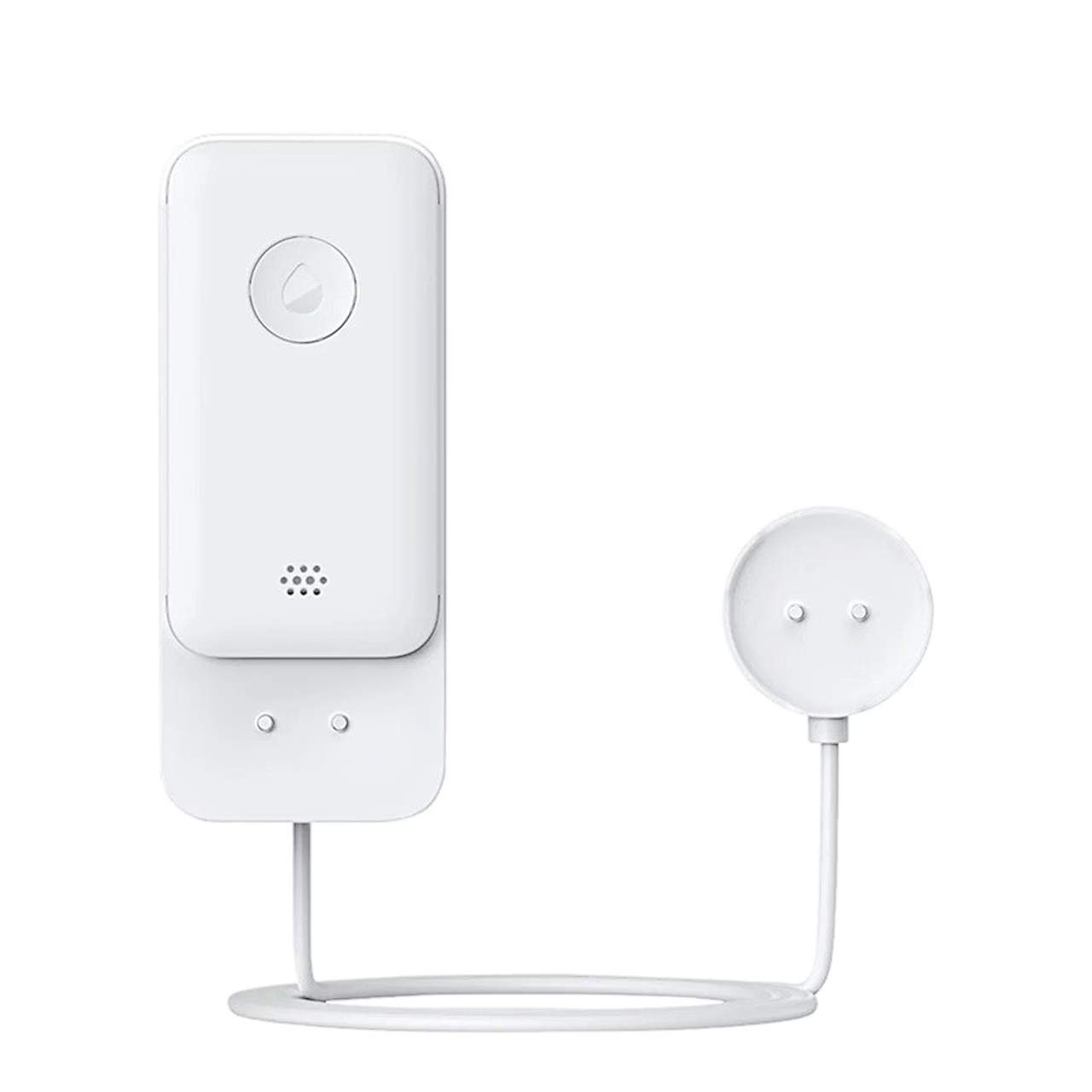
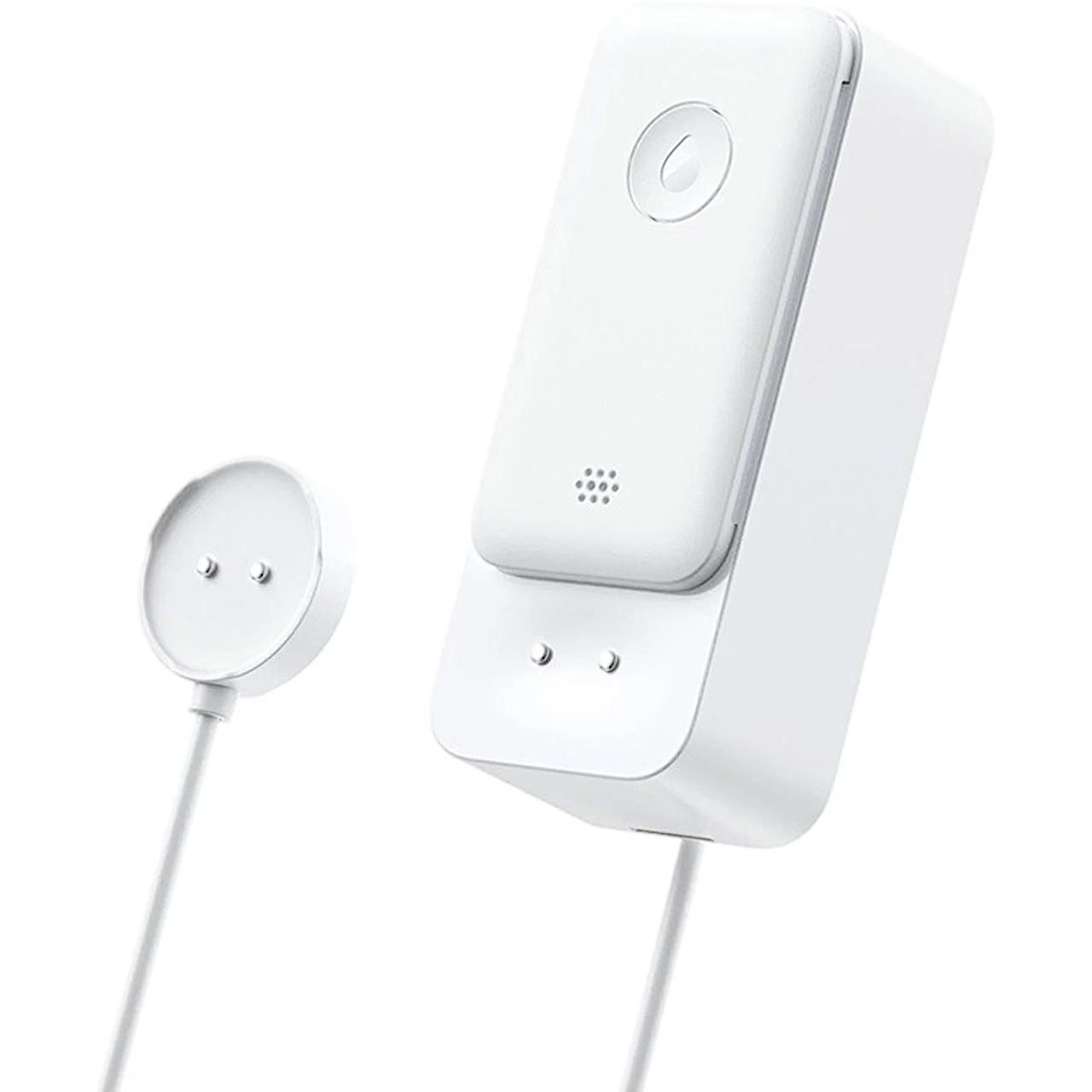
SwitchBot water leak sensor with cable W4402010 – Wi‑Fi, IP67
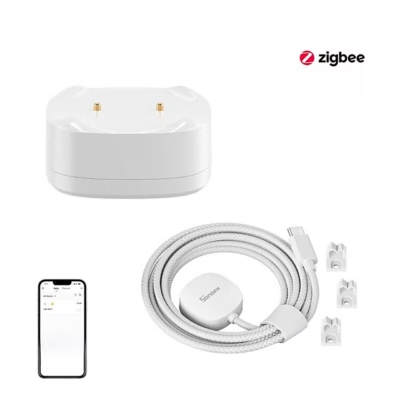
Water damage often starts with unnoticed dripping. The SwitchBot water leak sensor with cable W4402010 detects drips, leaks and flooding early, and sends you an alert even when you are away from home. The version with a cable also lets you monitor the water level in addition to leaks, to prevent overflow.
The device works without an additional hub, is compatible with Wi‑Fi (2.4 GHz) and Bluetooth, and sends notifications to the app, by e-mail and with a sound alarm. This reduces the risk of water damage and speeds up your response, while the maintenance needed is small.

Key features
- Detects dripping, leaks and flooding – early warning helps prevent water damage.
- Works without a hub (Wi‑Fi 2.4 GHz + Bluetooth) – simple installation.
- Real-time alerts: app, e-mail, sound alarm and Alexa notification – four independent alerts.
- IP67 water resistance – suitable for damp rooms.
- Up to 120 m Wi‑Fi range in open areas.
- Battery life up to 2 years.
Detects dripping, leaks and flooding
The sensor uses contact points both in the main unit and at the cable end to respond to different situations, from single drops to a sudden flood. Early notification lets you quickly turn off the water or switch off the device and reduce damage.
The cable sensor also lets you monitor the water level, which makes it suitable for places where the water level may change.

Works without a hub – Wi‑Fi and Bluetooth
The device connects directly to a 2.4 GHz Wi‑Fi network and supports Bluetooth, so no separate central unit is needed. In open areas the range reaches up to 120 metres, which helps cover the whole home or flat, even when the sensor is in a cellar or garage.
The SwitchBot app guides you through the setup step by step, and notifications reach you even when you are away from home.

Real-time alerts
As soon as the sensor detects water, you receive a push notification in the app and an e-mail, and if needed the device’s sound alarm is also activated. In addition, a voice alert is possible via Alexa. Four independent alert channels increase the likelihood that you notice the incident in time.
The alerts also work away from home – whether during a working day or on holiday, so you can be sure there are no surprises under the sink or next to the washing machine.

IP67 water resistance and battery life of up to 2 years
The IP67 protection class means the housing is resistant to splashes and temporary submersion in water. This allows the sensor to be placed in a bathroom, kitchen, laundry room or boiler room, where humidity is part of everyday life.
The long-lasting battery (up to 2 years) reduces the maintenance load. Without a power cable, the sensor can be placed exactly where the risk is greatest, for example near a pipe joint or drain.

Compatibility and automations in the SwitchBot ecosystem
The sensor integrates with the SwitchBot ecosystem and supports Alexa, Google Assistant, Siri, SmartThings and IFTTT. This lets you link leak detection with the rest of your smart home – for example, alerting a smart speaker or starting a camera recording.

Useful to know before buying
The device does not need a hub and works on a 2.4 GHz Wi‑Fi network. Bluetooth is used for the initial pairing and local connection. You set up e-mail and app notifications in the SwitchBot app; if needed, turn on the sound alarm too.
The IP67 protection suits splashes and temporary submersion. For long-term immersion or chemically aggressive environments, check the device regularly. Replacing the batteries is simple and, thanks to the battery life of up to 2 years, maintenance is rare. Manufacturer: SwitchBot, model code W4402010.
Installation and usage tips
Download the SwitchBot app, add the device following the instructions, and choose a spot where water is most likely to appear first (e.g. a pipe connection, siphon, or the front edge of a washing machine or dishwasher). Place the main unit on a level surface, and point the end of the cable sensor towards the lowest point, or use it to monitor the water level.
Before final installation, test the alerts with a small drop of water – this confirms that the app, e-mail and sound alarm work. Keep the sensor’s contact points clean and wipe them occasionally with a dry cloth. If you suspect weak Wi‑Fi coverage, place the sensor closer to the router or choose another location to ensure reliable alerts.







































Reviews
There are no reviews yet.