
Description
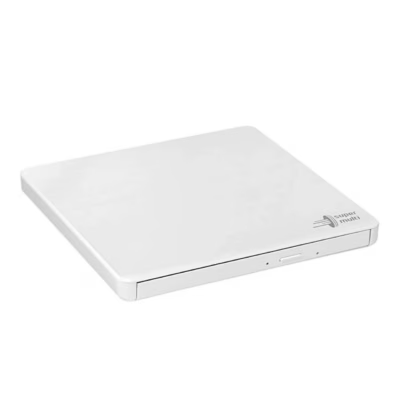
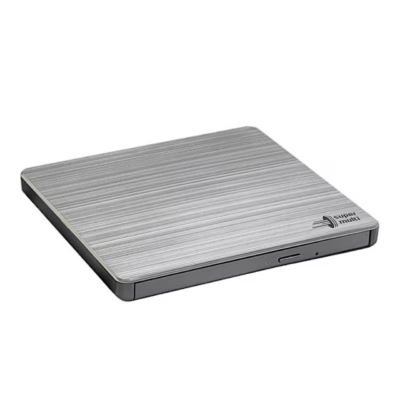
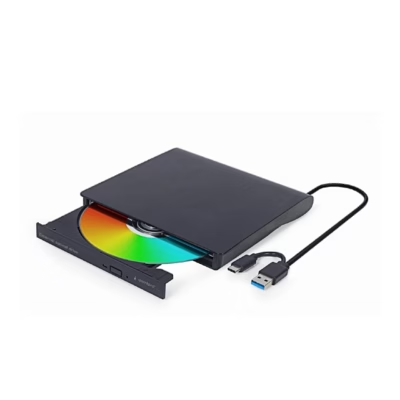
External DVD writer for laptops and desktop PCs
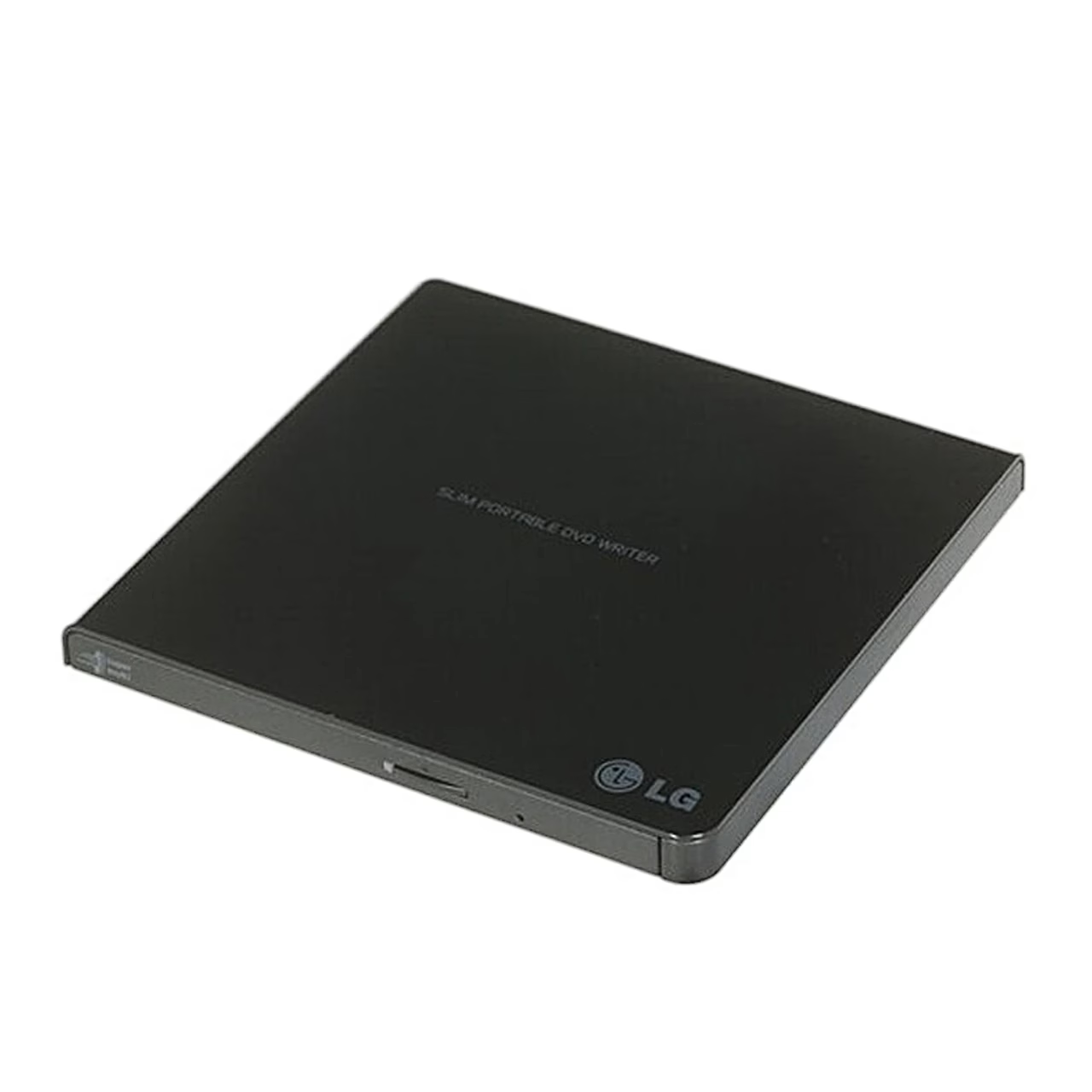
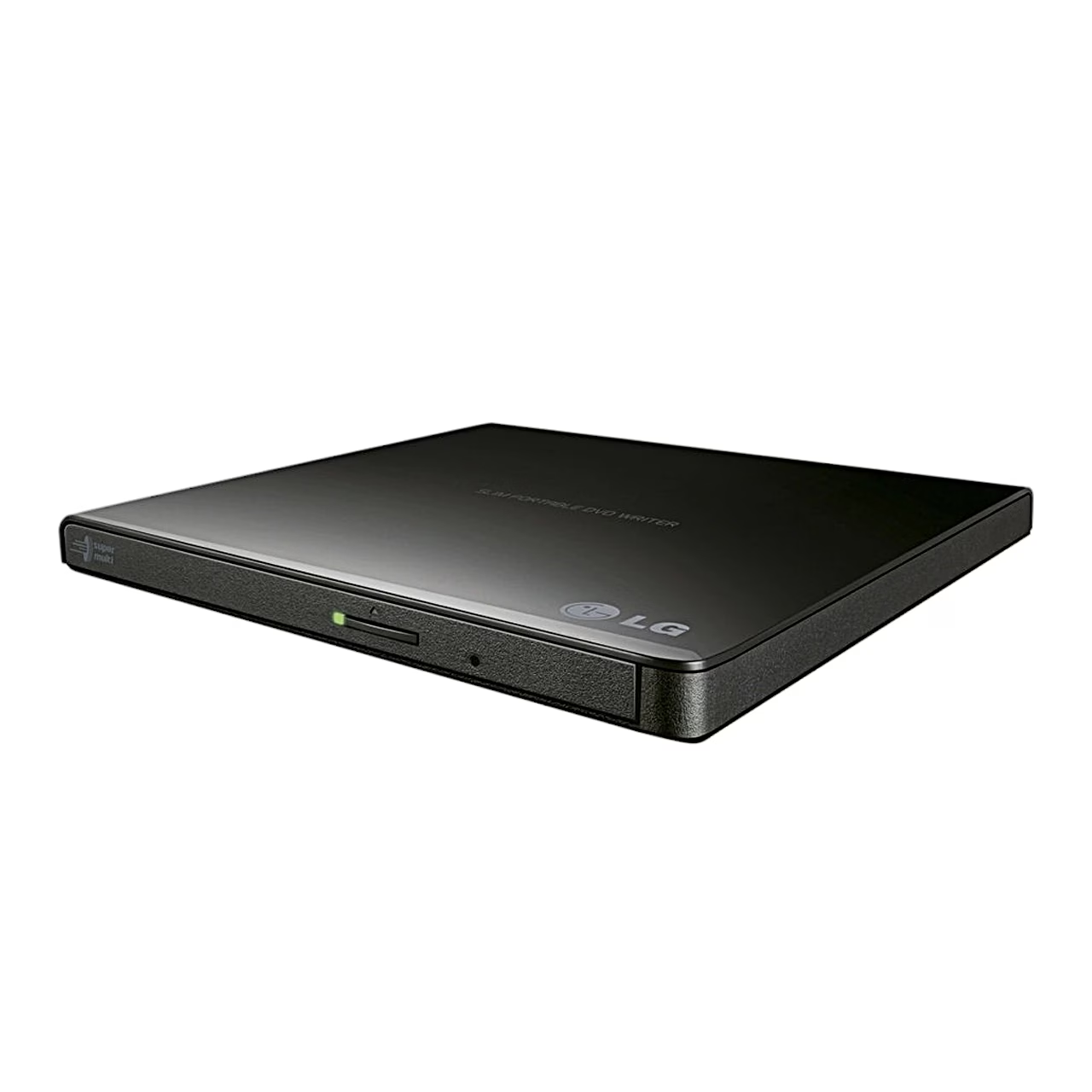
Connecting over USB 2.0, the external DVD writer LG GP57EB40 writes and reads DVD±R/RW, DVD-RAM and CD-R/RW discs. The writer takes power from the computer’s USB port through the same cable that carries the data.
Write speeds by disc type
The drive writes CD-R and CD-RW discs at up to 24x, DVD+R, DVD-R and DVD+RW discs at 8x, DVD-RW and dual-layer DVD±R DL discs at 6x and DVD-RAM discs at 5x. M-DISC support means the writer also writes M-DISC discs intended for archiving.
Installation and use
Connect the USB 2.0 cable to the port on the back of the writer and the other end to a USB port on the computer; once the computer has detected the drive, install the supplied software from its disc. To load a disc, press the eject button, place the disc label side up in the centre of the tray, press it into place and push the tray closed by hand. Next to the eject button is an emergency eject hole through which a straightened paper clip opens the tray when the writer has no power. Before unplugging the cable, choose safe removal of the device in the taskbar and wait until the activity light stops flashing.
Cleaning and care
If reading errors occur, clean the disc surface and the lens. Keep the writer in a dry, dust-free place away from heat, vibration and direct sunlight, and take the disc out before moving the drive.
In the box
- DVD writer LG GP57EB40, 1 pc
- USB 2.0 cable
- Burning software on disc






































Reviews
There are no reviews yet.