




Description
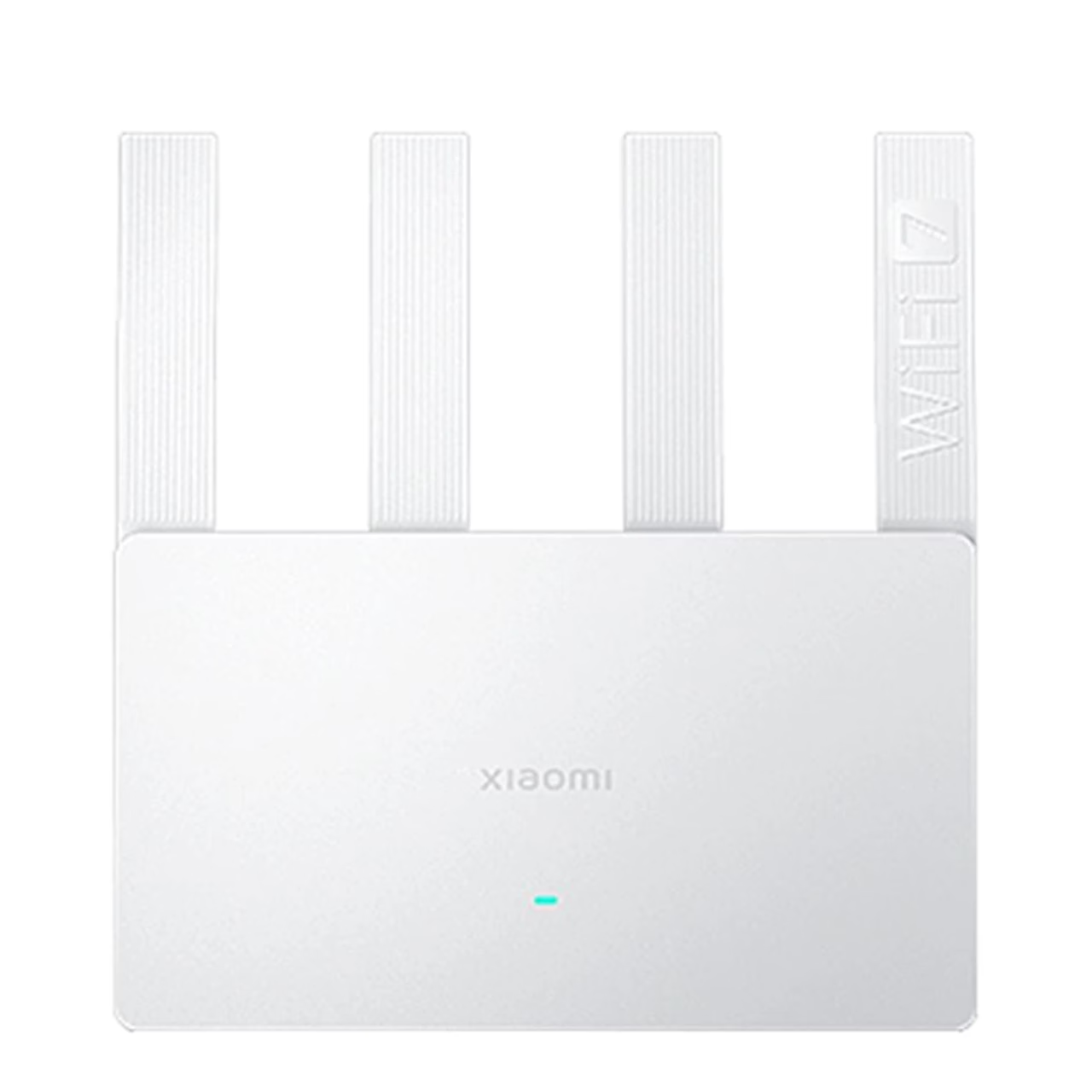
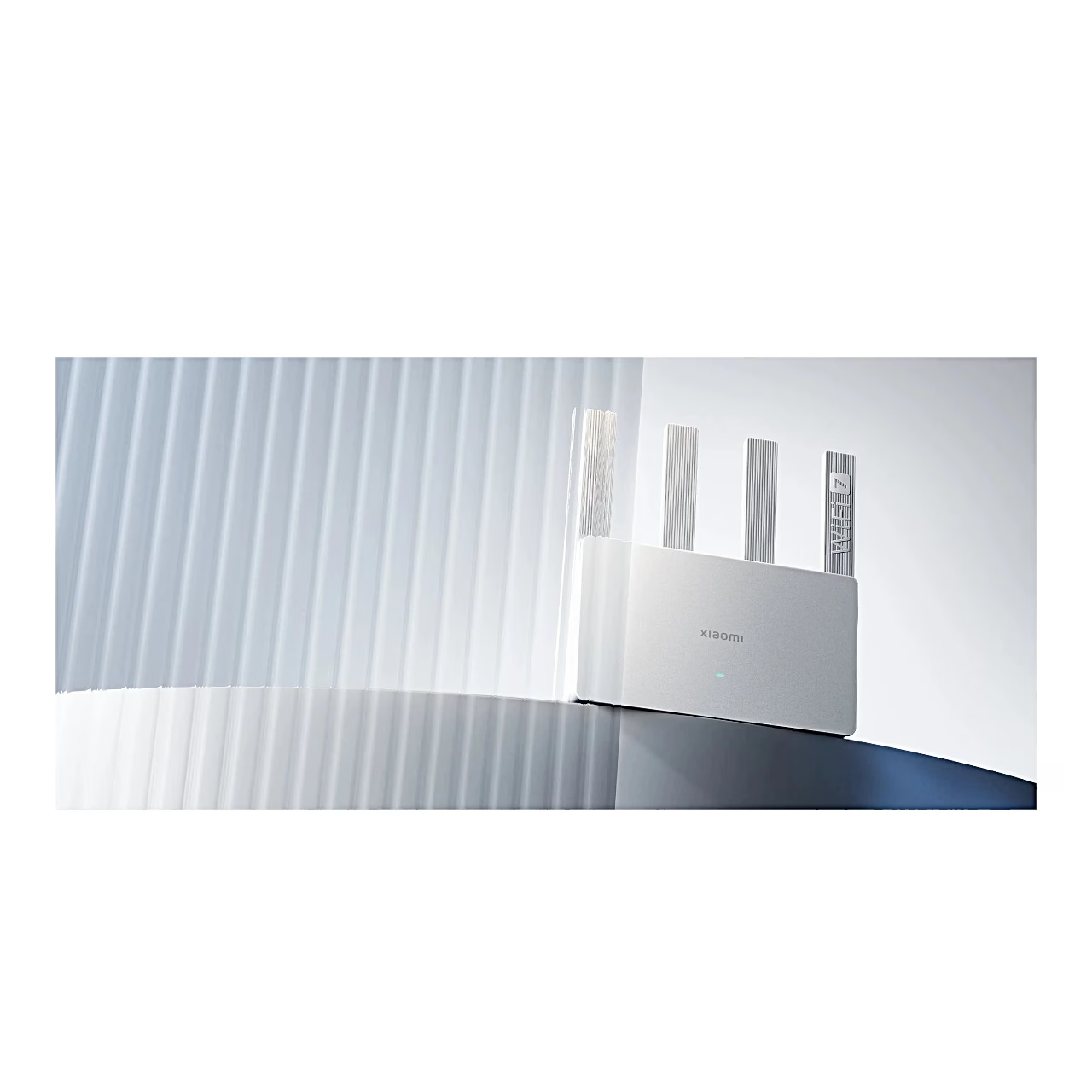
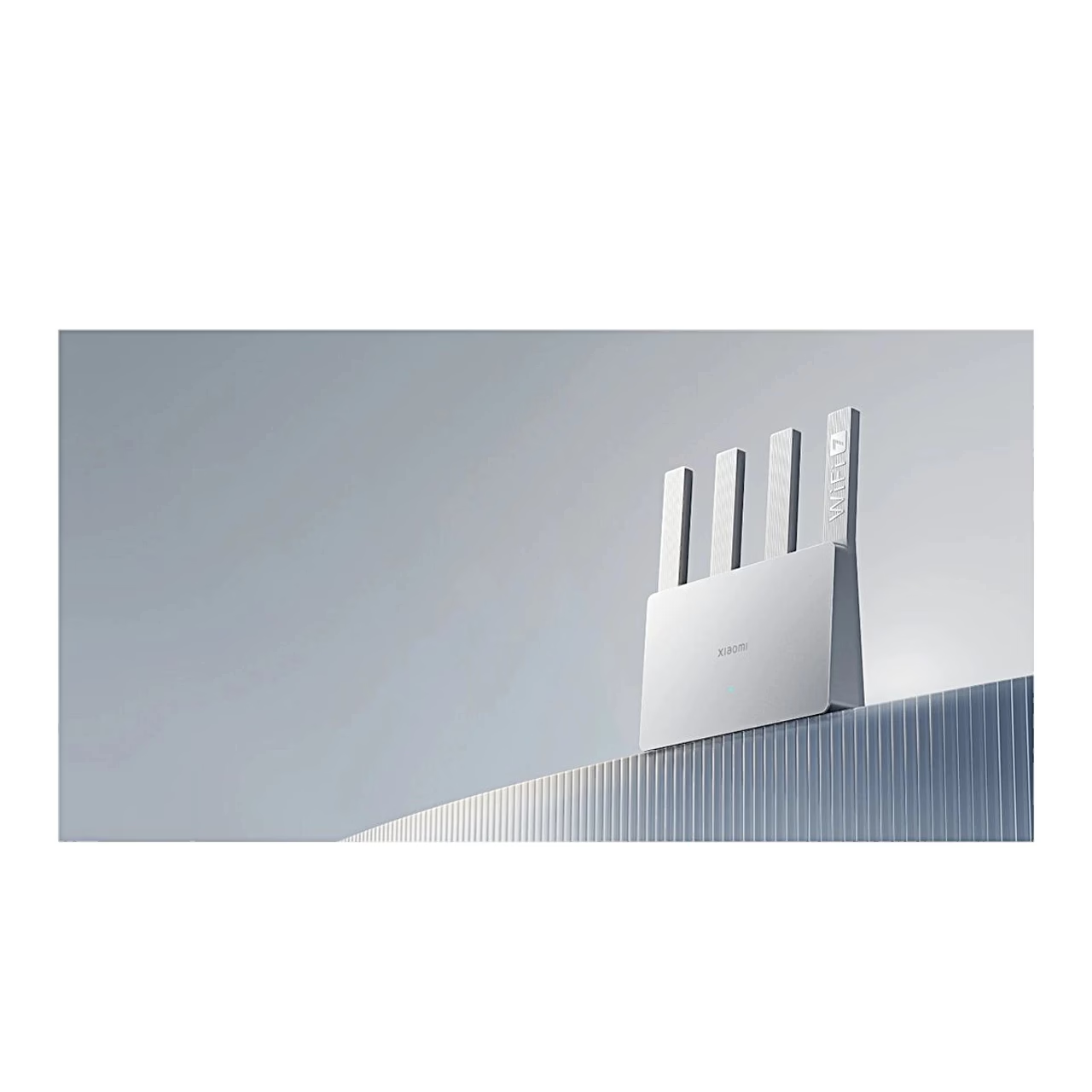
Wi-Fi router with MLO and 4K QAM
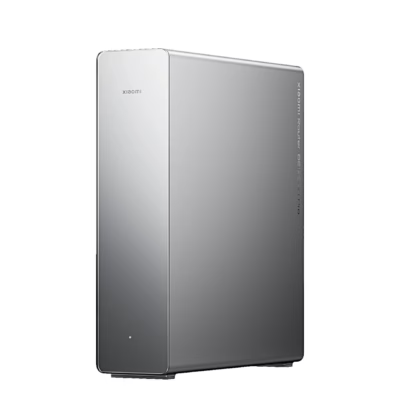
The Wi-Fi 7 router uses MLO: a device can connect to the 2.4 GHz and 5 GHz bands at the same time, with a combined theoretical peak rate of 3570 Mbit/s. 4K QAM raises the theoretical rate by 20% over 1024 QAM with supporting devices. Enhanced OFDMA allocates bandwidth between devices according to their speed needs. MLO and 4K QAM work with devices that also support Wi-Fi 7.
Data is processed by a 1.1 GHz quad-core Qualcomm processor rated at up to 10,120 DMIPS. Four independent signal amplifiers support the coverage.
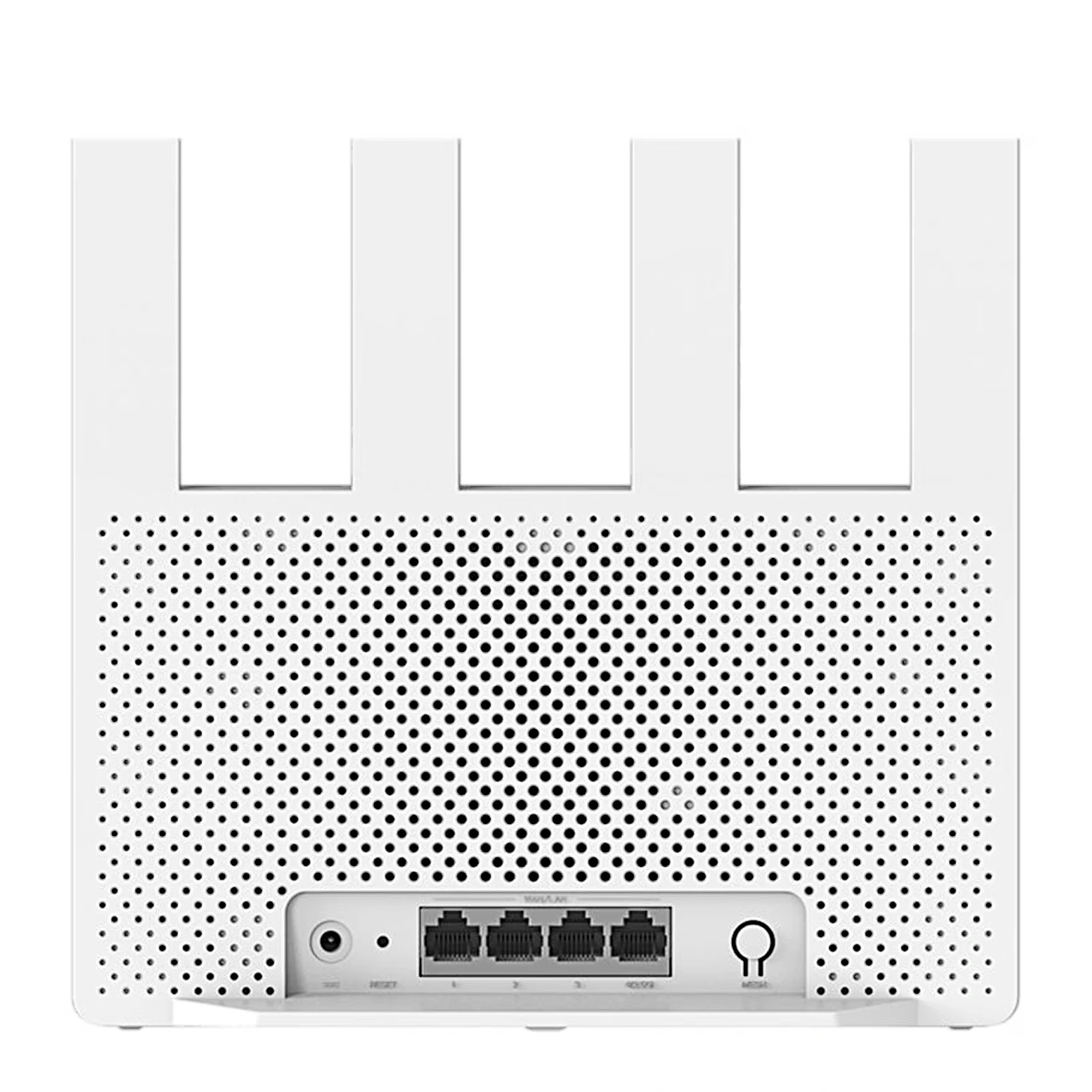
Ports and IPTV
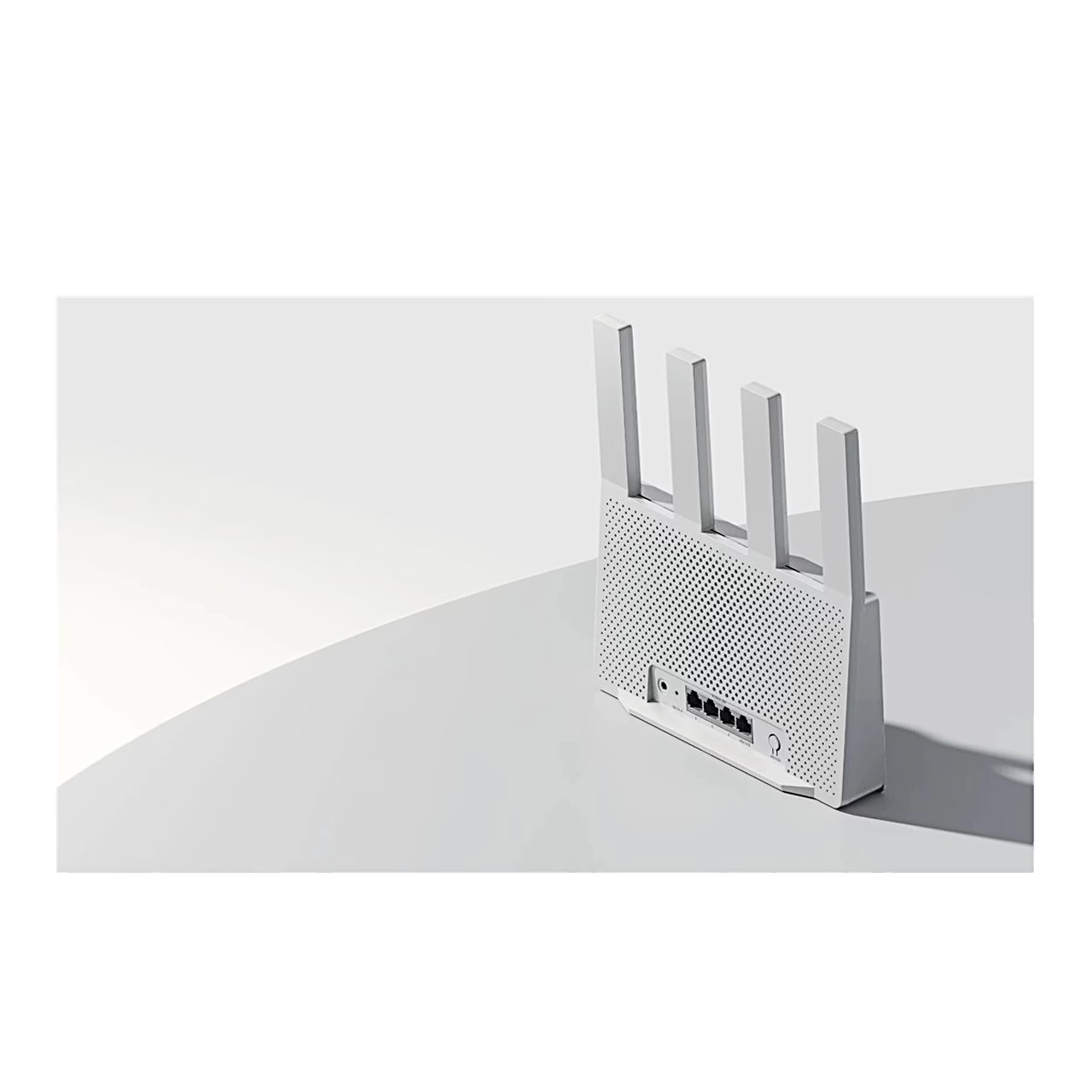
The 2.5 Gbit/s port supports internet connections of up to 2000 Mbit/s. The router supports aggregation of two LAN ports, and ports can be customised for IPTV.
Xiaomi Mesh and extending coverage
A mesh network can be created in the Xiaomi Home app, with the router’s mesh button or with a network cable, and it is ready in about 2 minutes. Most Xiaomi routers with Wi-Fi 6 or Wi-Fi 7 running the latest software can join. A device that supports 802.11k/v switches to the fastest router node within milliseconds as you move around the home.
Installation and setup
Connect the router to the mains, restart the modem and run a network cable from any router port to the modem’s LAN port or an Ethernet wall socket. Then set up the network in the Xiaomi Home app or open miwifi.com in a browser, using the network name on the label underneath the router. The manufacturer recommends placing the router upright near the centre of the home, about 1 m above the floor in an open spot. To restore factory settings, hold the reset button for 5 seconds.


















































Reviews
There are no reviews yet.