
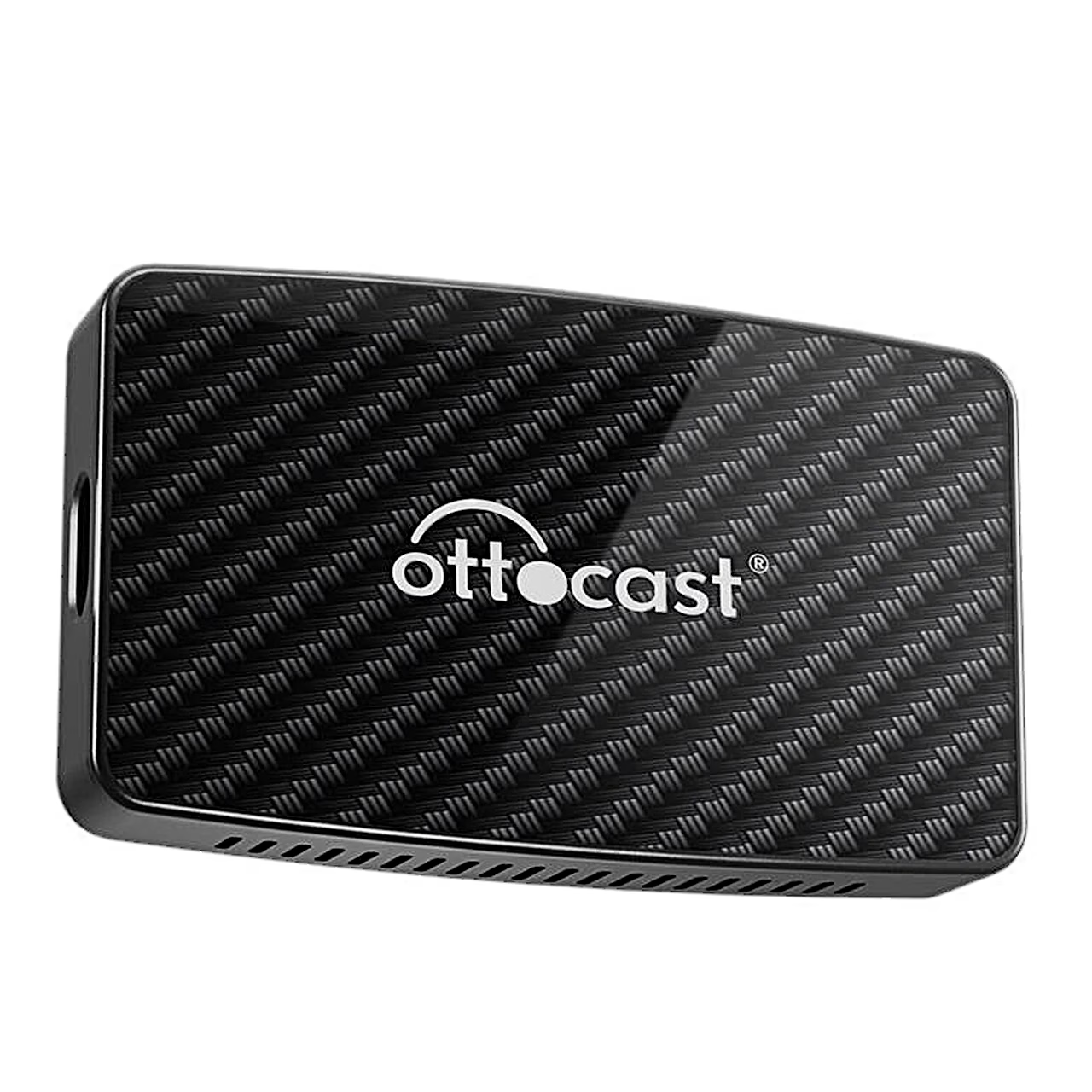
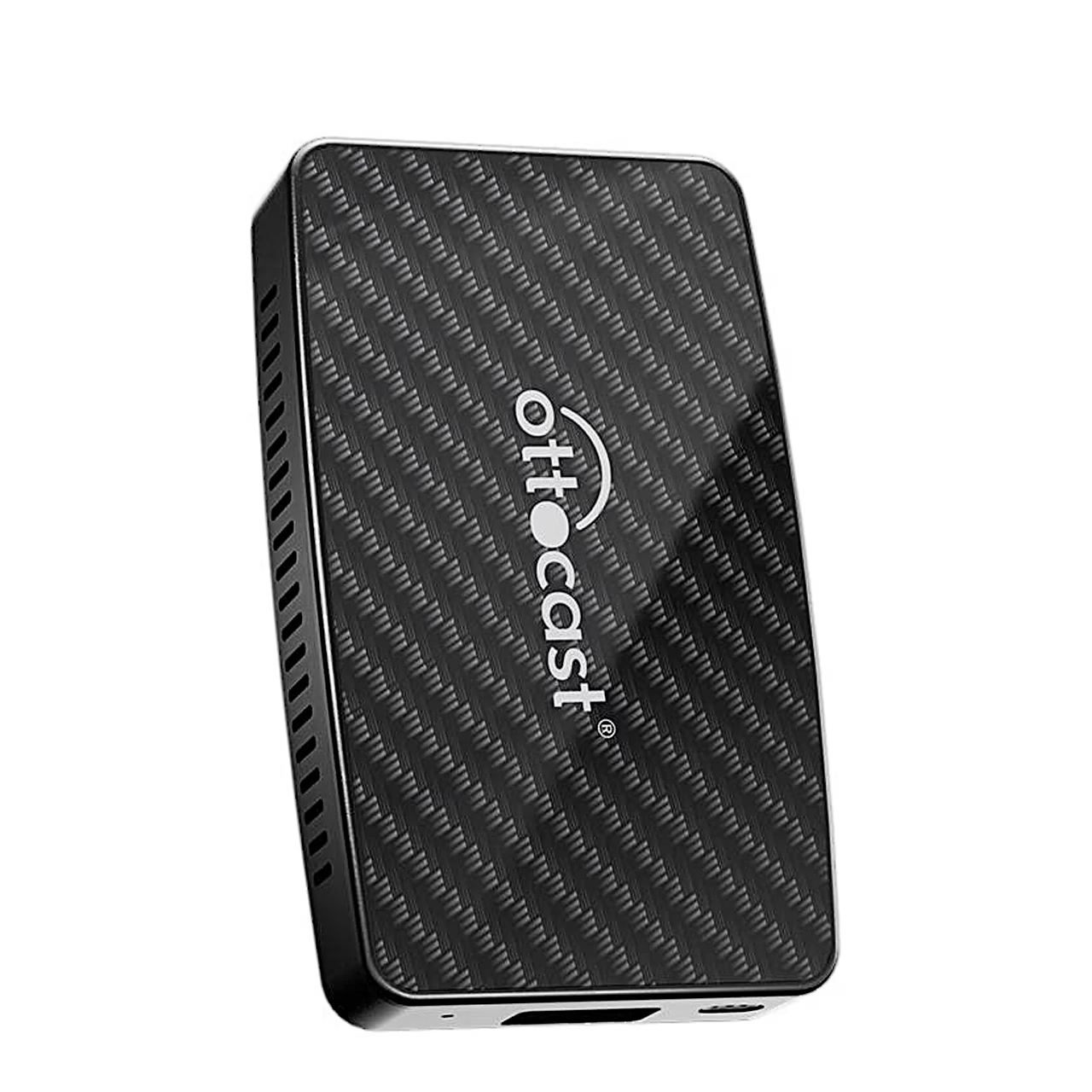
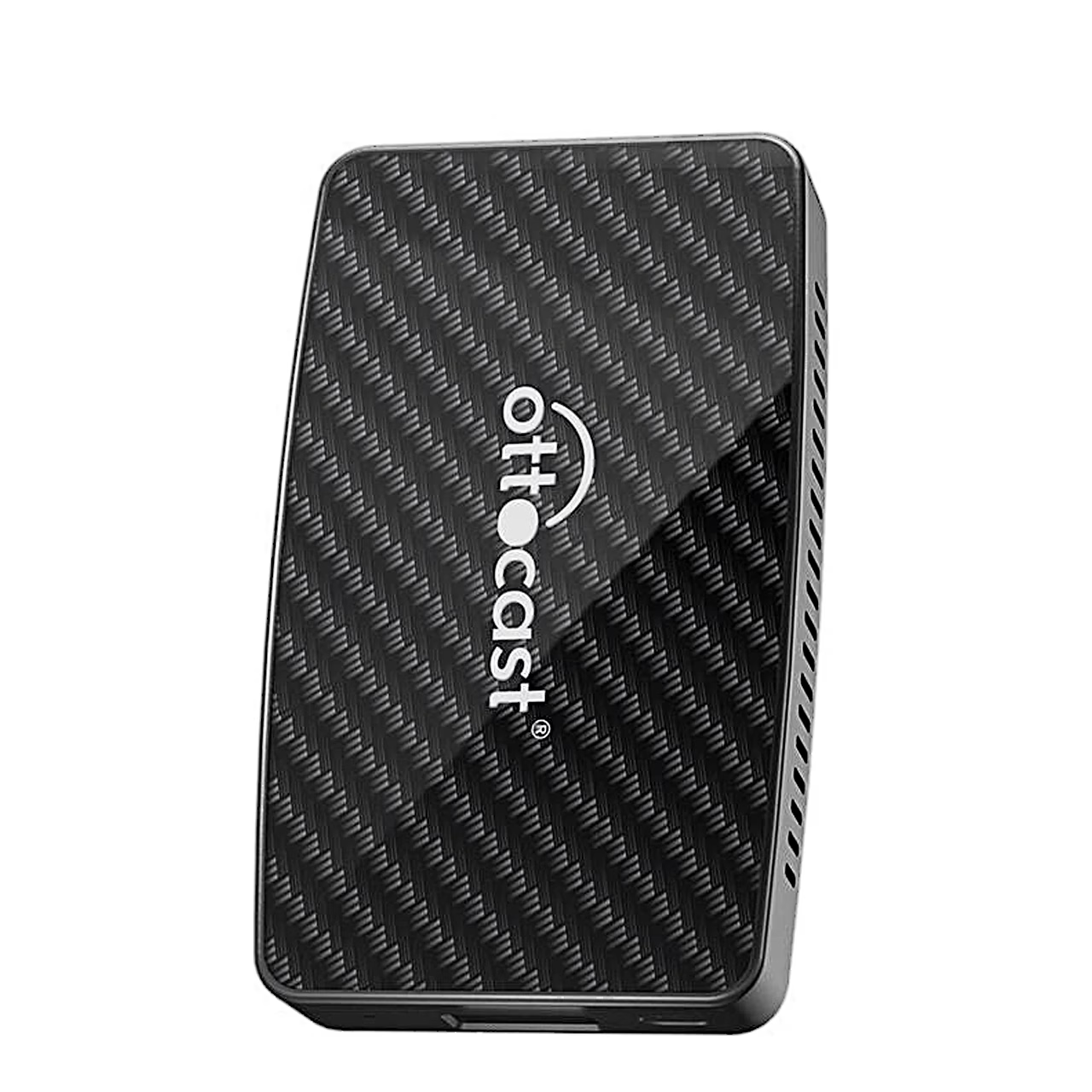

Description
Android adapter with YouTube and Netflix for wireless CarPlay
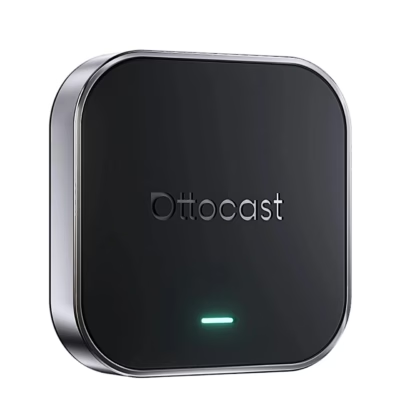
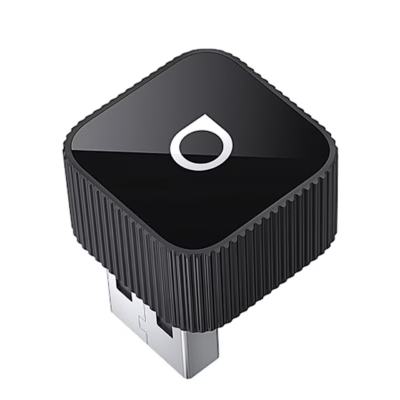
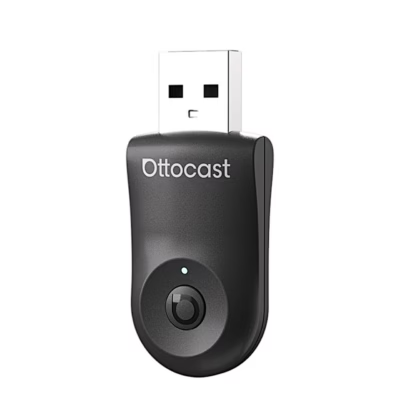
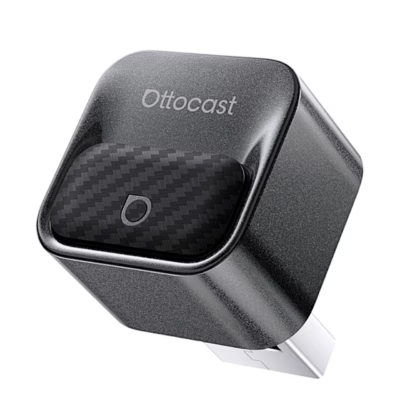
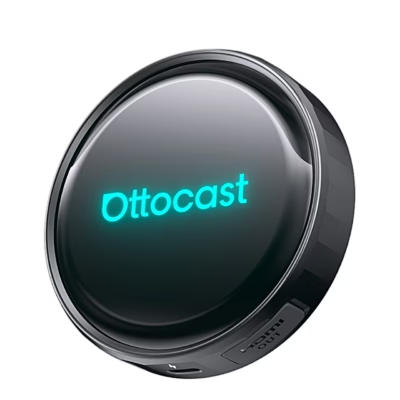
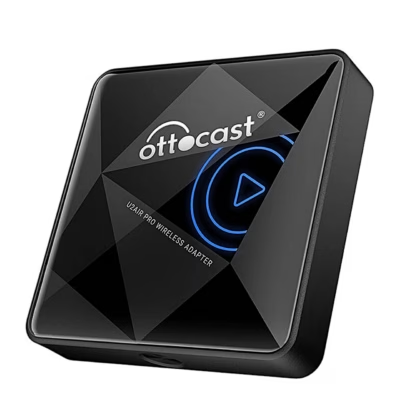
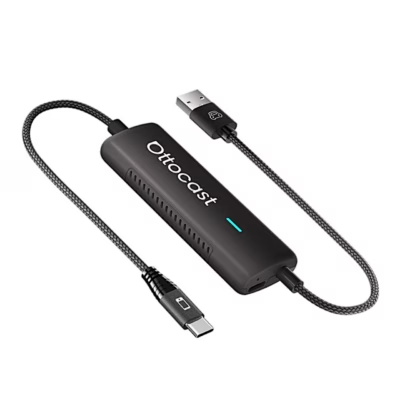
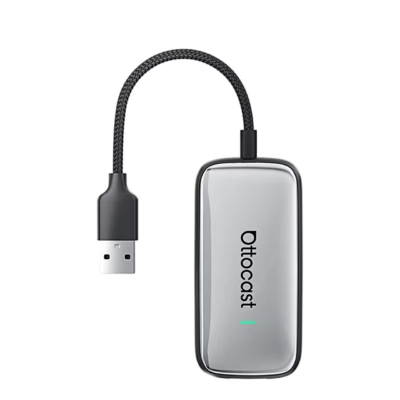
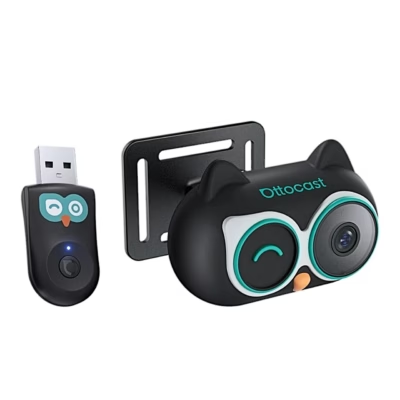
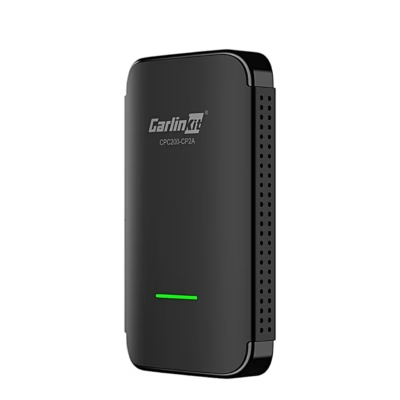
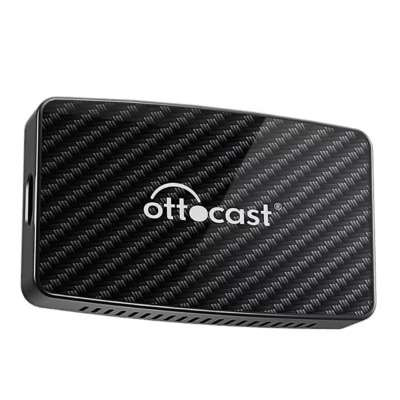
Wireless CarPlay from an iPhone and wireless Android Auto from an Android phone reach the car screen through the Ottocast CA400-S Android adapter, which adds Android 12 to the car. The adapter plugs into the car’s USB port and sets itself up on a Plug & Play basis.
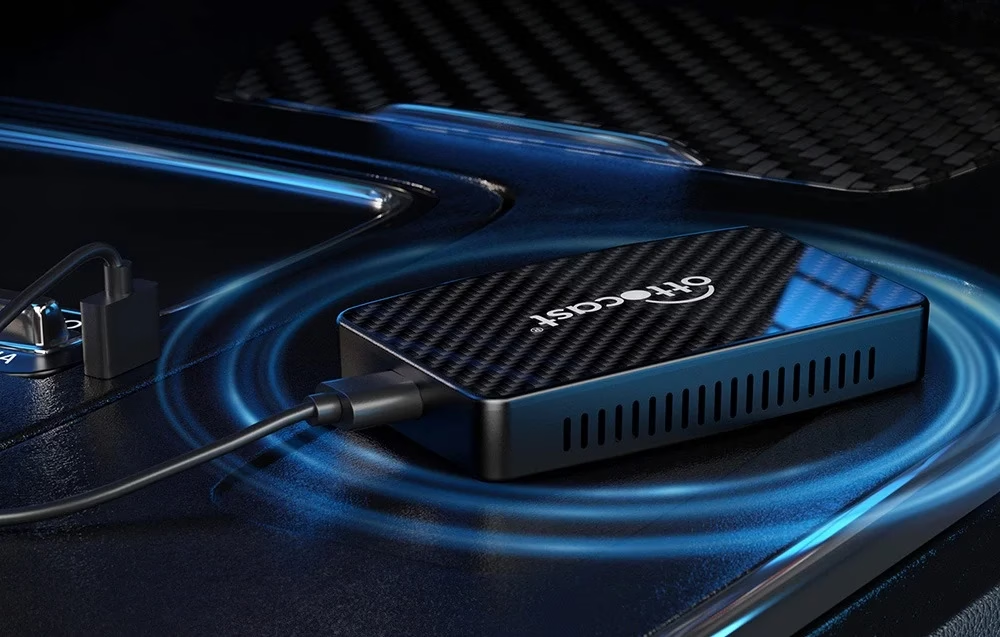
Video and apps on the car screen through an Android adapter
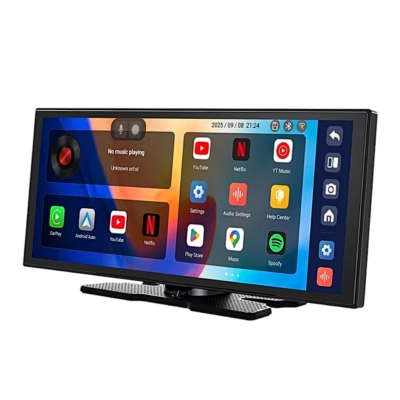
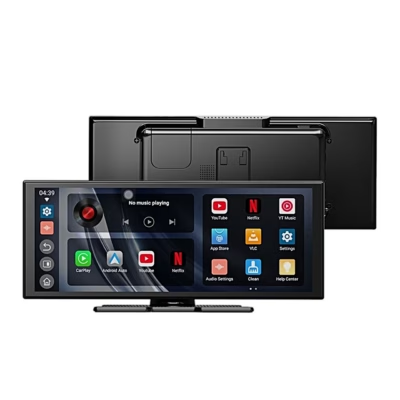
An Android adapter is an Android device plugged into the car’s USB port that shows Android apps and video on the car screen alongside CarPlay and Android Auto. The CA400-S has YouTube and Netflix built in, so passengers can watch video and listen to music while travelling. A wireless CarPlay adapter makes the factory wired connection wireless, while an Android adapter also brings video straight to the car screen.
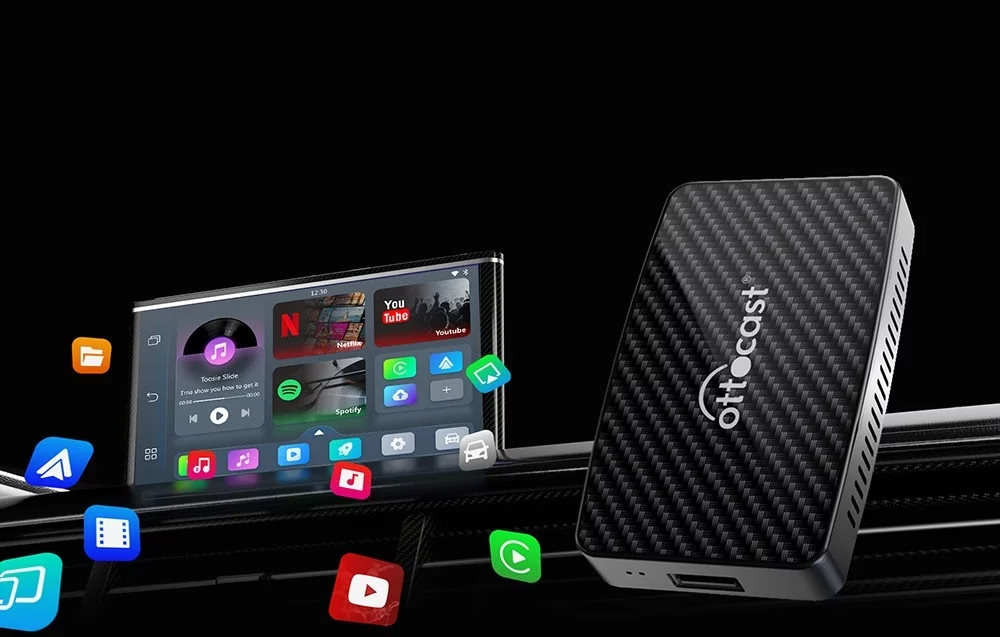
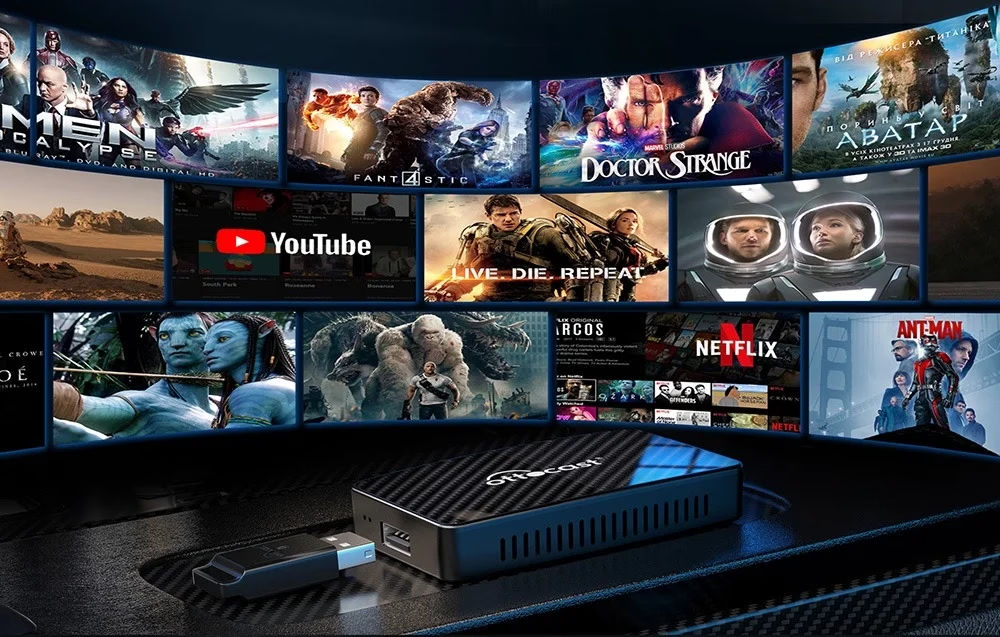
Switching between Android, CarPlay and Android Auto
You can switch between Android, wireless CarPlay and Android Auto, so iPhone and Android users can each use their own apps. The adapter connects to the phone via Bluetooth 4.2 and dual-band Wi-Fi on 2.4 and 5 GHz. Apps run on a quad-core Allwinner H618 processor with 2 GB of RAM and 16 GB of storage.
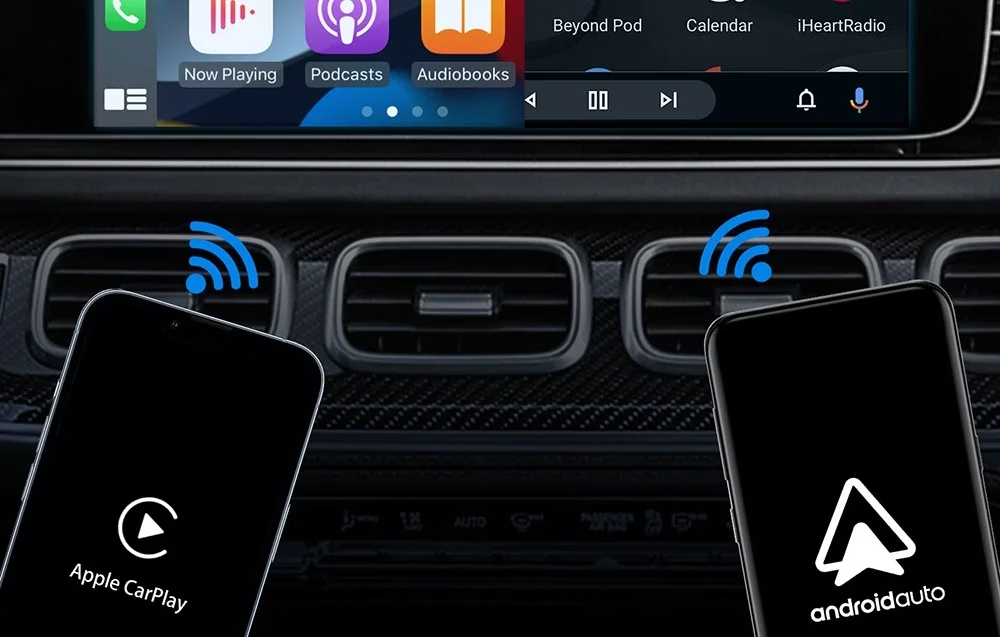
Works with the car’s factory controls
The CA400-S uses the factory multimedia controls: voice control, steering wheel buttons, touchscreen and rotary knob.
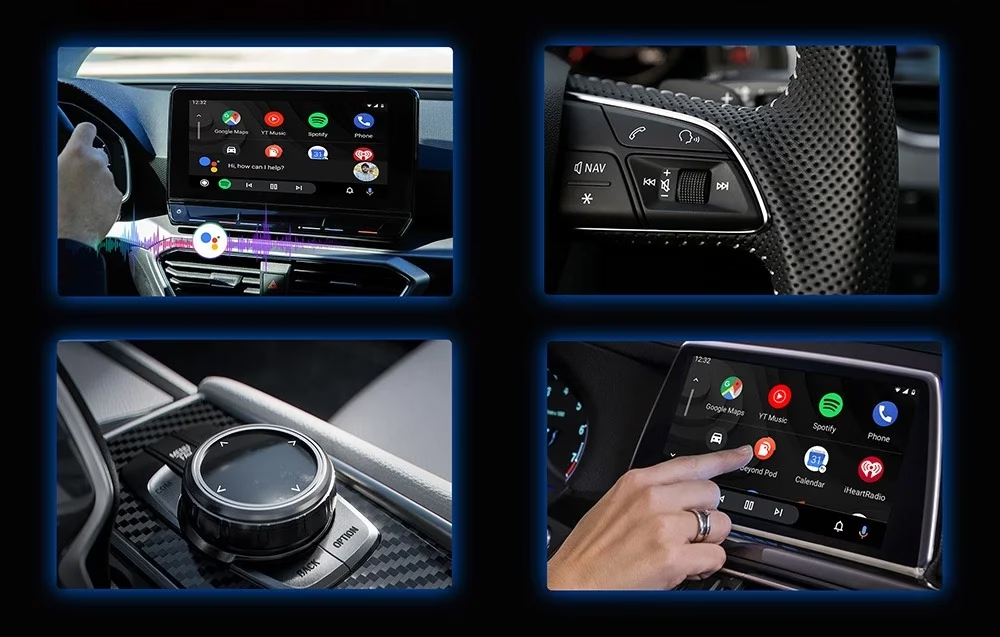
Use
Before driving, plug the adapter into the car’s USB port, turn on Bluetooth and Wi-Fi on the phone and pair the phone with the adapter. Keep the phone close to the adapter, not in a closed compartment. Download software updates from the manufacturer’s website or app.
Cleaning and care
Clean the adapter with a dry soft cloth without chemicals and check the device and cables regularly.
In the box
- Android adapter Ottocast CA400-S, 1 pc









































Reviews
There are no reviews yet.