

Description
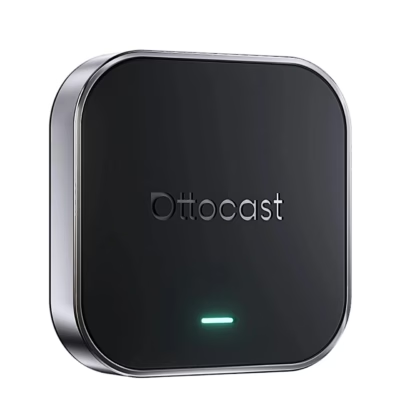
Wireless CarPlay adapter for screen mirroring with touch control
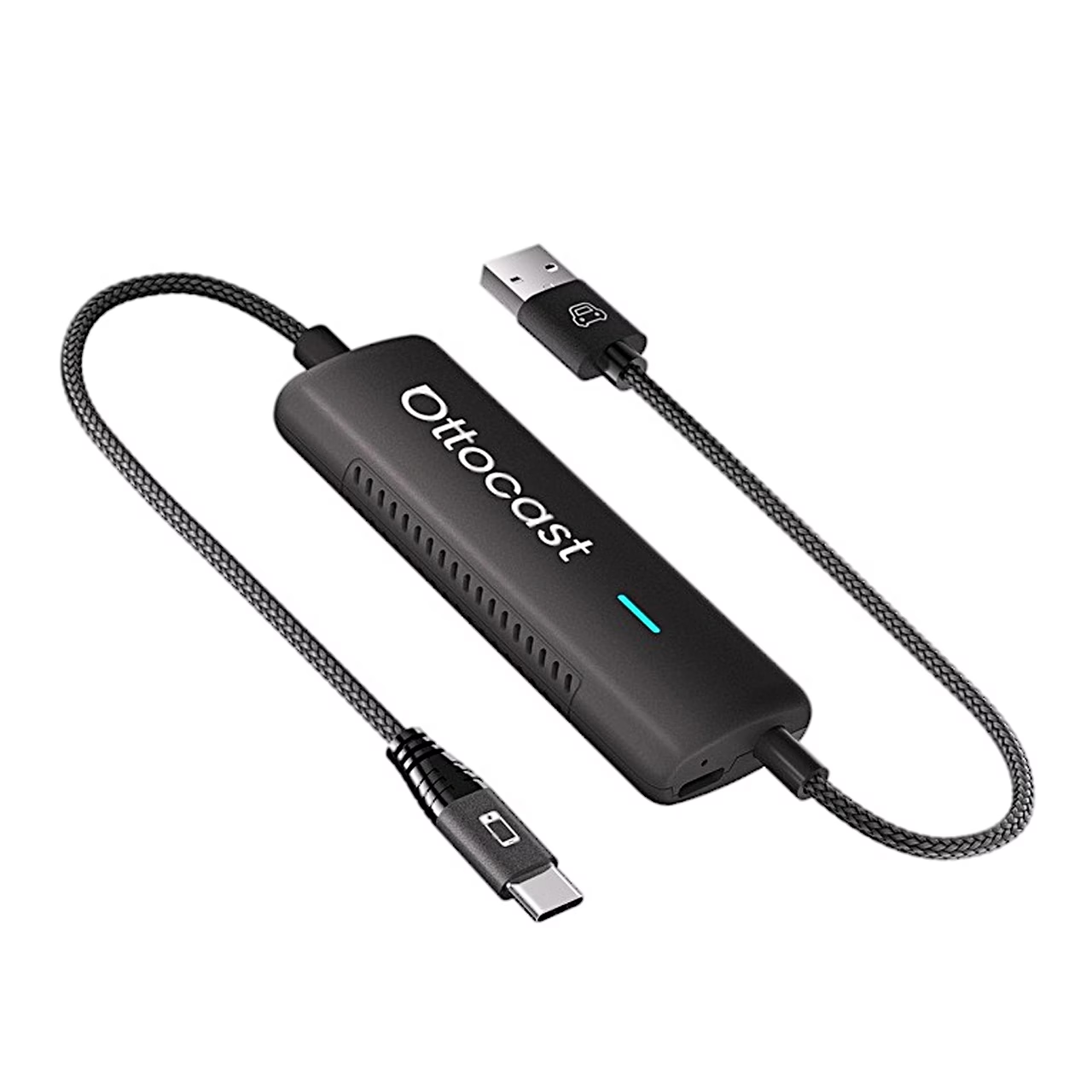
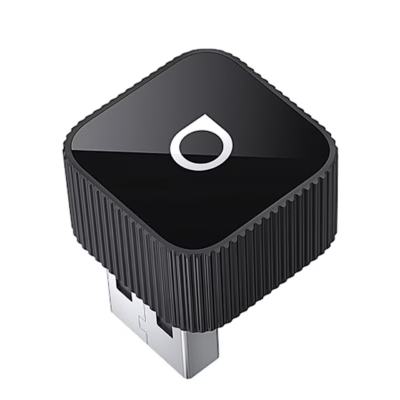
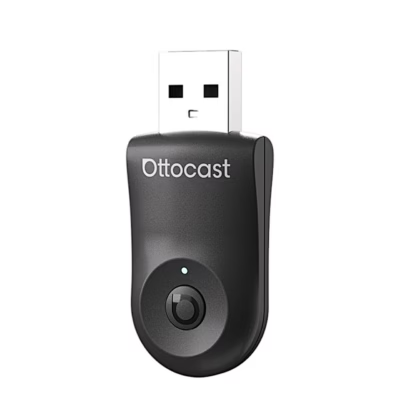
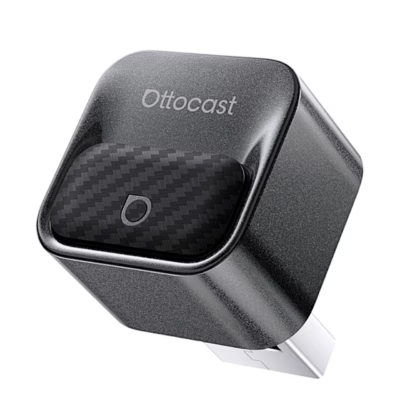
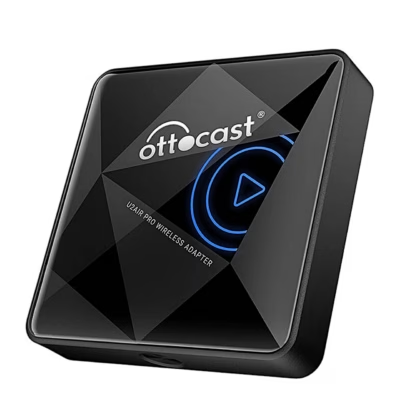
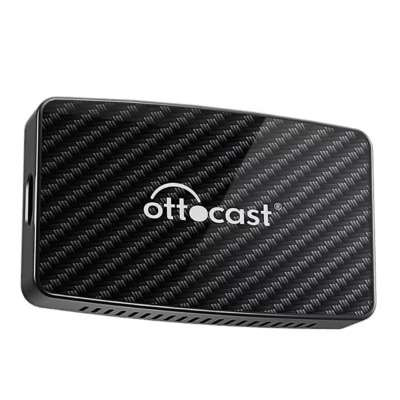
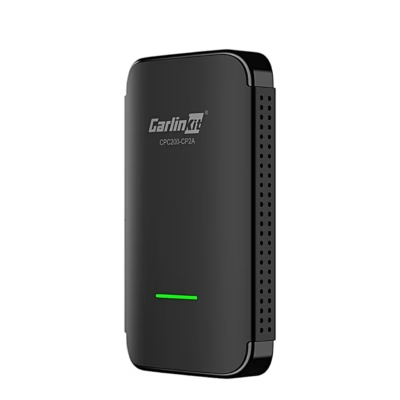
Plugged into the car’s USB port, the Ottocast MirrorTouch CA450 wireless CarPlay adapter makes factory wired CarPlay wireless and fits cars that already have factory wired CarPlay. It supports iPhones running iOS 10 or later.
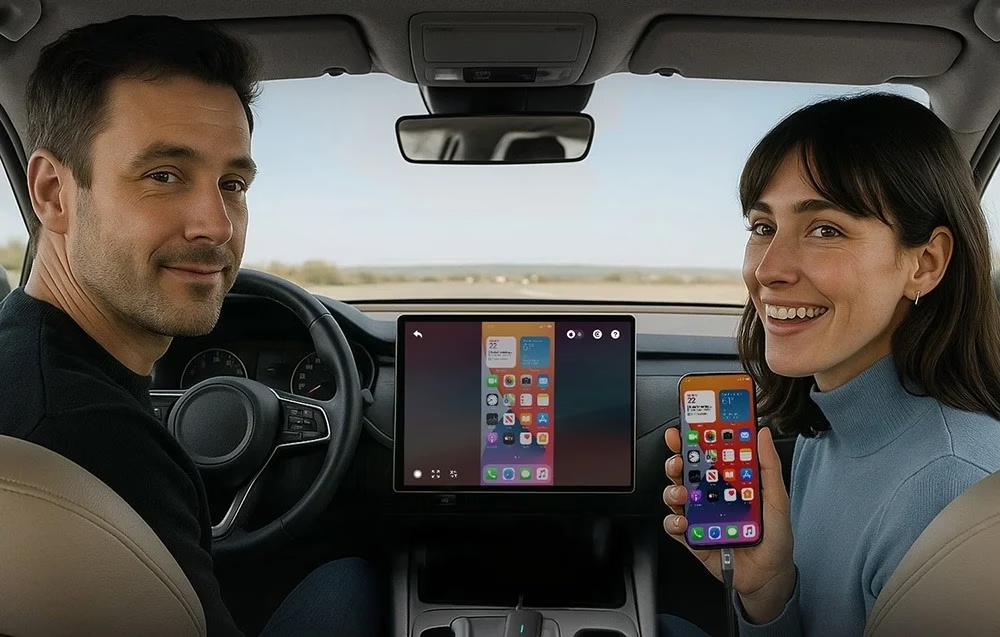
A wireless CarPlay adapter links the iPhone to the car by radio
A wireless CarPlay adapter is a device plugged into the car’s USB port that makes factory wired CarPlay wireless, with the phone communicating over Bluetooth and Wi-Fi. The MirrorTouch CA450 uses Bluetooth 5.2 and dual-band Wi-Fi at 2.4 and 5 GHz. An Android adapter runs its own Android system for apps, whereas the MirrorTouch shows the phone’s own apps on the car screen.
Screen mirroring and control from the car screen
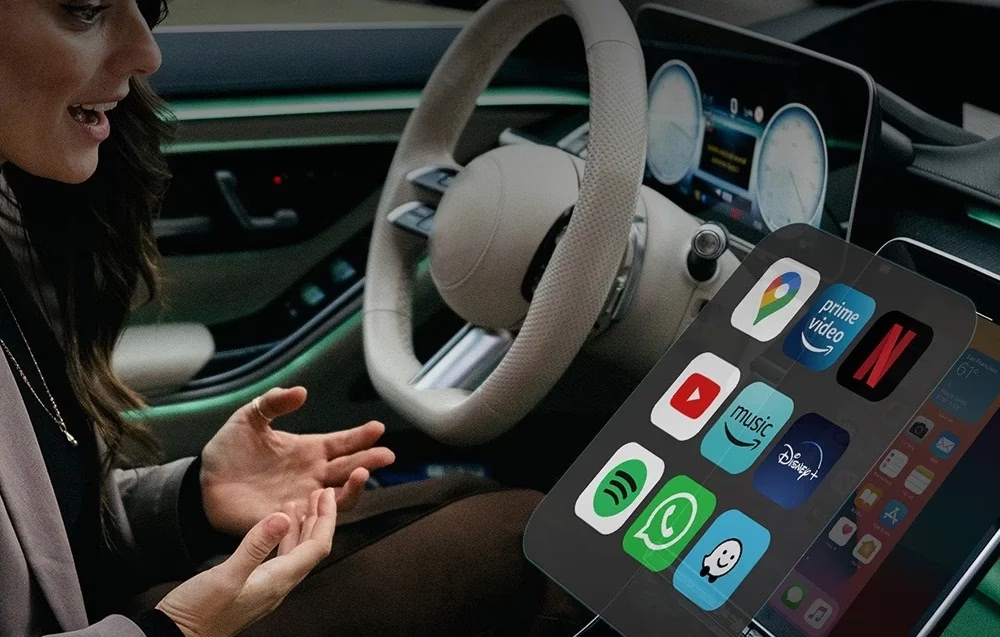
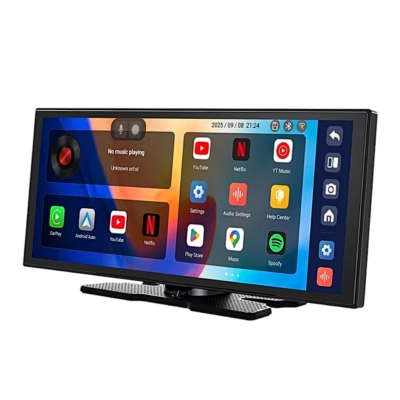
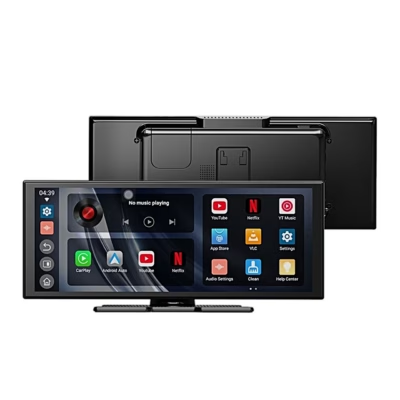
Besides CarPlay, the adapter mirrors an iOS or Android phone screen to the car display, and you can control apps from the car’s touchscreen. Android mirroring works with phones that support DisplayPort. The aspect ratio can be set to Default, Fit or Stretch.
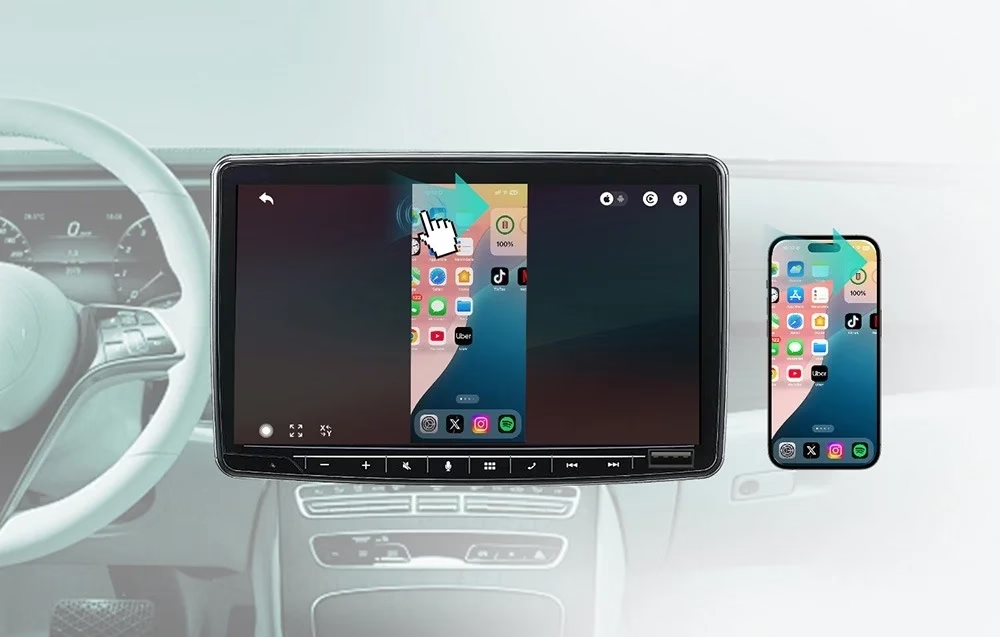
Music, podcasts and calls play through the car’s factory sound system. The adapter switches between CarPlay and screen mirroring automatically.
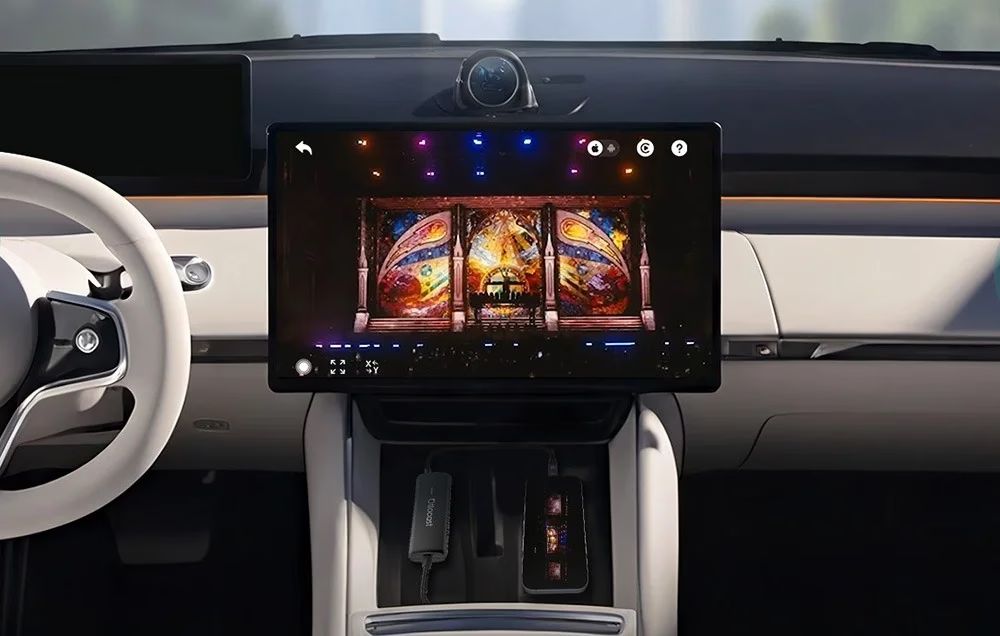
Connectors and phone charging
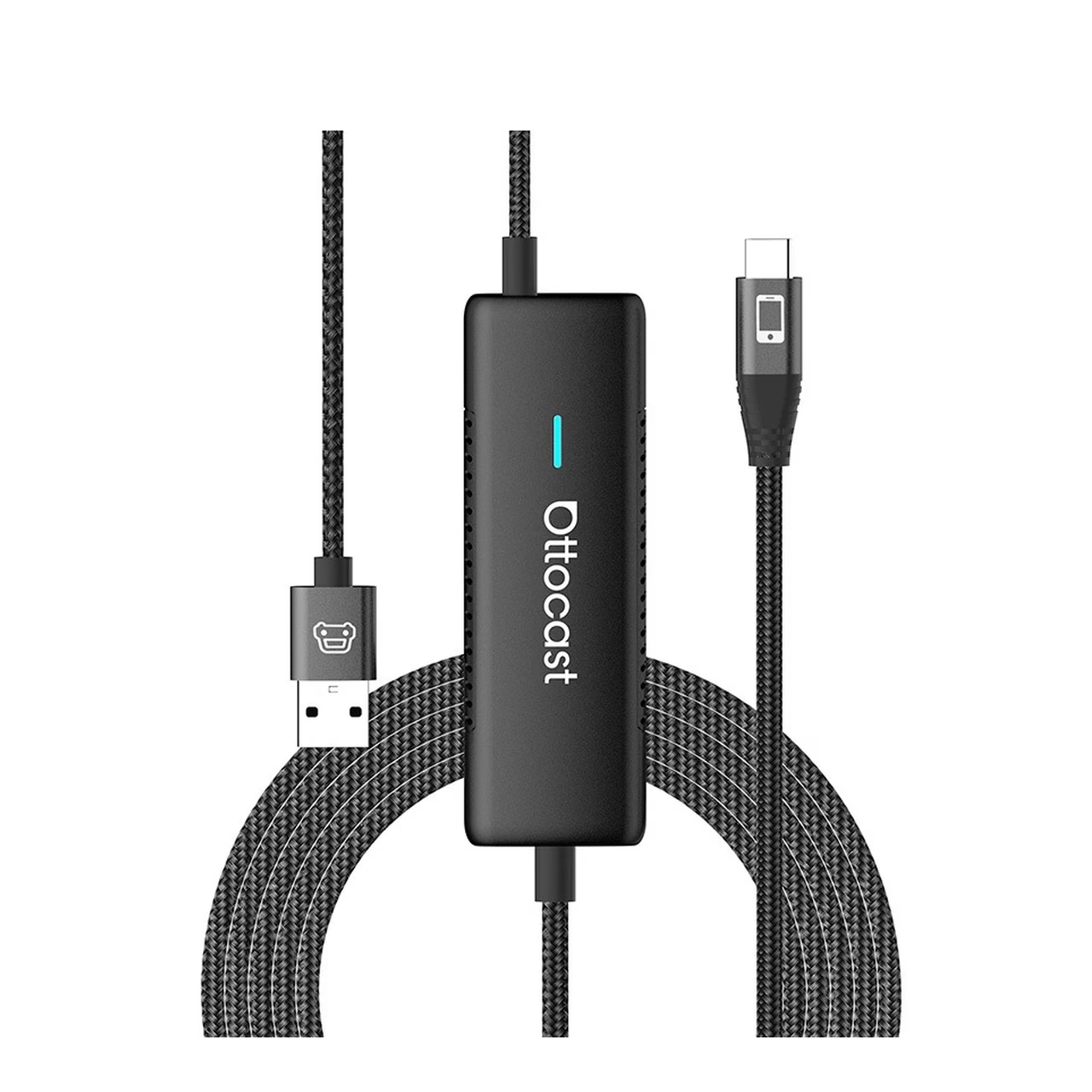
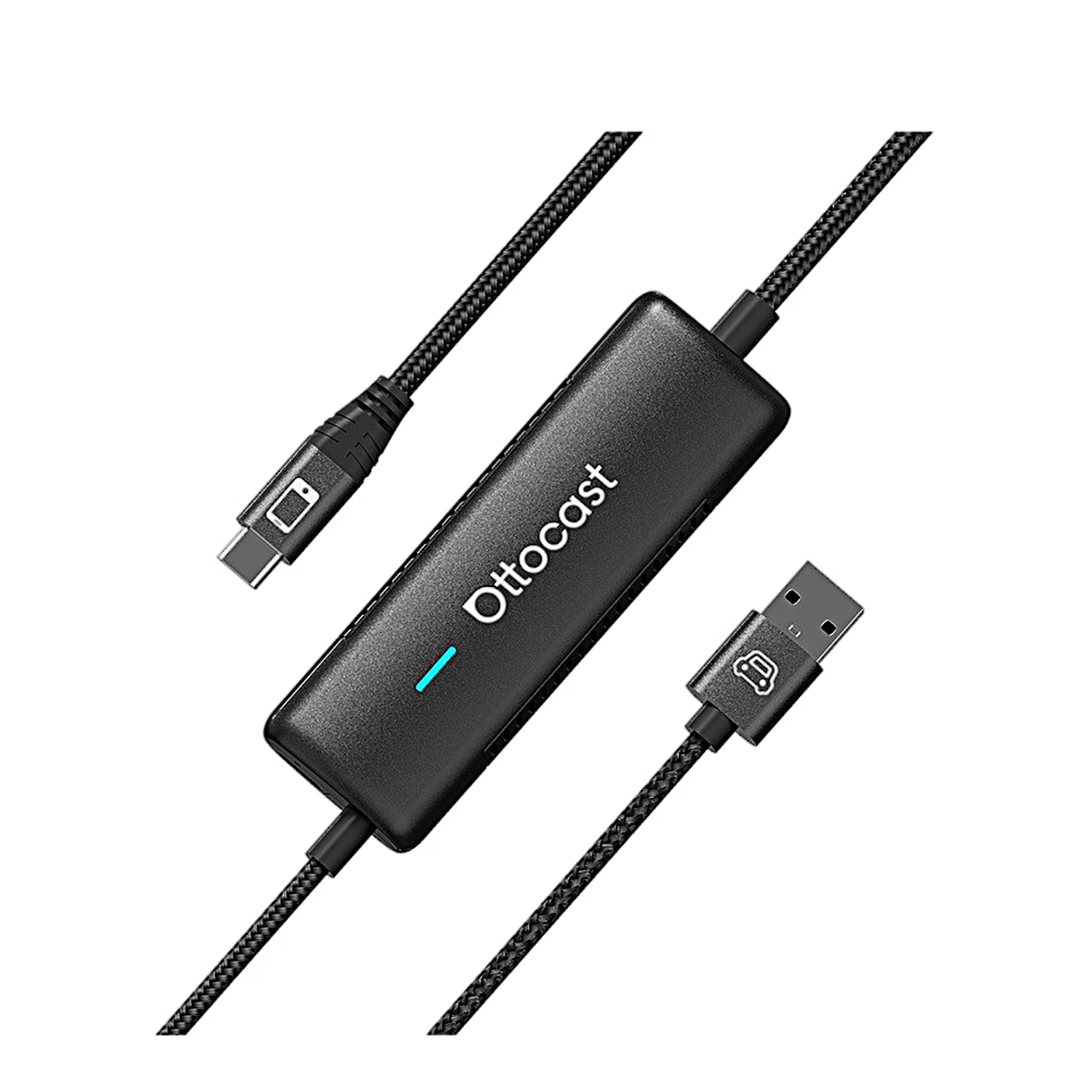
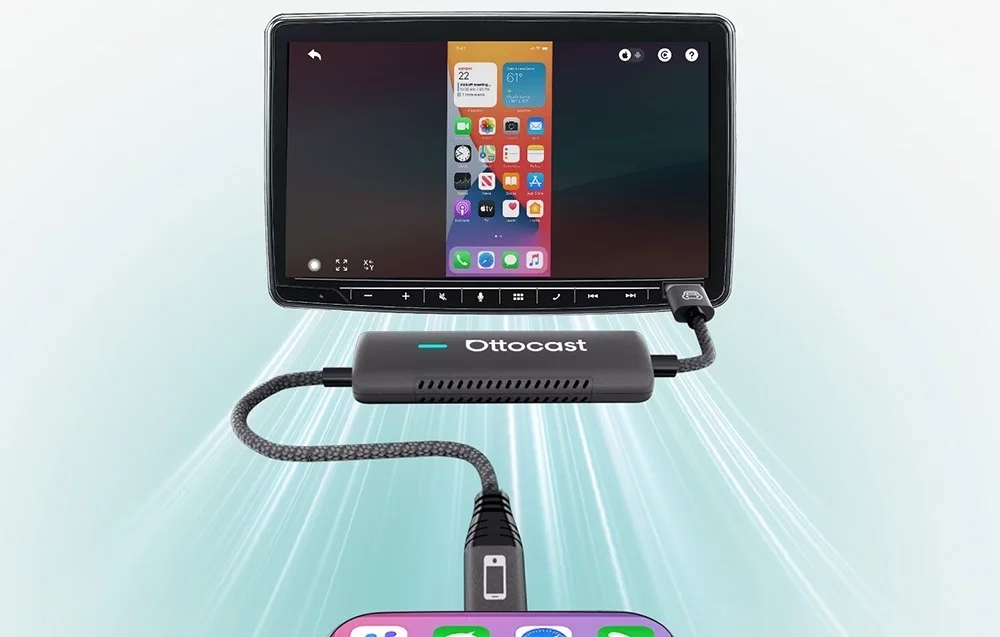
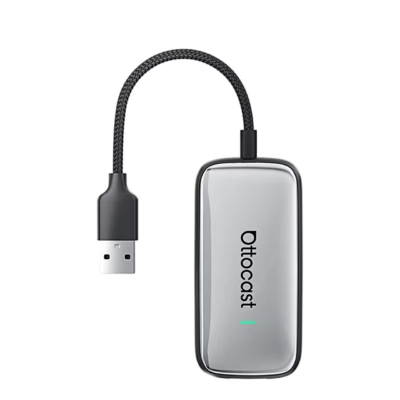
The adapter plugs into the car’s USB-A port, and with the included adapter it also suits cars with USB-C ports only. The phone-side USB-C plug carries data and charges the phone over USB PD at up to 27 W. A USB PD charger can be connected to the USB-C socket for extra power.
Getting started
Plug the adapter into the car’s USB port intended for wired CarPlay and select the CarPlay icon on the car screen. Turn on Wi-Fi and Bluetooth on the phone and pair it with the CAR-XXXX device. The phone reconnects by itself the next time; the adapter remembers two phones and prefers the last one used. The indicator light colour shows the power, connection and firmware update status.
Firmware and factory reset
Firmware is updated in the phone’s browser at 192.168.1.101, and the power must stay on during the update. Holding the hidden button for 10 seconds clears the data and restores the factory settings.
In the box
- Ottocast MirrorTouch CA450 wireless CarPlay adapter, 1 pc
- USB-A to USB-C adapter
- User manual








































Reviews
There are no reviews yet.