

Description
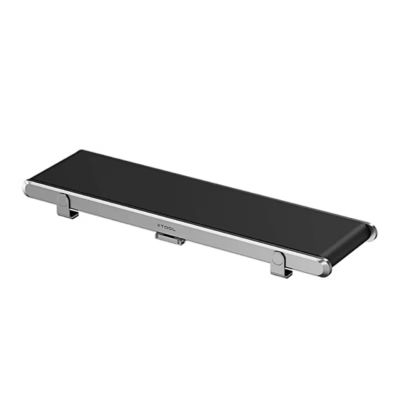
Automatic conveyor feeder for cutting and engraving long boards
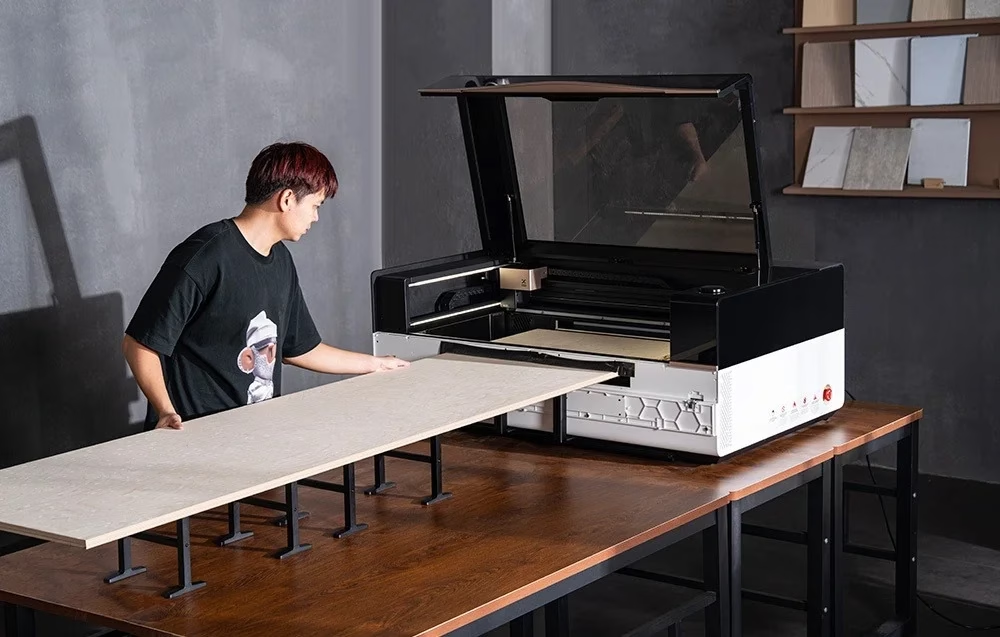
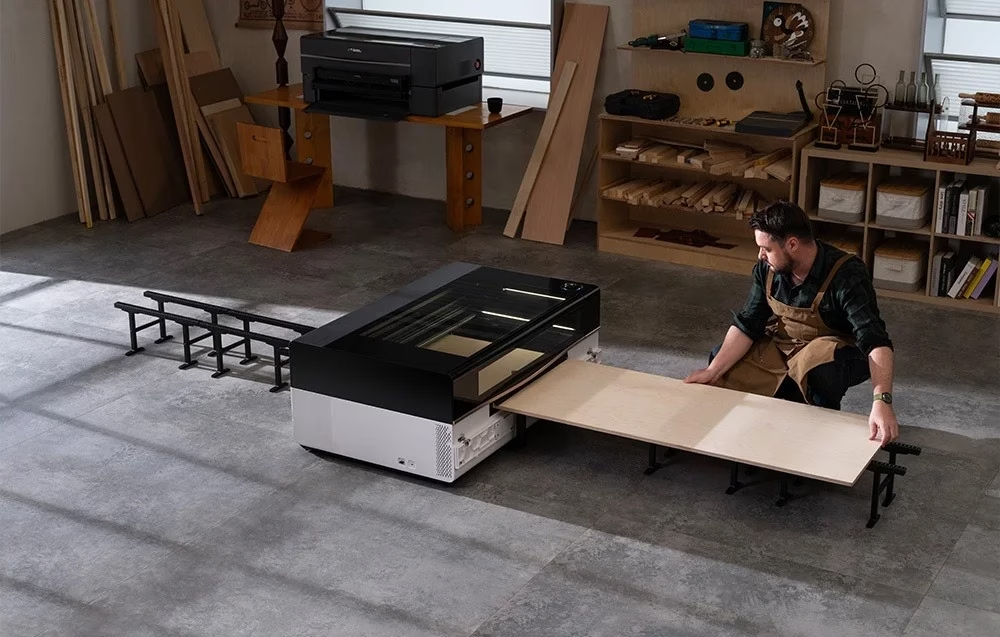
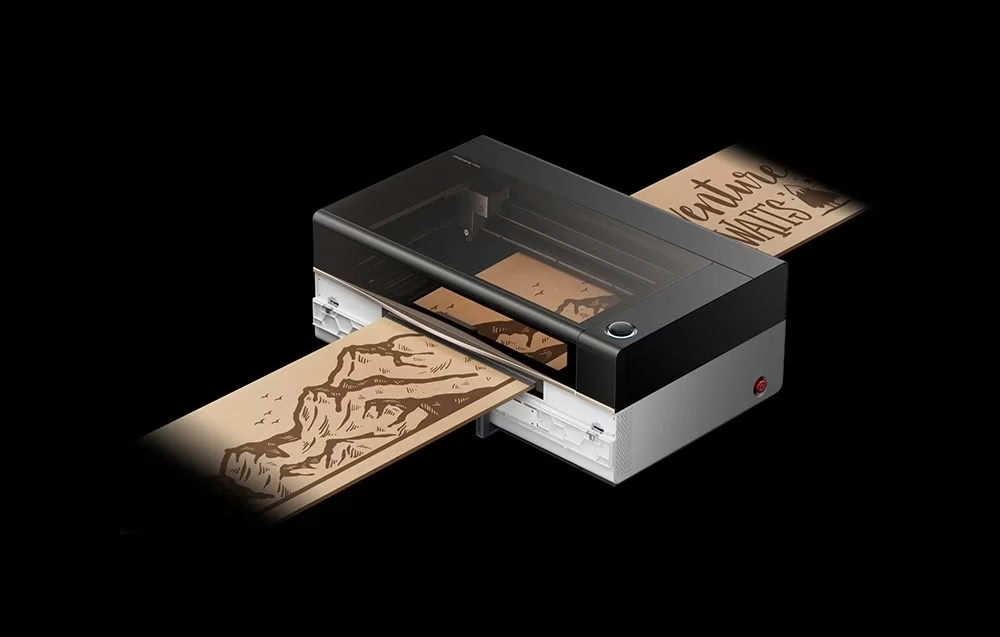
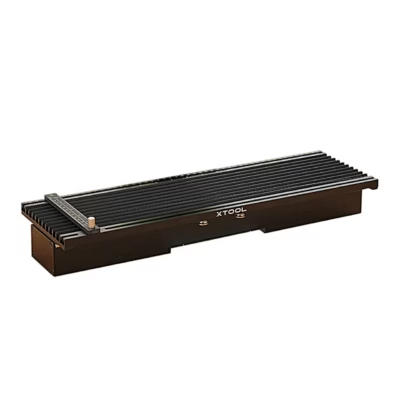
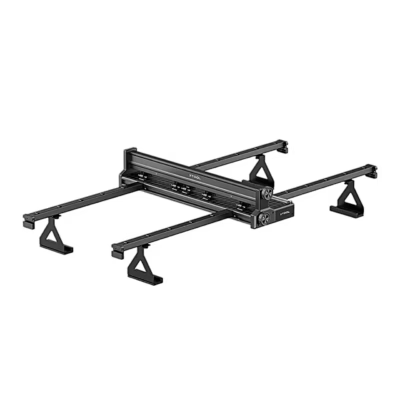
The automatic conveyor feeder xTool Conveyor Feeder (P0101000117) fits the xTool P3 laser and gives a work area of 610 × 1300 mm. The feeder moves the board on by itself during the job and successive sections of the design line up end to end.
Materials and pressure levels
The feeder handles wood up to 26 mm thick, acrylic and fibreboard up to 20 mm, EVA foam up to 15 mm and felt and cork up to 12 mm. In the xTool software you choose the rigid pressure level for hard and the flexible one for soft material. The board needs straight edges and may be warped by up to 4 mm. Soft material under 6 mm thick is fixed to a 6 mm wooden board of the same size, with the rigid pressure level.

Installation on the xTool P3
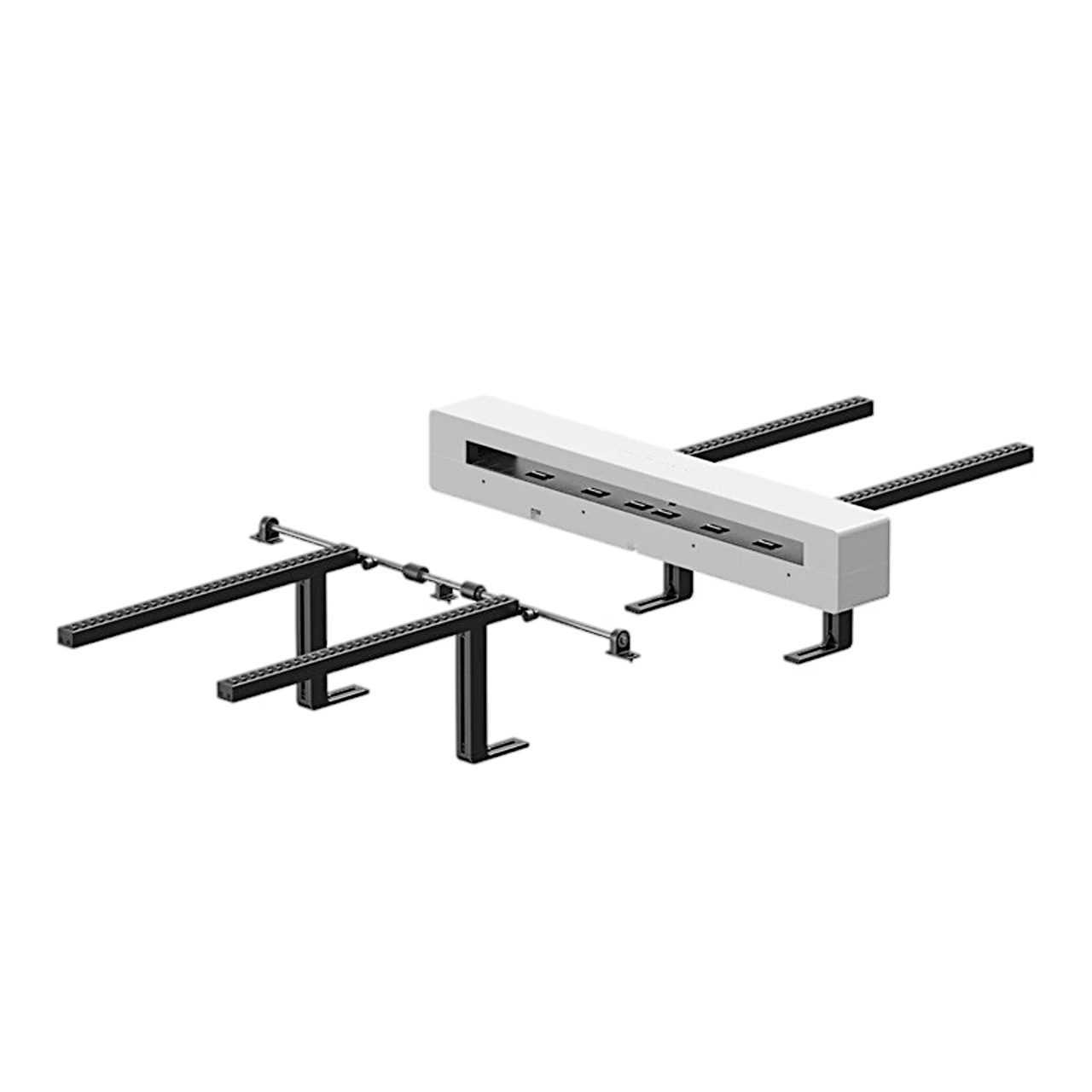
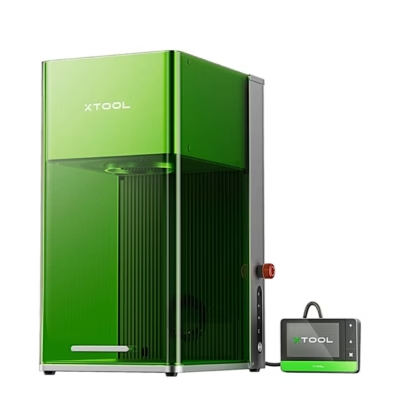
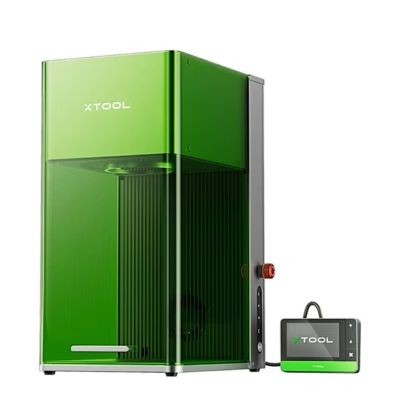
To install, switch the xTool P3 off and remove its rear, internal and front magnetic panels. Push the feeder into the machine slot aligned to the left edge, connect the cable to the xTool P3 and fix the feeder with M4 × 10 screws. Then fit the fixing blocks, the linear shaft and the smoke shield strip. Finally fit the conveyor rails at the front and rear and set their position to the material width.
Use
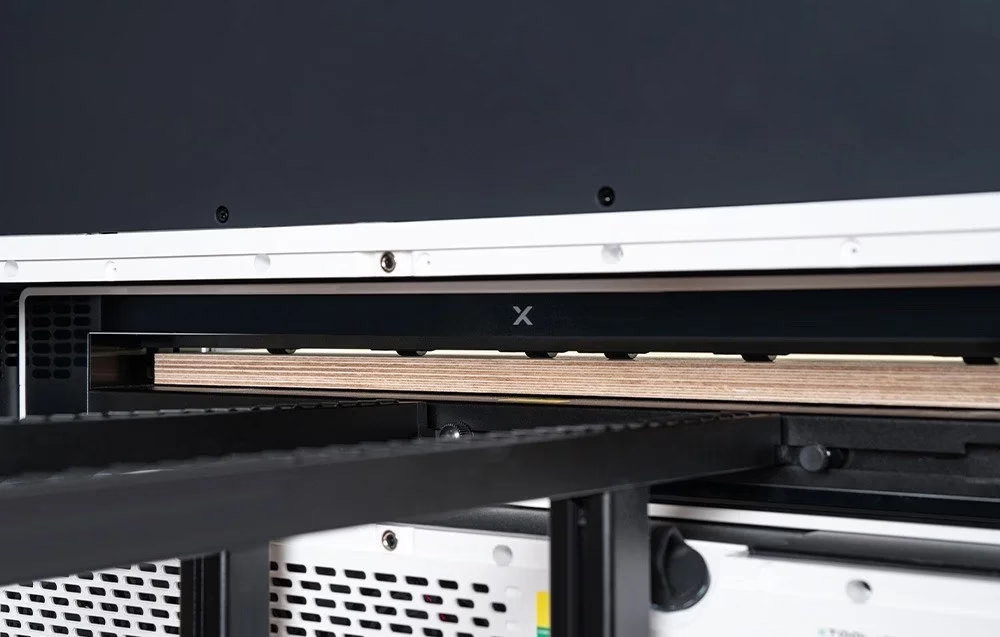
Before the job, open the sensor cover, place the board with its front end on the rail support base and switch the xTool P3 on. You scan the material position and prepare the design in the xTool software, then start processing.
Cleaning and maintenance
Clean the feeder clamping module regularly with a brush. Before use, check that the sensor covers of the feeder and the front of the xTool P3 are clean.
In the box
- Conveyor feeder xTool Conveyor Feeder, 1 pc
- Connection cable, linear shaft and fixing block
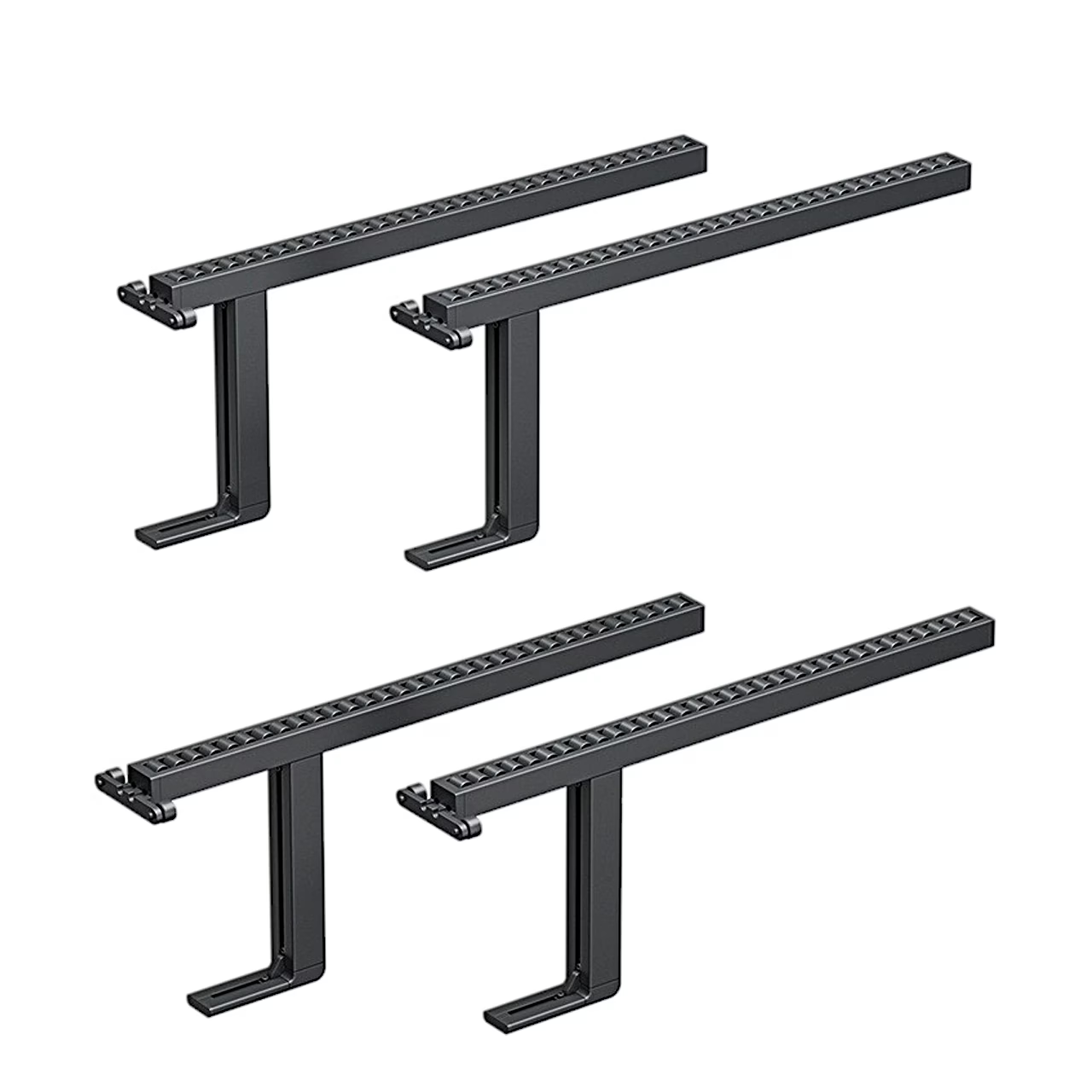
- Front and rear support bases, 2 + 2 pcs
- Front and rear conveyor rails, 2 + 2 pcs
- Smoke shield strips, 2 pcs
- Level and sticker
- Screws M4 × 10, 10 pcs, and M3 × 10, 10 pcs
- Screwdrivers 2.5 mm and 2.0 mm
- Quick start guide and safety instructions








































Reviews
There are no reviews yet.