

Description
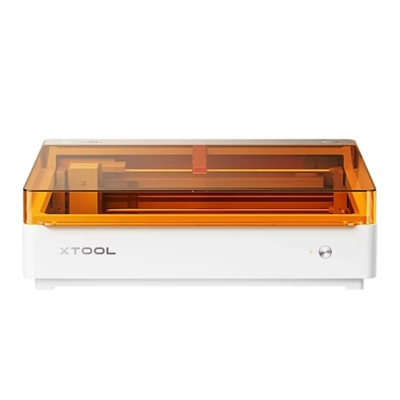
Laser engraver with camera for engraving and for laser and blade cutting
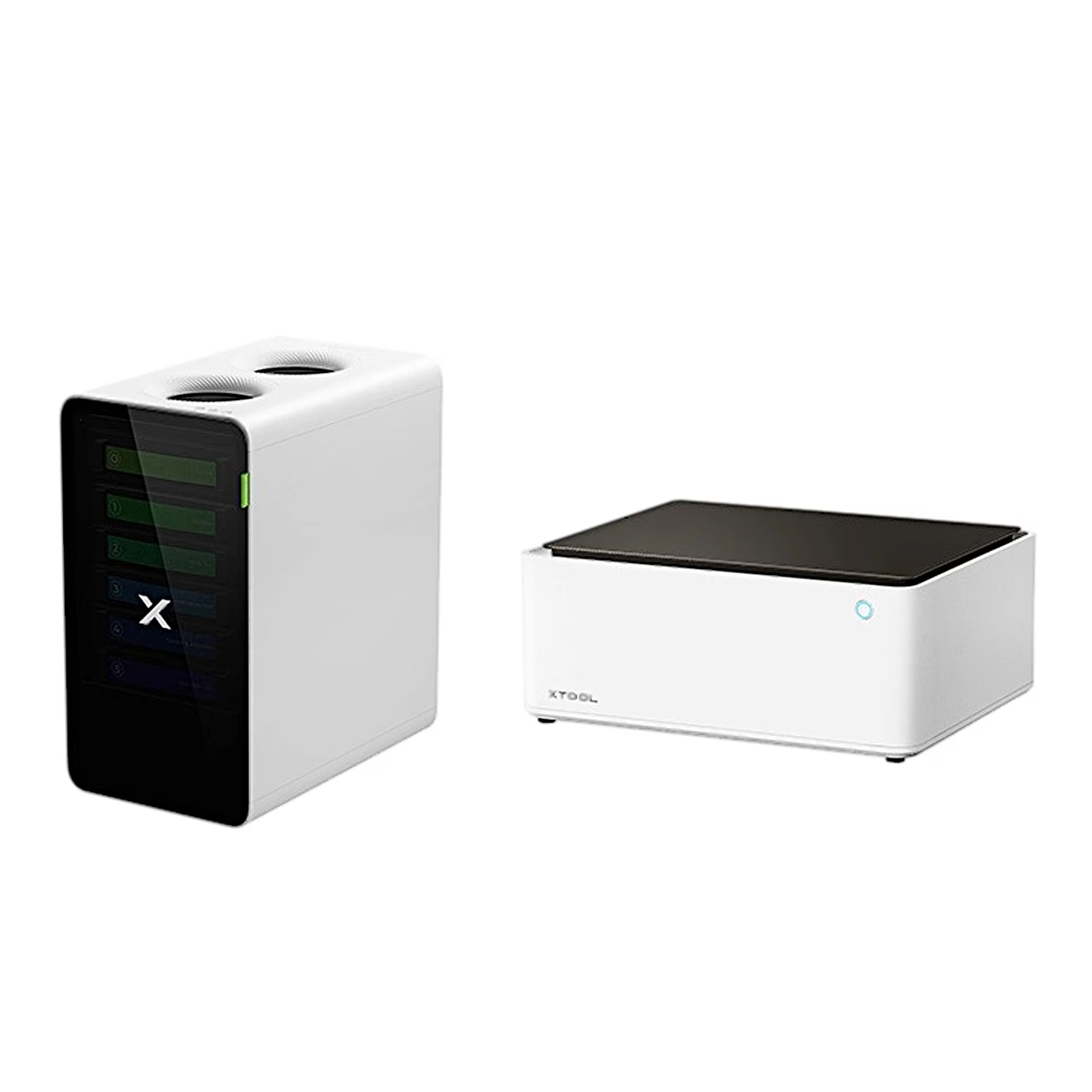
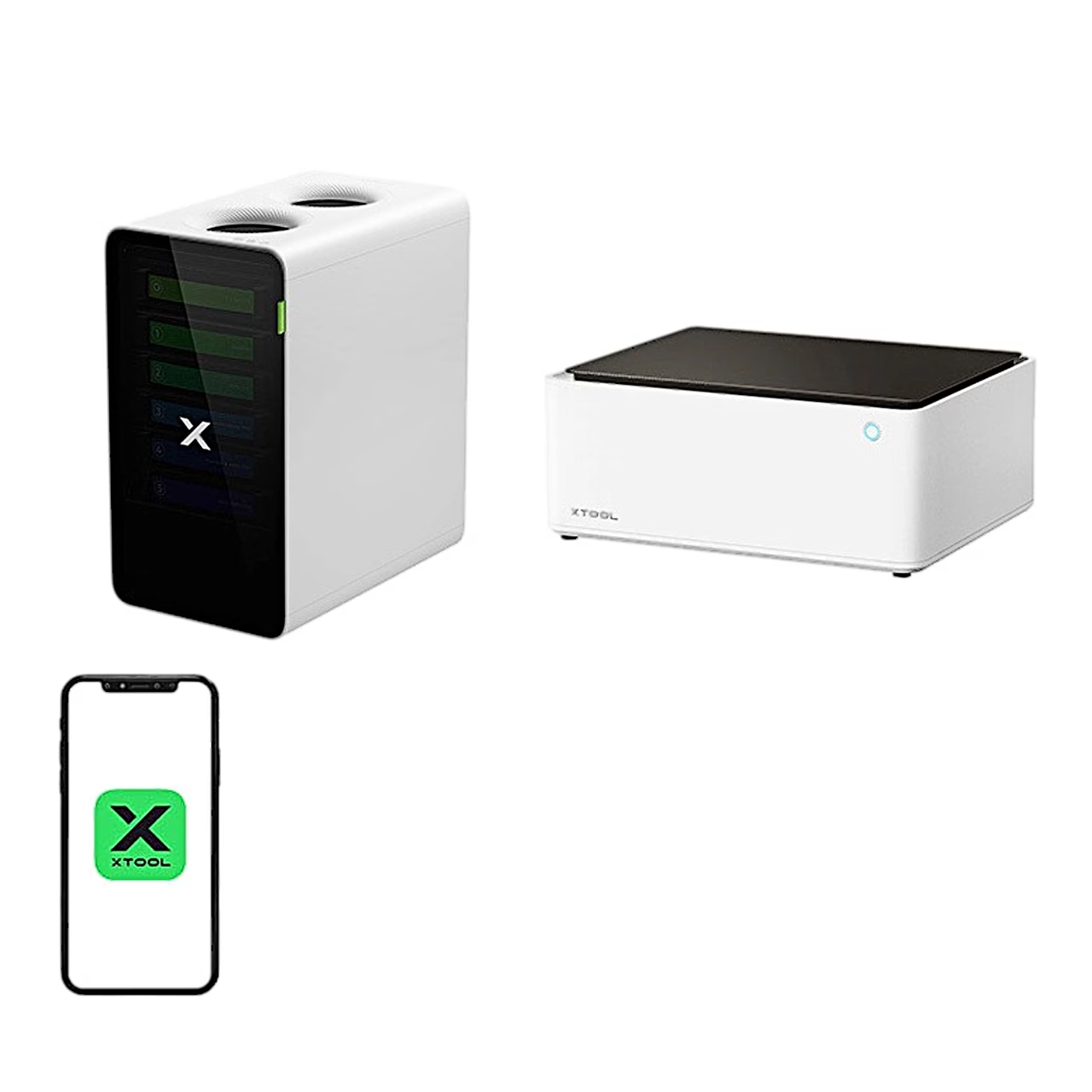
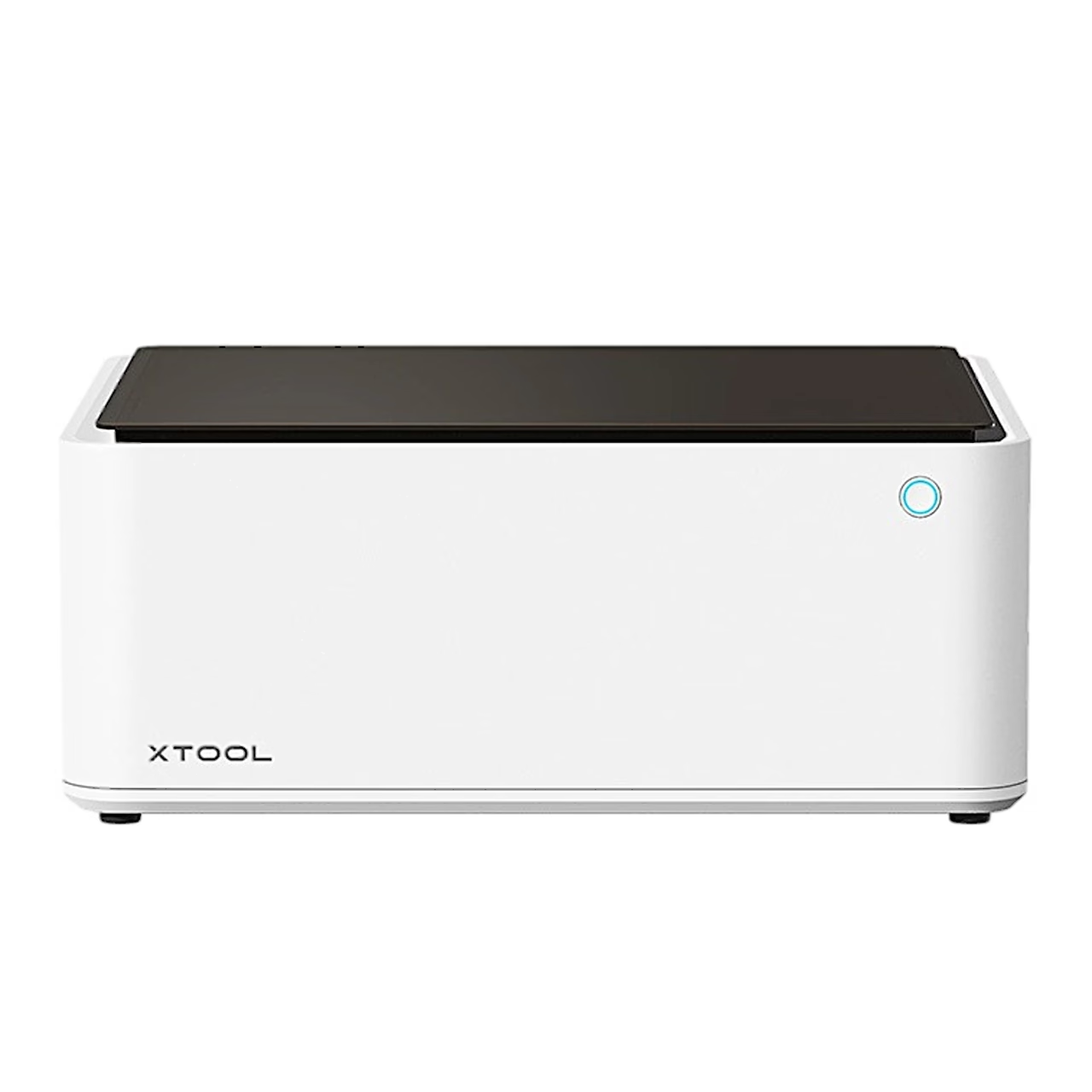
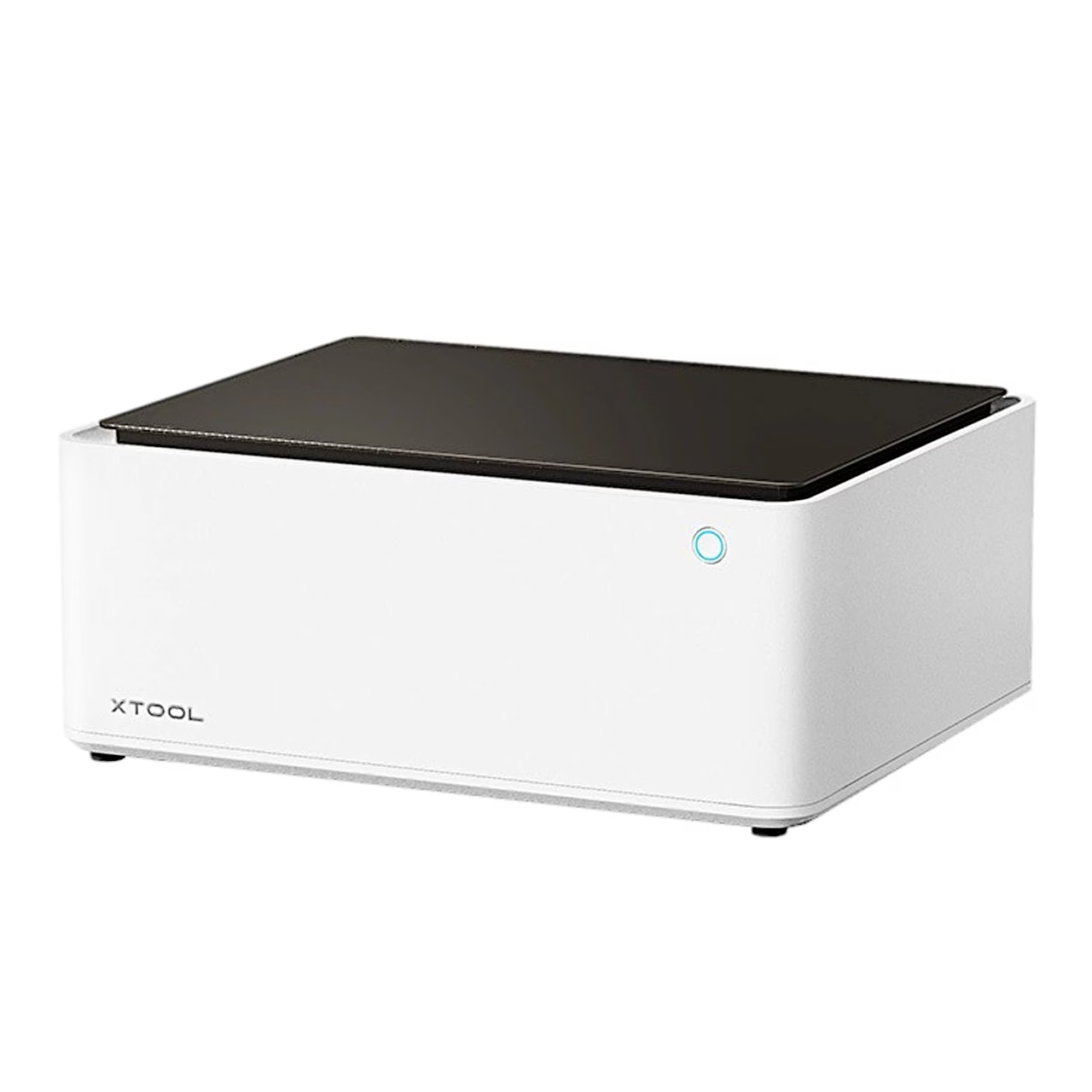
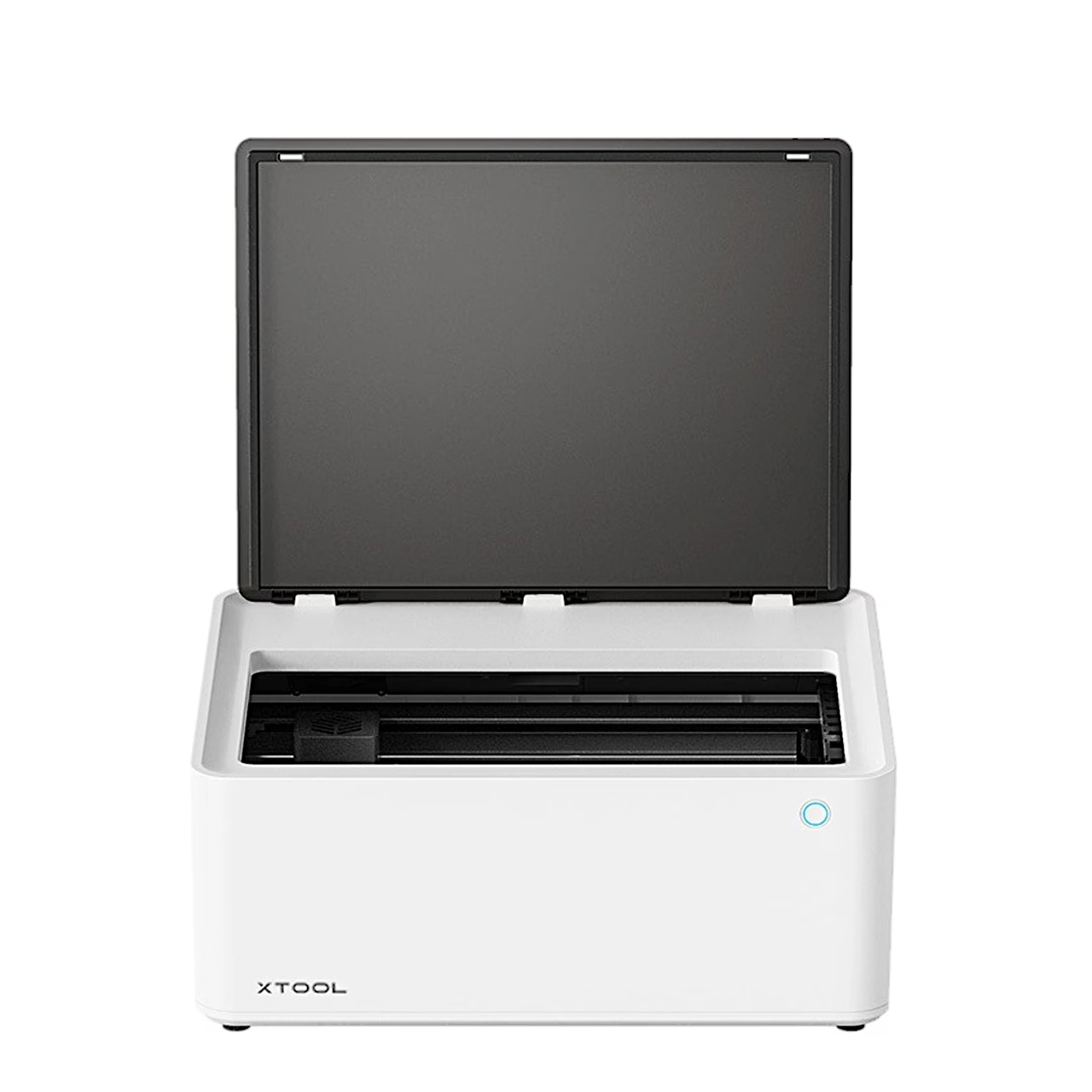
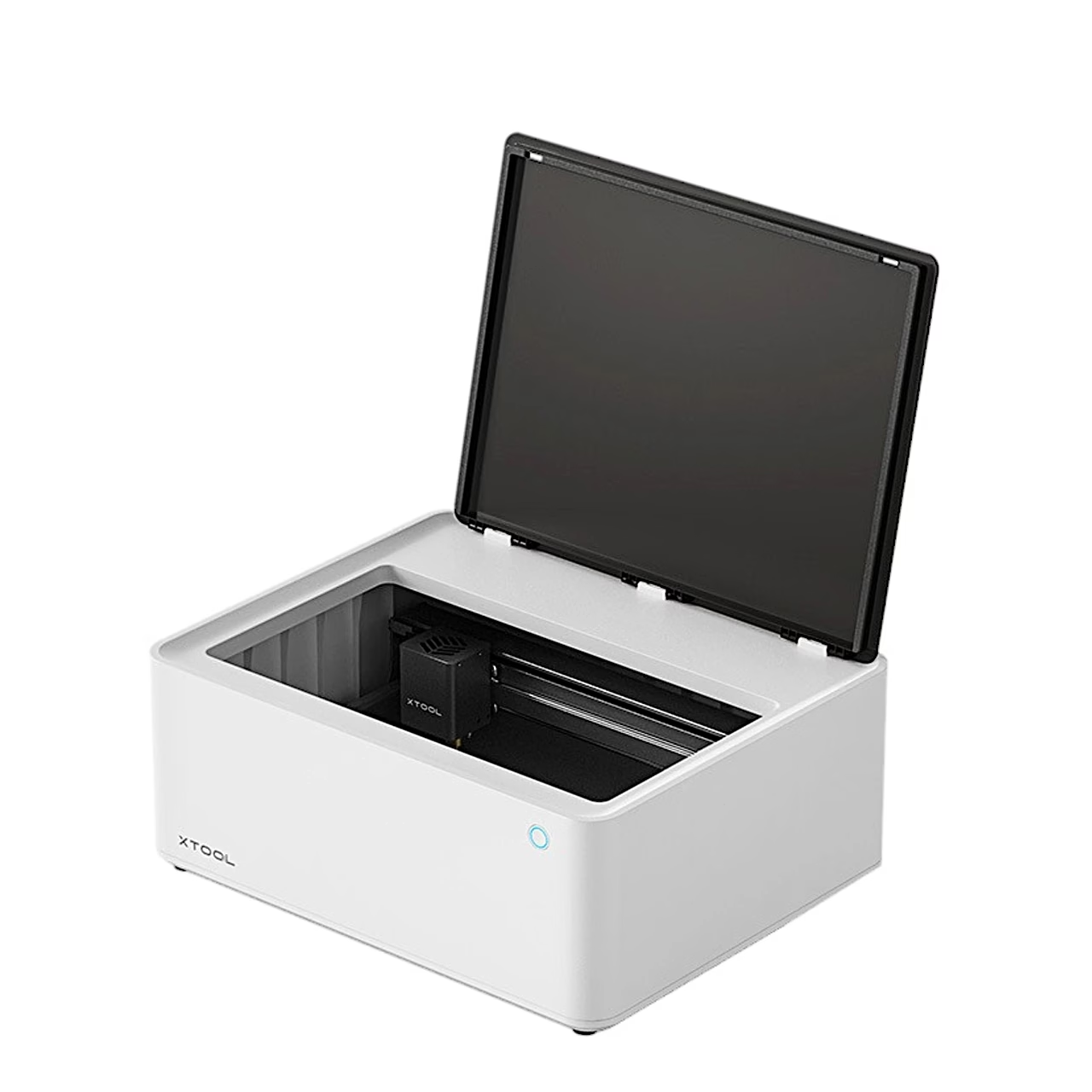
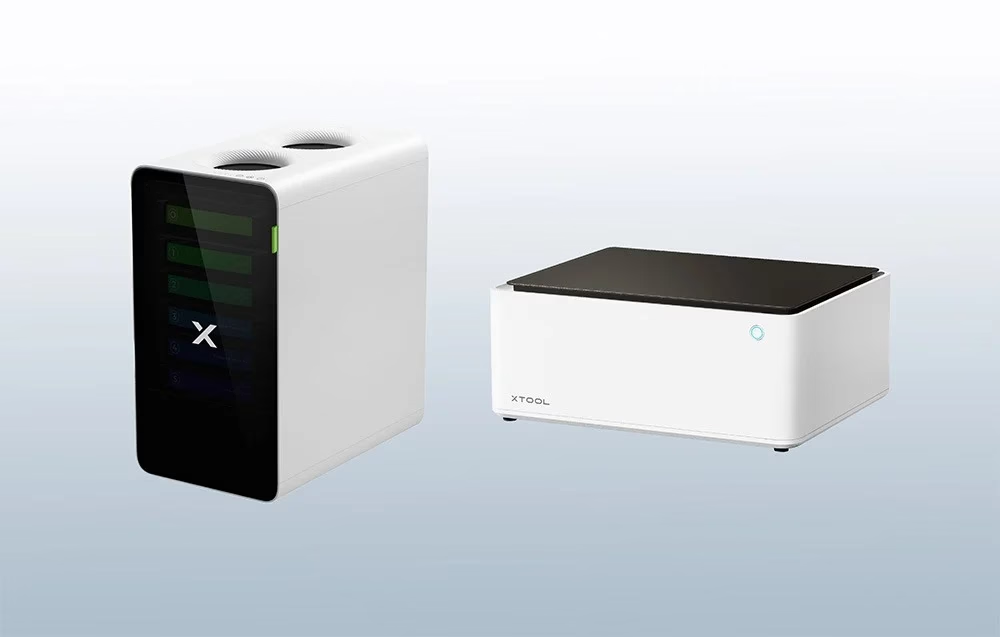
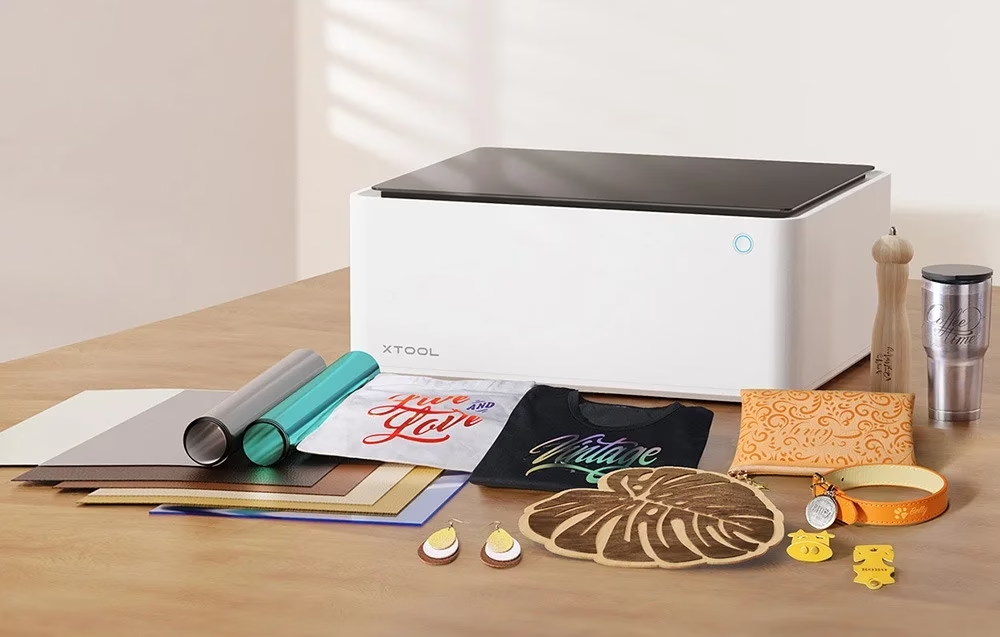
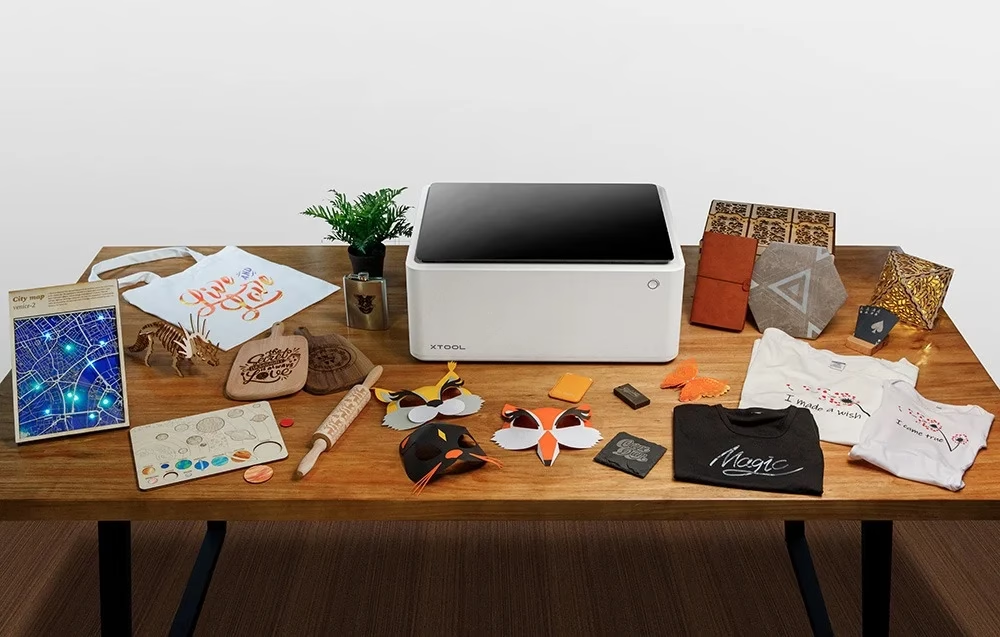
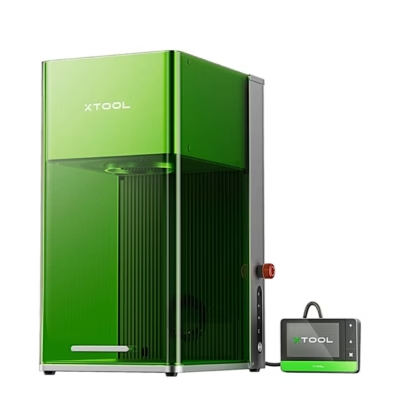
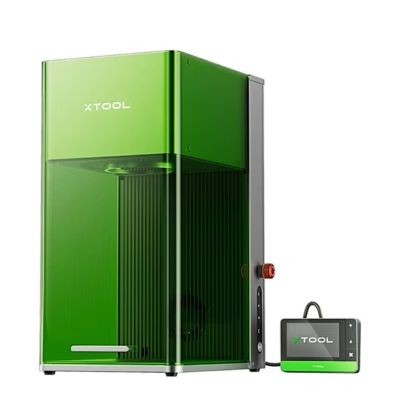
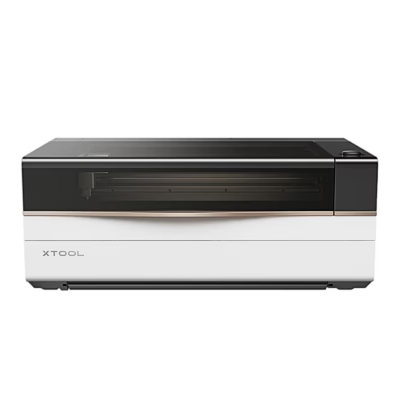
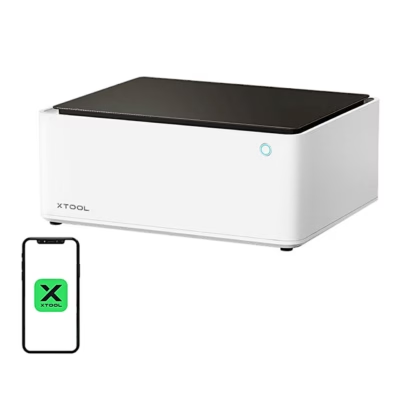
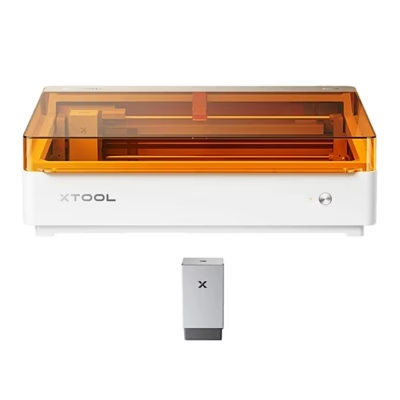
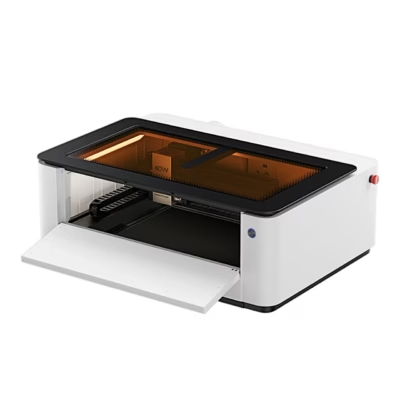
The xTool M1 laser engraver uses a 10 W diode laser and also cuts with a blade module; the set includes the xTool SafetyPro AP2 smoke purifier. The laser class is 1 (FDA) according to the maker.
Laser cutter and blade module
The laser work area is 385 × 300 mm and the blade cutting area 365 × 300 mm. In the maker’s laboratory test the laser cut through an 8 mm basswood board. Engraving speed is up to 250 mm/s for raster and up to 160 mm/s for vector work, with an engraving accuracy of 0.01 mm. Material up to 16 mm high fits without raising the base, and the engraver’s noise level stays below 60 dB.
Camera and autofocus
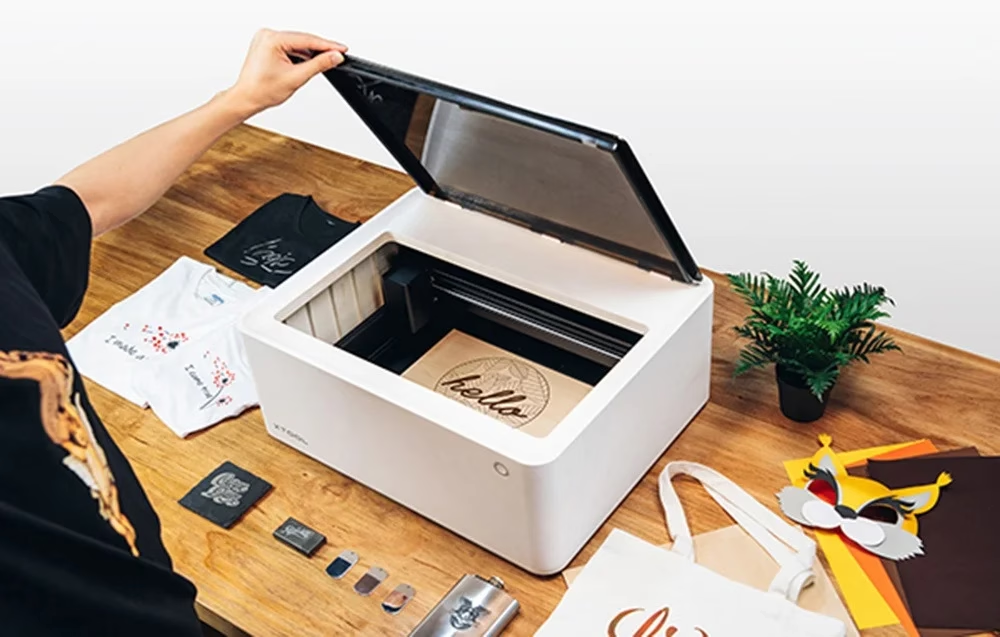
A 16 MP ultra-wide camera watches the work area and lets the machine set the focus automatically. You place the design on the material from the camera image.
Wi-Fi, USB and Laserbox
The machine connects to a computer or mobile device over Wi-Fi or USB and works with Windows, macOS, Android and iOS. It is controlled with the Laserbox software and app and accepts SVG, DXF, JPG, PNG, BMP, TIF and CR2 files.
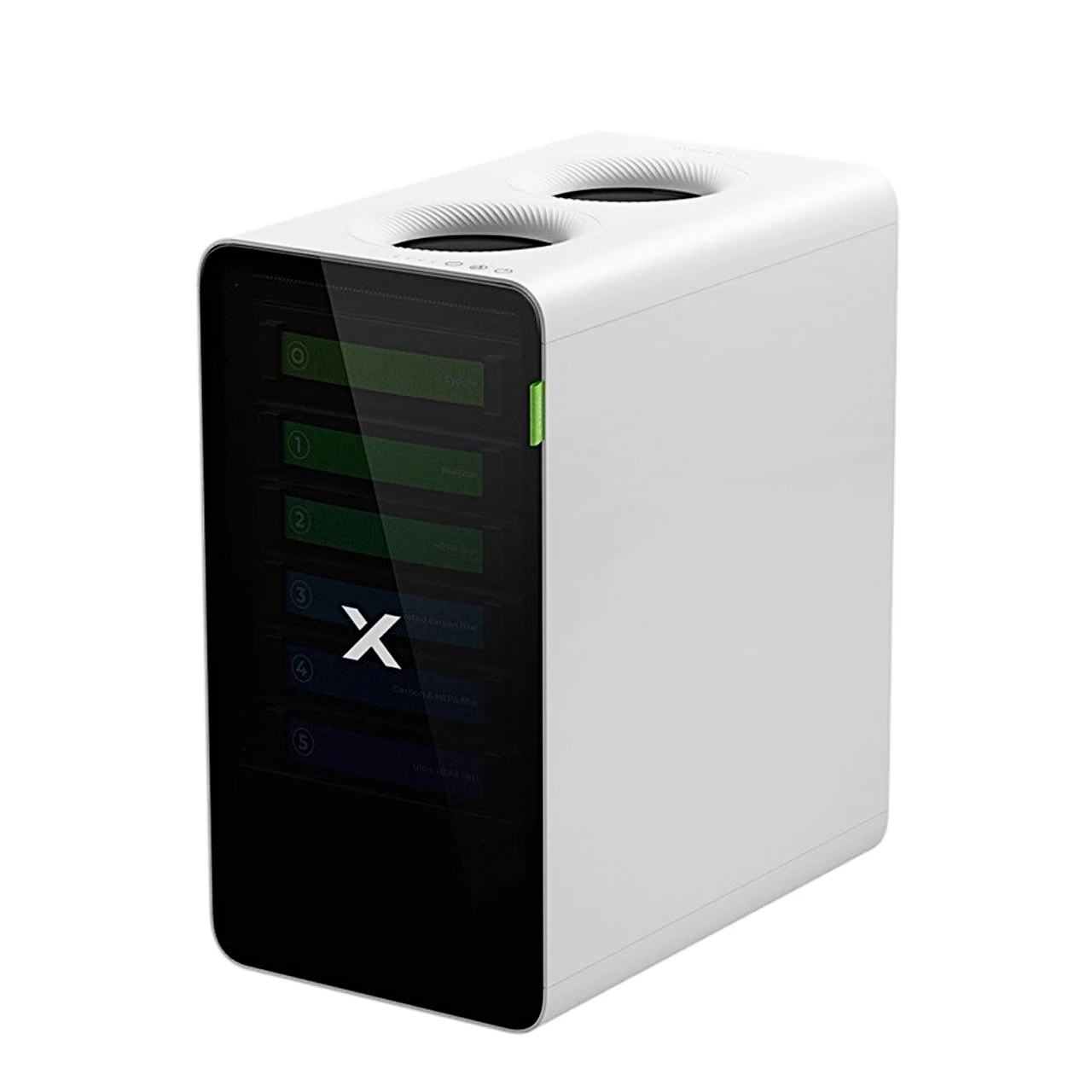
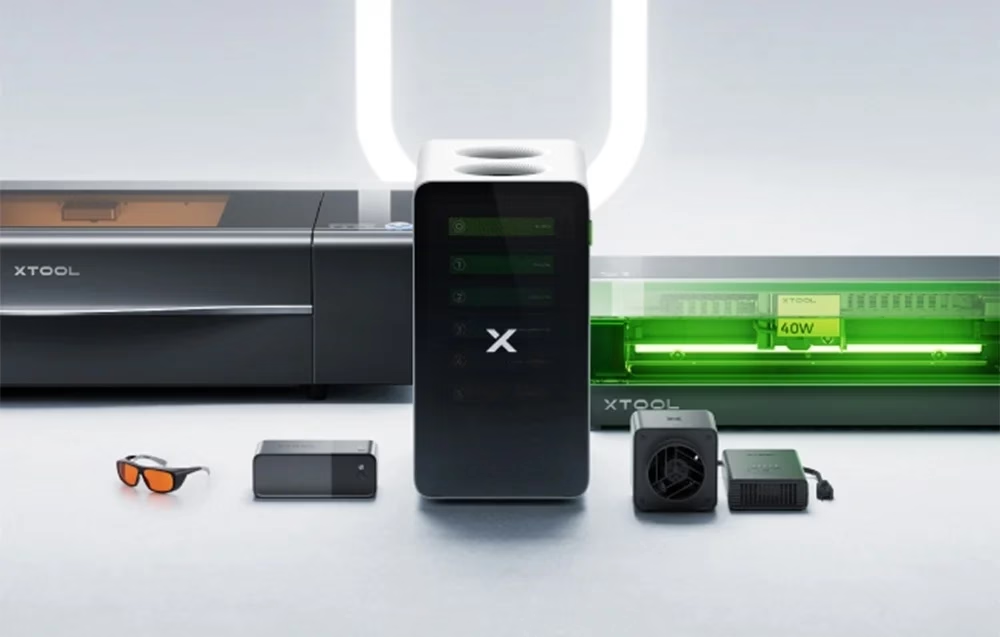
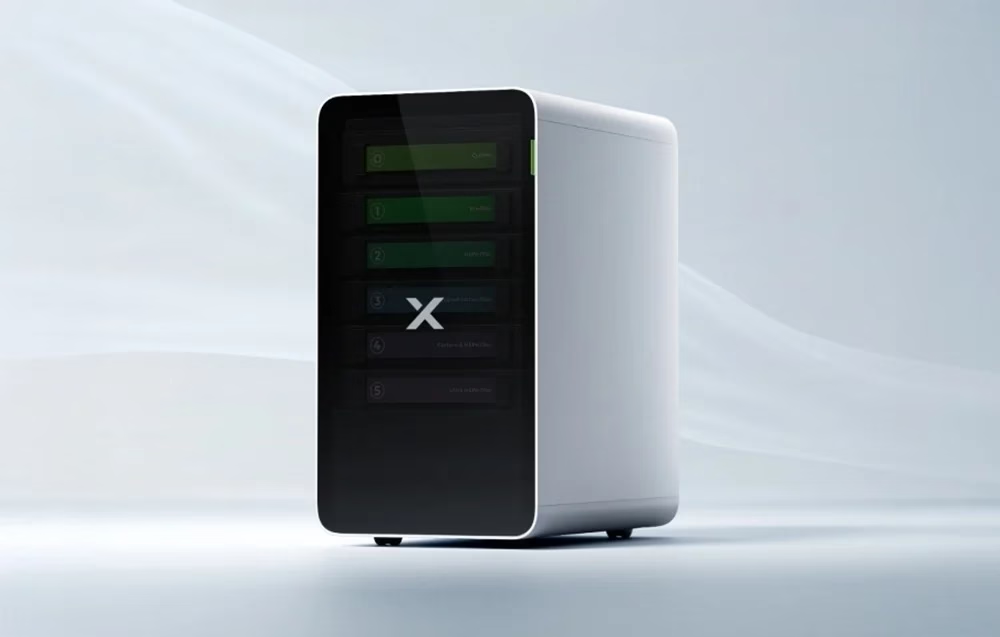
The SafetyPro AP2 smoke purifier filters laser fumes
Before the filters, the AP2 removes larger particles with a cyclone separator. The filter layers are a SuperCyclone filter, a pre-filter, a medium-efficiency filter, an activated carbon layer, a dense carbon mesh and a high-efficiency filter. A touch button selects one of four power levels, and the purifier’s noise level is 55 dB. The AP2 also fits the xTool P2S, P2, S1, M1 Ultra, F1 Ultra, D1 and F1.
Installation and use
Fit the exhaust pipe to the M1 smoke outlet and hold it in place with the pipe clamp. The blade tip, blade module and laser head attach to each other magnetically, so fitting the blade tip needs no force. Connect the M1 to the mains through the power adapter, switch it on and wait until the ring indicator shows solid white. Then connect the machine to your computer with the USB cable and connect it in the software.
Cleaning and care
When smoke has dirtied the laser head lens, clean the lens with an alcohol-moistened cotton swab. Before using the blade module, stick the cutting mat to the base plate, and replace a worn blade tip with a new one. After long use, lubricate the slide rods with grease made for them.
In the box
- Laser engraver xTool M1, 1 pc
- xTool SafetyPro AP2 smoke purifier with filter set
- power adapter and power cable
- USB cable
- exhaust pipe, 3 pipe clamps and screw set
- 2 pipe connectors and a wall connector
- material pack
- cutting mats LightGrip (blue) and FabricGrip (pink)
- 45° blade tips, 5 pcs
- Phillips and flat-head screwdriver
- quick start guide and safety instructions








































Reviews
There are no reviews yet.