

Description
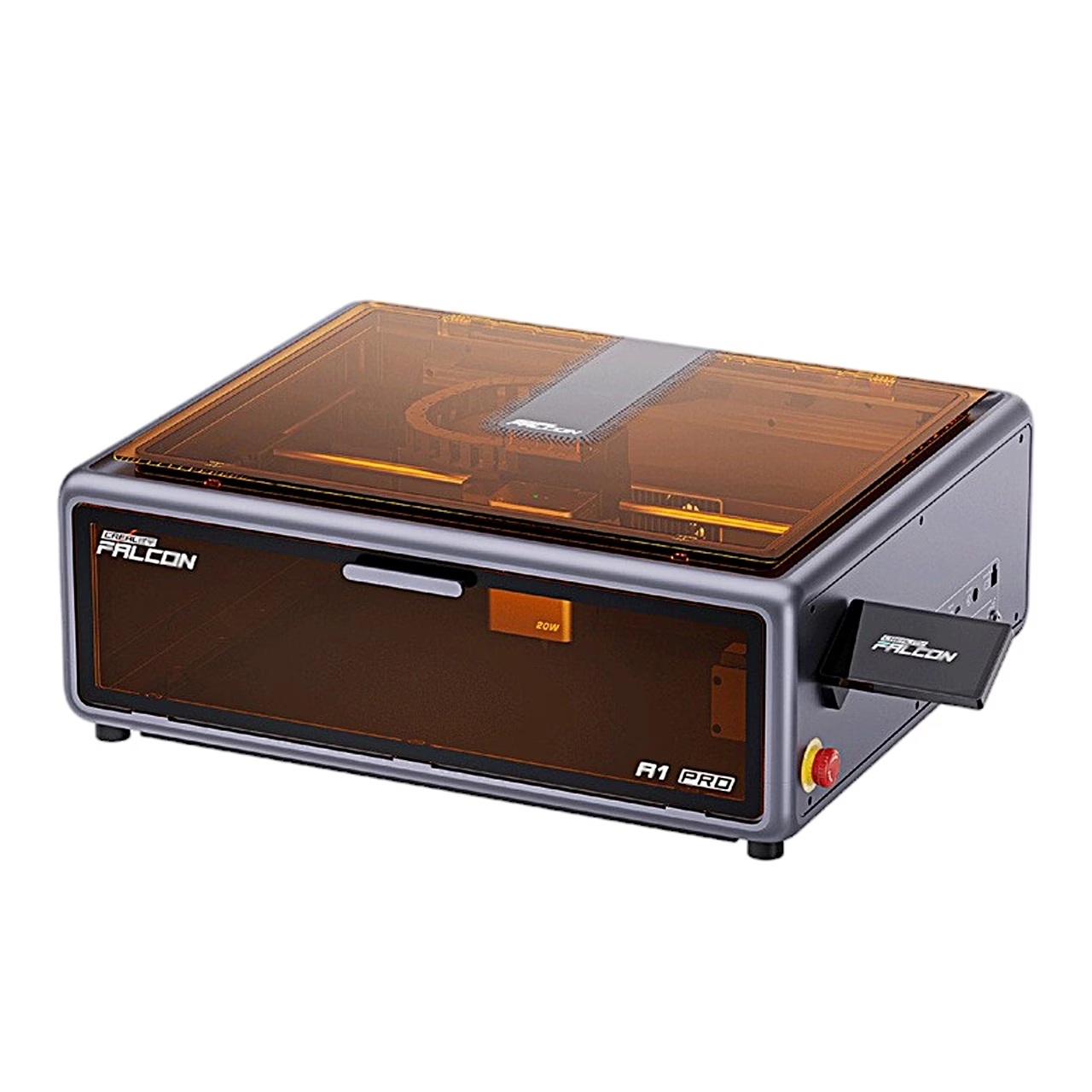
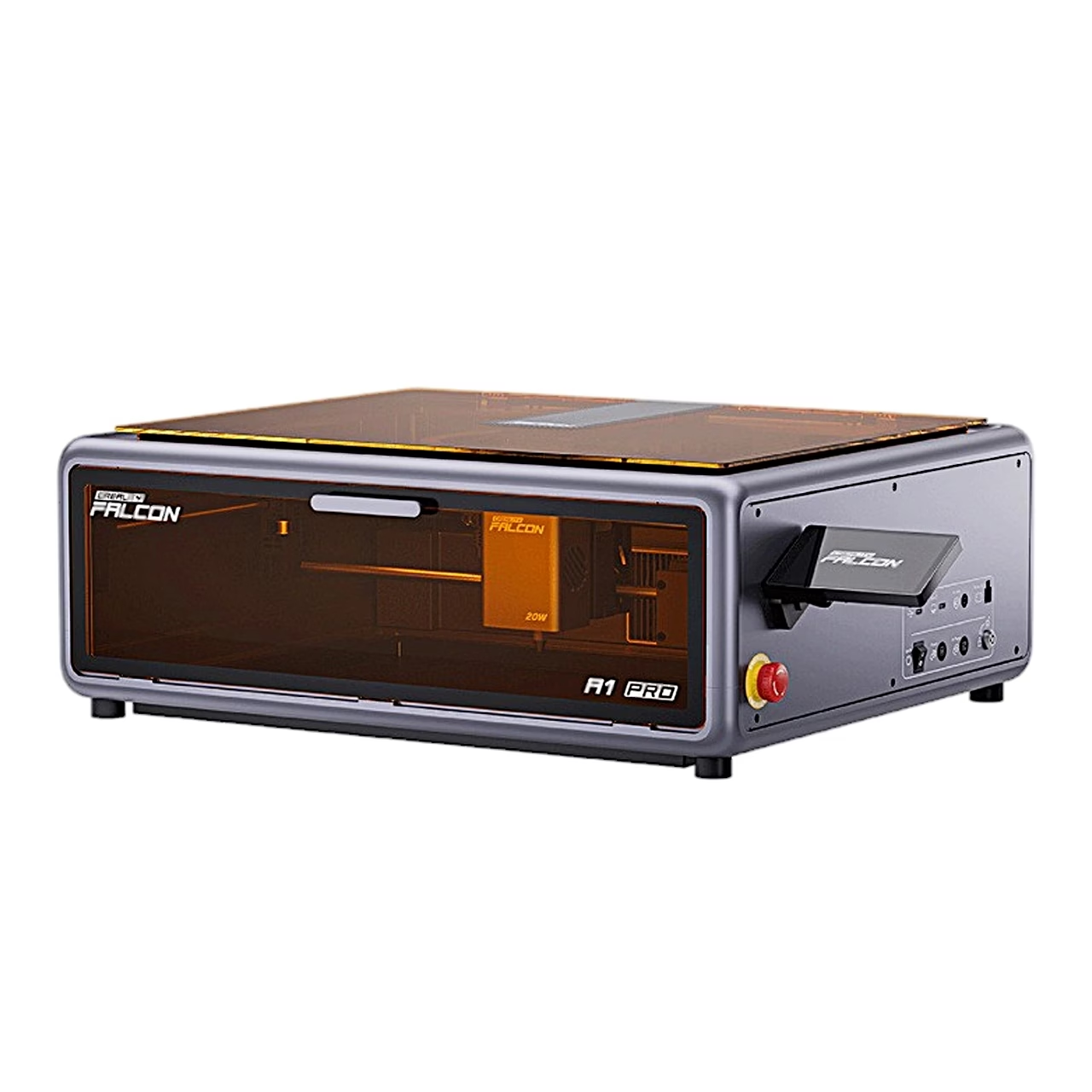
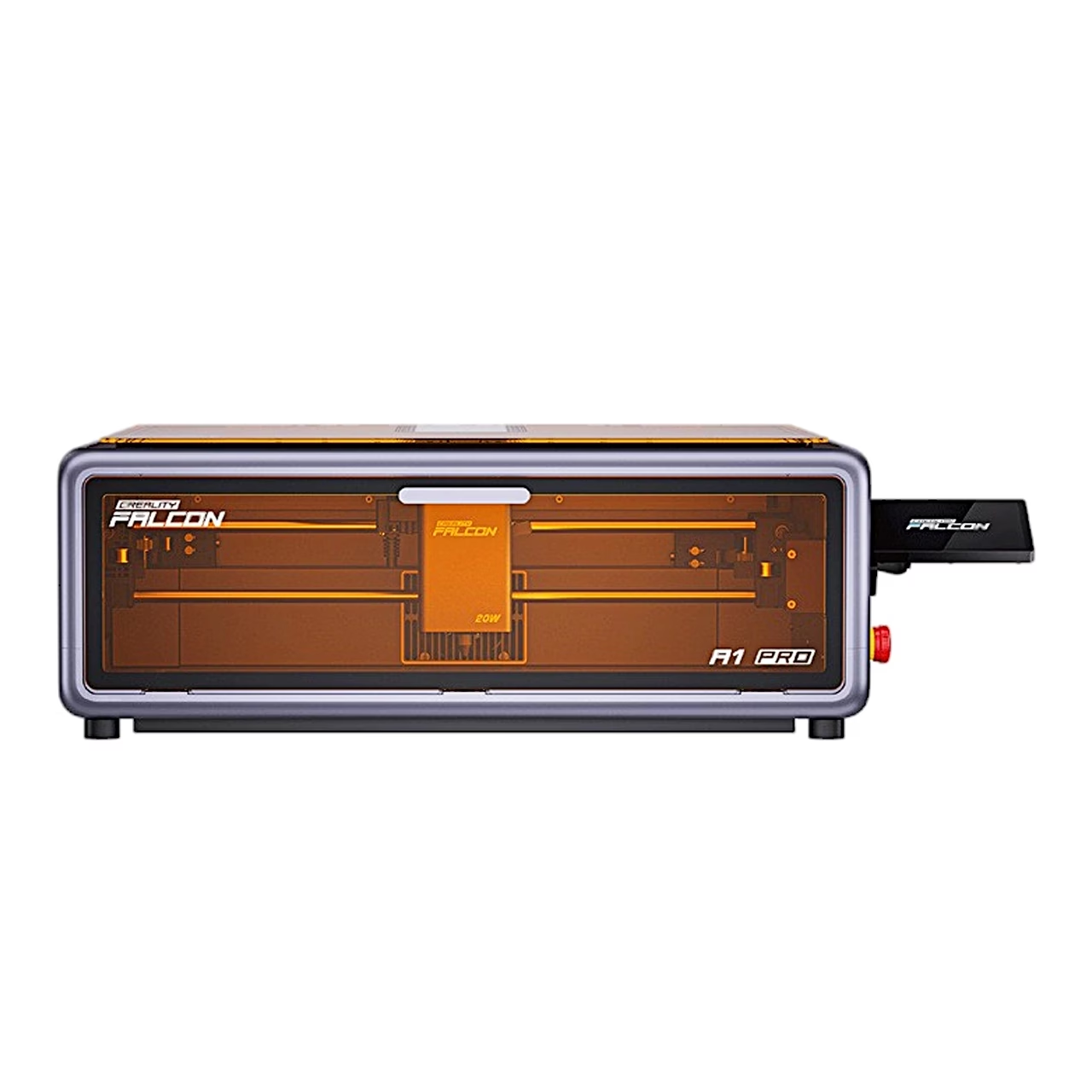
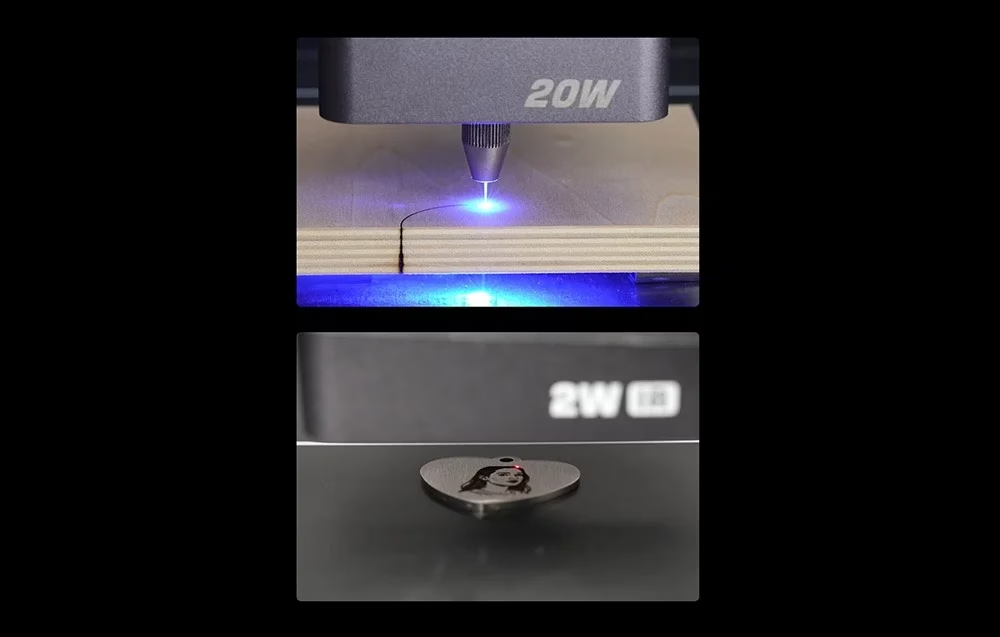
Laser engraver with a 20 W diode laser for wood, leather and acrylic
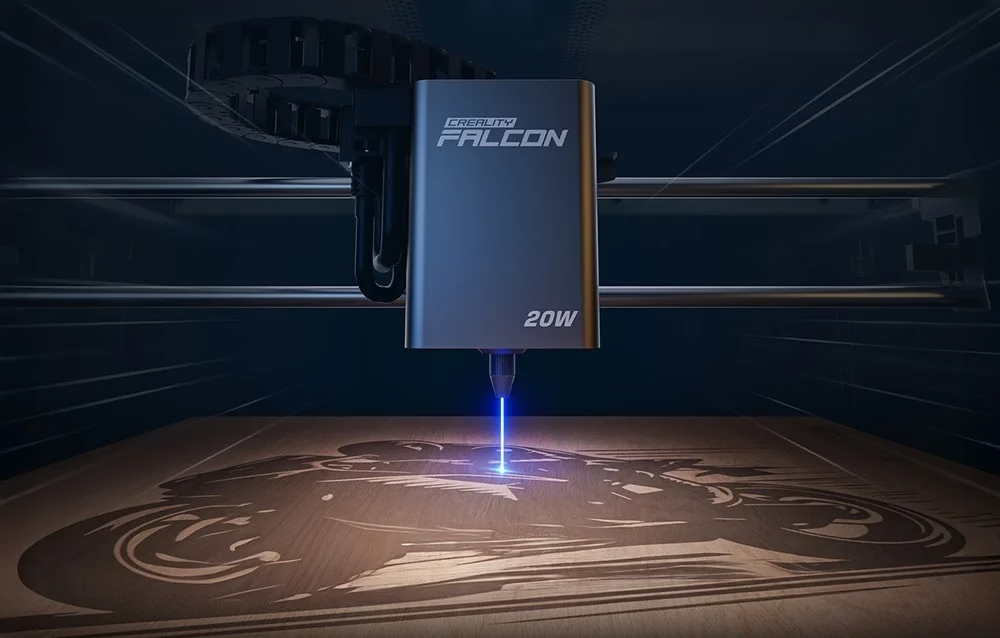
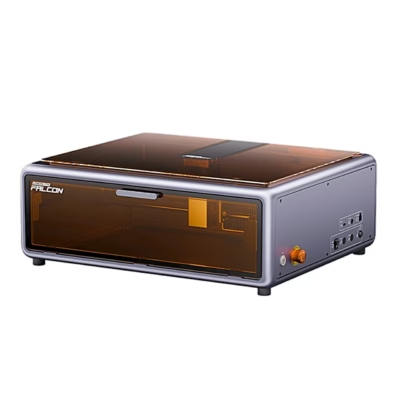
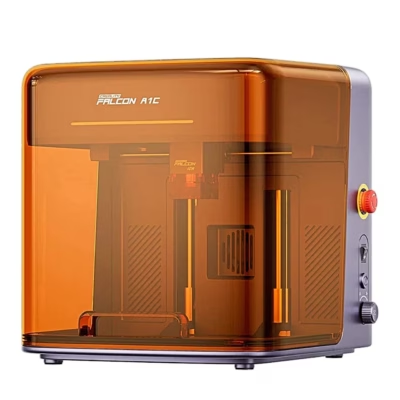
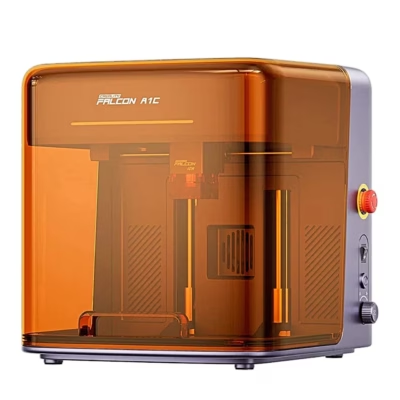
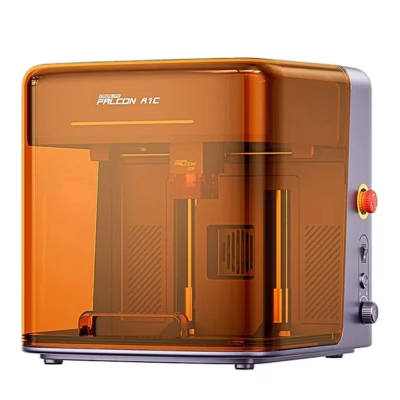
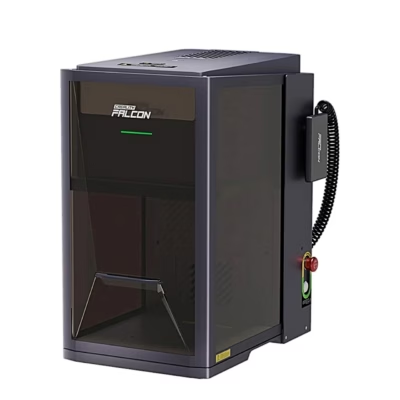
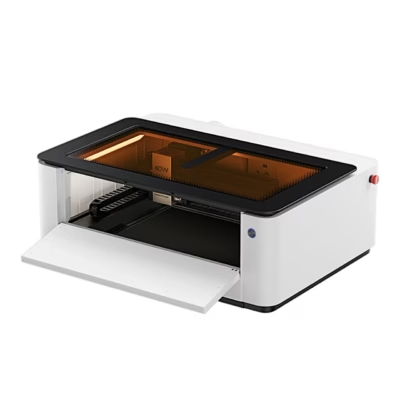
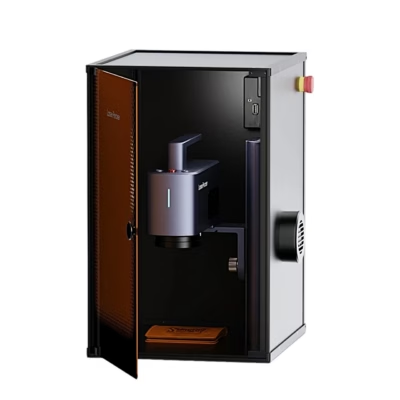
The enclosed Creality Falcon A1 Pro laser engraver engraves and cuts with a diode laser on cardboard, wood, bamboo, rubber, leather, fabric, acrylic and plastic. The working area is 268 × 358 mm and the maximum travel speed is 600 mm/s.

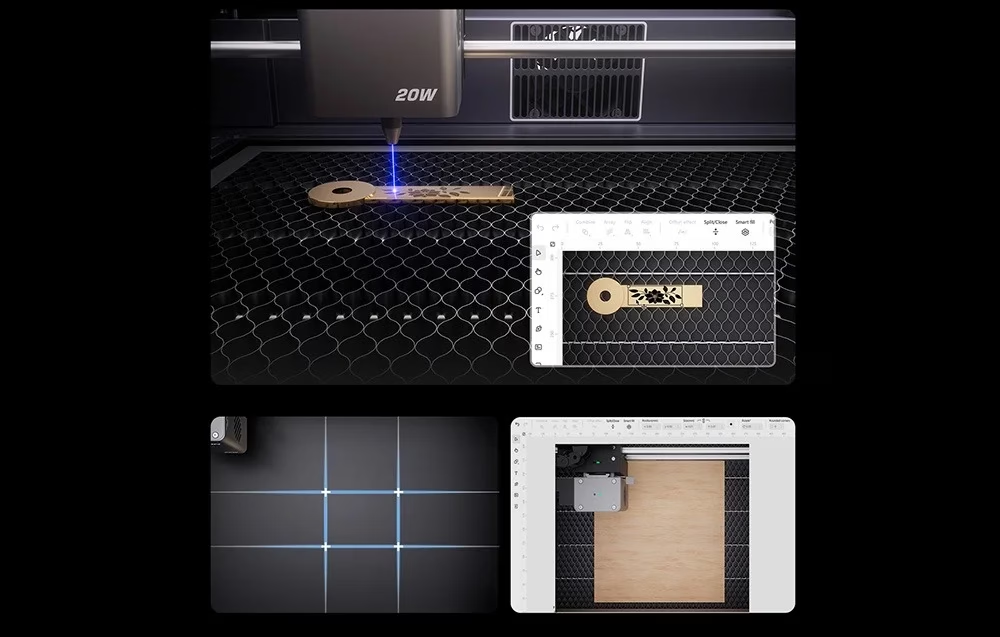
Autofocus and camera place the job on the material
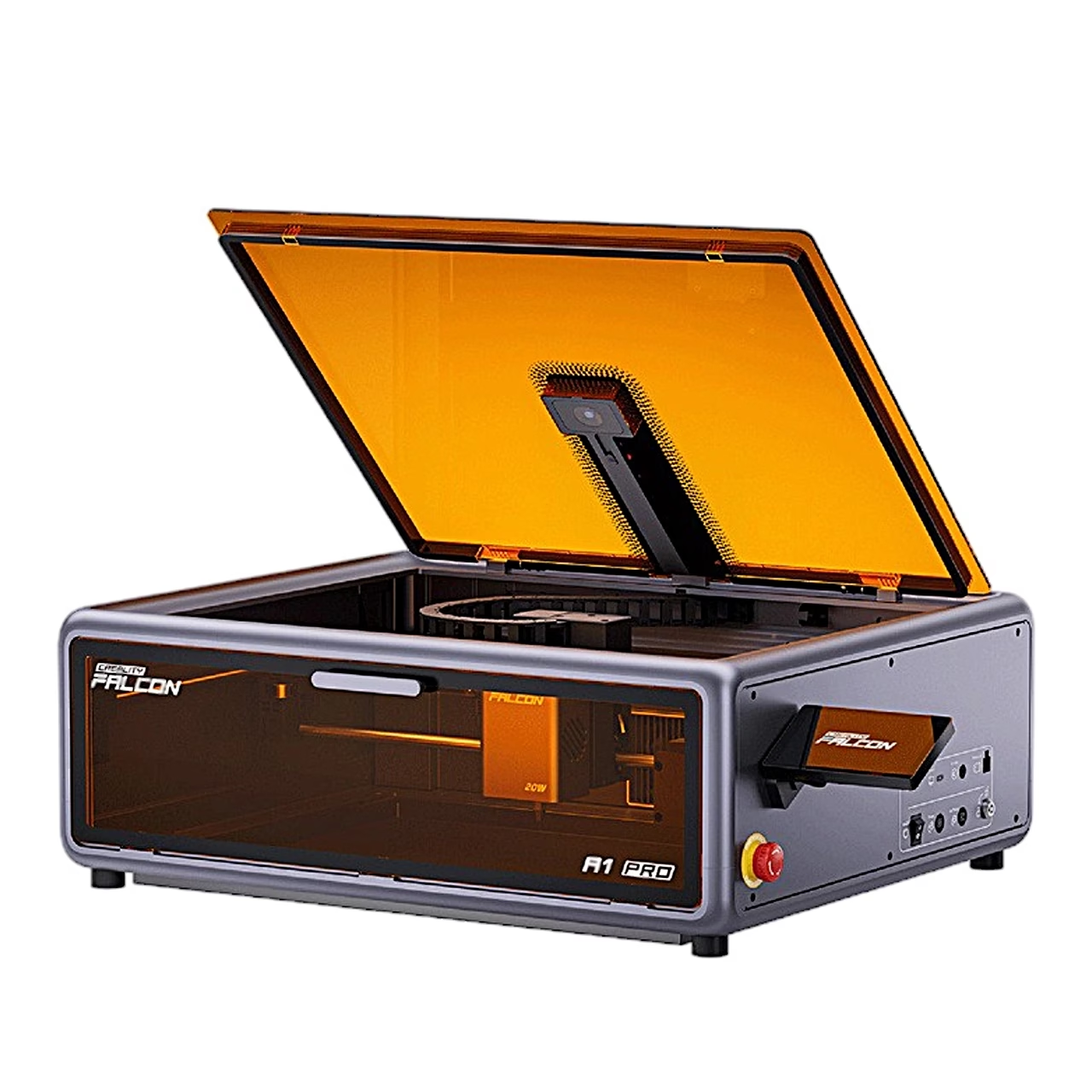
Place the material on the red mark in the chamber and start autofocus: the machine measures the material thickness and sets the focal length itself. The factory-calibrated camera shows the work area in the software, so you can position the design before engraving. The frame command shows where the design will sit on the material before the job starts.
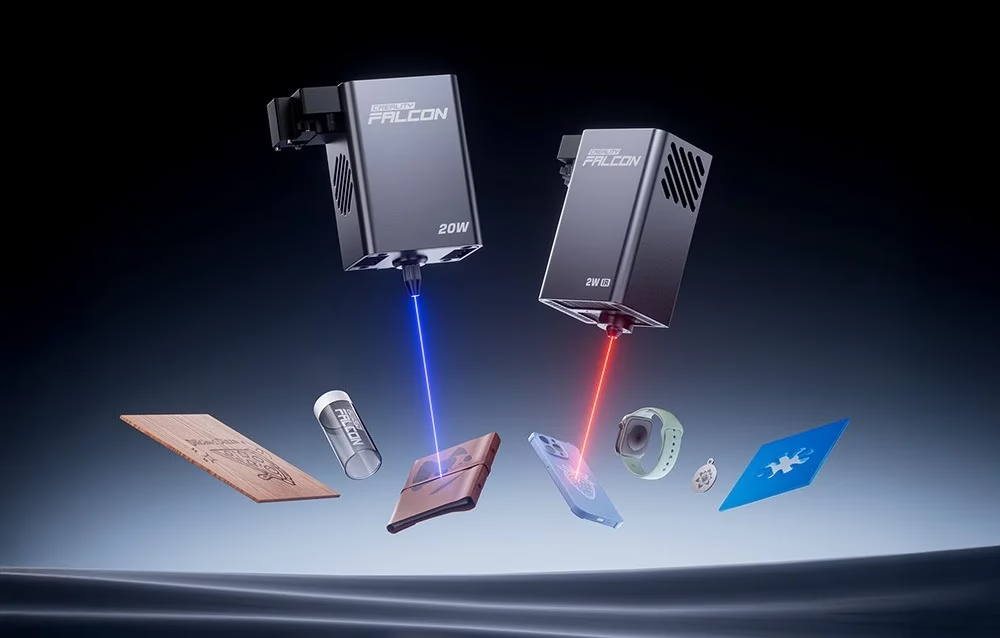
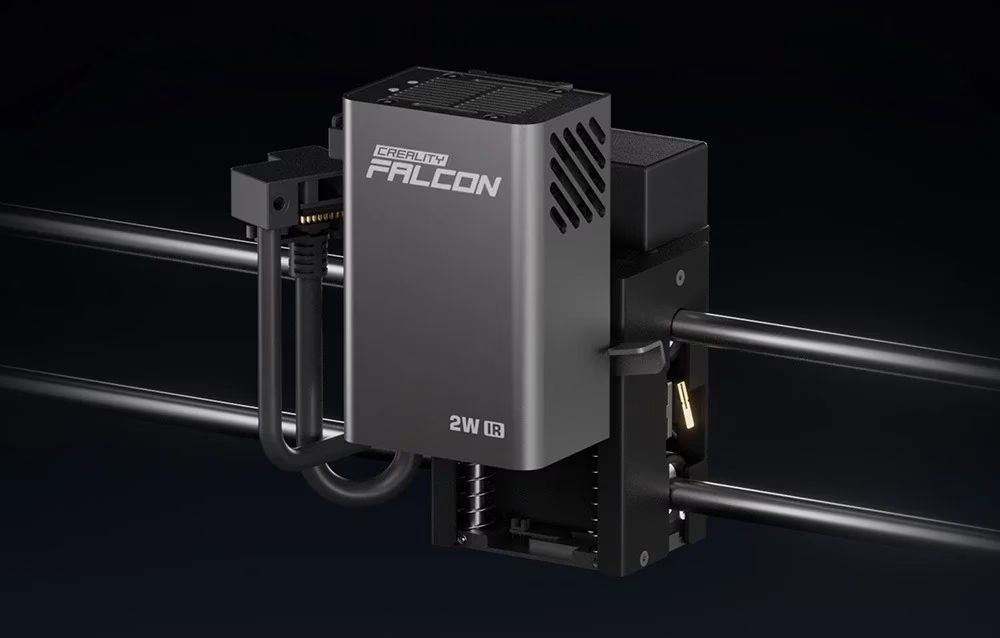
Quick-release laser module and an optional 2 W infrared laser
The laser module releases with a quick-release lever and slides up out of its mount. The same mount takes the separately sold 2 W infrared laser (1064 nm), which marks gold, silver, brass, aluminium, stainless steel and plastic.
Control screen, computer software and app
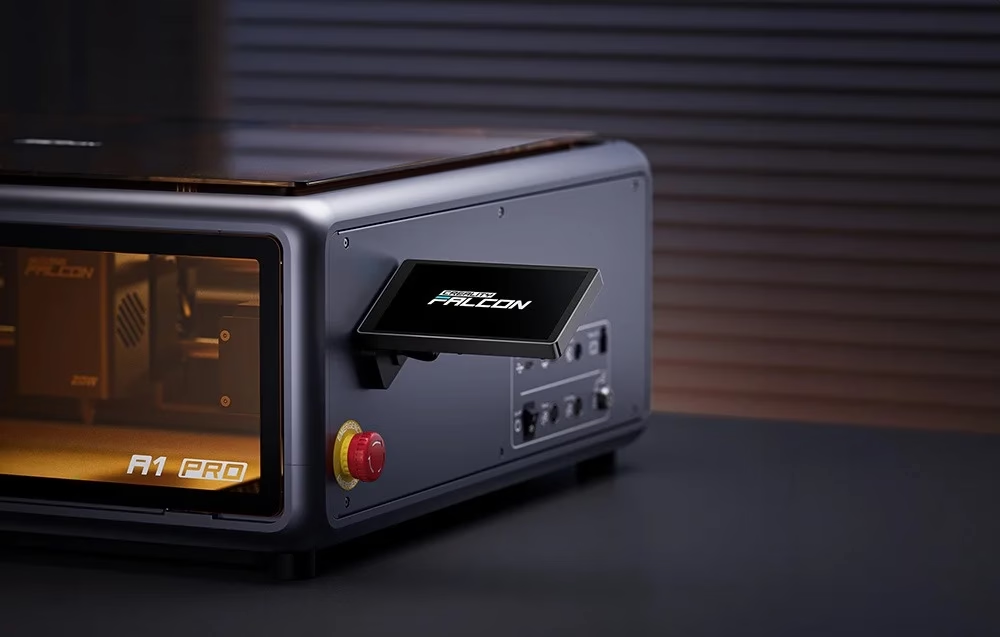
With a computer it runs over a Type-A to Type-C cable in Falcon Design Space, LightBurn or LaserGRBL, on Windows and macOS. On the control screen you choose files, start autofocus and connect the machine to Wi-Fi. The FalconDesignSpace app pairs with the engraver over Bluetooth.
Enclosure, flame sensor and emergency stop
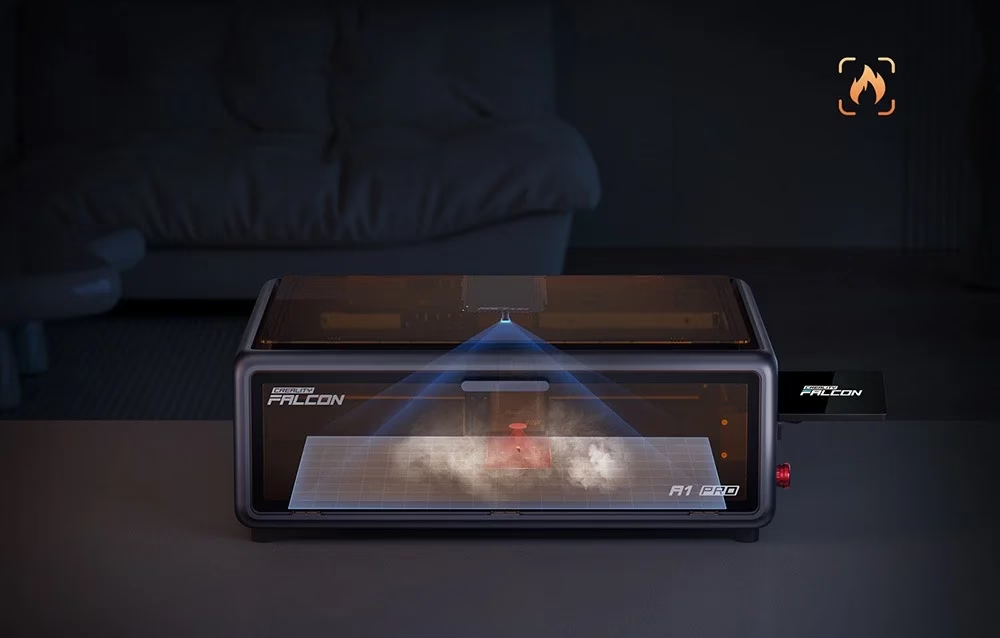
With its enclosure the Falcon A1 Pro is a Class 1 laser device under the FDA classification. The job stops when the flame sensor detects fire, the machine is tilted or the door is open. The emergency stop cuts the power, the laser only runs with the safety key inserted, and the exhaust pipe carries processing smoke out of the room.
Use
- Fit the control screen, connect the air assist unit with the silicone tube, the exhaust pipe with its clamp, and the power supply.
- Insert the safety key, switch on and turn the emergency stop clockwise to release it.
- Place the material on the red mark, close the lid and start autofocus.
- Start the job from a computer, a USB stick or the app’s cloud files.
Cleaning and maintenance
Once a month clean the fan inlets, the camera and light covers, the guide shafts and the tray, with the power off, using the anti-static brush and a dry cloth. Check the timing belt tension every three months and clean the laser fan every 3–6 months.
In the box
- Laser engraver Creality Falcon A1 Pro, 1 pc
- power supply
- air assist unit and silicone tube
- exhaust pipe and hose clamp
- basswood sheet 300 × 300 × 3 mm
- test calibration card
- rotary kit connection cable
- multi-level focus block
- Type-A to Type-C cable and Type-A to Type-C adapter
- anti-static brush, tweezers and lint-free cloth
- L-shaped cross wrench and M1.5, M2, M2.5 and M3 Allen keys
- laser module protective lens
- safety key, 2 pcs
- user manual







































Reviews
There are no reviews yet.