

Description
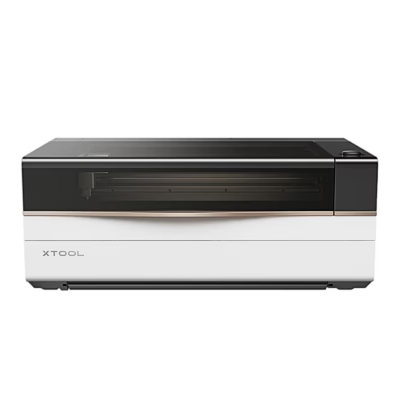
Laser engraver with a diode laser and cutting blade
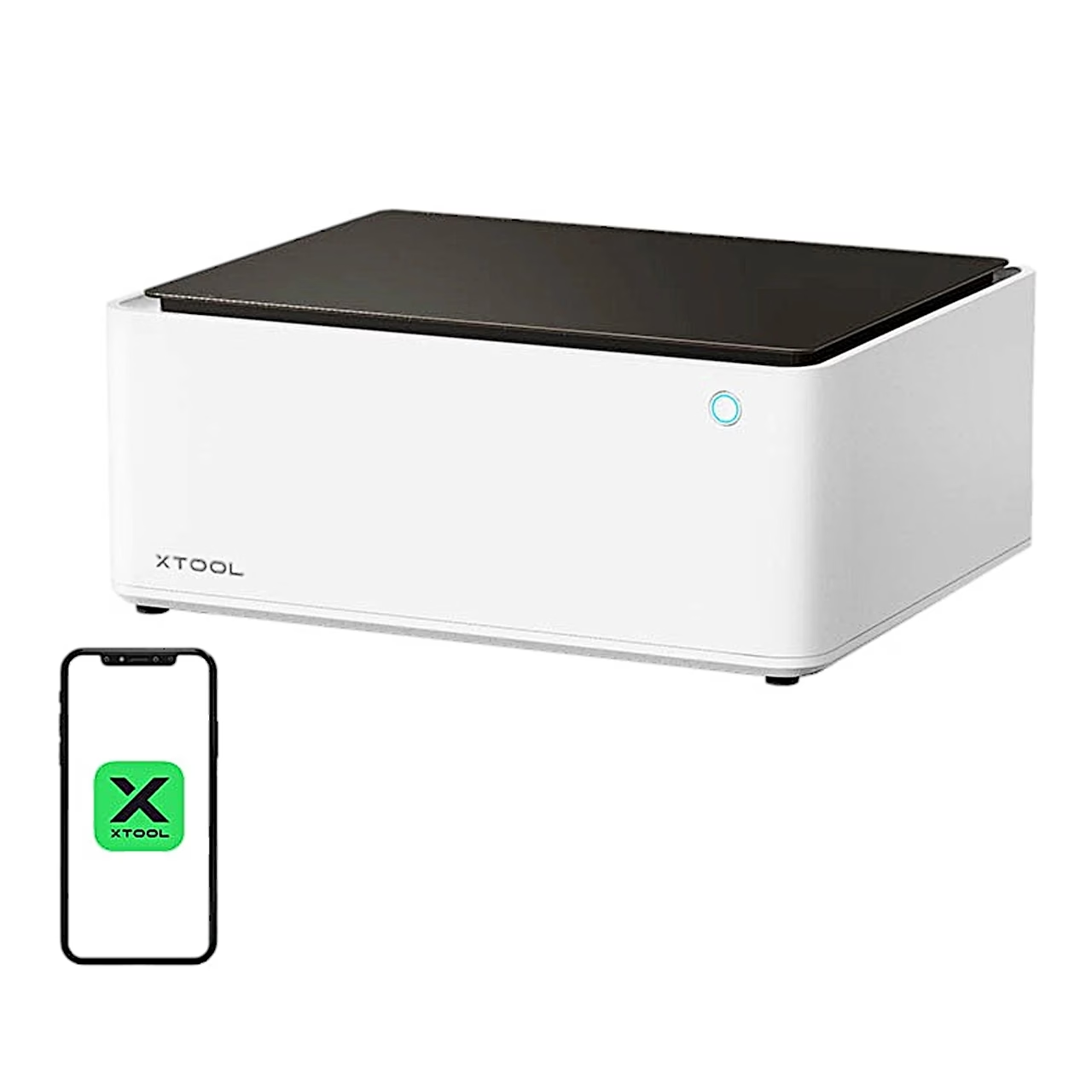
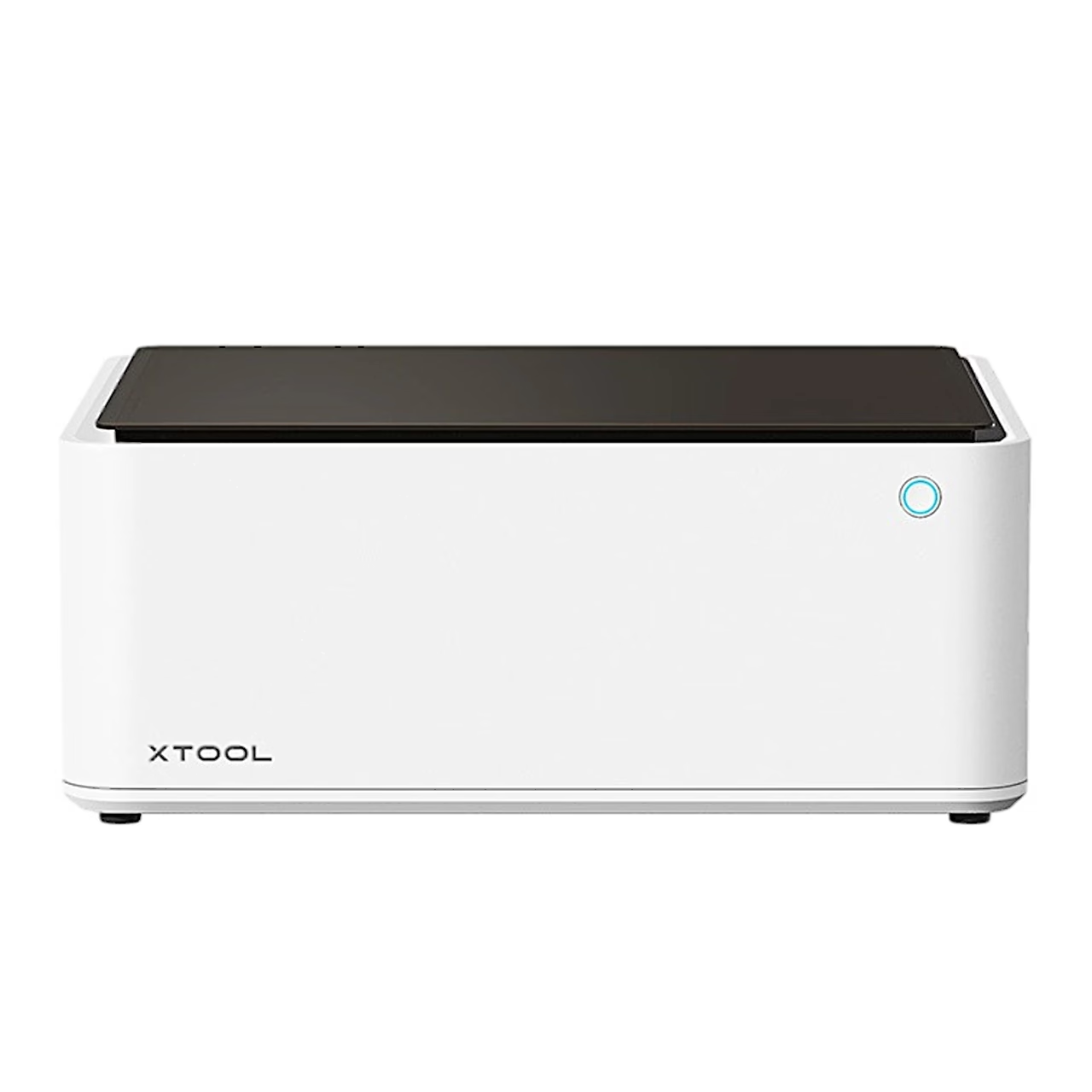
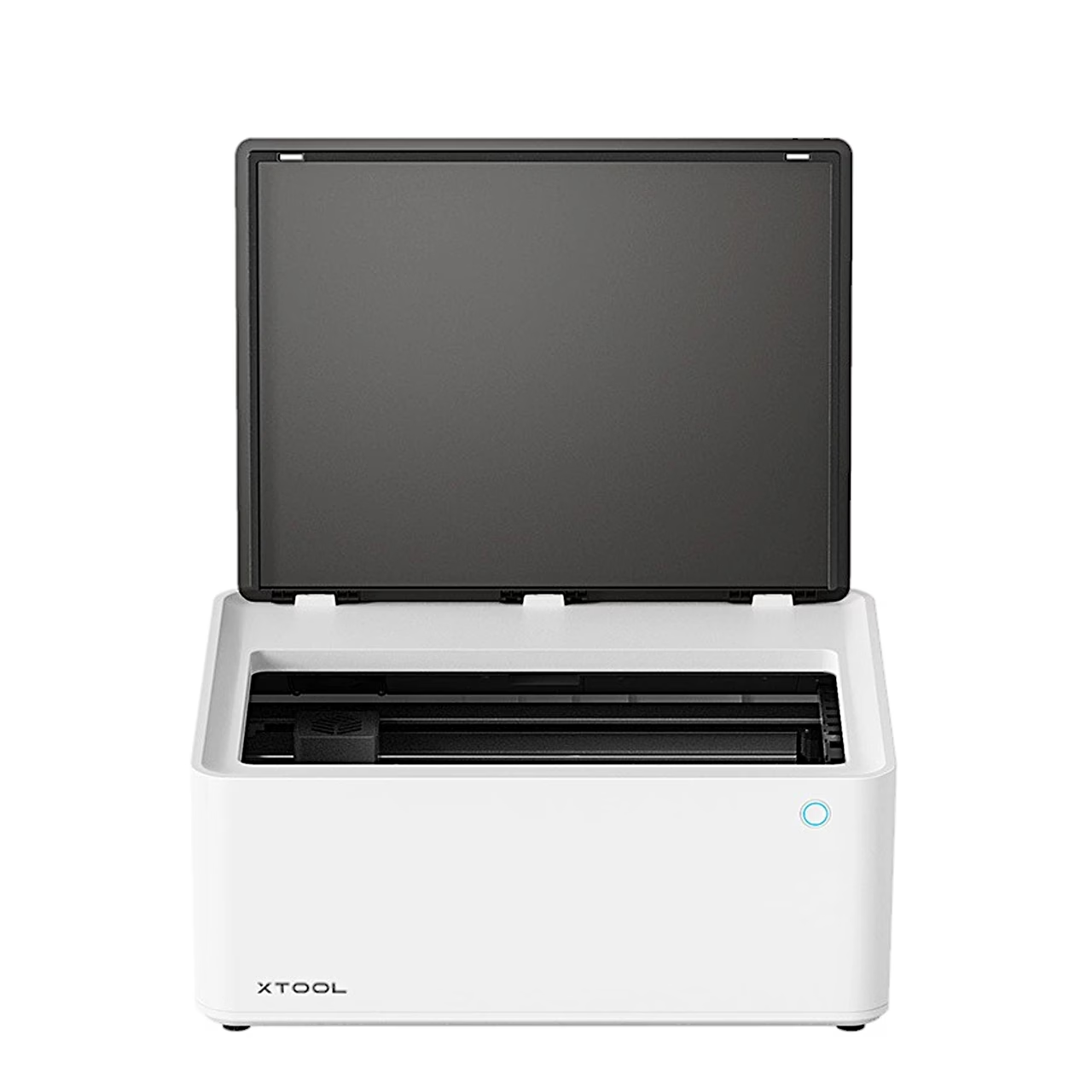
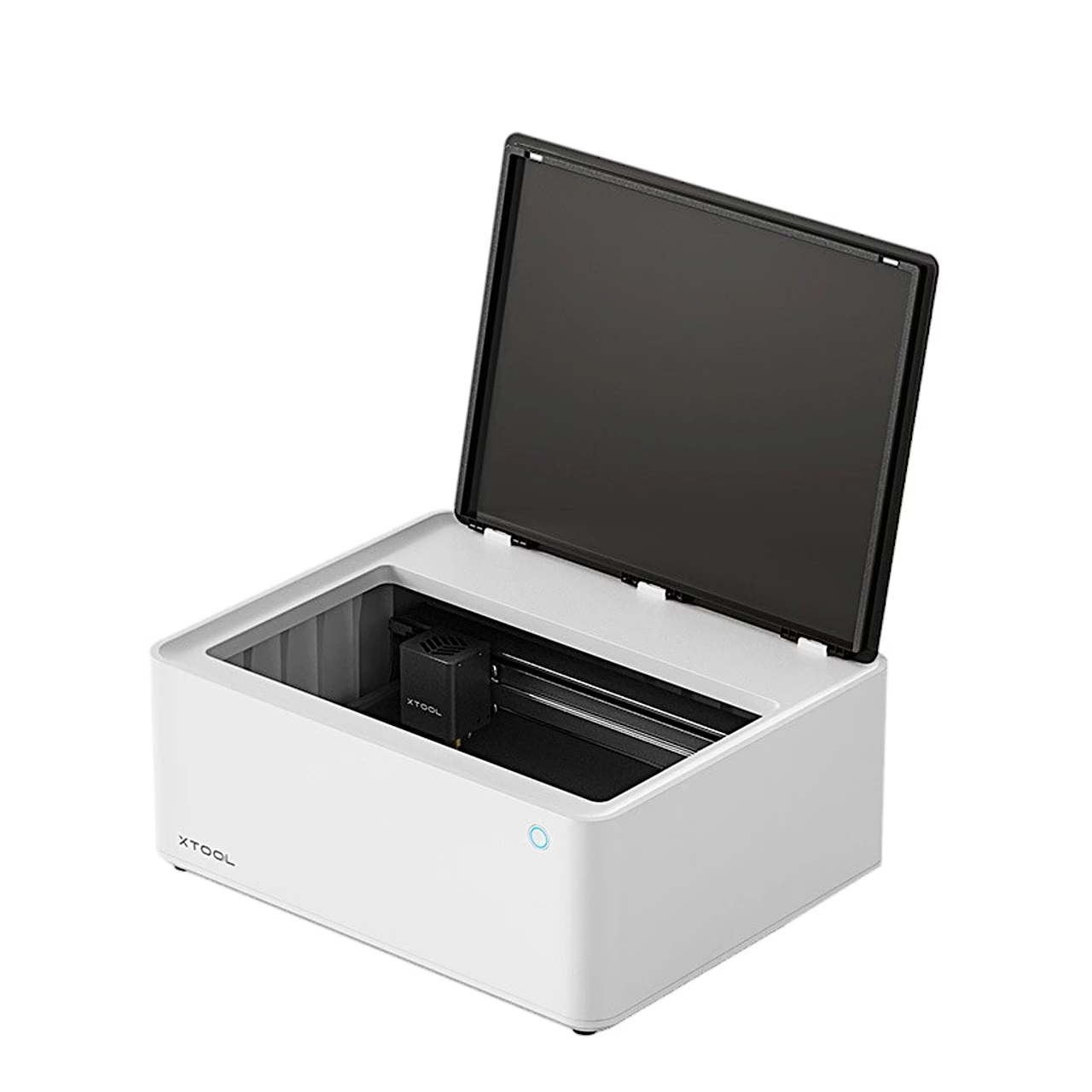
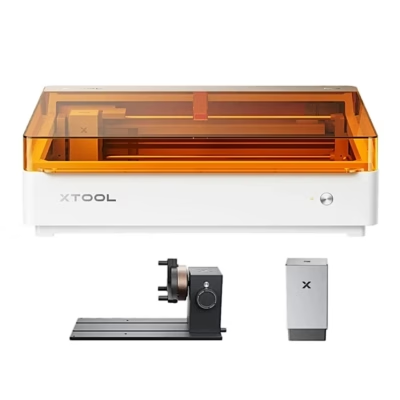
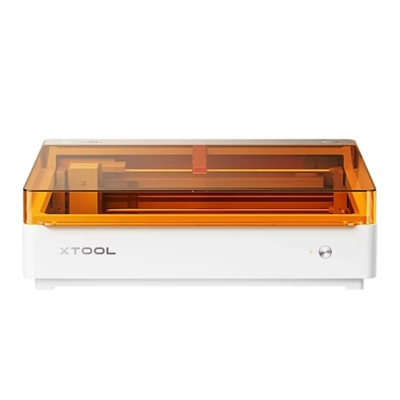
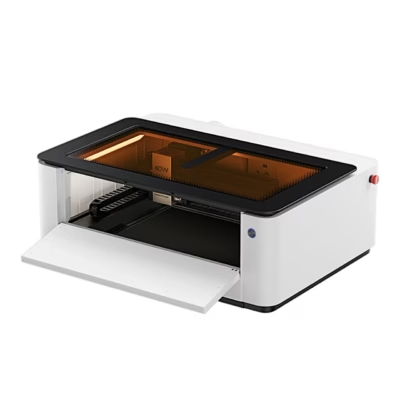
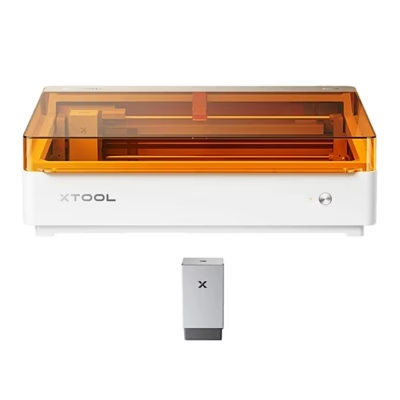
The enclosed laser engraver xTool M1 engraves and cuts with a 10 W diode laser and blade-cuts material up to 1.5 mm thick, depending on the material. The laser working area is 385 × 300 mm and the blade working area 365 × 300 mm. With its housing and lid the M1 is a Class 1 laser device under the FDA classification.

Camera and autofocus
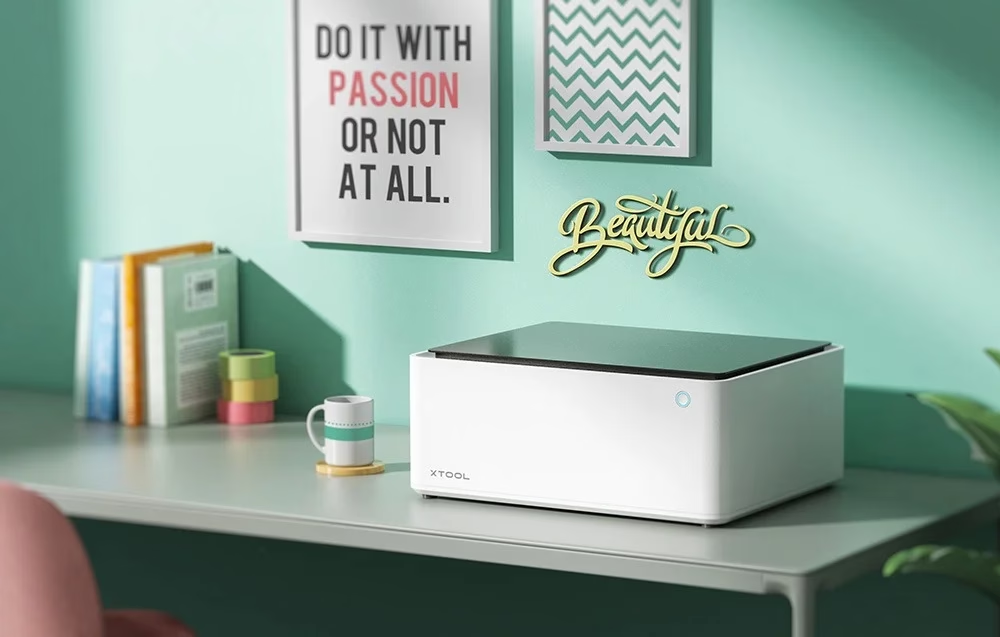
The 16 MP wide-angle camera shows the material in the software, so you place the design from the camera image. Using a red dot, the machine measures the material thickness to about ±1 mm and sets the focus automatically. Without a riser base, material up to 16 mm thick fits in the working area.
Engraving speed and precision
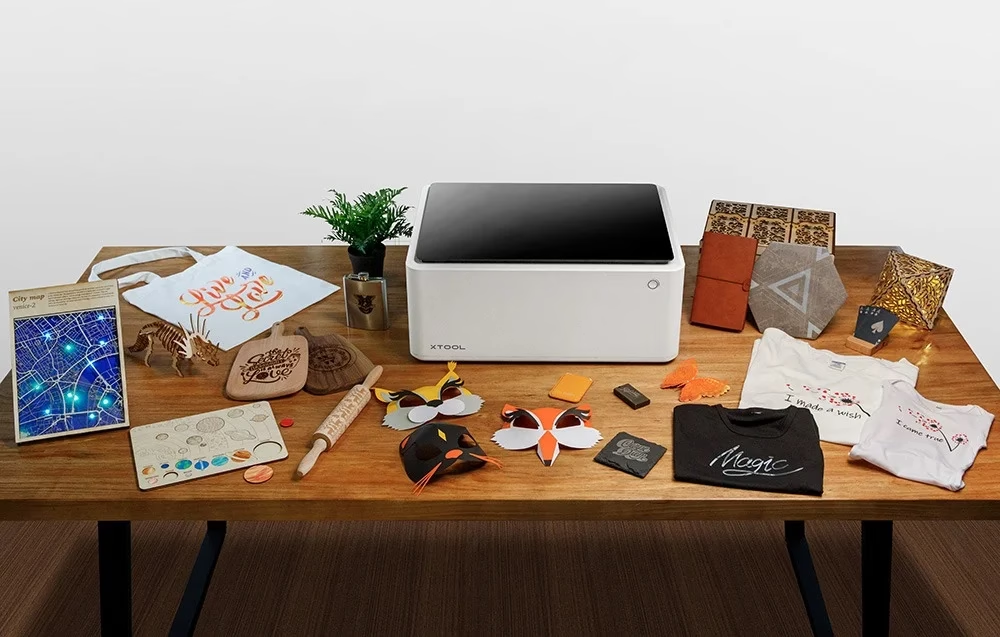
The laser moves at up to 250 mm/s for raster engraving and up to 160 mm/s for vector work, with a 0.08 × 0.08 mm laser spot. Engraving precision is 0.01 mm and operating noise stays below 60 dB.
Connection and status indicator
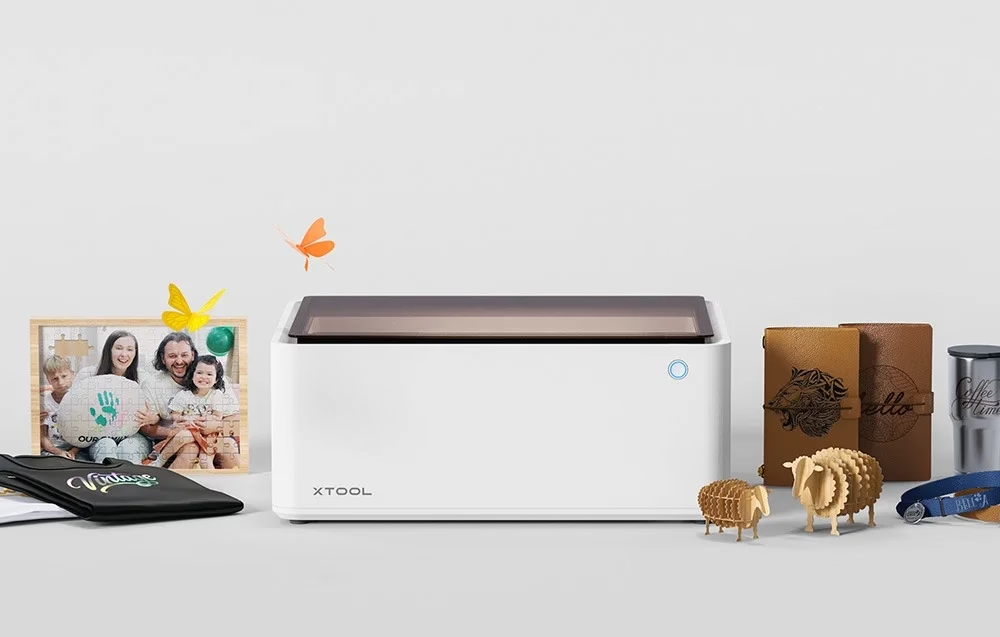
The M1 connects to a computer over Wi-Fi or a USB cable and works with Windows and macOS. The colour of the ring indicator shows whether the machine is connected, working, finished or needs attention.
Use
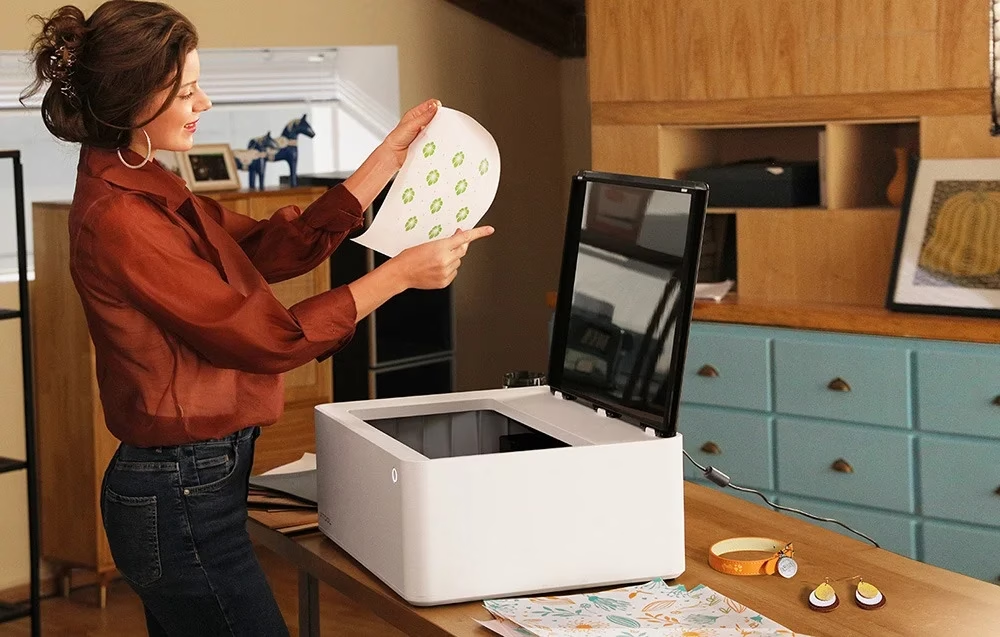
- Fit the smoke exhaust pipe and secure it with the pipe clamp.
- Insert the point blade into the blade module; the blade, blade module and laser head attach to each other magnetically.
- Connect the M1 to mains power with the power adapter, switch it on and wait until the indicator is solid white.
- Install the xTool software on your computer, connect the M1 with the USB cable and pair it following the software instructions.
Cleaning and maintenance
When smoke has soiled the laser head lens, clean it with cotton moistened with alcohol. Before blade cutting, stick the cutting mat to the baseplate, and replace the blade when the blade module no longer cuts properly. After long use, lubricate the sliding rods with grease made for them.
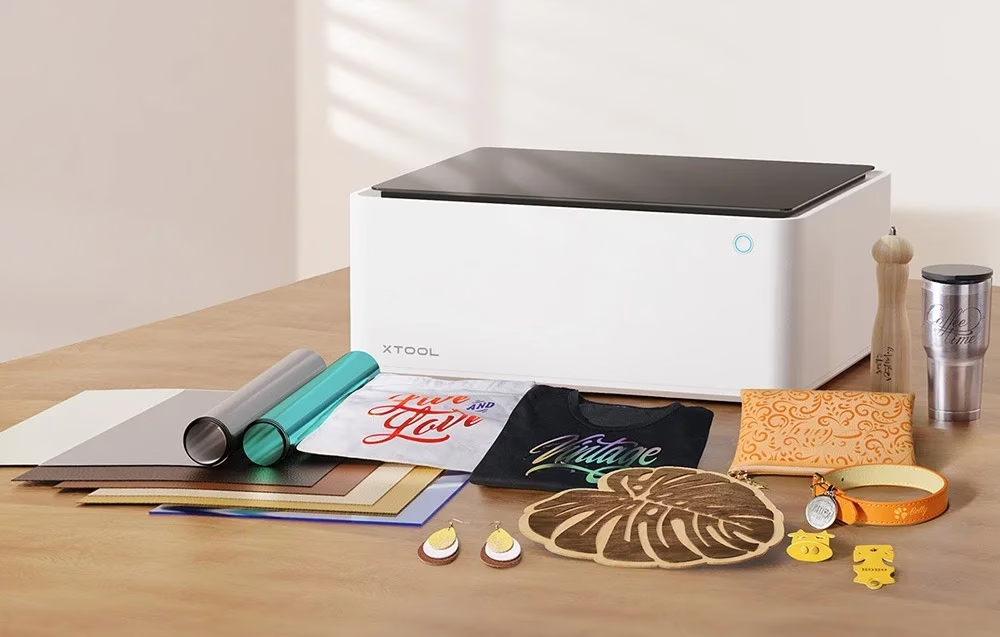
In the box
- Laser engraver xTool M1, 1 pc
- power adapter and power cable
- USB cable
- smoke exhaust pipe kit
- material pack
- point blade pack
- cutting mats: blue low-grip LightGrip and pink high-grip FabricGrip
- quick start guide and safety instructions







































Reviews
There are no reviews yet.