

Description
Graphics tablet with a touch bar and media keys for drawing
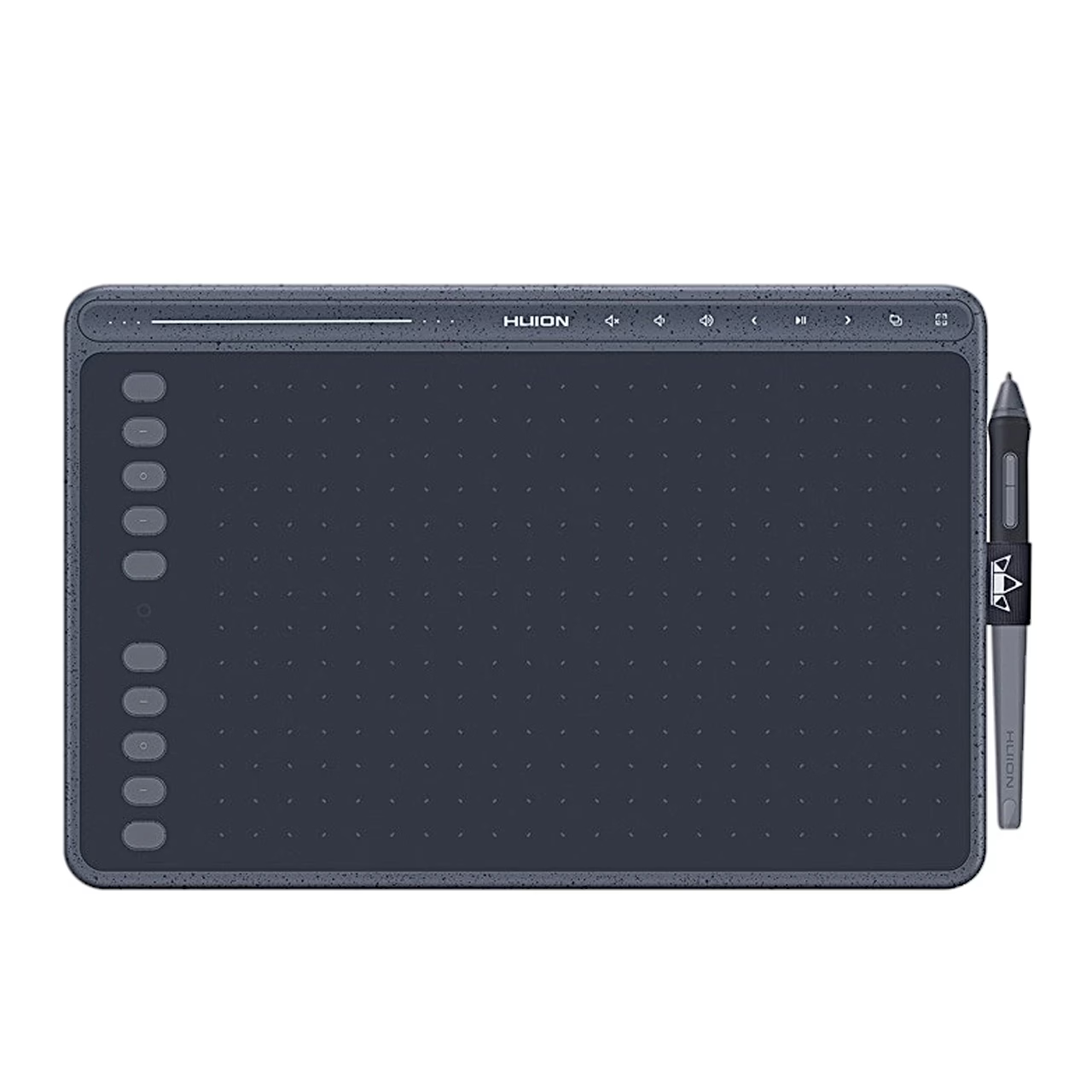
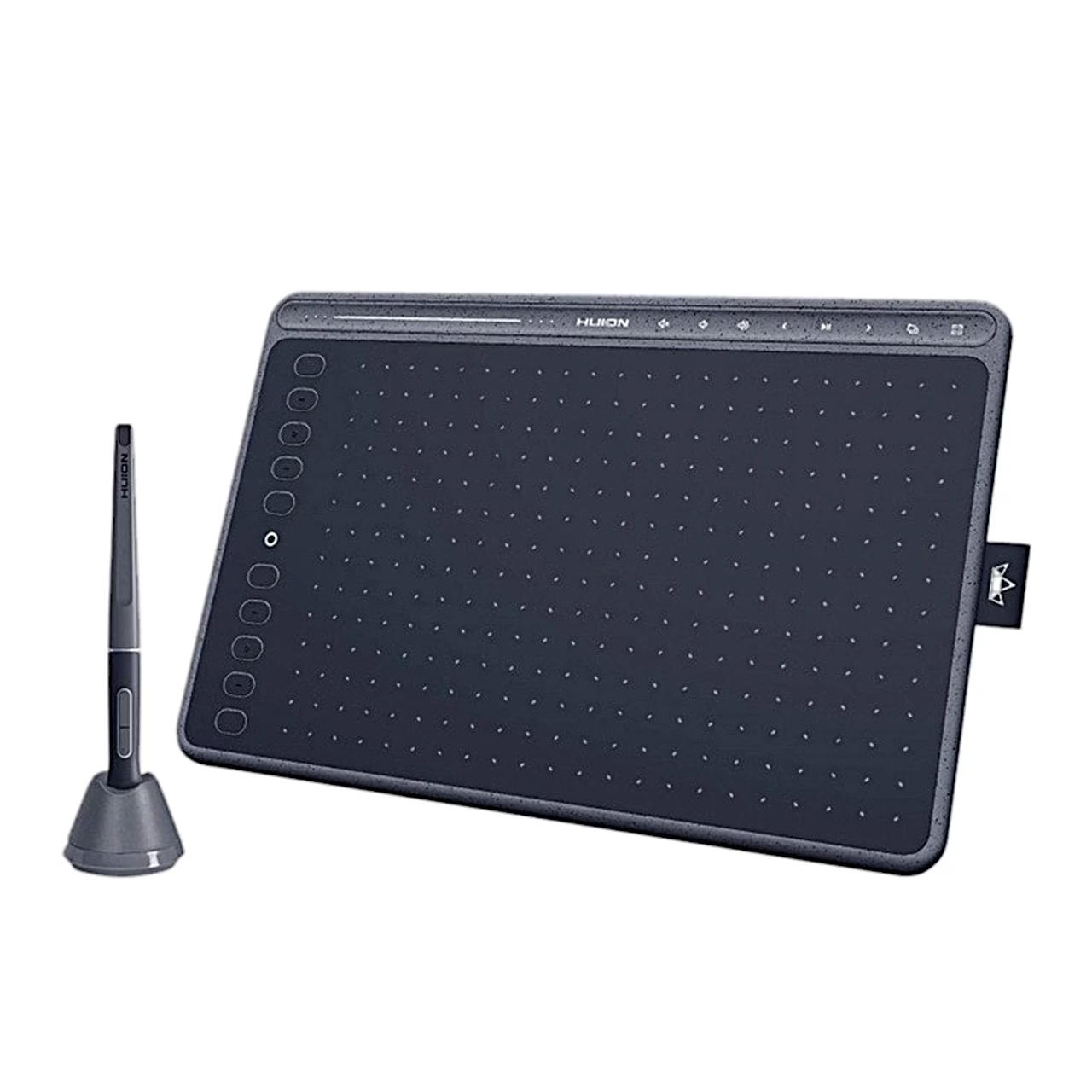
The Huion Inspiroy HS611 graphics tablet has a 258.4 × 161.5 mm working area and connects to a computer with a USB-C cable. The included battery-free PW500 pen detects 8192 pressure levels and tilt up to ±60°.
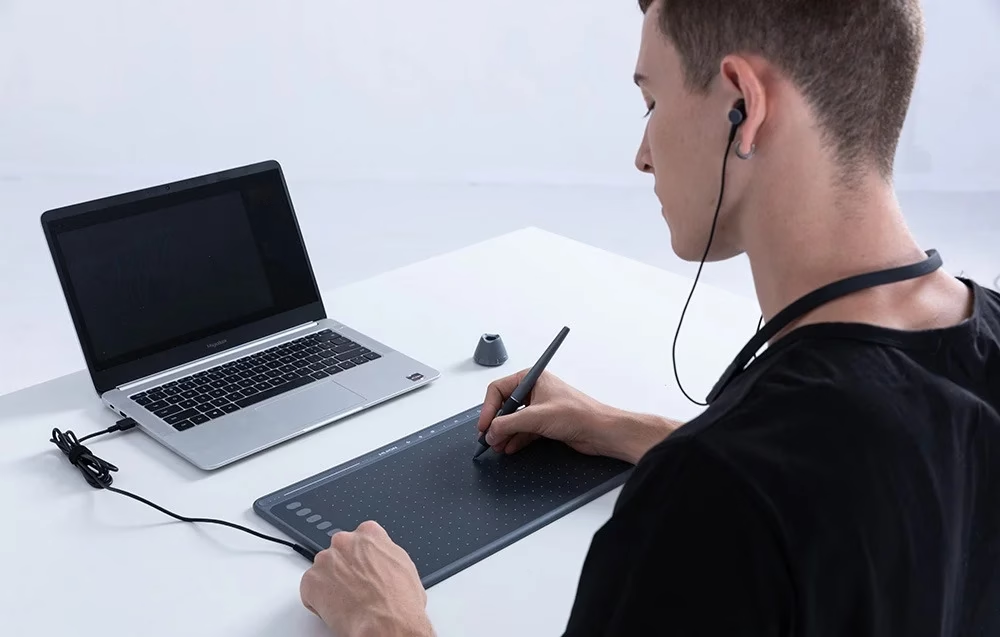
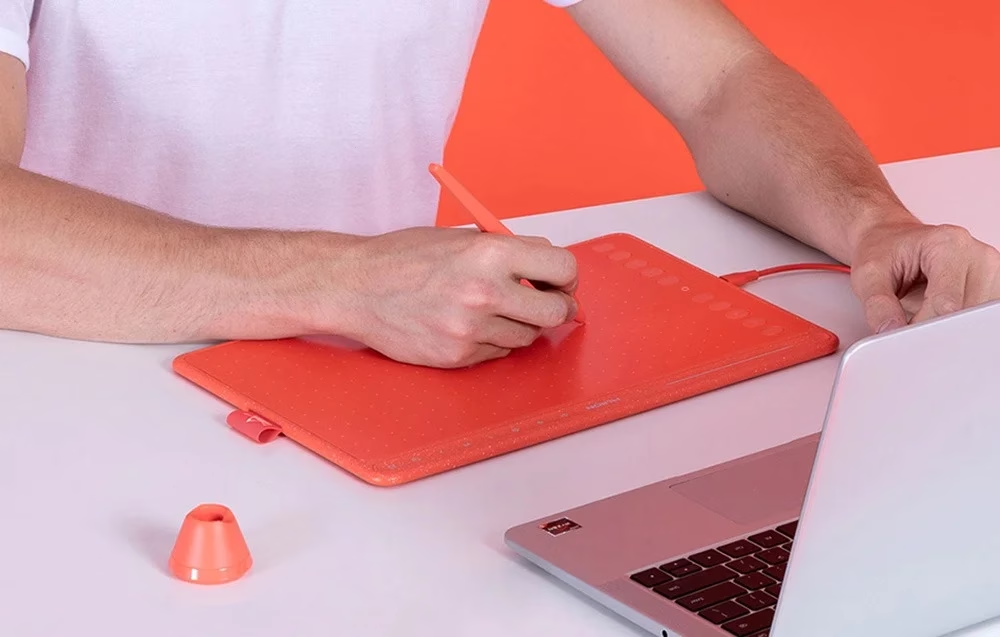
The PW500 pen works without a battery or charging
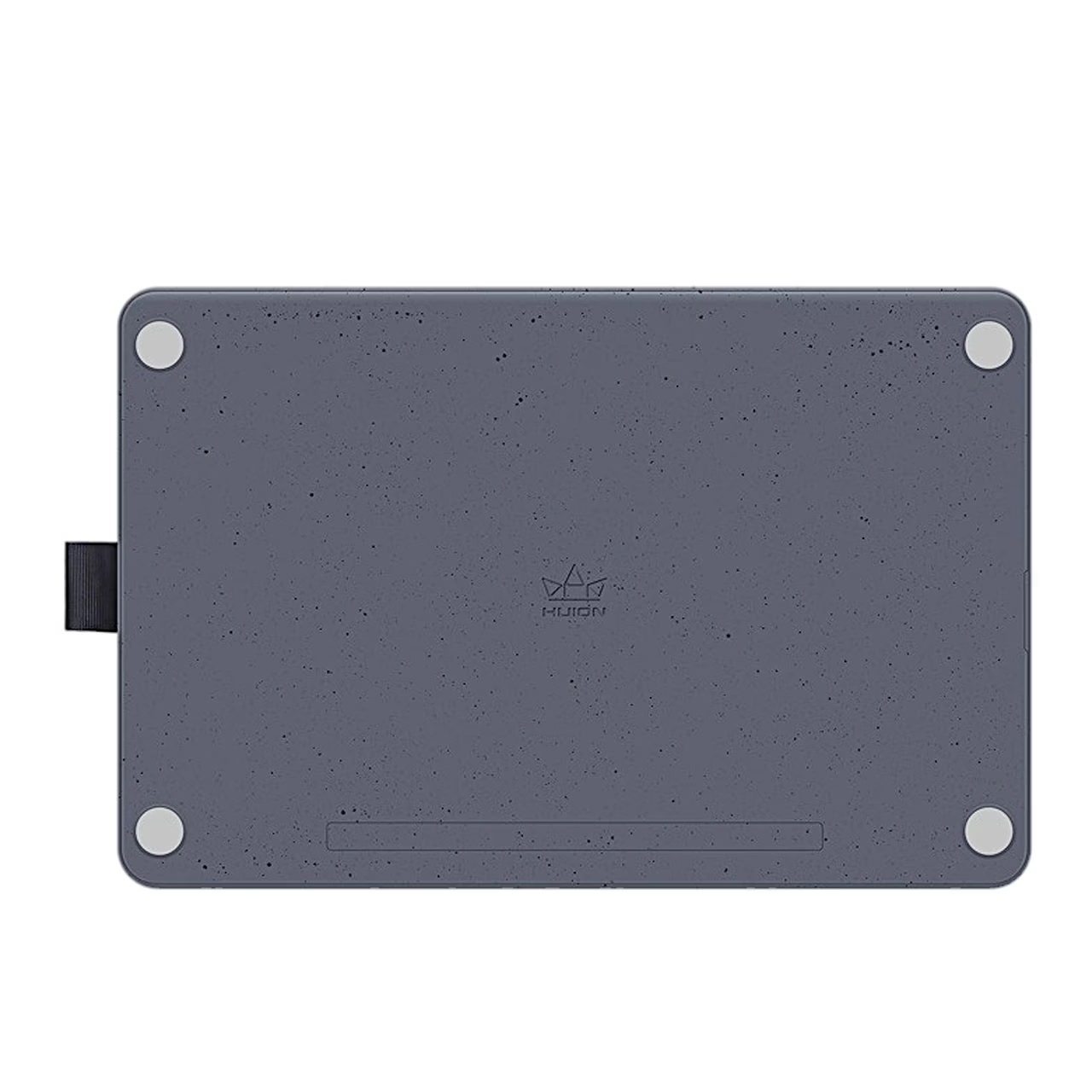
The pen uses EMR (electromagnetic resonance) technology, and the tablet detects it from 10 mm above the surface. Its two side buttons can be assigned functions in the driver. On the side of the tablet there is an elastic polyurethane fabric pen loop to hold the pen.
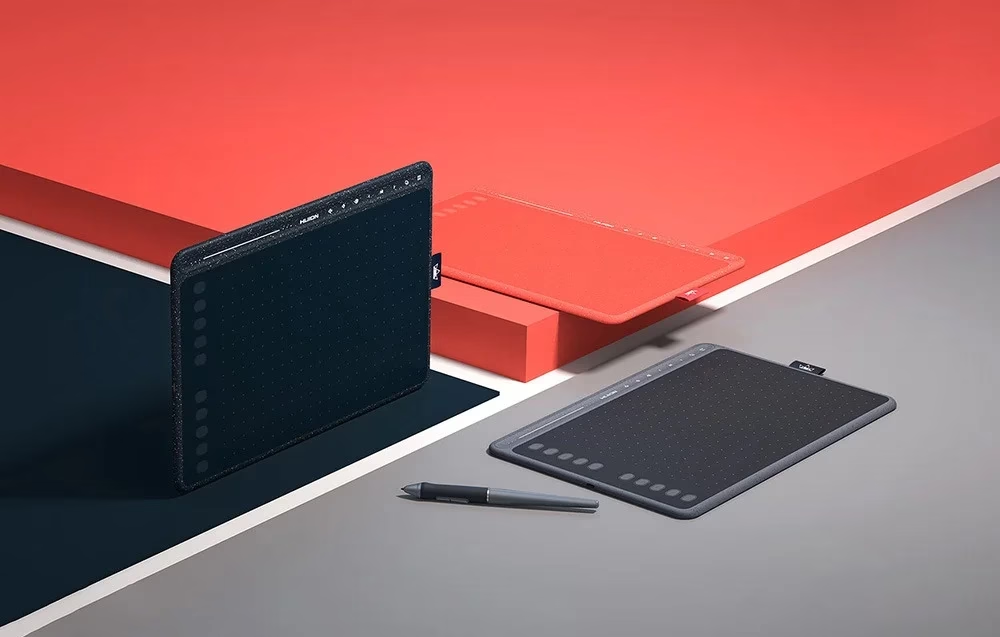
Tilt sensitivity and report rate
Tilt detection gives a line that follows the angle of your hand when shading and sketching, so there is no need to switch tools in the software. A report rate over 233 PPS and a resolution of 5080 LPI put even a fast movement on screen as an even line.
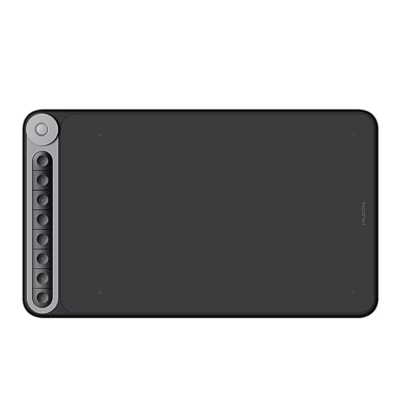
Ten keys, a touch bar and a media bar
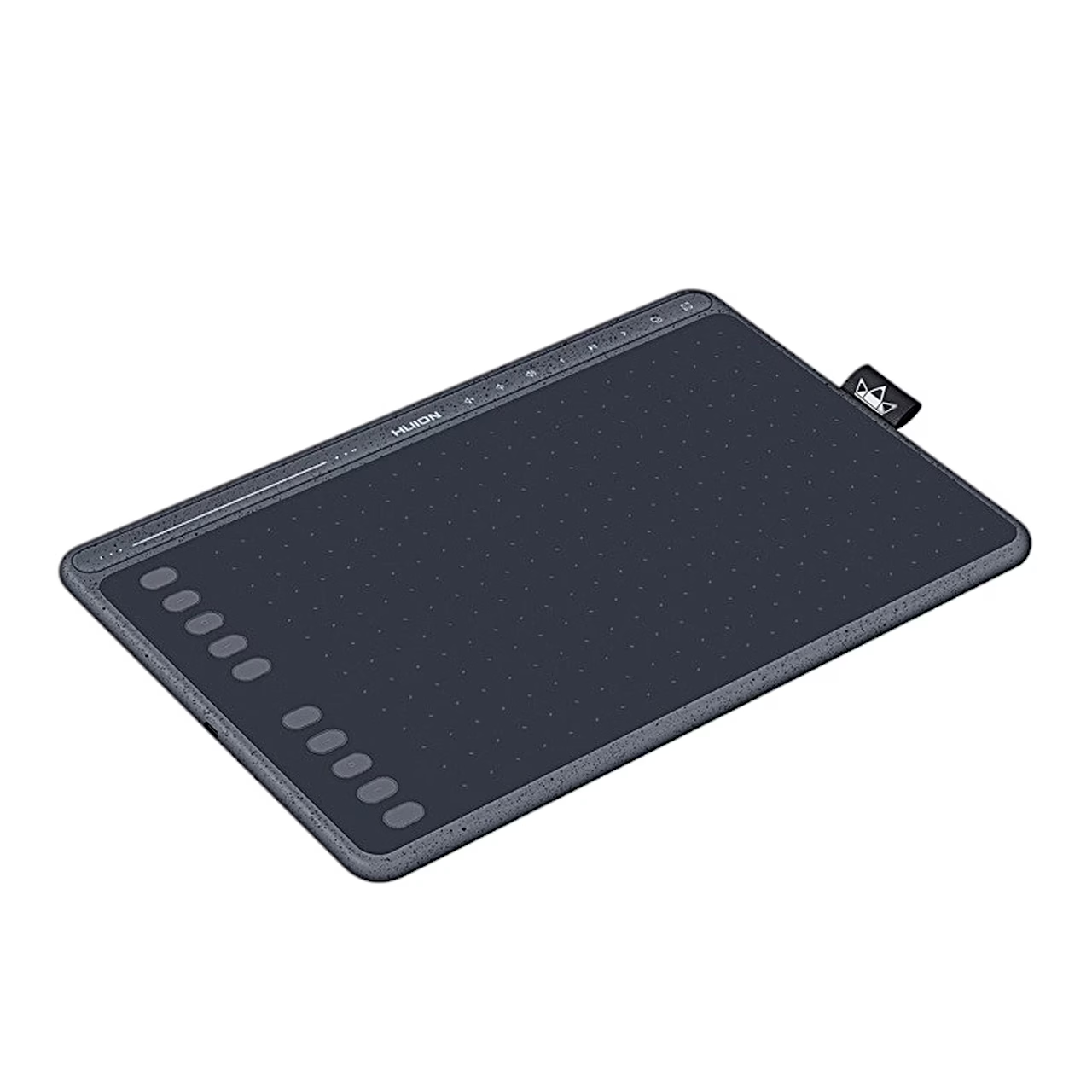
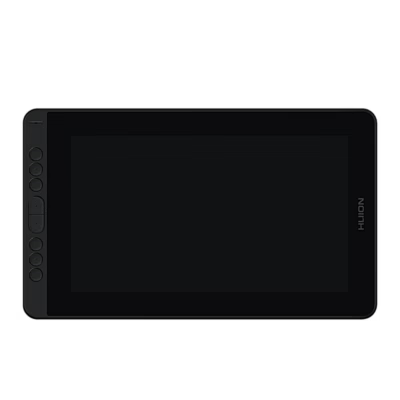
The ten keys and the touch bar can be assigned a keyboard shortcut, a mouse function, a program launch or media control in the driver, with separate settings for each program. The eight keys of the media bar along the top let you control music without stopping drawing and switch programs. It works in Photoshop, Illustrator, SAI, GIMP, Krita, Painter and ibis Paint.
Use with a computer and an Android phone
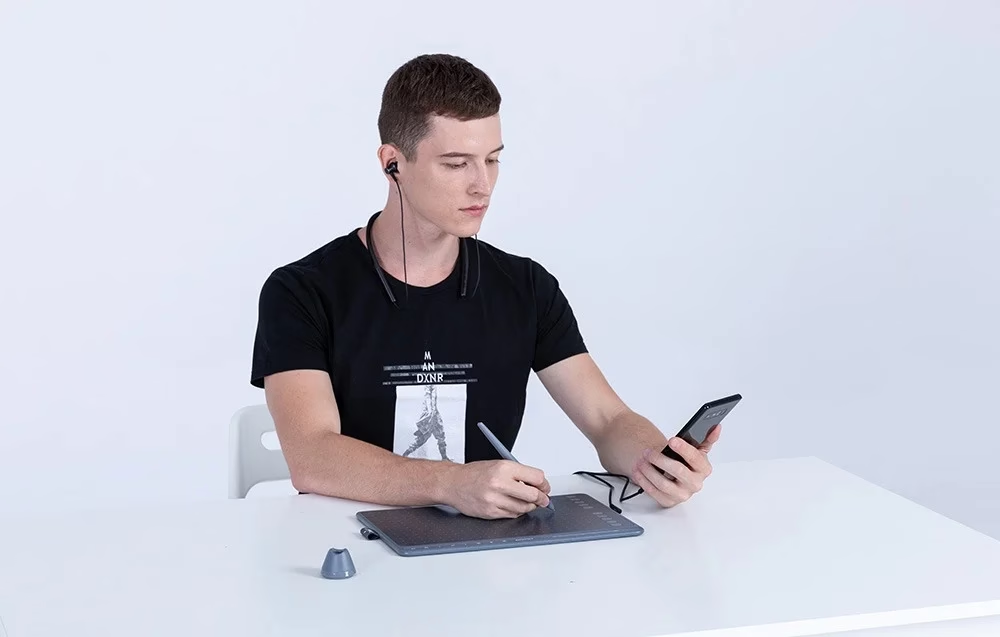
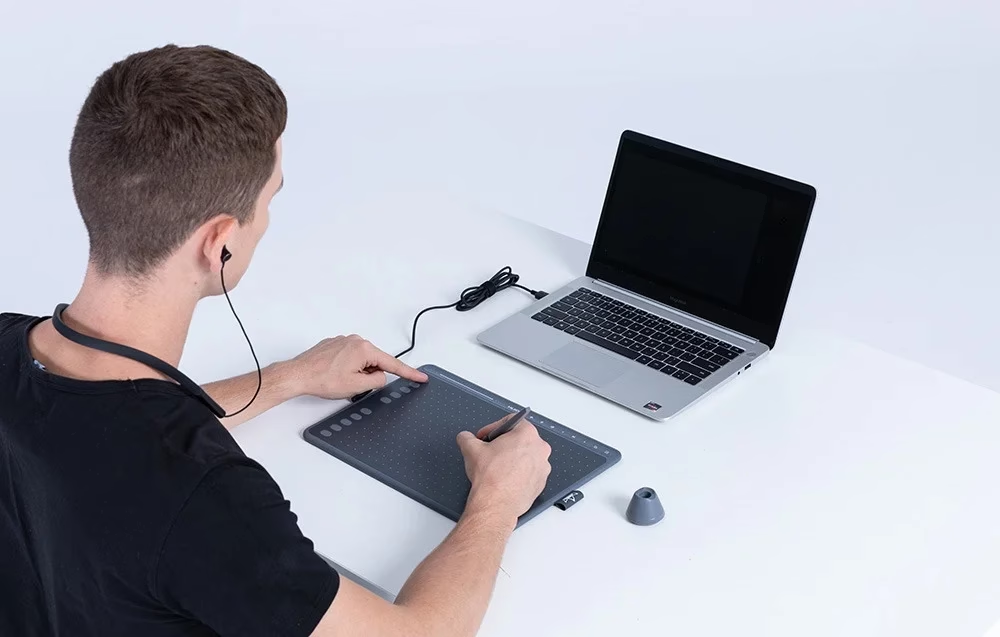
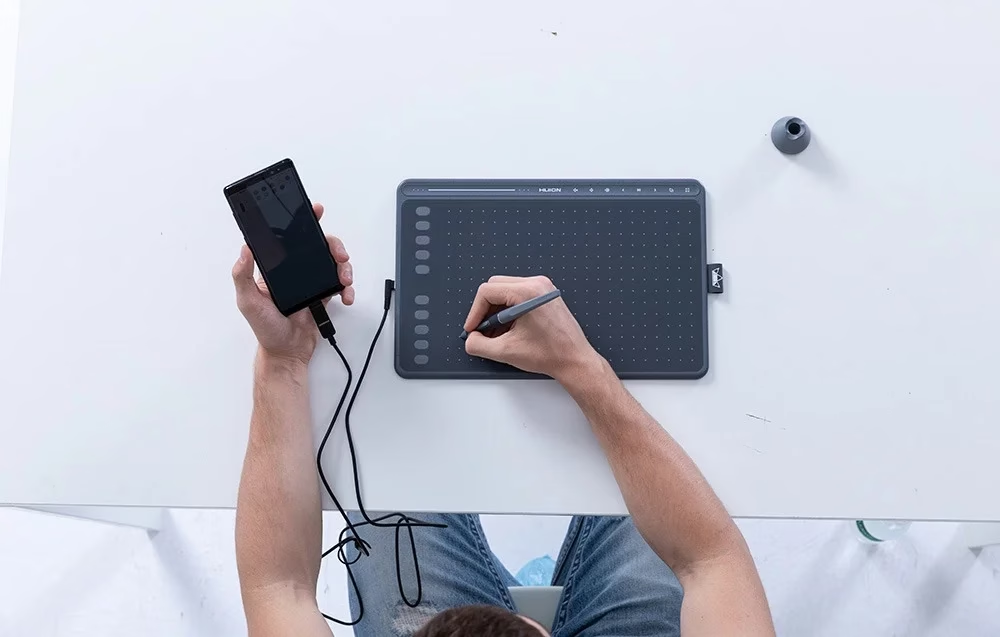
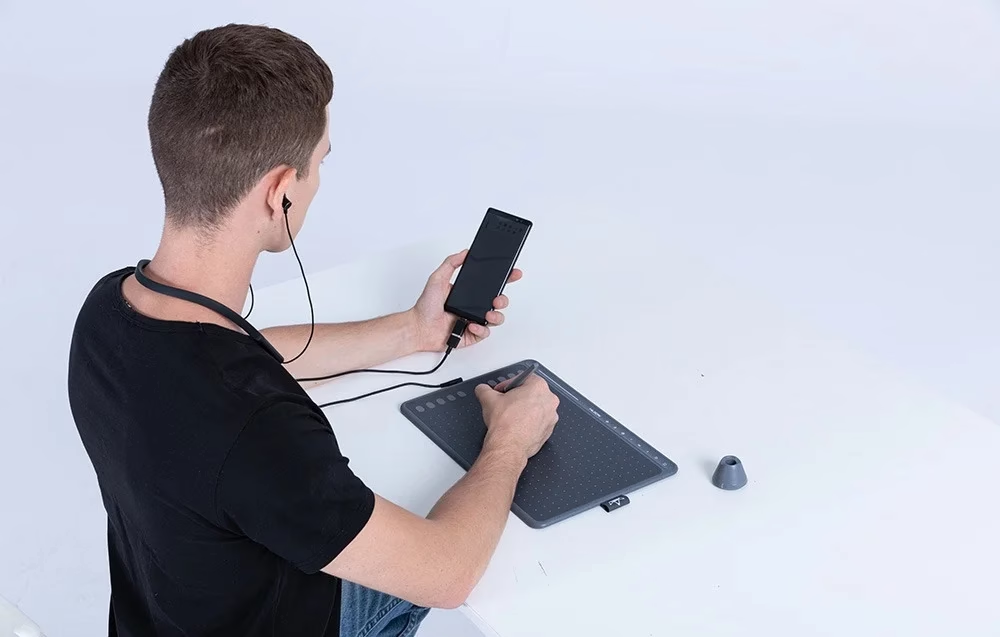
To use it with a computer, connect the tablet with the USB cable, install the HS611 driver from the Huion website and restart the computer; when the driver shows a picture of the device, the connection is made. The tablet works with Windows 7 and later, macOS 10.12 and later, Android 6.0 and later and Linux. With an Android phone the tablet works over OTG (connecting a USB device directly to the phone) without a driver: it switches to phone mode and the pen works in the left part of the working area. In phone mode the tablet and pen keys work with the Huion Sketch app.
Replacing the pen nib and care
Eight spare nibs are inside the pen holder: unscrew the holder anticlockwise, take a new nib, put the old nib into the hole in the bottom of the holder and tilt the pen to pull it out. Push the new nib slowly and firmly into the pen until it stops. When the pen is not in use, keep it in the holder or on the desk, because a pen left on the working area interferes with other pointing devices and may keep the computer from going to sleep.
In the box
- Graphics tablet Huion Inspiroy HS611, 1 pc
- Battery-free pen PW500, 1 pc
- Pen holder, 1 pc
- Spare nibs in the pen holder, 8 pcs
- USB cable, 1 pc
- Quick start guide, 1 pc








































Reviews
There are no reviews yet.