
Skip to content

Shipping country

Christmas Rush

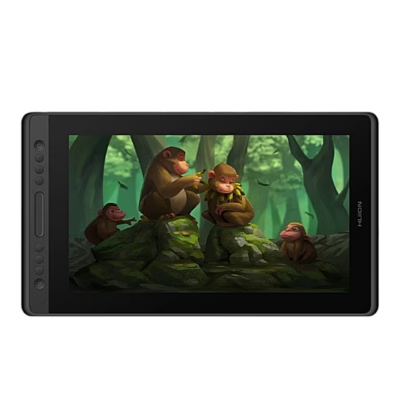
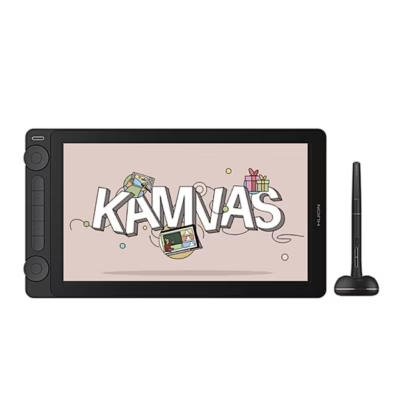
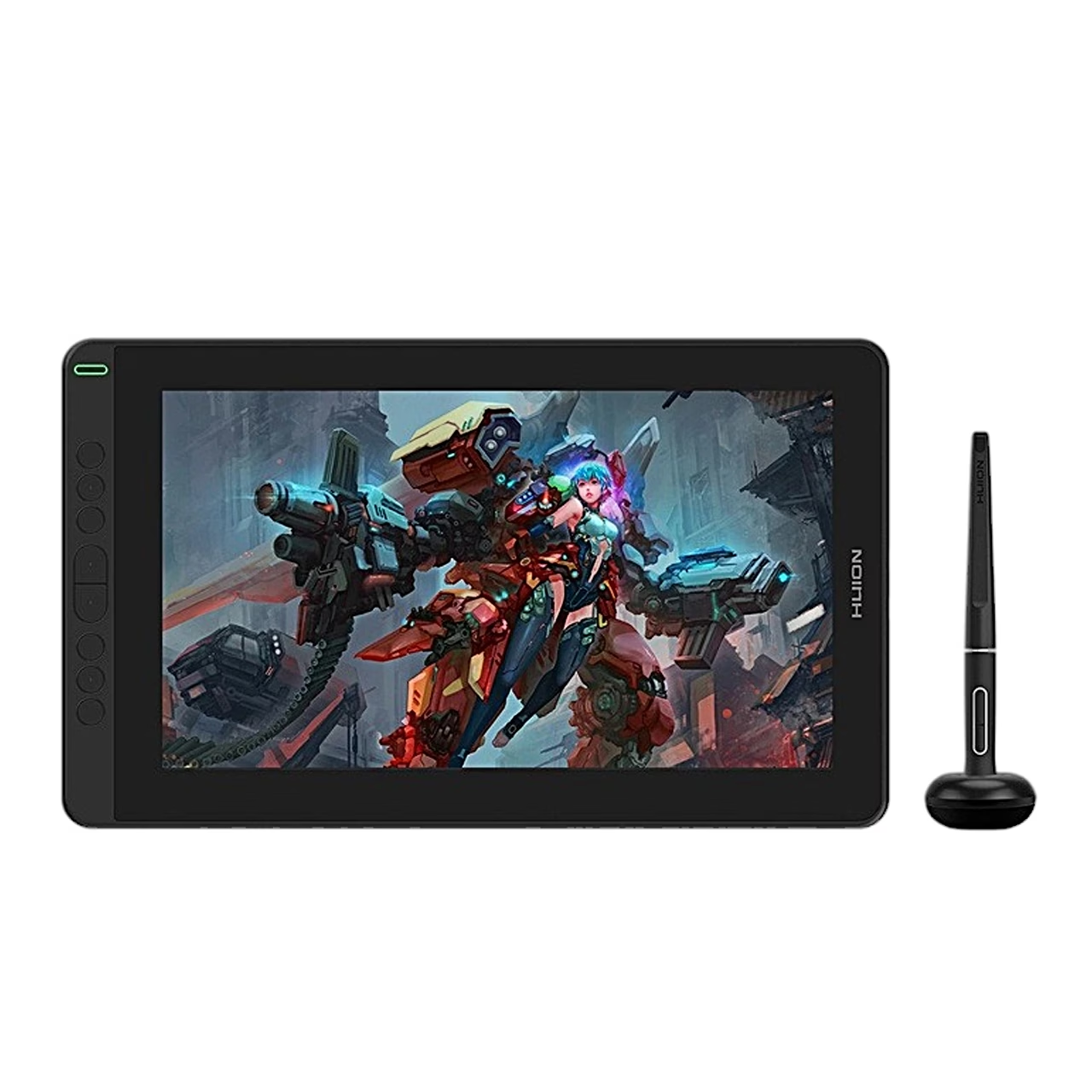
Pen display Huion Kamvas 13 GS1331, 13.3 inch, 8192 pressure levels, black

  • Brand:
  • Product code: IP077179
  • EAN: 6930444801472

The Huion Kamvas 13 GS1331 is a drawing tablet with a 13.3-inch Full HD IPS screen covering 120% of sRGB. The battery-free PW517 pen senses 8192 pressure levels and tilt up to ±60°. Shortcuts can be assigned to eight programmable keys.

Christmas Rush-5%

Regular price 228,95 € 215,99 €

15+ pcs in stock

Save 12,96 €

Delivery time 5-9 working days. Estimated delivery 4-10 December To a parcel machine from 2,99 € Arrives by Christmas if you order by 11.12 at 14.

You earn 432 points (4,32 €). Log in to see your balance. Programme terms

Delivery information

Estonia

  • Free shipping from 249,90 €
  • Courier 6,00 €
  • Omniva parcel locker 3,19 €
  • SmartPosti parcel locker 3,99 €
  • DPD parcel machines 2,99 €
  • Unisend parcel locker 2,99 €
  • DPD courier 6,99 €
  • Omniva courier 6,99 €
  • SmartPosti courier 7,49 €

Finland

  • DPD parcel machines 12,99 €
  • SmartPosti parcel machines 9,99 €
  • DPD courier 20,49 €

Latvia

  • Unisend parcel locker 3,99 €
  • Omniva parcel locker 4,99 €
  • SmartPosti parcel locker 4,99 €
  • DPD parcel machines 5,99 €
  • DPD courier 9,99 €
  • Omniva courier 11,49 €
  • SmartPosti courier 8,49 €

Lithuania

  • Unisend parcel locker 3,99 €
  • Omniva parcel locker 4,99 €
  • SmartPosti parcel locker 4,99 €
  • DPD parcel machines 5,99 €
  • DPD courier 10,49 €
  • Omniva courier 11,49 €
  • SmartPosti courier 8,49 €
  • Delivery time: 5 to 9 working days
  • Estimated delivery: 4-10 December 2026
  • When an order holds products with different delivery times, the delivery time is set by the longest one.
  • The delivery method does not change the delivery time. Delivery to some countries takes a few working days longer.
  • Free delivery from 249,90 €

The courier delivers to the front door, in an apartment building to the building's front door. Carrying the goods inside is not part of the service.

The final delivery methods and costs are calculated at checkout from the products in your basket. We always do our best to deliver every order as quickly as possible!

Payment methods

Our shop takes all the common payment methods.

Every payment goes through a secure environment and uses the current security standards of the bank or card provider (SCA, 3D Secure 2, PCI DSS). We neither see nor store your login or card details.

Pay in the MobilePay app on your phone. For deliveries to Finland.

MobilePay is a payment app common in Finland and Denmark. You confirm the payment in the app on your phone; Montonio processes it and we never see your payment details.

Pay straight from your online bank. You confirm with Smart-ID, Mobile-ID or an ID card.

The bank payment is started securely in your online bank and confirmed with SCA. Neither we nor Montonio see your login details. Banks of Estonia, Finland, Latvia, Lithuania and Poland are supported, among them Swedbank, SEB, LHV, Luminor, Coop Pank and Citadele, and also N26 and Revolut.

The bank payment is started securely in your online bank and confirmed with SCA. Neither we nor Montonio see your login details. Banks of Finland: OP Financial Group, Nordea, S-Pankki, Danske Bank, Säästöpankki, POP Pankki, Oma Säästöpankki, Revolut, Aktia, Alandsbanken, Wise.

The bank payment is started securely in your online bank and confirmed with SCA. Neither we nor Montonio see your login details. Banks of Latvia: Swedbank, SEB, Citadele, Luminor, Revolut, INDEXO, Wise, Bigbank.

The bank payment is started securely in your online bank and confirmed with SCA. Neither we nor Montonio see your login details. Banks of Lithuania: Swedbank, SEB, Luminor, Revolut, Artea, Citadele, Wise, Bigbank, LKU.

Visa, Mastercard, Apple Pay and Google Pay. Confirmed with 3D Secure 2.

You can pay with Visa and Mastercard cards (debit and credit), confirmed with 3D Secure 2. Card details are not stored on our servers: Montonio's partner Stripe processes them under the PCI DSS requirements. Apple Pay and Google Pay work too, where your device allows them.

You receive the invoice by e-mail and pay by bank transfer.

After you place the order we send a confirmation with the invoice by e-mail. You pay by an ordinary bank transfer and the order is not processed until the payment has arrived. To speed things up you can send us the payment confirmation after the transfer.

A machine-readable invoice delivered through the bank, for companies and institutions.

An e-invoice is a machine-readable invoice delivered through the bank, from which the bank can create a pre-filled payment order or set up an e-invoice standing order. Companies and institutions with e-invoice receipt switched on can accept it.

Don't want to pay for the whole order at once? See the flexible payment options.

You can choose between several flexible options: pay later at no extra cost, split the purchase into 3 parts or choose a longer hire purchase. There are also options for business customers, where input VAT can be reclaimed.

30 days to pay, with no interest and no fees.

Buy today and pay within 30 days; no fees are added. The decision is instant and you get the goods straight away.

Pay in 3 equal parts, no fees are added.

Split the purchase into three equal instalments, with no interest and no fees. You get the goods straight away; the first instalment is paid at checkout.

Hire purchase, 6-60 months: choose the schedule that suits you.

Choose an instalment period of 6-60 months and spread the cost flexibly. Interest and fees follow the terms of ESTO AS.

30 days to pay, no fees. Try it before you pay.

Buy today and pay within 30 days, with no interest or other fees. The first bill arrives next month, and if you like the payment can be split into 2 or 3 instalments.

Inbank hire purchase: spread the cost in monthly payments.

Choose a suitable payment schedule and spread the cost over several months. Interest and fees follow the terms of AS Inbank Finance.

Try it at home and pay only once you are happy.

Try the goods at home and pay only once you are sure of your choice. The decision is instant and the first bill comes later: especially good for furniture and home appliances, when you want to decide calmly.

Pay in 3 parts, no interest or service fee is added.

Split the purchase into three equal instalments, with no interest and no service fee. You get the goods straight away and pay the first instalment 30 days later.

Hire purchase, 6-48 months: suited to larger purchases.

Choose a payment schedule of 6-48 months and spread the cost over a longer period. Interest and fees follow the terms of Modena Estonia OÜ.

Hire purchase for businesses, 6-72 months, input VAT can be reclaimed.

Hire purchase for companies over 6-72 months. The contract is made with the company and the invoice carries VAT, which can be reclaimed as input VAT. Suited to spreading larger investments.

A first in Estonia: 3 instalments for business customers without a long contract.

A new solution that lets a company split the invoice into 3 equal parts without a classic hire purchase contract. Input VAT can be reclaimed, early repayment without fees. Ideal for short-term cash flow planning.

For businesses: a free schedule, input VAT back.

Hire purchase for companies, on a schedule of 30 days to 5 years. Repayments monthly, quarterly or yearly, early repayment without fees. The contract is made with the company and input VAT can be reclaimed.

Category:

Description

Pen display that lets you draw straight onto the image

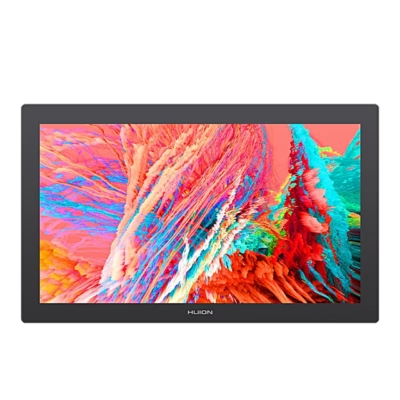
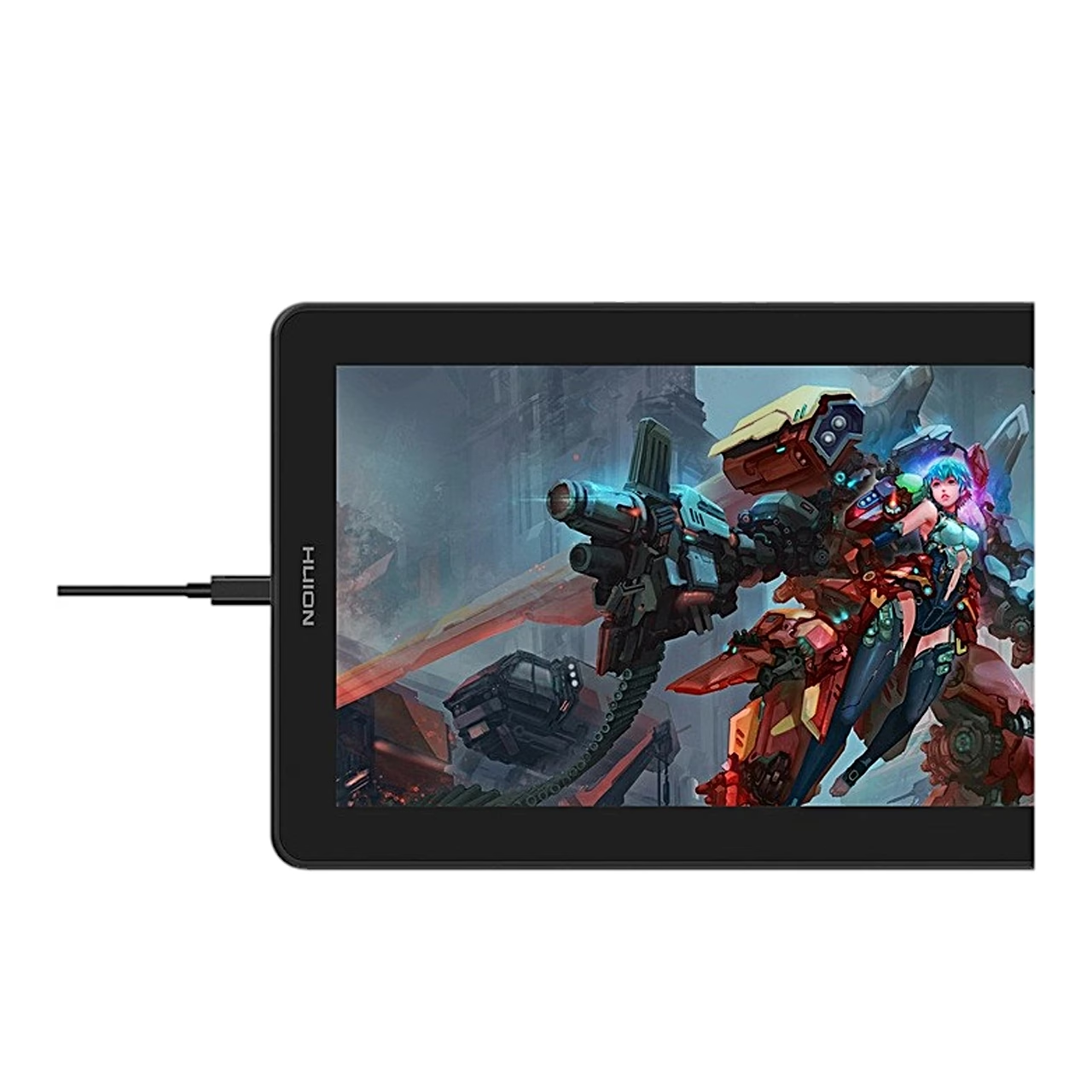
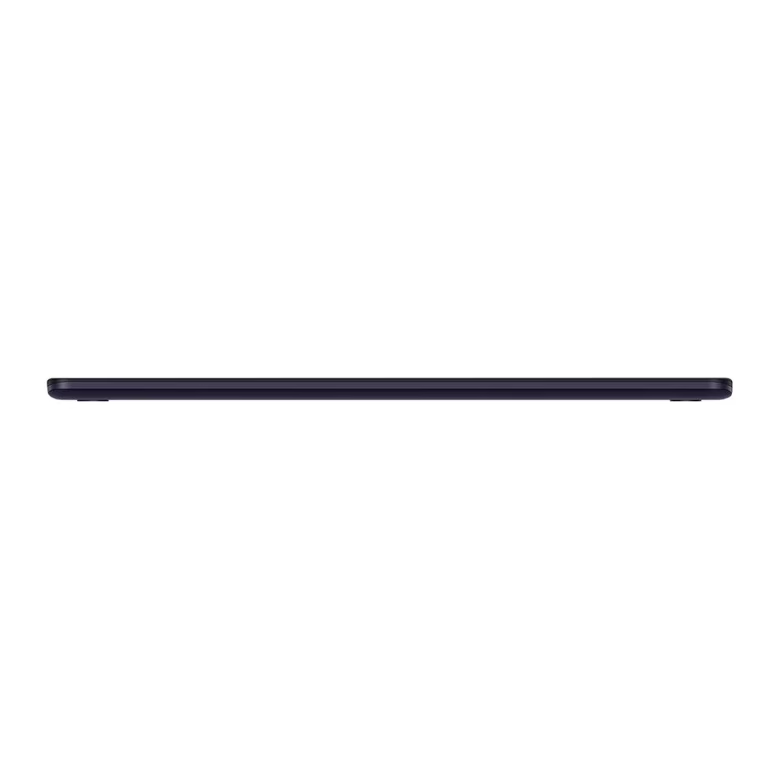
The Huion Kamvas 13 GS1331 pen display shows the image on a 13.3-inch IPS screen that you draw on directly with the pen. Screen resolution is 1920 × 1080 pixels and the pen working area is 293.76 × 165.24 mm. The tablet is 11.8 mm thick and weighs 980 g.
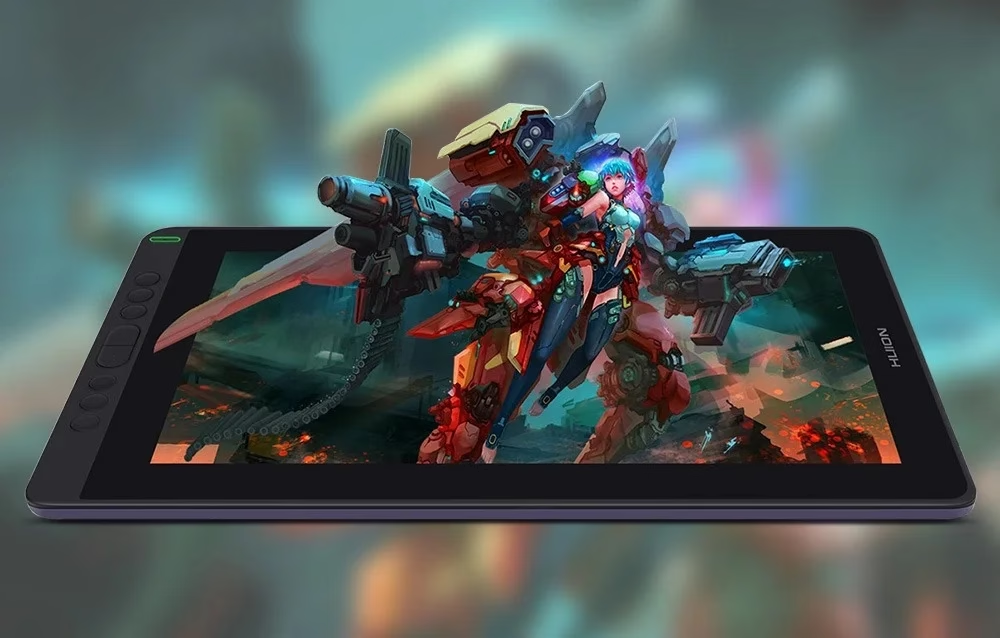
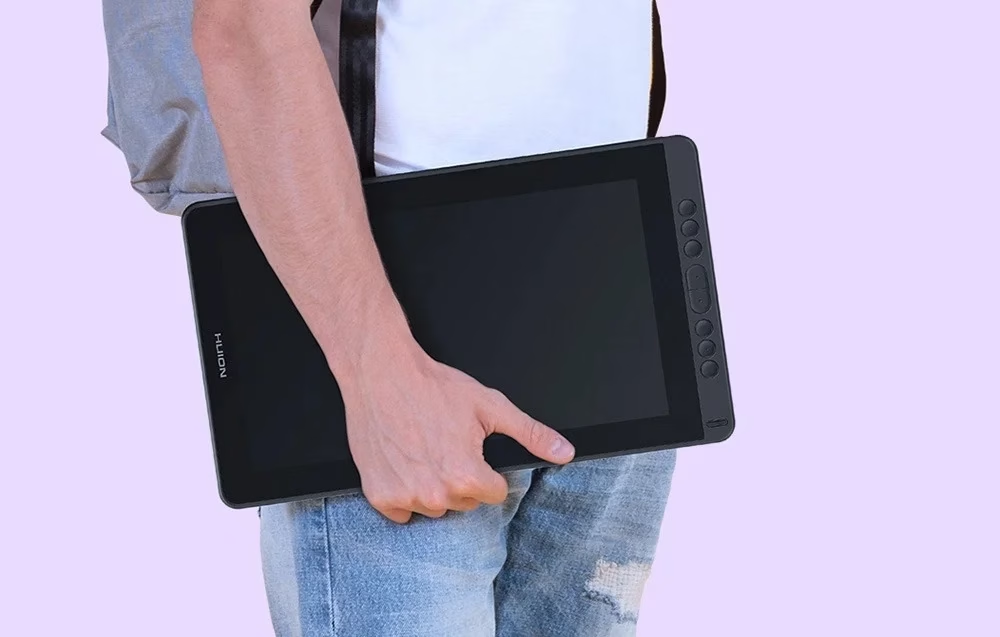
Huion Kamvas 13 pen display with a colourful drawing on screenPerson carrying the slim Huion Kamvas 13 pen display under one arm

Fully laminated IPS screen with a matte anti-glare film

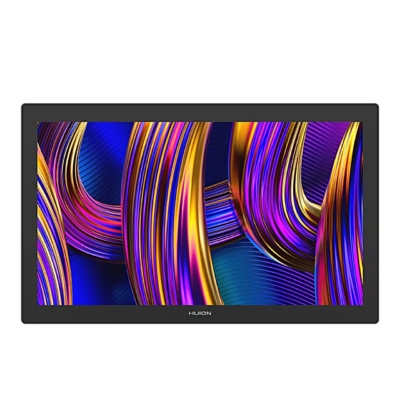
The screen covers 120% of sRGB, with a 1000:1 contrast ratio, 220 cd/m² brightness and a 178° viewing angle horizontally and vertically. On the fully laminated screen the cursor sits right under the pen tip, and the matte anti-glare film reduces reflections.
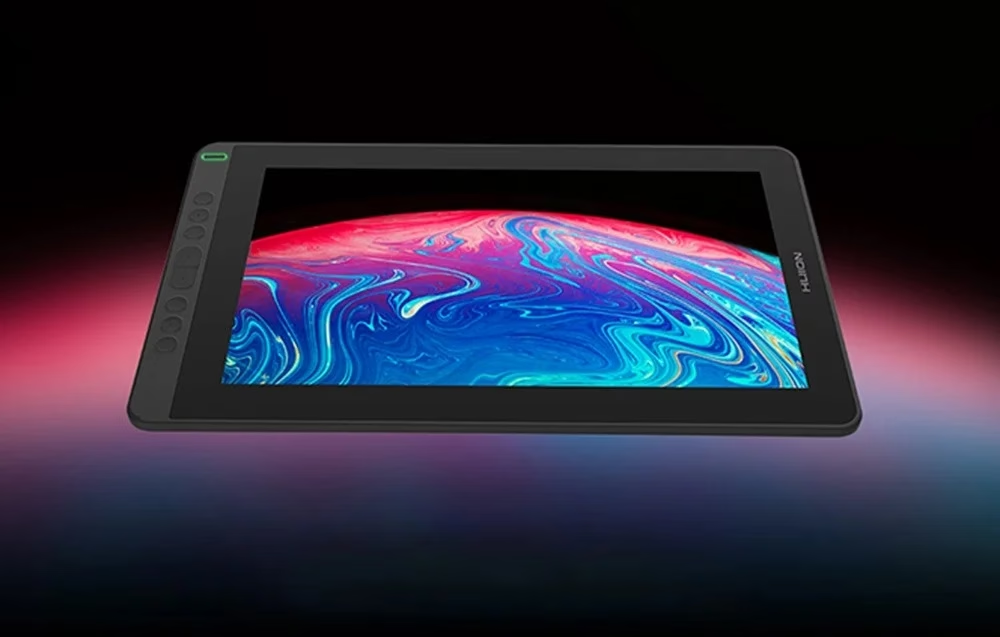
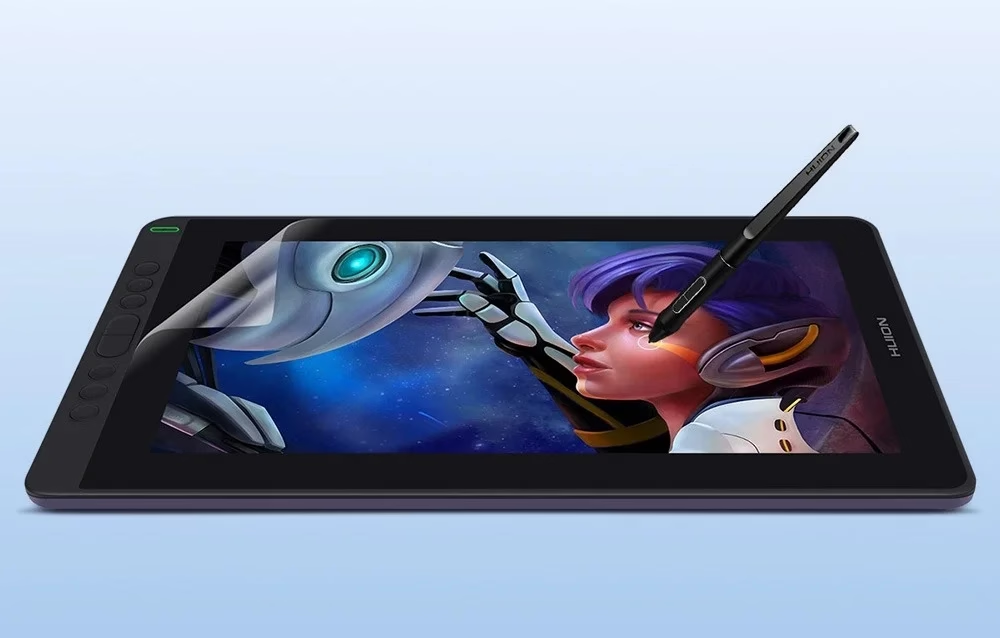
Kamvas 13 pen display IPS screen with a vivid image on a dark backgroundProtective film being peeled from the Kamvas 13 screen, pen beside it

Battery-free PW517 pen senses pressure and tilt

The PW517 pen is battery-free and needs no charging, using PenTech 3.0 electromagnetic resonance. It senses 8192 pressure levels and tilt up to ±60°, with a pen resolution of 5080 LPI. Each of the two side buttons can be given its own function in the driver and works when the tip is within 10 mm of the screen.
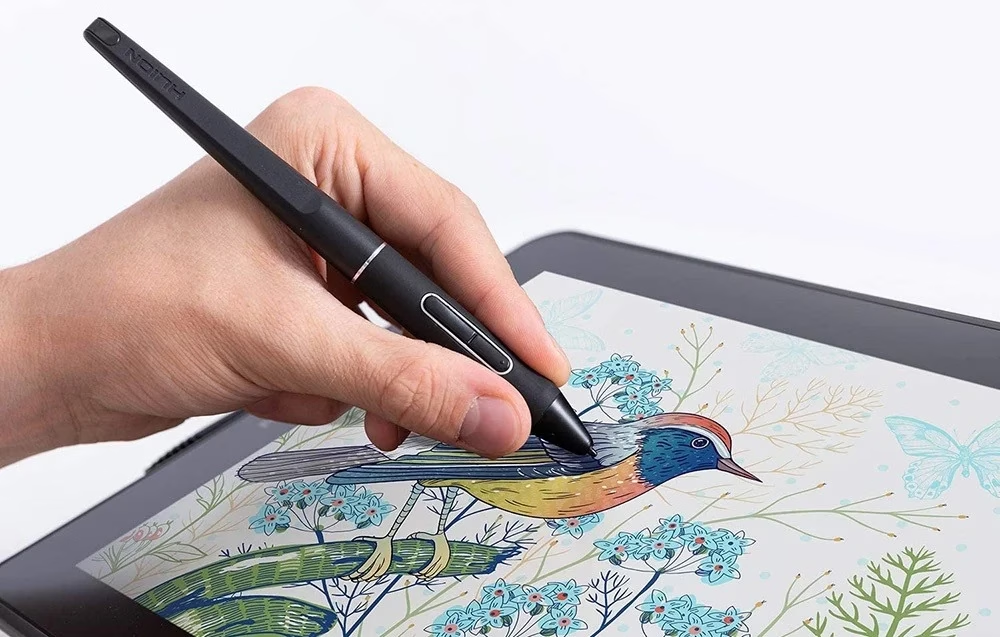
Hand drawing a bird on the Kamvas 13 screen with the PW517 pen

Connects to a computer or Android device over USB-C

The supplied 3-in-1 cable runs from the tablet’s USB-C port to the computer’s HDMI port and two USB-A ports, one for data and one for power. The tablet is normally powered through the black USB-A plug; if the screen flickers, connect the red USB-A plug to a second USB port or a phone power adapter. With a separately sold USB-C to USB-C cable the Kamvas 13 also connects directly to an Android device whose USB-C port supports USB 3.1 Gen 1 and DP 1.2; the tablet then needs extra power.
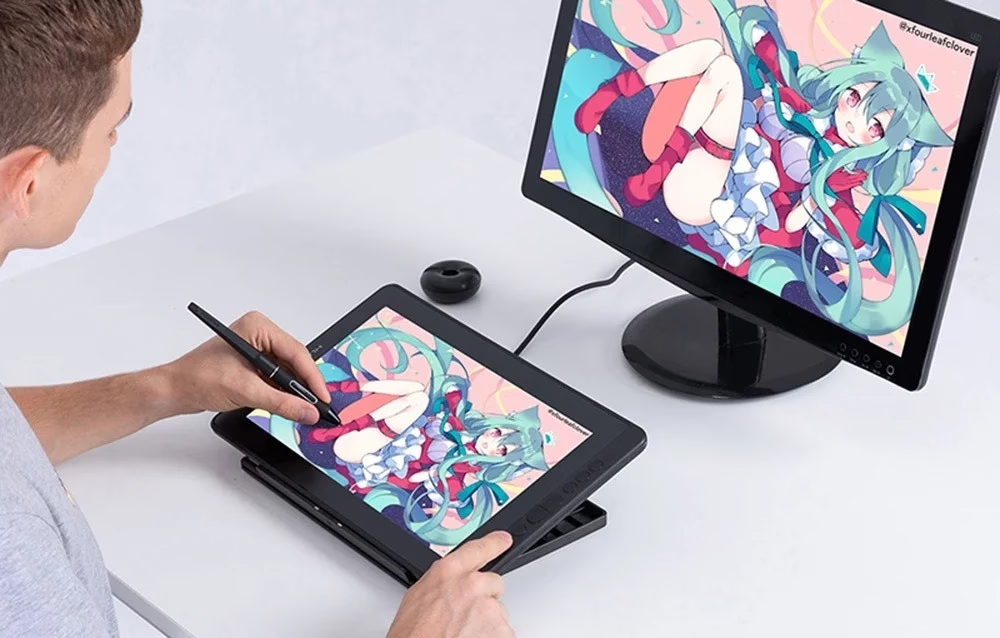
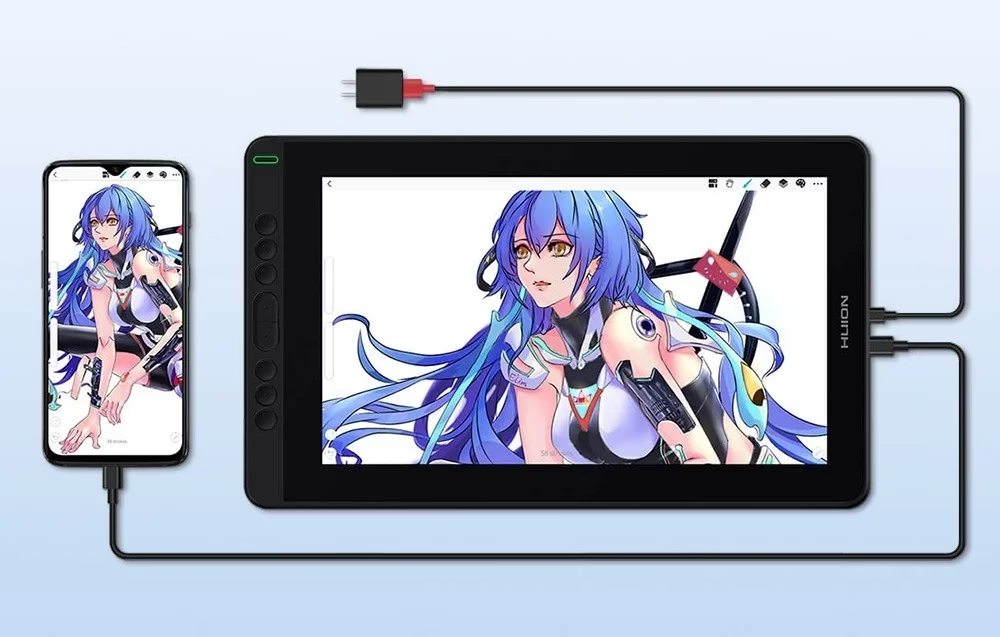
Artist drawing on the Kamvas 13 with the image mirrored on a desktop monitorKamvas 13 pen display connected to a smartphone with a USB-C cable

Eight programmable keys and two working modes

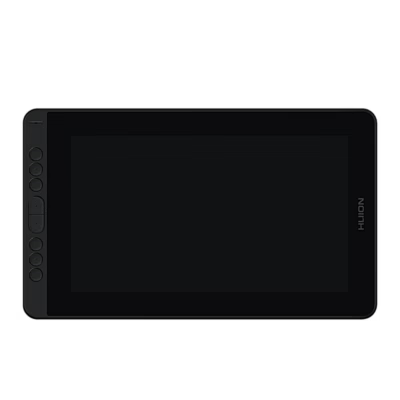
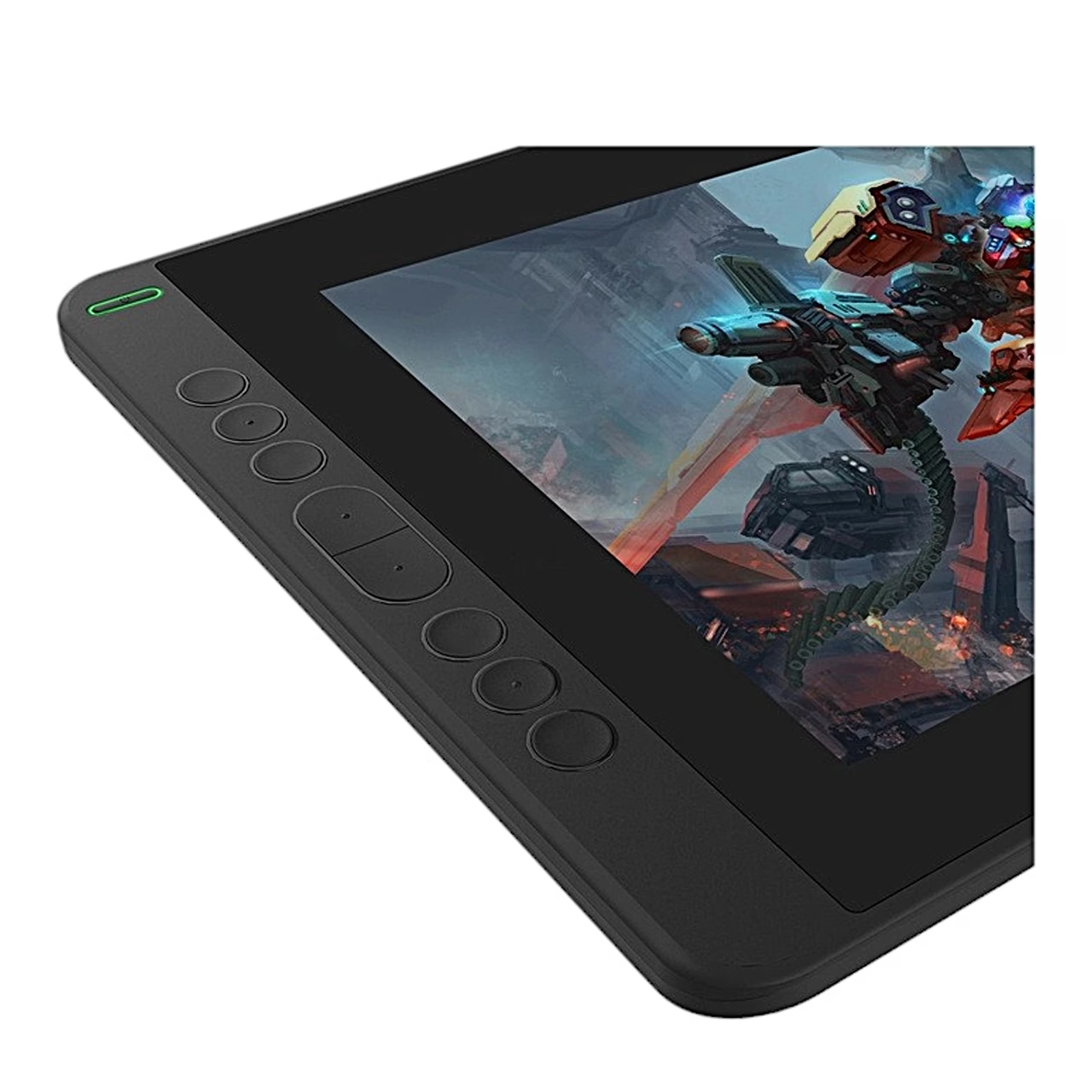
The eight keys on the left edge can be set in the driver to a key combination, a mouse button, brush or screen switching, launching a program or a media function. Settings can be saved separately for each program, and the working area can be rotated by 0°, 90°, 180° or 270° for right- or left-handed use. With the screen switched off, the Kamvas 13 works as a screenless graphics tablet and you see the image on the computer monitor.
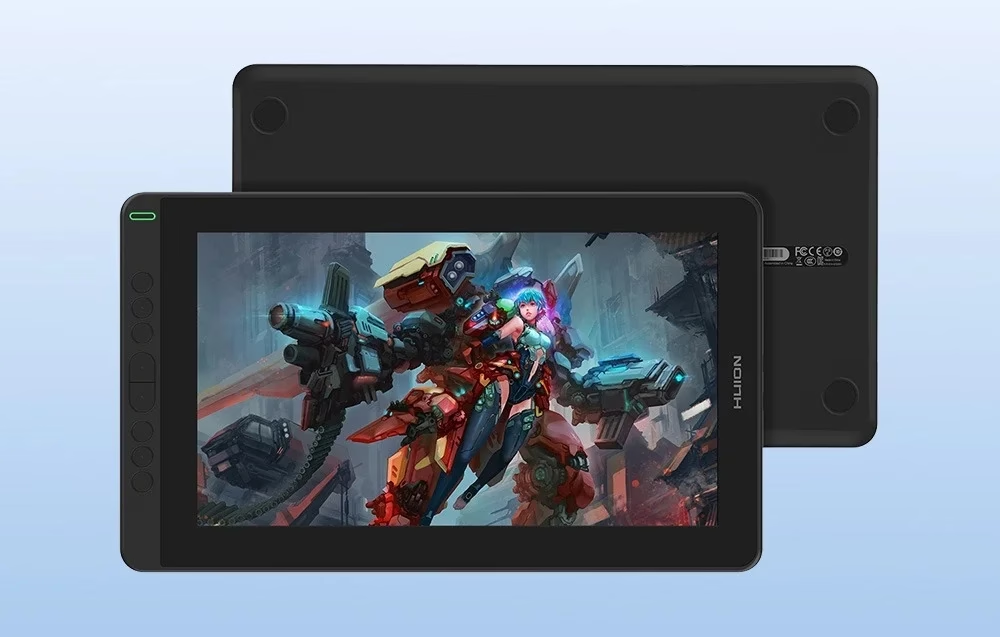
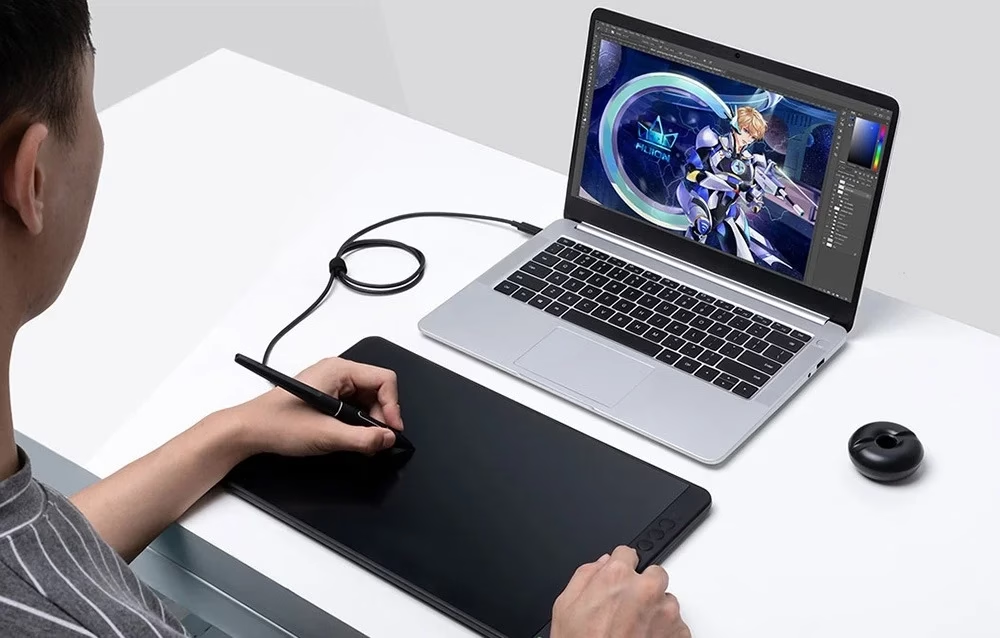
Kamvas 13 pen display front and back, eight keys on the left edgeKamvas 13 used with the screen off next to a laptop on a desk

Getting started and replacing the pen nib

Before installing the Huion driver, close graphics programs and antivirus software and remove any other tablet driver. The on-screen menu opens when you hold keys K4 and K5 for about three seconds; in the driver you can choose a picture mode and adjust brightness, contrast and colour temperature (6500 K, 9500 K or your own RGB value). To replace a worn nib, unscrew the pen holder lid anticlockwise, pull the old nib out with the nib clip and push the new nib into the pen until it stops.

In the box

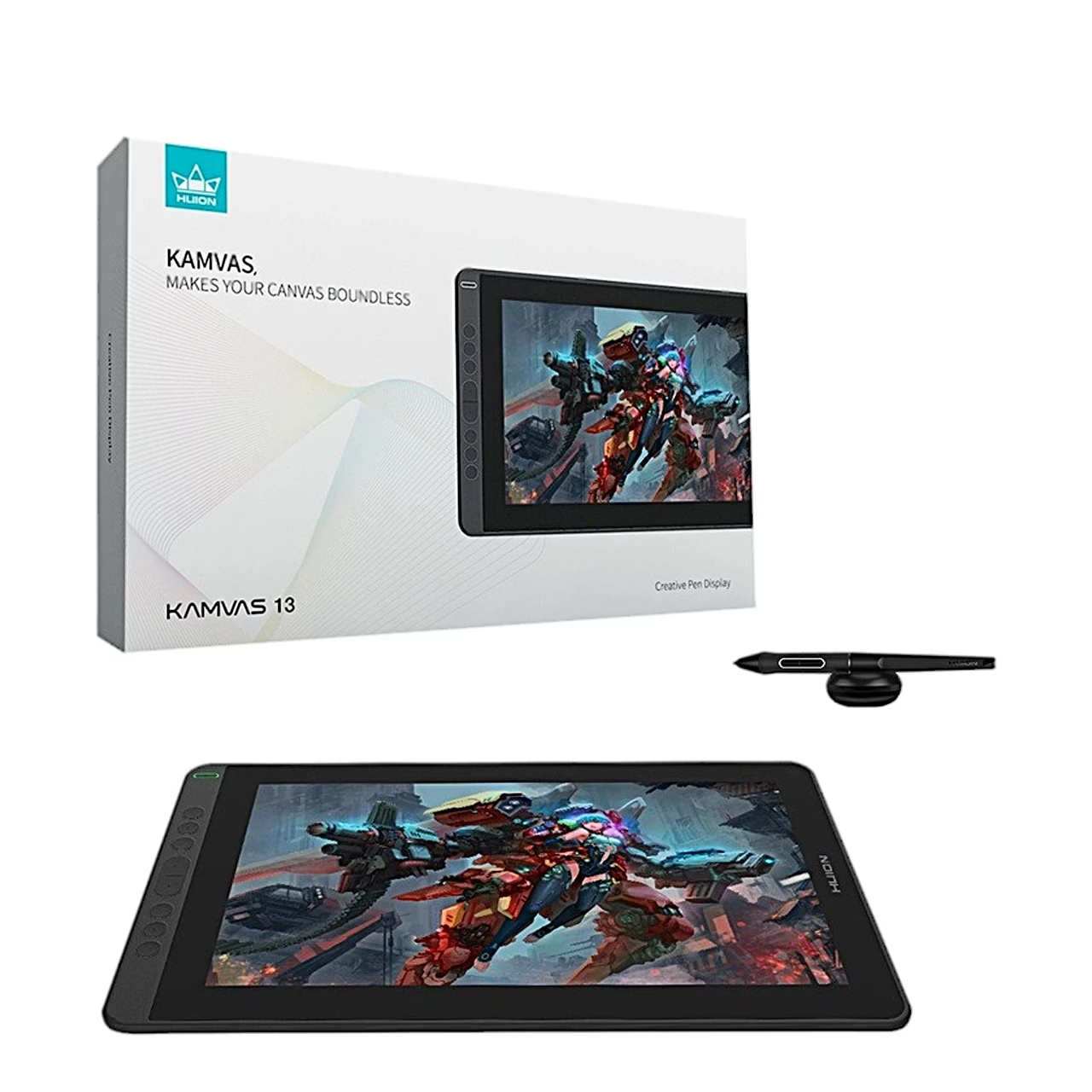
  • Pen display Huion Kamvas 13 GS1331, 1 pc
  • battery-free pen PW517, 1 pc
  • pen holder, 1 pc
  • replacement nibs inside the pen holder, 8 pcs
  • nib clip inside the pen holder, 1 pc
  • 3-in-1 cable, 1 pc
  • USB extension cable, 1 pc
  • quick start guide, 1 pc
  • cleaning cloth, 1 pc
Additional information

Weight 0,9 kg
Aspect ratio

16:9

Colour

Black

Working area

293,76 × 165,24 mm

Programmable keys

8 pcs

Pen model

PW517

Pen tilt sensitivity

±60°

Pen hover height

10 mm

Screen panel

IPS

Contrast ratio

1000:1

Brightness

220 cd/m²

Reaction time

25 ms

Number of colours

16.7 million (8-bit)

Dimensions

366,5 × 217,4 × 11,8 mm

Input voltage

5 V DC

Energy consumption

up to 7 W

Standby power consumption

up to 0.3 W

Supported Windows version

Windows 7 or newer

Supported macOS version

macOS 10.12 or later

Supported Android version

Android 6.0 or later

Linux support

Yes

Product type

Graphics tablet with screen

Pressure sensitivity

8192 taset

Resolution

Full HD (1920 × 1080)

Screen diagonal

13.3"

Interface

USB-C

Connectivity

Wired

Touchscreen

No

  • Only a customer who bought the product from us can review it: signed in, or through the link in the e-mail we send after the order. We check the purchase against the order.
  • We read every review before it is published (rules below).
  • The average rating is the plain average of all published ratings.
  • The buyer receives loyalty points for an approved review, whatever its rating or content. Text and a photo earn extra points. Reviews that earned points are marked.

  1. Write about the product and your own experience with it.
  2. A review may not contain personal data, links or advertising.
  3. Offensive or unlawful content is not allowed.
  4. Whether a review is published never depends on its rating.
  5. A photo must be taken by you, and the product must be clearly visible on it.
  6. A photo may not show people who can be recognised, or personal data such as documents, addresses or number plates.
  7. If we do not publish a photo, we send the reviewer the reason by e-mail.

Reviews

There are no reviews yet.

Bought this product from us? Sign in, or open the link in the e-mail we send after the order.

More from the same brand

See all Huion products (25)

Similar products

See also:

Newsletter

New collections first

Only useful and necessary news: new products, items back in stock and member offers. No spam.

Create account

A link for setting your password will be sent to your e-mail address.

We send only useful and necessary information, and you can unsubscribe with one click. You confirm by e-mail before the first letter.

Your personal data will be used to support your experience throughout this website, to manage access to your account, and for other purposes described in our privacy policy.

Menu

Shipping country

AssistantBETA

AI helper

Hi!

I am your AI assistant! Ask me freely, in your own words, what you would like to find or what more information you need, and I will gladly help you!

You can also choose one of these:

    Cart

    Your cart is empty.