

Description
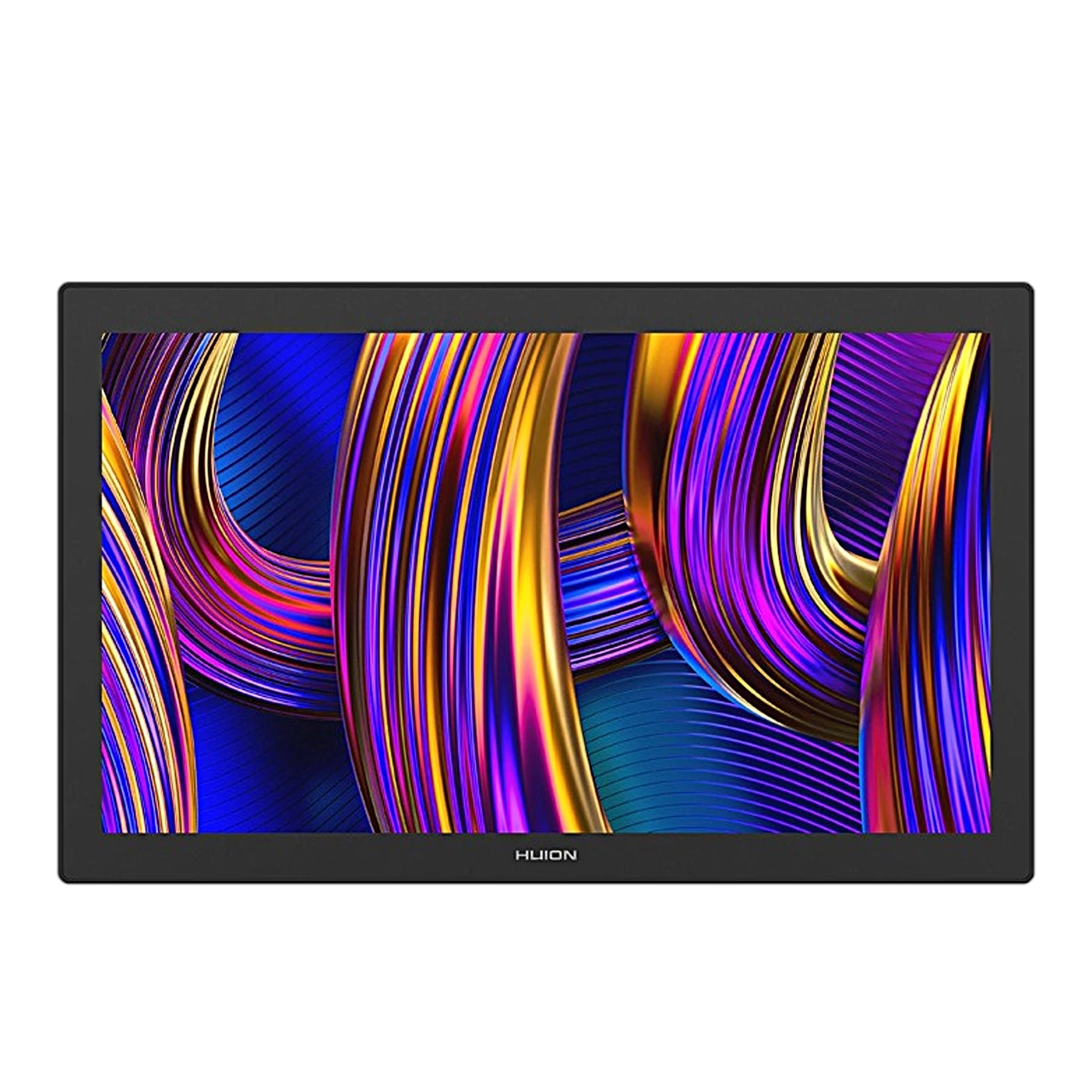
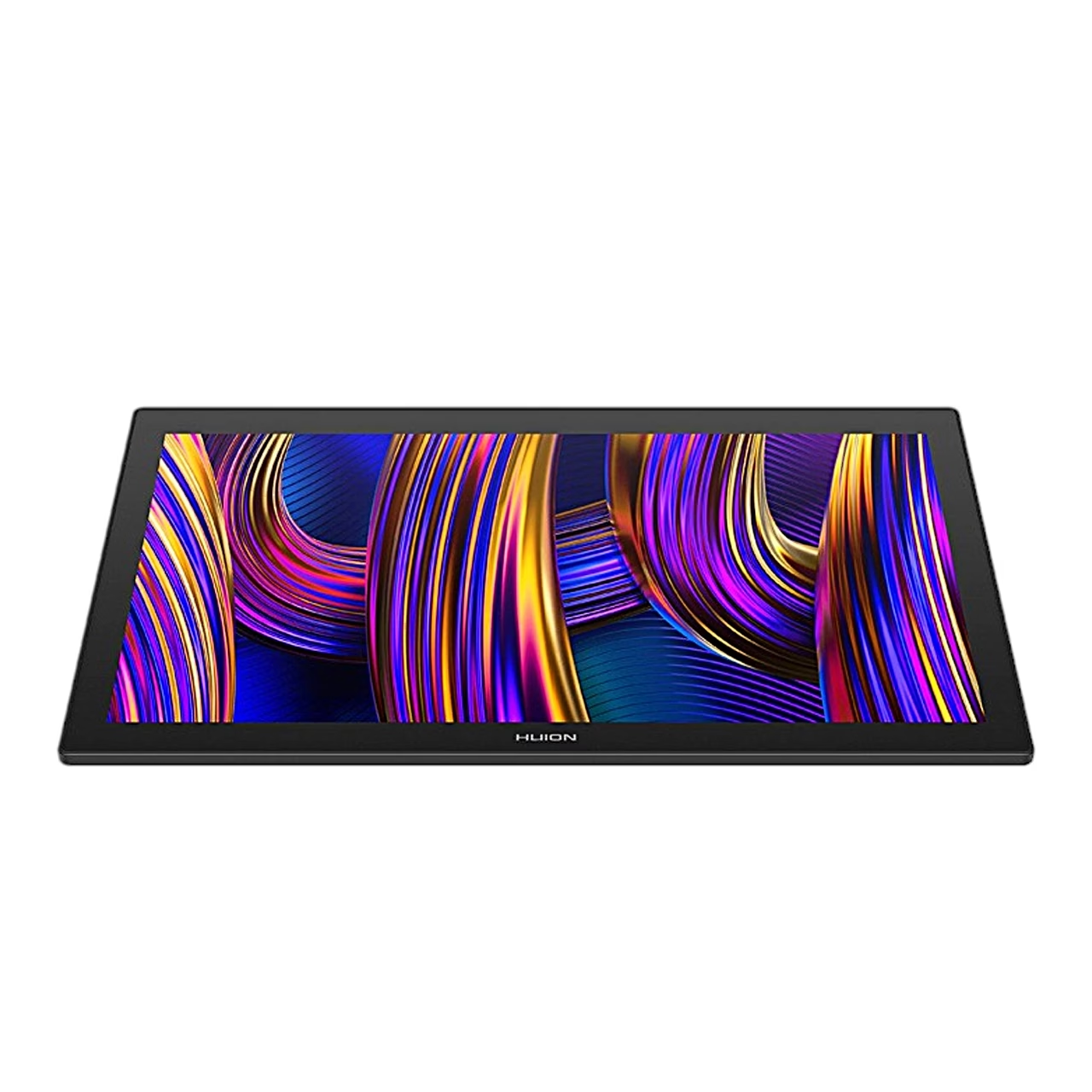
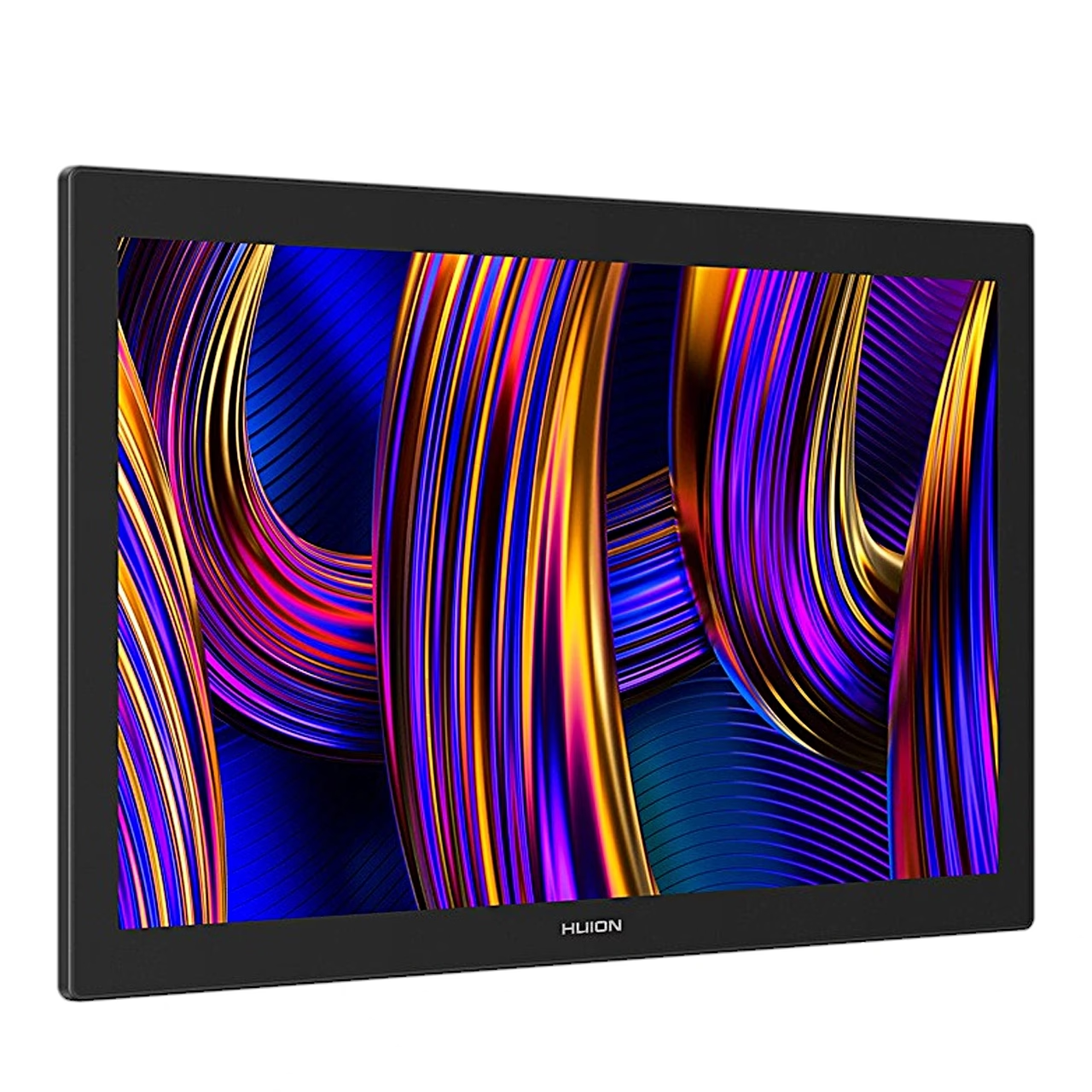
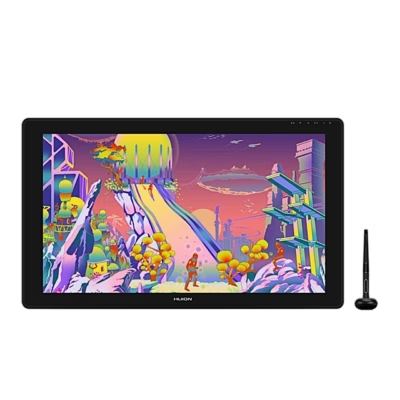
Pen display for illustration and animation
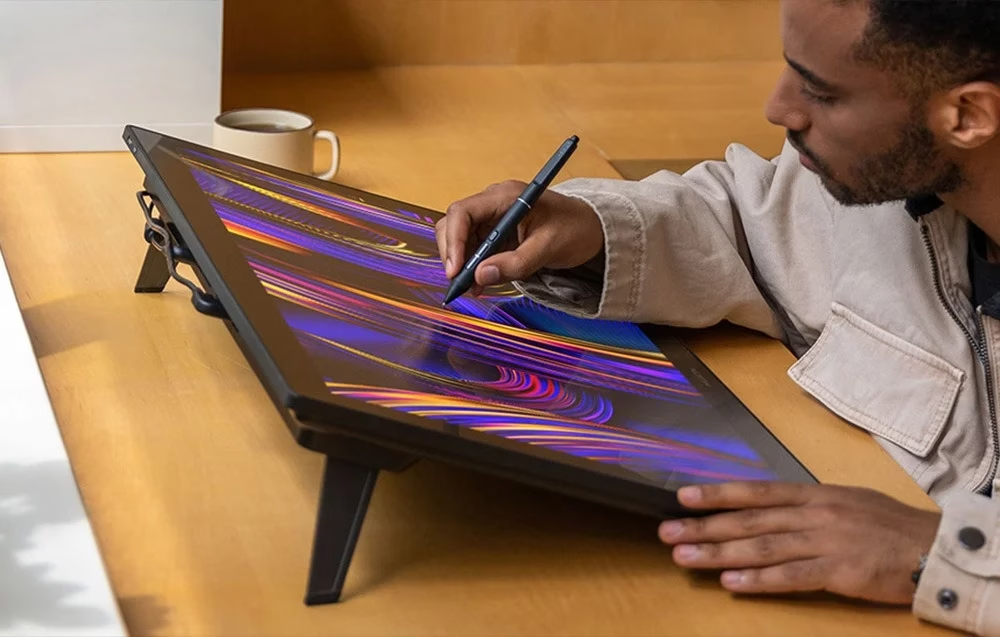
The screen refreshes the image up to 144 times per second, so the cursor keeps up with the pen: the Huion Kamvas Pro 27 GT2702 pen display has a 27-inch 4K screen with a resolution of 3840 × 2160 pixels. The active area is 596.7 × 335.7 mm.
Fully laminated IPS screen with factory-calibrated colour
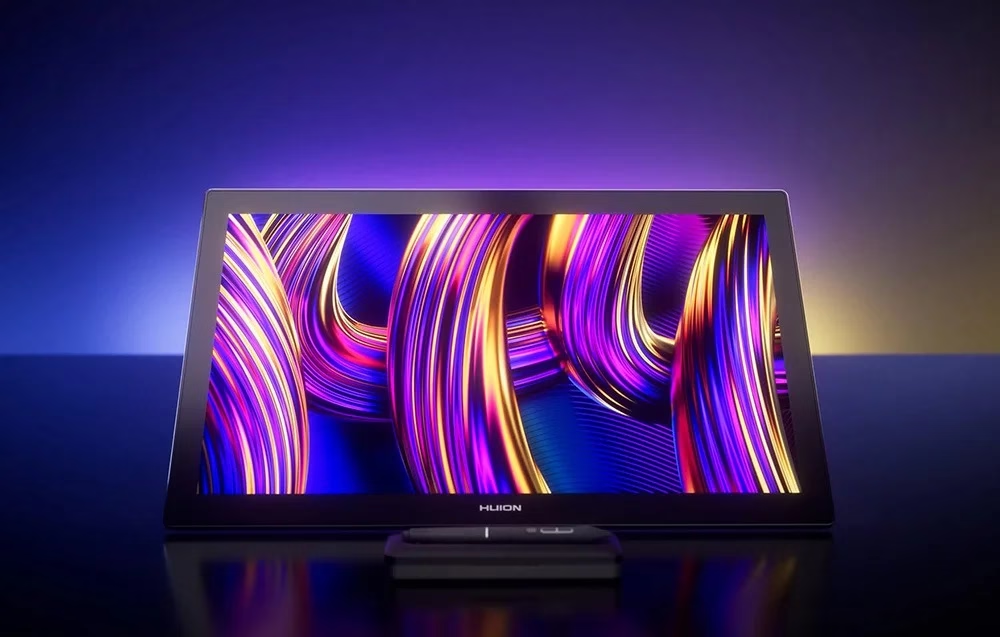
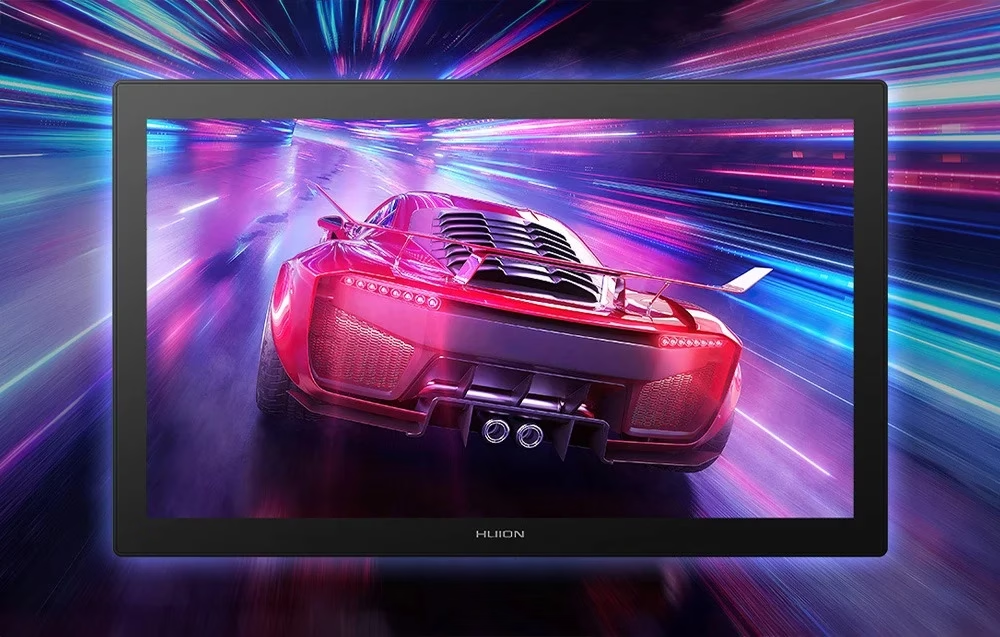
The LCD layer of the IPS panel is bonded directly to the glass, so the pen tip and the line line up. The screen covers 99% sRGB, 98% Adobe RGB, 98% DCI-P3 and 98% Display P3, with a colour volume of 160% sRGB. Each unit is factory calibrated with 3D LUT to ΔE < 1 and comes with a calibration report.
PW600 and PW600S pens work without a battery
Both pens use PenTech 4.0 and sense 16,384 pressure levels and tilt up to ±60°. The PW600 has three programmable side buttons and an eraser; the lighter, slimmer PW600S has two side buttons and an eraser. The PB03 pen case holds five standard PN06 nibs and five PN06F felt nibs.
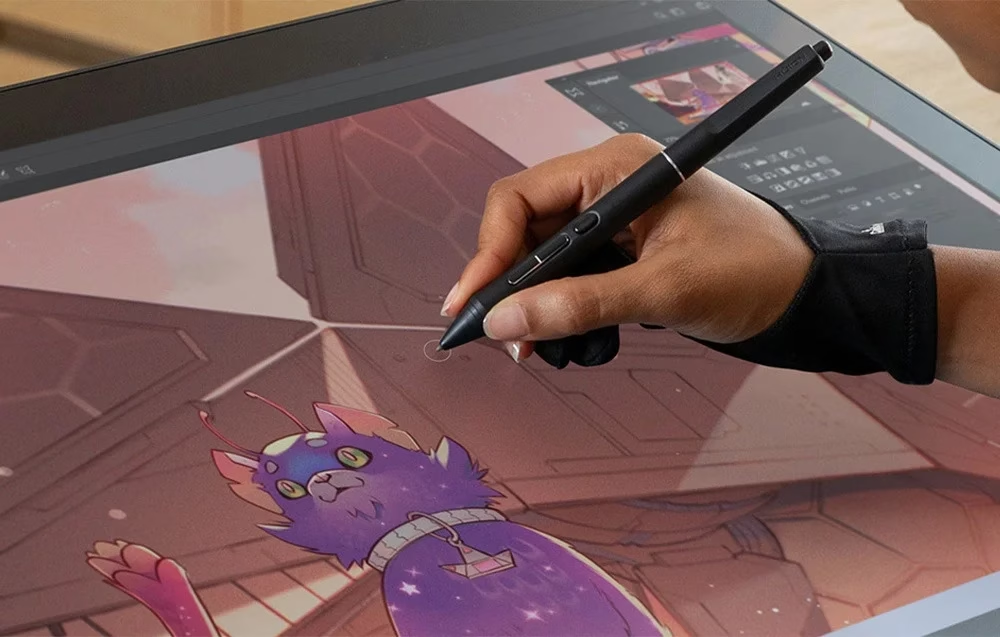
Canvas Glass 3.0 with a paper-like surface
Etched anti-glare Canvas Glass 3.0 gives the pen paper-like resistance, and an anti-fingerprint layer keeps the surface cleaner. The nano-texture reduces image graininess by up to 14%. The glass hardness is 7H and the nib hardness 5H.
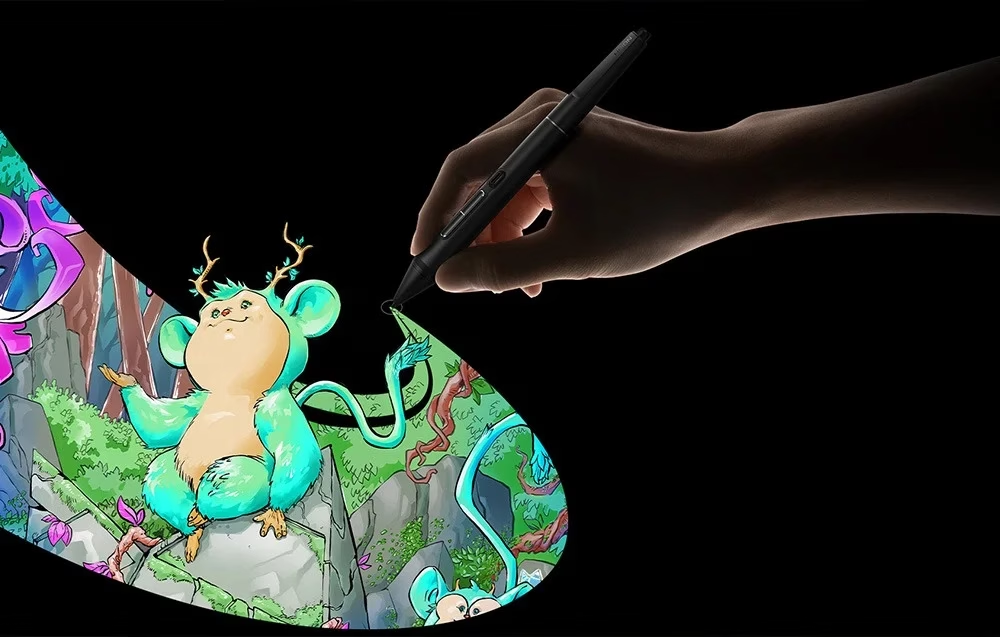
Touch gestures and K40 Keydial for shortcuts
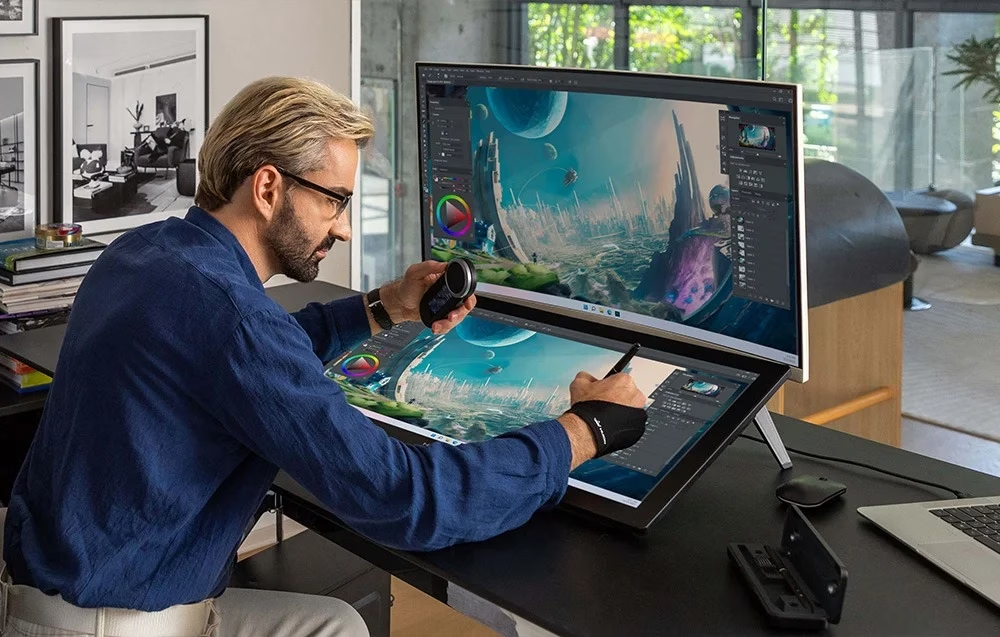
The screen recognises ten-finger touch: in Windows you can pan, zoom and rotate the image with gestures. A K40 Keydial one-handed keyboard is included for shortcuts. Shortcut keys, pen functions and work area can be configured separately for each program.
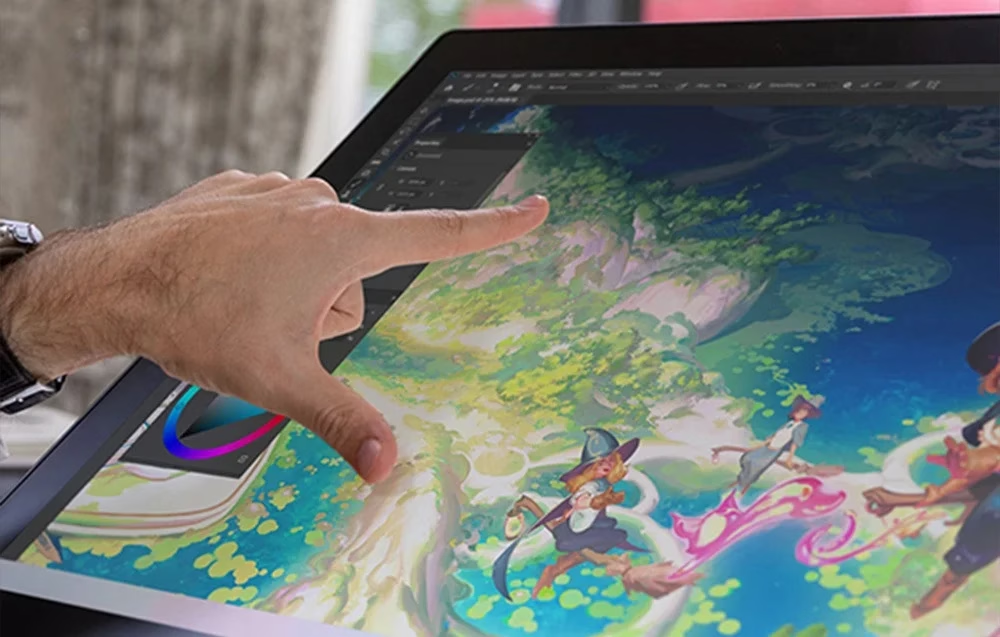
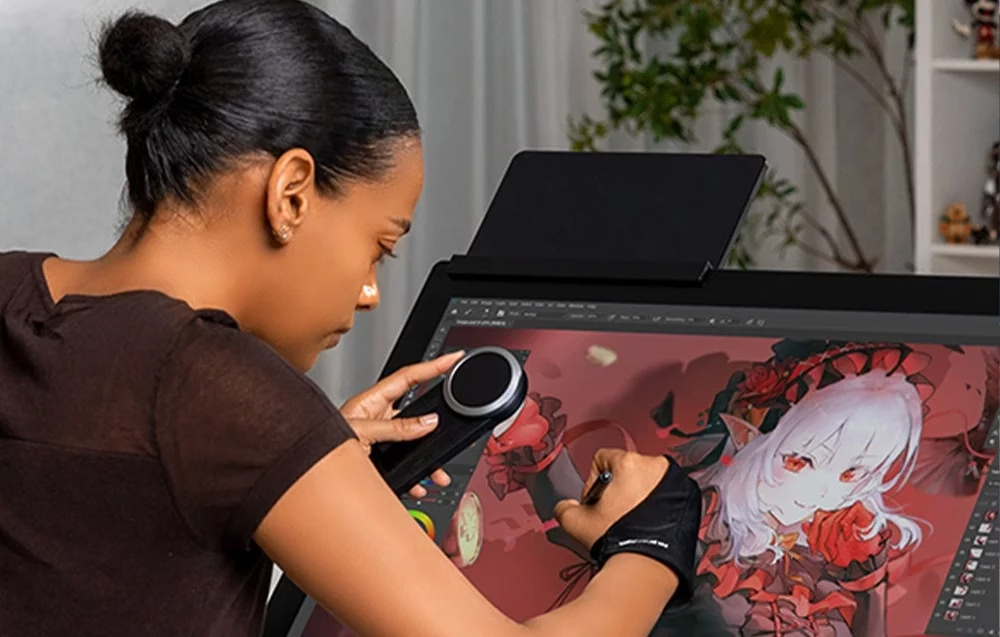
Top-edge ports, 20° stand and VESA mount
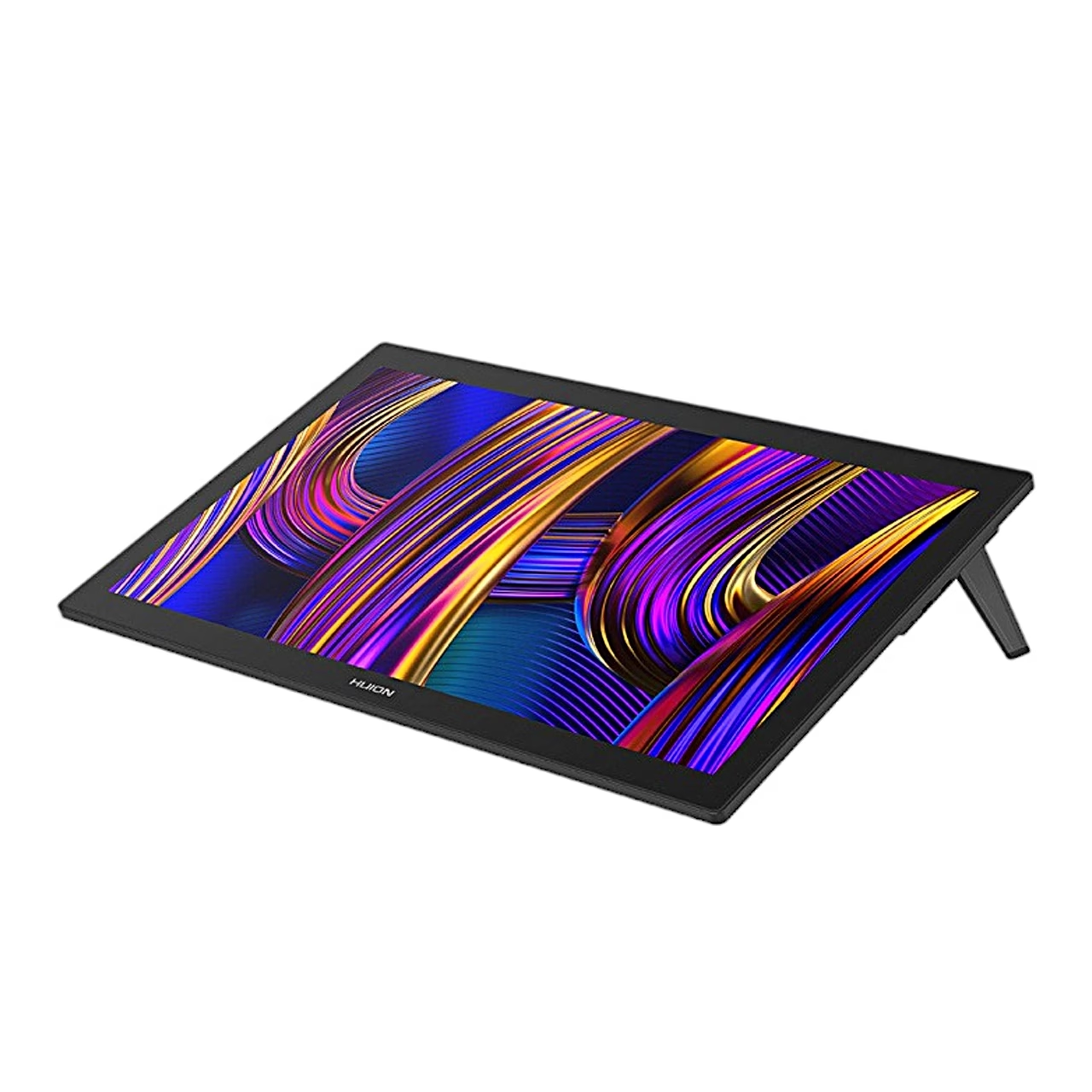
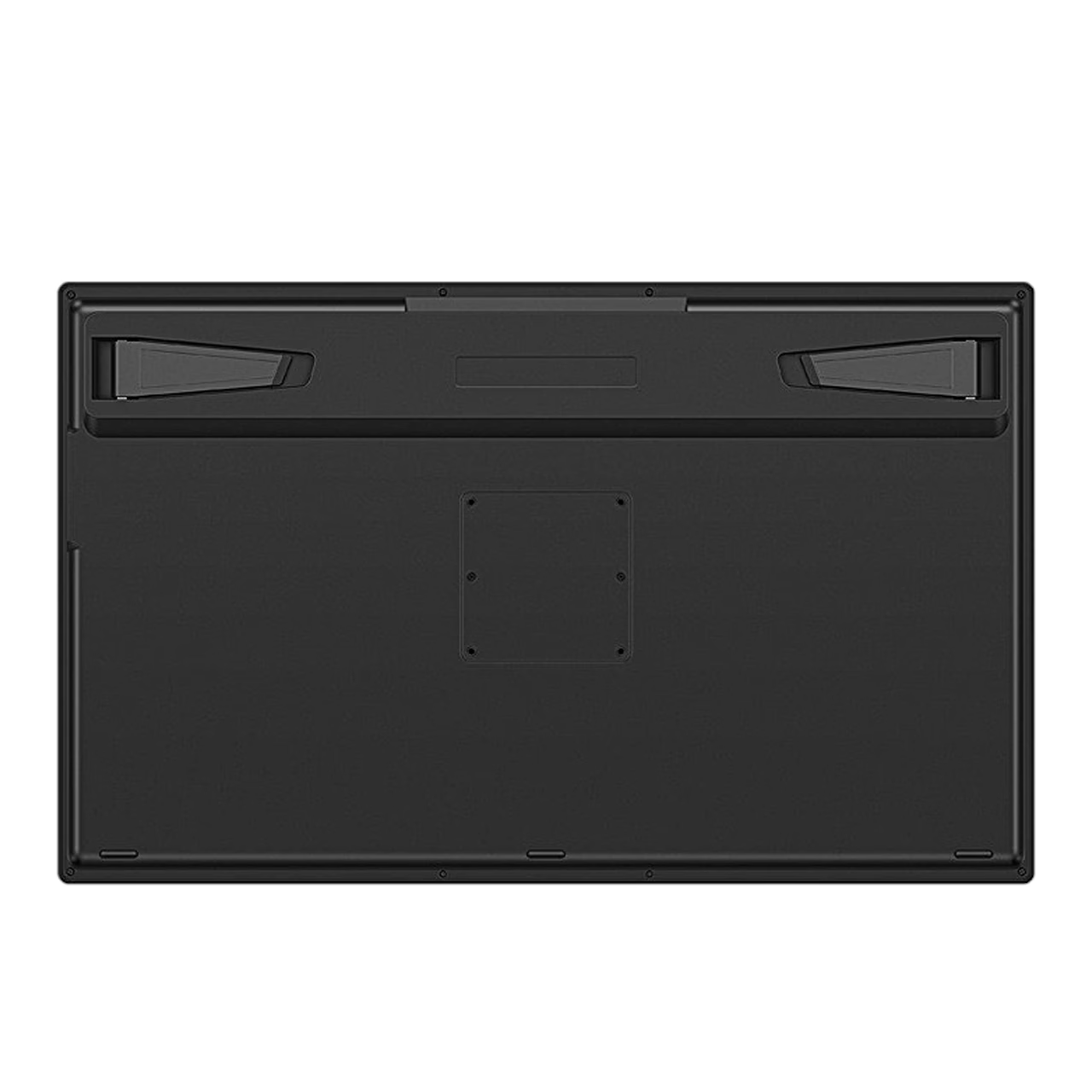
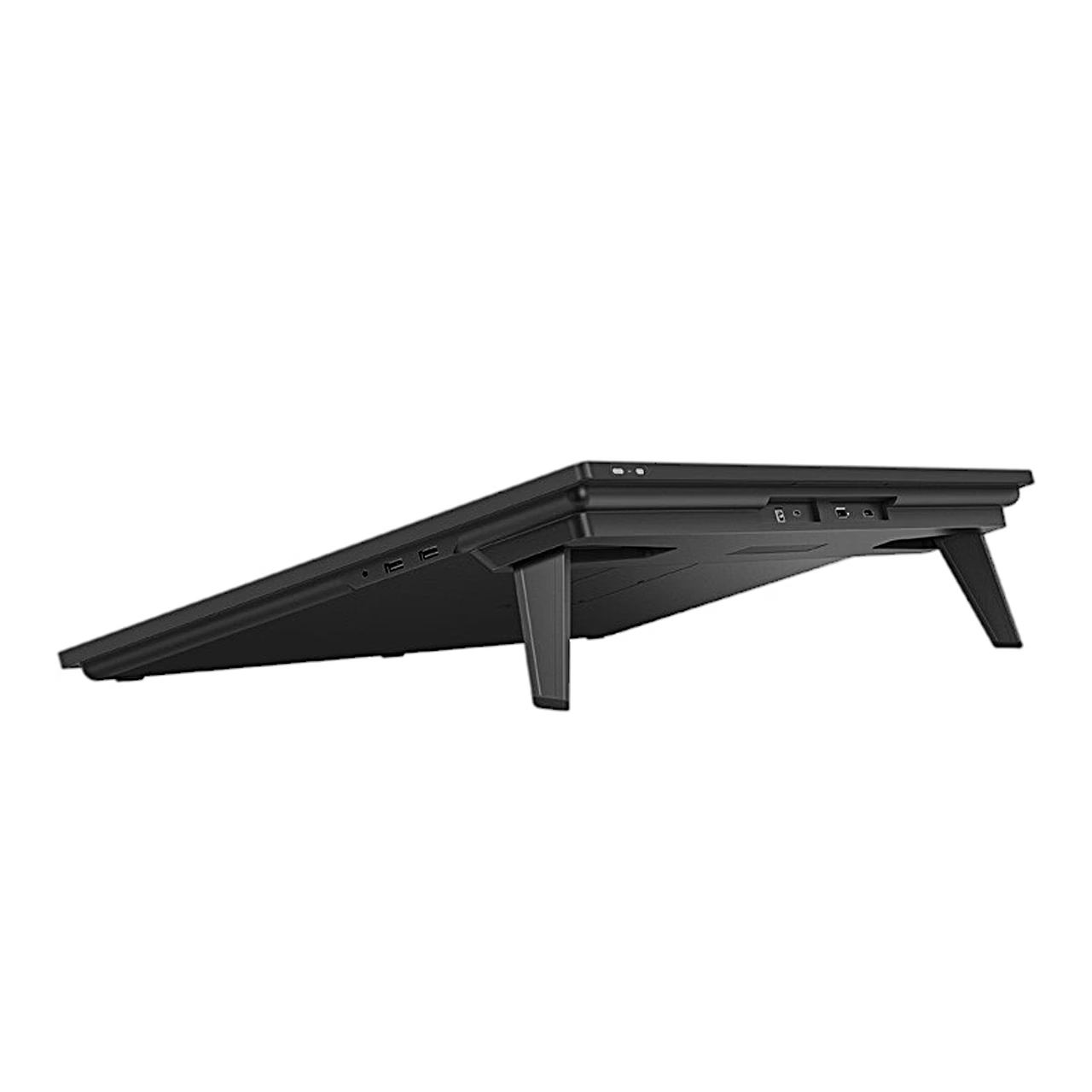
The pen display connects to a computer via HDMI 2.1, DisplayPort 1.4 or USB-C, and also has two USB-A 2.0 ports and a 3.5 mm headphone jack. The ports sit at the top of the device, which keeps cables off the desk. On its integrated legs the screen stands at a 20° angle, and with the VESA 100 × 100 mm mount you can fit it to a monitor arm. The power adapter outputs 19 V, 4.74 A and the device draws up to 45 W.
Windows, macOS, Linux and Android support
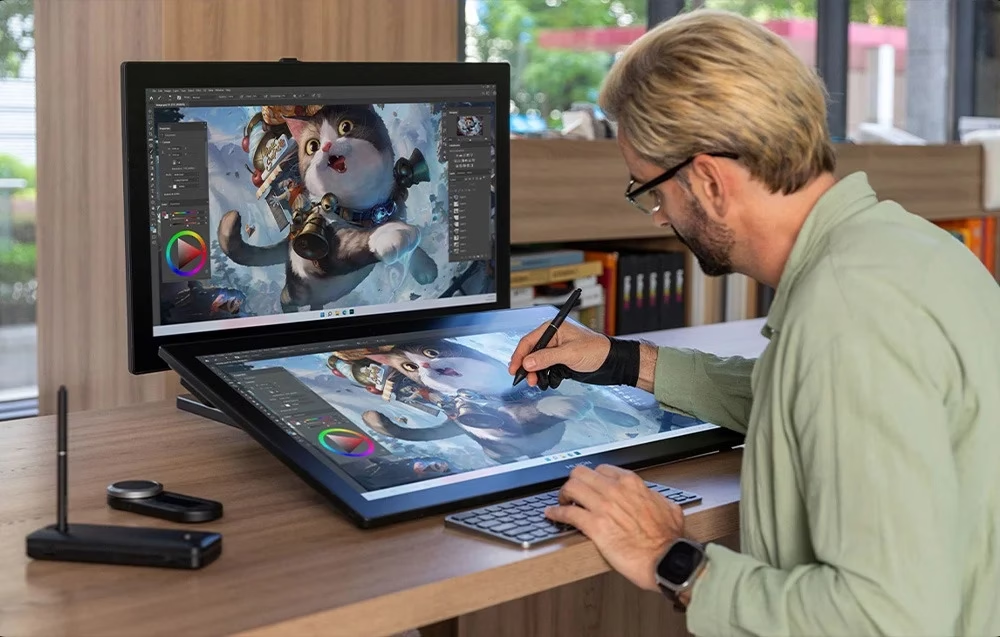
The pen display works with Windows 10 and later, macOS 10.12 and later, Linux (Ubuntu 20.04 LTS) and Android 6.0 and later when the device interface supports USB 3.1 and DP 1.2 or higher. Supported programs include Adobe Photoshop, Illustrator, After Effects, Clip Studio Paint, Affinity, ZBrush, Blender and Krita.
In the box
- Pen display Huion Kamvas Pro 27 GT2702, 1 pc
- PW600 and PW600S pens
- PB03 pen case, 5 PN06 nibs and 5 PN06F felt nibs
- K40 Keydial one-handed keyboard
- HDMI, DisplayPort, USB-C to USB-C and USB-A to USB-C cables
- power adapter and 1.5 m power cord
- GL03A drawing glove and cleaning cloth
- quick start guide







































Reviews
There are no reviews yet.