

Description
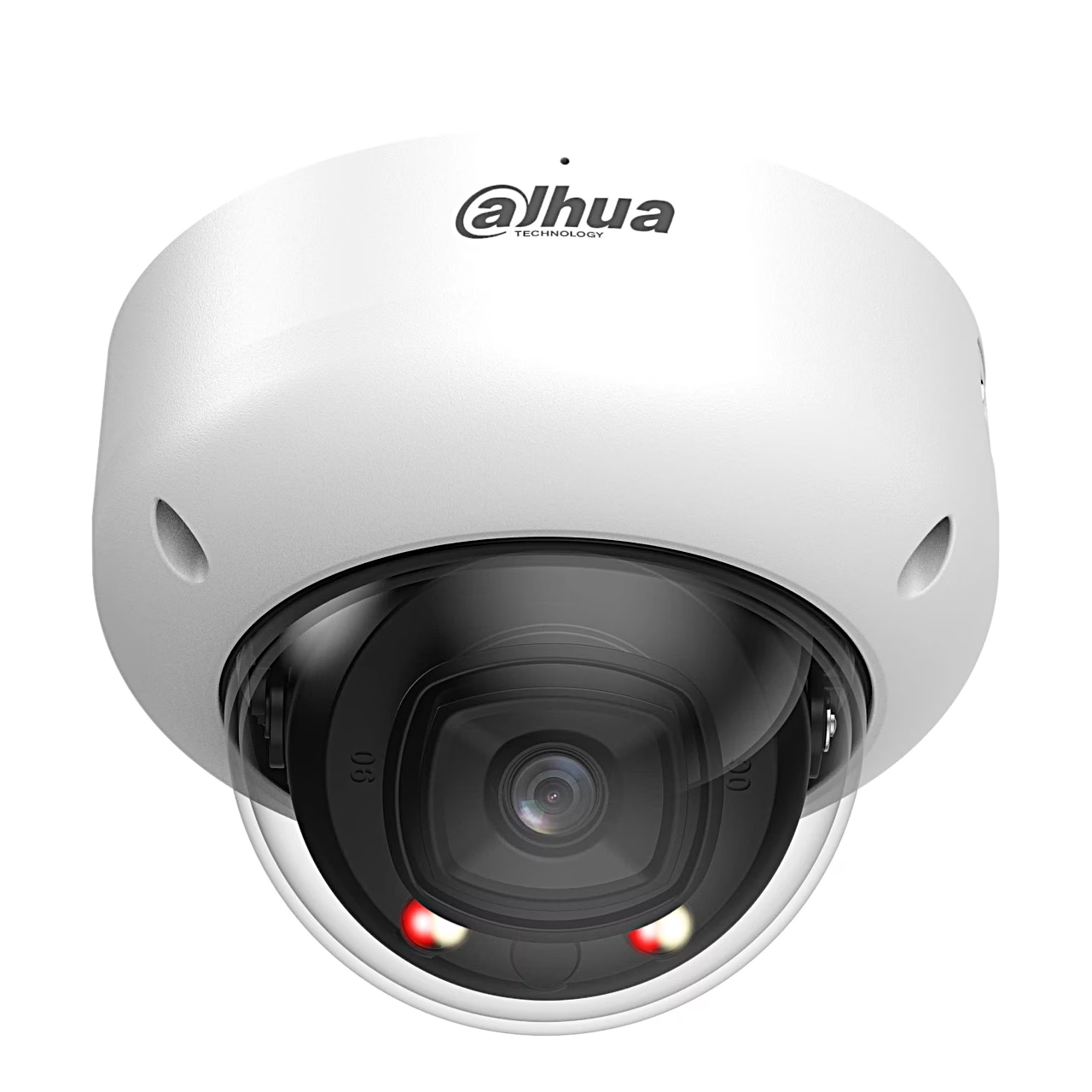
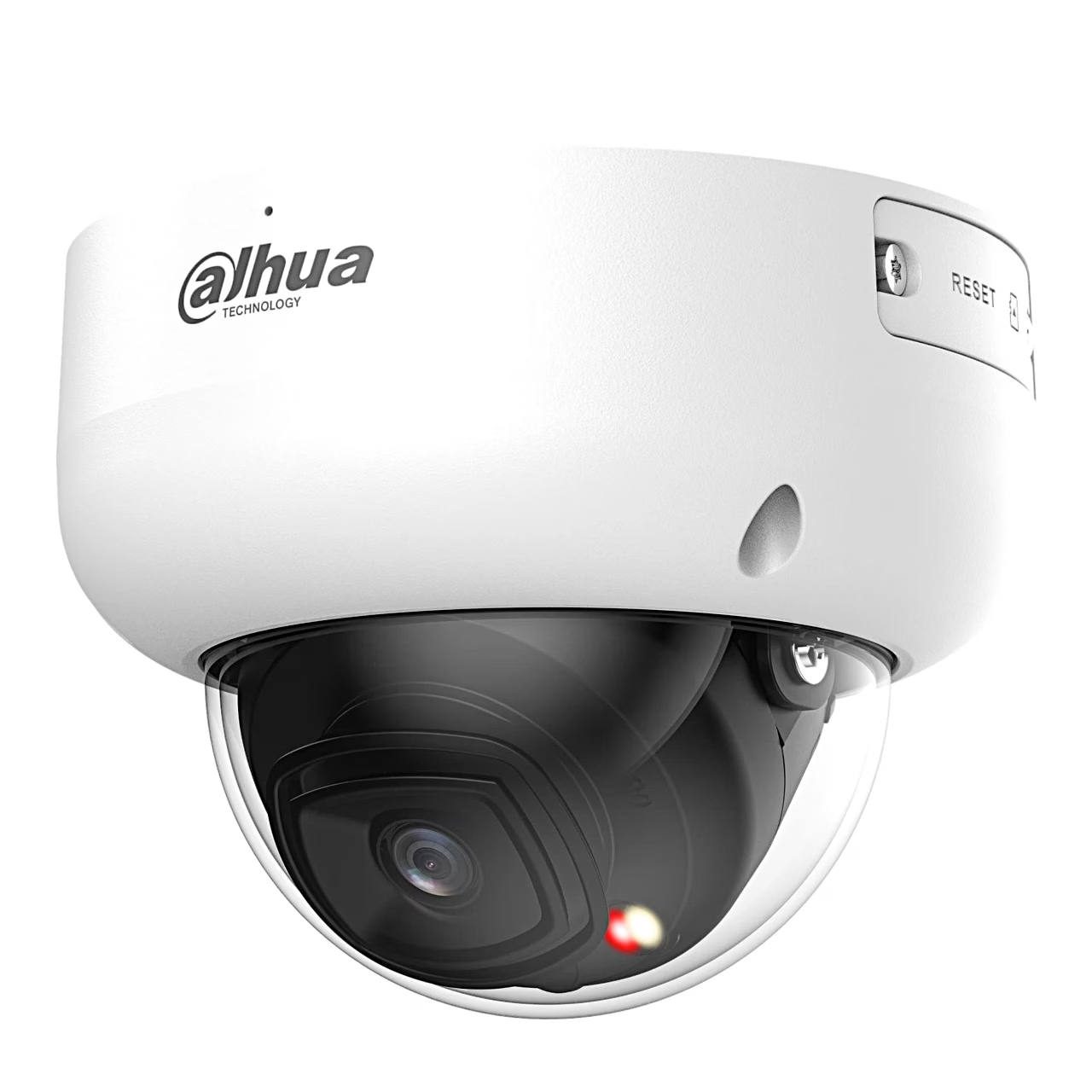
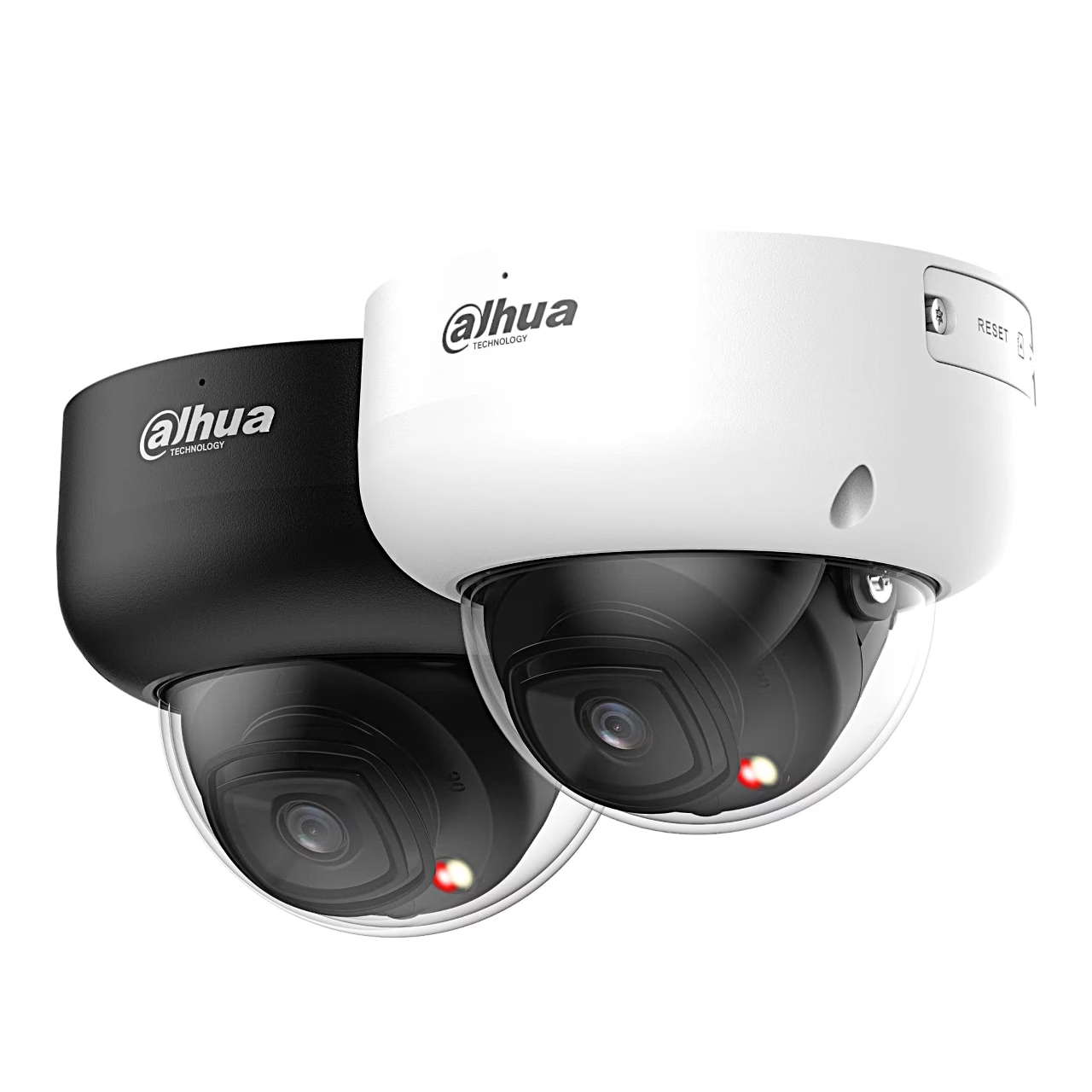
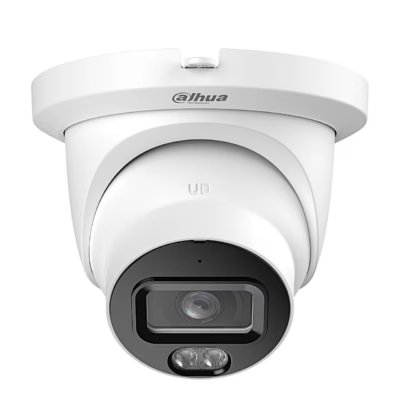
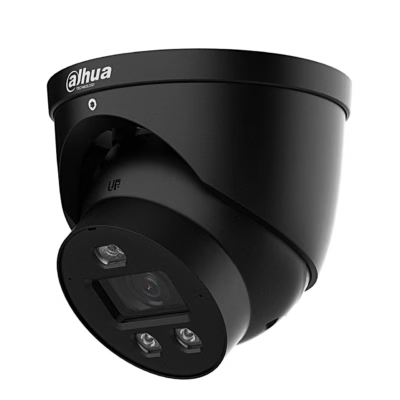
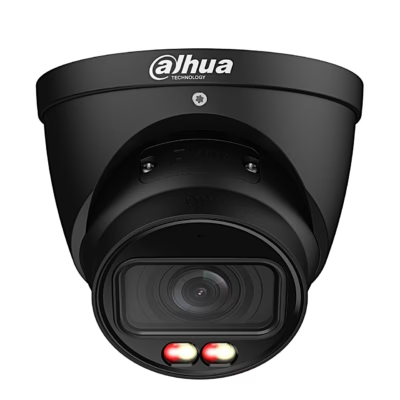
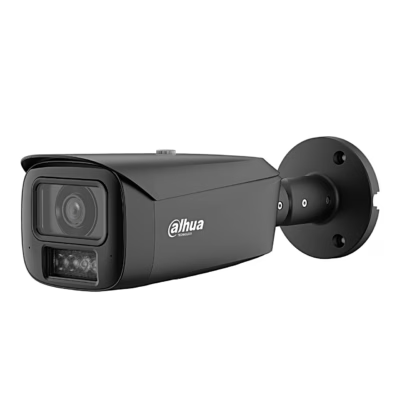
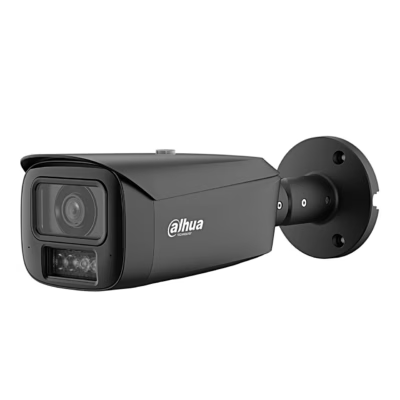
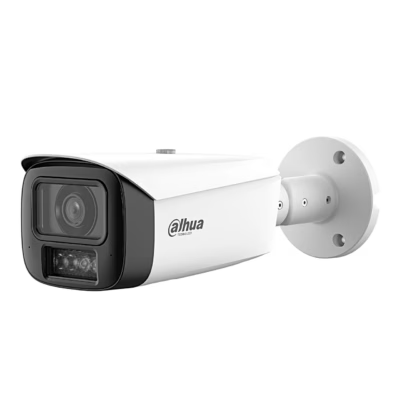
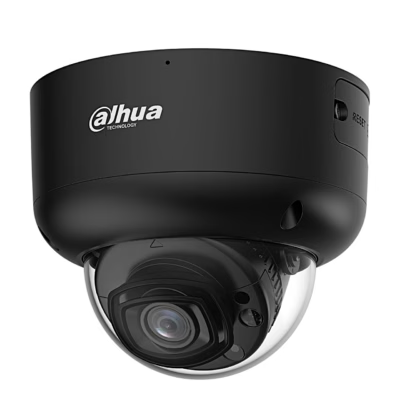
PoE security camera with smart dual light for indoor and outdoor installation
The indoor and outdoor PoE security camera Dahua WizMind 5 IPC-HDBW5459R-ASE-IL records 4 MP video with a 1/1.8″ CMOS sensor at 2688 × 1520 pixels and up to 30 frames per second. The 2.8 mm F1.6 lens covers 112° horizontally and 58° vertically. In strong backlight, 140 dB WDR keeps both bright and shaded areas visible.
Power and video share one cable on a PoE security camera
A PoE security camera is a camera that receives power and network over one Ethernet cable, so no socket is needed at the camera. This model runs on a PoE+ (IEEE 802.3at) switch, which powers connected devices over the cable, or on a 12 V DC adapter; maximum consumption on PoE is 15.5 W. A Wi-Fi camera sends video by radio and needs a nearby socket, while a PoE camera suits a fixed installation where a cable can be run.
Smart dual light records events in colour
At night the camera lights the scene with infrared up to 50 m. When a target appears, warm light switches on and the camera records the event in colour. When the target leaves, the warm light switches off and the camera continues with infrared, which reduces light pollution.
AI detection
Intrusion, tripwire and fast-moving detection recognises people, vehicles and animals and so reduces false alarms. The camera also detects faces, counts people and spots abandoned or missing objects. The built-in microphone records sound as well.
Recording and compatibility
Recording is possible to a microSD card of up to 1 TB, a NAS or an FTP server. With ONVIF Profile S, G, T and M the camera works with an ONVIF-compatible network video recorder (NVR), which keeps the video of several cameras in one place. Live view is available in the DMSS app on iOS and Android phones and in the DSS software on a computer.
Installation
Under IP67 the metal housing is dust-tight and withstands immersion for 30 minutes at 1 m, and under IK10 it resists a 20 J impact. The mounting surface must hold at least three times the weight of the camera and bracket. Wrap cable joints with insulating and waterproof tape. The lens pans 0–355°, tilts 0–80° and rotates 0–355°.
Cleaning and care
Remove dust from the lens with an air blower or wipe it gently with a soft cloth moistened with alcohol. Clean the housing with a soft dry cloth, and for stubborn dirt with a cloth dampened with mild detergent.
In the box
- Security camera Dahua IPC-HDBW5459R-ASE-IL, 1 pc







































Reviews
There are no reviews yet.