

Description
PoE security camera for outdoor use with colour night images
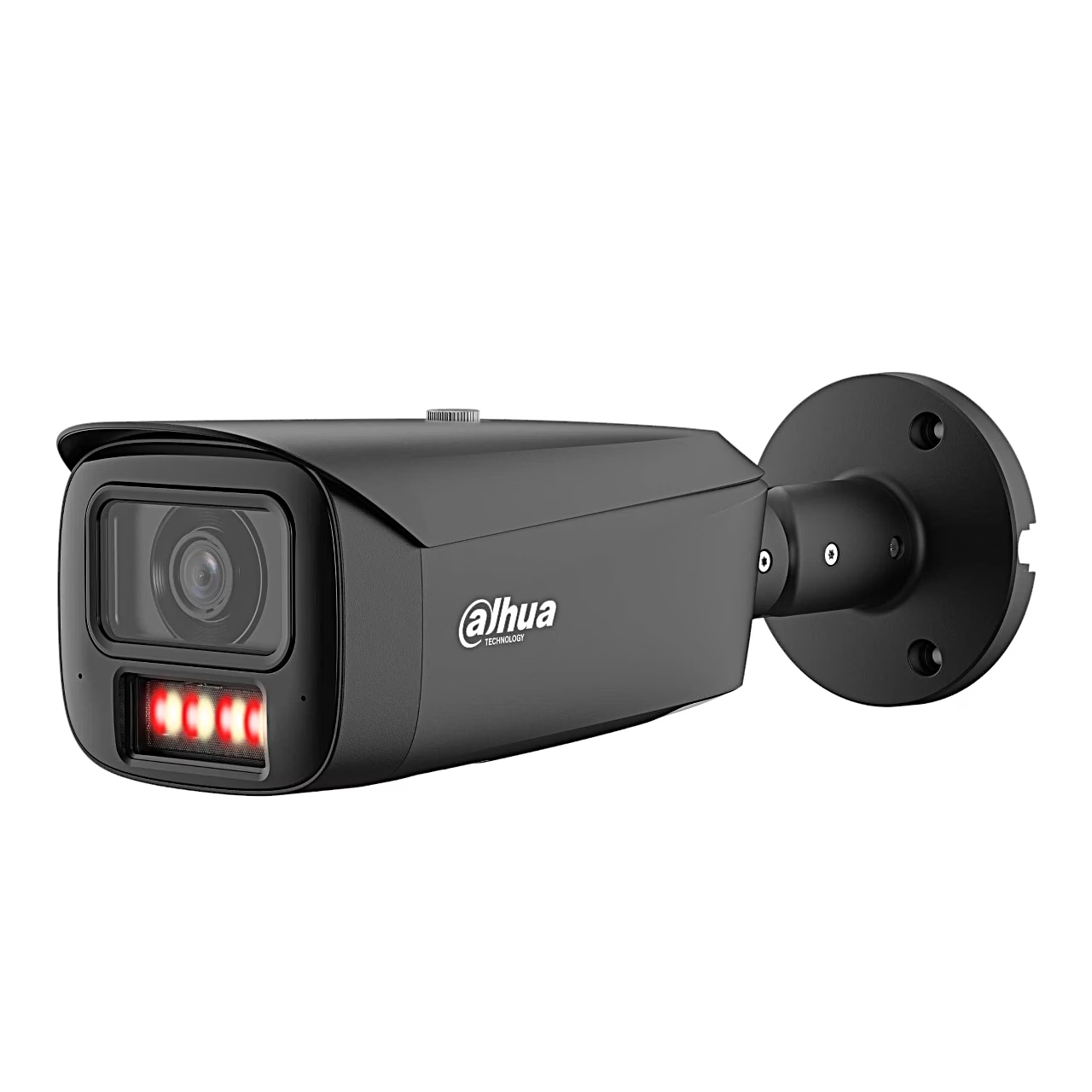
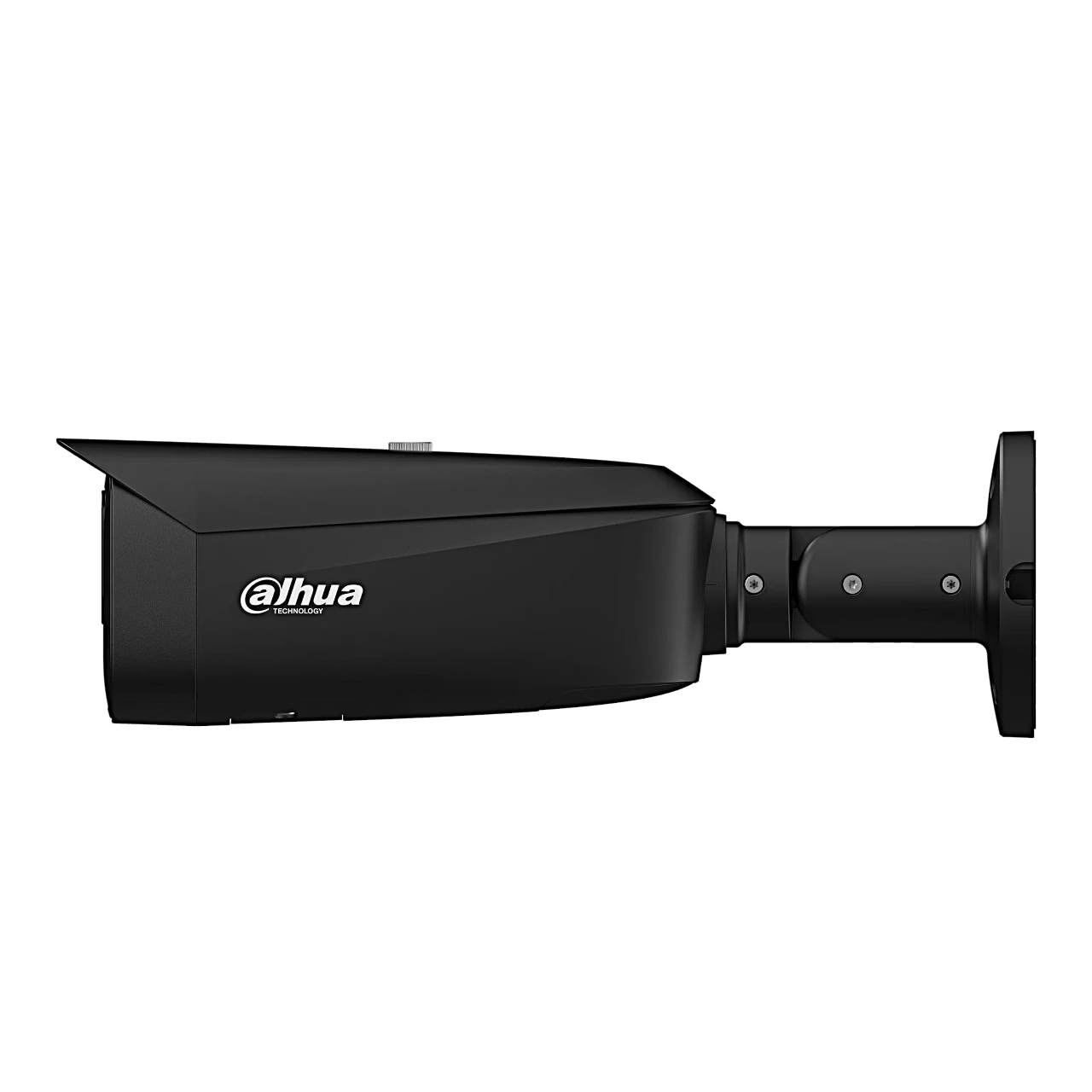
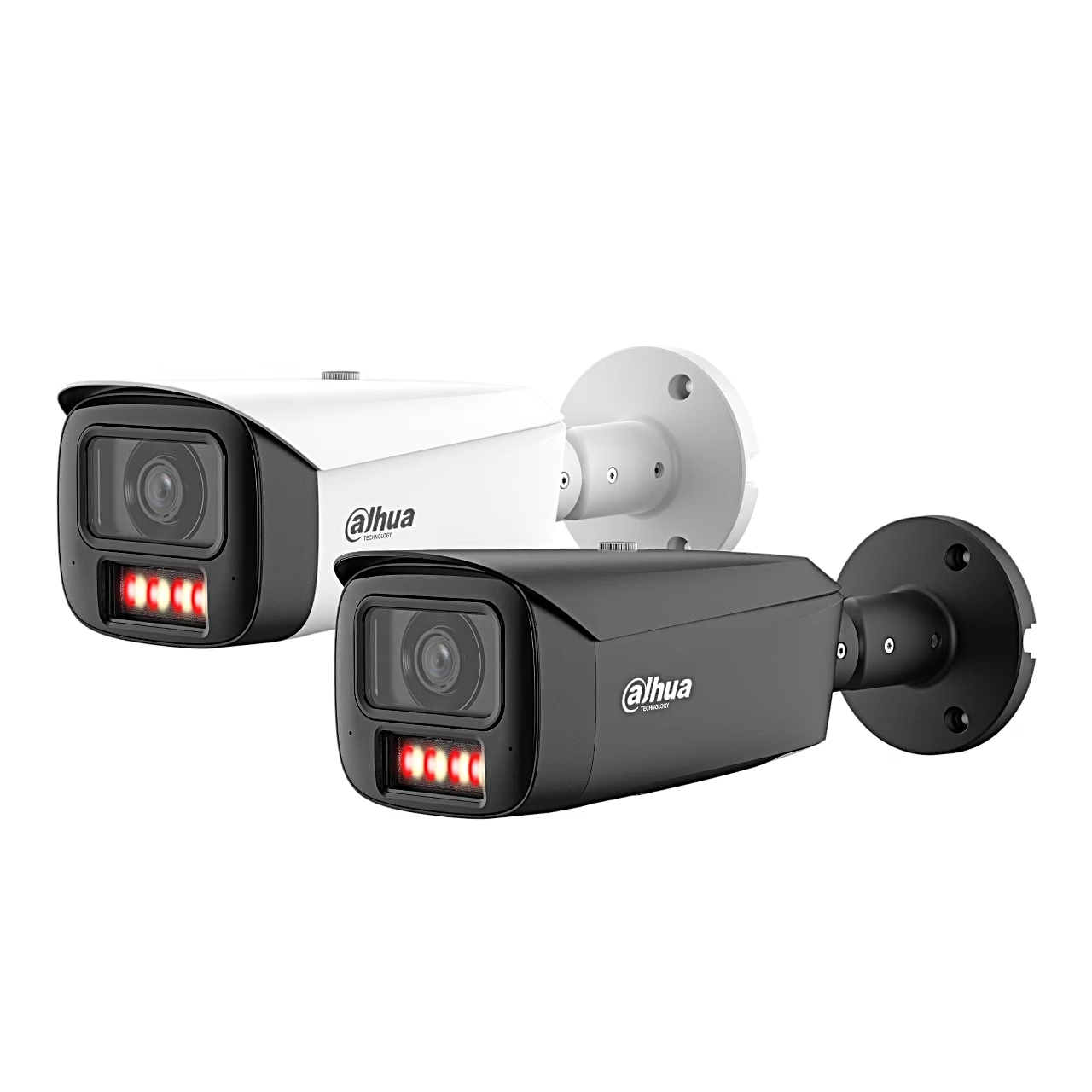
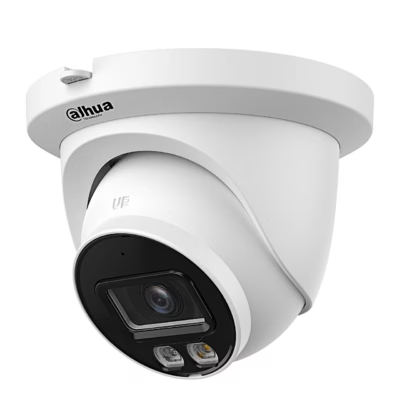
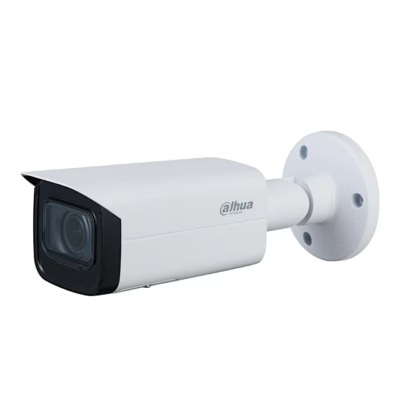
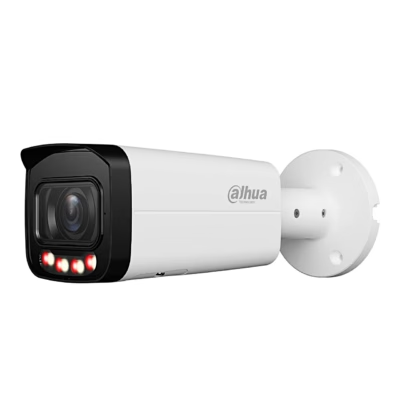
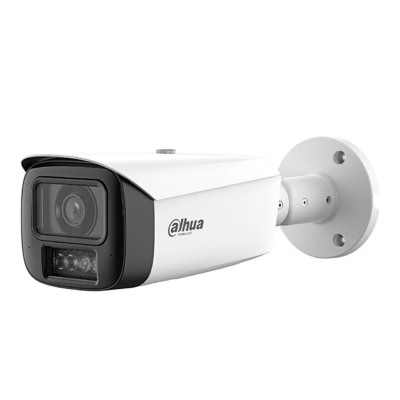
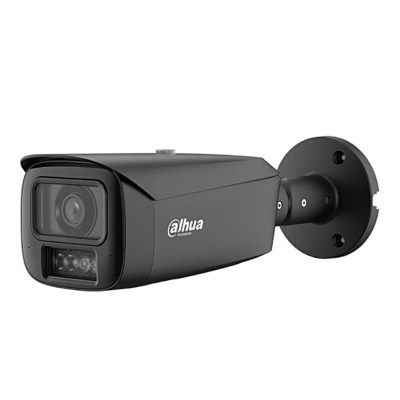
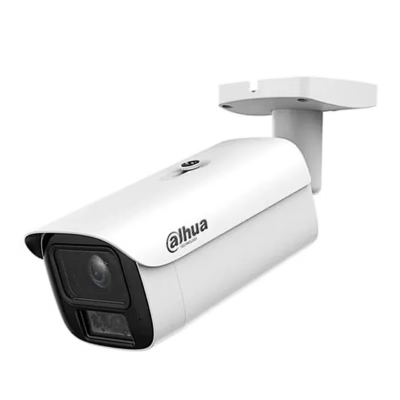
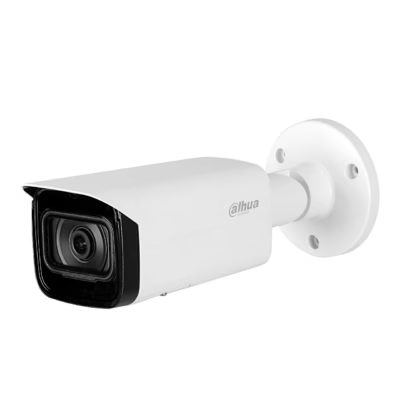
The Dahua WizMind 5 series IPC-HFW5659T1-ASE-PV-0280B-PRO is installed outdoors and is powered via PoE+ or a 12 V adapter. The housing is rated IP67 and IK10: the camera is dust-tight, works after 30 minutes in 1 m of water and withstands a 20 J impact.
A PoE-powered security camera takes power from the network cable
A PoE-powered security camera is a camera that receives electricity and data over the same Ethernet cable. This model is powered from a PoE+ IEEE 802.3at port on a PoE switch, a network switch that supplies power, or from a PoE injector, which adds power to the cable between an ordinary switch and the camera. A Wi-Fi camera sends its image by radio and needs a nearby socket; a PoE camera suits a permanent installation wherever a network cable can be run.
Colour night images with warm light
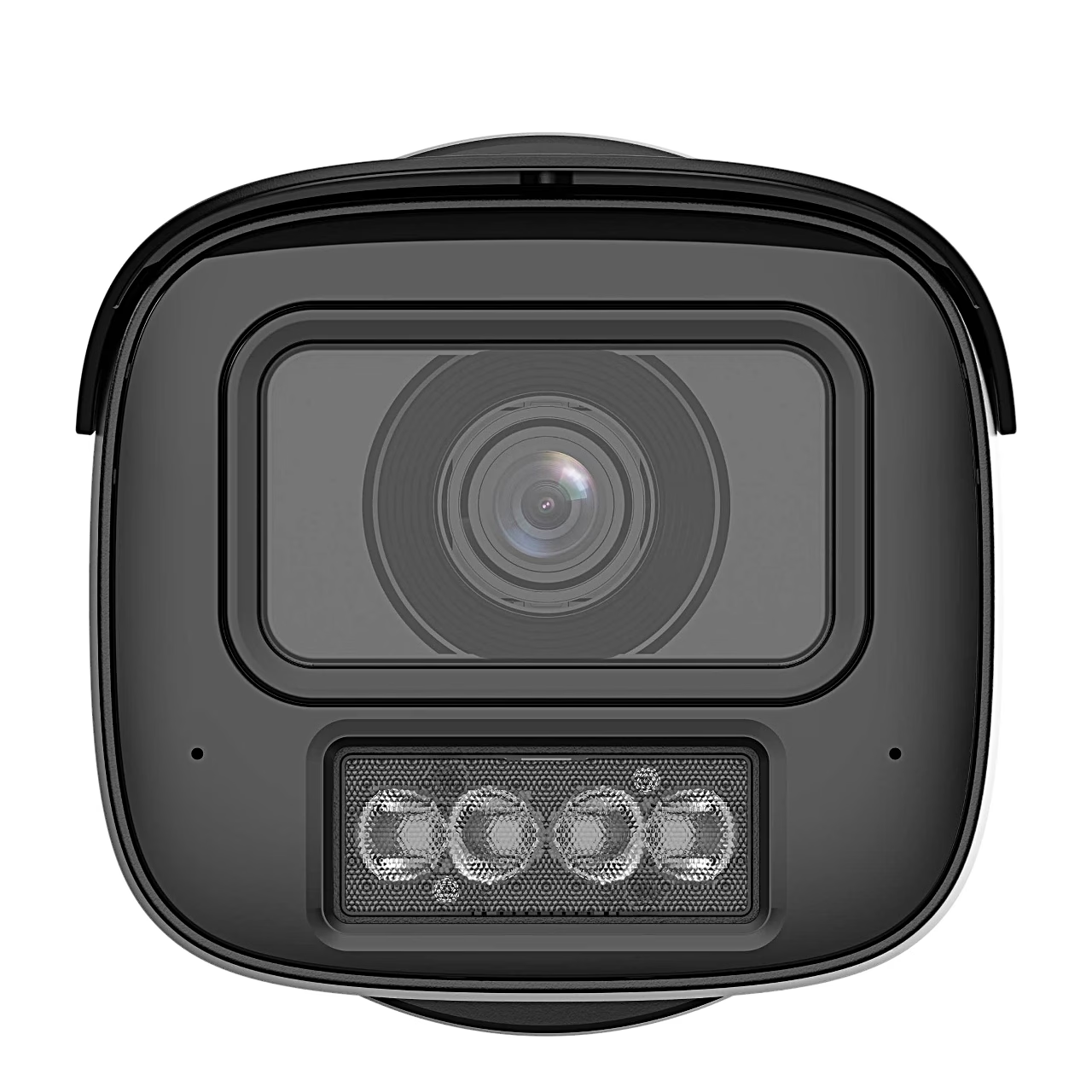
A 1/1.8″ CMOS sensor and a 2.8 mm lens deliver a 6 MP image of 3072 × 2048 pixels at up to 30 frames per second and a 109° horizontal field of view. In the dark, IR light covers up to 80 m or warm white light up to 60 m, which keeps night images in colour. The DORI distances under EN 62676-4 are 70.2 m to detect, 28.1 m to observe, 14 m to recognise and 7 m to identify.
Person and vehicle detection with active deterrence
Intrusion, tripwire and fast-moving detection tell people, vehicles and animals apart, and a self-learning algorithm filters out false alarms. The camera also detects faces, counts people and builds a motion heat map. On an alarm it plays one of 11 sounds or up to 10 of your own and flashes the warm light for 5 to 30 seconds. Two built-in microphones and a speaker allow two-way talk.
Storage, app and connections
Video can be recorded to a microSD card of up to 1 TB, to network storage (NAS) or to an FTP server. With ONVIF Profiles S, G, T and M the camera connects to an ONVIF-compatible NVR, a network video recorder that stores and manages several cameras in one place. You can view the image on a phone in the DMSS app (iOS and Android) and on a computer in a web browser. The camera has 1 alarm input, 1 dry-contact alarm output for switching an external circuit, RCA audio input and output and an RS-485 interface.
Installation
The camera mounts on a ceiling or a wall, and the bracket pans 0–360° and tilts 0–90°. Switch the power off before inserting the microSD card. Fix the camera with the supplied screws to a surface that holds at least three times the camera’s weight, and run the cable through the side cable tray or the mounting surface. Protect the cable joints from moisture with insulating tape and waterproof tape, then adjust the viewing angle.
Cleaning and care
Remove dust from the lens with an air blower and, if needed, wipe it with a soft cloth lightly moistened with alcohol. Clean the housing with a soft dry cloth, for stubborn dirt with a cloth dampened with neutral detergent, and wipe it dry. To protect the coating, use a neutral detergent instead of volatile solvents or abrasive cleaners.
In the box
- Security camera Dahua IPC-HFW5659T1-ASE-PV-0280B-PRO, 1 pc
- bags of screws and wall plugs, 2 pcs
- mounting key
- drilling template
- installation guide and documents, 2 pcs









































Reviews
There are no reviews yet.