

Description
Colour night vision PoE security camera with 4K image
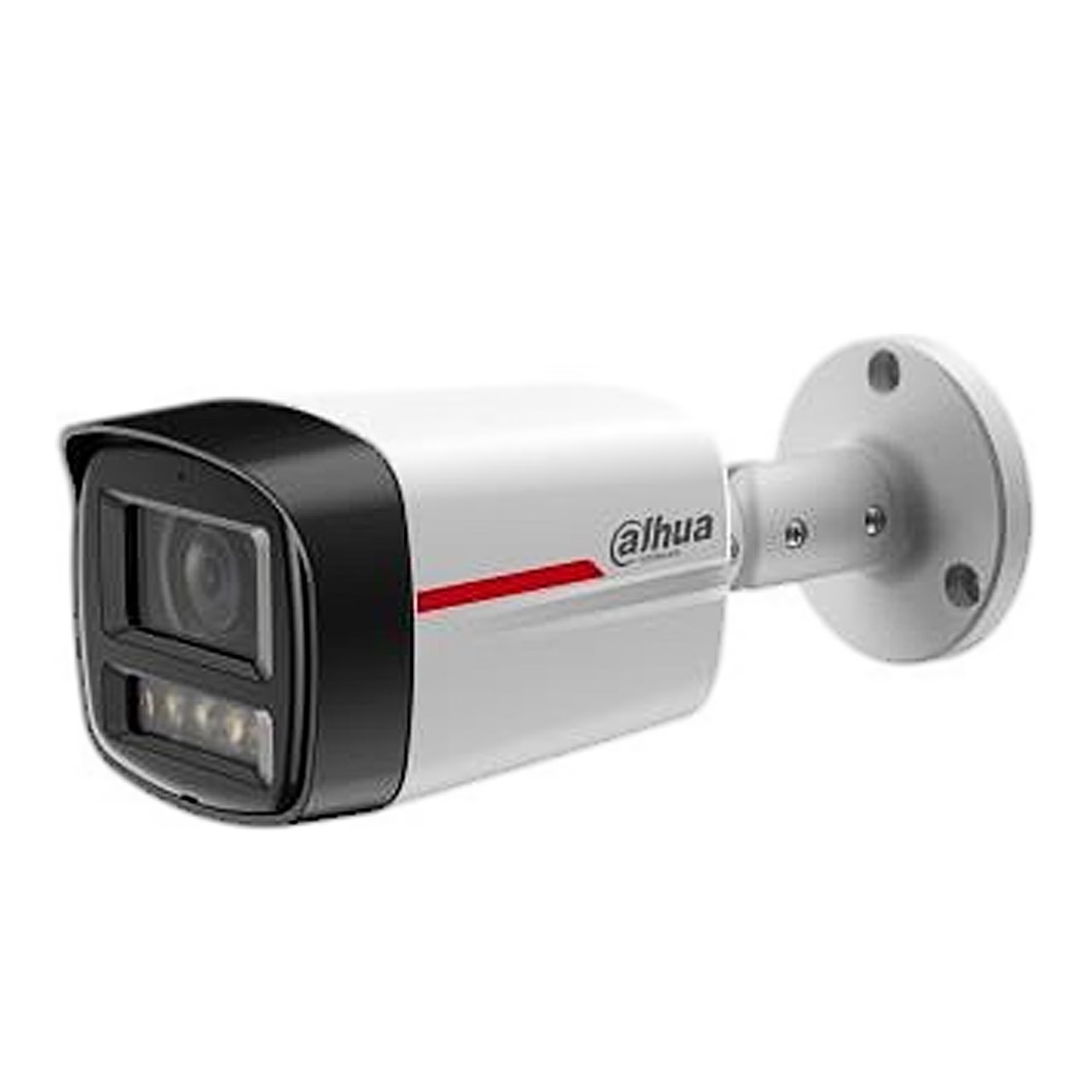
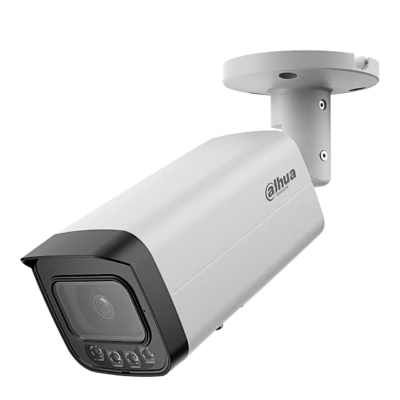
Suited to indoor and outdoor use, the PoE security camera Dahua WizSense IPC-HFW2849TL-S-PRO records 8 MP video at 3840 × 2160 at up to 20 frames per second, or up to 30 frames per second at 4 MP. The bullet camera has an IP67-rated metal housing and works from −40 to 60 °C.
Power and data reach a PoE-powered security camera over one cable
A PoE-powered security camera is a camera that receives both power and network over one Ethernet cable from a PoE switch, a network switch that sends power into the cable. The IPC-HFW2849TL-S-PRO complies with the PoE standard IEEE 802.3af and draws 3.2 W in basic mode and 7.4 W at maximum load. The other power option is the 12 V DC input.
WizColor gives a colour image at night
The large F1.0 aperture, 1/1.8″ sensor and AI-ISP image processing make use of weak moonlight and city light, so the camera gives a colour image at night from just 0.0004 lux. In darker places four warm light illuminators switch on, lighting the area up to 20 m with this lens.
Wide view and DORI distances
The fixed 2.8 mm lens covers 110° horizontally, 59° vertically. DORI distances to EN 62676-4 show how far away a person can be detected, observed, recognised and identified in the image: 84.0 m, 33.6 m, 16.8 m and 8.4 m.
Perimeter protection classifies people and vehicles
Intrusion and tripwire rules tell people and vehicles apart, so the alarm concerns the chosen target. SMD Plus motion detection also classifies the target that caused the motion and alarms only for targets of interest.
Storage and compatibility with network video recorders
Even without a network video recorder, the camera records to a microSD card of up to 256 GB, to network storage (NAS) or to an FTP or SFTP server. Super AI Coding compresses video more efficiently than standard H.265 or H.264 and reduces storage use. ONVIF Profiles S, G and T let you connect it to an ONVIF network video recorder (NVR), which records and manages several cameras in one place; Dahua software options are Smart PSS Lite, DSS and the DMSS app for iOS and Android.
Installation
Choose a wall that holds at least three times the weight of camera and mount, drill 5 mm holes and fit the wall plugs. The cable can run through the wall or beside the mount; outdoors, connect the network cable with the supplied waterproof connector and tape the power joint. Fix the base with screws and set the direction: pan 0–360°, tilt 0–90° and rotation 0–360°.
Cleaning and care
Remove dust from the lens with an air blower or wipe it gently with a soft cloth moistened with alcohol. Clean the body with a soft dry cloth, using a cloth dampened with neutral detergent for stubborn dirt, then dry the surface.
In the box
- Security camera Dahua IPC-HFW2849TL-S-PRO, 1 pc
- Waterproof network cable connector, 1 pc
- Mounting screws and wall plugs
- Documents, 2 pcs





































Reviews
There are no reviews yet.