

Description
Streaming mixer for two microphones, podcasts and live streams
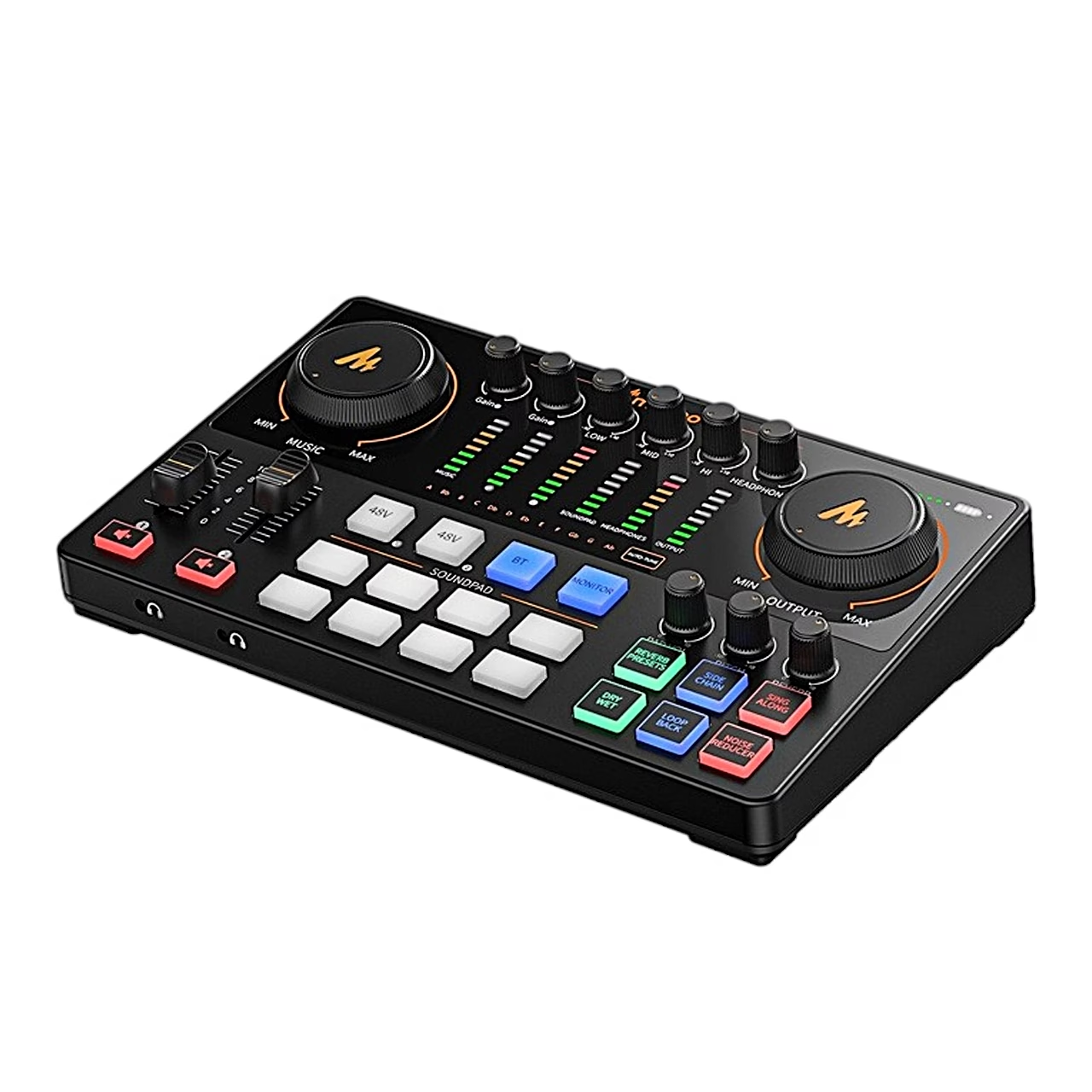
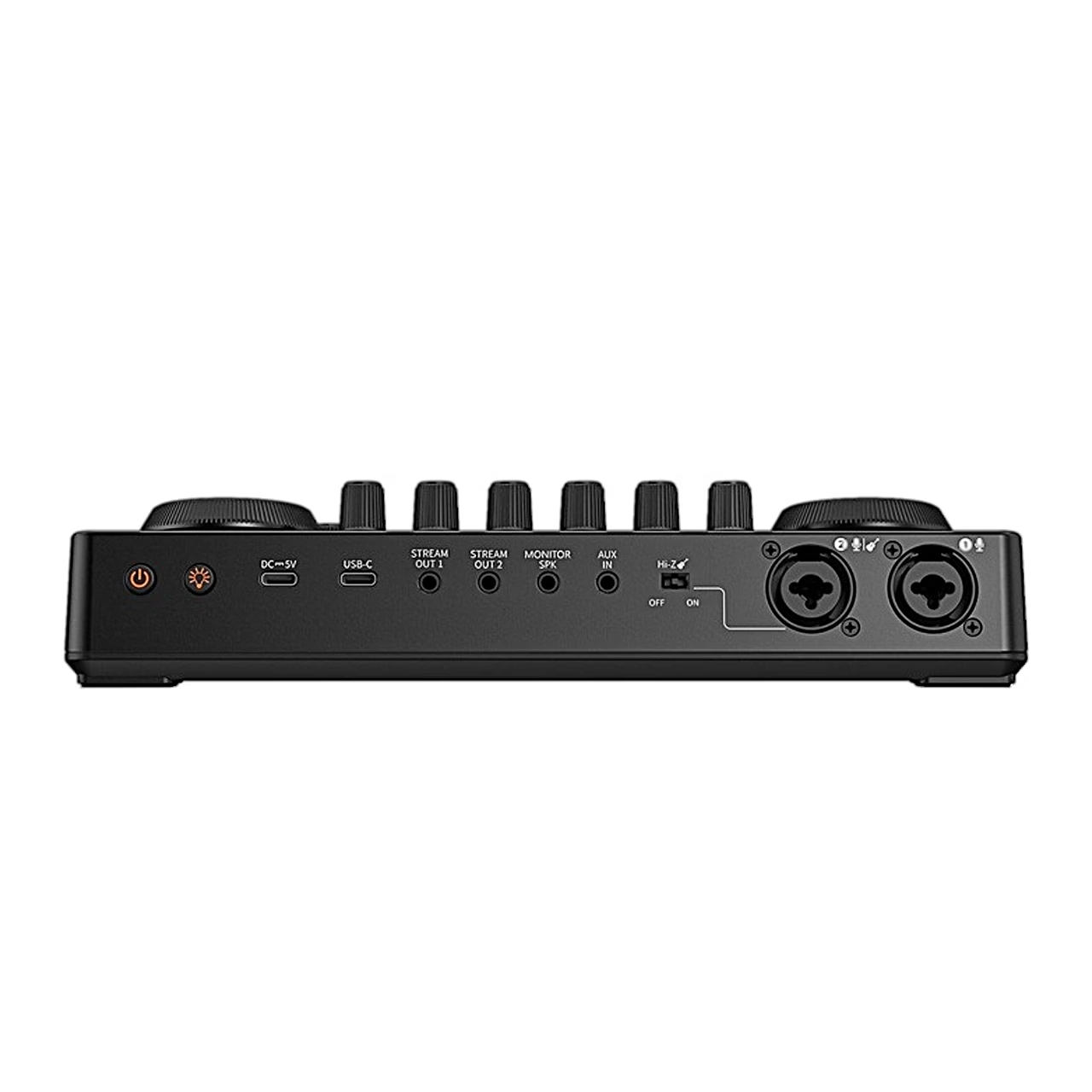
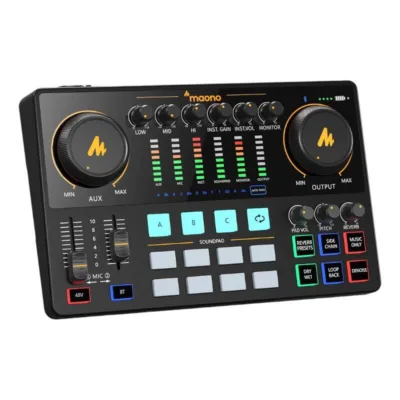
The Maono E2 Gen2 streaming mixer has two XLR combo inputs, connects to a computer, phone or tablet over USB-C and also runs on its built-in battery. The outputs are two headphone jacks on the front and a line output and two TRRS stream outputs on the back.
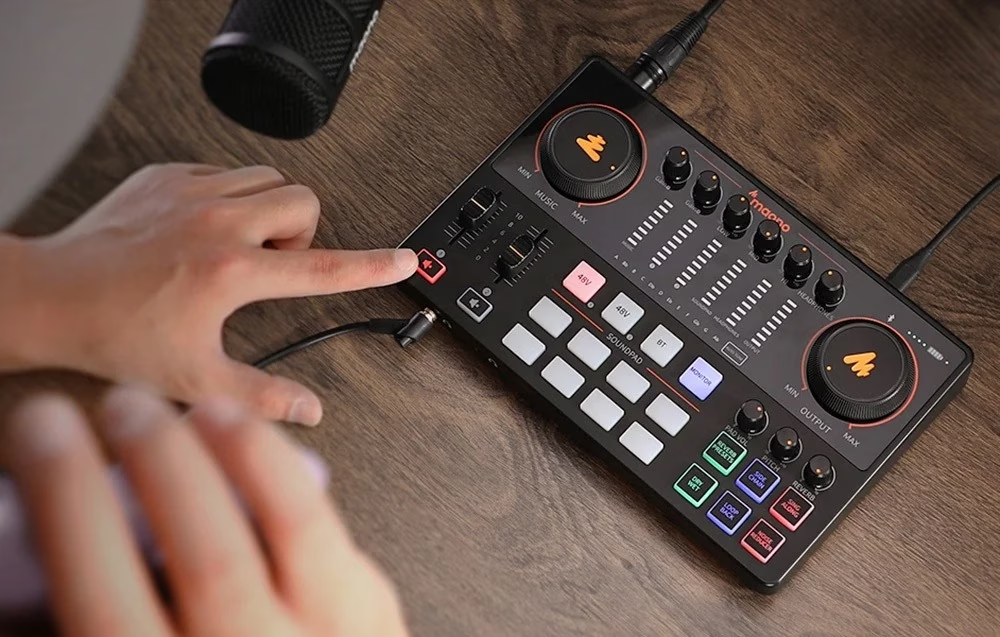
Two microphone inputs and an instrument input
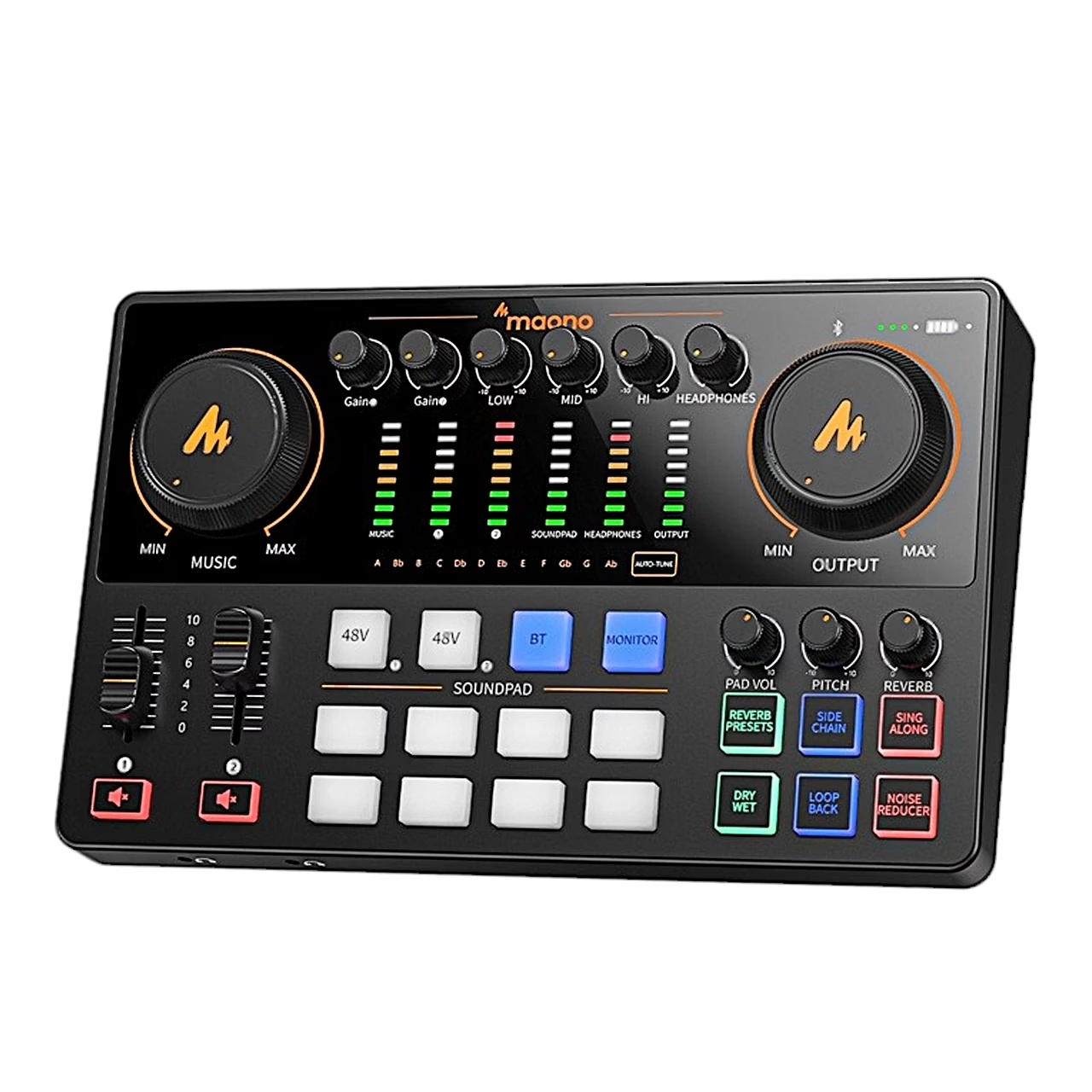
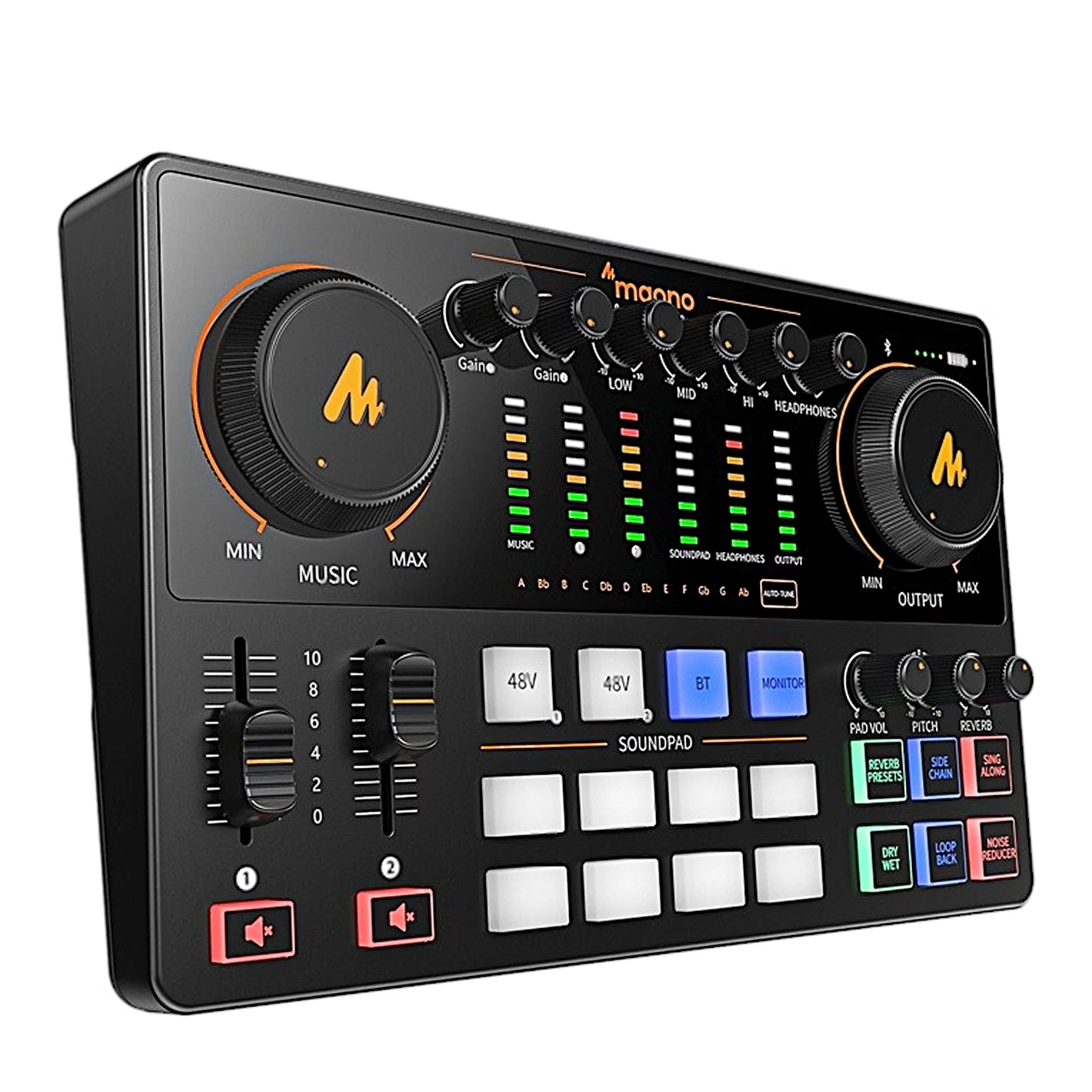
Both combo inputs take a microphone with an XLR or 6.35 mm plug, and each input has its own 48 V phantom power switch, Gain knob, fader and mute button. The microphone preamp gives up to 60 dB of gain. With the Hi-Z switch, input 2 also takes a guitar or other instrument. The equaliser with Low, Mid and Hi knobs shapes the frequency response of the microphone and instrument inputs.
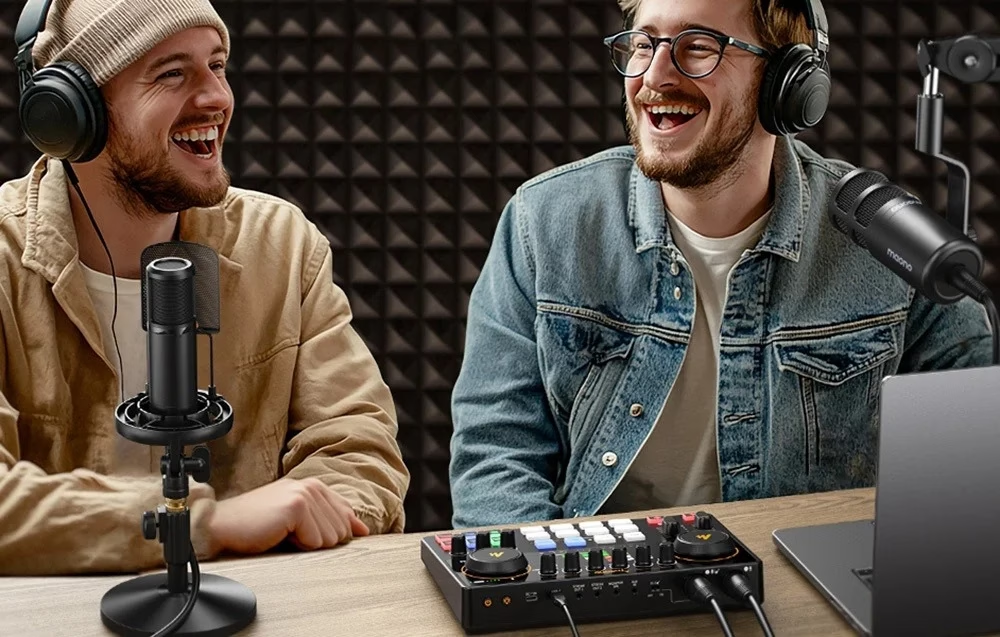
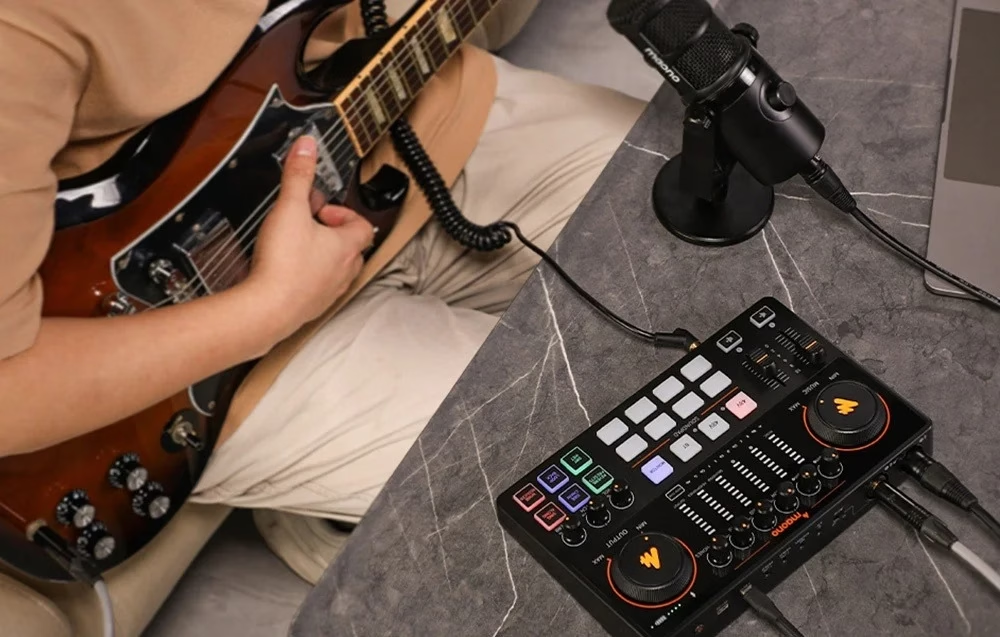
Two-level noise reduction and direct monitoring
The Noise Reducer button switches on low or high noise reduction, and a third press switches it off. The monitoring button lets you hear the microphone and instrument in your headphones in real time, or switches this off. With Loopback on, audio coming from the computer over USB is recorded too.
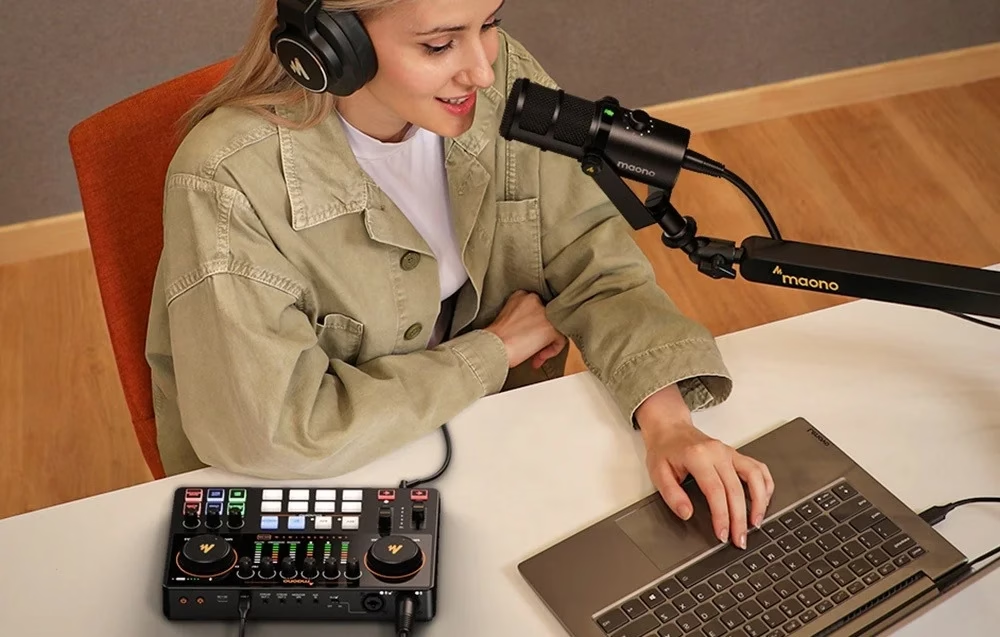
Effects, karaoke and eight sound pads
The Pitch knob changes the pitch of the voice, and the Reverb knob or presets set the reverb strength. SideChain lowers background music automatically when you start to speak. Sing Along mode removes the vocals from music sent to the USB and stream outputs so you can sing along without the original vocals. Each of the eight sound pads records a clip of about 20 seconds, and the Dry/Wet button chooses whether the recording includes effects.
Connection to a computer, phone and Bluetooth
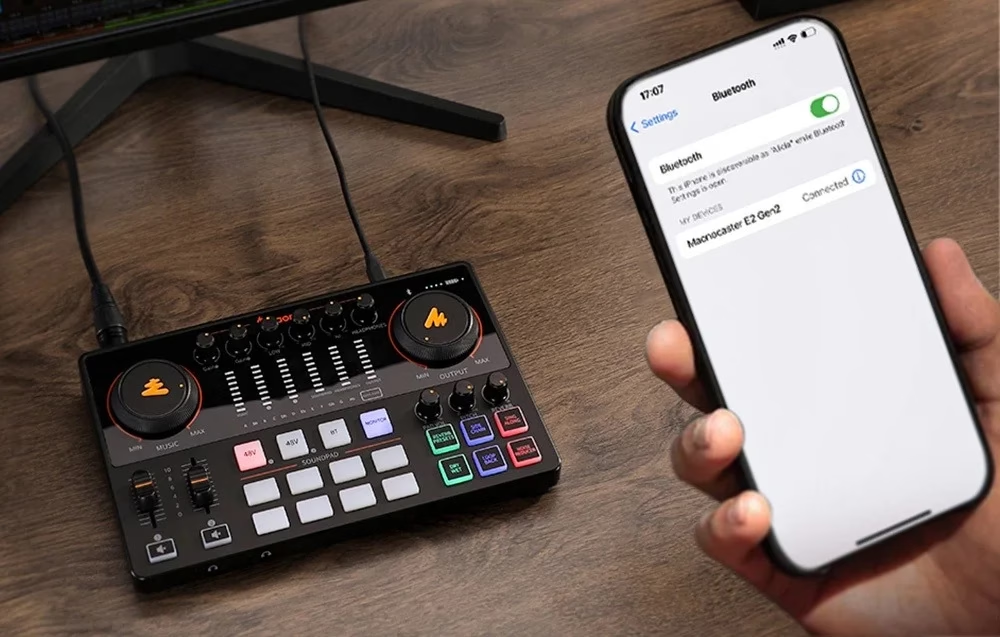
The mixer works with Windows and macOS and with phones or tablets that support USB Audio Class (UAC). An Android phone must support USB host (OTG), and an iPhone with a Lightning connector needs Apple’s Lightning to USB Camera Adapter. Through the USB-C and TRRS outputs you can record or stream to two phones at once. Bluetooth plays background music from your phone.
Battery and charging
The built-in 2000 mAh lithium-polymer battery charges in about 3 hours from a 5 V / 2 A power adapter or power bank connected to the DC socket. A full battery lasts about 8 hours with the button backlight at maximum brightness. On external power the mixer can also charge some phone models.
Getting started
Connect the microphones and headphones, then the mixer to the computer with the supplied USB cable; the computer installs the driver automatically. Then set Maonocaster E2 Gen2 as the default input and output device in the Windows or macOS sound settings and in your streaming software. Hold the power button for 3 seconds to switch the device on or off. Charge the battery fully before first use, and at least every three months if you use the mixer rarely.
In the box
- Streaming mixer Maono E2 Gen2, 1 pc
- 2-in-1 USB cable, USB-A and USB-C to USB-C
- 3.5 mm TRRS audio cable
- User manual












































Reviews
There are no reviews yet.