

Description
Streaming mixer for an XLR microphone, headphones and background music
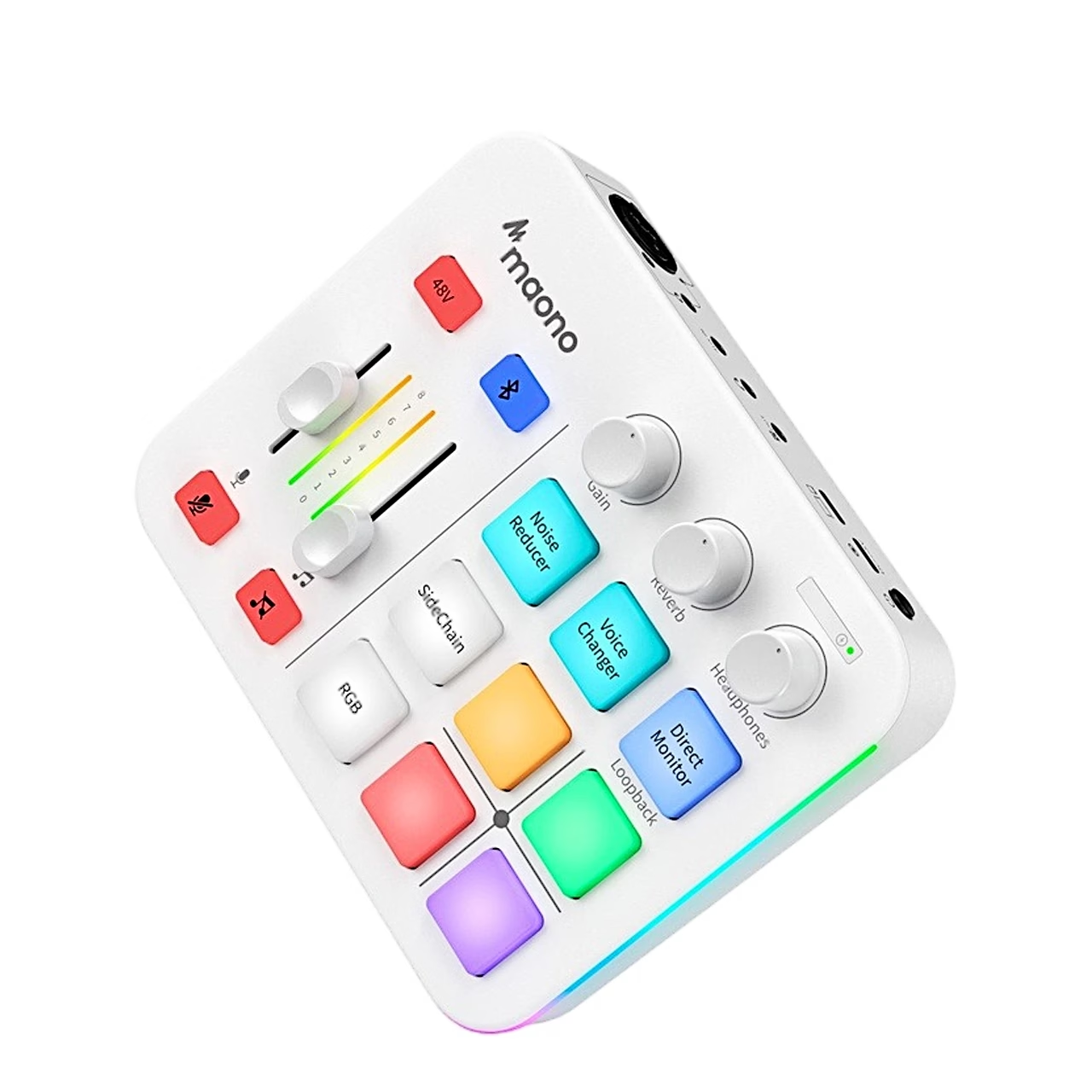
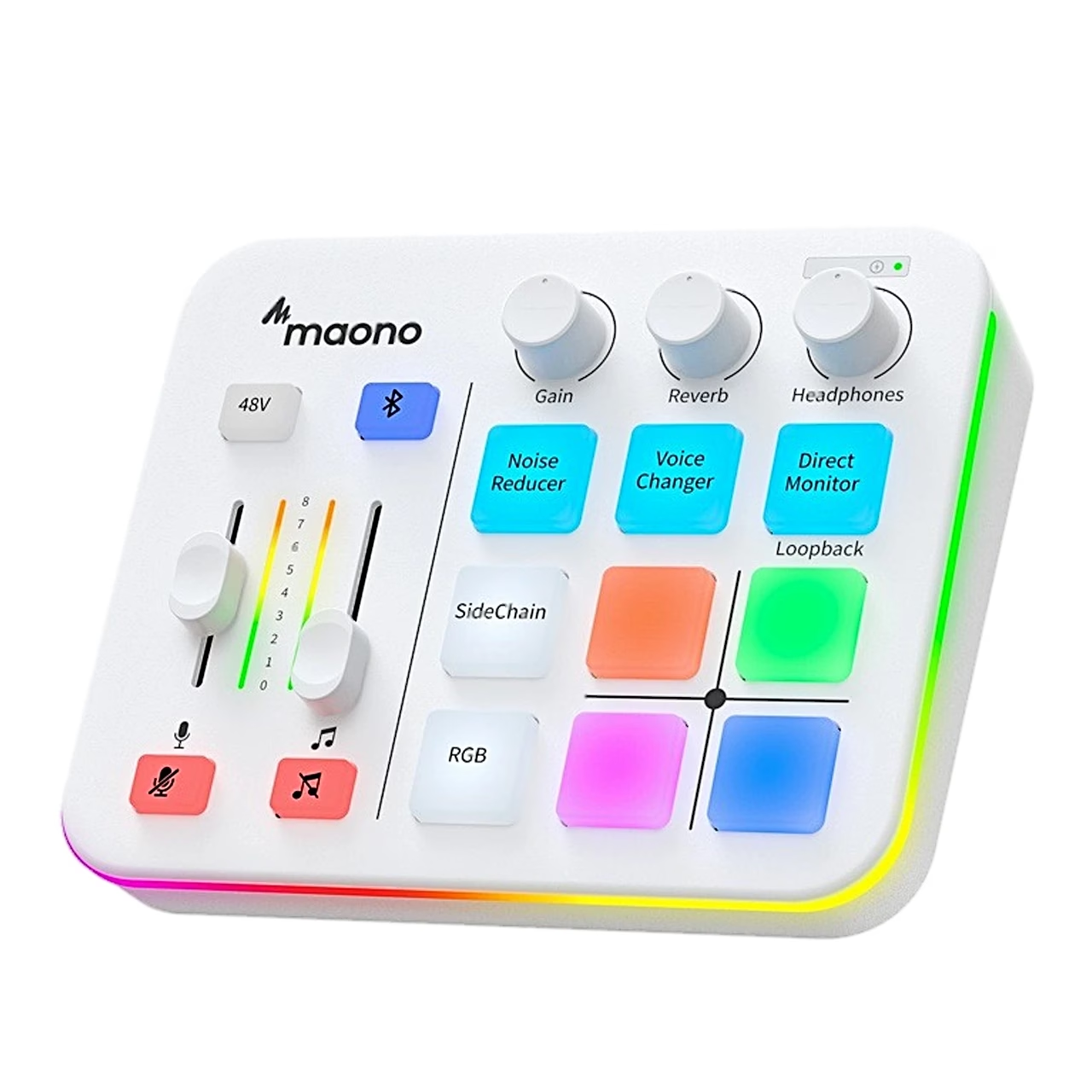
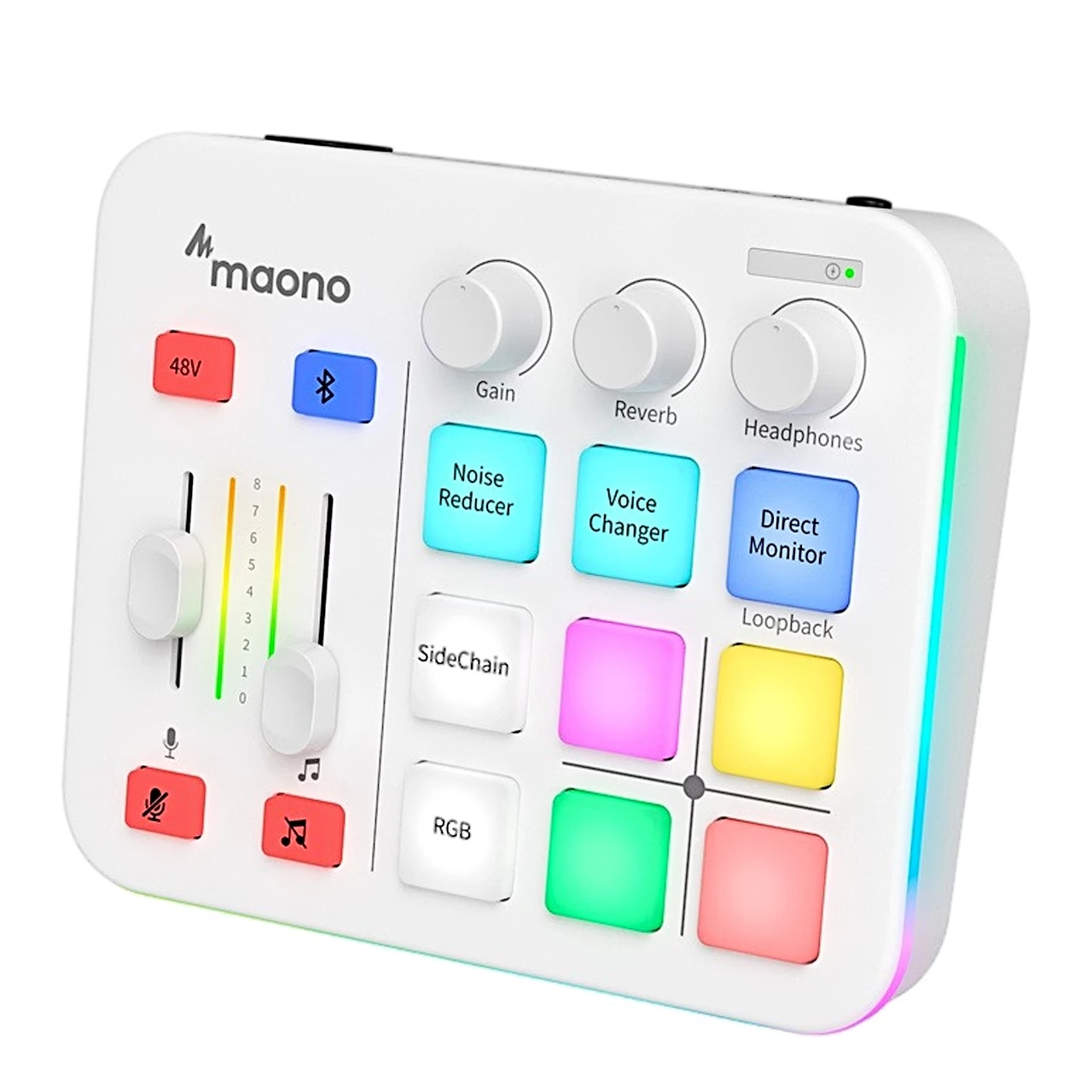
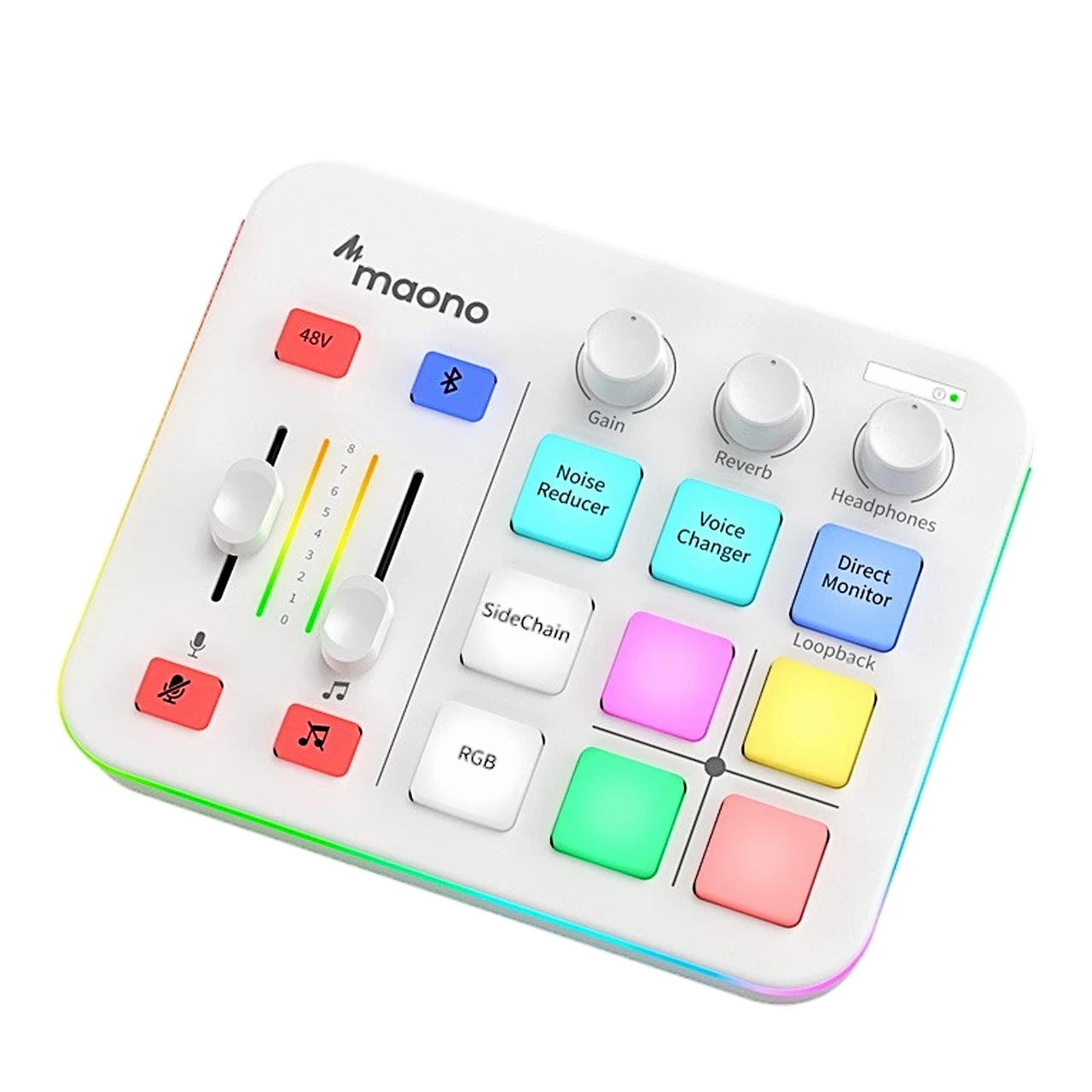
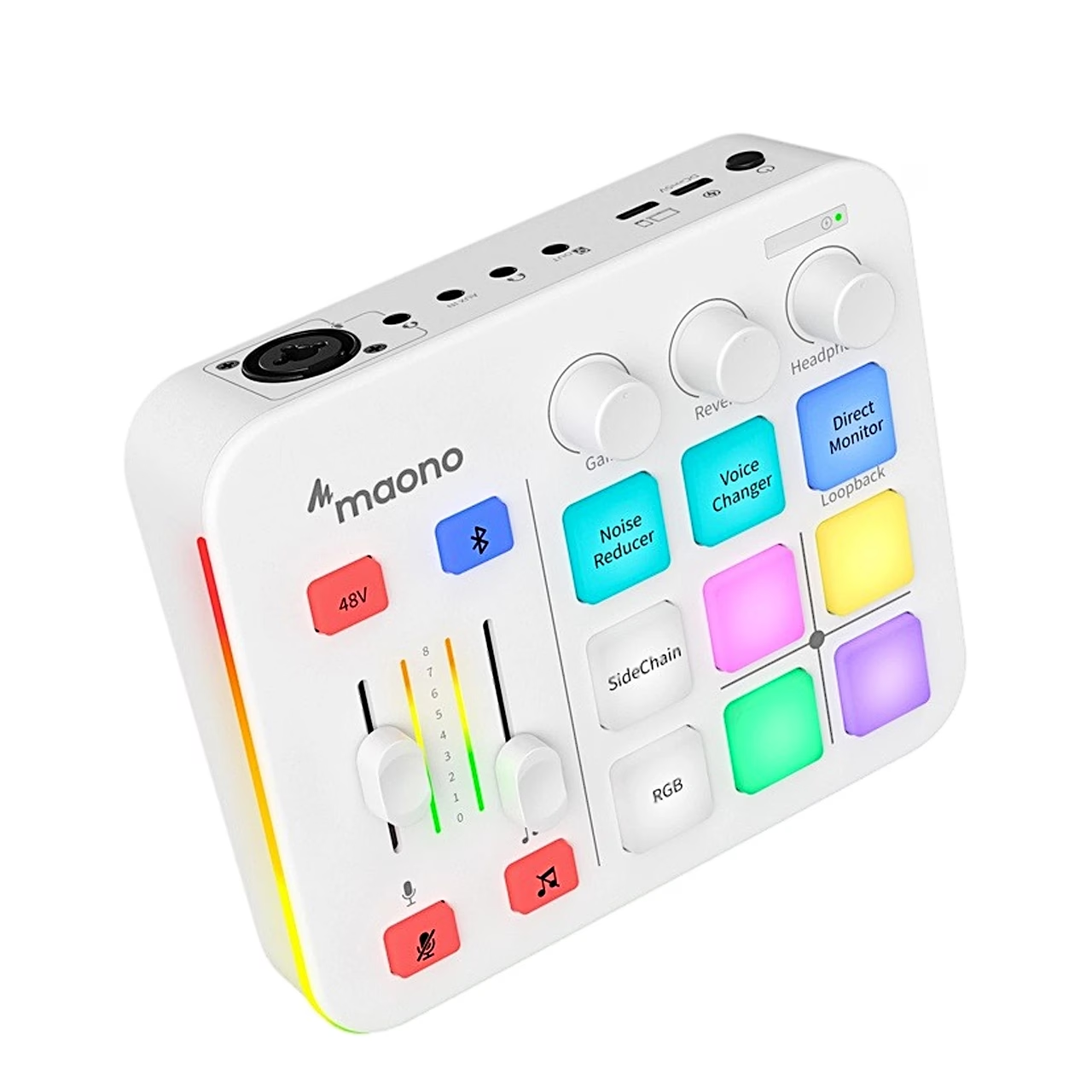
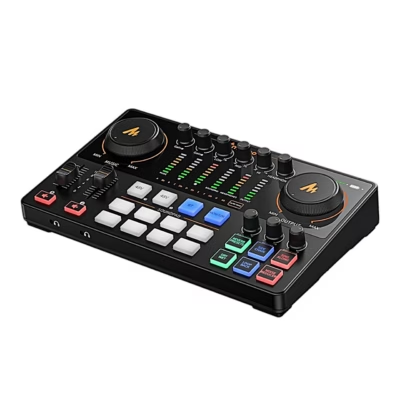
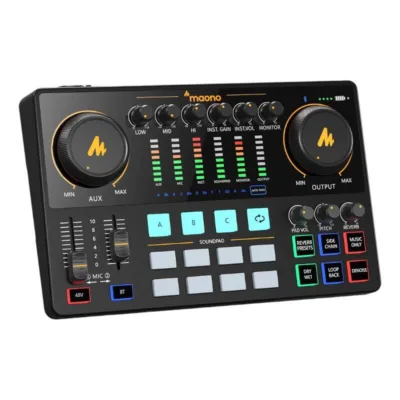
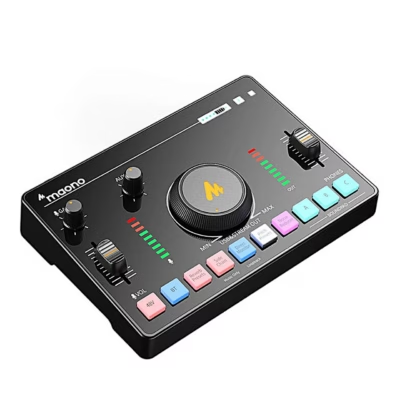
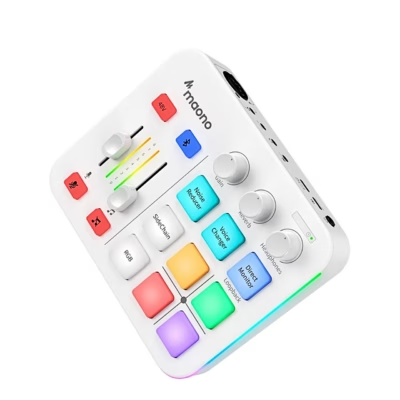
The Maono G1 Neo streaming mixer has one XLR microphone input and two outputs and connects to a computer or phone over USB-C. The outputs are a 3.5 mm headphone output and a 3.5 mm line output; background music comes in through the 3.5 mm AUX input or Bluetooth.
Combo input for dynamic and condenser microphones
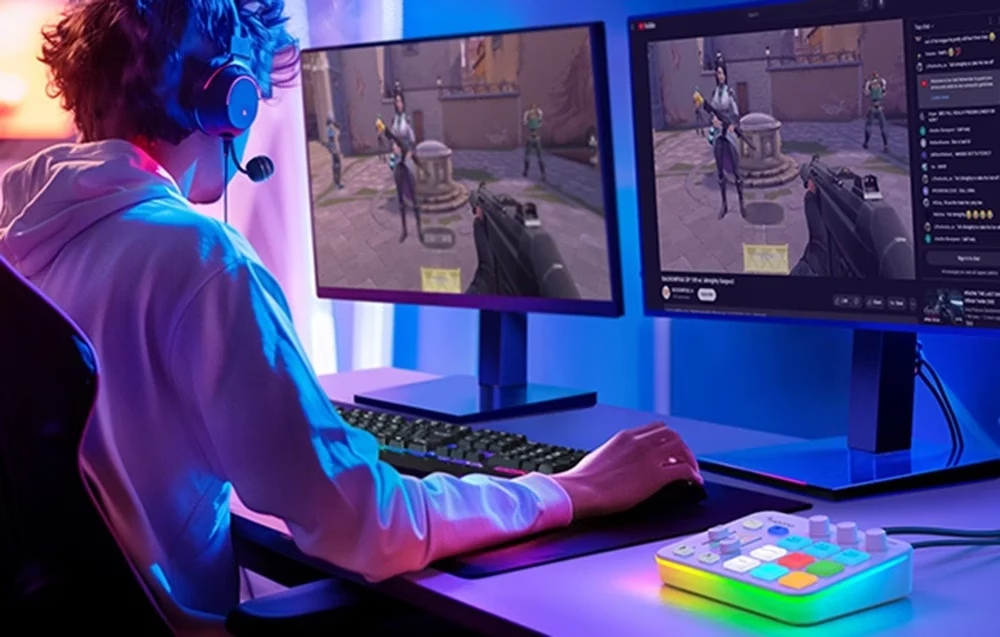
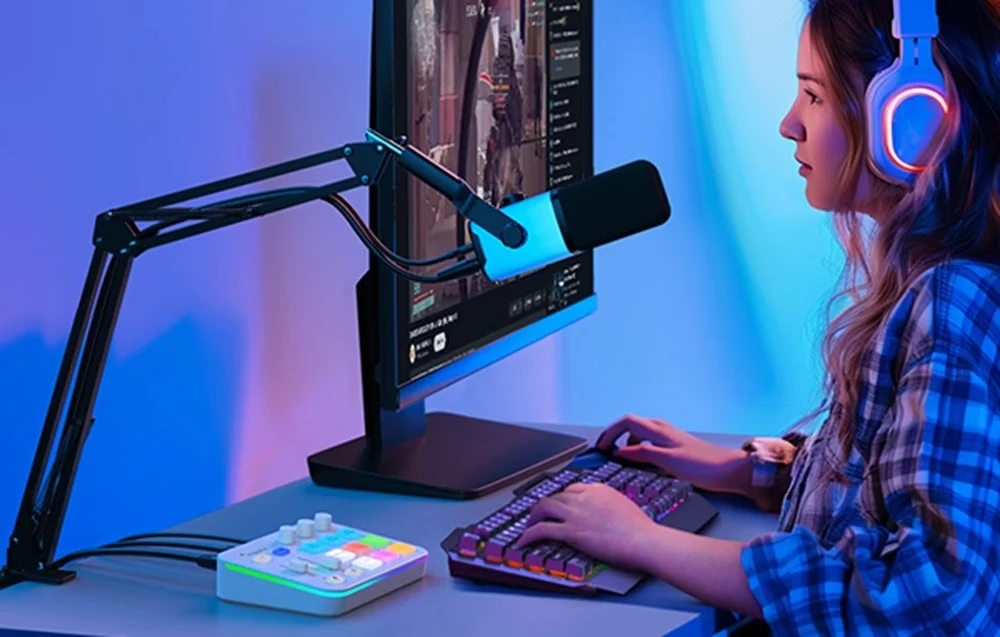
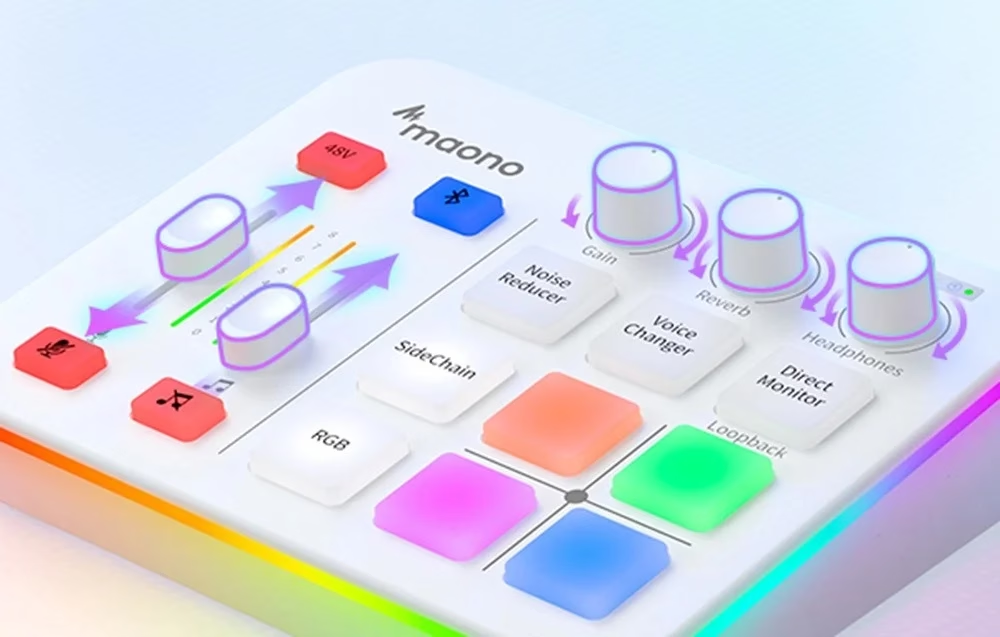
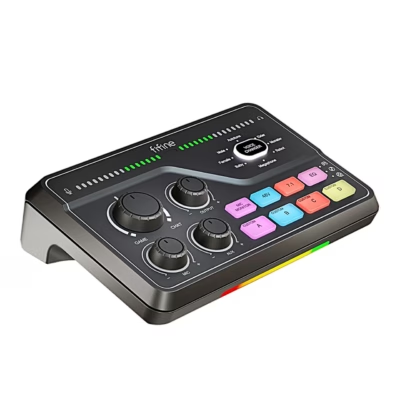
The combo input takes a microphone with an XLR or 6.35 mm plug, both dynamic and condenser. For a condenser microphone you switch on 48 V phantom power, and a red indicator lights up. You set the microphone gain with the Gain knob and the volume with the fader; the level meter turns red when the signal clips. A phone headset connects to the 3.5 mm TRRS jack (CTIA standard), and the XLR input switches off automatically while it is in use.
Two-level noise reduction and quick mute
The Noise Reducer button switches between two noise reduction levels: the low level reduces background noise by up to 20 dB and the high level by up to 30 dB. You mute with one short press, with a separate button for the microphone and for the background music.
Direct monitoring and loopback
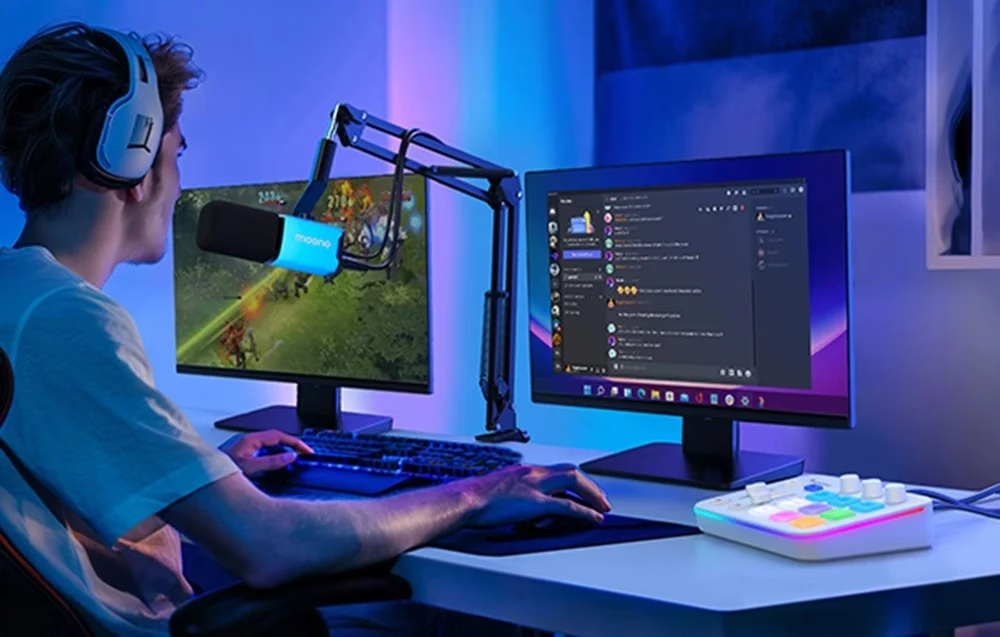
Direct Monitor lets you hear your own voice in the headphones in real time. With Loopback on, audio sent to the mixer over USB is sent back to the computer, so computer audio is recorded too. One button controls both: a short press switches Direct Monitor on or off and a press of more than 2 seconds switches Loopback.
Voice changer, reverb and sound pads
The voice changer shifts the pitch of the microphone signal through presets, and the Reverb knob sets the strength of the reverb effect. SideChain lowers the background music automatically when you start to speak. You can record your own clips onto the four custom sound pads from the microphone, the AUX input or Bluetooth. RGB lighting illuminates the buttons and light bars of the case, and the RGB button switches between its 11 modes.
Connection to a computer, phone or tablet
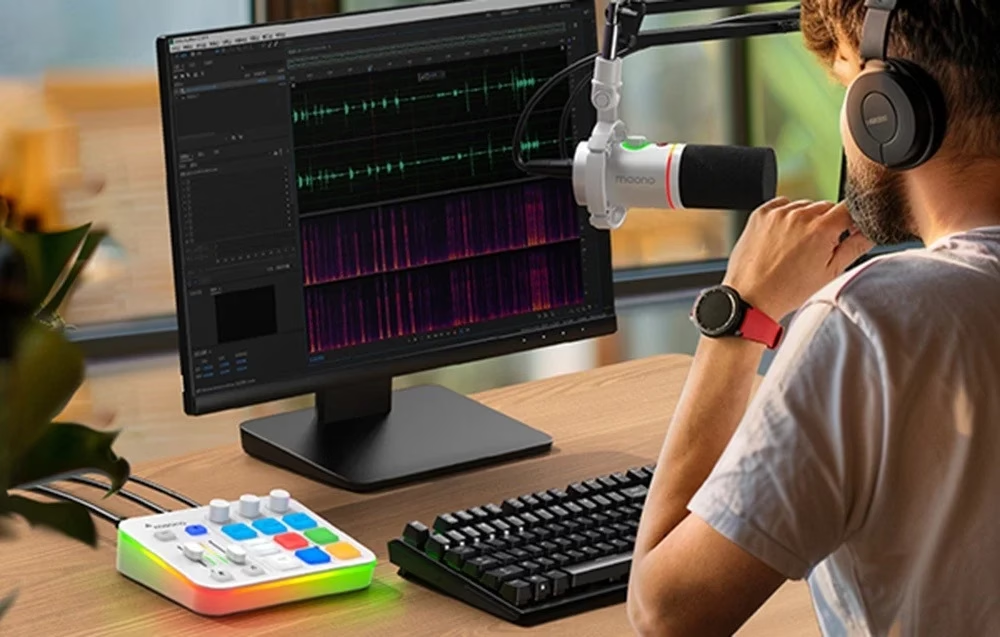
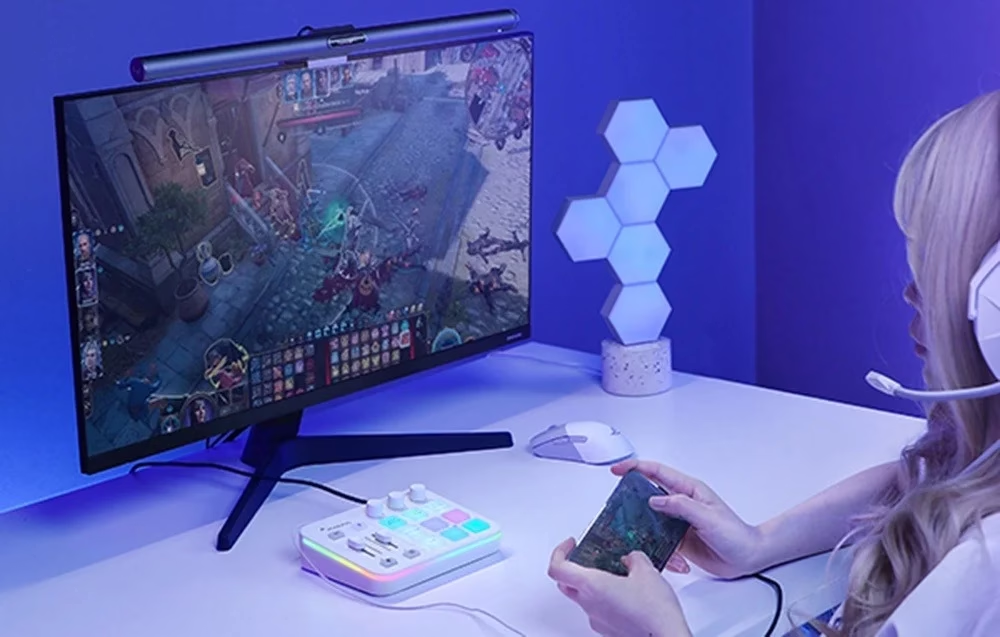
The mixer works with Windows, macOS, Android and iOS and is powered from the computer’s USB-C port. With a phone you can connect a 5 V power adapter to the mixer’s DC socket. An Android phone must support USB host, and an iPhone with a Lightning connector needs Apple’s Lightning to USB Camera Adapter. Bluetooth 5.0 plays background music from your phone. The line output connects the mixer to a powered speaker or a second computer.
Getting started
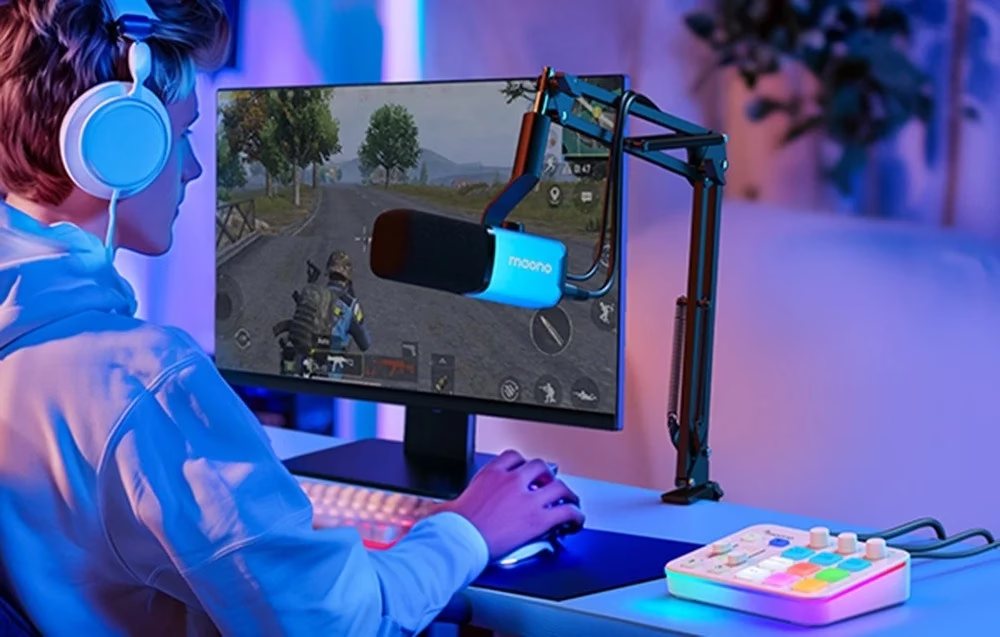
Connect the microphone, headphones and music source to the mixer, then the mixer to the computer with the supplied USB cable; the computer installs the driver automatically. Then set Maonocaster G1 Neo as the default playback and recording device in the Windows sound settings and in your streaming software. A long press of the power button switches the device on and off.
In the box
- Streaming mixer Maono G1 Neo, 1 pc
- USB-A to USB-C cable
- 3.5 mm TRS audio cable
- User manual










































Reviews
There are no reviews yet.