
Brand
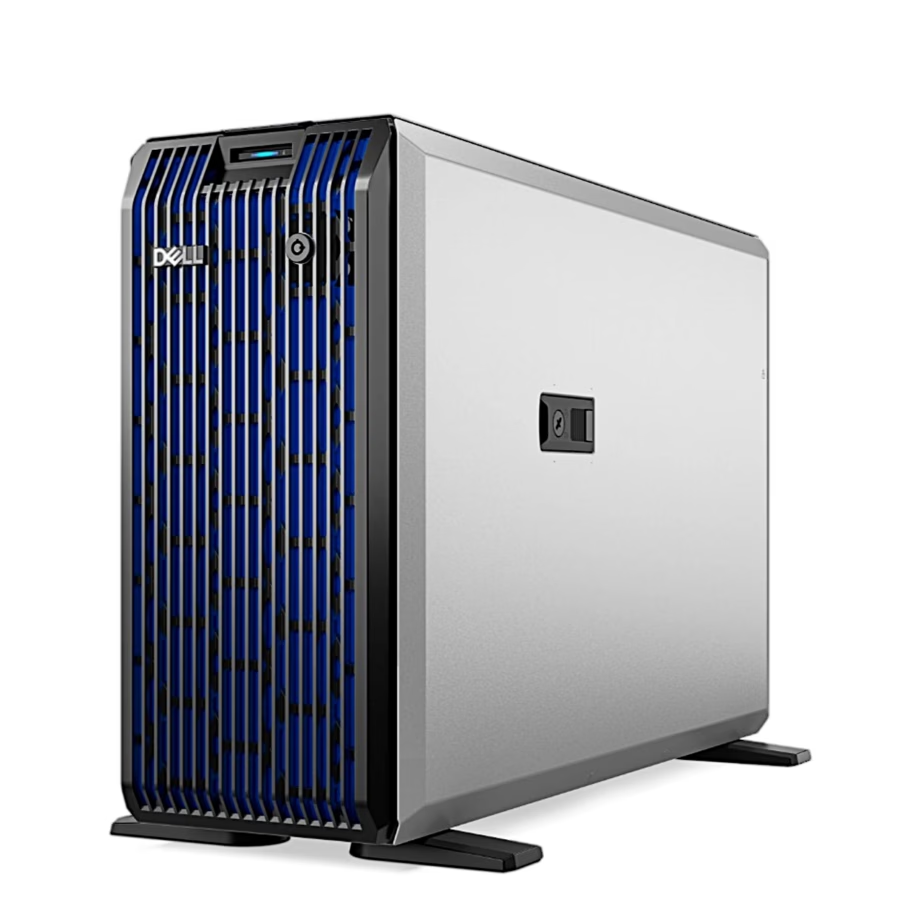
Dell: Servers
- 2% back as bonus points
- 14-day right of return

Dell UltraSharp monitor colours and connections
UltraSharp monitors are made for work where colour accuracy matters. Every monitor is calibrated at the factory, and the calibration report is included in the box. You can later recalibrate the colours yourself with the Dell Color Management software.
Models with an IPS Black panel have deeper blacks and more accurate greys. The contrast ratio is 3000:1 even when the screen is viewed at an angle. Blue light reduction is built into the screen, and the colours stay accurate.
A model with a Thunderbolt or USB-C connection gives a laptop picture and up to 140 W of power through a single cable. If two computers are connected to the monitor, Auto KVM switches the keyboard and mouse control to the computer that was connected last.
Dell monitors, computers and accessories by category
Under computer monitors you will find UltraSharp and Dell Pro models for the office desk, and Alienware monitors for gaming. The laptops page has Dell laptops. Among the desktop computers is, for example, the Dell Tower Plus, which has an Intel Core Ultra processor and an NVIDIA RTX 5070 or RTX 5080 graphics card.
You can choose keyboards and mice on separate pages: Keyboards and Mice. If you want both at once, see the keyboard and mouse sets.
The laptop bags and sleeves page has Dell bags for carrying a laptop. Under USB hubs and docking stations you will find the Dell Pro Dock WD25 and the Thunderbolt 4 docking station WD25TB4. Both have one HDMI and two DisplayPort outputs.
Compatibility of Dell monitors, docking stations and keyboards
Before buying a docking station, check the port on your laptop. The WD25TB4 is made for a laptop with a Thunderbolt port. The WD25 charges a laptop with up to 100 W, so compare that with the charger power of your laptop.
If you have two computers on your desk, choose an UltraSharp monitor with Auto KVM. Then one keyboard and one mouse are enough. You can change the monitor settings and the window layout on the screen with the Dell Display and Peripheral Manager application.
When choosing a keyboard, check the key layout in the product name. For example, the Dell KB900 and the Alienware AW920K have a US layout.
Frequently asked
Yes, UltraSharp models with a Thunderbolt or USB-C connection give a picture through a single cable and charge the laptop with up to 140 W. The exact connection and power are listed on each monitor's product page.
UltraSharp monitors have been tested with macOS devices. Daisy-chaining several monitors over a single cable requires Thunderbolt. Some Macs with an M-series chip do not support all features.
The Dell Pro Dock WD25 and the Thunderbolt 4 docking station WD25TB4 both have one HDMI and two DisplayPort outputs. The WD25 connects via USB-C, while the WD25TB4 is made for a laptop with a Thunderbolt port.
Alienware is Dell's gaming line. It includes computers, monitors and accessories, for example the wireless mechanical keyboard AW920K.
-
7992,99 €
- Product type
- Server
- Case type
- Tower
- Processor platform
- Intel Xeon
All products shown.




































