
Computer monitors
Choosing a computer monitor: size, resolution, refresh rate and panel
Computer monitors are chosen for office work, home offices and gaming. The range includes monitors from Dell, AOC, Philips, Acer, Gigabyte, Lenovo and LG. The sharpness of text is determined by the screen diagonal and resolution, while the smoothness of moving images and the colours depend on the refresh rate and the panel type.
Screen diagonal and resolution
A 24-inch monitor with Full HD (1920 × 1080) gives sharp text. A 27-inch screen suits Quad HD (2560 × 1440), which has about 1.8 times more pixels than Full HD. A 32-inch 4K Ultra HD (3840 × 2160) monitor suits photo and video work and keeping several windows side by side.
Refresh rate: office or games
A 60-100 Hz monitor is enough for office work and films. A gaming monitor is usually 144-180 Hz, and fast competitive games use 240 Hz and higher. A high refresh rate is only visible when the graphics card delivers the same number of frames per second and the monitor is connected via DisplayPort or HDMI 2.1. AMD FreeSync and NVIDIA G-SYNC synchronise the screen with the graphics card, so the picture in games stays smooth and free of tearing.
Panel type: IPS, VA, OLED or TN
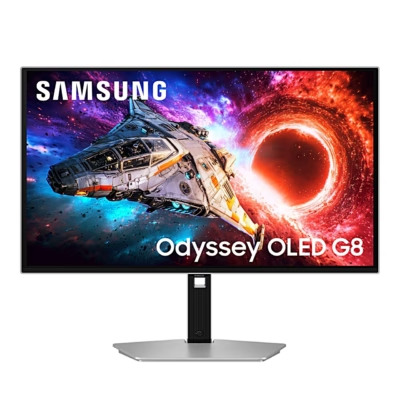
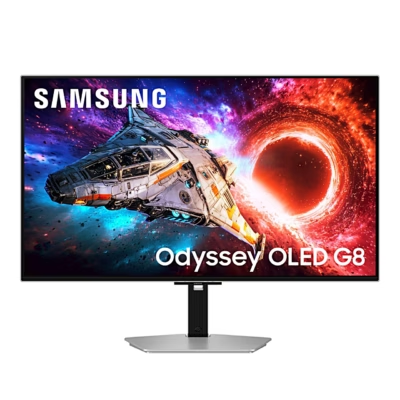
An IPS panel shows colours accurately even when viewed from the side. Most of the range are IPS monitors. A VA panel’s contrast is typically around 3000:1 and an IPS panel’s around 1000:1, so black is deeper on a VA panel, which suits films and gaming in a dark room. On an OLED panel each pixel lights up by itself and switches off completely in black areas, with a response time under 0.1 ms. A TN panel is fast and shows a good picture when viewed straight on.
Flat or curved screen
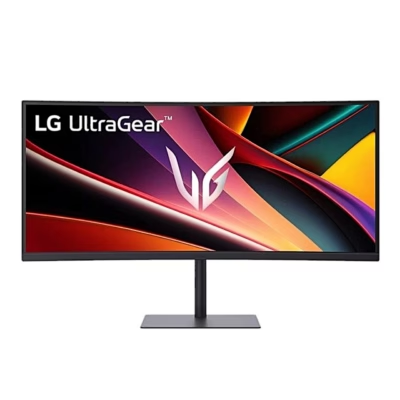
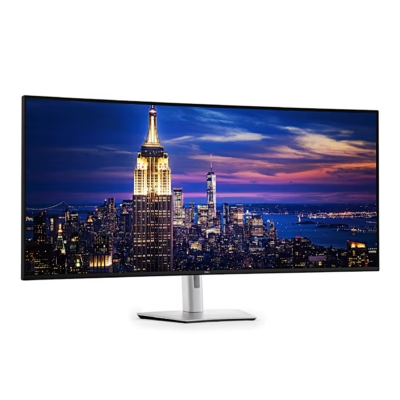
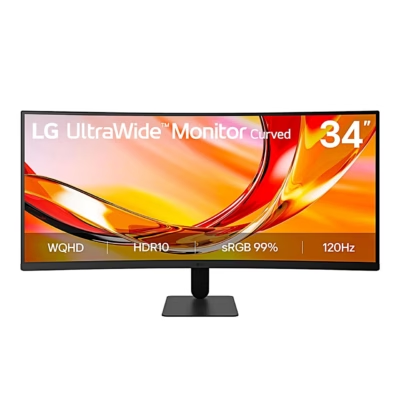
A flat screen suits office work and using two monitors side by side. A curved screen keeps the edges at the same distance from your eyes as the centre. This is useful from 27 inches upwards, and especially on an ultrawide QHD (3440 × 1440) monitor, whose 21:9 aspect ratio replaces two smaller screens.
Stand and accessories
A height-adjustable stand sets the top edge of the screen at eye level. A pivoting screen can be turned to portrait orientation, which suits reading code and long documents. A monitor with a USB hub lets you connect a mouse, keyboard and memory stick.
Frequently asked questions
A 24-inch Full HD monitor suits a smaller desk, when the screen is about 60 cm away. A 27-inch Quad HD monitor fits two windows side by side and needs a viewing distance of 70-80 cm.
144-180 Hz gives a smooth picture in most games and suits a mid-range graphics card. 240 Hz and higher is useful in fast competitive games such as Counter-Strike 2 or Valorant, if the computer keeps up the same frame rate.
A static image that stays on screen for hours, such as a taskbar or a game menu, can leave a mark on an OLED screen. OLED monitors counter this by shifting the image and running a panel maintenance routine when idle. For a full day of office work with the same image, an IPS monitor is a better choice.
A monitor connects via HDMI, DisplayPort or USB-C, so check your laptop’s ports before buying. A USB-C monitor carries the picture and data over a single cable and, with Power Delivery, can also charge the laptop. A light second screen for travel is available on the page Portable monitors.
Most monitors have VESA mounting holes on the back, usually 75 × 75 or 100 × 100 mm. Choose a monitor arm or wall mount according to the VESA size and the monitor’s weight. You will find them on the page Accessories for monitors.
-
343,99 €
- Screen diagonal
- 27"
- Resolution
- 4K Ultra HD (3840 × 2160)
- Refresh rate
- 60 Hz
- Panel type
- IPS
-
1360,99 €
- Screen diagonal
- 32"
- Resolution
- 5K or higher
- Refresh rate
- 330 Hz
- Panel type
- IPS
-
208,99 €
- Screen diagonal
- 27"
- Resolution
- Quad HD (2560 × 1440)
- Refresh rate
- 240 Hz
- Panel type
- IPS
-
222,99 €
- Screen diagonal
- 31.5"
- Resolution
- Quad HD (2560 × 1440)
- Refresh rate
- 180 Hz
- Panel type
- VA
-
361,99 €
- Screen diagonal
- 27"
- Resolution
- Quad HD (2560 × 1440)
- Refresh rate
- 320 Hz
- Panel type
- IPS
-
87,99 €
- Screen diagonal
- 21.4"
- Resolution
- Full HD (1920 × 1080)
- Refresh rate
- 60 Hz
-
368,99 €
- Screen diagonal
- 27"
- Resolution
- Quad HD (2560 × 1440)
- Refresh rate
- 320 Hz
- Panel type
- IPS
-
206,99 €
- Screen diagonal
- 24.5"
- Resolution
- Full HD (1920 × 1080)
- Refresh rate
- 310 Hz
- Panel type
- IPS
-
664,99 €
- Screen diagonal
- 32"
- Resolution
- 4K Ultra HD (3840 × 2160)
- Refresh rate
- 165 Hz
- Panel type
- OLED
-
119,99 €
- Screen diagonal
- 27"
- Resolution
- Full HD (1920 × 1080)
- Refresh rate
- 144 Hz
- Panel type
- IPS
-
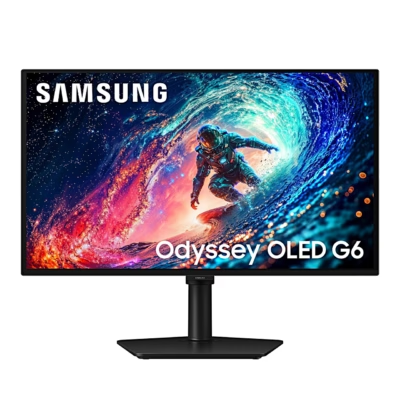
430,99 €
- Screen diagonal
- 27"
- Resolution
- Quad HD (2560 × 1440)
- Refresh rate
- 240 Hz
- Panel type
- OLED
-
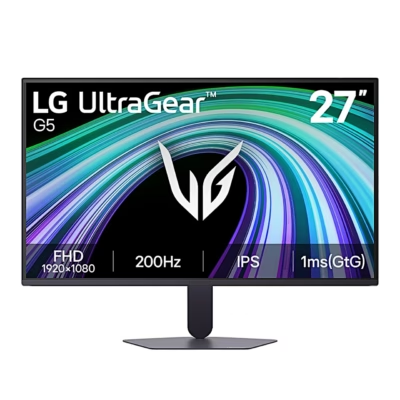
129,99 €
- Screen diagonal
- 27"
- Resolution
- Full HD (1920 × 1080)
- Refresh rate
- 200 Hz
- Panel type
- IPS
-
118,99 €
- Screen diagonal
- 27"
- Resolution
- Full HD (1920 × 1080)
- Refresh rate
- 144 Hz
- Panel type
- IPS
-
169,99 €
- Screen diagonal
- 27"
- Resolution
- Quad HD (2560 × 1440)
- Refresh rate
- 180 Hz
- Panel type
- IPS
-
238,99 €
- Screen diagonal
- 32"
- Resolution
- 4K Ultra HD (3840 × 2160)
- Refresh rate
- 60 Hz
- Panel type
- VA
-
176,99 €
- Screen diagonal
- 23.8"
- Resolution
- Quad HD (2560 × 1440)
- Refresh rate
- 75 Hz
- Panel type
- IPS
-
351,99 €
- Screen diagonal
- 34"
- Resolution
- UltraWide QHD (3440 × 1440)
- Refresh rate
- 240 Hz
- Panel type
- VA
-
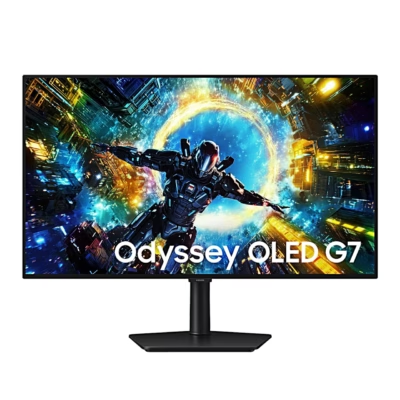
797,99 €
- Screen diagonal
- 27"
- Resolution
- 4K Ultra HD (3840 × 2160)
- Refresh rate
- 240 Hz
- Panel type
- OLED
-
974,99 €
- Screen diagonal
- 32"
- Resolution
- 4K Ultra HD (3840 × 2160)
- Refresh rate
- 240 Hz
- Panel type
- OLED
-
92,99 €
- Screen diagonal
- 24"
- Resolution
- Full HD (1920 × 1080)
- Refresh rate
- 120 Hz
- Panel type
- IPS
-
112,99 €
- Screen diagonal
- 27"
- Resolution
- Full HD (1920 × 1080)
- Refresh rate
- 120 Hz
- Panel type
- IPS
-
2841,99 €
- Screen diagonal
- 52"
- Resolution
- 5K or higher
- Refresh rate
- 120 Hz
- Panel type
- IPS
-
234,99 €
- Screen diagonal
- 34"
- Resolution
- UltraWide QHD (3440 × 1440)
- Refresh rate
- 120 Hz
- Panel type
- VA
-
144,99 €
- Screen diagonal
- 25"
- Resolution
- Full HD (1920 × 1080)
- Refresh rate
- 300 Hz
- Panel type
- IPS


All products shown.





































