


Description
Avatto TS60-EU-W3 smart 3-channel WiFi light switch for easy multi-point lighting control
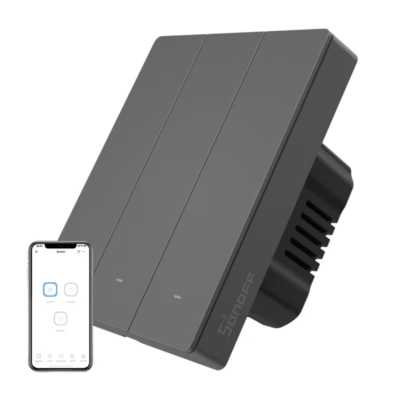
If you want to control several light points in one room without a complicated solution, the Avatto TS60-EU-W3 is a practical choice. This 3-channel touch wall switch works directly on a 2.4 GHz WiFi network, so you can switch lights by touching the keys or through the smart app. It suits homes and offices and lets you build a unified system that makes using light smooth and convenient.
Main features
- Works without a central hub A 2.4 GHz WiFi connection lets you control the light remotely and locally with the Smart Life or Tuya Smart app.
- Three independent circuits control several lamps or lighting zones separately, which is useful in rooms with multi-point lighting.
- Timers and scenes create routines and automatic scenarios so the lights switch on or off according to your daily schedule.
- Voice control support switch the lights on and off with simple commands through compatible voice assistants.
- Up to 800 W per circuit suits large resistive loads, with a maximum current of 10 A according to the installation guide.
- Flame-retardant PC housing a durable and safe construction ensures reliable operation in everyday use.
- Soft LED edge lighting helps you locate the switch quickly in the dark, and the touch panel ensures silent switching.
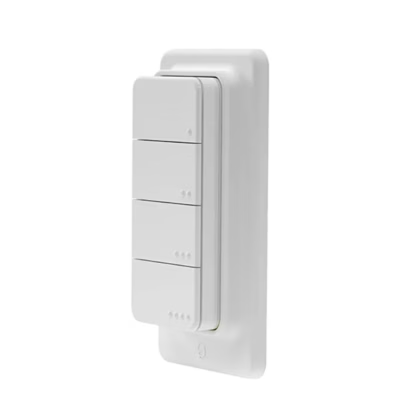
- Compact 80 × 80 mm front panel with a neutral white finish fits a variety of interiors and keeps a consistent look.
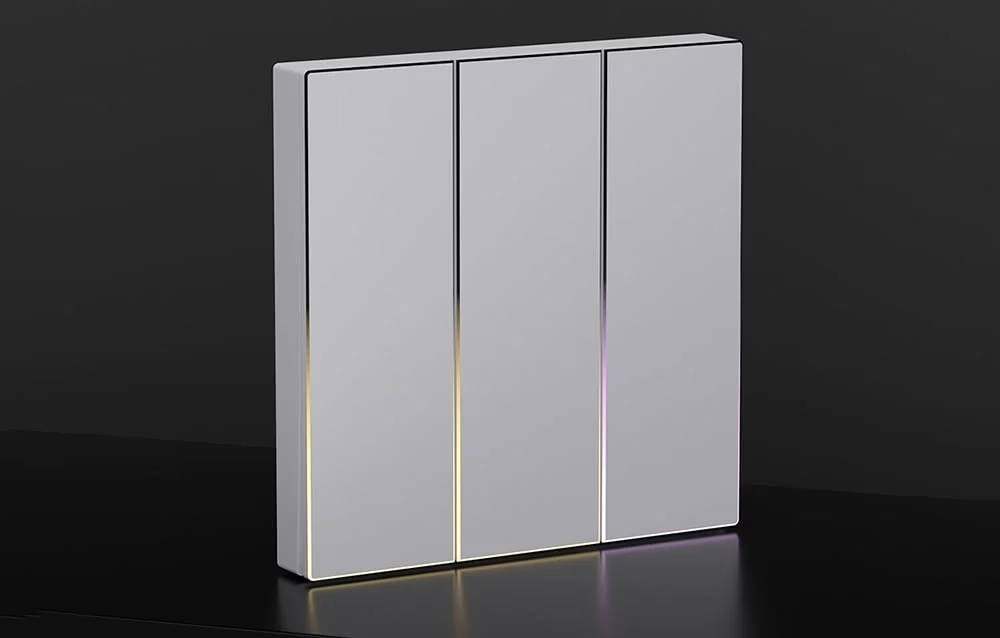
Avatto TS60-EU-W3 smart light switch
The three-channel switch lets you control lights both traditionally and through the app. A home 2.4 GHz WiFi network is enough to manage the switches from anywhere. The device supports three independent circuits, which is especially practical in rooms with several light sources. Control is brought together in one interface in the Smart Life and Tuya Smart apps, so daily use is clear and quick.
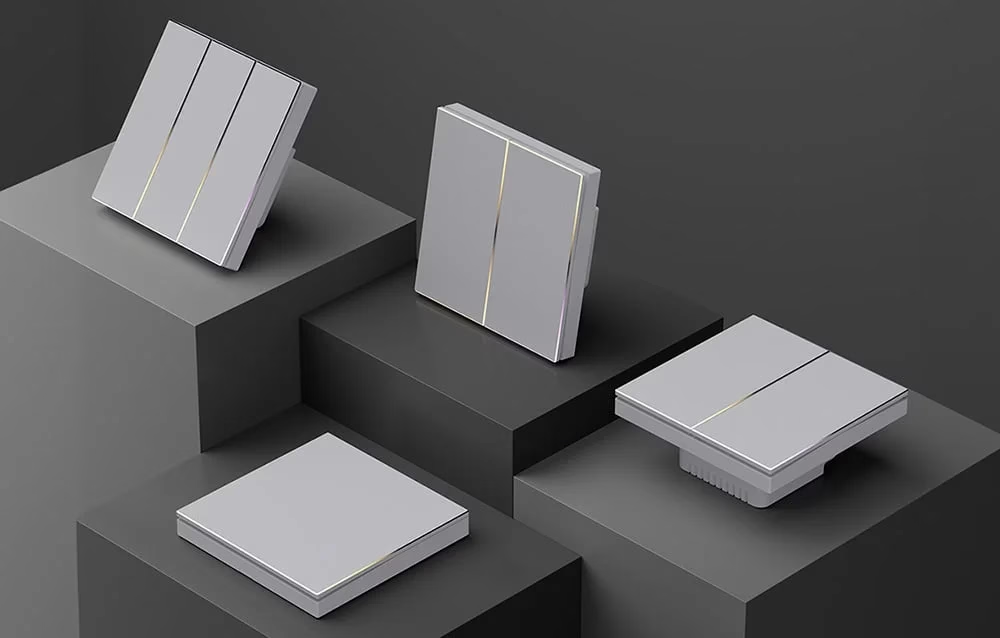
Simple installation and setup
Connect the switch according to the diagram, and after installation is complete, put the switch into pairing mode by holding the button for about 5 seconds. The flashing backlight shows that the device is ready for setup. The Smart Life or Tuya Smart app then detects the switch automatically and lets you set names, rooms and control logic as needed.

Convenient control and automation
In the app you can manage lighting in real time, create timers and set scenes. The switch works with compatible voice assistants, which lets you switch lights on or off with simple commands. This way you can reduce unnecessary energy use and make everyday tasks smoother.
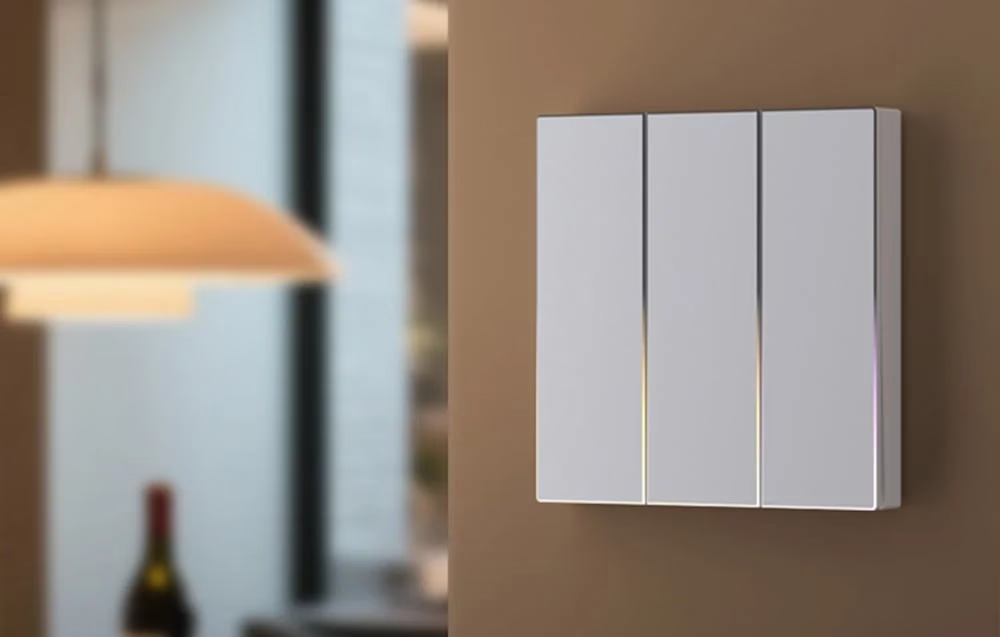
Style and safety
The white 80 × 80 mm touch panel blends discreetly into a variety of interiors. Soft edge lighting helps you locate the switch quickly in the dark. The flame-retardant PC plastic adds safety and durability. The maximum load is 800 W per circuit for a resistive load, and the maximum current of the whole switch is 10 A.
Compatibility, network requirements and maintenance
The device works directly on a WiFi 2.4 GHz network and can be controlled with the Smart Life and Tuya Smart apps. No separate hub is needed, and remote control works over the internet. Voice control is possible with compatible voice assistants according to the app settings.
During installation, follow the connection diagram provided. The need for a neutral wire is not specified in the product text, so if in doubt we recommend consulting a qualified electrician. Observe the electrical limits: operating voltage AC 100–240 V, maximum load 800 W per circuit on a resistive load, and maximum current 10 A.
For maintenance, clean the front panel with a soft dry or slightly damp cloth and avoid abrasive products. Updates and settings available through the app help keep the functions up to date.
Step-by-step installation and use
Switch off the power before starting work. Connect the wires according to the diagram and fix the switch with the supplied screws. Restore the power and put the switch into pairing mode by holding the button for about 5 seconds until the backlight flashes. Open the Smart Life or Tuya Smart app, add a new device and connect it to the 2.4 GHz WiFi network. After pairing, name each channel and create timers or scenes if needed. For safety and reliable operation, avoid exceeding the rated values and periodically check that the terminals are tight.
Included in the package
- Avatto TS60-EU-W3 switch
- Fixing screws 2 pcs
- User manual
Making light control easier
The Avatto TS60-EU-W3 brings clear and smart control of multi-point lighting into one device. Three independent circuits, WiFi remote control and flexible timers help reduce unnecessary switching and save time. If you need a reliable solution with a clean design that works without a separate hub, this switch is a practical choice for everyday comfort.











































Reviews
There are no reviews yet.