

Description
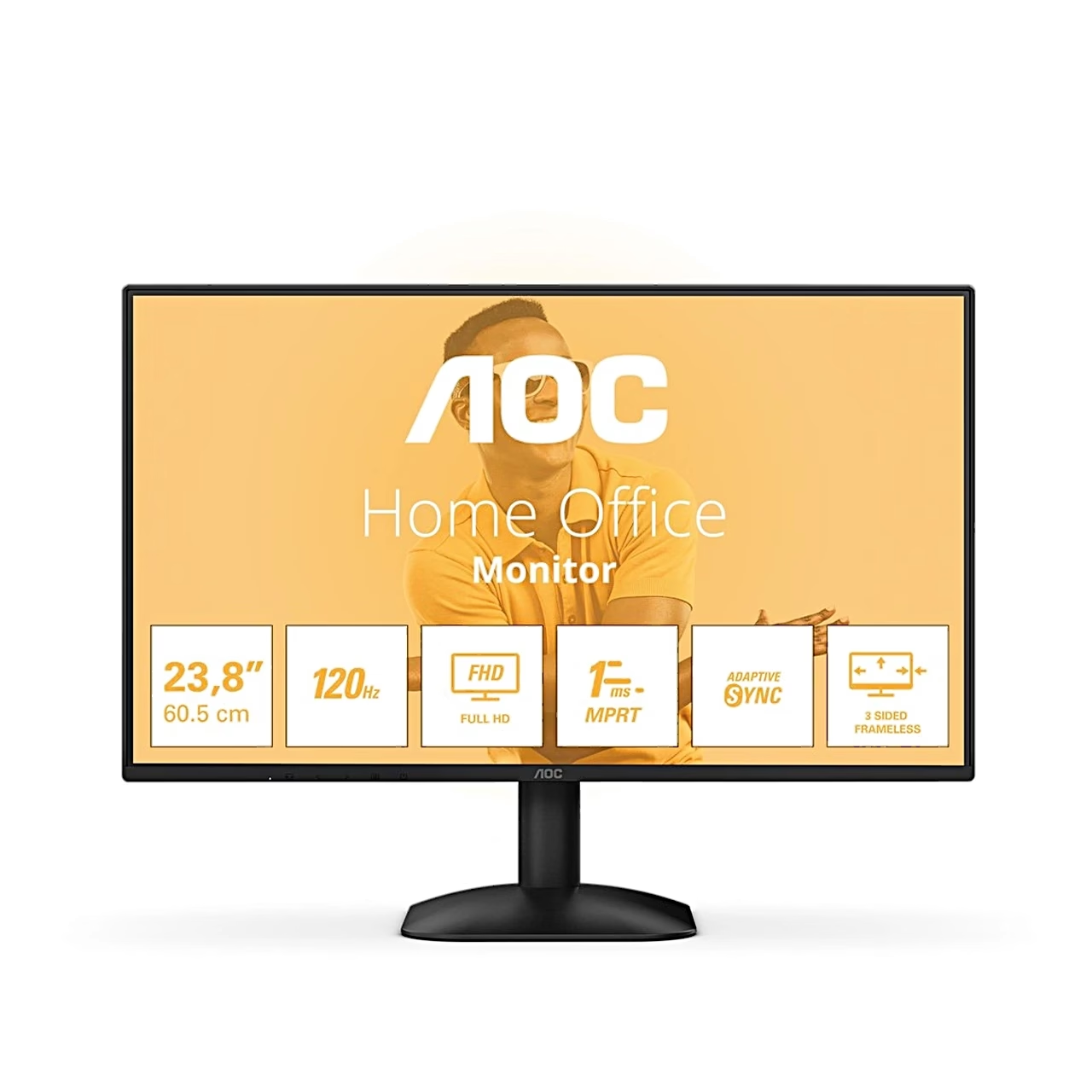
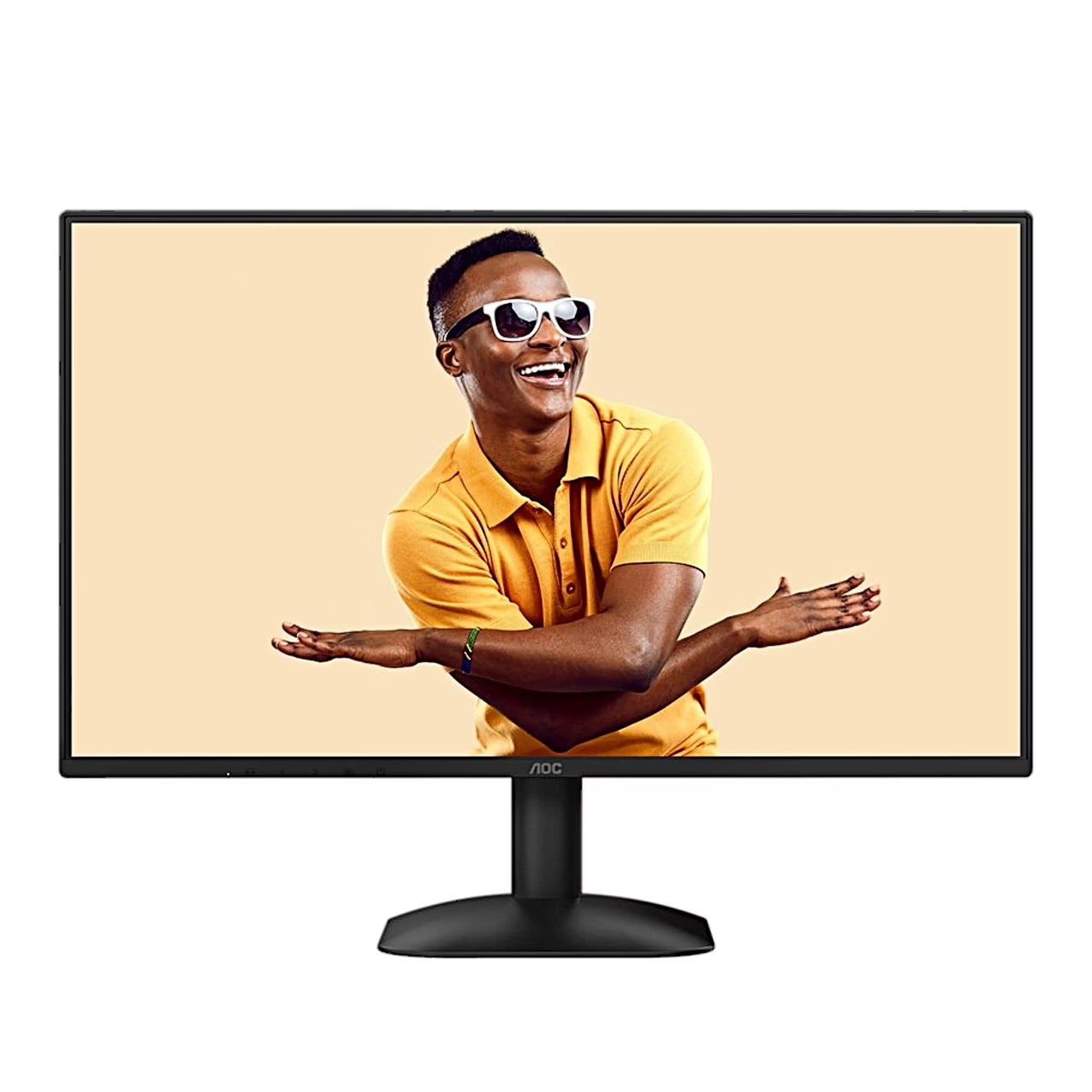
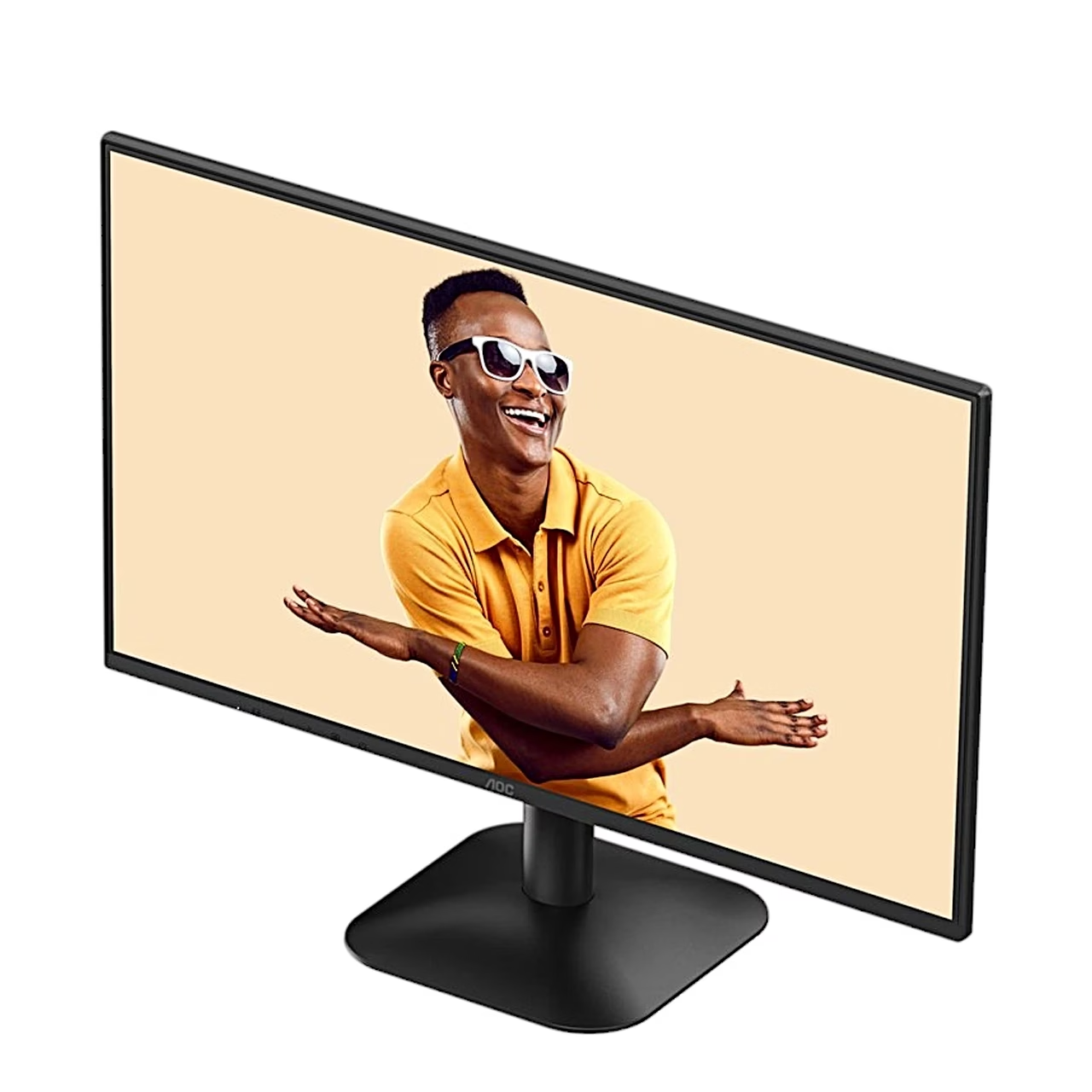
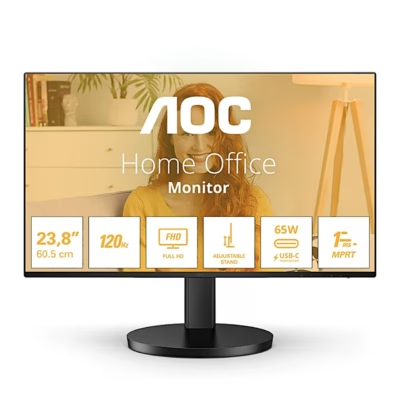
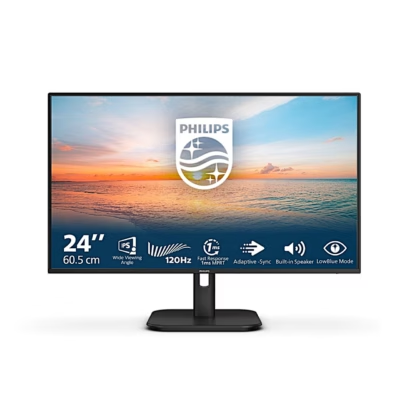
Computer monitor with a 120 Hz IPS panel
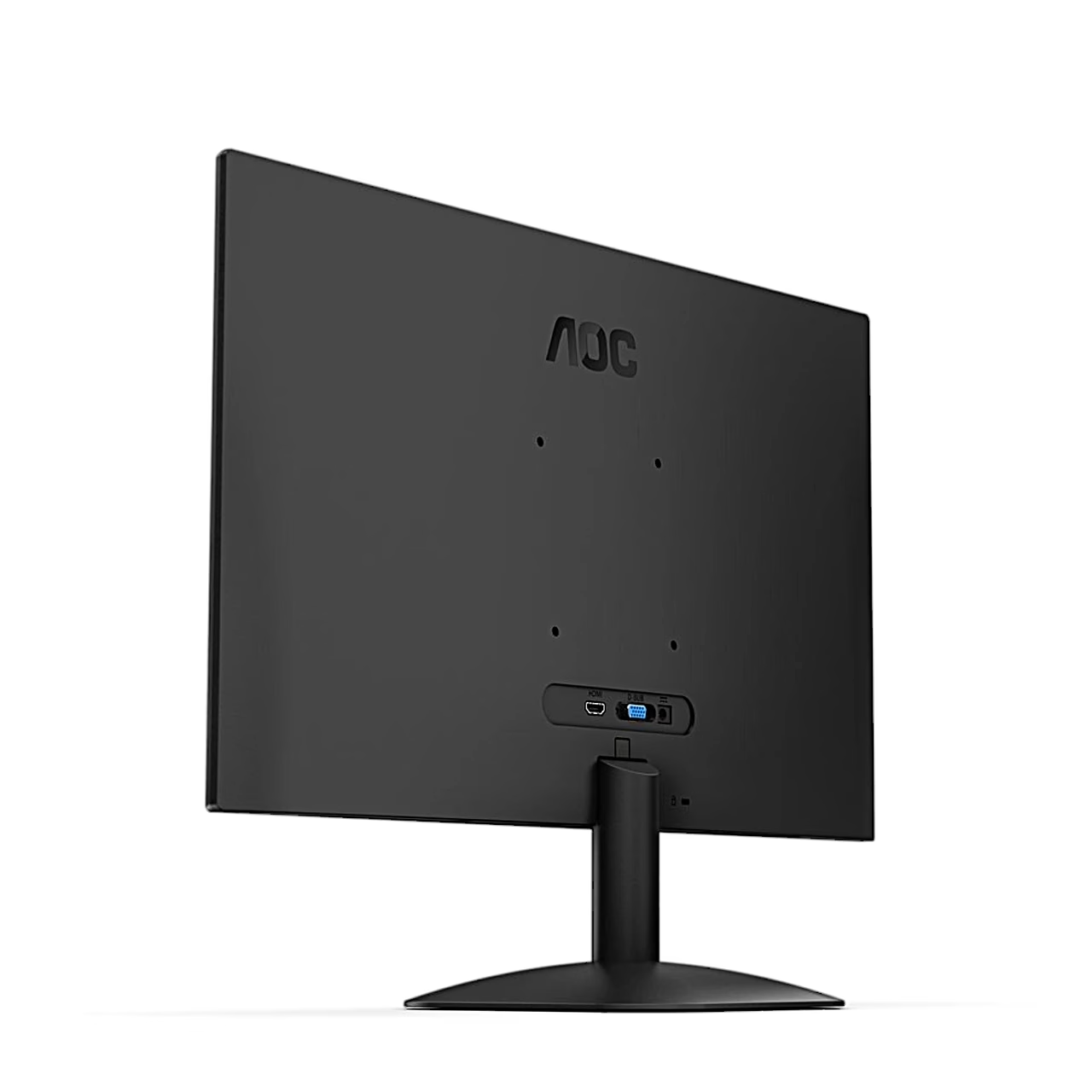
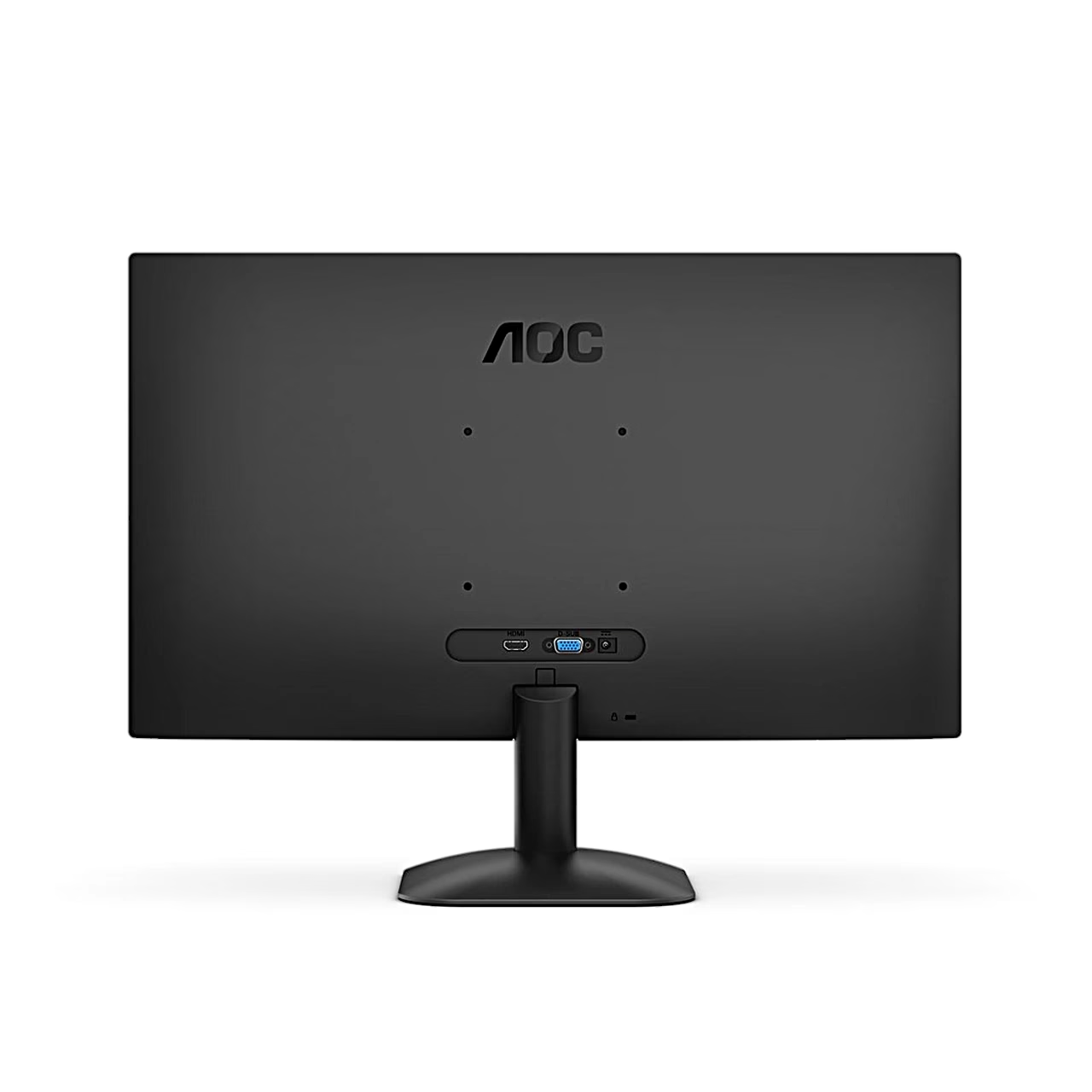
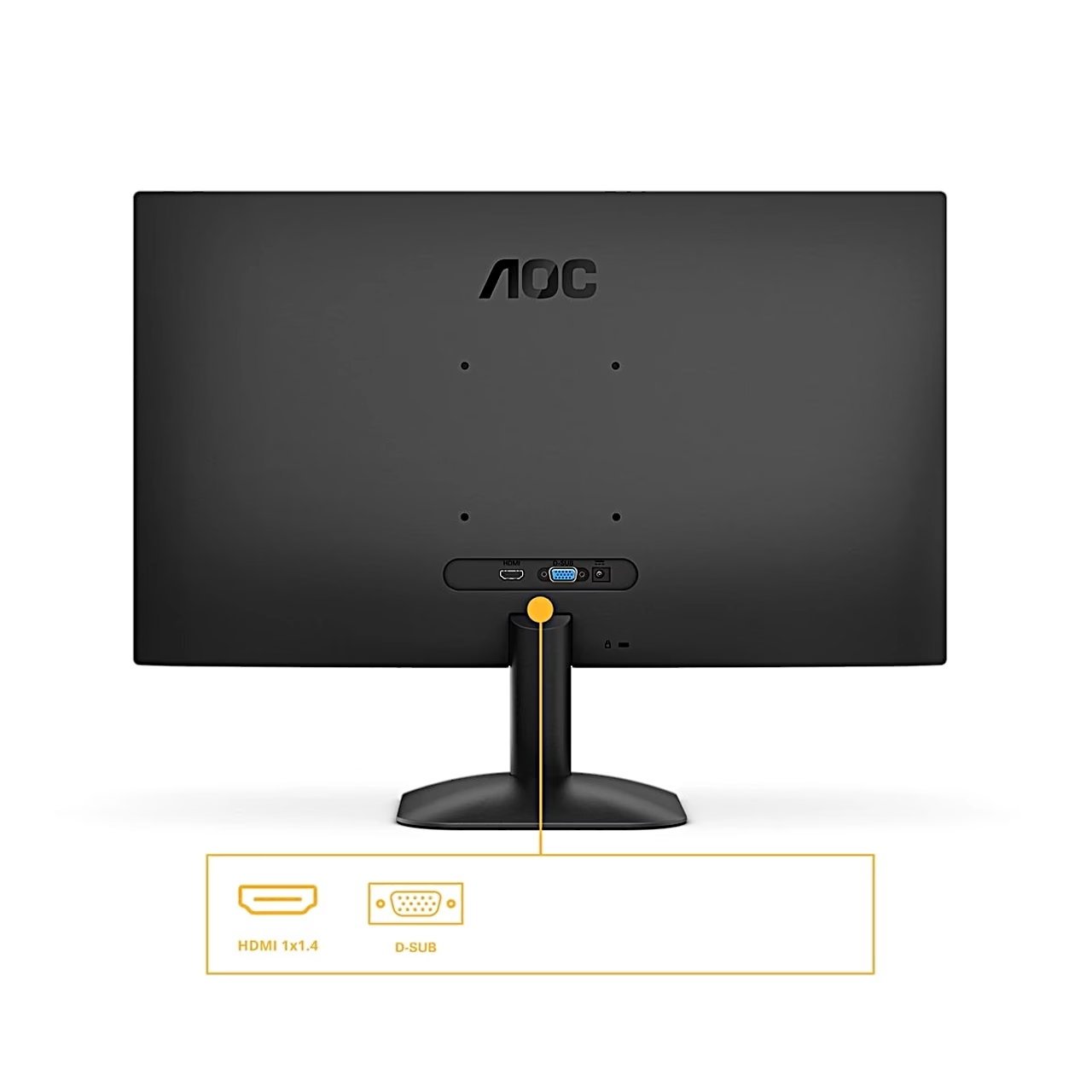
At 1920 × 1080 the refresh rate reaches 120 Hz over HDMI and 75 Hz over VGA (D-Sub). The IPS panel has 178° horizontal and vertical viewing angles, 300 cd/m² brightness and a 1500:1 contrast ratio. The anti-glare screen surface has a 3H hardness rating.
Game modes and picture settings
Over HDMI, Adaptive-Sync matches the screen’s refresh rate to the graphics card’s frame rate. The menu offers the FPS, RTS and Racing game modes and three user presets, Gamer 1–3. Shadow Control (0–100) brings out detail in dark areas, MBR (0–20) reduces motion blur and Dial Point shows an aiming mark in the centre of the screen. Clear Vision sharpens low-resolution images at three levels.
Flicker-free backlight and LowBlue Mode
The backlight is flicker-free. LowBlue Mode reduces blue light by adjusting the colour temperature, in four modes: Reading, Office, Internet and Multimedia. Break Reminder prompts a pause after one hour of continuous work, and Off Timer switches the monitor off after 0–24 hours.
Use
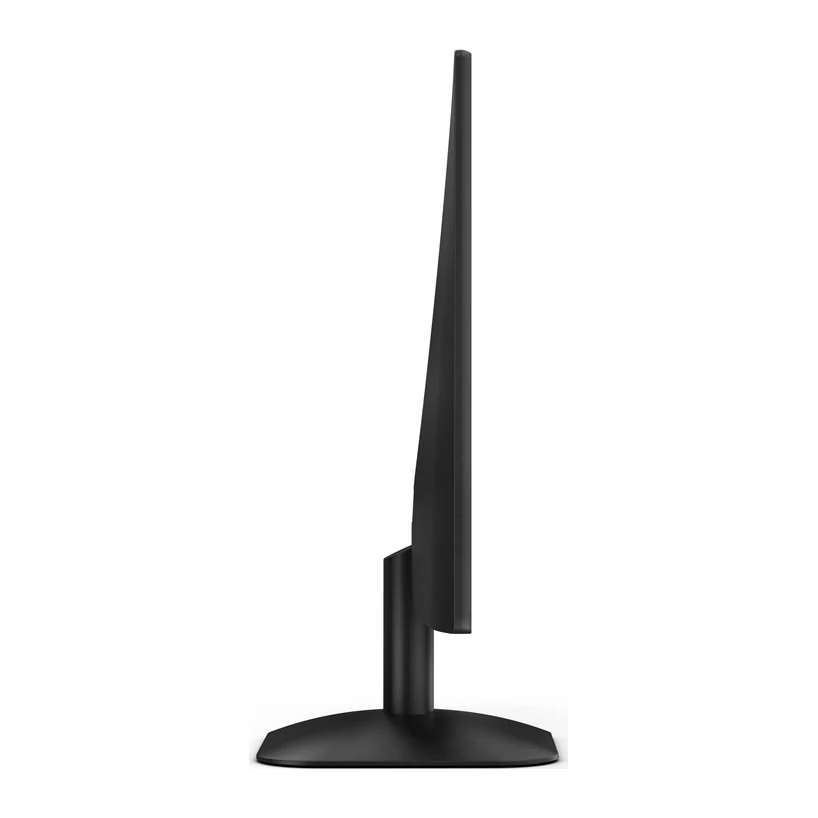
Attach the stand to the back of the monitor and the base to the stand. Connect the power cord to the monitor, switch the computer off, connect the signal cable to the computer’s video output, then switch on the computer and the monitor. The screen tilts from −5° to 23°. For wall mounting the back has VESA 100 × 100 mm holes for M4 screws.
Cleaning and care
Unplug the power cord before cleaning. Wipe the cabinet with a soft cloth, remove stains with a mild detergent and keep liquid out of the device.
In the box
- Monitor
- Stand
- Base
- Power adapter
- Power cord










































Reviews
There are no reviews yet.