Monitor accessories
Monitor mount and stand: number of screens, mounting type and VESA
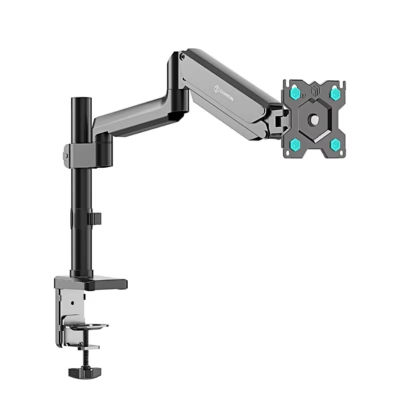
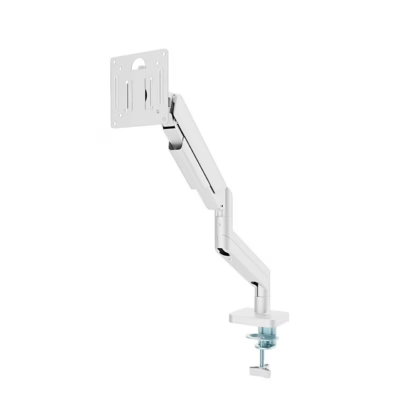
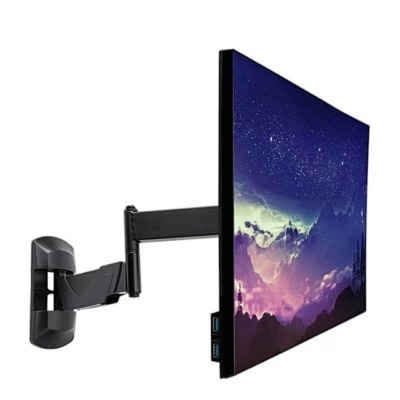
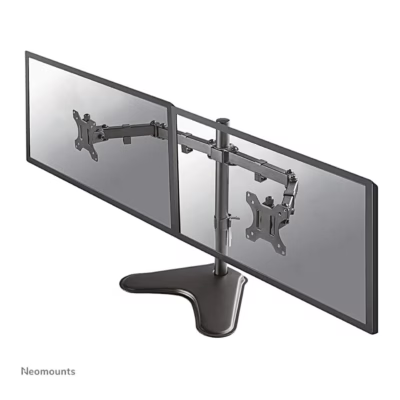
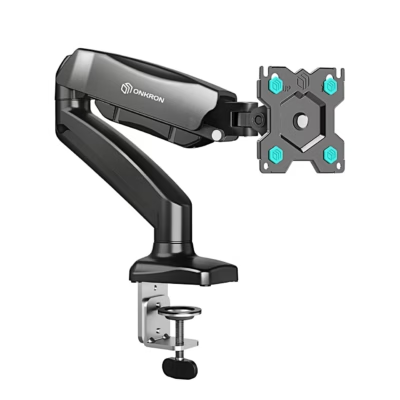
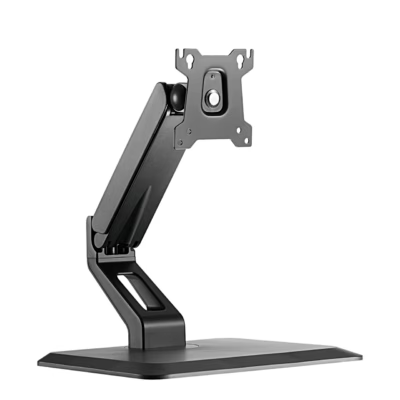
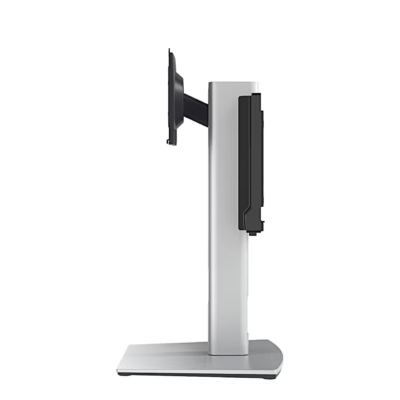
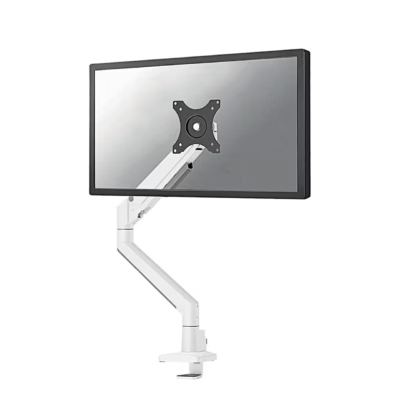
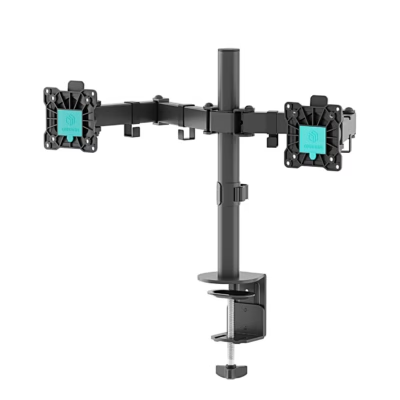
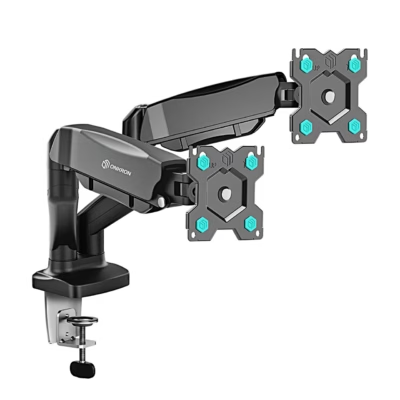
A monitor stand, also called a monitor arm, raises the screen to eye level and frees up desk space. The selection mainly includes Huanuo, Trust and DIGITUS mounting arms for one, two and three screens, as well as monitor bases. We sell monitor stands. Your choice depends on the number of screens, the mounting method, and whether the monitor’s VESA size and weight suit the stand.
One, two or three screens
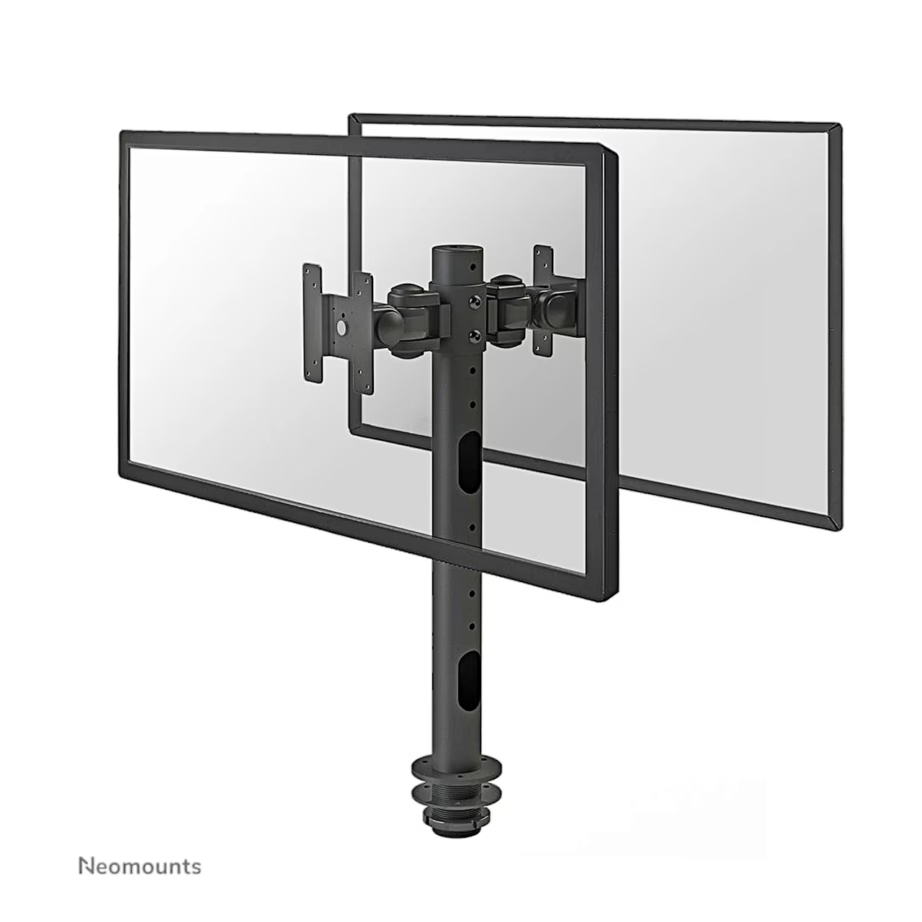
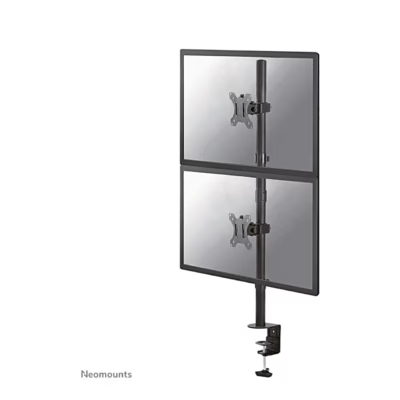
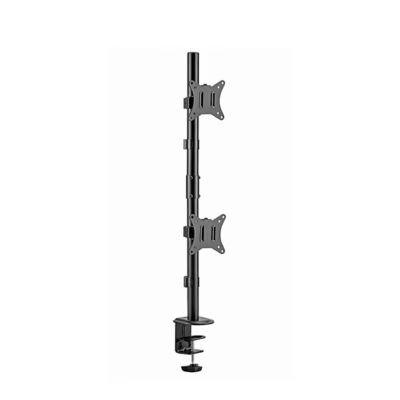
A single-screen arm suits a workstation with one monitor or a laptop. A two-screen mount places the monitors side by side or one above the other: two 27-inch screens side by side are about 120-125 cm wide. A three-screen mount needs a wide desk. You can select this with the Number of screens filter.
Desk mounting: clamp or grommet
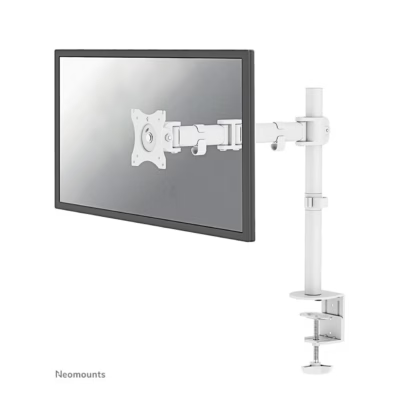
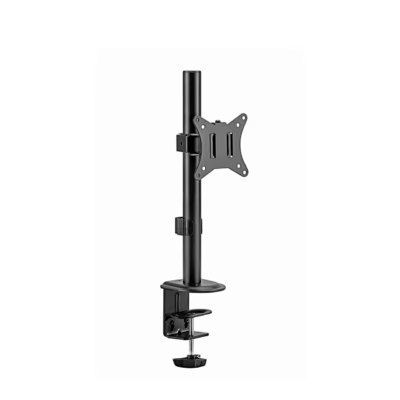
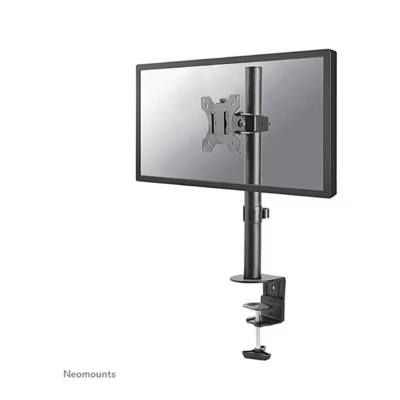
A desk clamp attaches to the rear edge of the desktop and needs a free edge with no drawer or partition underneath. A grommet mount goes through a hole in the desktop and suits a desk whose edge is against a wall. The permitted desktop thickness is listed on the product page.
VESA mounting and screen size
The VESA size is the distance between the four screw holes on the back of the monitor, in millimetres. Office monitors usually have 75×75 or 100×100 mm, and most monitor stands support these. The suitable screen size for a stand is in the product name, for example 13-32 inches.
Load capacity and arm
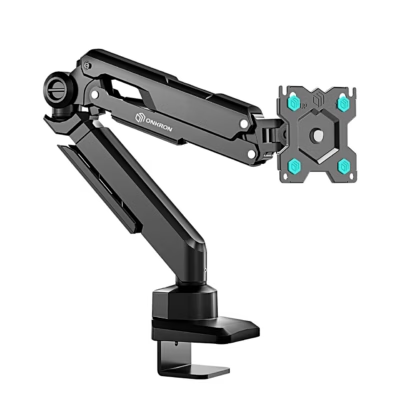
Compare the monitor’s weight without its own stand with the stand’s load capacity per screen. A gas-spring arm holds the screen at any height and has minimum and maximum permitted weights. A fixed arm is set to height with a screw.
Installation and working position
Set the top edge of the screen at eye level or slightly lower, and keep the screen about 50-70 cm away. You can find a new screen on the Computer monitors page.
Frequently asked questions
VESA is the standard for screw holes on the back of a monitor. Measure the distance between the hole centres, or check the monitor’s technical data, where it is written as 100×100 mm.
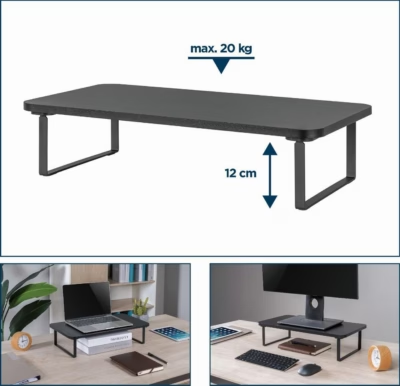
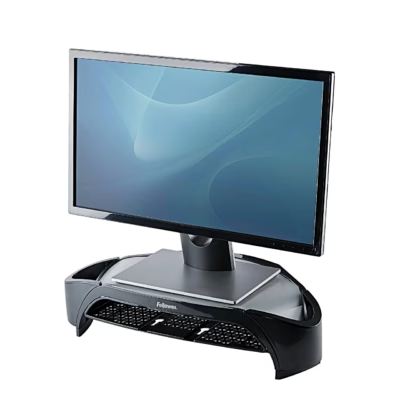
For monitors without VESA holes there are separate VESA adapters that attach to the edges of the screen. Another option is a monitor base, which raises the screen together with its own stand.
A 34-inch curved monitor often weighs 6-9 kg without its stand and is larger than the 32-inch upper limit of some stands. Check both the screen size and the load capacity per screen.
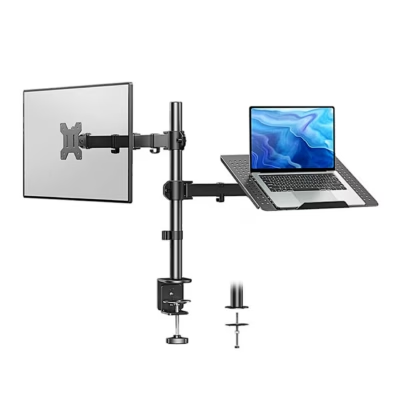
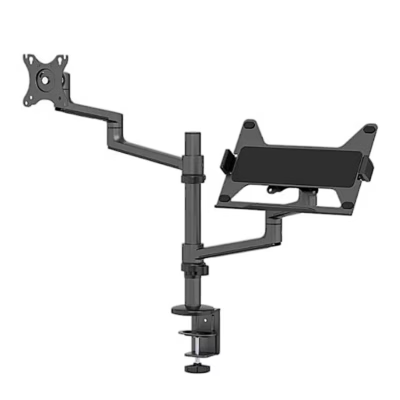
Yes, there are laptop-tray stands, where a laptop base attaches to the VESA plate. This lets you set the laptop and the monitor at the same height.
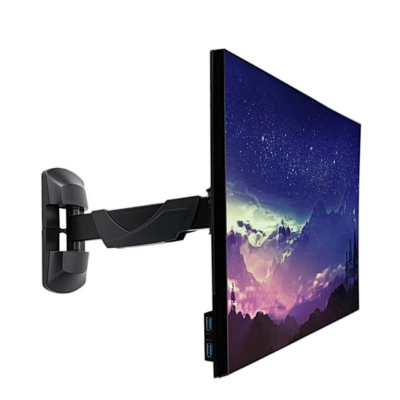
For wall mounting there are VESA wall brackets, which need plugs suited to the wall type. A desk-clamp stand is installed without drilling into a wall.
-
143,99 €
- Product type
- Monitor holder (mounting arm)
- Load capacity
- 10 kg
-
84,99 €
- Product type
- Monitor holder (mounting arm)
- Load capacity
- 10 kg
-
91,99 €
- Product type
- Monitor holder (mounting arm)
- Load capacity
- 8 kg
-
82,99 €
- Product type
- Monitor holder (mounting arm)
- Load capacity
- 12 kg
-
31,99 €
- Product type
- Monitor holder (mounting arm)
- Load capacity
- 20 kg
-
156,99 €
- Product type
- Monitor holder (mounting arm)
- Load capacity
- 8 kg
-
21,99 €
- Product type
- Monitor stand
- Load capacity
- 20 kg
-
34,99 €
- Product type
- Monitor holder (mounting arm)
- Load capacity
- 10 kg
-
38,99 €
- Product type
- Monitor holder (mounting arm)
- Load capacity
- 20 kg
-
74,99 €
- Product type
- Monitor holder (mounting arm)
- Load capacity
- 8 kg
-
60,99 €
- Product type
- Monitor holder (mounting arm)
- Load capacity
- 8 kg
-
82,99 €
- Product type
- Monitor holder (mounting arm)
- Load capacity
- 6 kg
-
30,99 €
- Product type
- Monitor stand
- Load capacity
- 10 kg
-
33,99 €
- Product type
- Monitor stand
- Load capacity
- 8 kg
-
22,99 €
- Product type
- Monitor holder (mounting arm)
- Load capacity
- 9 kg
-
54,99 €
- Product type
- Monitor stand
- Load capacity
- 10 kg
-
96,99 €
- Product type
- Monitor stand
- Load capacity
- 5.8 kg
-
123,99 €
- Product type
- Monitor holder (mounting arm)
- Load capacity
- 9 kg
-
63,99 €
- Product type
- Monitor holder (mounting arm)
- Load capacity
- 16 kg
-
30,99 €
- Product type
- Monitor holder (mounting arm)
- Load capacity
- 9 kg
-
130,99 €
- Product type
- Monitor stand
- Load capacity
- 5.8 kg
-
112,99 €
- Product type
- Monitor stand
- Load capacity
- 5.8 kg
-
55,99 €
- Product type
- Monitor holder (mounting arm)
- Load capacity
- 8 kg
-
100,99 €
- Product type
- Monitor holder (mounting arm)
- Load capacity
- 16 kg

All products shown.
Best sellers
-
35,95 €
- Product type
- Monitor holder (mounting arm)
- Suitable for laptop
- 13.3 inch and smaller, 14 inch, 15.6 inch, 16 inch
- Load capacity
- 8 kg