

Description
Bluetooth mouse with a silent click
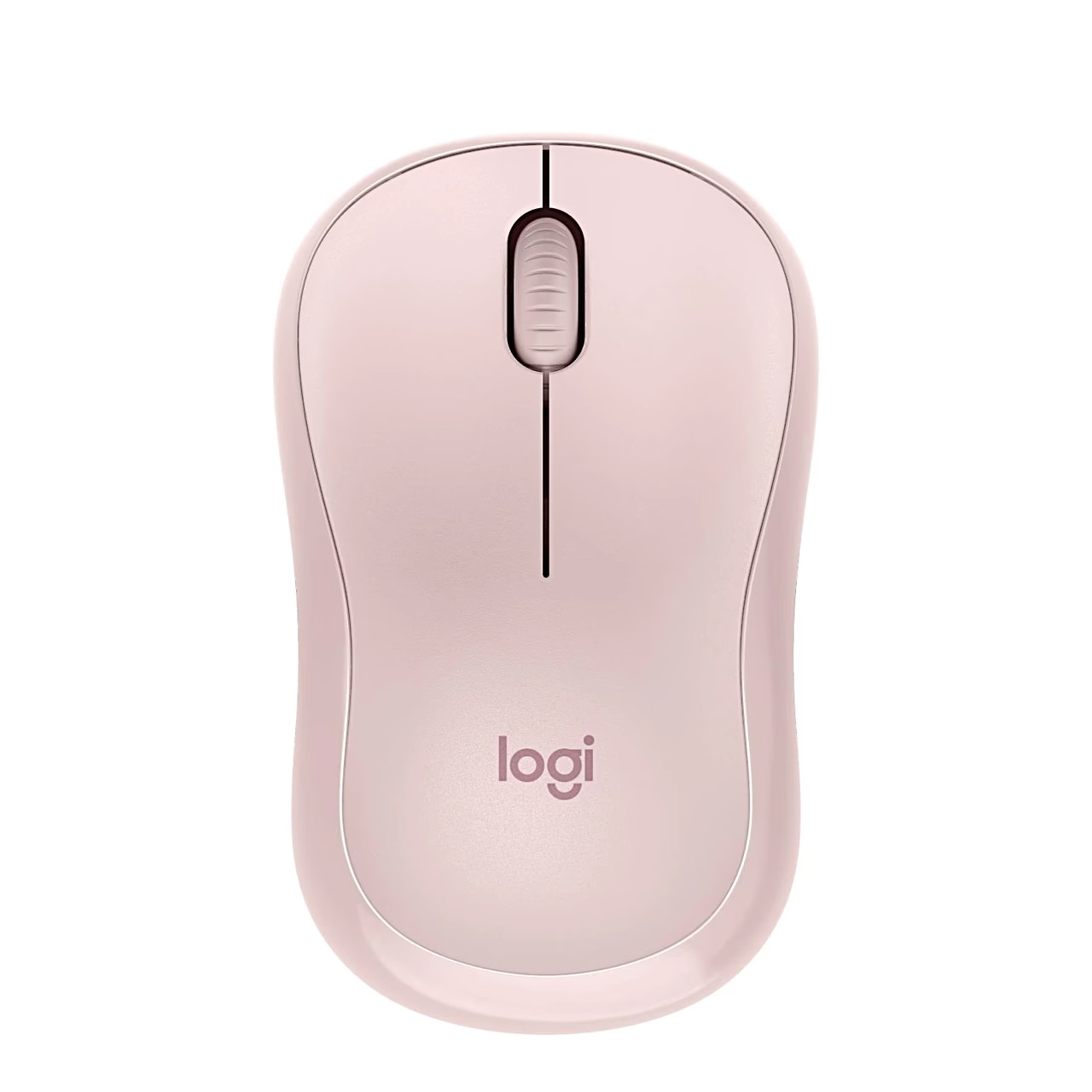
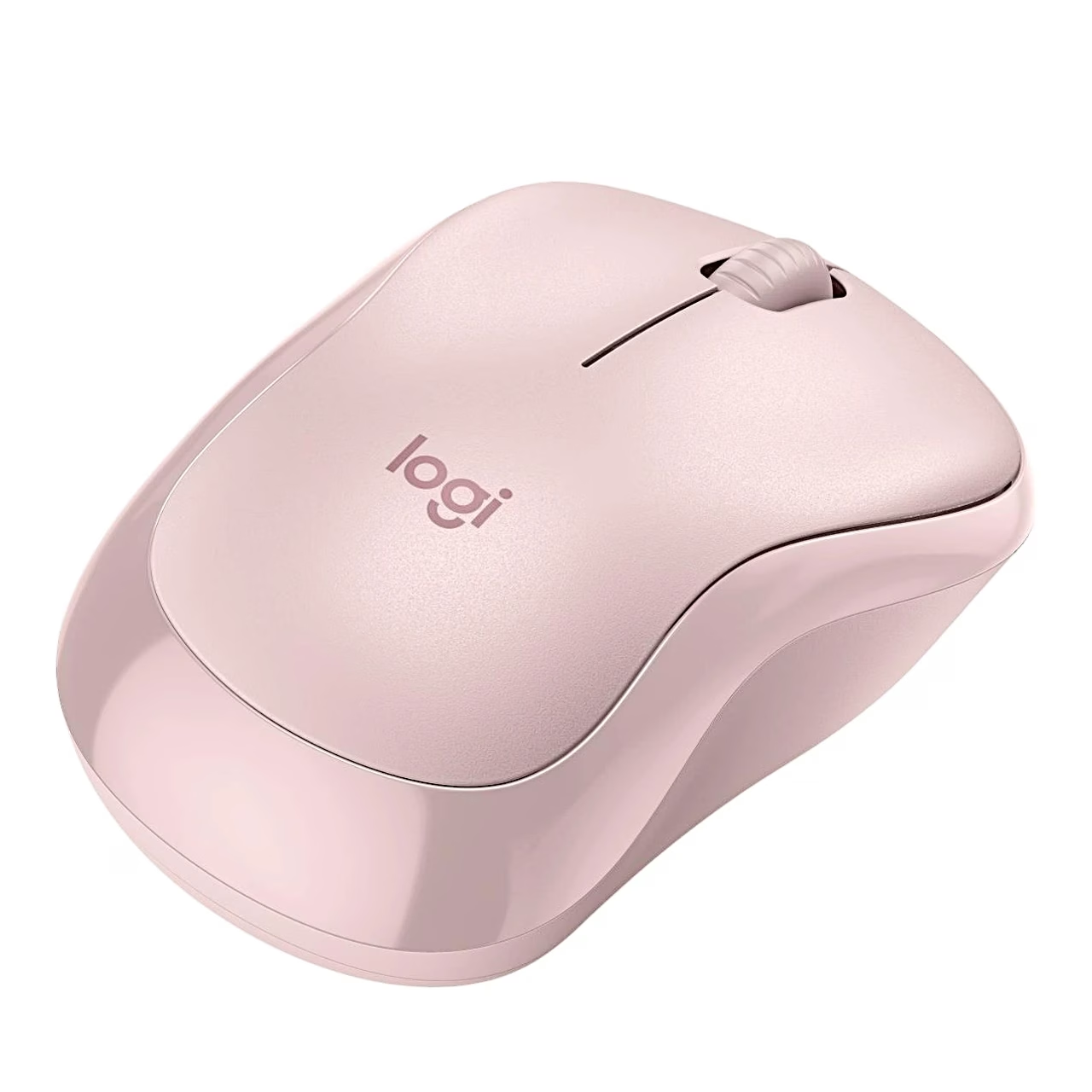
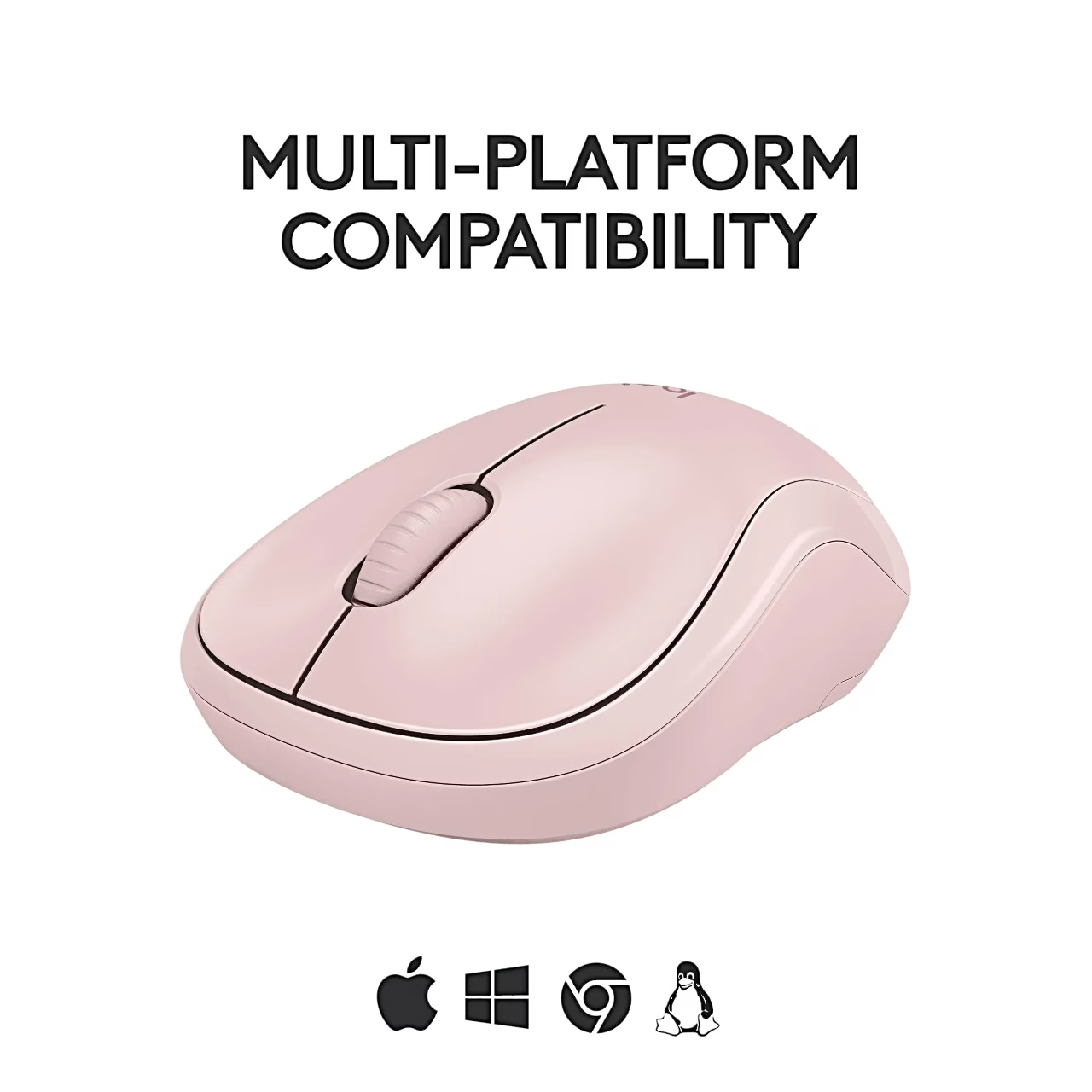
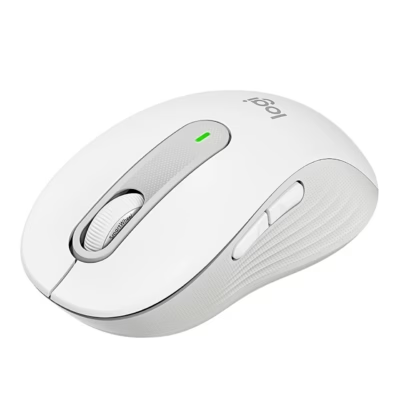
Suitable for both hands, the quiet-click Bluetooth mouse Logitech M240 Silent connects to a device running Windows, macOS, ChromeOS, Linux or Android. According to the manufacturer, SilentTouch technology makes the click sound 90% quieter, while the click feel stays the same. The wireless range is up to 10 m.
Buttons, sensor and shape
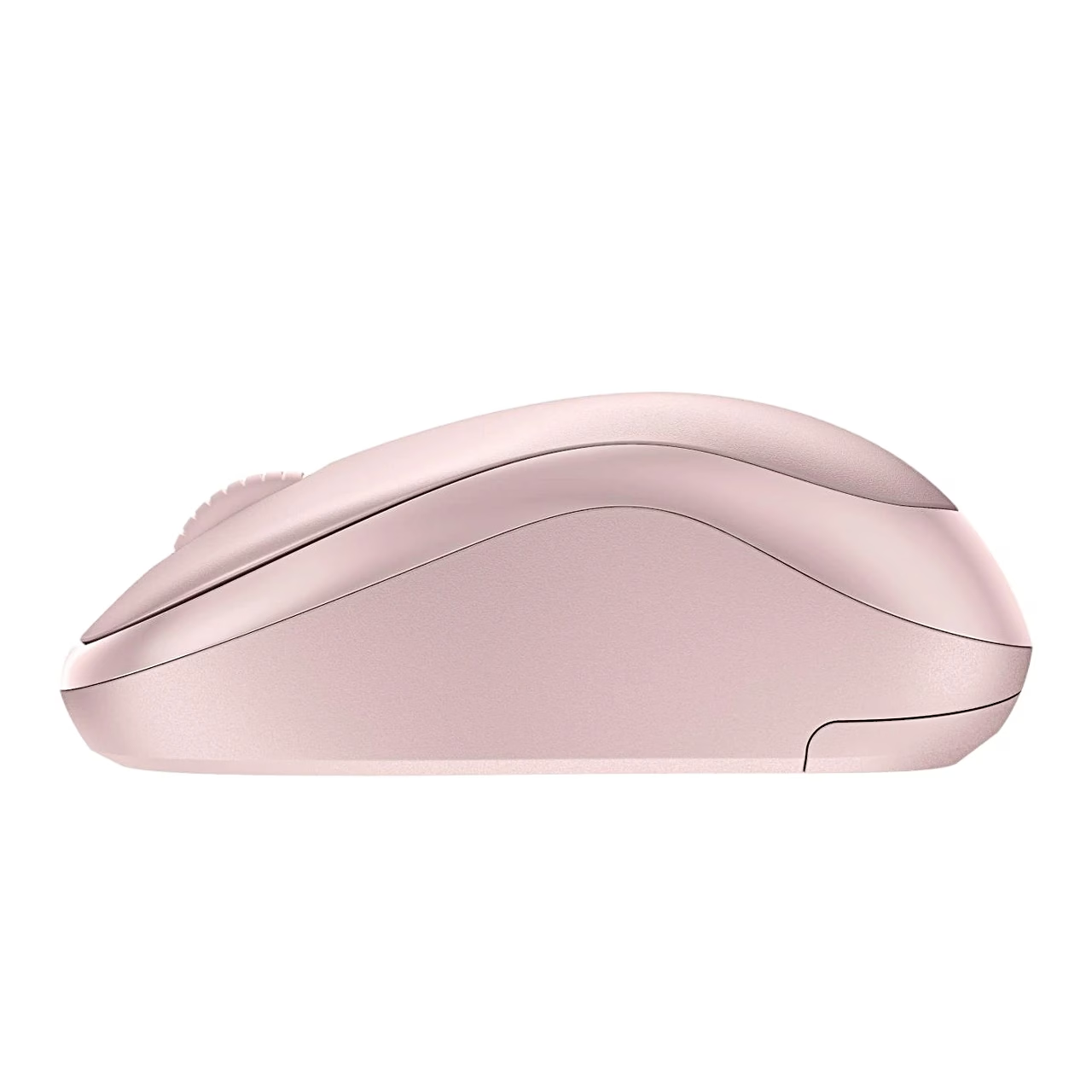
The mouse has 3 buttons with a scroll wheel and an optical sensor with a sensitivity of 4000 DPI. The curved body follows the curve of the hand, and the mouse weighs 73.8 g and measures 60 × 99 × 39 mm. The Logitech Options+ software is used to customise the buttons.
Use and battery replacement
Remove the protective strip from the underside of the mouse, then the mouse switches on and is ready to pair. Pair the mouse in Windows using Swift Pair or from the device’s Bluetooth settings. To replace the battery, slide the battery compartment cover down, lift it off, insert an AA battery the right way round and fit the cover back on. Automatic sleep mode switches an unused mouse to standby.
Included in the box
- Logitech M240 Silent mouse
- 1 AA battery (inside the mouse)
- User manual

















































Reviews
There are no reviews yet.