

Description
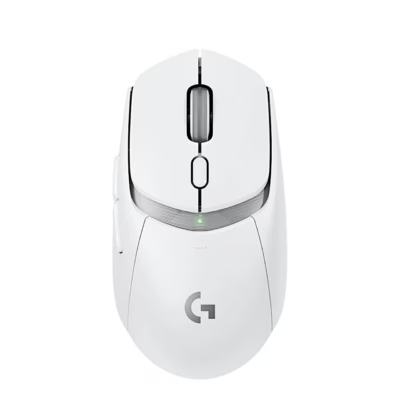
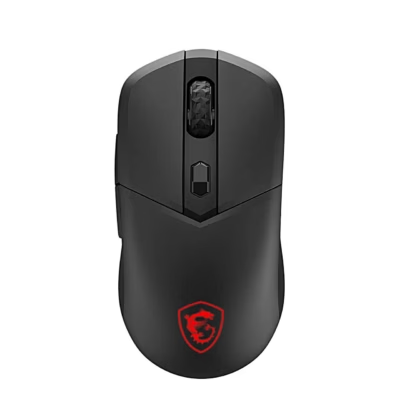
Gaming mouse with LIGHTSPEED and Bluetooth connection
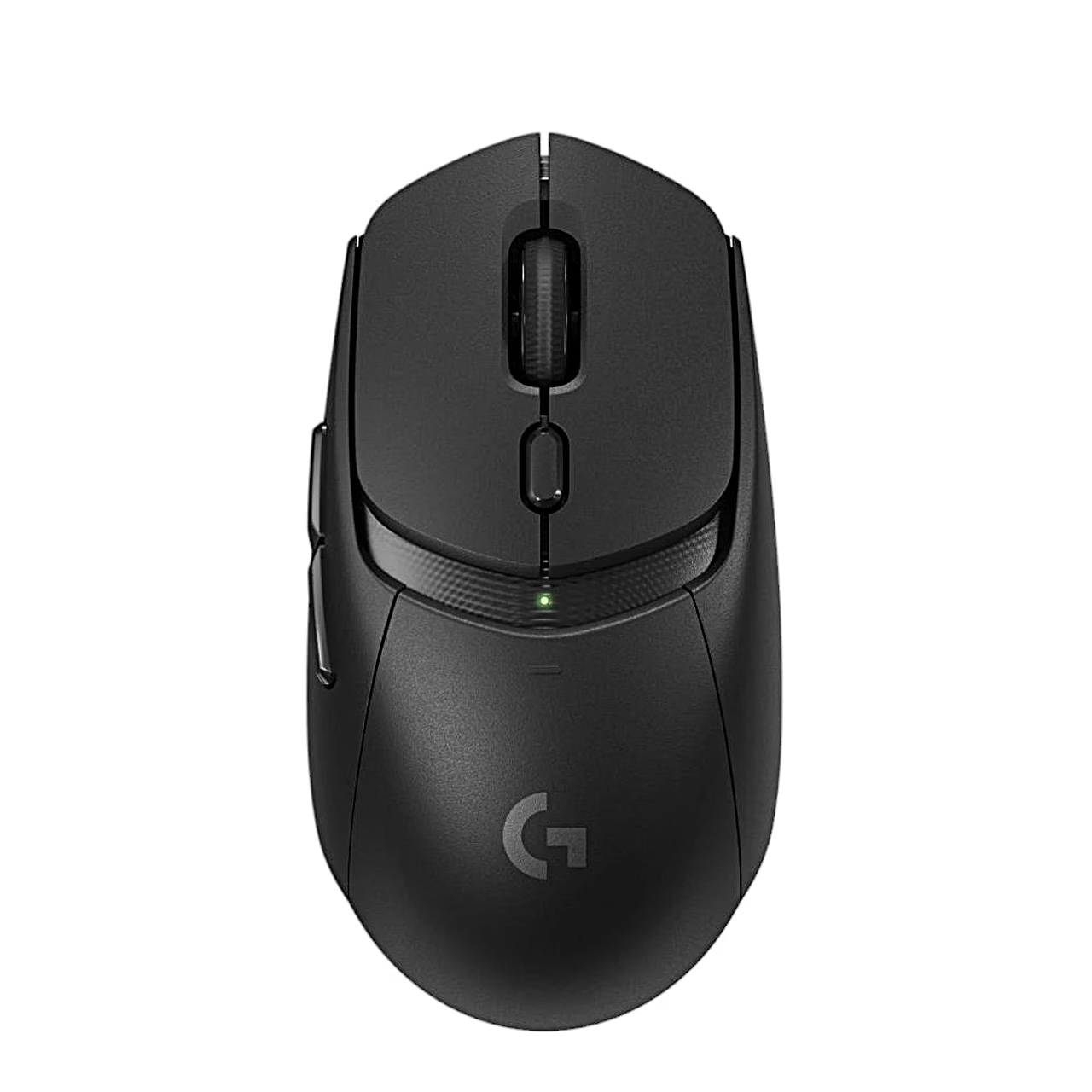
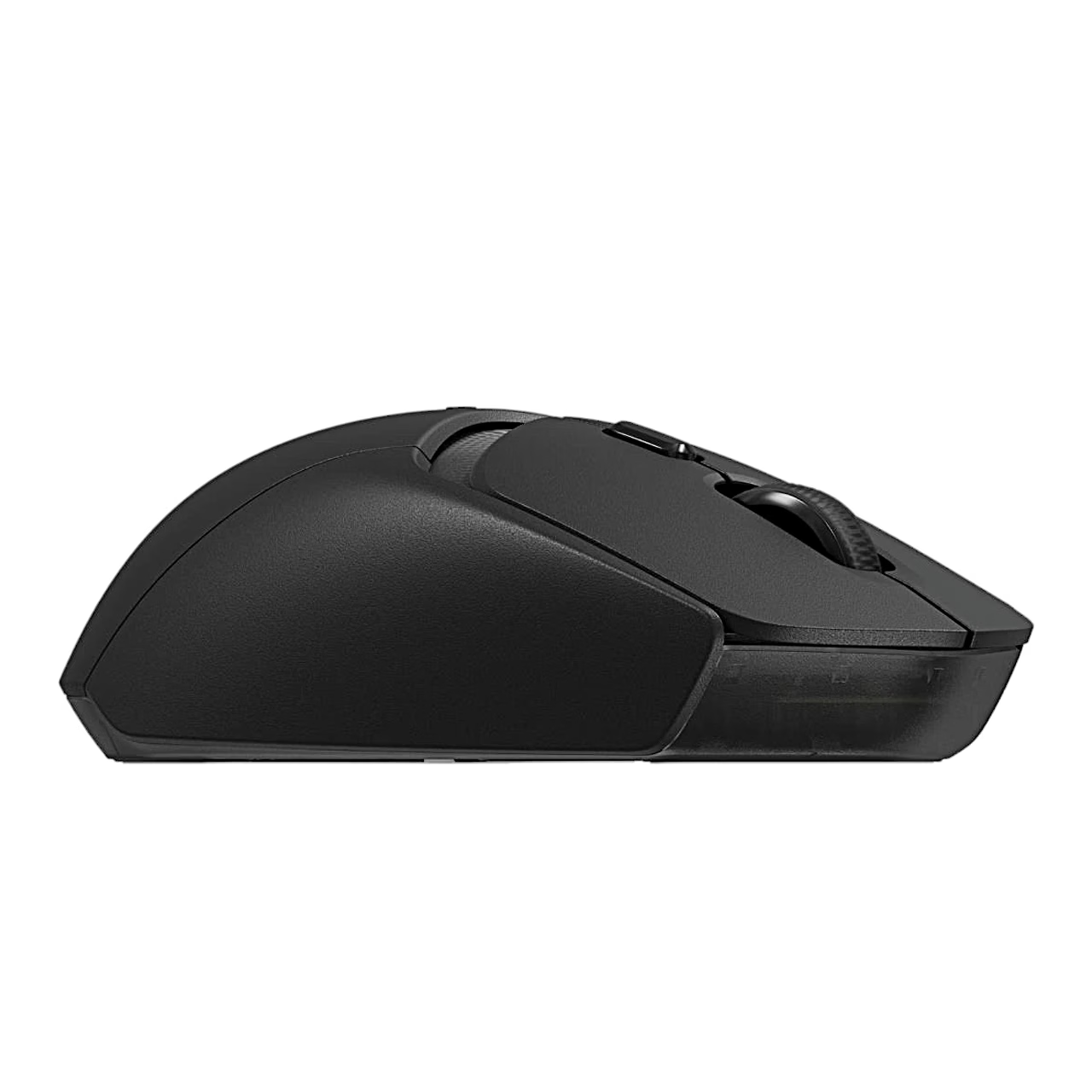
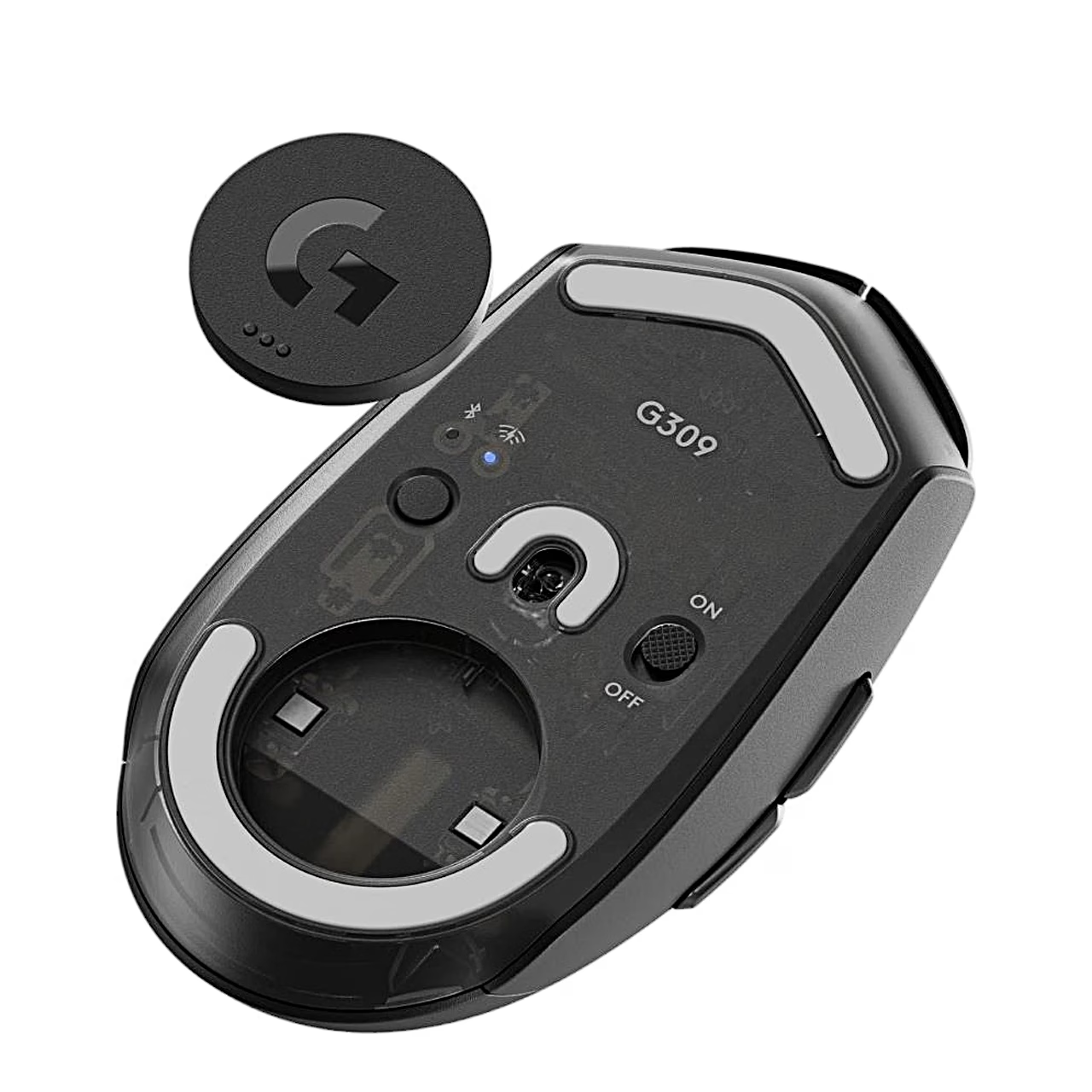
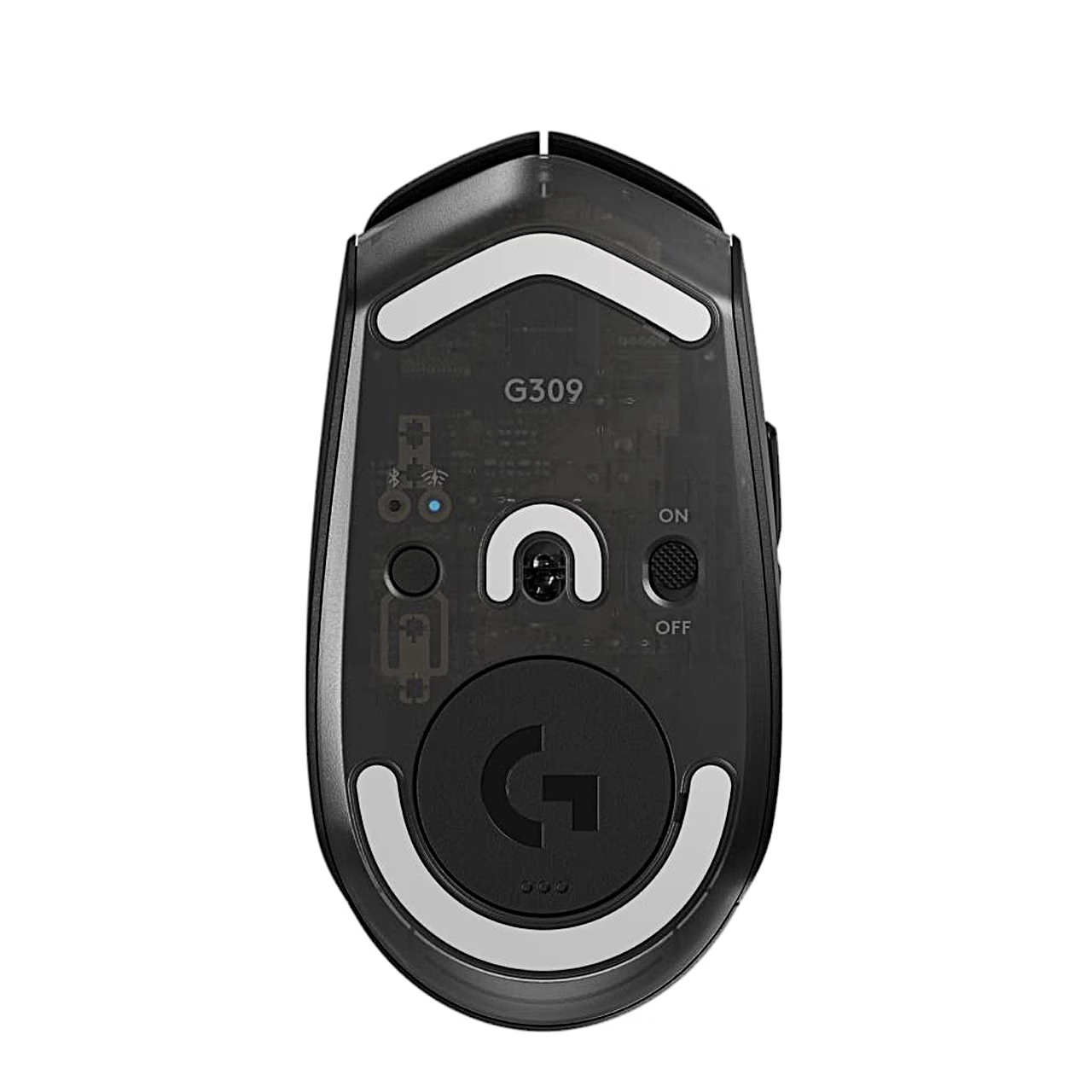
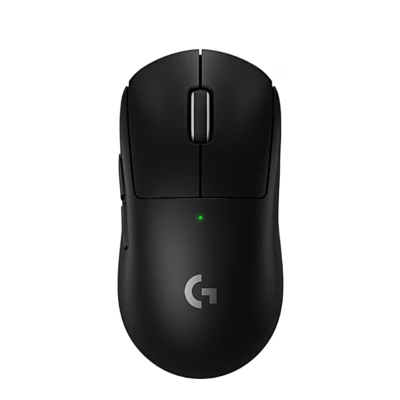
The wireless gaming mouse Logitech G309 LIGHTSPEED connects to a computer through the LIGHTSPEED USB receiver or over Bluetooth, and a button on the underside switches between them. According to the manufacturer, one AA battery lasts more than 300 hours, and the indicator light is green until the battery drops below 5 %, then red.
Sensor, switches and buttons
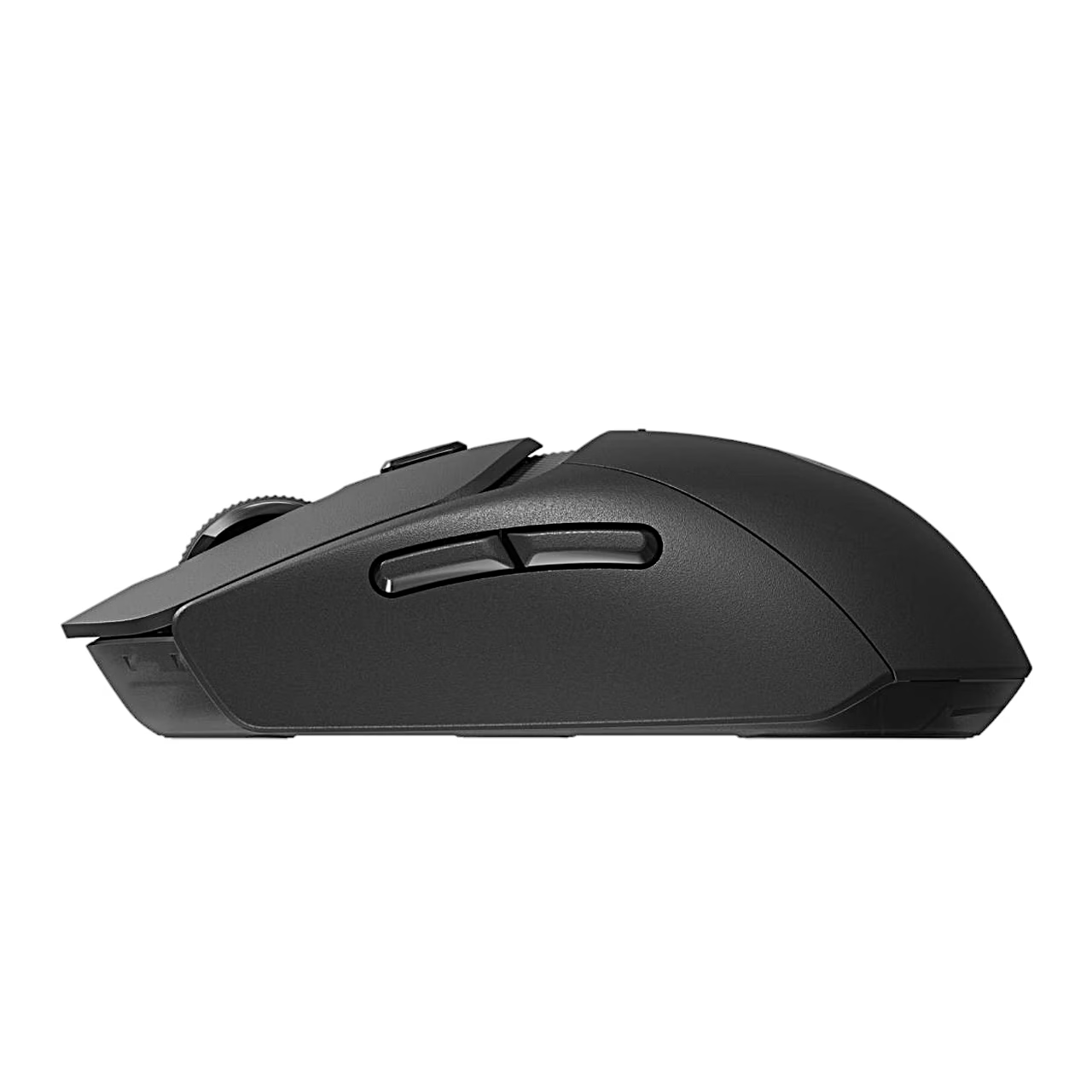
The mouse has a HERO 25K sensor with a tracking speed of more than 400 ips according to the manufacturer, and LIGHTFORCE hybrid switches that combine an optical and a mechanical switch. Six buttons are programmable with G HUB software, which runs on Windows 10 and macOS 12 and later. The button below the scroll wheel selects 400, 800, 1200, 1600 or 2400 DPI, and the indicator colour shows the selected step.
Getting started
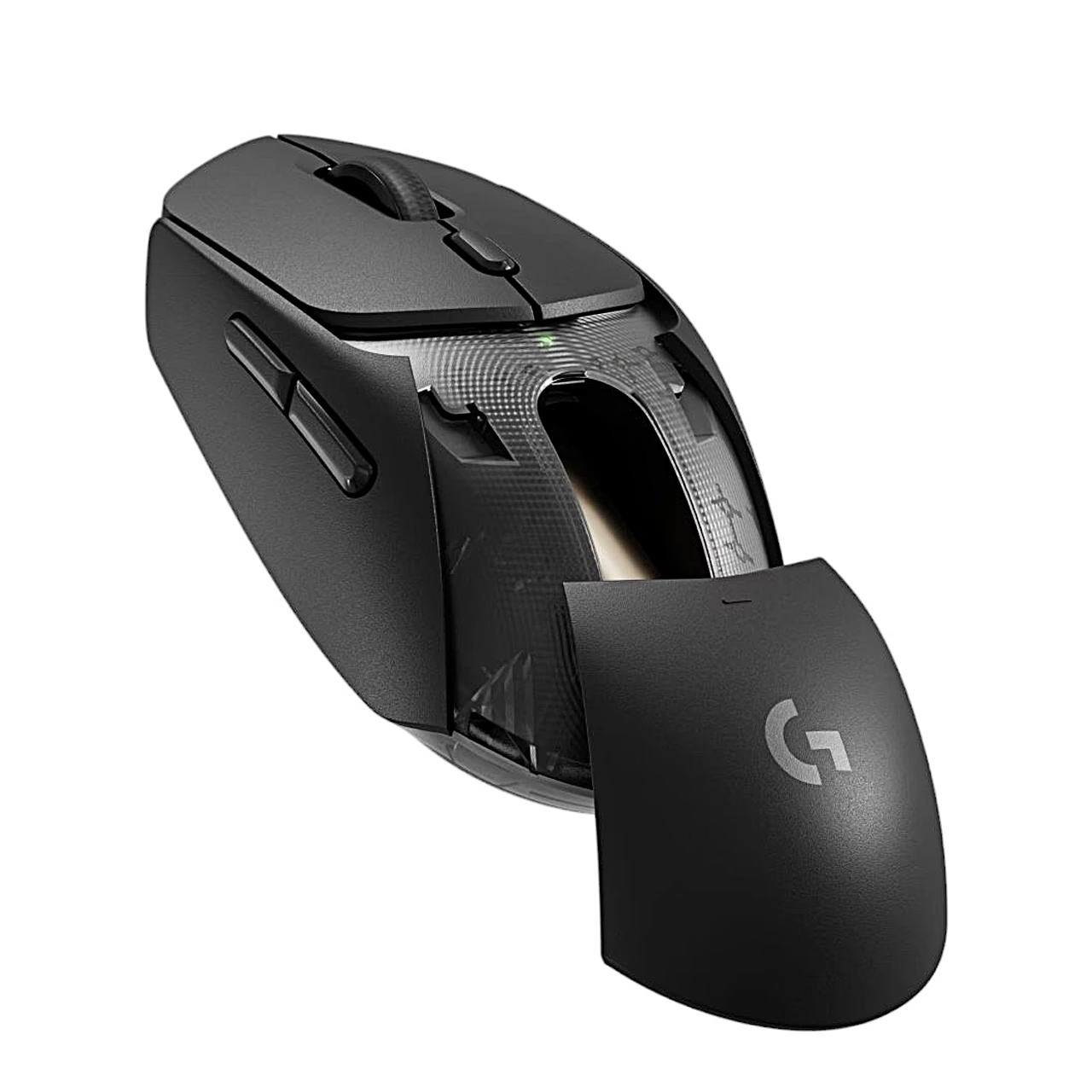
Remove the battery door, insert the AA battery and switch the mouse on, then plug the LIGHTSPEED receiver into the computer. If the mouse is more than 20 cm from the computer, use the included USB extension cable. A short press of the button on the underside changes the connection mode and a long press starts Bluetooth pairing. When not in use, the receiver can be stored under the battery door.
POWERPLAY charging and grip tape
The mouse works with the Logitech POWERPLAY wireless charging system: the POWERCORE module supplied with POWERPLAY replaces the magnetic disc on the underside. Without the AA battery, the mouse keeps working for a few minutes after it is lifted off the POWERPLAY mat. The grip tapes go on the main button surfaces and the sides of the mouse after the surface has been cleaned with a cloth.
In the box
- Mouse Logitech G309 LIGHTSPEED, 1 pc
- LIGHTSPEED USB receiver, 1 pc
- USB extension cable, 1 pc
- AA battery, 1 pc
- Grip tape sheet, 1 pc
- Documentation















































Reviews
There are no reviews yet.