

Description
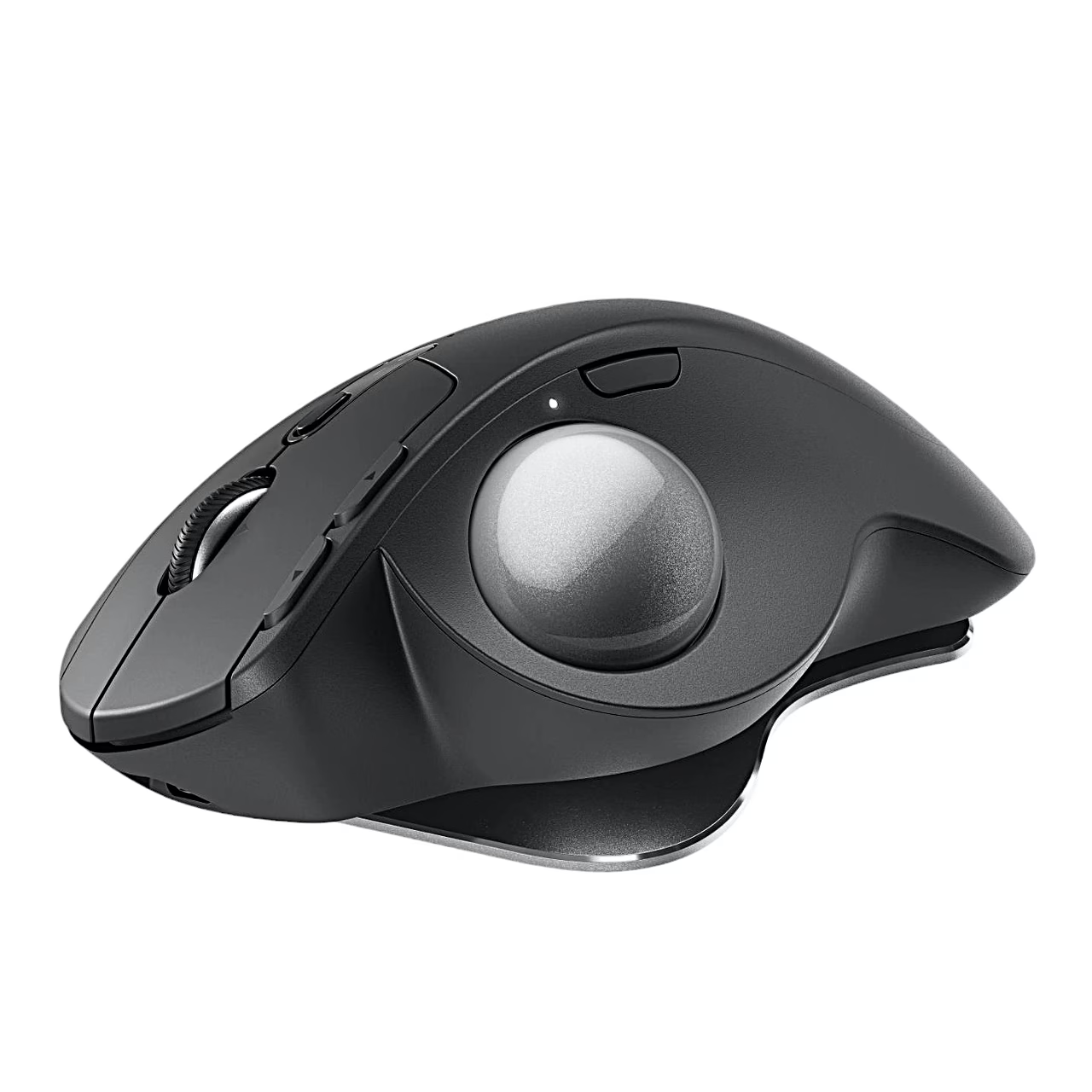
Trackball mouse with two connection options and an adjustable angle
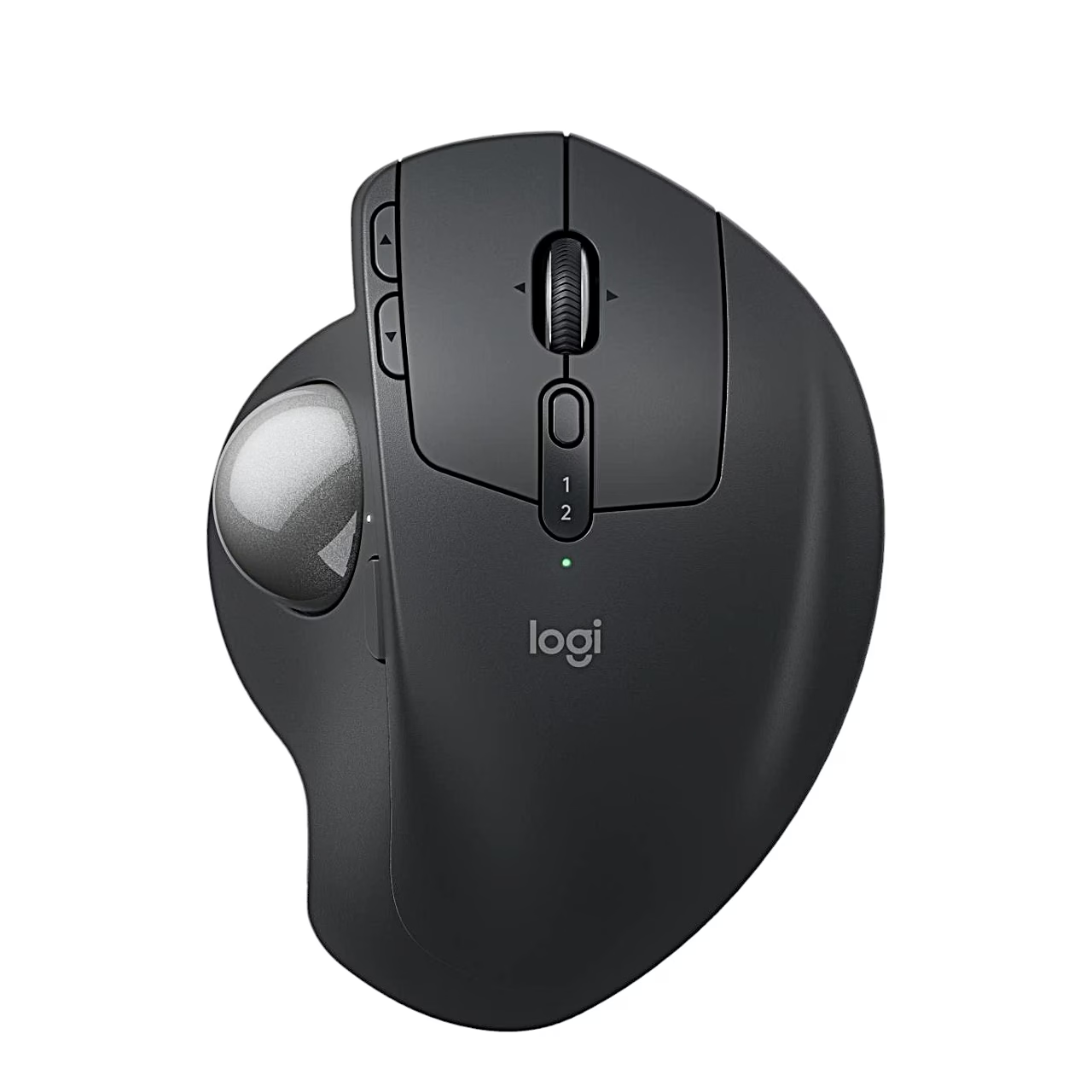
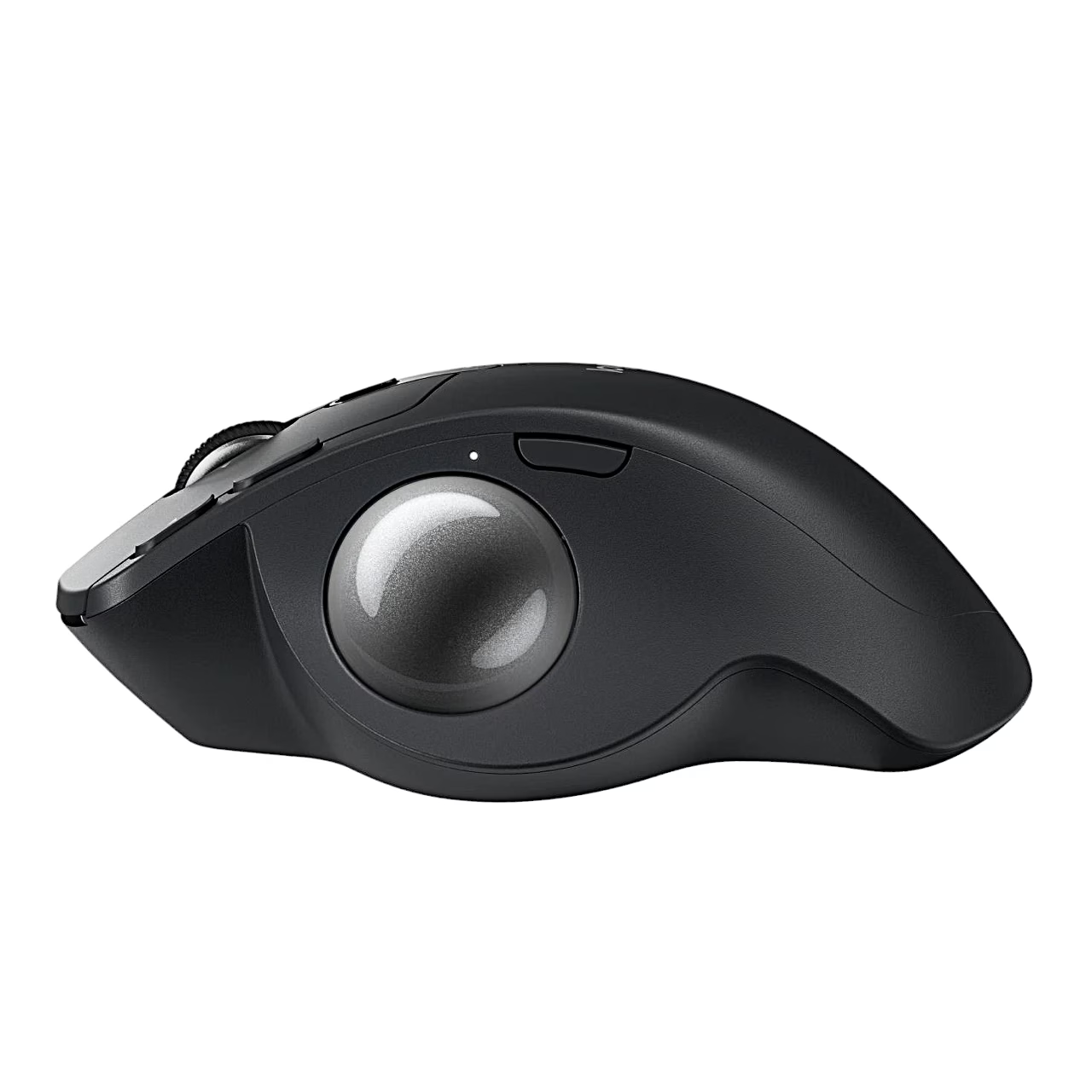
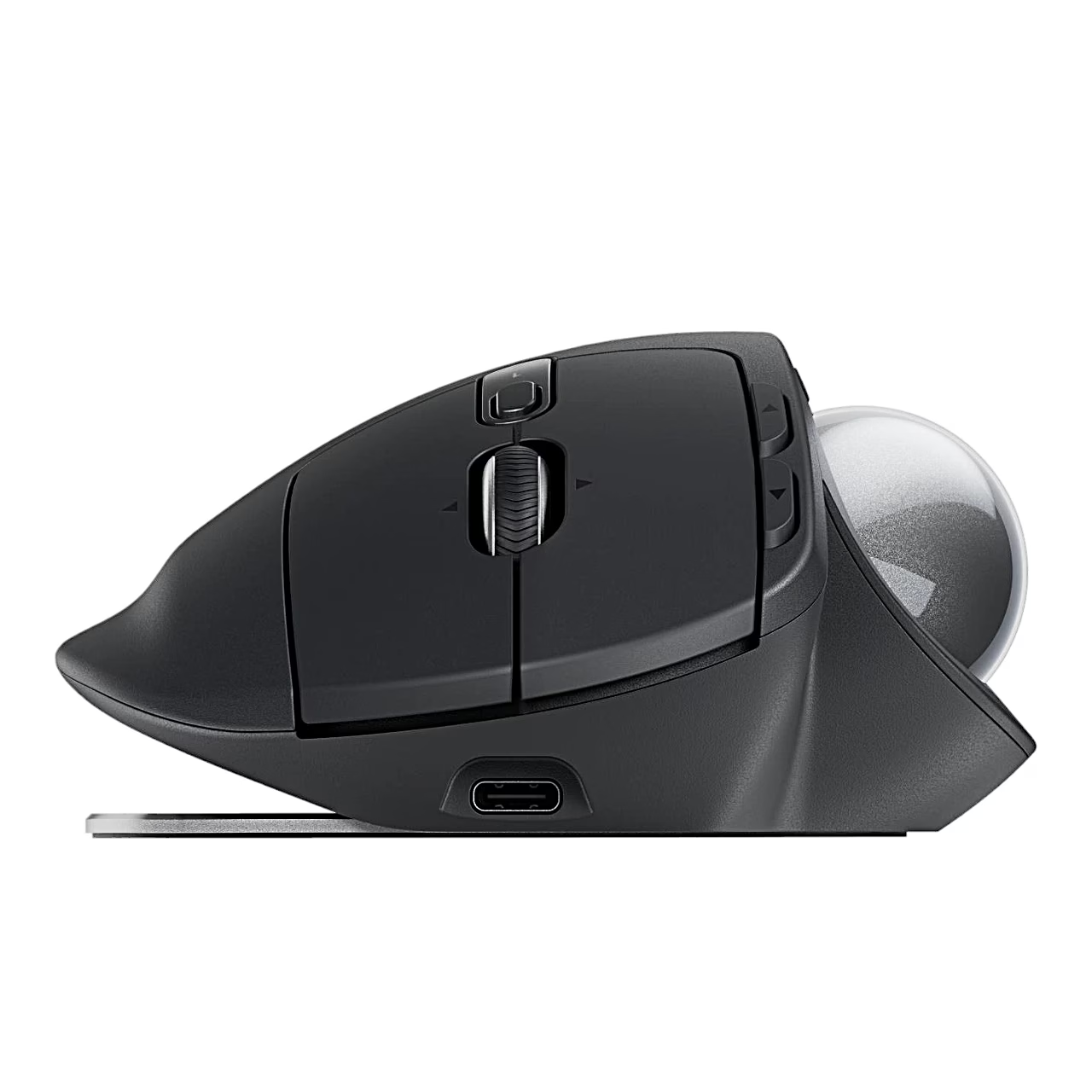
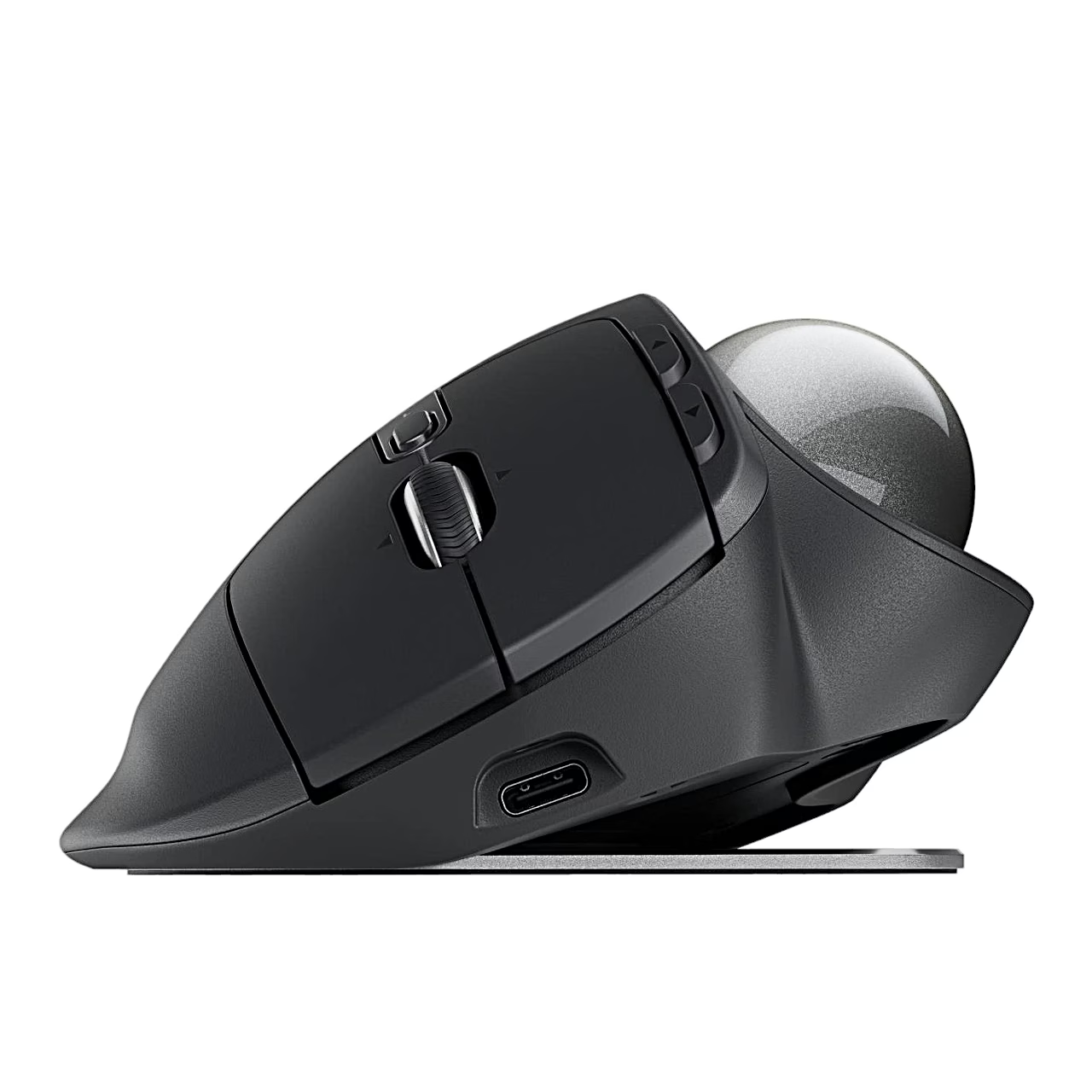
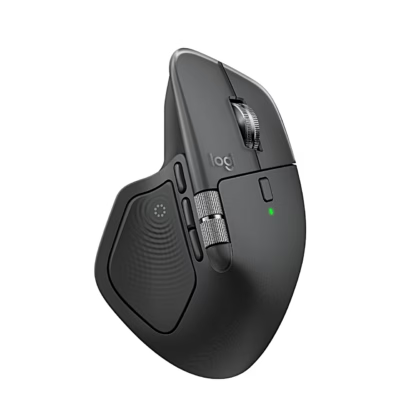
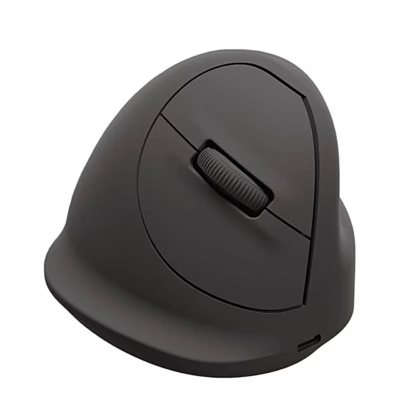
The Logitech MX Ergo S wireless trackball mouse connects to your computer via Bluetooth or the Logi Bolt receiver. You move the cursor by rolling the trackball, and the base plate lets you change the mouse angle. The right-handed mouse has 8 buttons, 6 of them programmable, and an optical sensor with a resolution of 2048 DPI.
Computer mouse switches between two devices with Easy-Switch
The two-channel Easy-Switch button lets you switch between two paired devices with one press. Logitech Flow lets you copy and paste text, images and files between computers. The precision tilt scroll wheel also scrolls sideways and works as a middle click, and the mouse has back and forward buttons. The DPI button changes cursor speed and accuracy with one press, and an LED lights up in precision mode.
Rechargeable battery and USB-C charging
The built-in 500 mAh lithium battery lasts up to four months on a full charge, and a one-minute quick charge gives a full day of use. You charge it through the USB-C port; a full charge takes 2 hours at 2.5 W.
Connecting via Bluetooth or Logi Bolt
- Turn the mouse on with the switch on its underside.
- To connect via Bluetooth, hold the Easy-Switch button below the scroll wheel for three seconds until the LED blinks fast, then complete pairing in your computer’s Bluetooth settings.
- To connect via the receiver, plug the Logi Bolt receiver into a USB port on your computer.
- To customise the mouse, download the Logi Options+ app from logi.com/optionsplus.
In the box
- Mouse Logitech MX Ergo S, 1 pc
- Logi Bolt USB receiver
- User guide



















































Reviews
There are no reviews yet.