

Description
Motherboard for AM4 processors and DDR4 memory
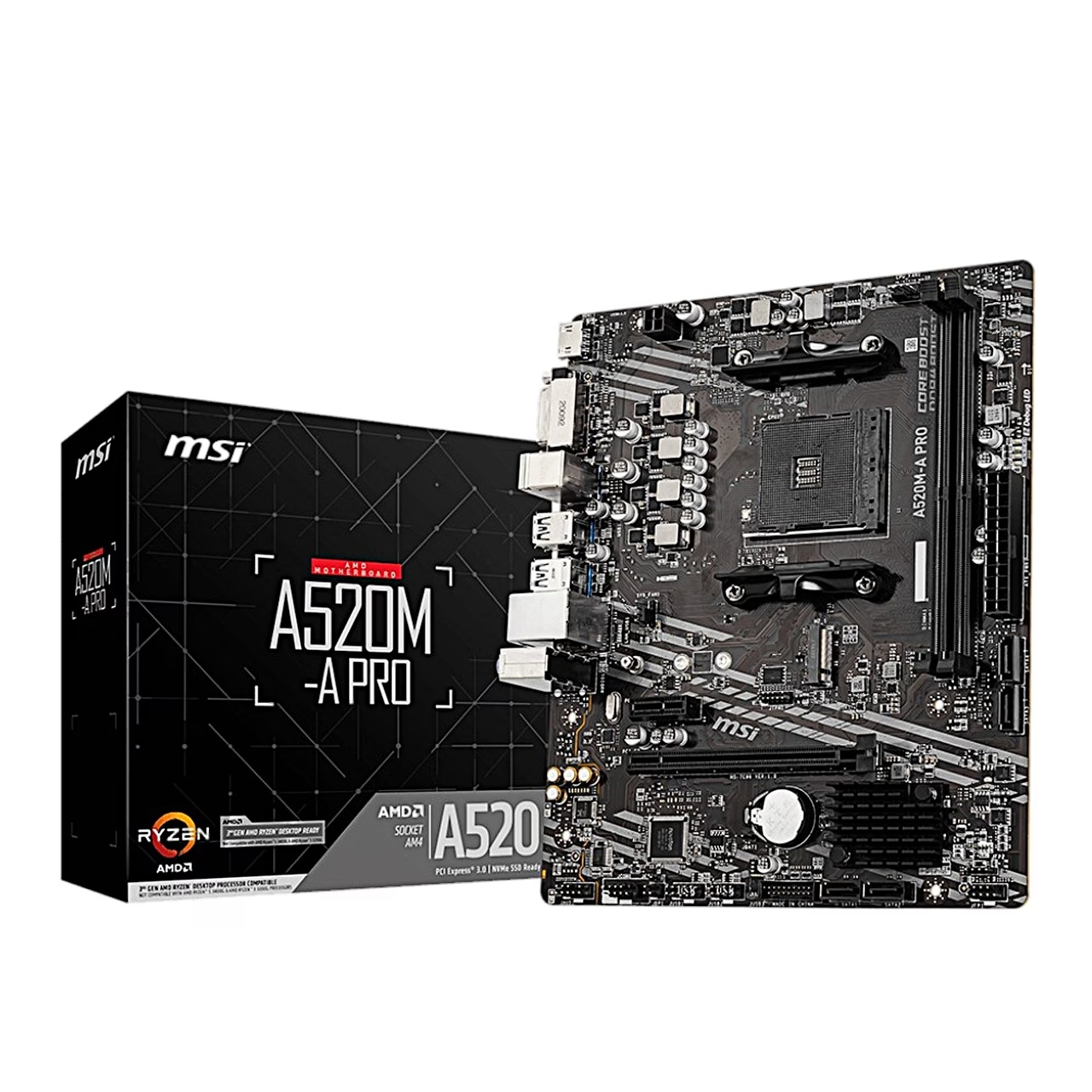
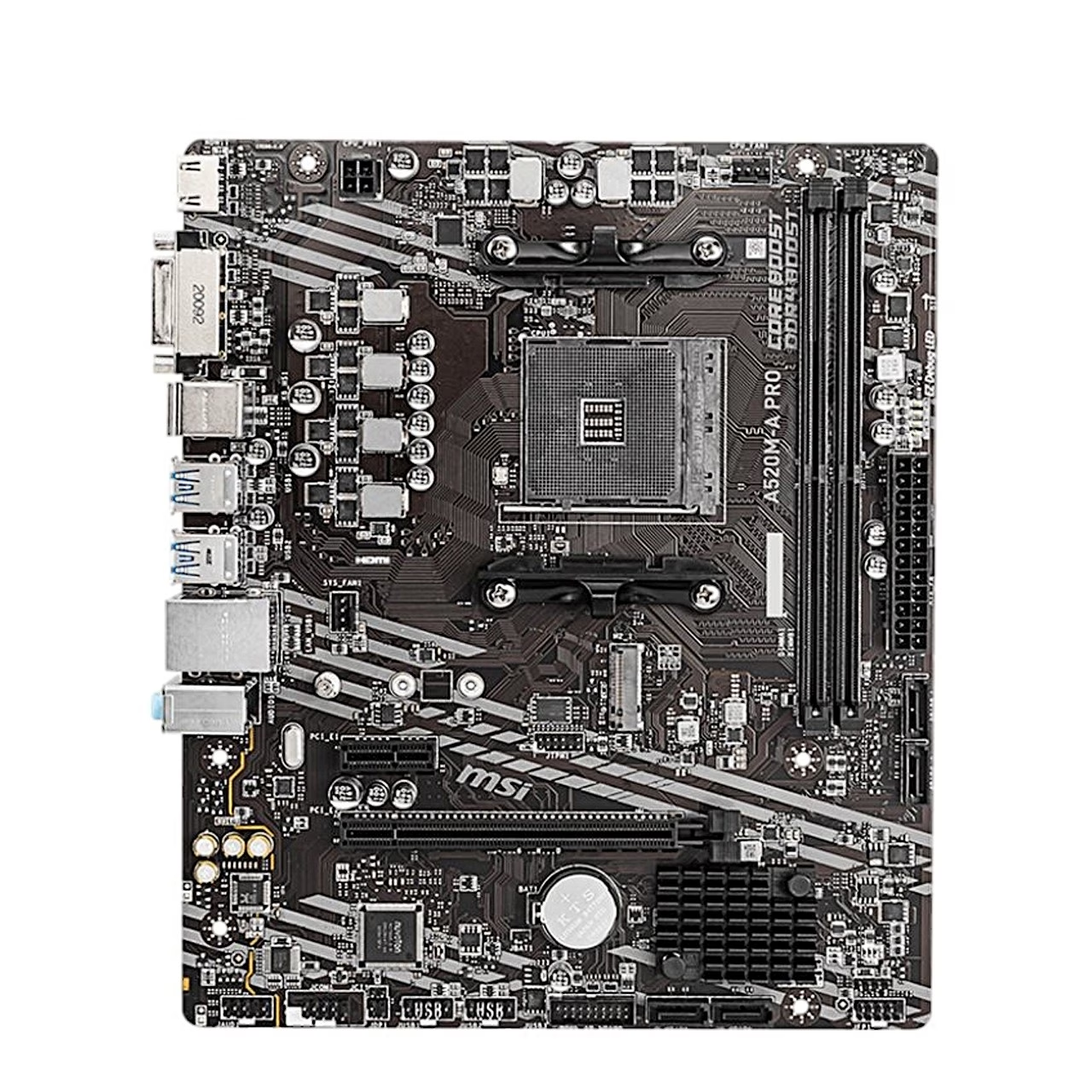
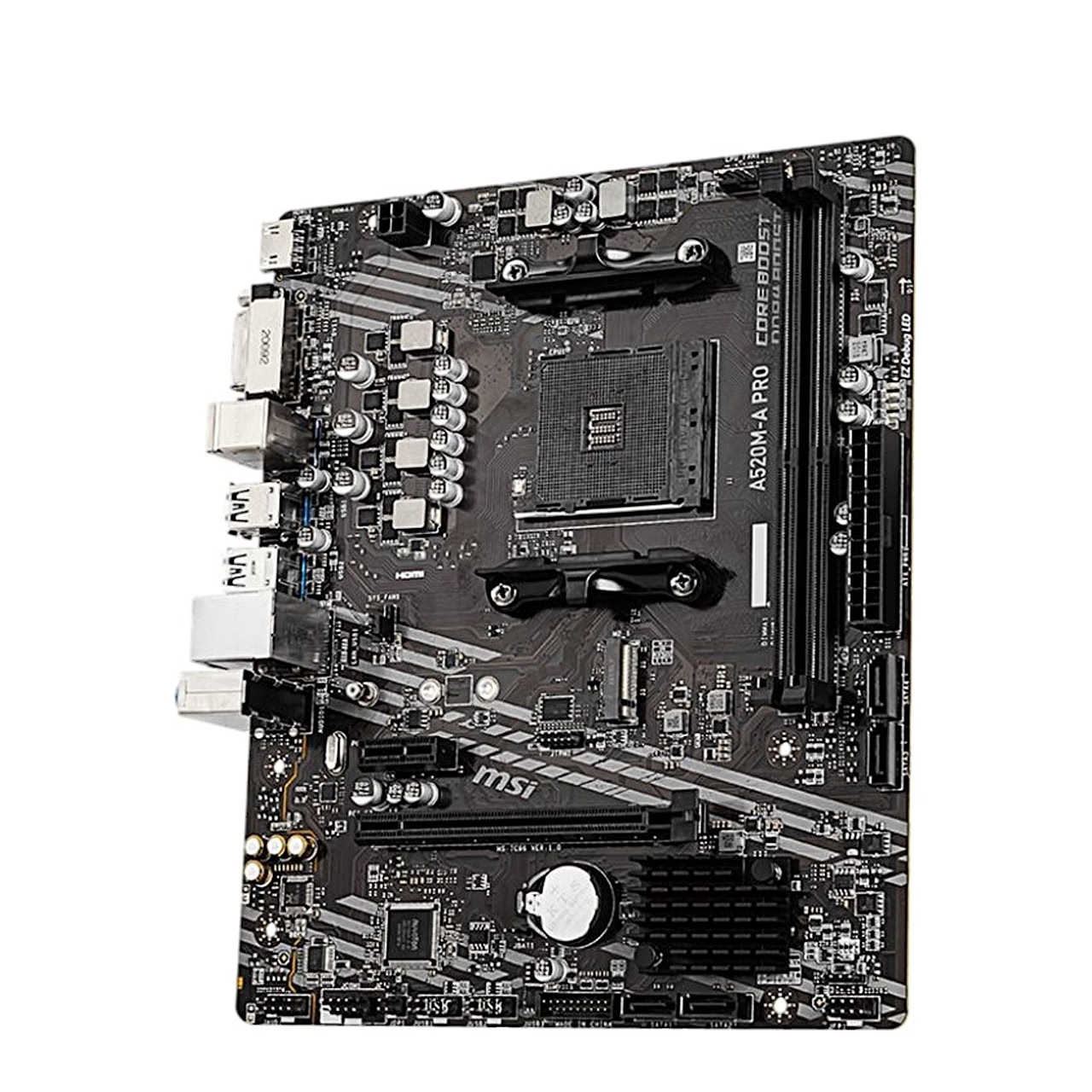
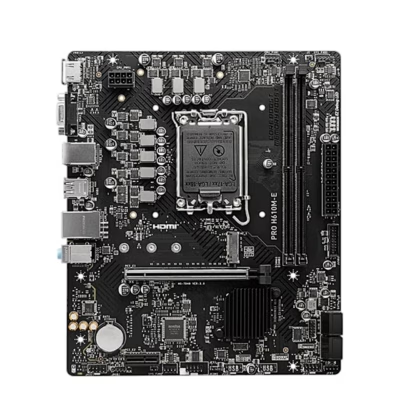
This micro ATX motherboard measures 23.6 × 20 cm and is built on the AMD A520 chipset. The AM4 socket supports AMD Ryzen 5000, 4000 G and 3000 series processors, including the 5000 G and 3000 G models. The two DIMM slots run in dual channel, and with A-XMP overclocking the highest DDR4 memory speed is 4600 MHz.
Expansion and storage slots
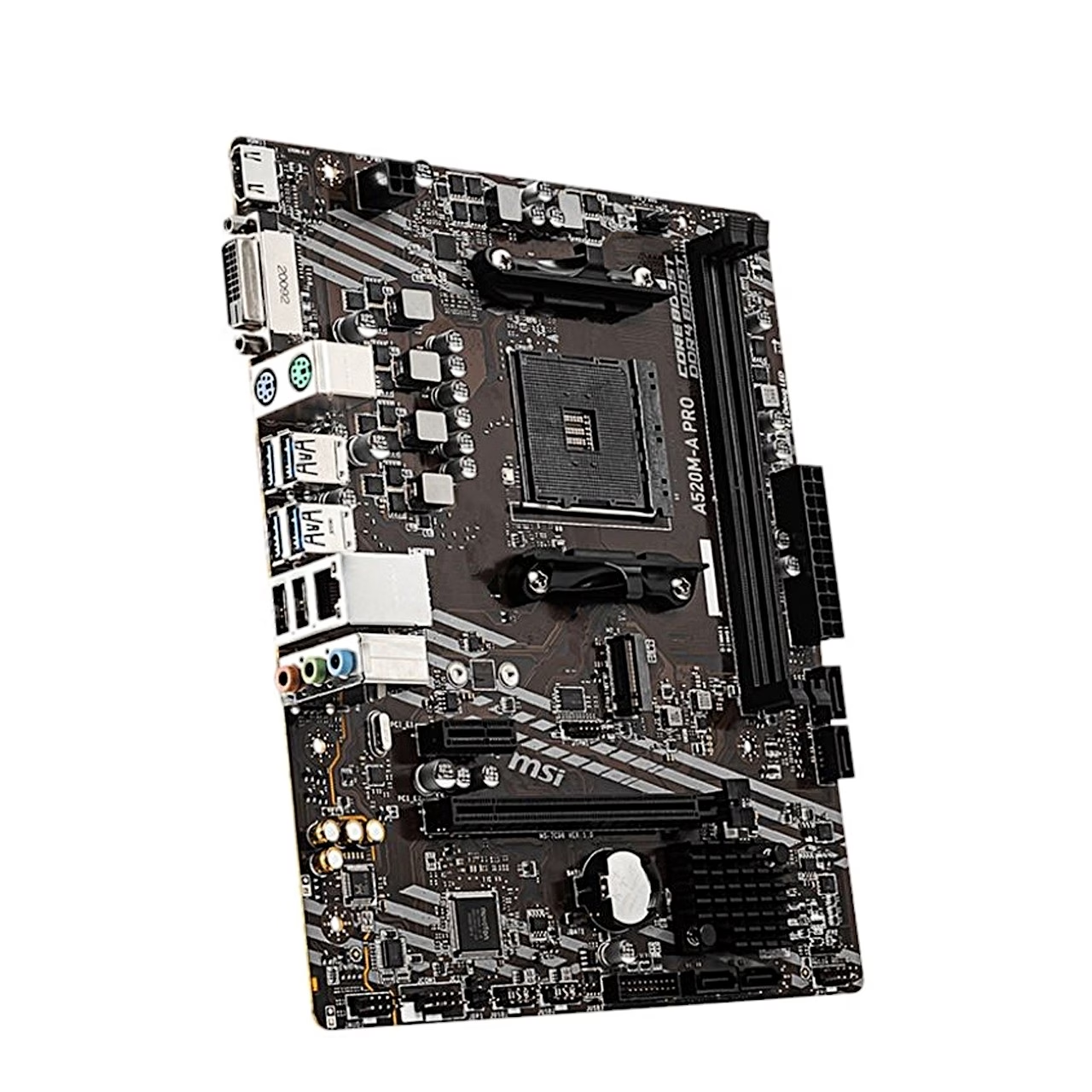
There is one PCIe 3.0 x16 slot for a graphics card and one PCIe 3.0 x1 slot for an add-in card. The M.2 slot takes 2242, 2260 and 2280 length SSDs. For hard drives and SATA SSDs the board has four SATA 6 Gb/s ports.
Ports, network and audio
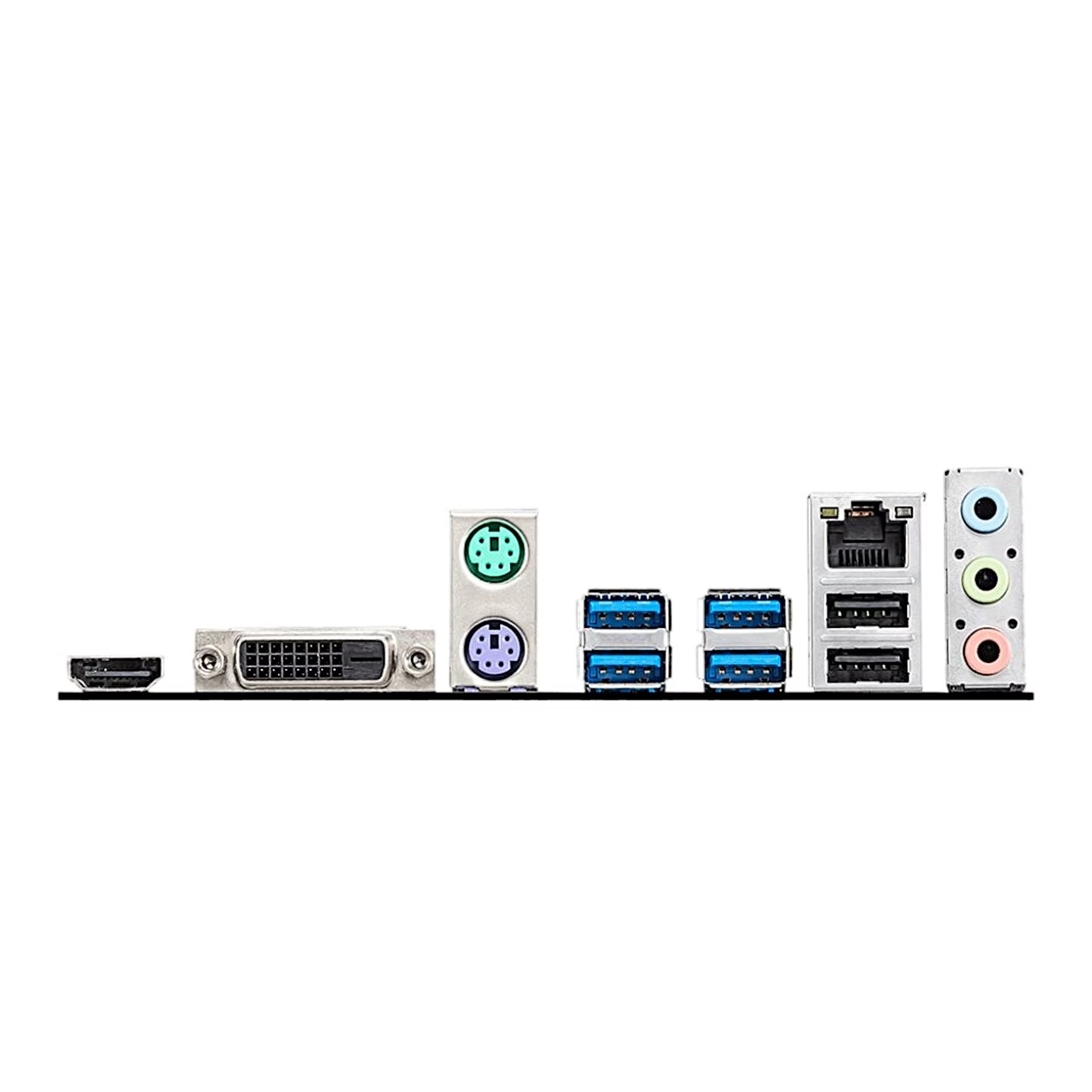
The rear panel has four USB 3.2 Gen 1 (5 Gb/s) and two USB 2.0 Type-A ports, PS/2 keyboard and mouse ports, HDMI and DVI-D outputs and three audio jacks. With integrated graphics the HDMI 2.1 port shows up to 4096 × 2160 at 60 Hz. A Realtek RTL8111H 1 Gbit/s controller handles the network and a Realtek ALC892 codec the 7.1-channel audio. Headers for the case front panel serve two USB 3.2 Gen 1 and four USB 2.0 ports.
Installation
Lift the socket lever, place the processor in the socket and apply an even layer of thermal paste before fitting the cooler. Insert the M.2 SSD at a 30° angle, press it down and fix it with the supplied M.2 screw. Power connects through the 24-pin ATX connector and the 4-pin 12 V CPU power connector. If the computer does not start, the EZ Debug LEDs show whether the processor, memory, graphics card or boot device is the cause.
BIOS and setup
Press Delete during start-up to enter the BIOS and F11 for the boot menu. You install a new BIOS version from a USB flash drive with the M-FLASH function. Restore the defaults with F6 in the BIOS or with the JBAT1 jumper on the board. Both 4-pin fan headers run in PWM mode, and their speed can be changed in the BIOS under Hardware Monitor.
In the box
- MSI A520M-A PRO motherboard
- M.2 screw








































Reviews
There are no reviews yet.