

Description
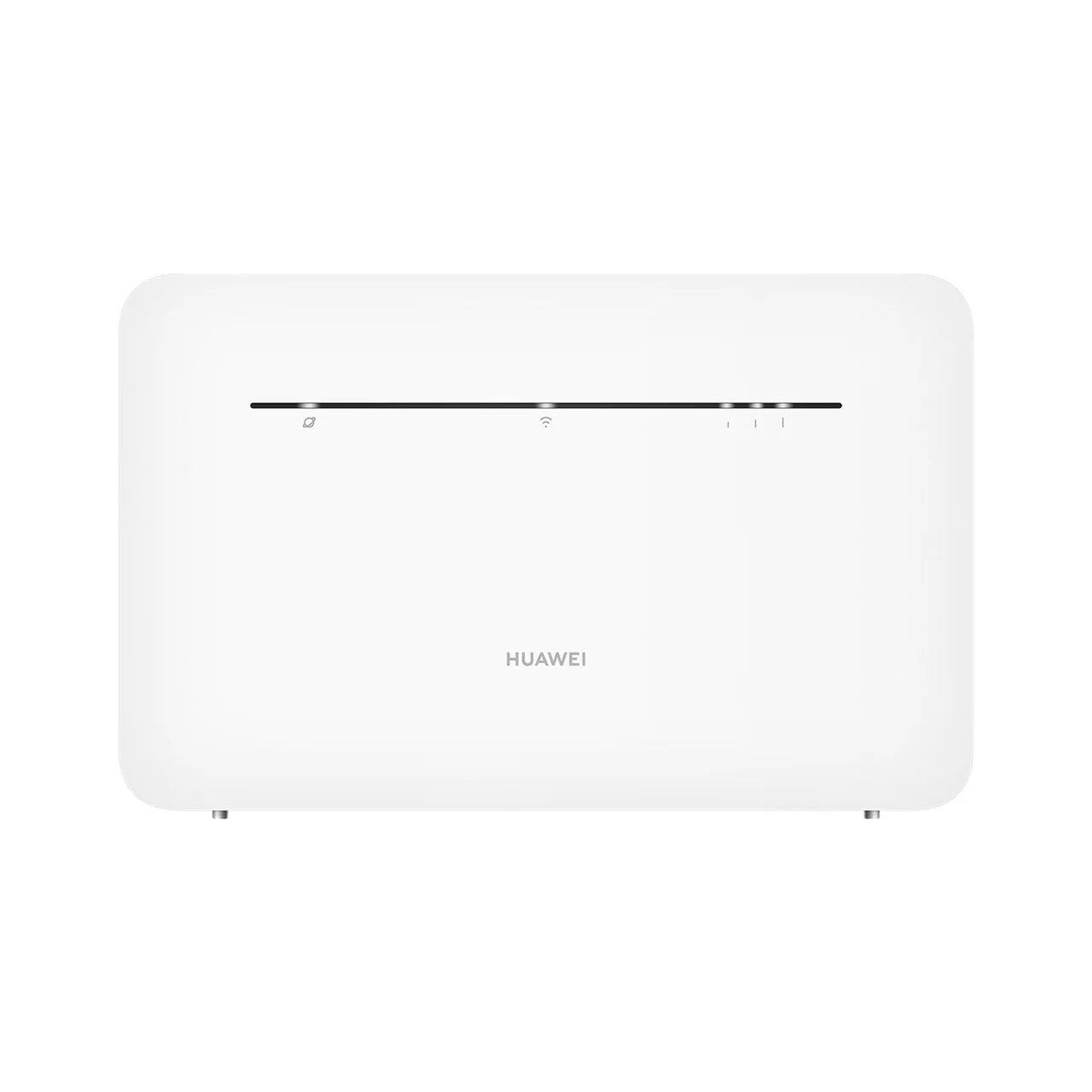
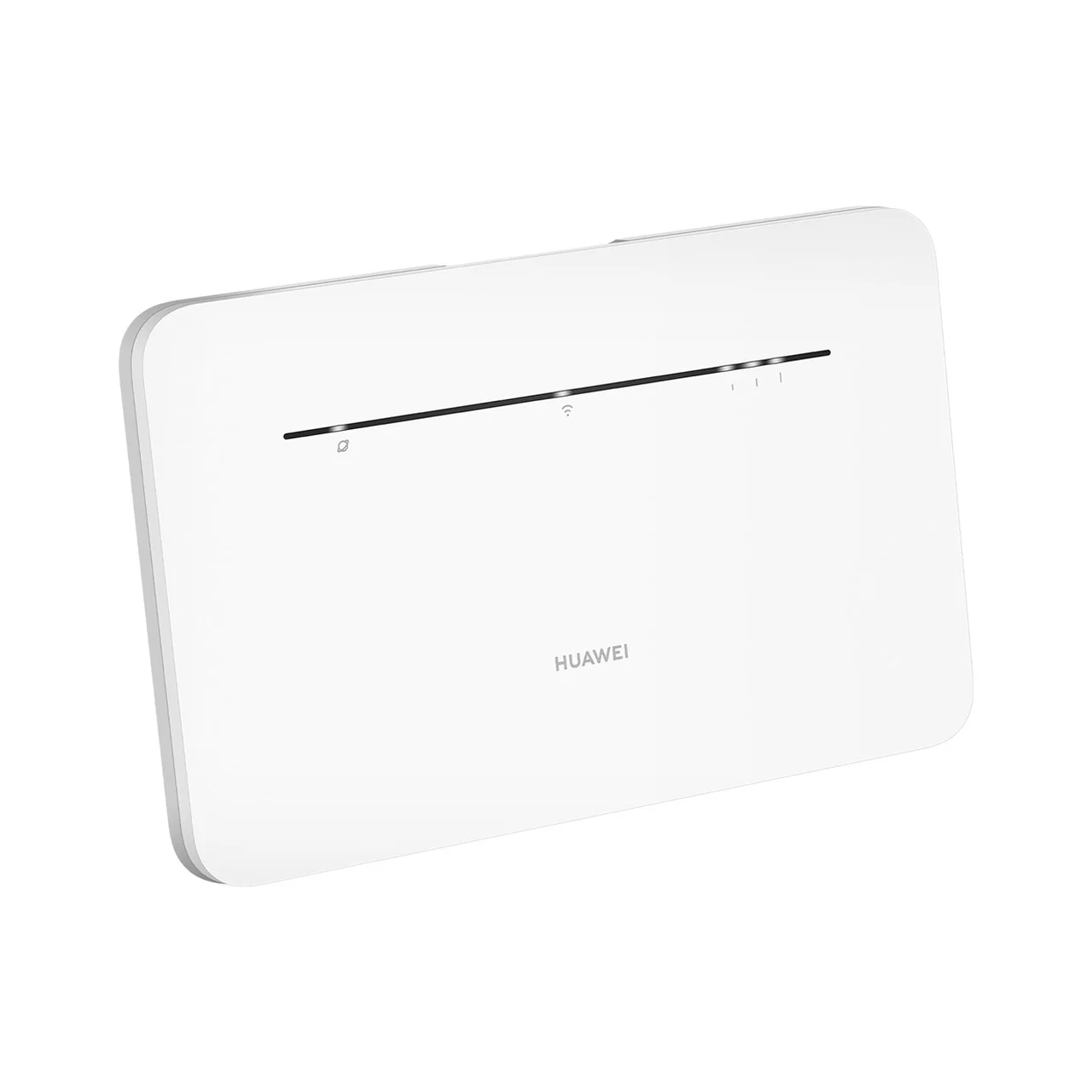
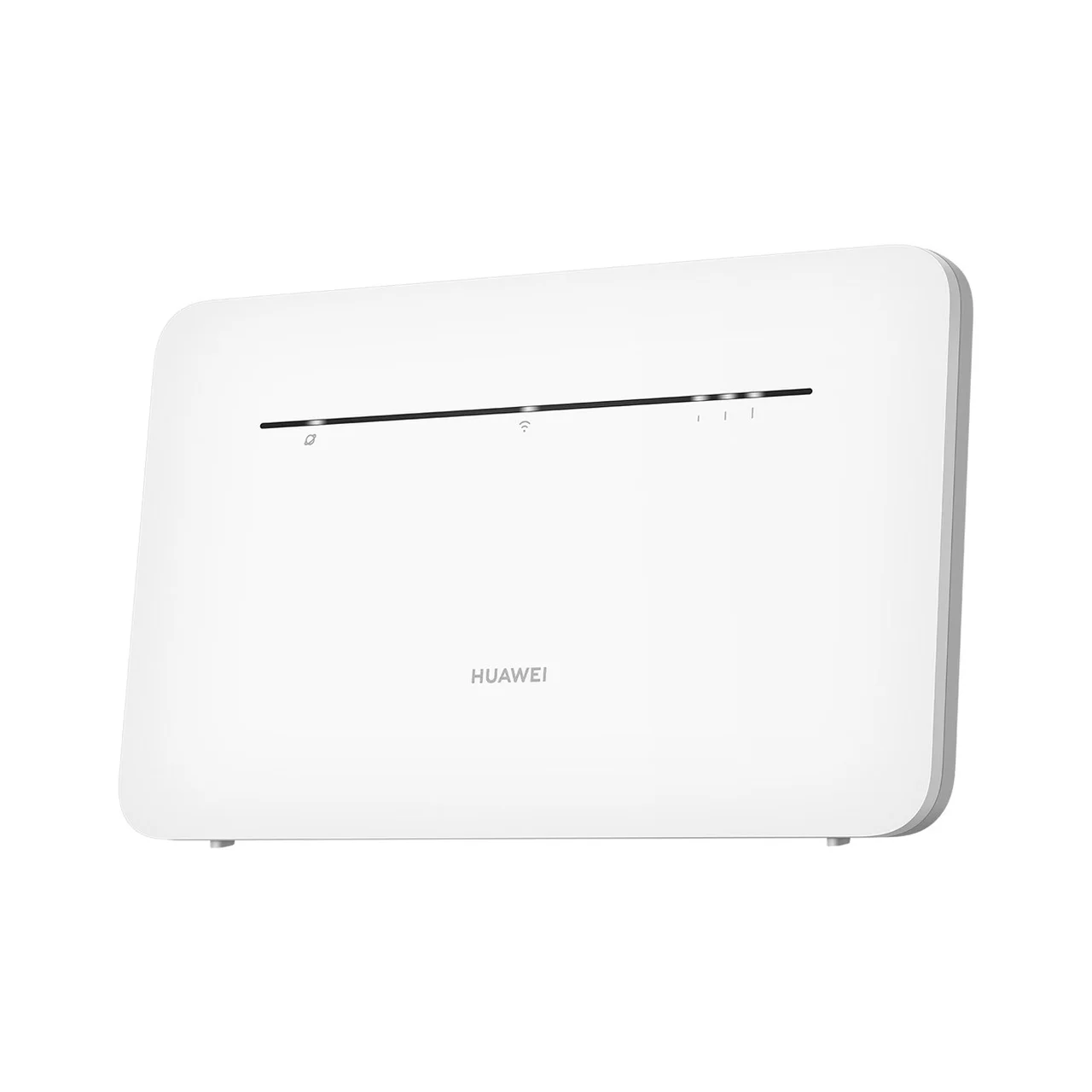
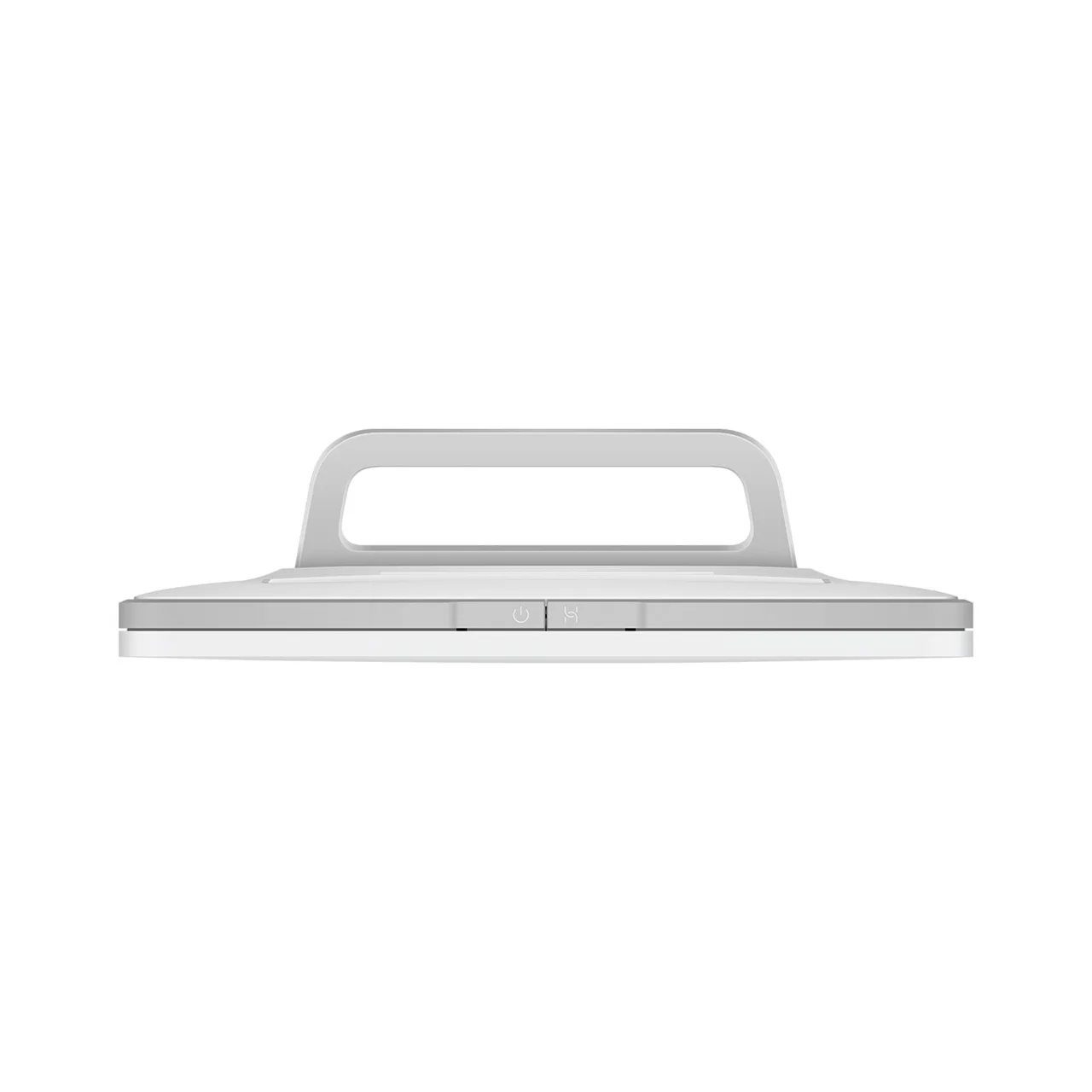
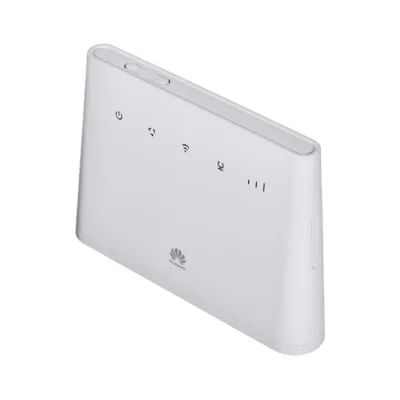
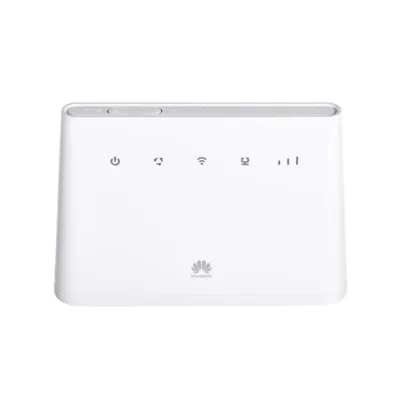
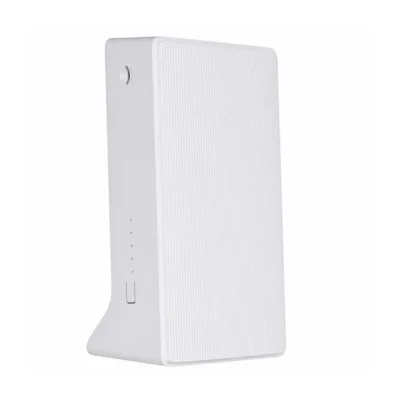
Huawei B535-235a white 4G LTE dual-band router with SIM card
The Huawei B535-235a is a capable desktop router that combines a 4G LTE internet connection, fast dual-band Wi-Fi and versatile security and networking features. This router is ideal for the home or a small office where a stable and fast network coverage of up to 867 Mbit/s data transfer speed is needed, along with the option to connect both wired and wireless devices. Thanks to the built-in NanoSIM slot, you can use mobile internet in places where there is no traditional cable connection. The router’s functions, setup and everyday use are made simple for both ordinary and first-time users.
Main features
- Dual-band Wi-Fi: 2.4 GHz up to 400 Mbit/s and 5 GHz up to 867 Mbit/s
- 4G LTE support, LTE Cat 7 standard (NanoSIM card slot)
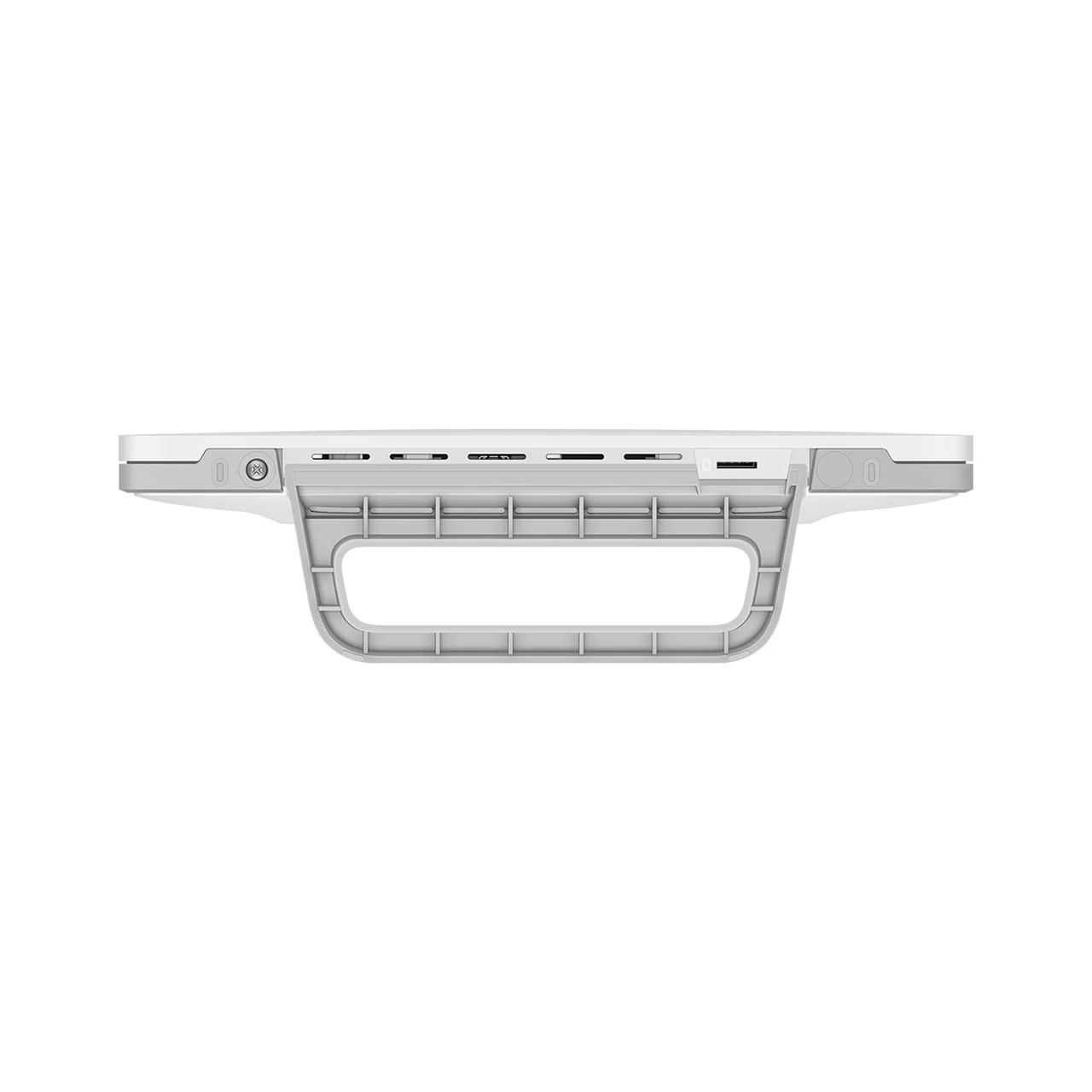
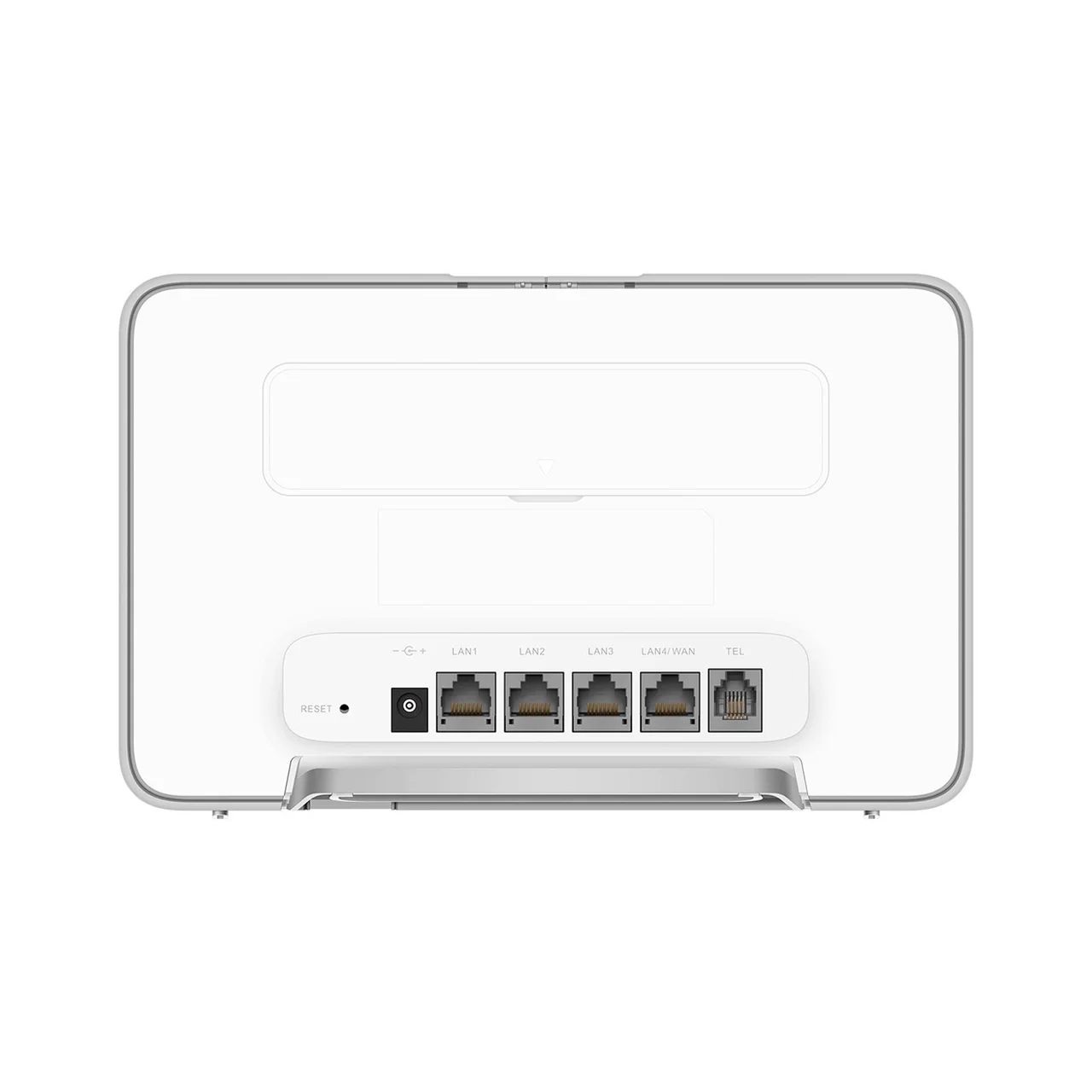
- Up to four wired devices at the same time (4 x RJ-45 LAN), telephone port (RJ-11) for VoIP
- Modern Wi-Fi standards: Wi-Fi 4 (802.11n), Wi-Fi 5 (802.11ac)
- Built-in strong security system (WPA3-SAE, WPA2-PSK, firewall, DDoS protection, MAC address filtering)
- Web-based management, quick setup with the quick guide
- MIMO and 2×2 data streams for higher performance
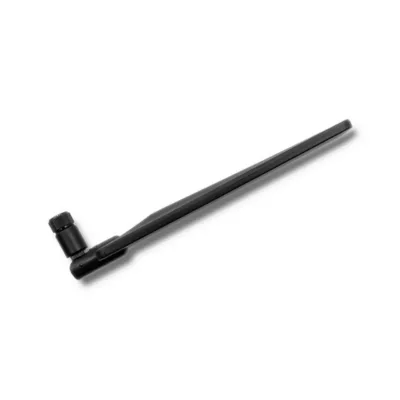
- Can use either internal or external antennas (SMA type connectors)
- Includes LAN (RJ-45) and telephone (RJ-11) cable, power adapter and quick guide
Technical data
- Model: Huawei B535-235a (EAN: 6941487262335)
- Flash memory: 256 MB, internal memory: 256 MB
- Dimensions: 240 x 220 x 60 mm
- Weight: 645 g (total product weight, router itself 330 g)
- Colour: white
- Power consumption: 24 W (power adapter 12 V, 2 A; AC input 100–240 V, 50–60 Hz)
- Operating temperature: 0 to 40 °C; storage temperature: –20 to 70 °C
- Ethernet LAN ports: 4 pcs, WAN connection support, DC power connector
- Antenna design: internal, with the option of external antennas (SMA connectors)
- Security algorithms: WPA2-PSK, WPA3-SAE, WPA2-AES, WPA-TKIP, WPA2-TKIP, WPA-PSK, WEP, WPA-AES
- IPv6/IPv4 support, NAT, DMZ, DDNS, SSID-based VLAN assignment
- Reset button, web-based management interface, Mac OS and Windows compatibility
- SIM card type: NanoSIM, 4G LTE mobile network (SMS support)
Usage instructions
Place the Huawei B535-235a router in an open location to ensure maximum Wi-Fi coverage and a stable connection to several devices. Insert the NanoSIM card, connect the included power adapter and, if necessary, the internet or telephone cable. Initial setup is possible directly in a web browser or through the Huawei AI Life mobile app: quickly configure the necessary network settings, choose a secure password and check for software updates. The router is easy to maintain: remove dust from the surfaces of the casing and make sure the ventilation openings are clear. If necessary, you can connect external antennas for better mobile signal reception. All the main controls are accessible through the web interface or the mobile app. The functional firewall and DDoS protection ensure a secure experience within the network, and the additional features meet the needs of more demanding users too.









































Reviews
There are no reviews yet.