

Description
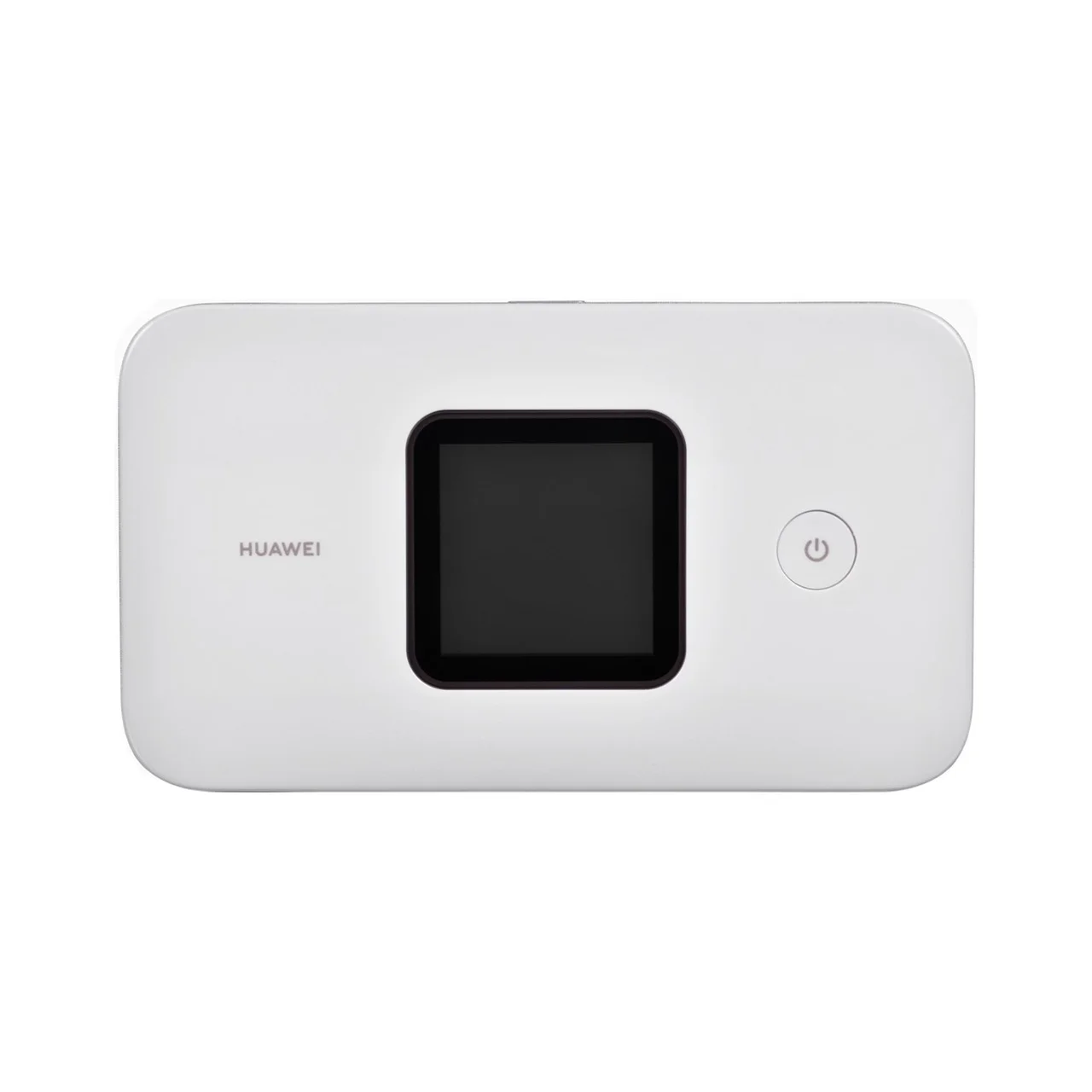
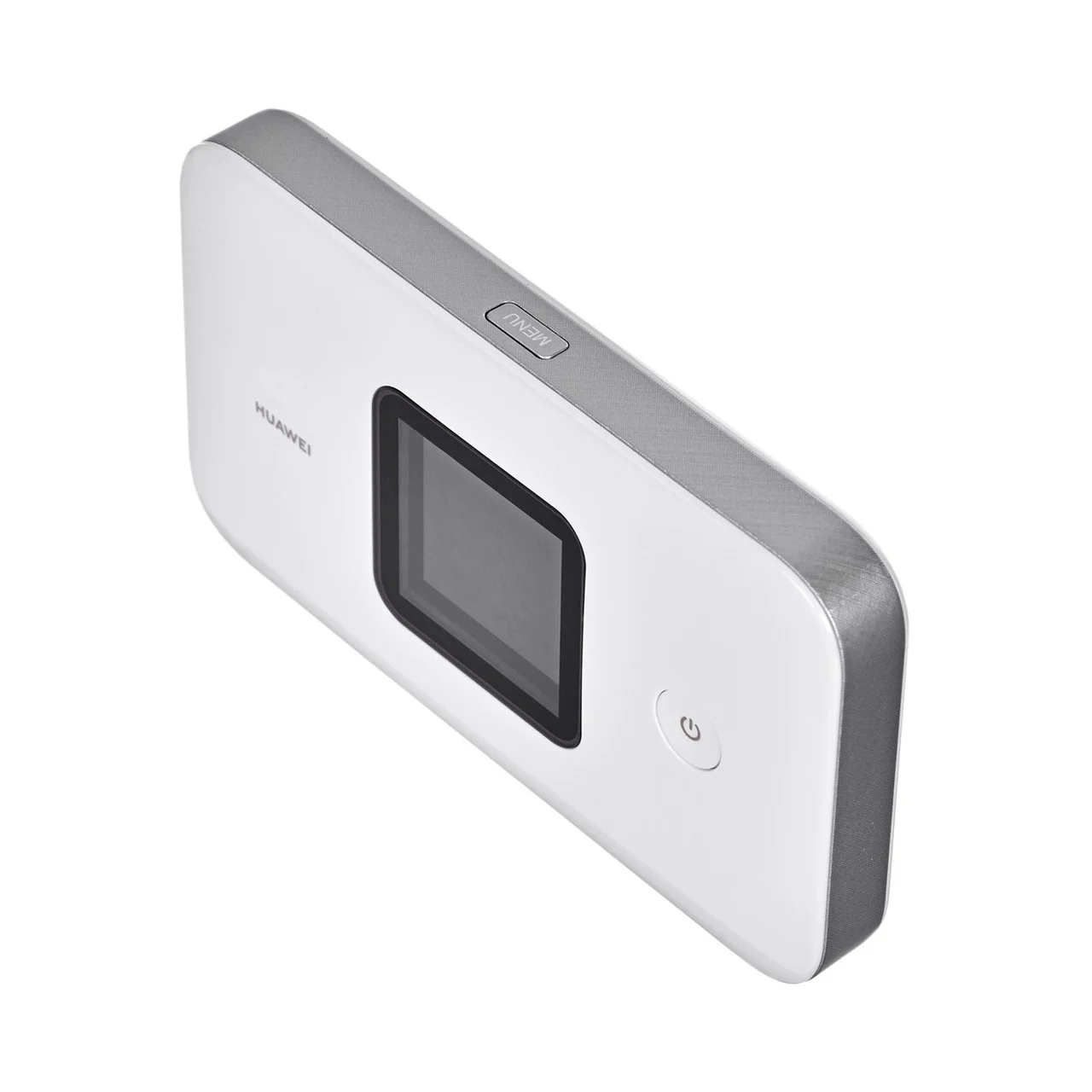
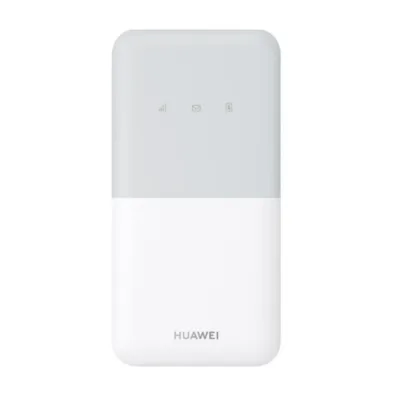
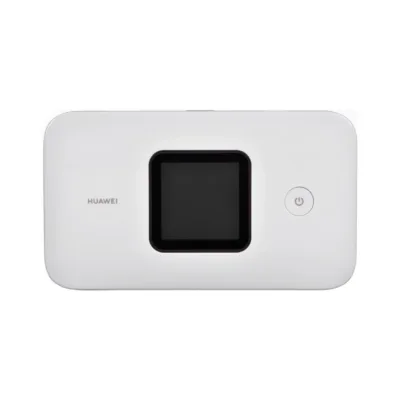
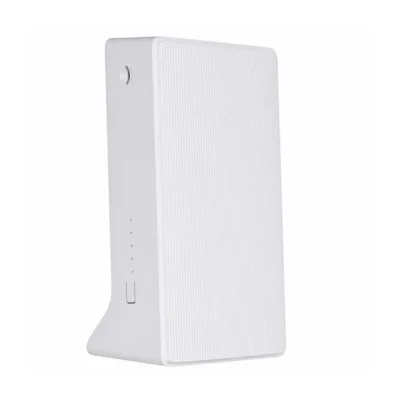
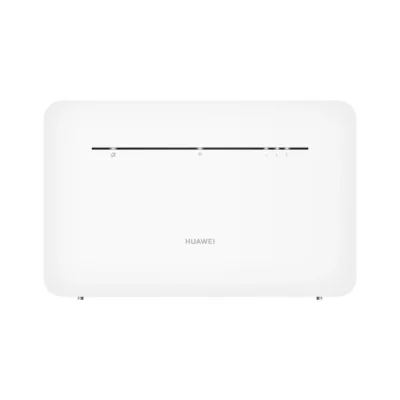
White 4G portable router Huawei E5785-320a with built-in display
Huawei E5785-320a is a compact and modern 4G LTE portable router, suitable for active people, families or smaller teams who need a fast and stable internet connection on the move. The built-in display, capable battery and support for the latest Wi-Fi standards ensure a convenient and reliable connection anywhere. The white colour is neutral and minimalist, fitting into any environment.
Main features
- 4G LTE support – fast mobile internet on the LTE network
- Supports the Wi-Fi 5 (802.11ac) standard and a dual-band network (2.4 GHz and 5 GHz)
- Built-in 1.45-inch LCD display for monitoring the connection, data usage and battery level
- Compact and portable design, weighing just 127 g
- Battery life of up to 6–12 hours on a single charge (depending on use)
- Allows up to 32 Wi-Fi devices to be connected at the same time
- Internal antenna – no protruding parts
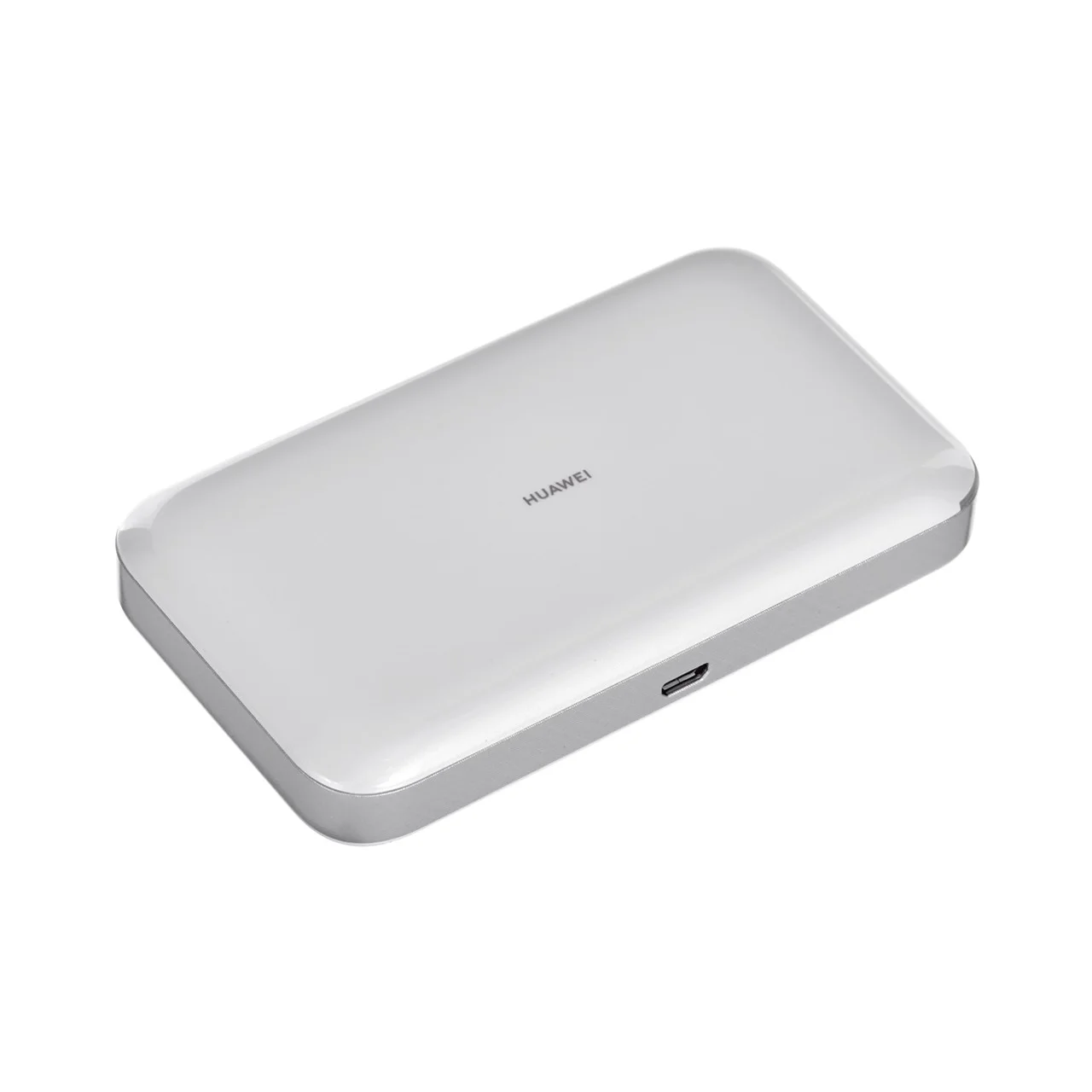
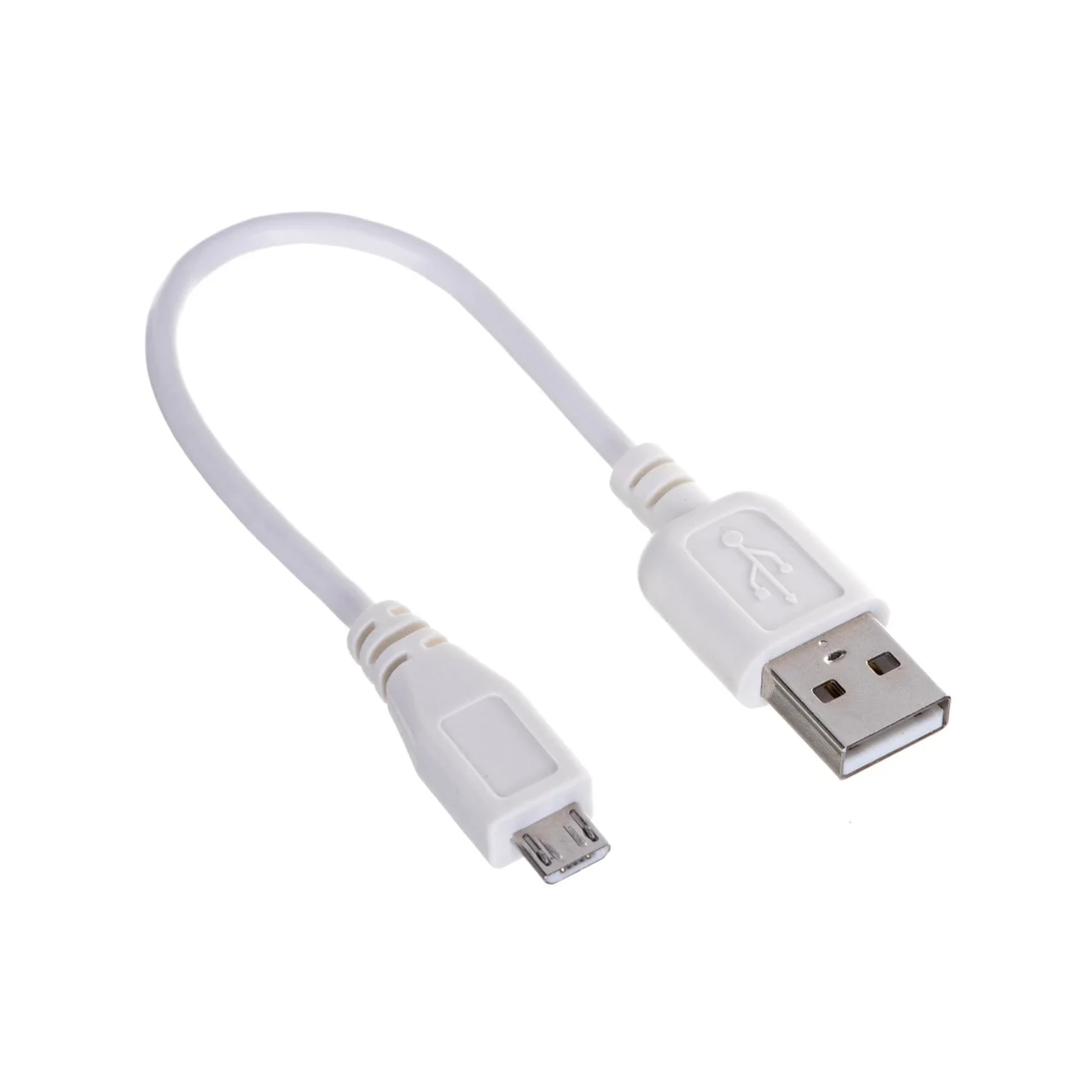
- Micro-USB charging port
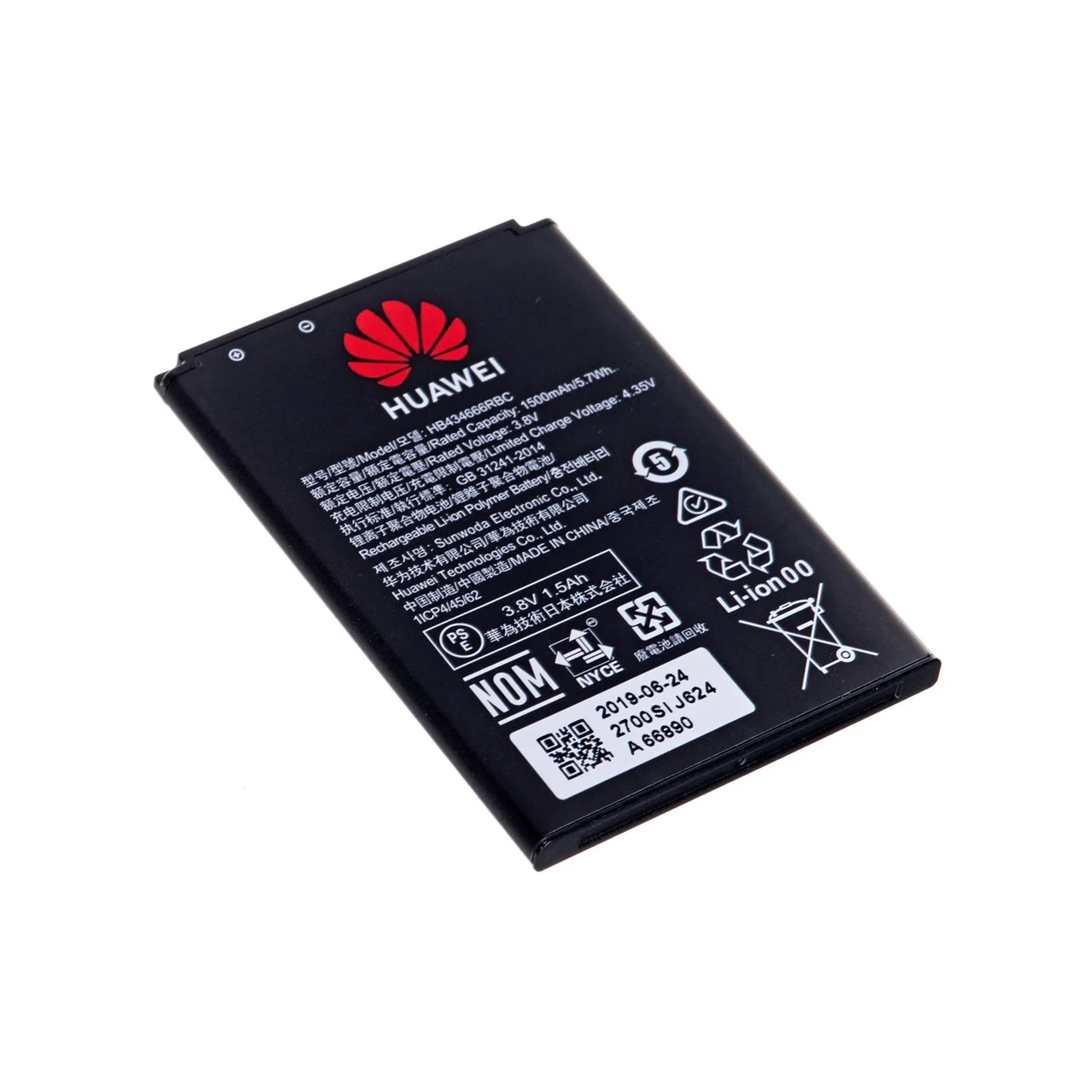
- Replaceable 1500 mAh lithium-ion battery
- SIM card slot – works with SIM cards from all major operators
- Supports the standards: IEEE 802.11a/b/g/n/ac
Technical data
- Dimensions: 108 mm × 62 mm × 17.3 mm
- Weight: 127 g (230 g with packaging)
- Colour: white
- Display: built-in LCD
- Battery: 1500 mAh replaceable lithium-ion
- Network standards: IEEE 802.11b, 802.11g, 802.11n (Wi-Fi 4), 802.11a, 802.11ac (Wi-Fi 5)
- Frequency bands: 2.4 GHz and 5 GHz (dual-band)
- SIM card support: yes (Micro-SIM)
- Micro-USB port: 1
- Antenna: internal
- Maximum number of connected devices: up to 32
- EAN: 6941487256839
- Manufacturer code: E5785-320a
Instructions for use
Use is simple: insert the SIM card, switch the router on and set up the Wi-Fi connection from the display using the network name and password shown, or by using the Huawei AI Life app. The battery is removable and replaceable if needed. Use the supplied micro-USB cable to charge. The device is suitable for use while travelling, in the office or at home, and allows internet connection for laptops, tablets, phones or other devices.
To clean, use a soft dry cloth. To ensure reliable operation, it is recommended to fully charge the battery regularly and to remove it for longer storage if needed. It works with all Wi-Fi devices and requires no additional software – a “plug and play” solution.








































Reviews
There are no reviews yet.