

Description
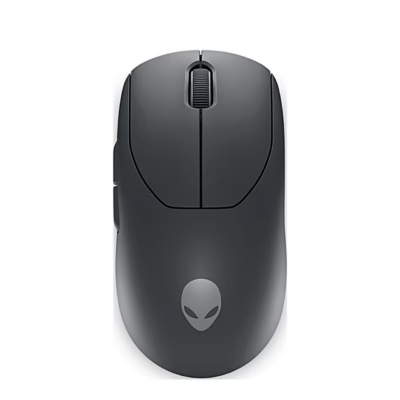
Wireless mouse for switching between several computers
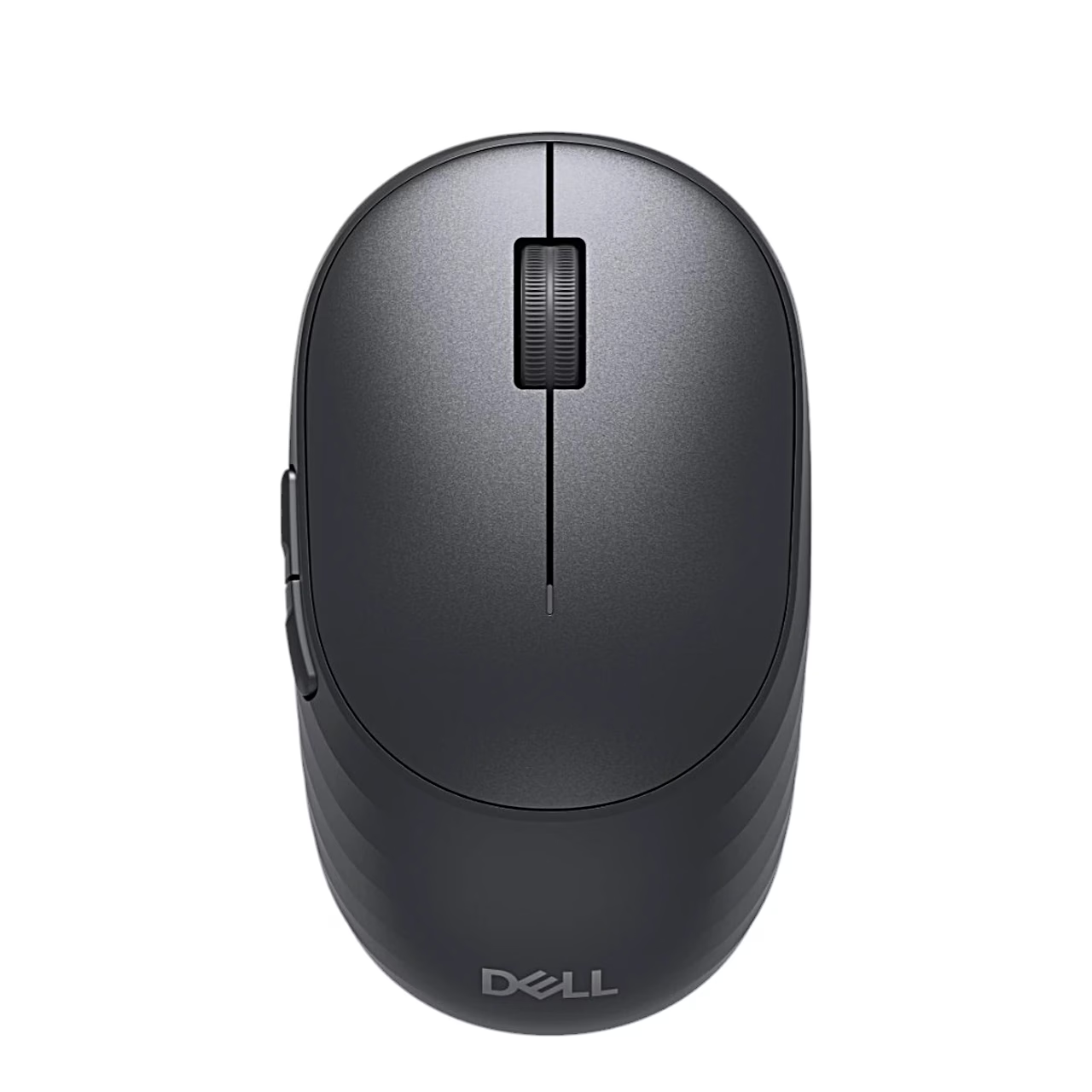
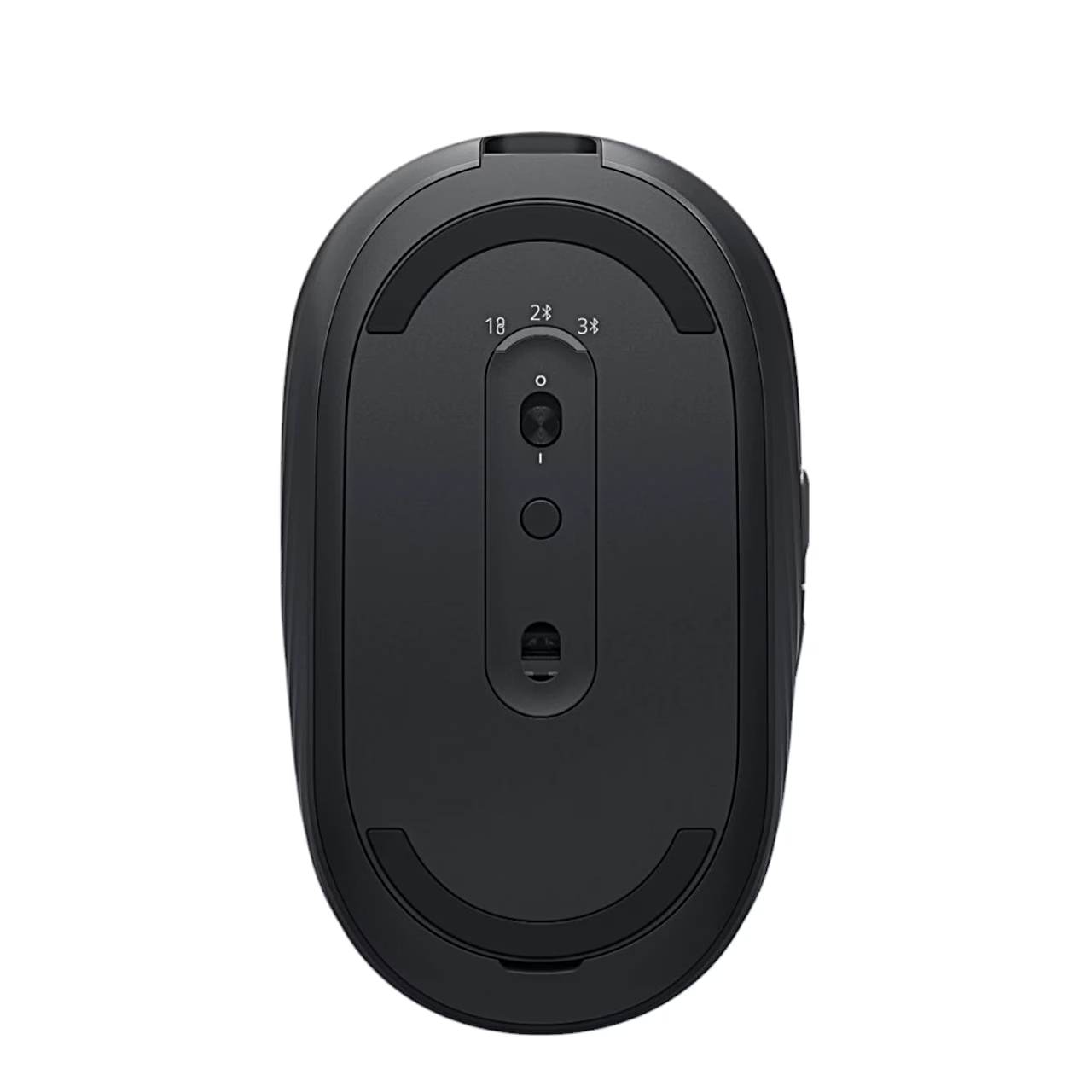
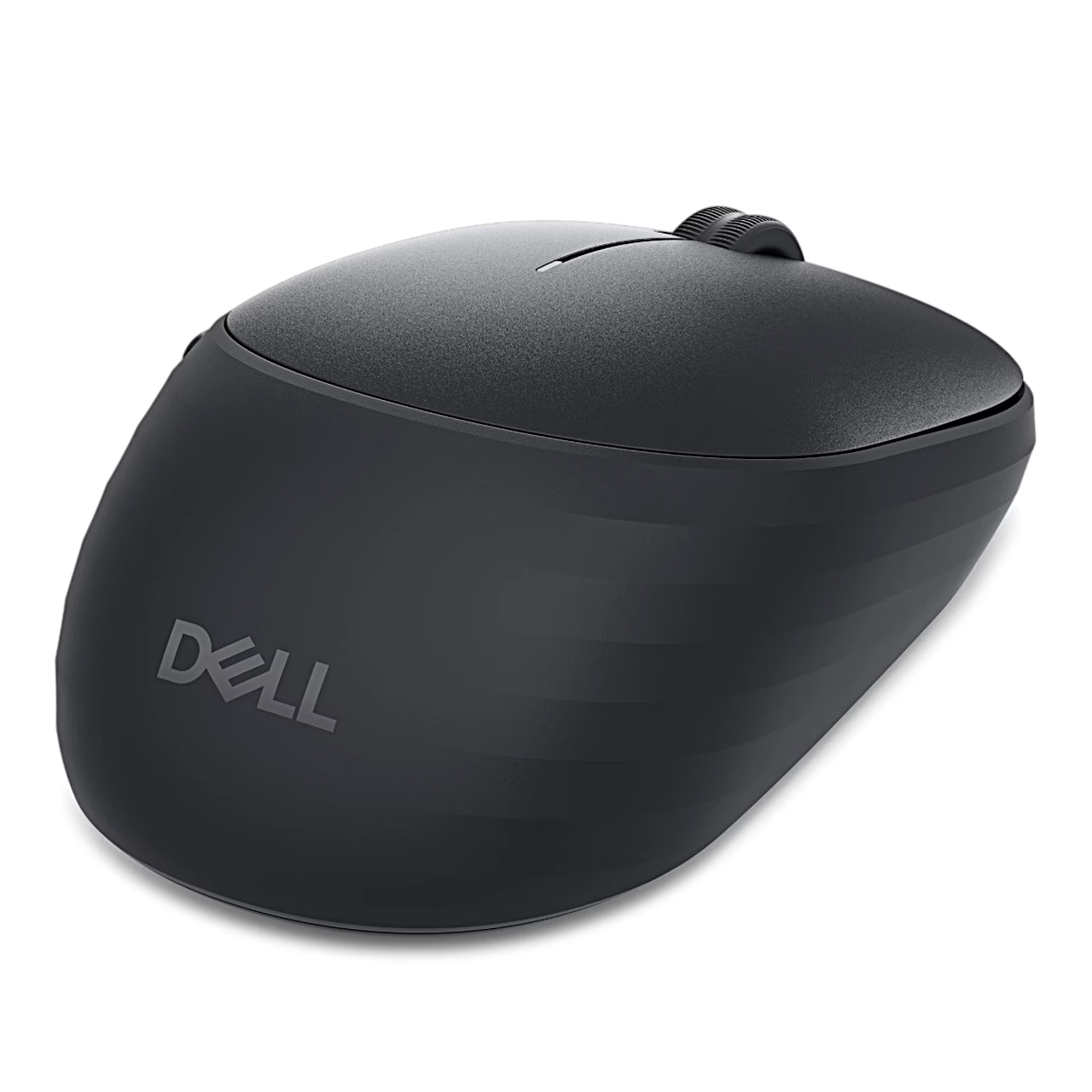
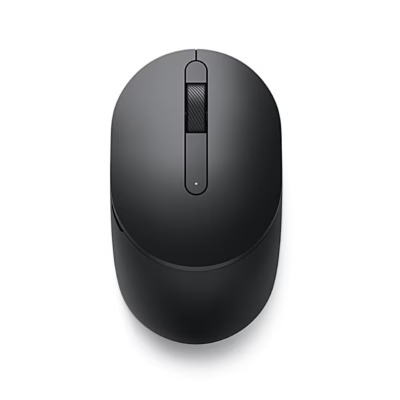
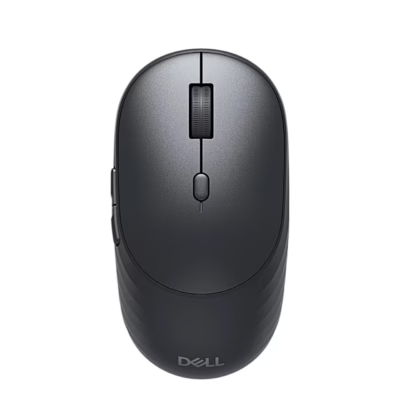
The compact Dell Pro 7 MS746 wireless mouse connects through a 2.4 GHz Dell Secure Link USB receiver or Bluetooth (BLE 6) and remembers up to three paired devices. You select the connection with the connection-mode button on the underside. If the active connection drops, Smart Connect switches the mouse to the next paired channel in the order USB receiver, first and second Bluetooth device. The symmetrical body suits either hand.
Charging and run time
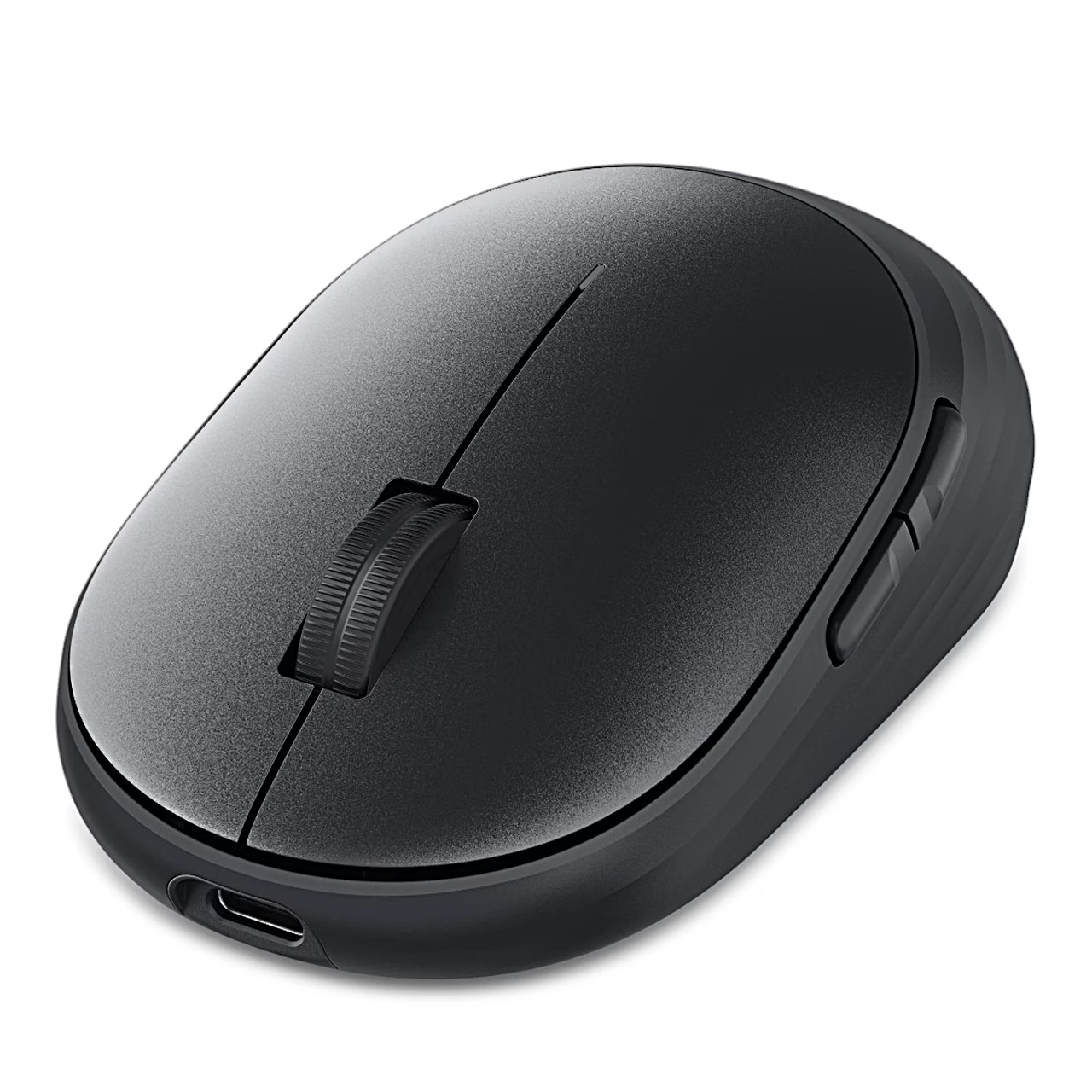
Power comes from a built-in 250 F supercapacitor. From empty, a 5–10 second charge gives one day of use. To charge, connect the supplied cable to the USB-C port on the front of the mouse and to a USB-C port on a computer or mobile device. The light on top of the mouse blinks white while charging and stays solid white for 10 seconds when fully charged. To extend the run time, switch the mouse off with the power switch when you are not using it.
Buttons and Dell Display and Peripheral Manager
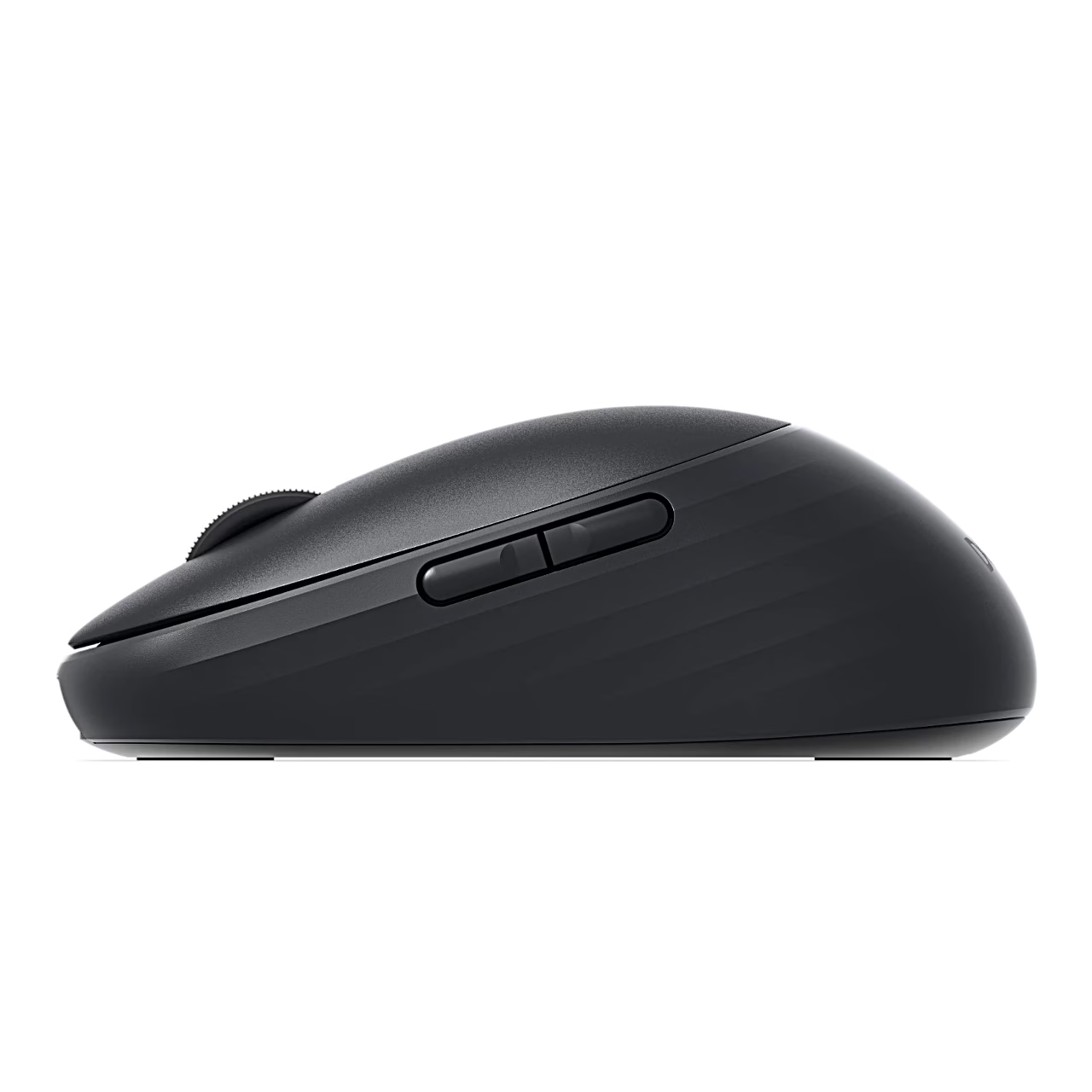
Besides the left and right buttons and the scroll wheel, there are page up and page down buttons on the left side. The optical sensor has a resolution of up to 6000 DPI. With the Dell Display and Peripheral Manager app you assign shortcuts to the programmable buttons, also per application, change the DPI value, choose the primary button and view the charge level. All app functions, firmware updates and Swift Pair work under Windows 10 and 11 (64-bit); the mouse also works with macOS, iOS, iPadOS, Android, ChromeOS and Linux.
Getting started
- Charge the mouse fully before first use.
- Open the base cover with your fingertip at the slot at the back and take the USB receiver out of its storage compartment.
- Replace the base cover and slide the power switch down.
- Plug the receiver into a USB-A port on your computer and press the connection-mode button until USB mode is selected.
- To pair a Bluetooth device, select a Bluetooth channel with the button and hold it for three seconds until the channel light blinks white.
In the box
- Dell Pro 7 MS746 mouse
- Dell Secure Link USB receiver in the storage compartment
- USB-C charging cable with a USB-C plug at both ends
- Documentation
A charger is not included.















































Reviews
There are no reviews yet.