

Description
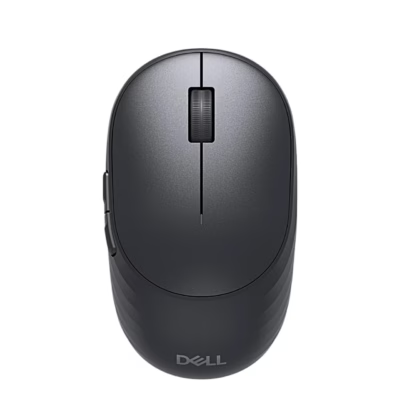
Wireless mouse for three devices with rechargeable battery
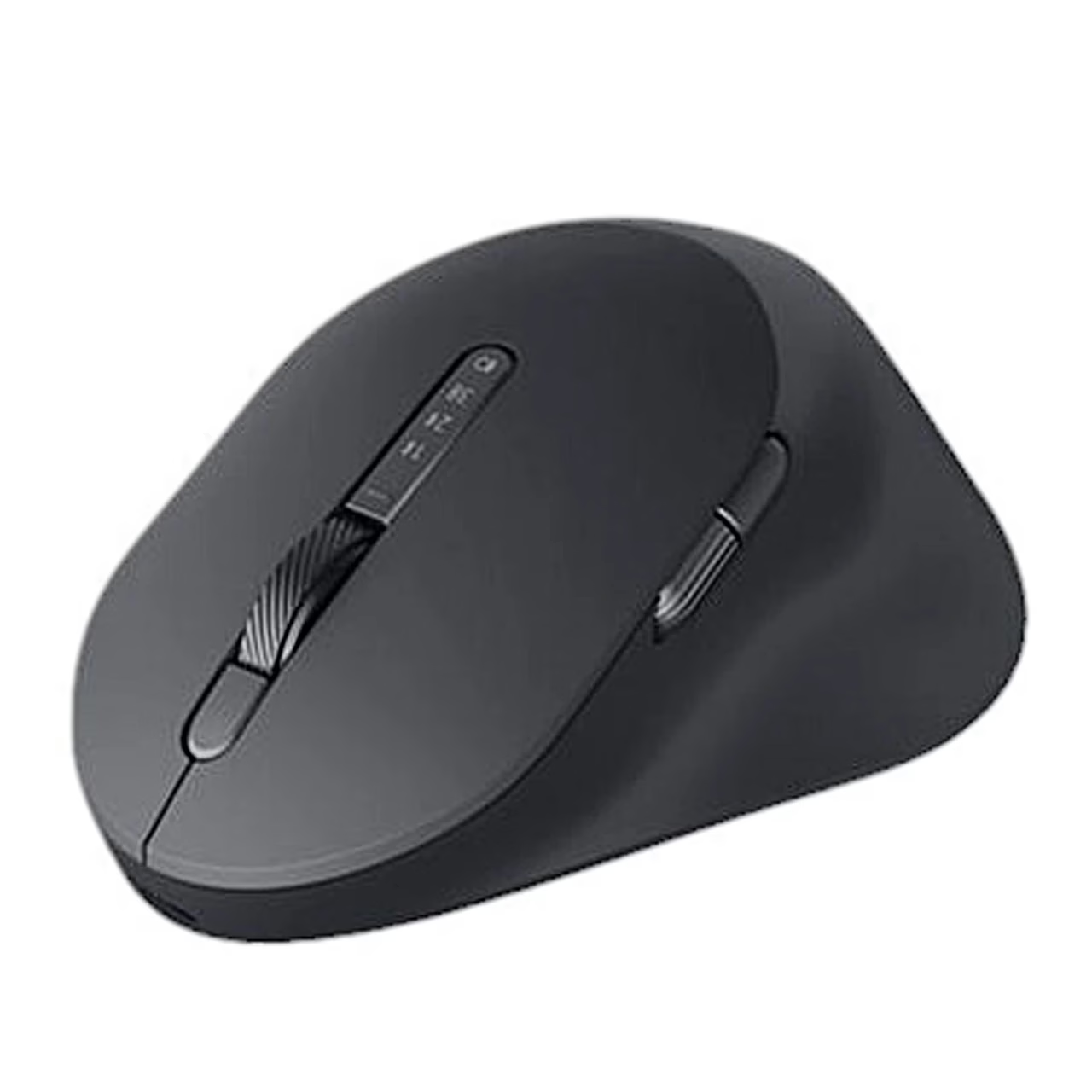
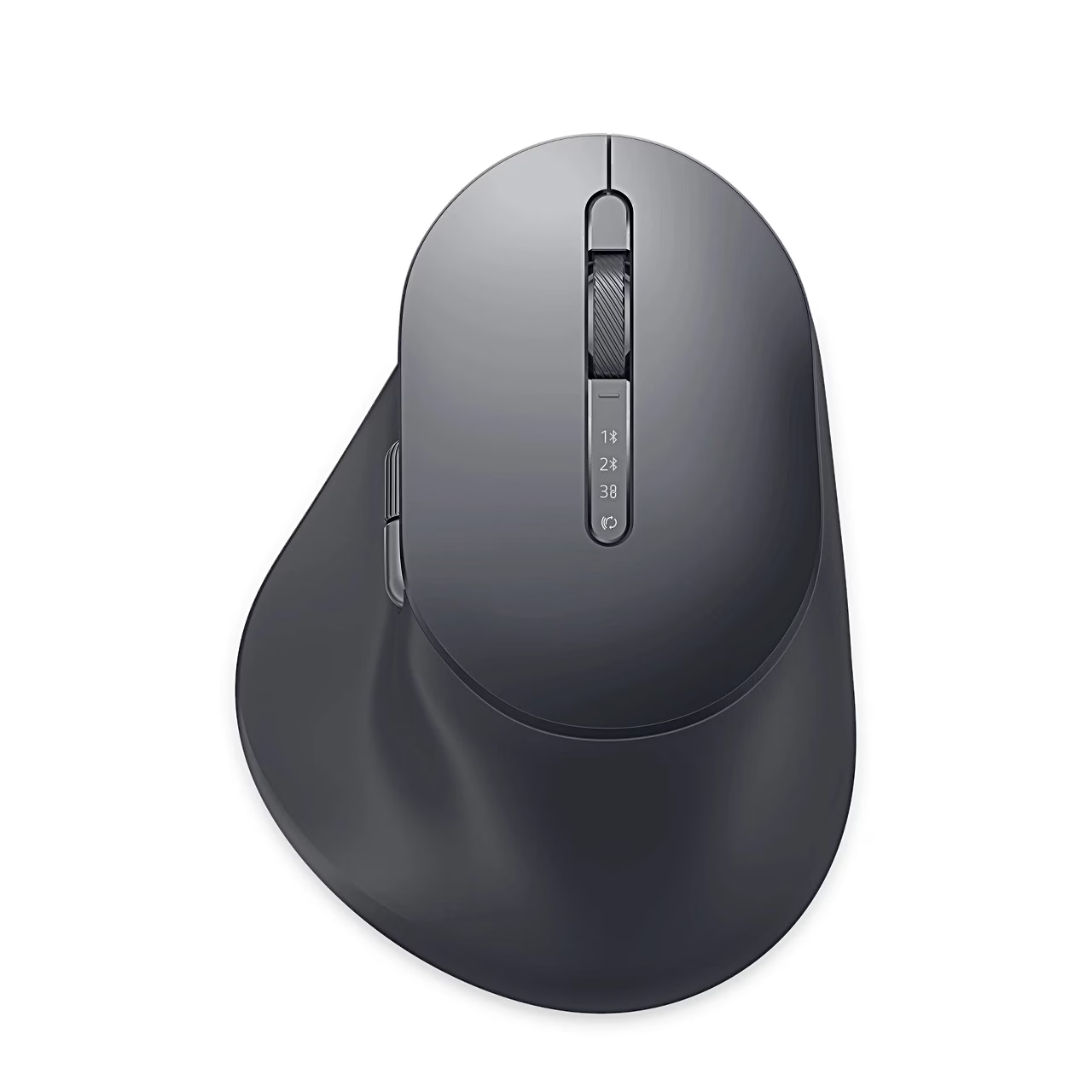
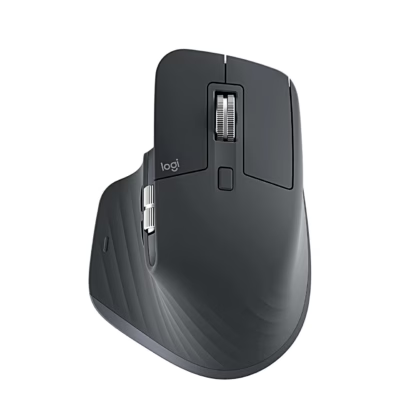
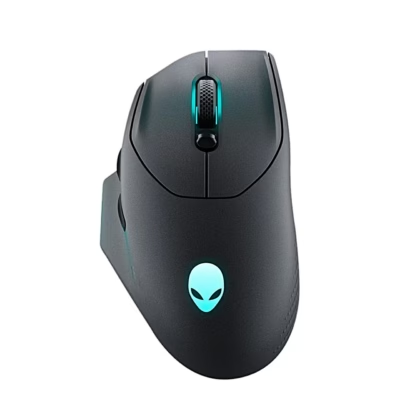
The rechargeable wireless mouse Dell MS900 connects through the Dell Secure Link USB receiver (2.4 GHz) or Bluetooth 5.1 LE. The connection button selects up to three devices: two Bluetooth channels and the receiver, and the mouse remembers the last choice. The operating range is up to 10 m. The grey (Graphite) body is shaped for the right hand and has a thumb rest.
Scroll wheels and buttons of the ergonomic mouse
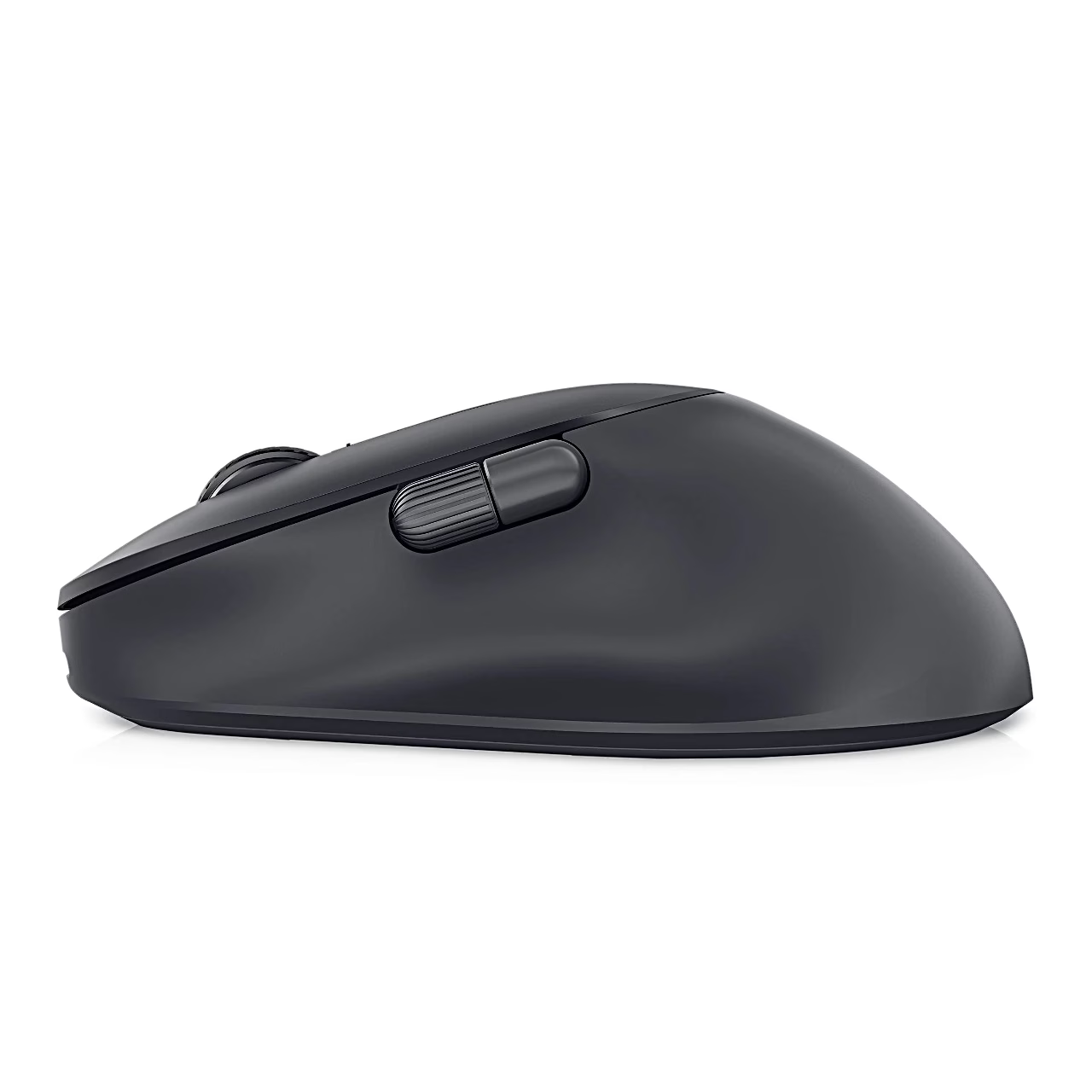
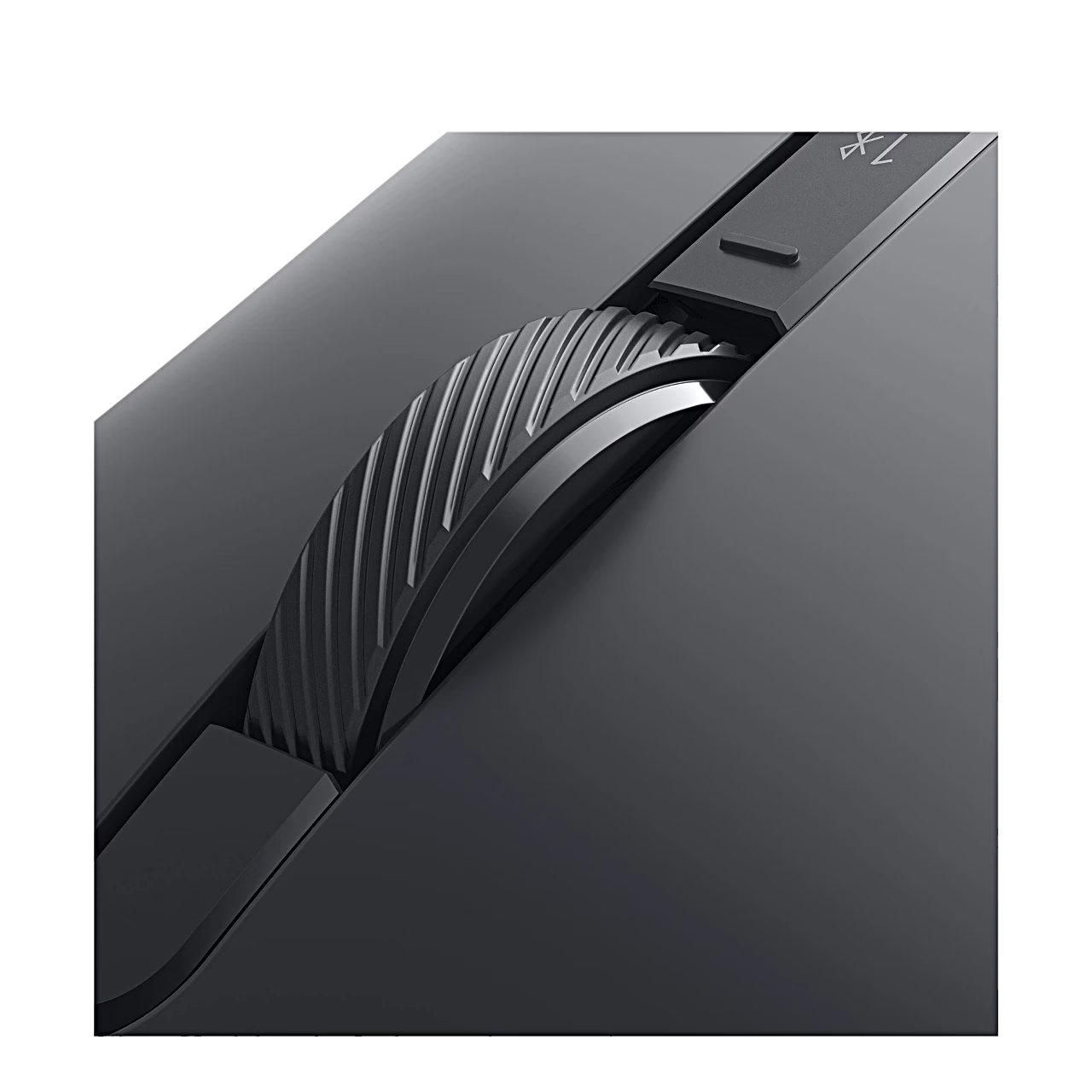
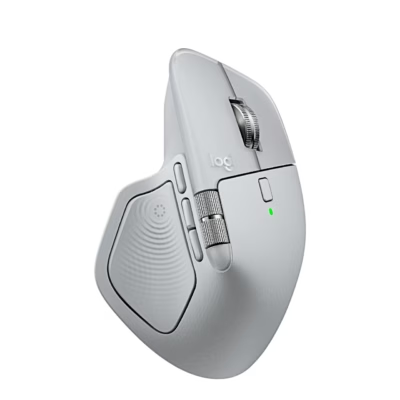
The vertical scroll wheel has two modes, notched for precise movement and fast for long pages, switched with a separate button. Next to the thumb are a horizontal scroll wheel and a side button that move forward and back by default and can be reassigned in the Dell Display and Peripheral Manager app. The same app sets DPI from 800 to 8000 in steps of 200 and shows the battery status.
Battery and charging
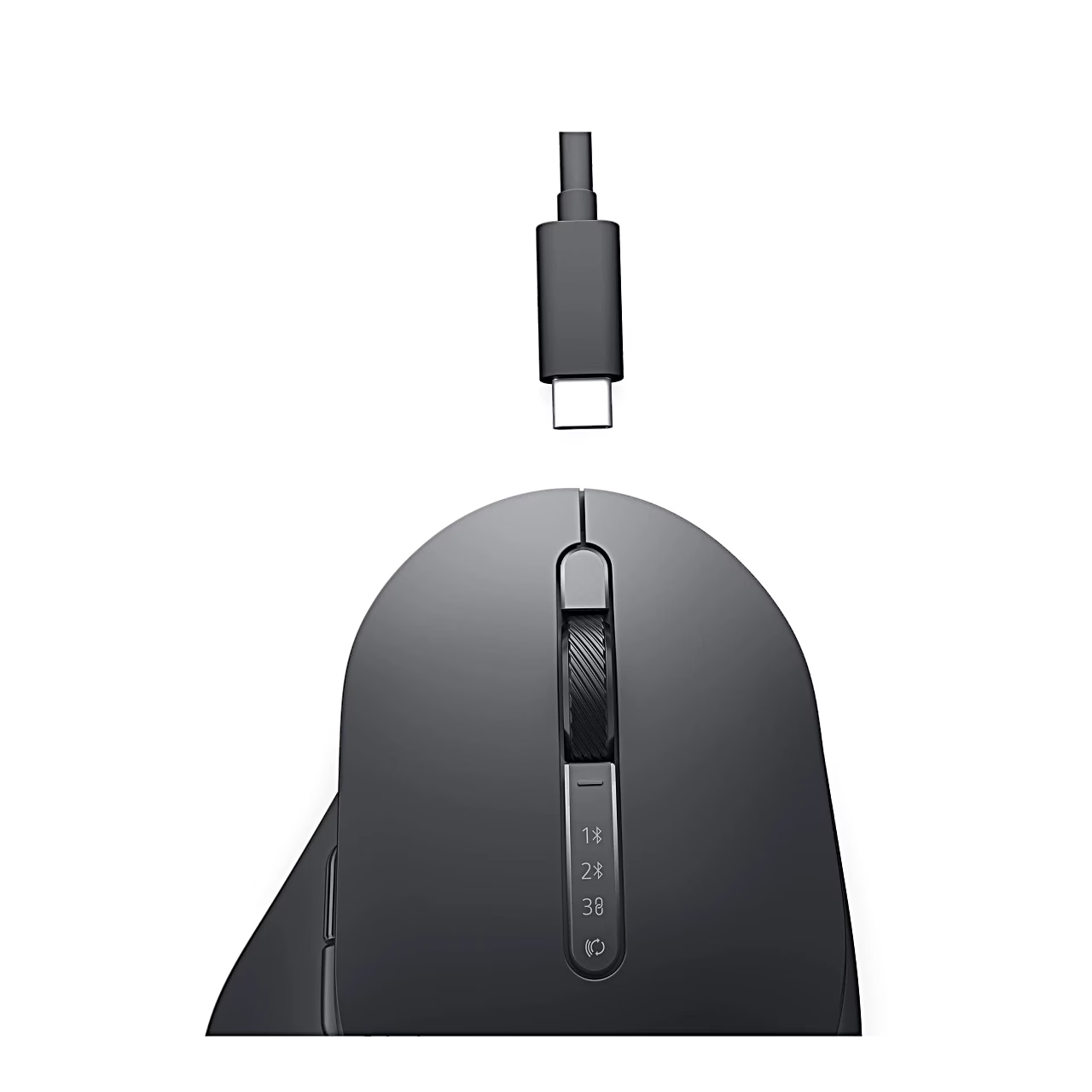
The mouse has a 500 mAh lithium polymer battery, charged through the USB-C port with the included USB-C to USB-C cable. According to the maker, one minute of charging gives half a day of use and one hour brings the battery to 80%; the exact time depends on the port. While charging the light breathes white, when full it stays white for 10 seconds, and below 5% it pulses amber.
Getting started
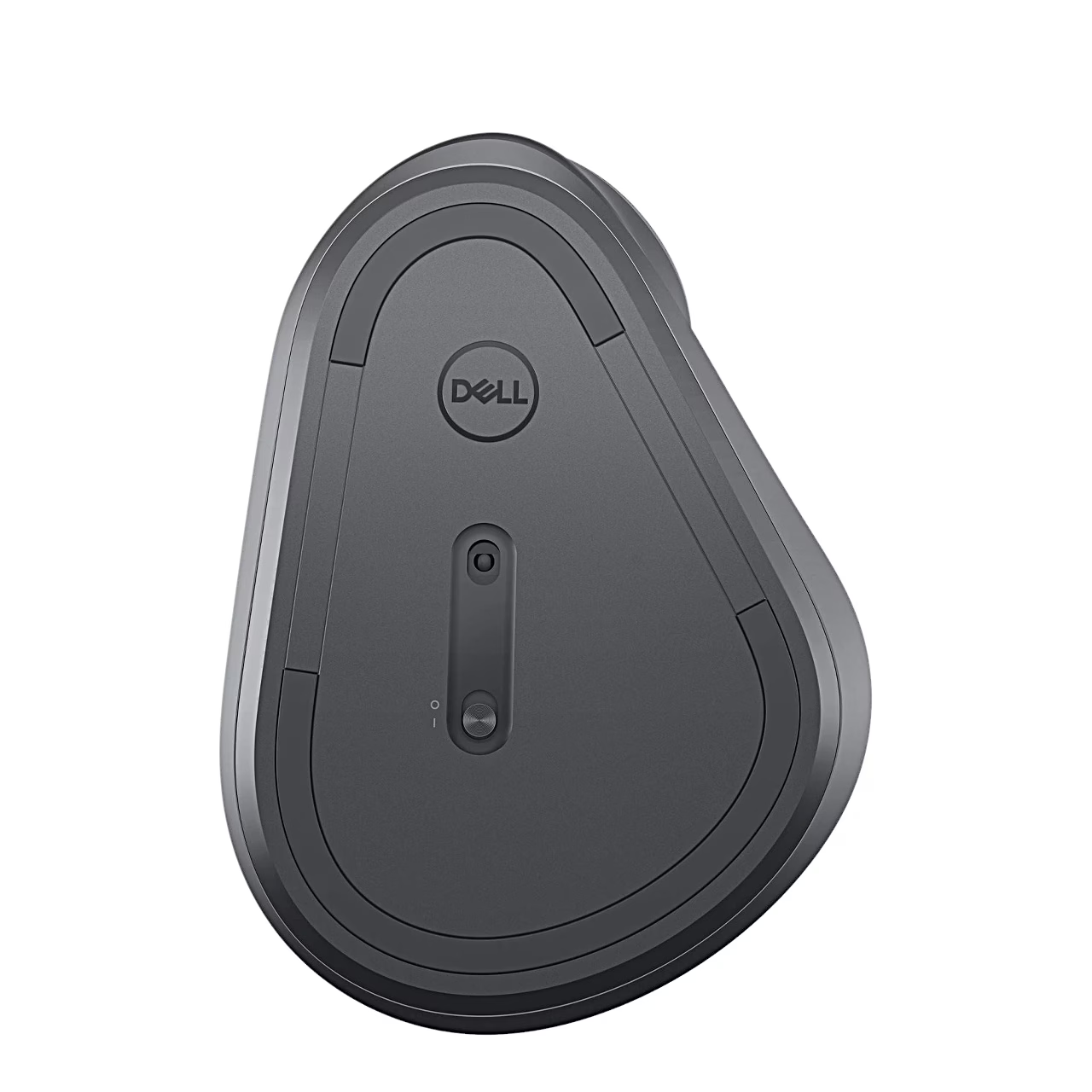
Fully charge the battery before first use and slide the switch on the underside on. To pair over Bluetooth, select a channel with the connection button and hold it for 3 seconds until the channel light blinks white; on Windows, Swift Pair and Dell Pair help with pairing. To use the receiver, plug it into a USB-A port on the computer and select receiver mode with the button. To save battery, switch the mouse off when not in use.
In the box
- Dell MS900 mouse
- Dell Secure Link USB receiver
- USB-C to USB-C charging cable
- Documents
Charger not included.
















































Reviews
There are no reviews yet.