

Description
Wireless gaming headset with three connection modes
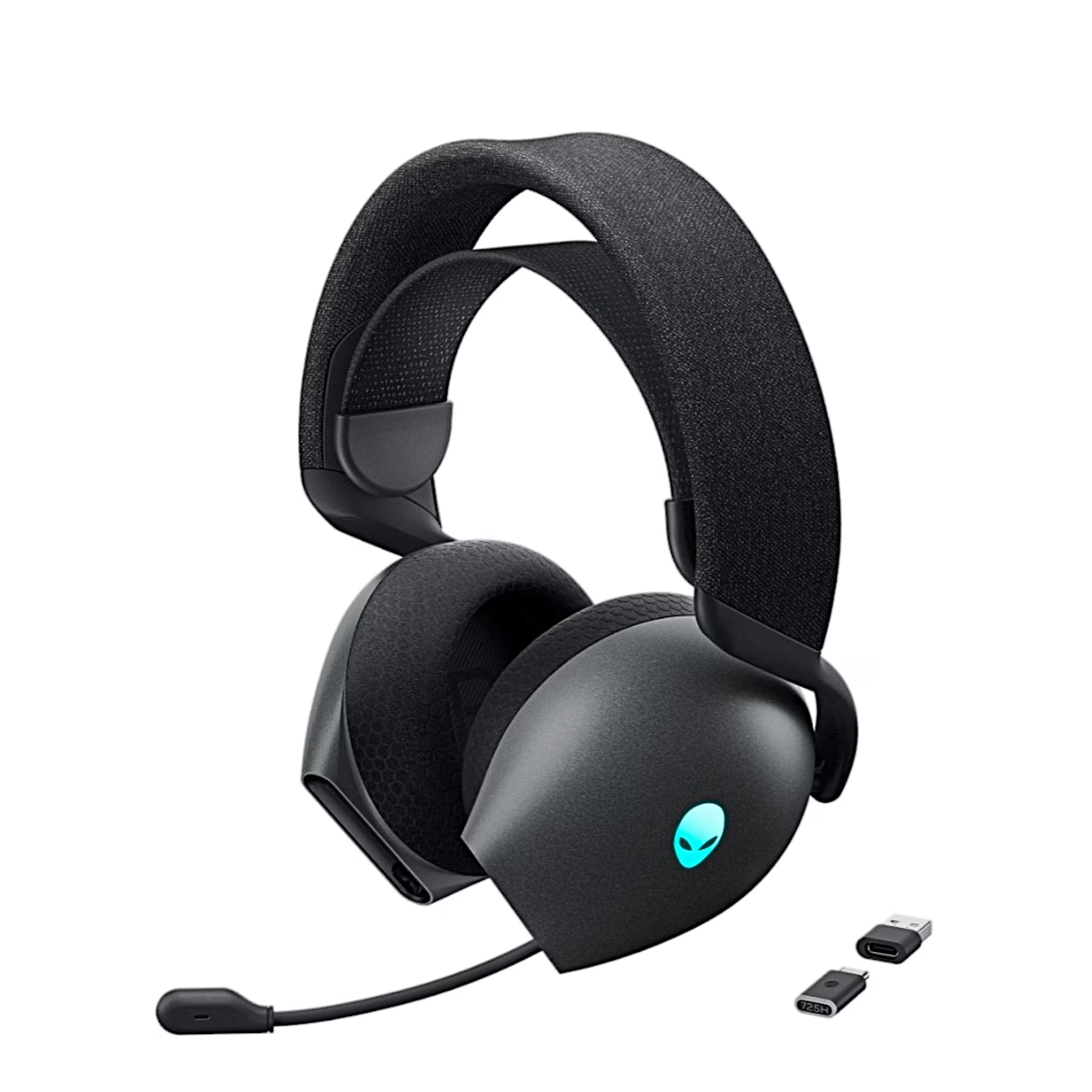
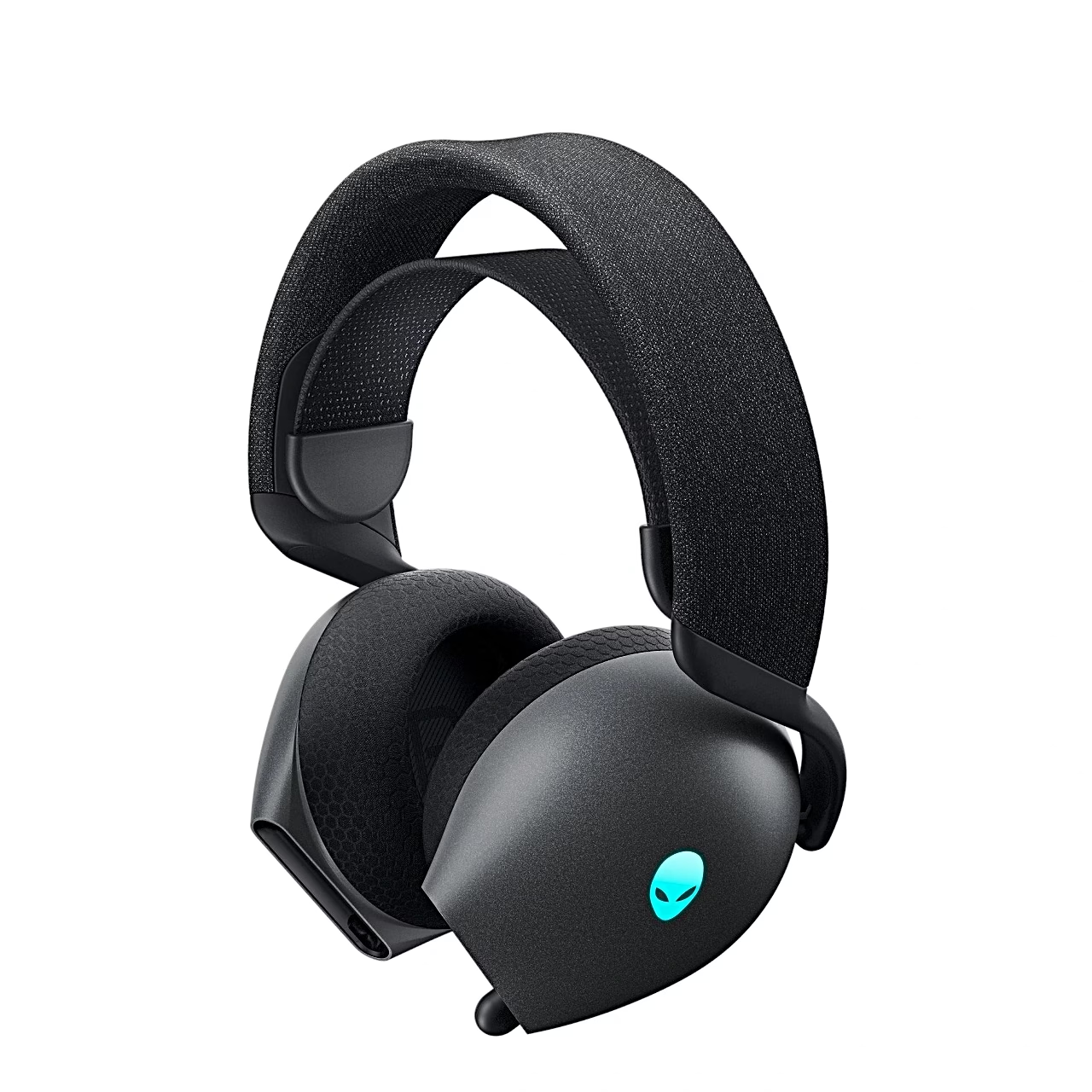
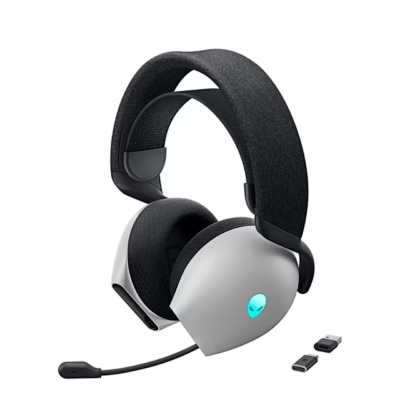
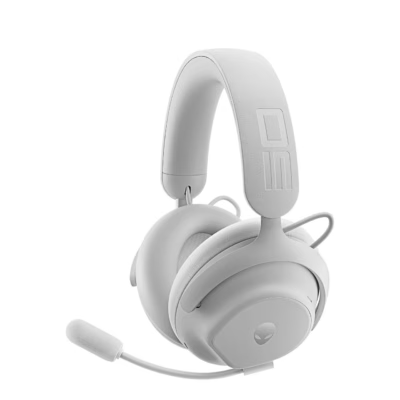
Designed for PC, console and phone, the Alienware AW725H wireless gaming headset connects through a 2.4 GHz USB-C receiver, Bluetooth 5.3 or a 3.5 mm audio cable. Its 40 mm dynamic drivers cover 20 Hz to 40 kHz.
Connecting to a PC, console and phone
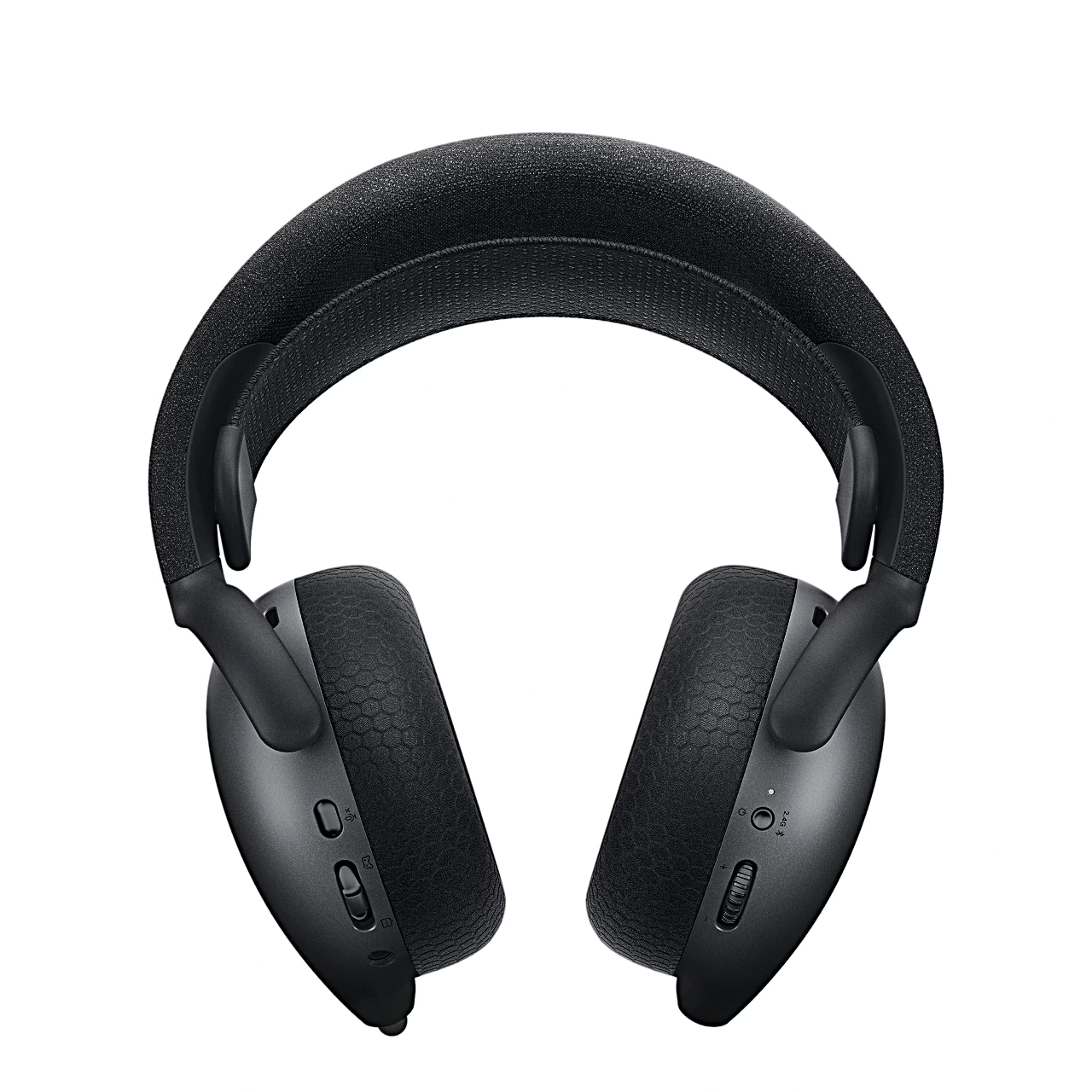
The receiver fits a computer’s USB-C port, and with the supplied adapter a USB-A port too. A double press of the power button switches between Bluetooth and the receiver. The audio cable with microphone and mute switch connects the headset to a PlayStation, Xbox or phone.
Battery and fast charging
With the RGB lighting off the battery lasts up to 75 hours of listening over Bluetooth and up to 58 hours over 2.4 GHz, or up to 55 and 35 hours with the lighting on. Talk time with the lighting off is up to 55 hours over Bluetooth and up to 30 hours through the receiver. Fifteen minutes of fast charging gives up to 6 hours of listening, and a full charge takes under 2.5 hours.
Microphone, sound balance and lighting
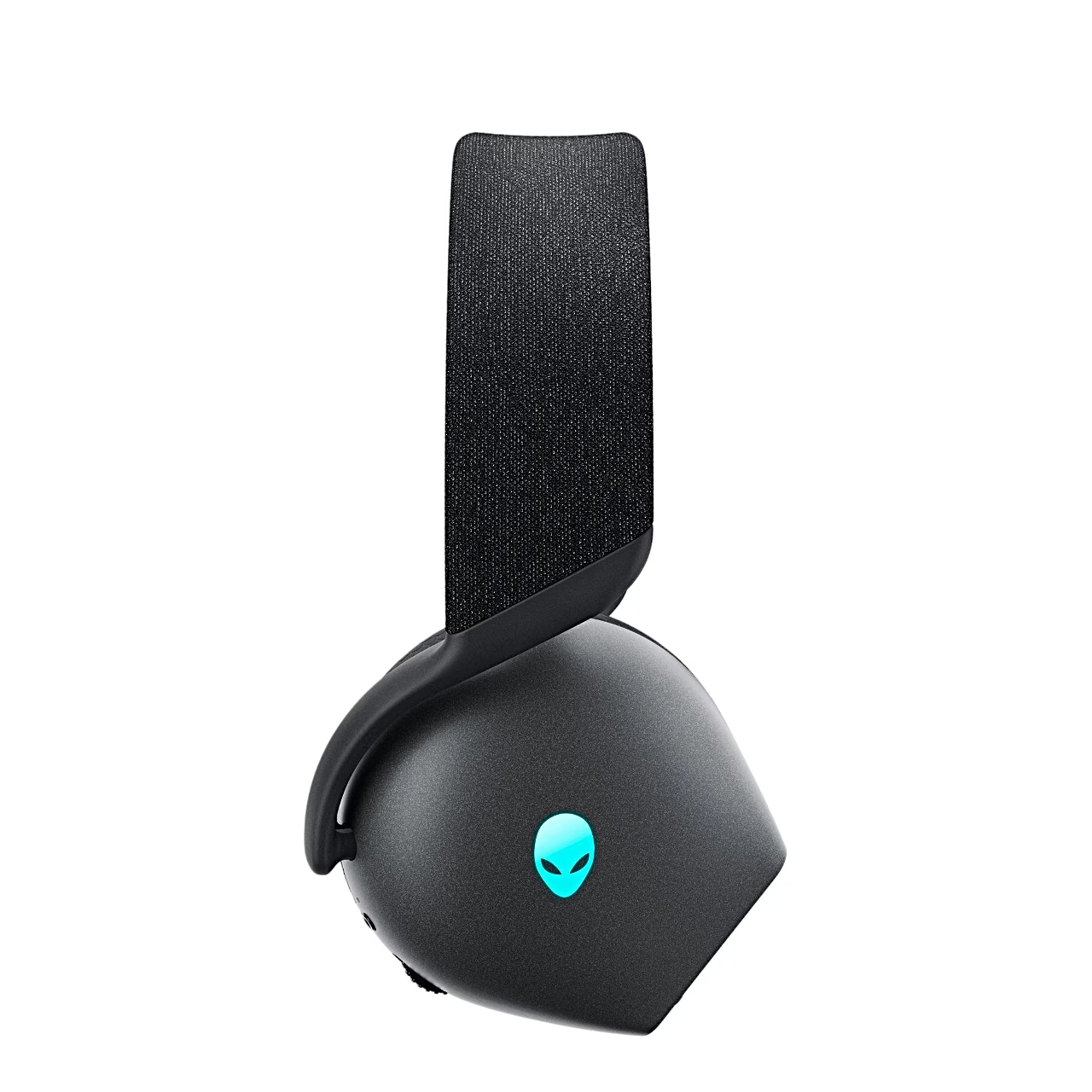
The bendable retractable boom microphone pulls out of the ear cup, and the microphone is muted when pushed back in. The game/chat balance button raises the game sound or your teammates’ voices, and a press resets both to 100%. The RGB effects of the Alien logo can be changed in Alienware Command Center. On a Windows 10 or 11 computer the Dolby Access app activates Dolby Atmos for Headphones spatial audio for the headset.
Using the headset
Charge the headset fully before first use. To switch it on or off, hold the power button on the right ear cup for 1 second. To pair over Bluetooth, hold the power button of the switched-off headset for 3 seconds until the power light flashes blue rapidly.
Care
The fabric and memory foam ear cushions are replaceable: hold the cushion firmly, twist it towards the back of the headset and pull it straight off. The left and right cushions differ; when fitting a new one, line up the arrow marks on the cushion and the ear cup. The elastic headband can be moved and removed. The firmware of the headset and the receiver is updated with a tool from Dell’s support site or in Alienware Command Center.
In the box
- Gaming headset Alienware AW725H, 1 pc
- USB-C wireless receiver
- USB-A to USB-C adapter
- USB-A to USB-C charging cable
- Audio cable with microphone
- Documentation
Charger not included.













































Reviews
There are no reviews yet.