

Description
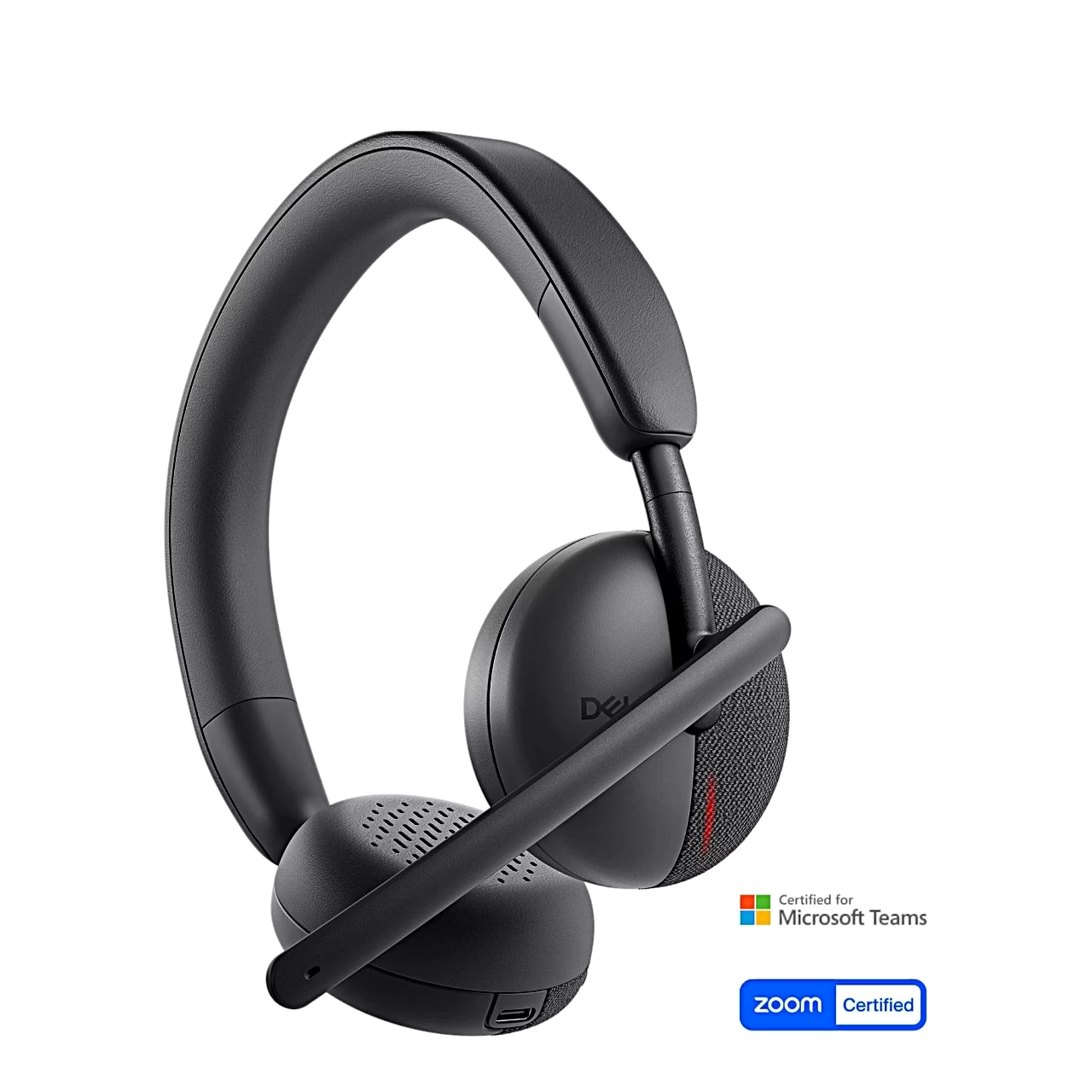
Wireless headset certified for Microsoft Teams and Zoom
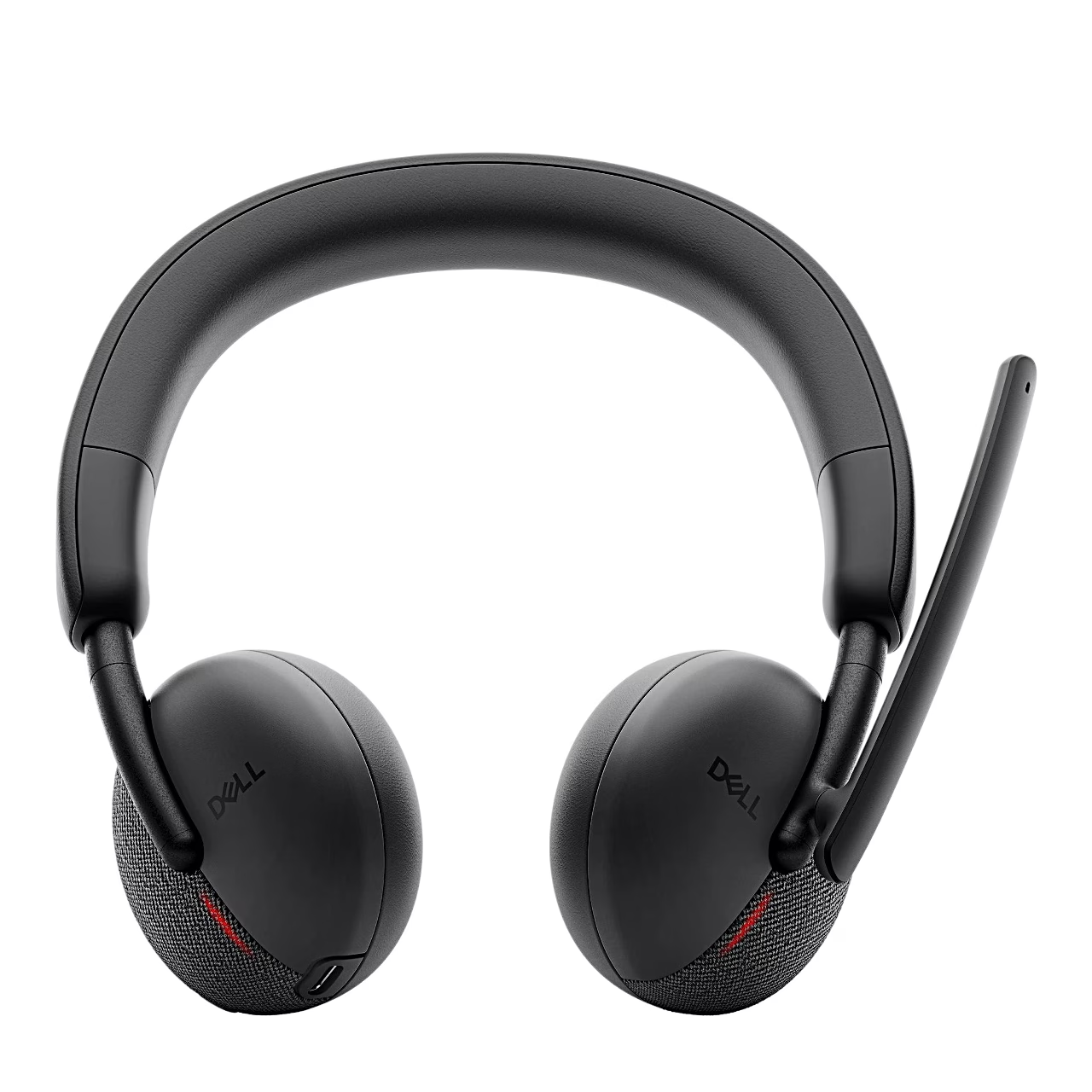
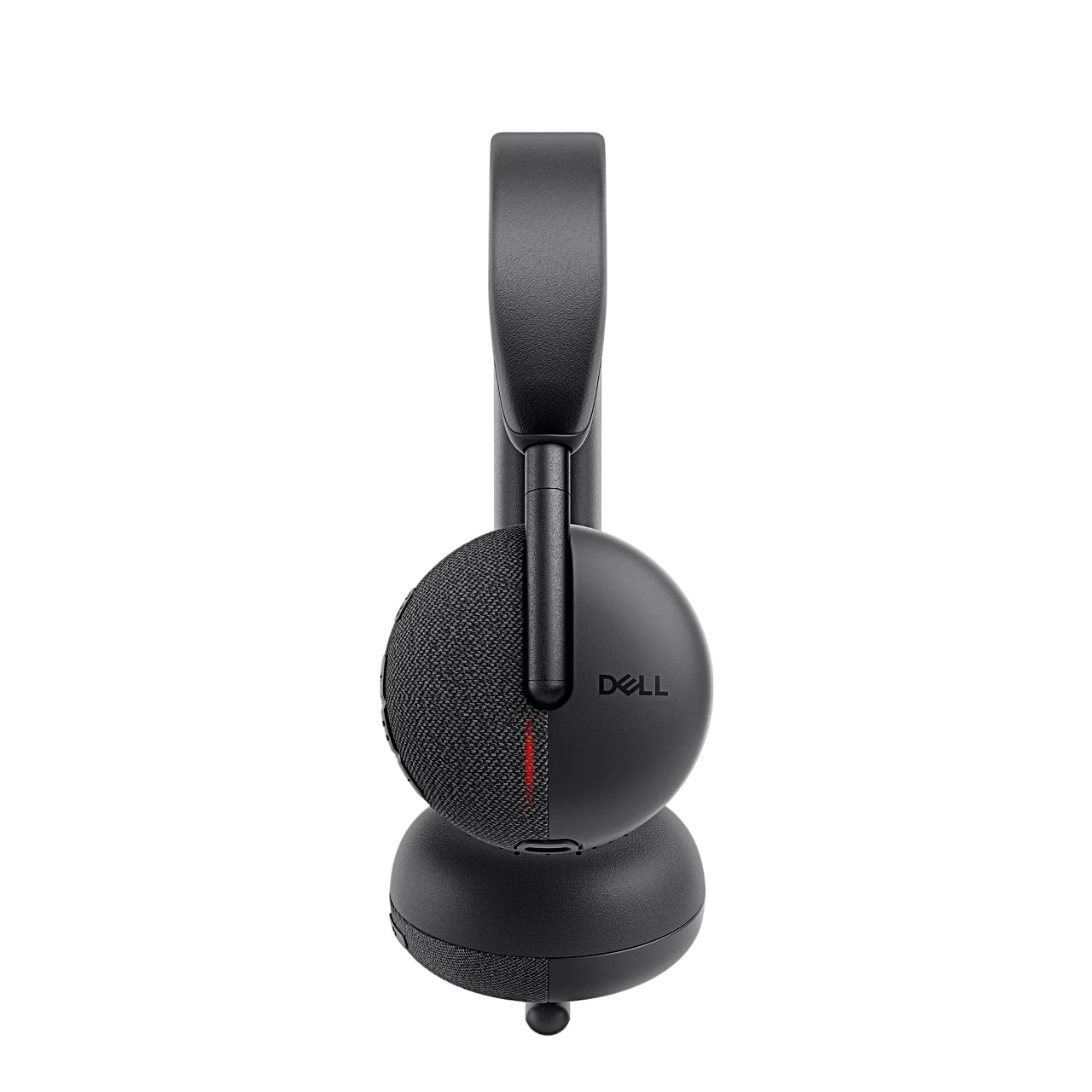
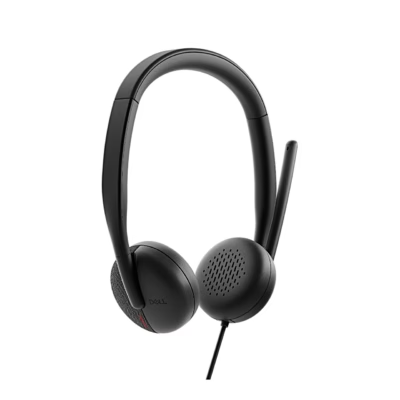
Designed for calls and online meetings, the Dell Pro WL3024 wireless headset separates speech from background noise with two directional microphones. The noise cancellation is AI-based, so the person on the other end hears your voice clearly.
Connecting to a computer and phone
With Bluetooth 5.3 multipoint the headset stays connected to two devices at once and remembers up to eight devices. It connects to a computer through the supplied USB-C audio receiver, with an adapter for USB-A ports. The range is up to 30 m and the AAC, SBC and LC3 codecs are supported.
Battery and fast charging
The battery lasts up to 41 hours of music listening and up to 26 hours of calls with the busy lights off, or up to 14 hours of talk time with the lights on. Fifteen minutes of fast charging gives about 8 hours of listening, and a full charge over USB-C takes under 2 hours.
Microphone, buttons and busy light
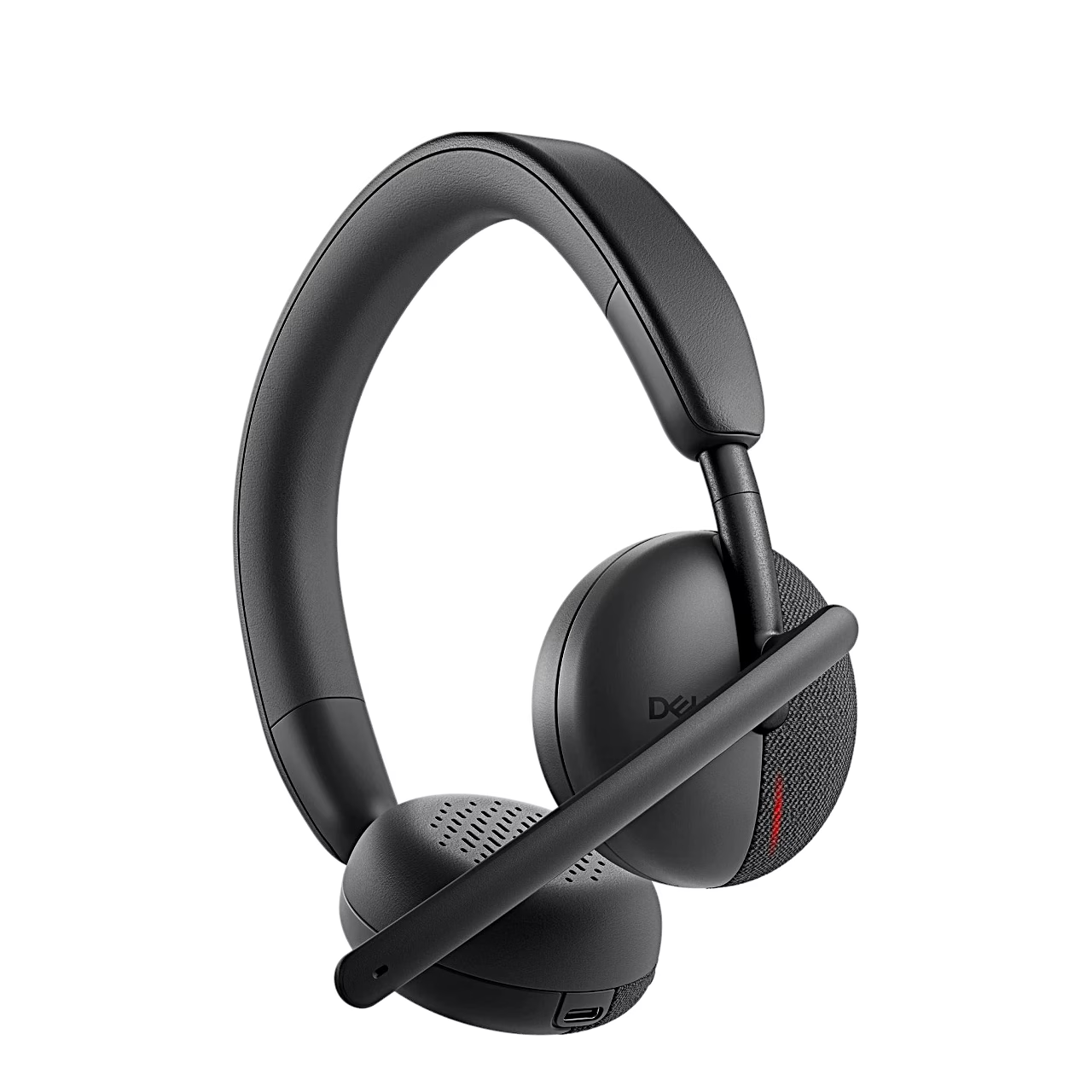
The boom microphone rotates 260° and is usable on the left or right. Lifting the boom mutes the microphone and lowering it unmutes it, and there is also a mute button on the ear cup. The Microsoft Teams button brings the Teams window to the front, and both ear cups carry a busy light. With Dell Display and Peripheral Manager or the Dell Audio phone app you can change the audio mode, the microphone noise cancellation mode, sidetone (how much of your own voice you hear) and the busy light settings.
Using the headset
Charge the headset fully before first use. Plug the receiver into the computer’s USB-C port and switch the headset on, and it pairs with the receiver automatically. To pair over Bluetooth, hold the power button for 3 seconds until the blue light flashes, then choose the headset in the device list of your phone or computer.
Care and replaceable ear cushions
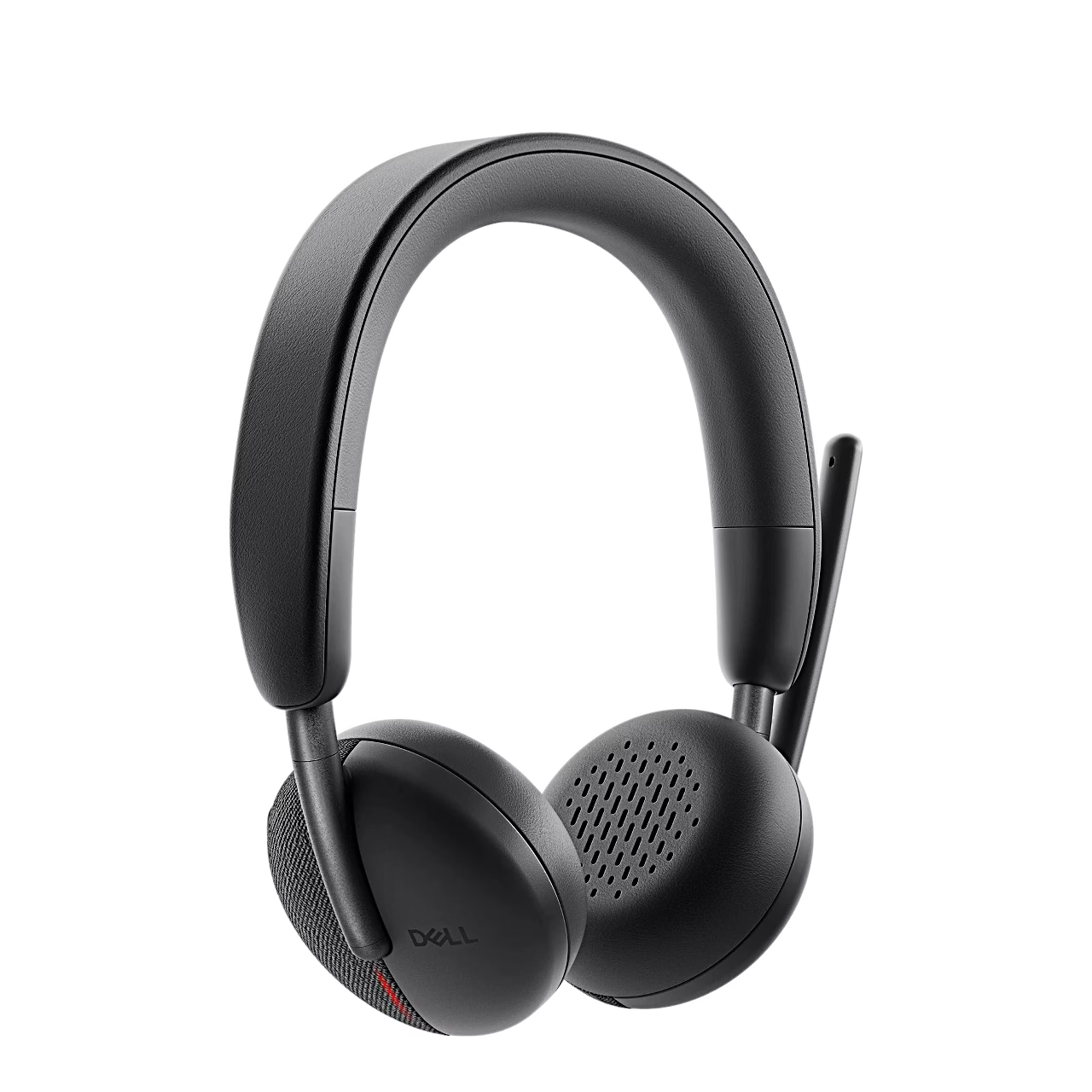
The headset’s ear cushions are replaceable; the replacement cushions are Dell HE424. To remove a cushion, hold the ear cup firmly and pull the cushion away. The left and right cushions are identical, and the notch of a new cushion lines up with the bottom of the ear cup. The firmware of the headset and the receiver can be updated with a tool downloaded from Dell’s support site.
In the box
- Headset Dell Pro WL3024, 1 pc
- USB-C audio receiver
- USB-A adapter
- USB-C to USB-C charging cable, 1.5 m
- Carry pouch
- User guide
Charger not included.











































Reviews
There are no reviews yet.