

Description
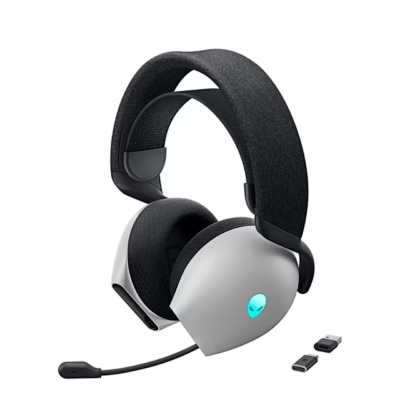
Wireless gaming headset for PC and consoles
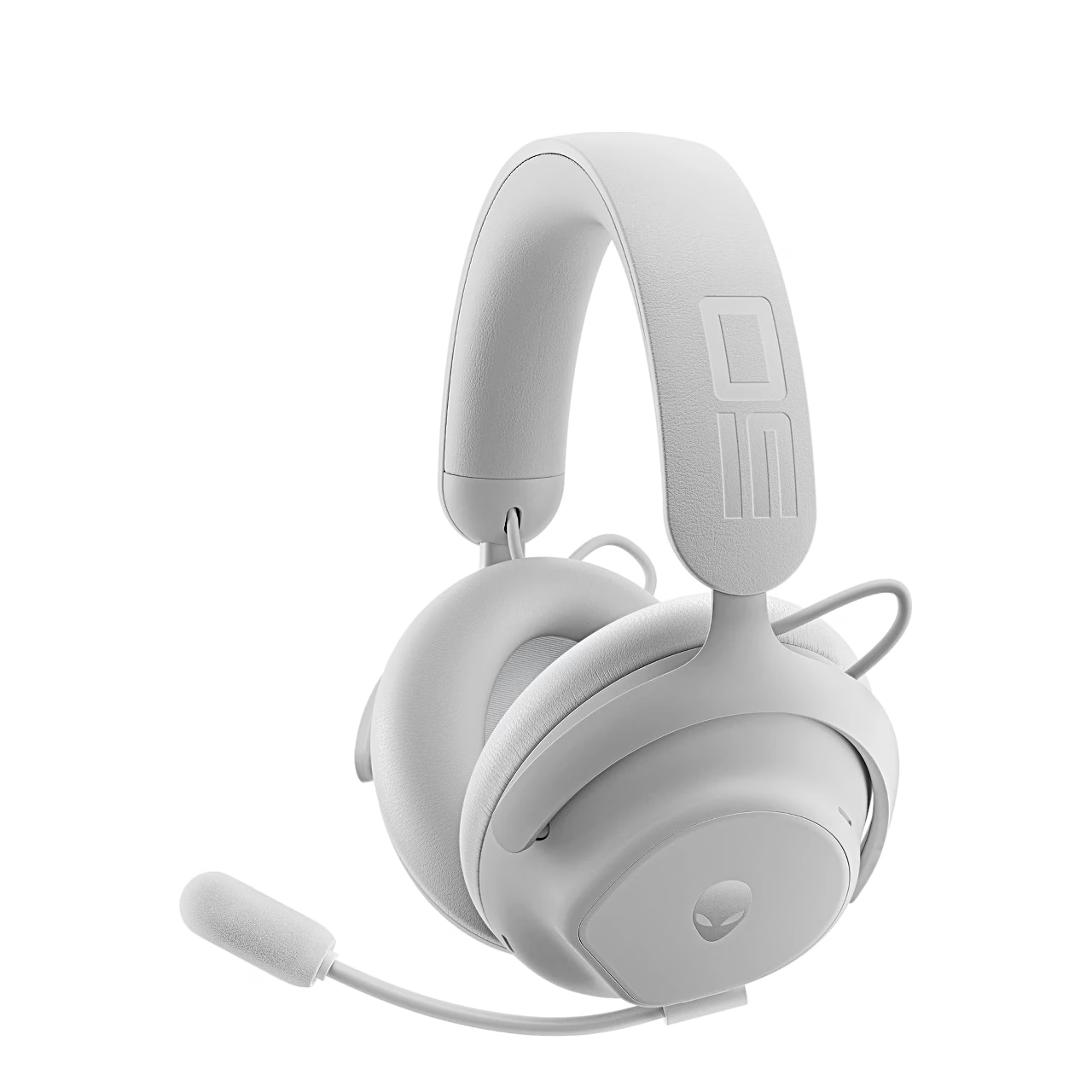
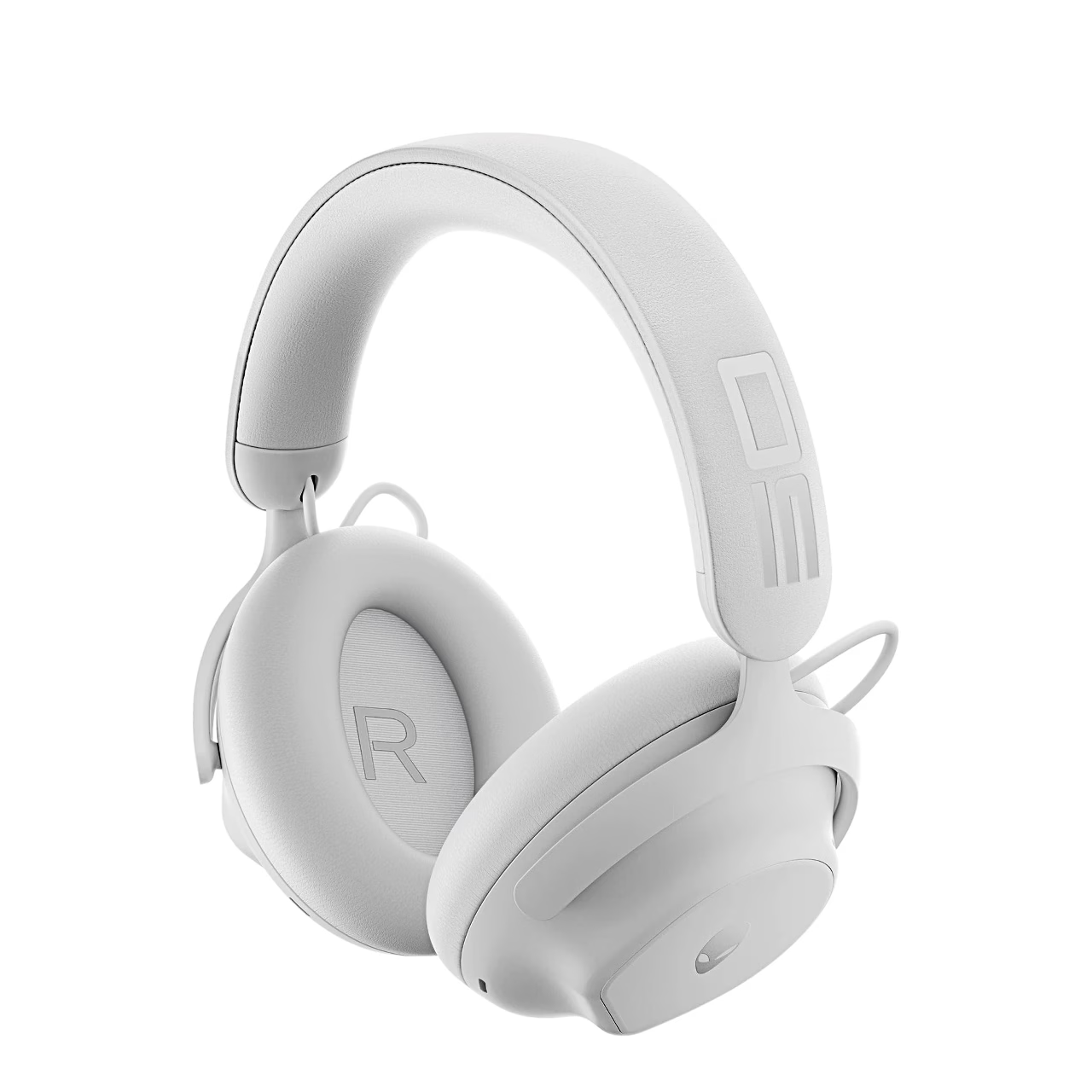
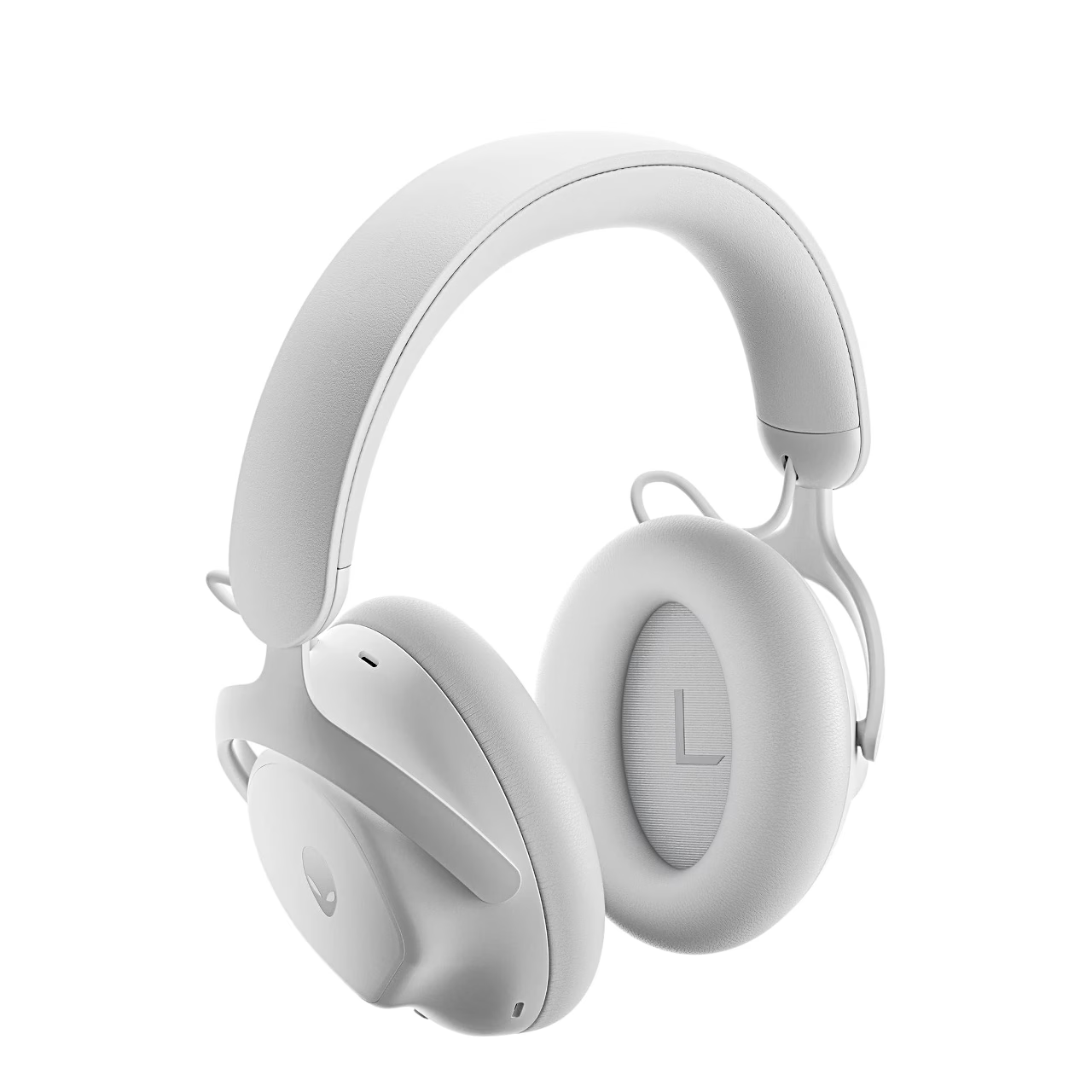
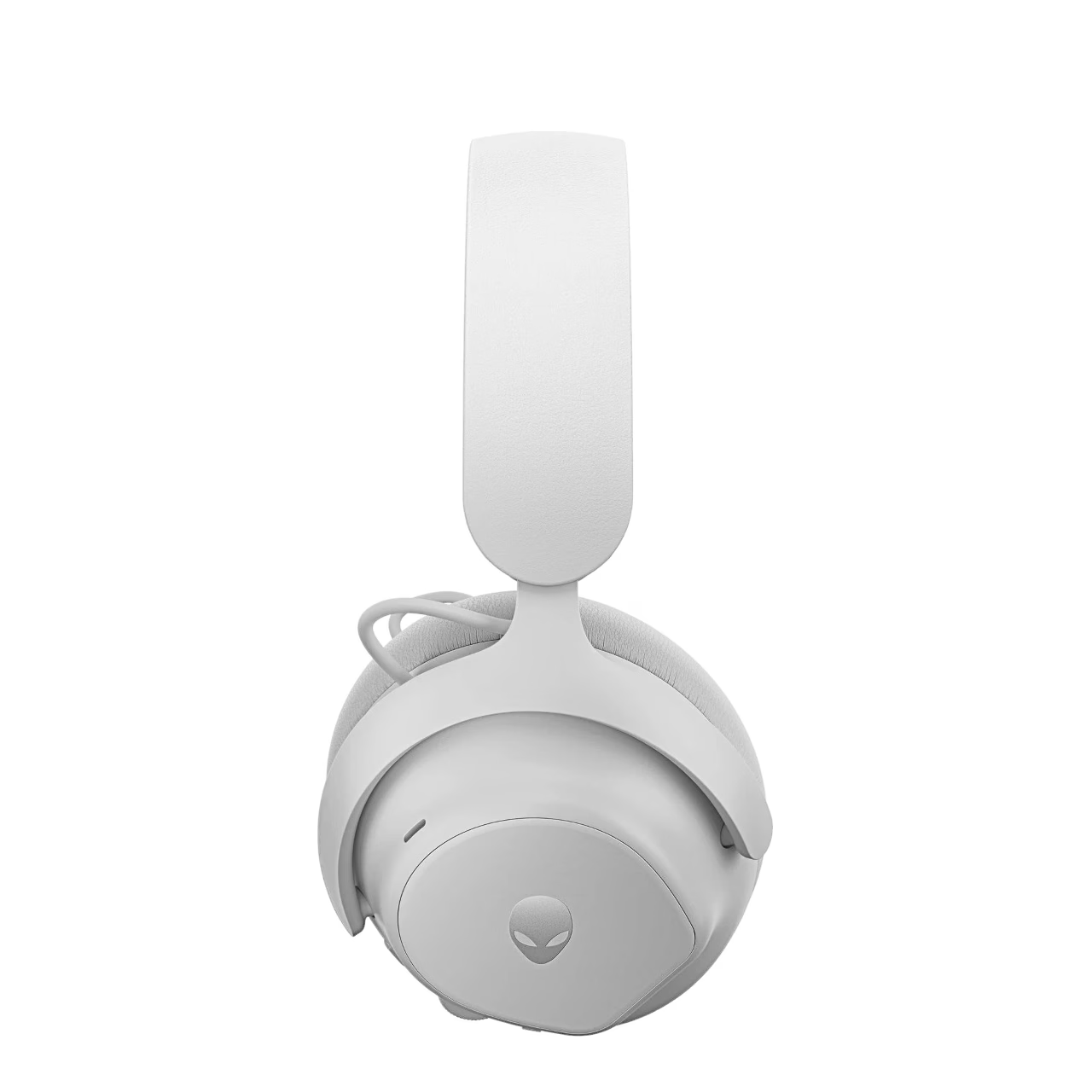
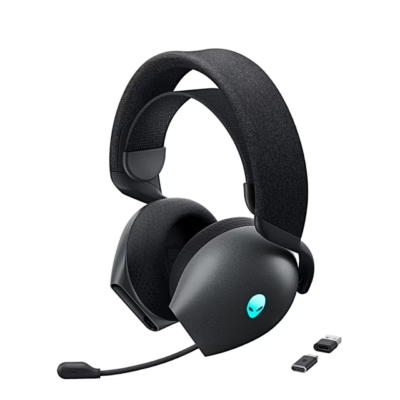
With hybrid active noise cancellation, the Alienware Pro wireless gaming headset connects through a 2.4 GHz USB-C receiver, Bluetooth 5.3 or a USB cable. Its 50 mm graphene-coated drivers cover 20 Hz to 40 kHz.
Active noise cancellation quietens steady low noise
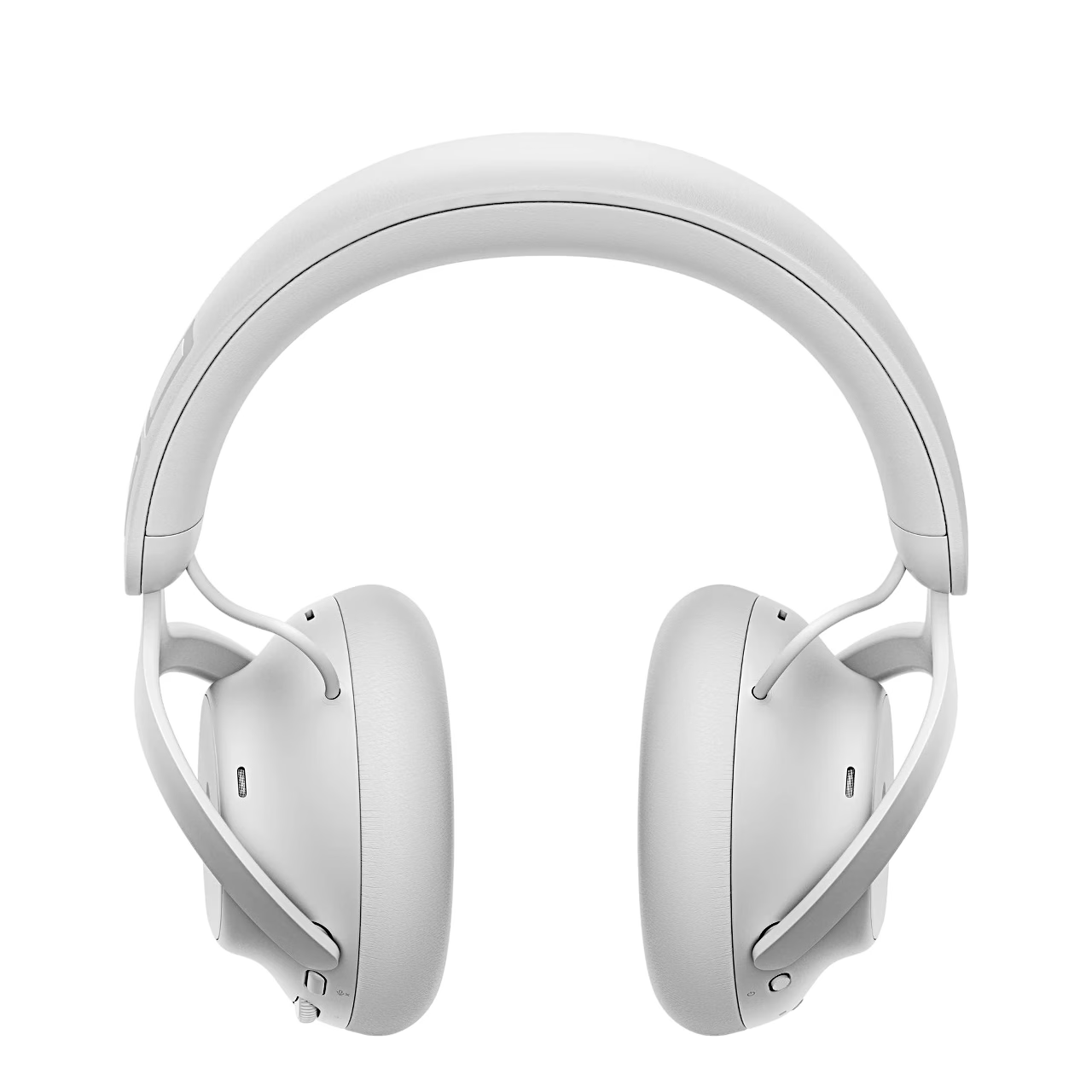
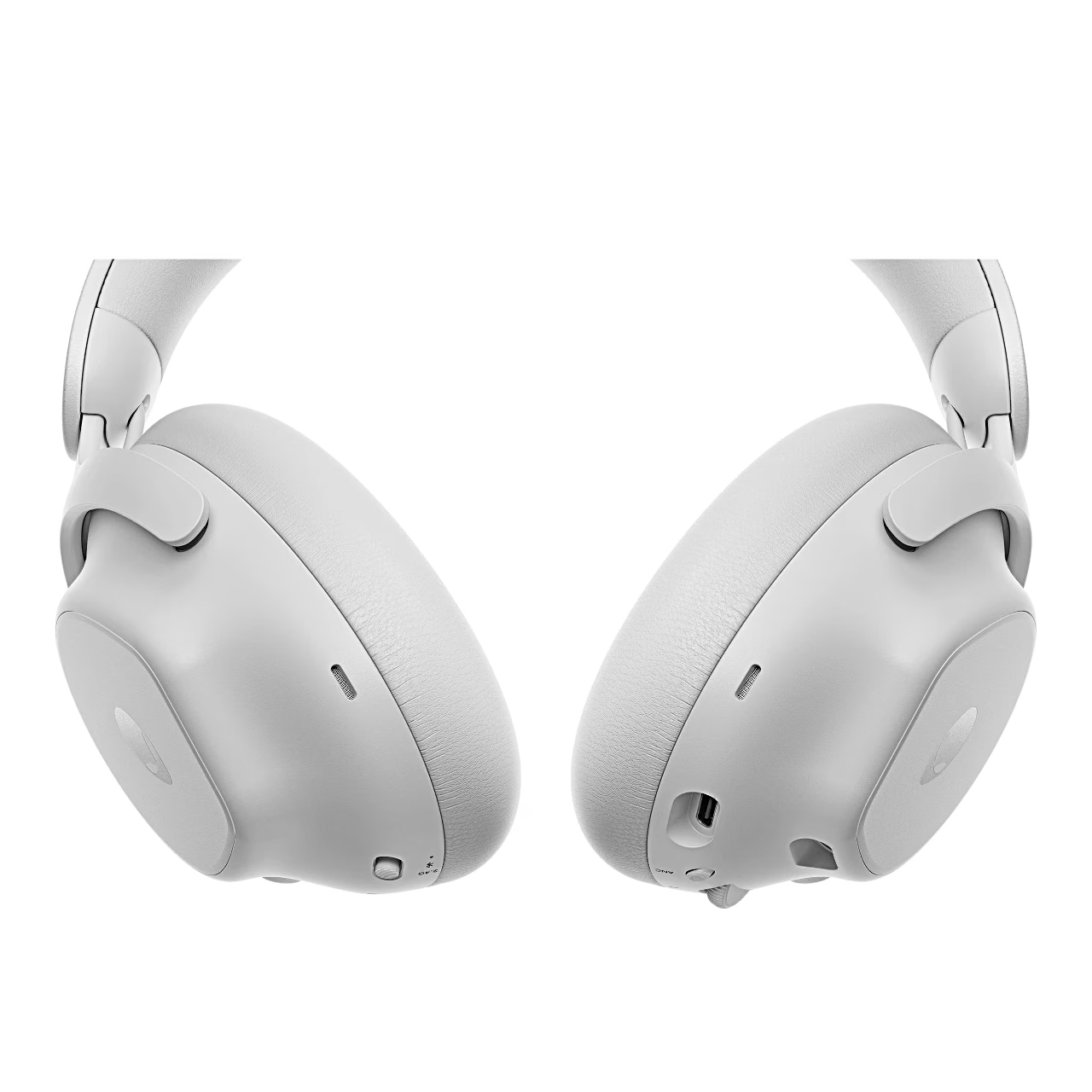
Active noise cancellation is a technology whose microphones measure the surrounding noise while the speaker produces an opposite-phase sound wave, so the noise reaches the ear more quietly. The ANC button on the Alienware Pro ear cup cycles through on, transparency mode and off; in transparency mode you hear the surrounding sound through the microphones at five adjustable levels. Passive noise isolation, the seal of the ear cushions, damps higher-pitched sounds without electronics.
Connecting to a PC, console and phone
The USB-C receiver comes pre-paired with the headset, and an adapter for USB-A ports is included. Bluetooth game mode reduces audio latency and is switched on by holding the microphone mute button for 5 seconds. Over the USB cable you can use Hi-Res audio up to 24-bit, 96 kHz on a computer.
Battery and fast charging
With noise cancellation off the battery lasts up to 75 hours of listening over Bluetooth and up to 70 hours over 2.4 GHz, or up to 35 hours over 2.4 GHz with noise cancellation on. Talk time is up to 35 hours without noise cancellation and up to 25 hours with it. Fifteen minutes of fast charging gives up to 8 hours of listening, and a full charge takes under 2.5 hours.
Microphone and settings
The unidirectional detachable boom microphone plugs into the ear cup, and a red light on the boom shows when it is muted. In Alienware Command Center you can set the noise cancellation, the microphone noise cancellation level, sidetone (how much of your own voice you hear), battery saver and the auto power-off time from 15 to 60 minutes. On a Windows 10 or 11 computer the Dolby Access app activates Dolby Atmos for Headphones spatial audio for the headset.
Using the headset
Charge the headset fully before first use. Slide the power switch down and the connection mode switch to 2.4 GHz, and the headset connects to the receiver. To pair over Bluetooth, hold the connection mode switch in the bottom position for 2 seconds until the power light flashes blue, then choose AWPRO H BT on your device.
Care
The leatherette and memory foam ear cushions are removable: hold the cushion firmly and pull it off the ear cup. The firmware of the headset and the receiver is updated in Alienware Command Center or with a tool downloaded from Dell’s support site.
In the box
- Gaming headset Alienware Pro, 1 pc
- USB-C wireless receiver
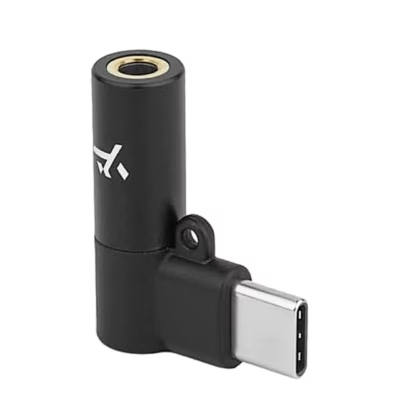
- USB-A to USB-C adapter
- USB-A to USB-C cable
- Detachable boom microphone
- Microphone foam cover
- Documentation
Charger not included.











































Reviews
There are no reviews yet.