
Description
Wi-Fi router with touchscreen for travel and remote work
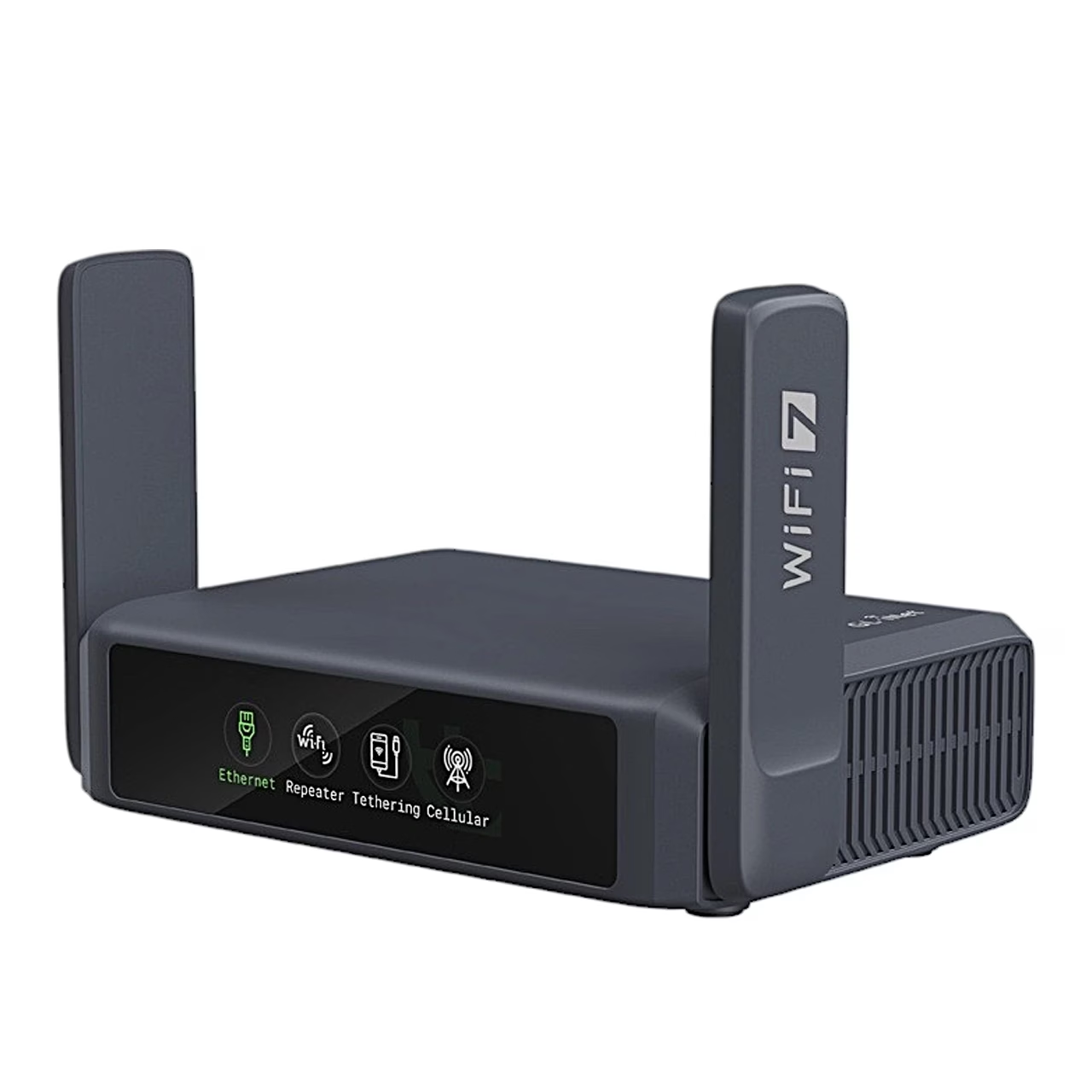
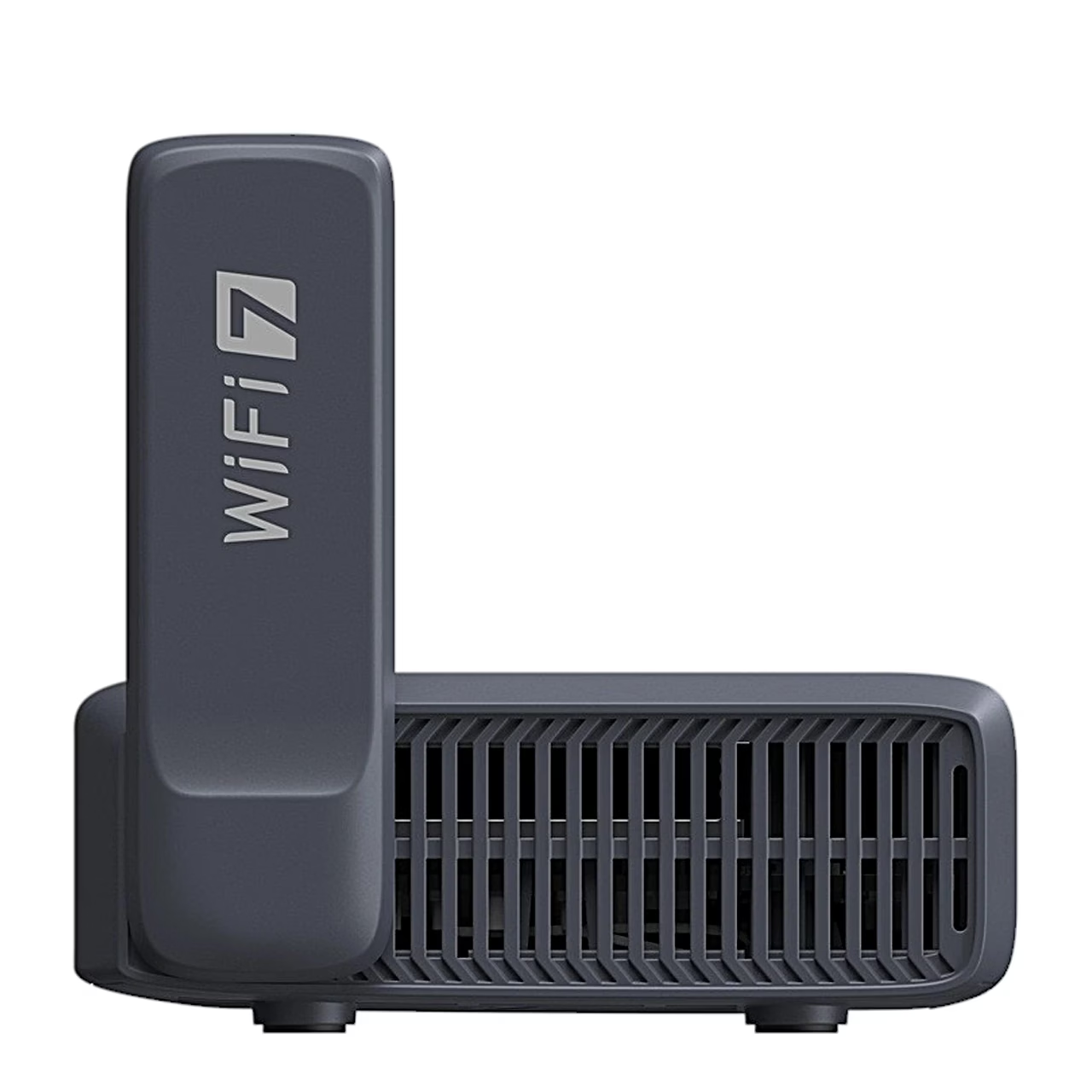
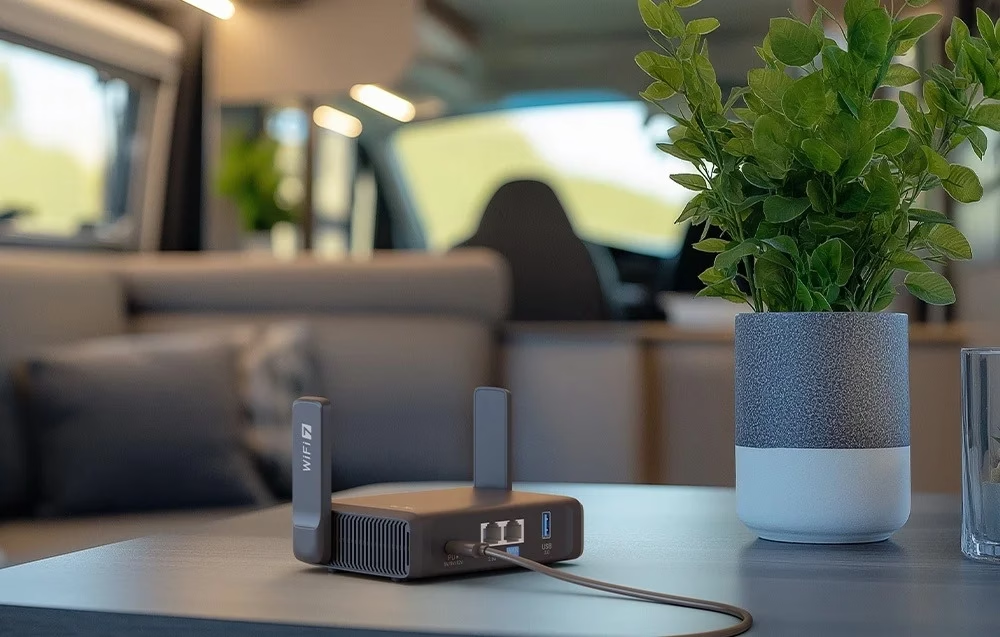
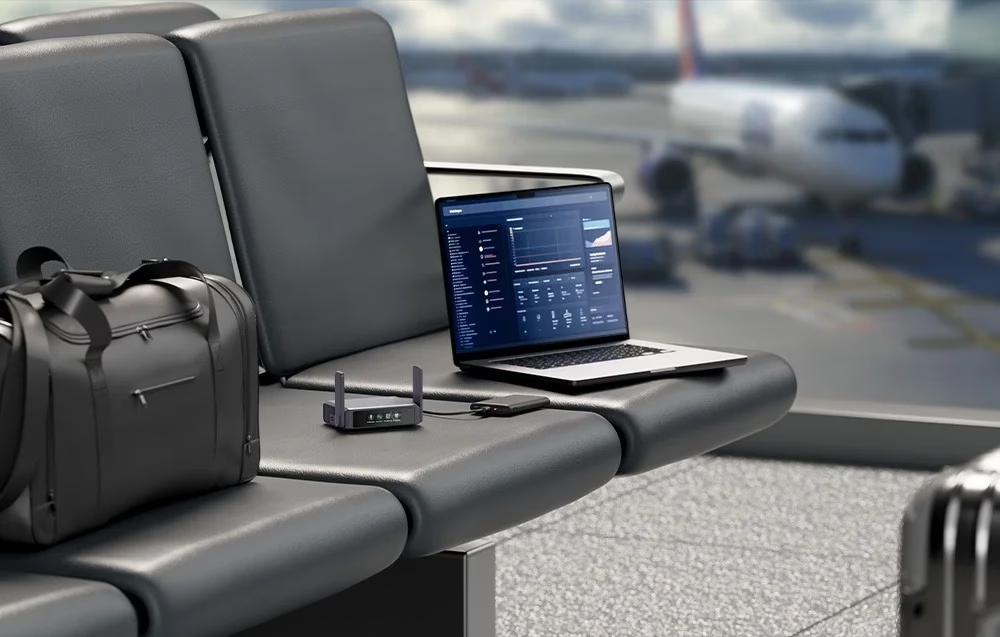
The portable Wi-Fi router GL.iNet Slate 7 GL-BE3600 uses dual-band Wi-Fi 7, with speeds of up to 688 Mbit/s on the 2.4 GHz band and up to 2882 Mbit/s on the 5 GHz band. It measures 130 × 91 × 34 mm and weighs 295 g, so it fits in a travel bag.
QR code and VPN switch on the touchscreen
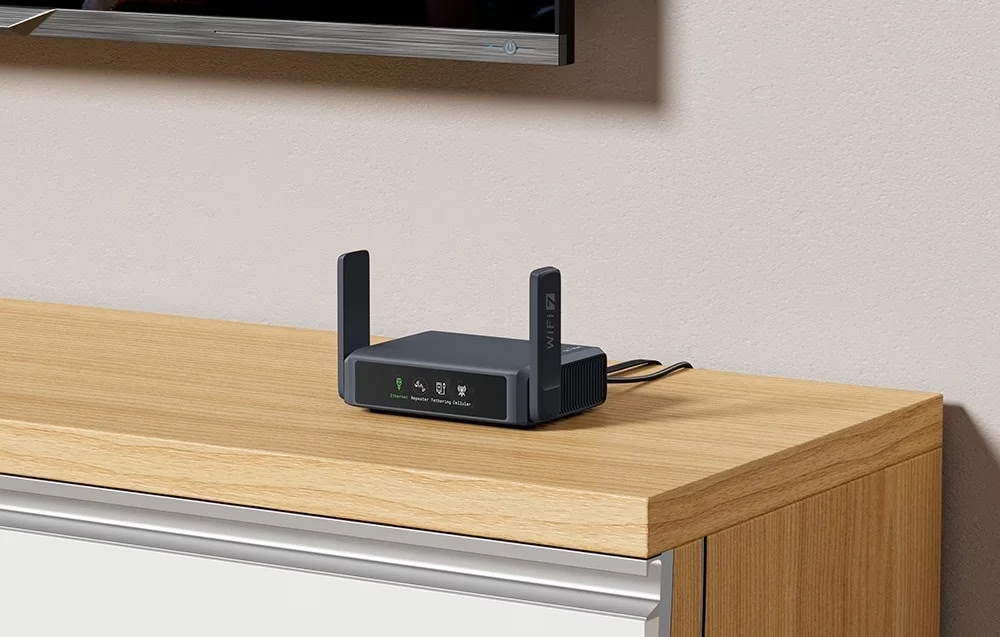
The touchscreen on the front shows a QR code that a phone scans to join the router’s network, and lets you switch the VPN on and off. The screen shows the real-time transfer speed and the connection mode: Ethernet, repeater, tethering or cellular.
Wi-Fi 7 technologies on a busy network
MLO (Multi-Link Operation) uses both bands at once, improving resistance to interference, and 4K QAM raises the transfer speed. Enhanced OFDMA reduces latency when many users and devices share the network. The router supports WPA2-PSK and WPA3-SAE encryption.
VPN protection on public networks
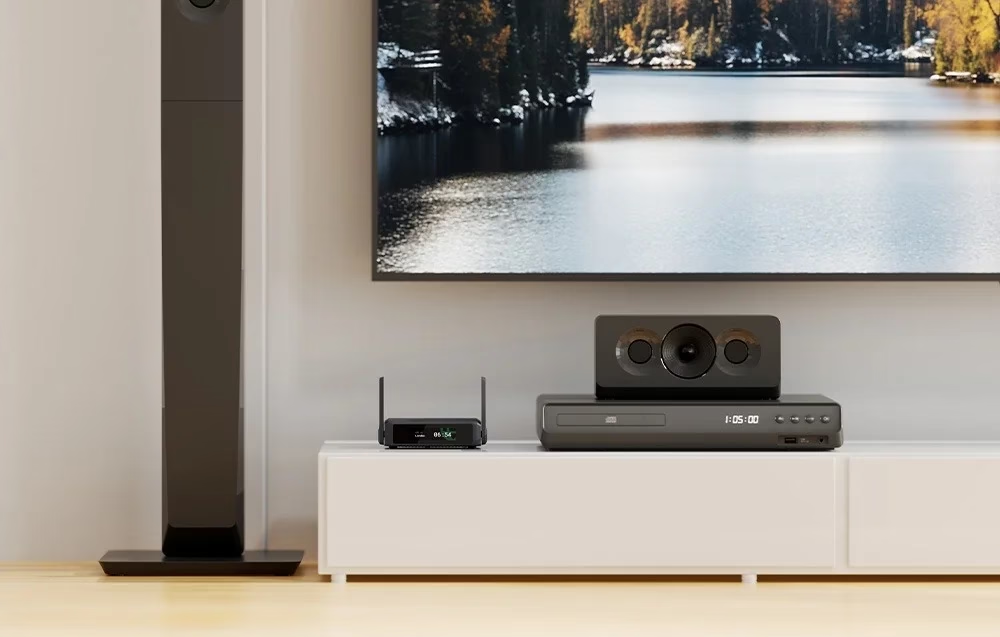
Pre-installed OpenVPN and WireGuard work with more than 30 VPN services and encrypt the traffic of every connected device, including on public hotel or café networks. WireGuard runs at up to 490 Mbit/s and OpenVPN with DCO at up to 385 Mbit/s. As a VPN server, the router gives remote access to home servers, network printers and other devices.
Fast Ethernet ports and USB-C power
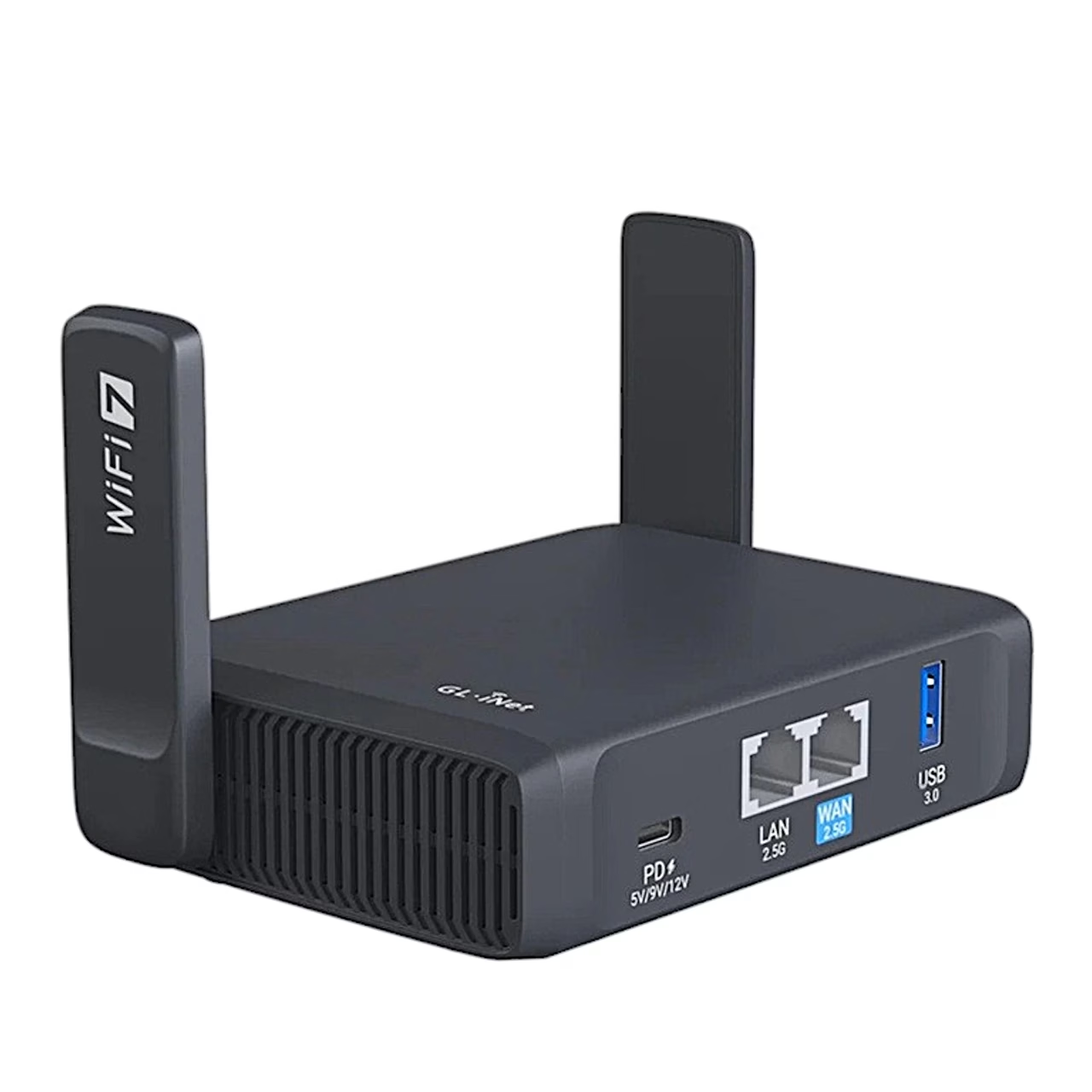
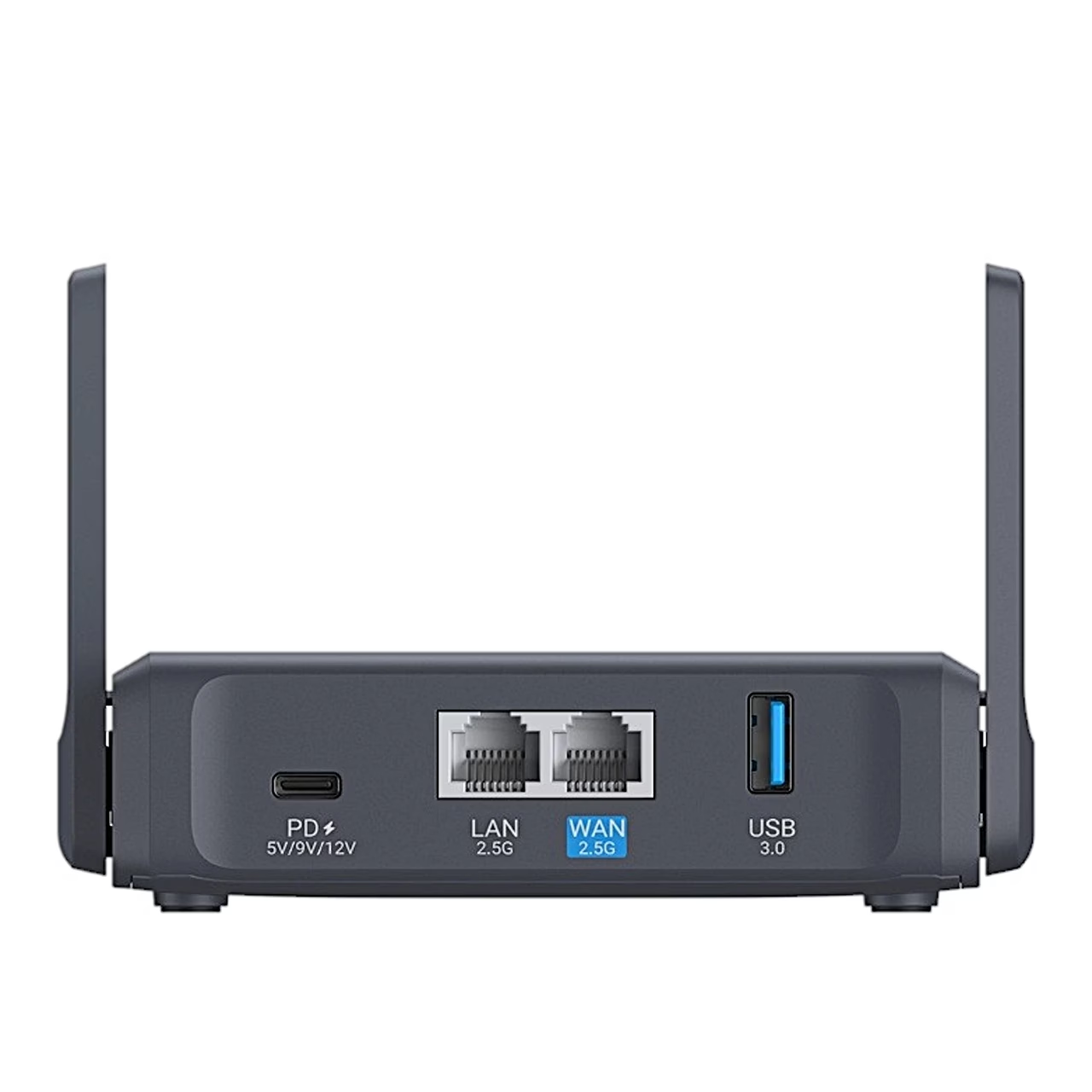
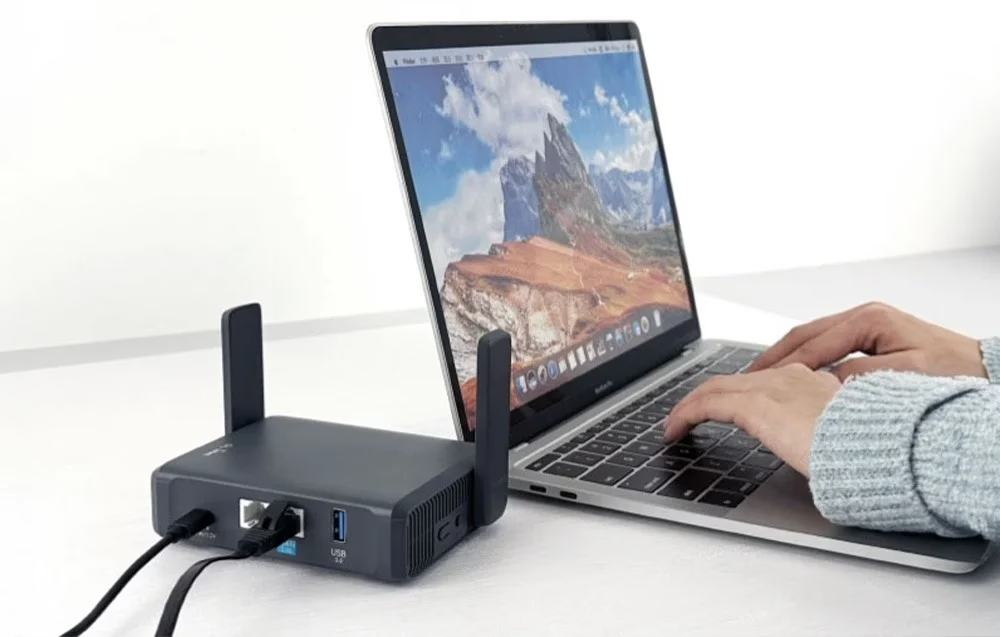
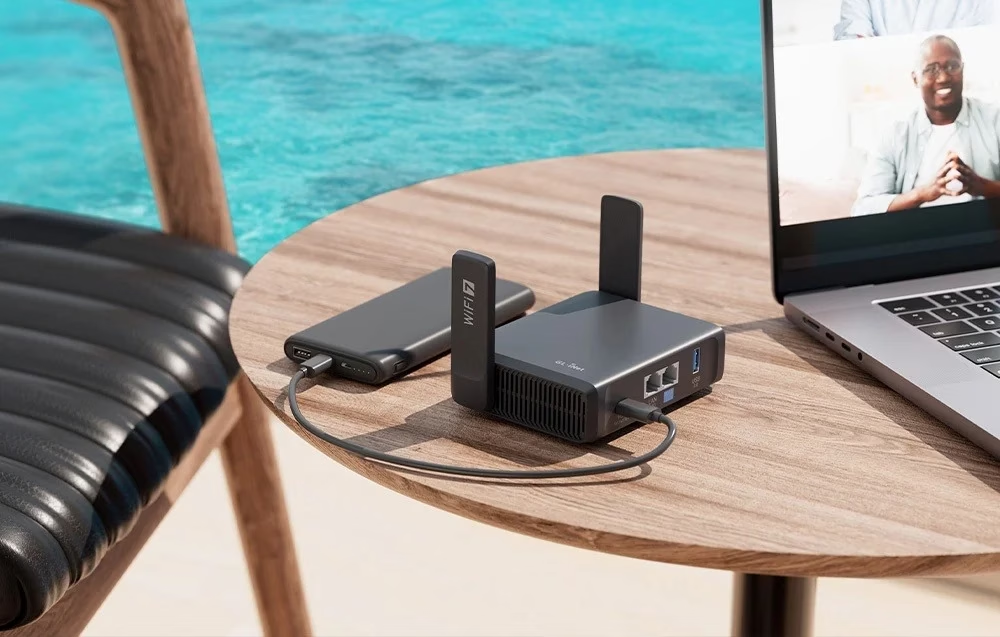
The router has one WAN and one LAN port at up to 2500 Mbit/s and a USB 3.0 Type-A port for external storage. The USB-C power port supports USB PD with 5 V / 3 A, 9 V / 3 A and 12 V / 2.5 A inputs, so the router can also run from a phone or laptop charger.
OpenWrt and AdGuard Home
Inside are a quad-core Qualcomm processor at 1.1 GHz, 1 GB of DDR4 memory and 512 MB of NAND flash. In OpenWrt 23.05 you can install extra packages, and the pre-installed AdGuard Home blocks ads and trackers across the network.
Use and set-up
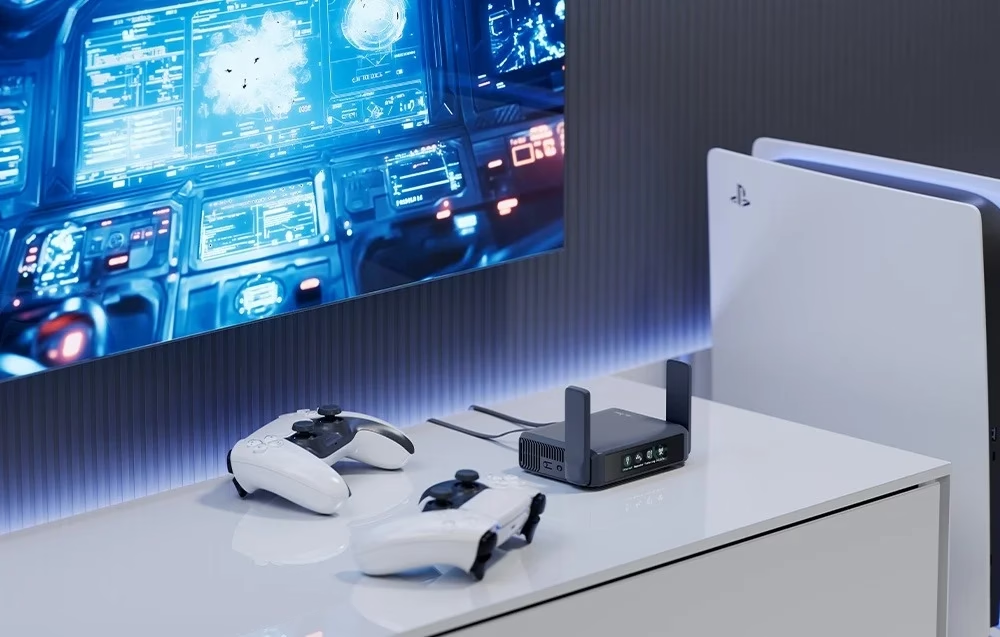
The router connects to the internet through the WAN port via DHCP, static IP or PPPoE, to a hotel wireless network in repeater mode, or through phone tethering. It can also be set up as an access point or a wired or wireless bridge, and Multi-WAN uses several internet connections. In the settings you can hide the SSID, change the channel and transmit power, and create a separate guest network. The router can be managed via the web interface, cloud management or SSH. Pressing the reset button for 3–8 seconds restores the network settings, and pressing it for at least 8 seconds restores the factory settings.
In the box
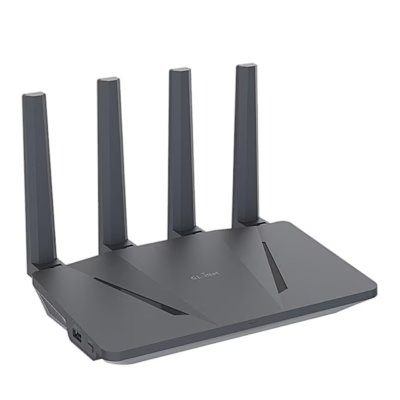
- Wi-Fi router GL.iNet Slate 7 GL-BE3600, 1 pc
- Power adapter with US plug, 1 pc
- Plug adapters for EU, UK and Australian sockets, 3 pcs
- Ethernet cable, 1 pc
- User manual


















































Reviews
There are no reviews yet.