

Description
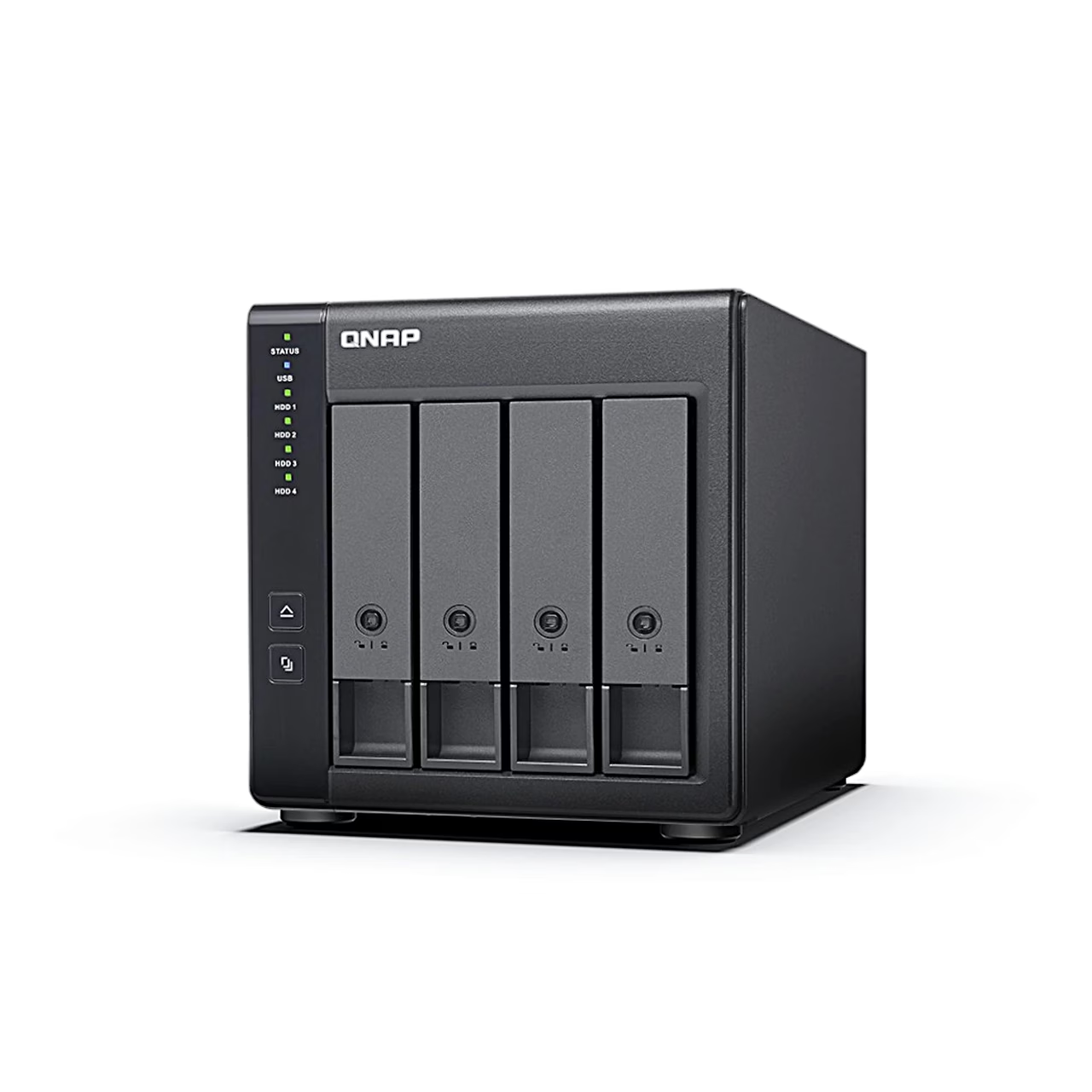
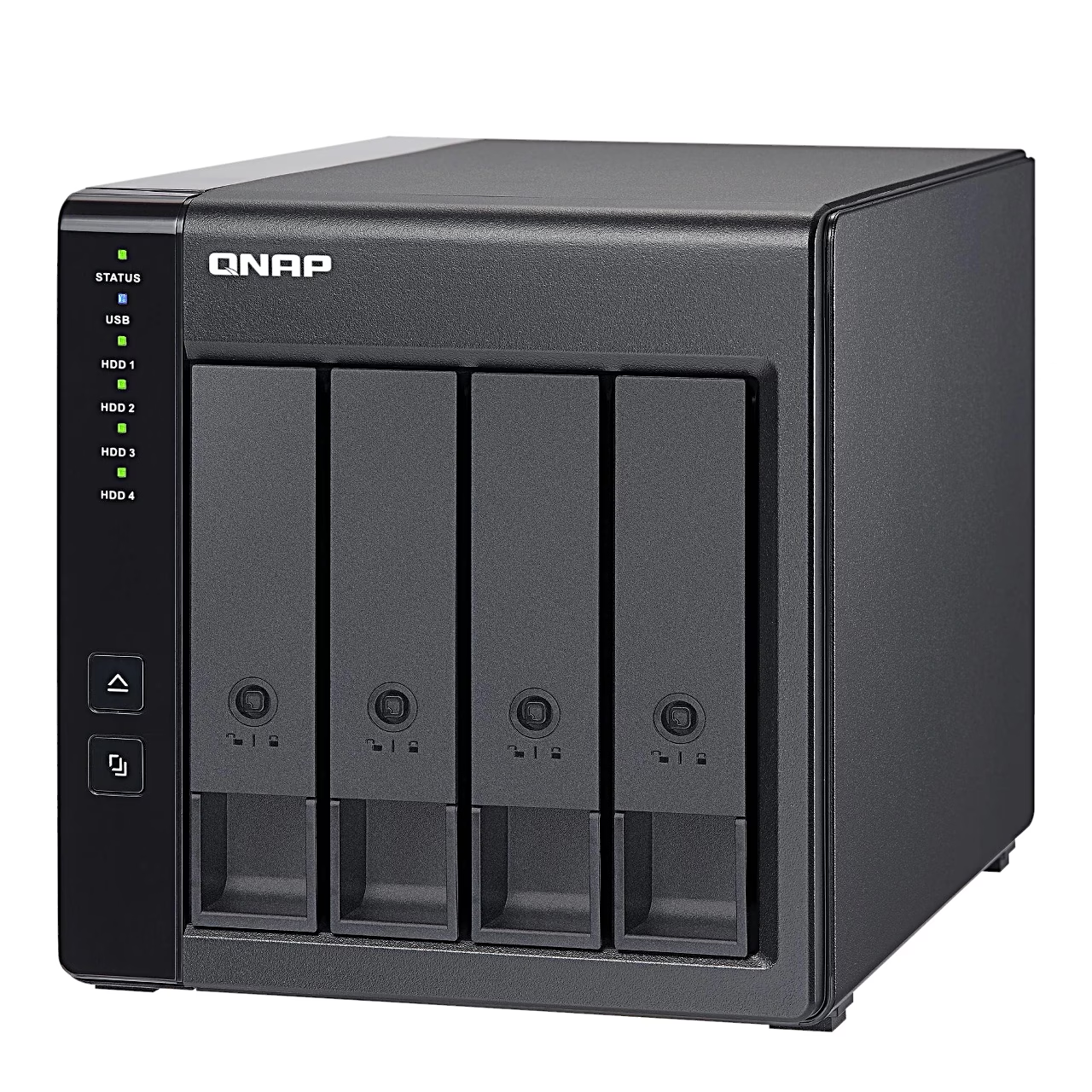
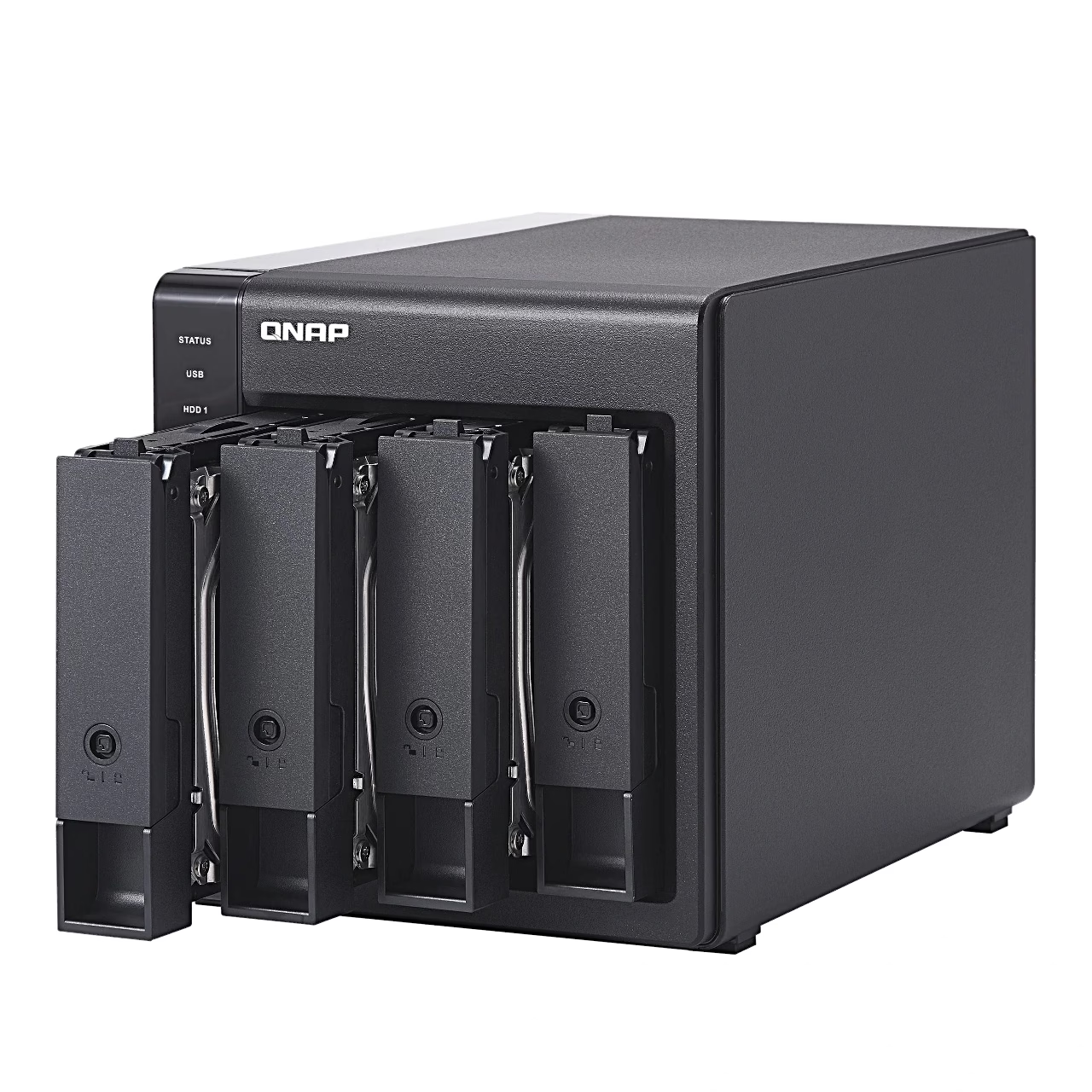
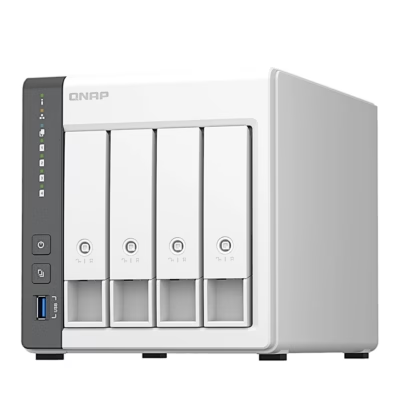
Drive enclosure with four bays and hardware RAID
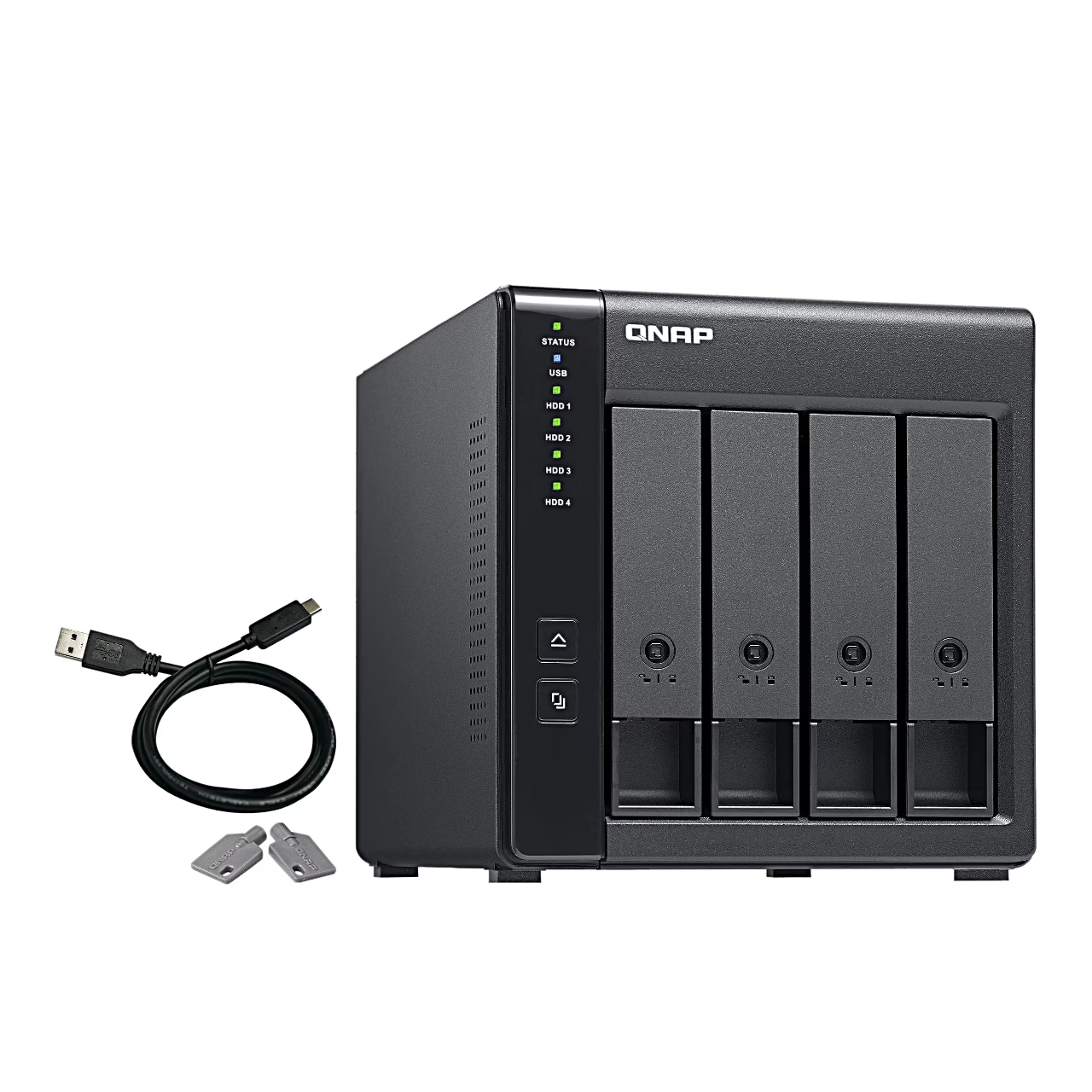
The hardware RAID drive enclosure QNAP TR-004 manages the array with its own controller and does not use the computer’s or the NAS’s processor for it. The drive trays are key-lockable, and in the RAID modes drives can be swapped while it runs.
RAID mode selection with DIP switches
The DIP switches select Individual mode, where each drive is a separate volume, JBOD, which joins the drives into one large drive, RAID 0, RAID 1, RAID 10 or RAID 5. RAID 5 needs at least three drives and keeps the data if one drive fails. In Software Ctrl mode the array is set up from the QNAP NAS app Storage & Snapshots Manager or on a Windows computer with QNAP External RAID Manager, which also shows drive health.
Use with a NAS and a computer
Connected to a QNAP NAS, the TR-004 works as an expansion unit that can hold storage pools and snapshots, or as an external drive for backups and moving data. Connected to a computer, it adds drive space to a Windows, macOS or Linux computer. QNAP measured 199 MB/s writing and 227 MB/s reading for a 10 GB file transfer with a Windows 10 computer and four hard drives in RAID 0.
Compatibility
The TR-004 works with QNAP NAS models whose operating system can be updated to QTS 4.3.6 or later. QNAP External RAID Manager runs on Windows 8.1 or later and Windows Server 2012 R2 or later.
Power and cooling
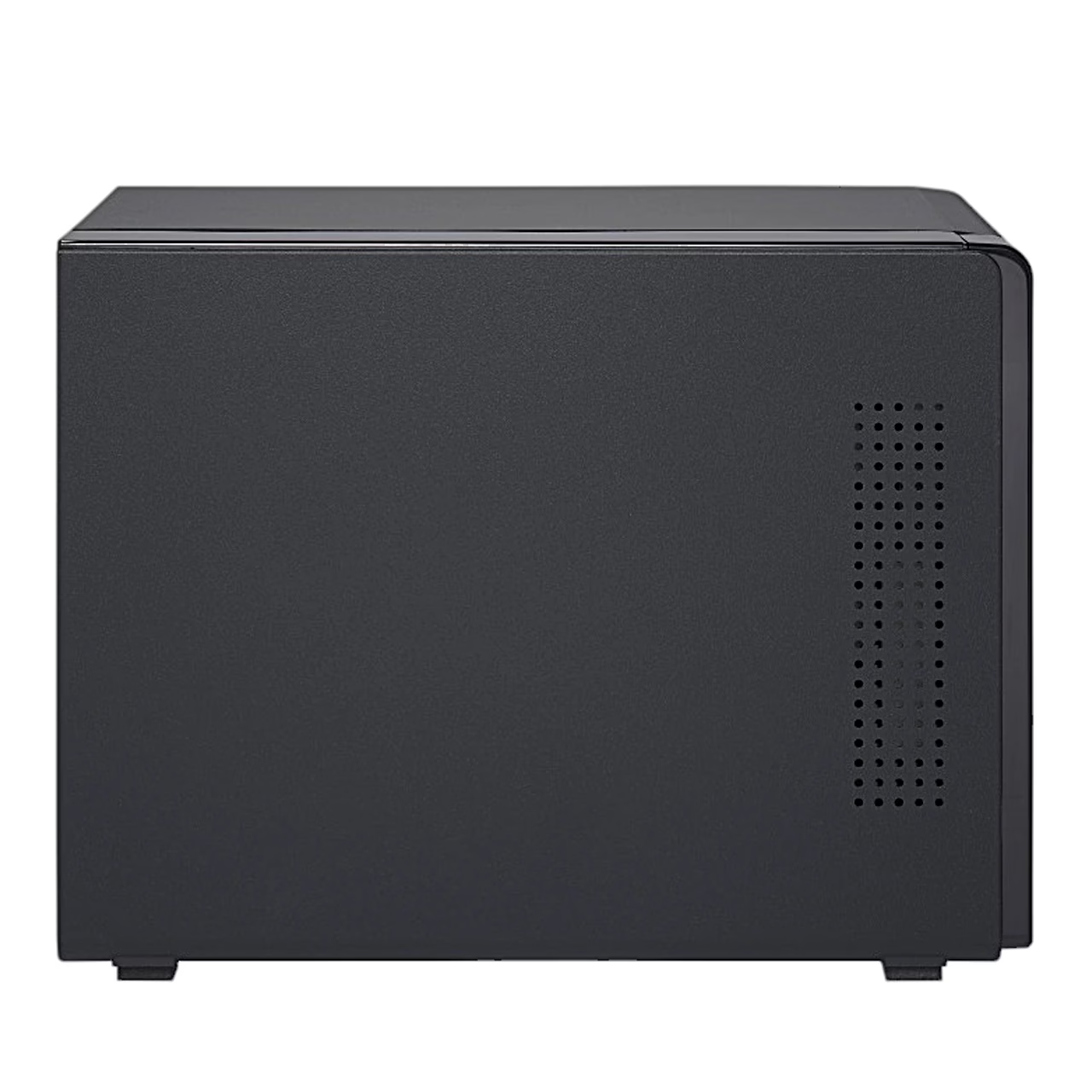
Power comes from a 90 W adapter, and one 120 mm fan cools the enclosure.
In the box
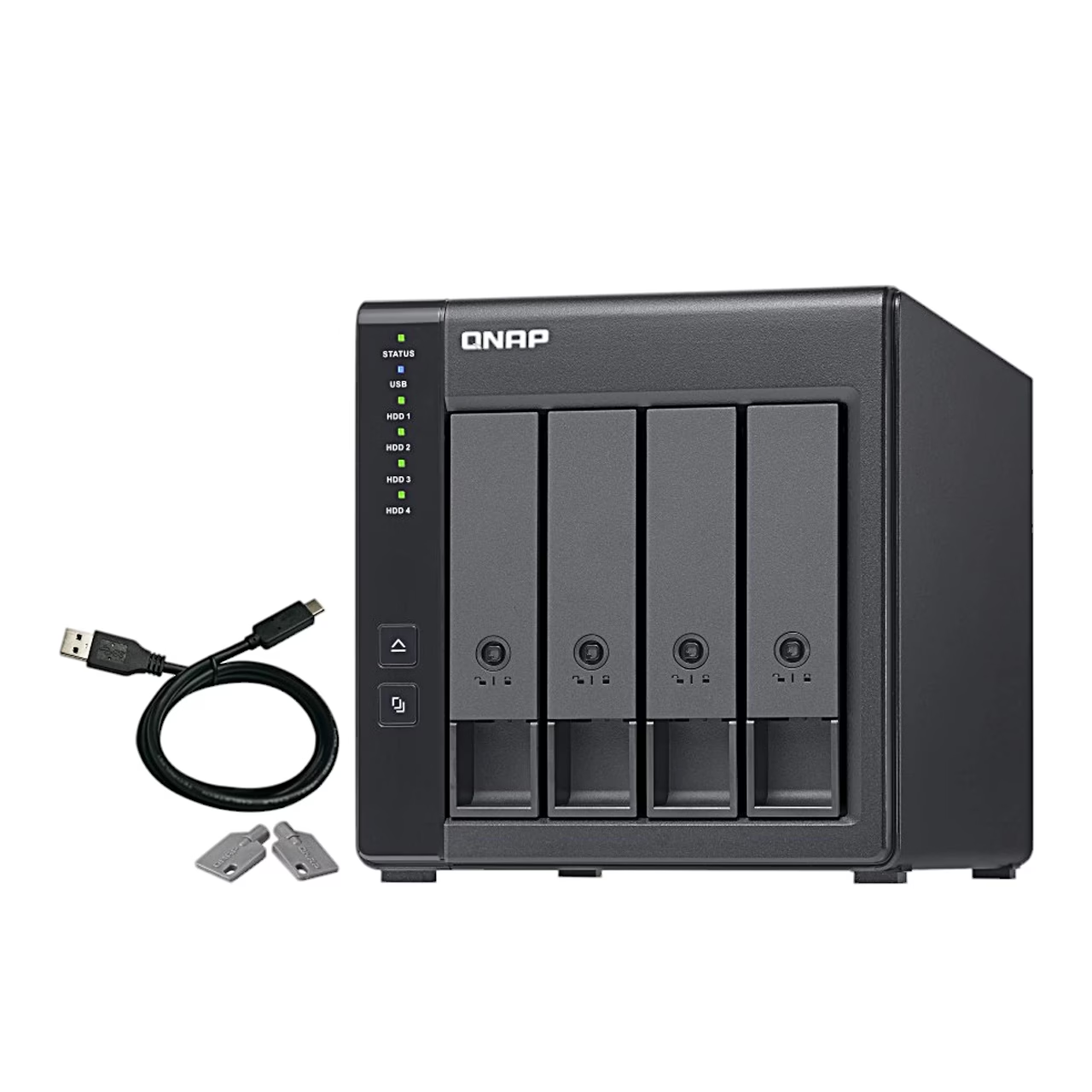
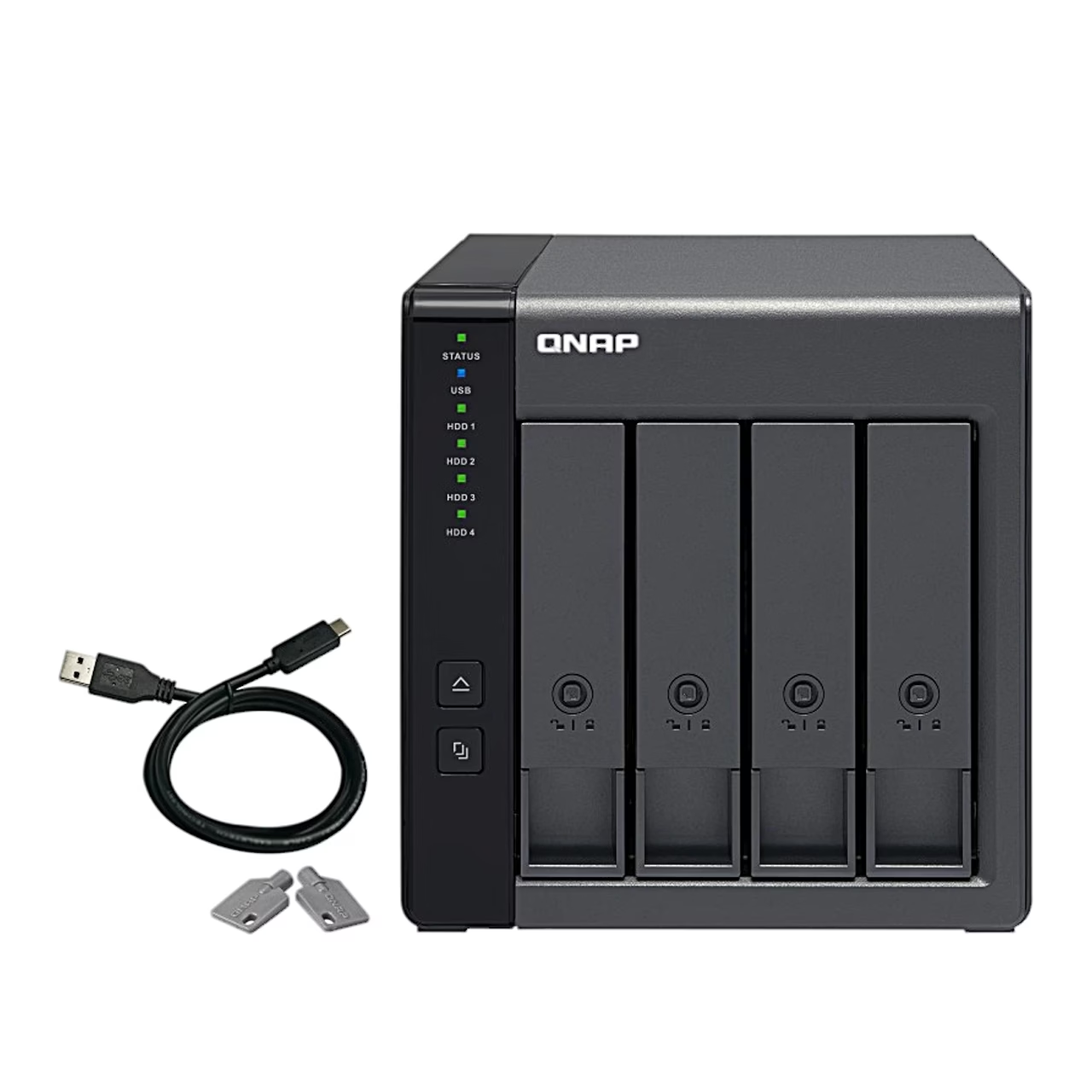
- QNAP TR-004 drive enclosure
- Power adapter (90 W)
- Power cord
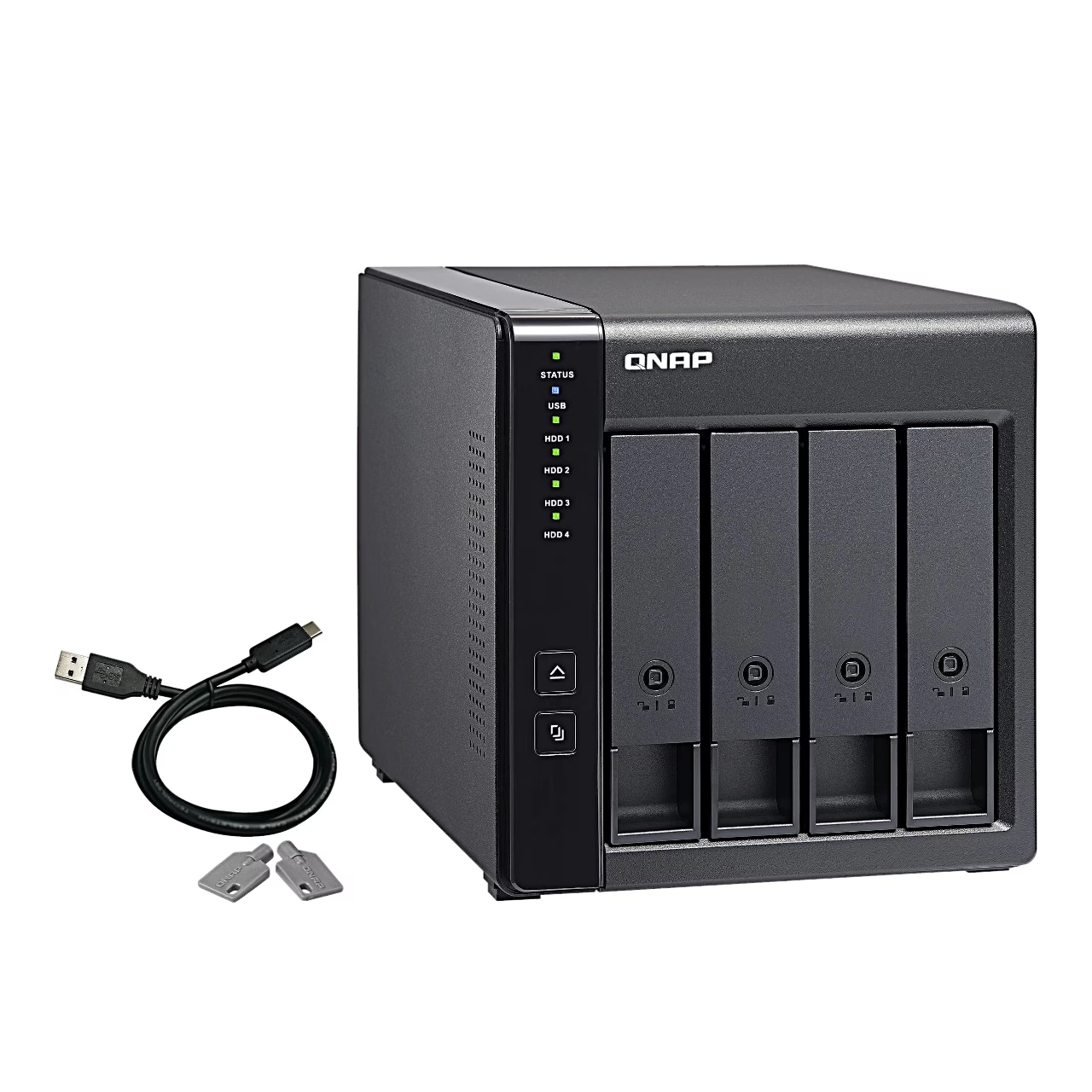
- USB cable (Type-A to Type-C)
- Keys for the drive tray locks (2)
- Screws
- Quick installation guide







































Reviews
There are no reviews yet.